KRAFT
Kraft score
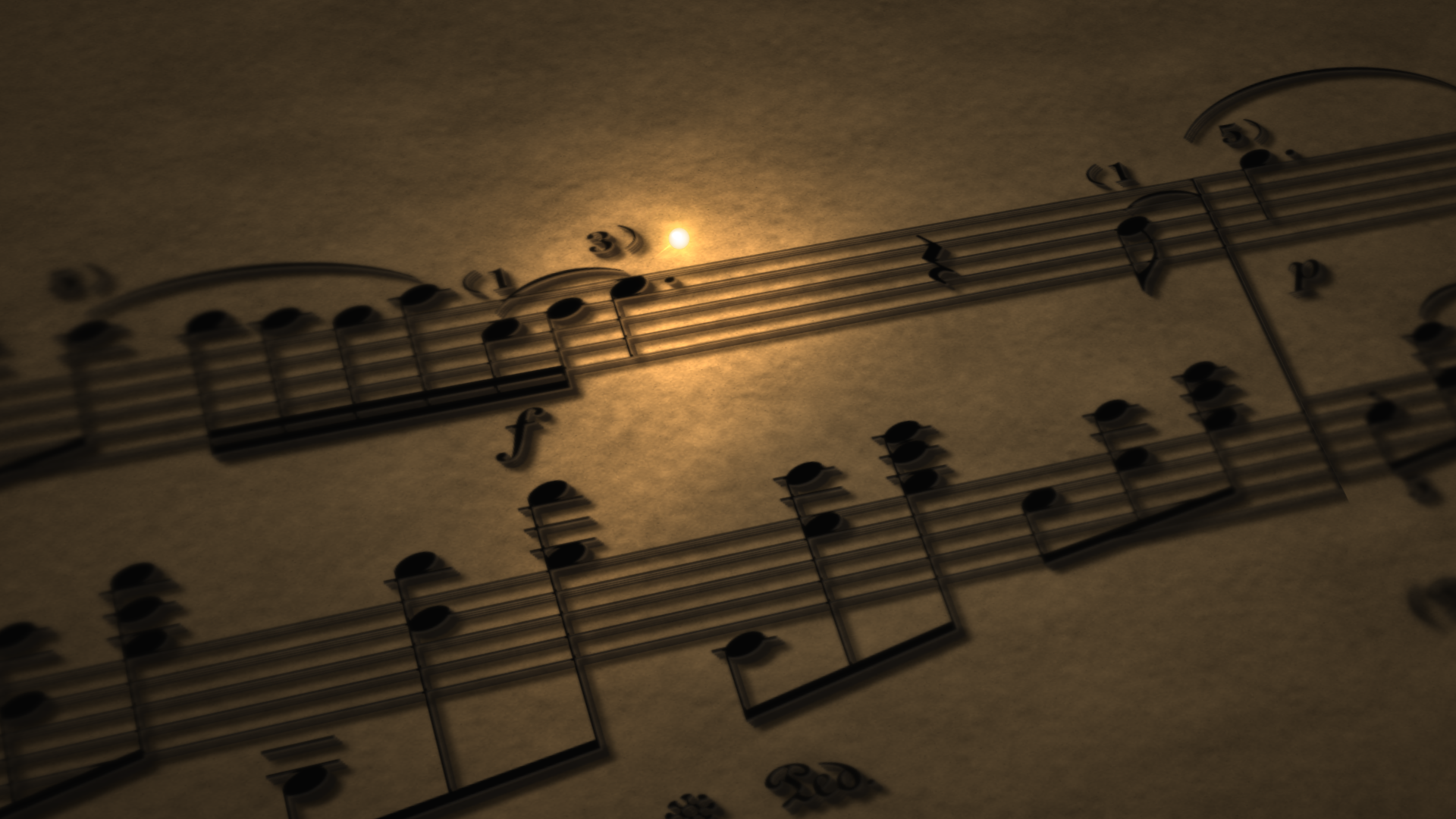
Warm kraft paper, shallow relief, and gold and light-blue voice highlights. The paper texture scrolls continuously, and chords open on recorded attacks.
SCORE TOOLS
Turn a performance recording and the matching MusicXML score into a follow-along video. After upload, the score is relaid out and aligned to the recording, then rendered as a 1920×1080 MP4 from the template you choose.
You can also run the same task in Melogen Desktop. MusicXML scores for piano, with one or two staves, are supported today.
Please provide a MusicXML score and the matching performance recording together. The score is relaid out and aligned to the recording. Title, composer, and performer are optional.
After preparation finishes, choose a template and render the video. If automatic alignment needs a check, you can review the score against the recording, or first render a preview of at most 10 seconds.
YOUR WORKFLOW
Upload a MusicXML (or MXL, XML) score together with the matching performance recording. You can fill in the title, composer, and performer if you want.
The service relaids out the score and aligns the recording to it. If the result needs a check, you can add anchors against the score images and recording, then prepare again. During review you can also render a preview of at most 10 seconds.
Choose kraft score, follow-along piano bars, or the 3D score scene.
When the project is ready, submit a render to get a 1920x1080 MP4 at 30 or 60 frames per second. Each official render costs 30 credits. A preview of at most 10 seconds does not use credits. Download the video when it finishes.
VIDEO TEMPLATES
The template sets the visual style of the finished video. Custom background images or background colors are not available. The stills below are real template frames.
Warm kraft paper, shallow relief, and gold and light-blue voice highlights. The paper texture scrolls continuously, and chords open on recorded attacks.
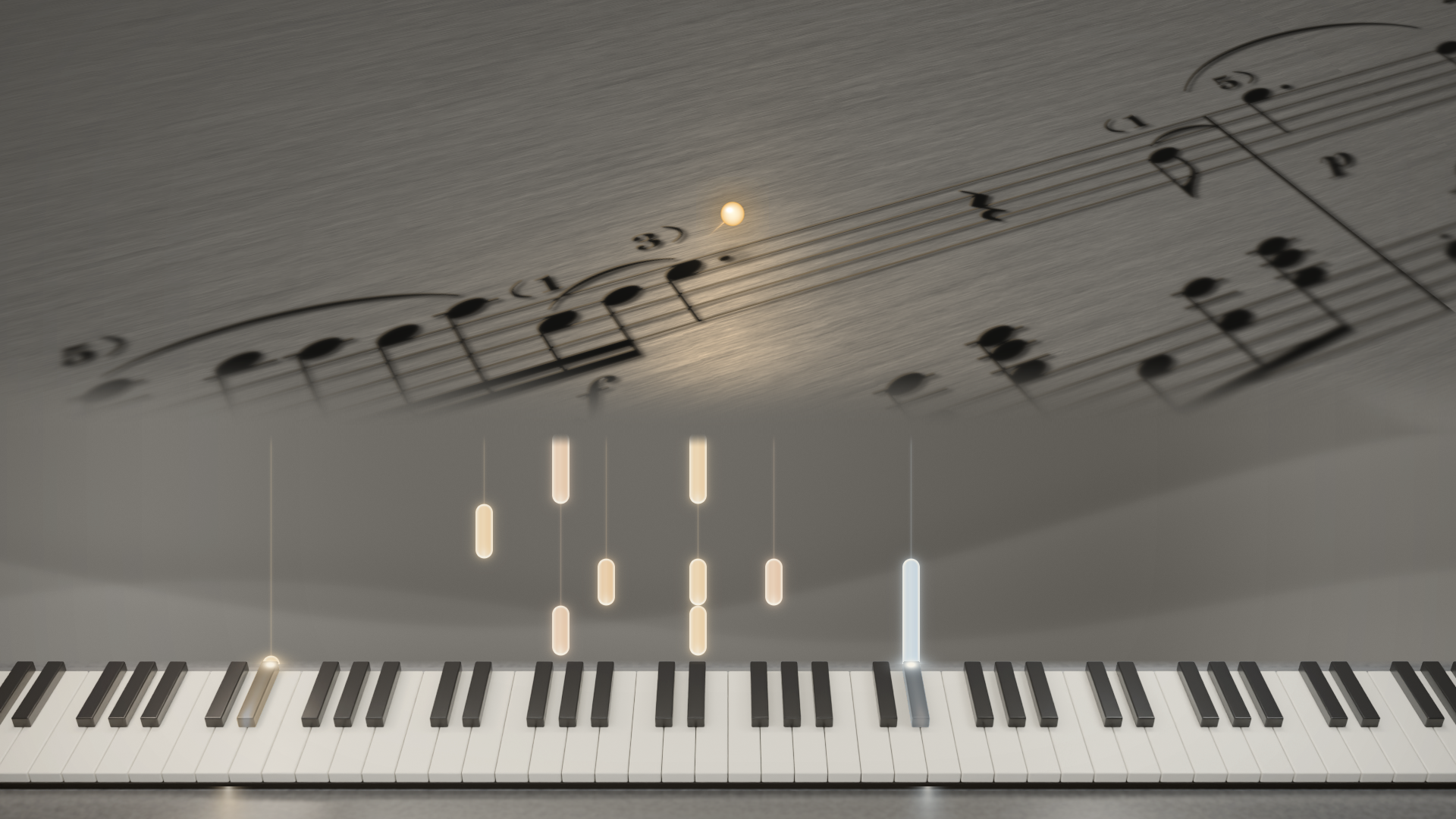
A follow-along score with a piano keyboard and bars, so you can compare notation and keyboard position at the same time.
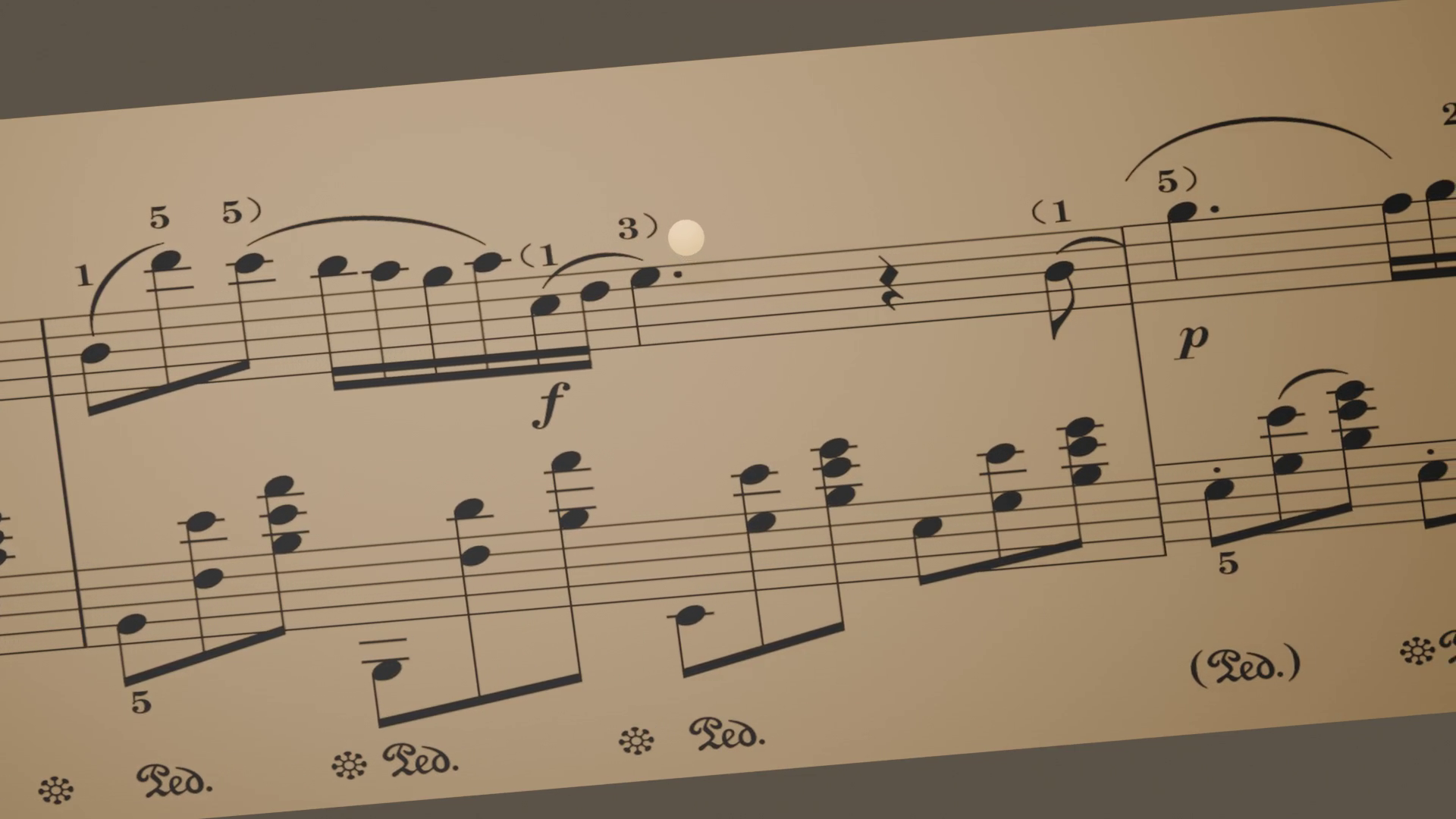
Presents the follow-along process in a three-dimensional score scene.
FIT AND LIMITS
Pitched, partwise MusicXML (.musicxml, .mxl, or .xml). Piano, with one or two staves, is supported today. The score is relaid out from MusicXML. Automatic recognition of scanned PDFs is not supported.
Performance recordings can be wav, mp3, m4a, flac, ogg, or aac, up to 1 hour. The score file must be 32 MiB or less. Native output is a 1920×1080 MP4 at 30 or 60 frames per second.
Custom background images or background colors are not available. Presentation is determined by the kraft score, follow-along piano bars, and 3D score scene templates.
Ornaments, grace notes, or complex navigation may produce a review warning after preparation. During review you can add anchors against the score and recording, and render a preview of at most 10 seconds.
A MusicXML score that matches the performance, and a recording of the same work. The score should be pitched, partwise MusicXML. Piano, with one or two staves, is supported today. The recording can be wav, mp3, m4a, flac, ogg, or aac.
No. Score video does not recognize scanned PDFs automatically. If you only have a PDF, convert it with PDF to MusicXML first, check the score, then come back to this tool with the performance recording.
After preparation you can compare the score images with the recording, add anchors if needed, and prepare again. While review is still required, you can also render a preview of at most 10 seconds to check the time mapping before submitting the full video.
The video is a 1920×1080 MP4 at 30 or 60 frames per second. Visual style is set by the template you choose. Custom background images or background colors are not available.
Each official full render costs 30 credits. Preparation, alignment review, polling, downloading a finished video, and a preview of at most 10 seconds do not charge another 30 credits.
MELOGEN DESKTOP
Use Melogen Desktop for the next music task. Work with the assistant, follow supported tasks, and keep generated files where they are ready for your creative process.
For Mac and Windows. Choose your platform at the top of this page.
YOUR NEXT MUSIC SESSION
A dedicated workspace for exploring supported music tasks and keeping your next steps together.