How to Convert Piano Sheet Music to MIDI — A Practical Guide for Musicians (2026)
Learn how to convert piano sheet music to MIDI from PDFs, scans, or photos. Step-by-step workflow with quality tips, tool comparison, and DAW import guidance.
 Zhang Guo
Turn a static score into editable MIDI
Contents
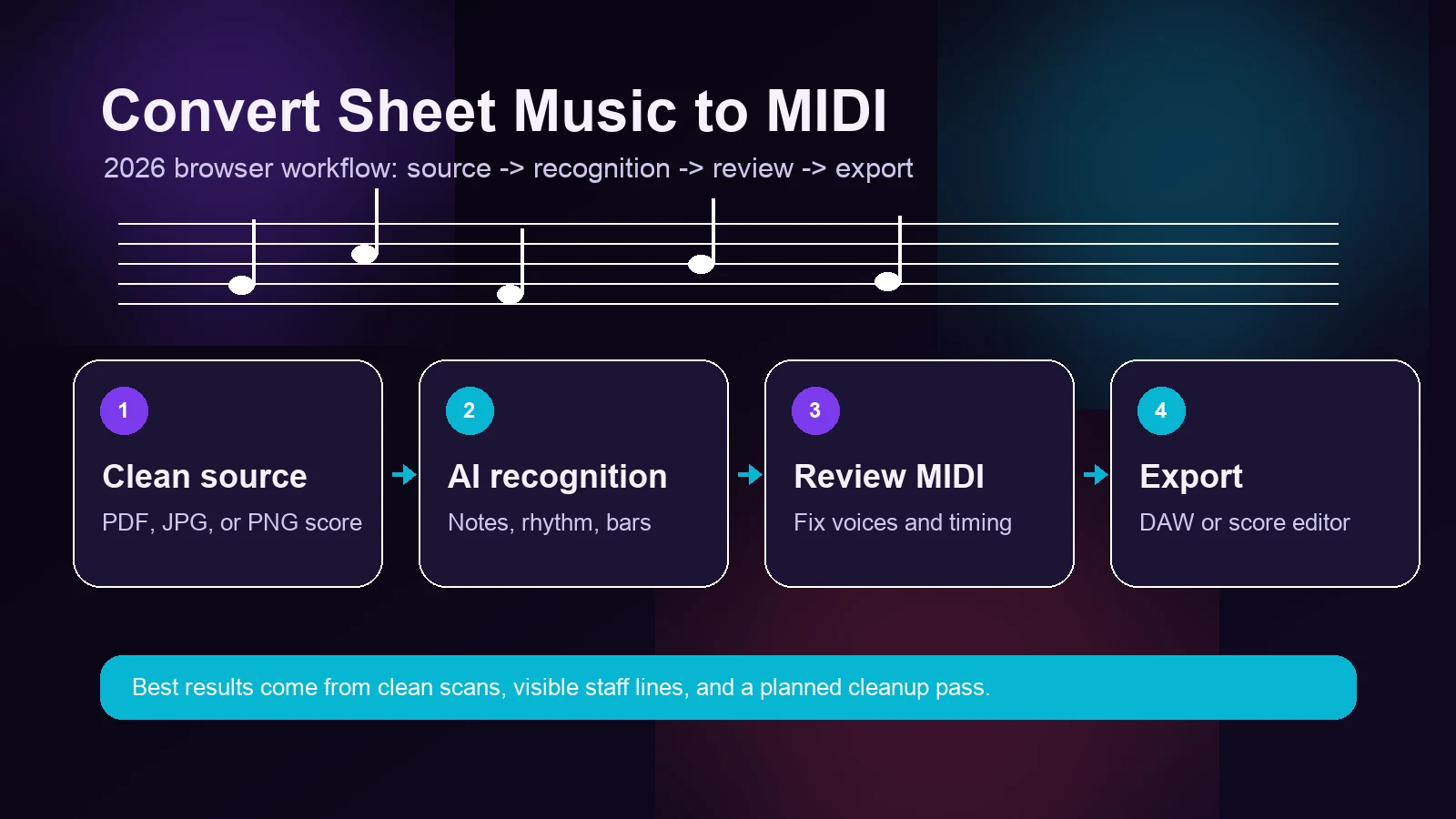
If you need to learn how to convert piano sheet music to MIDI, start by treating the score as a source that needs preparation, conversion, and musical cleanup. You might have a PDF from a publisher, a photo of a handwritten lead sheet, or a scanned page from a lesson book, and you need it inside your DAW as editable MIDI. Yesterday. Manually entering every note across two staves, matching voicings, and aligning rhythms is nobody's idea of a productive afternoon.
The good news: AI-powered optical music recognition (OMR) has reached a point where converting piano sheet music to MIDI is genuinely practical. Not perfect — no tool is — but fast enough and accurate enough that a 10-minute conversion plus a short cleanup pass replaces what used to be hours of manual note entry.
This guide walks through the full workflow: preparing your source file, choosing the right conversion approach, handling piano-specific challenges, verifying your output, and importing into your DAW or notation software. If you want to skip ahead and try it now, Melogen AI's sheet music to MIDI converter handles PDFs, scans, and photos directly in the browser — no install required.
Why Piano Scores Are Harder to Convert Than Single-Line Parts
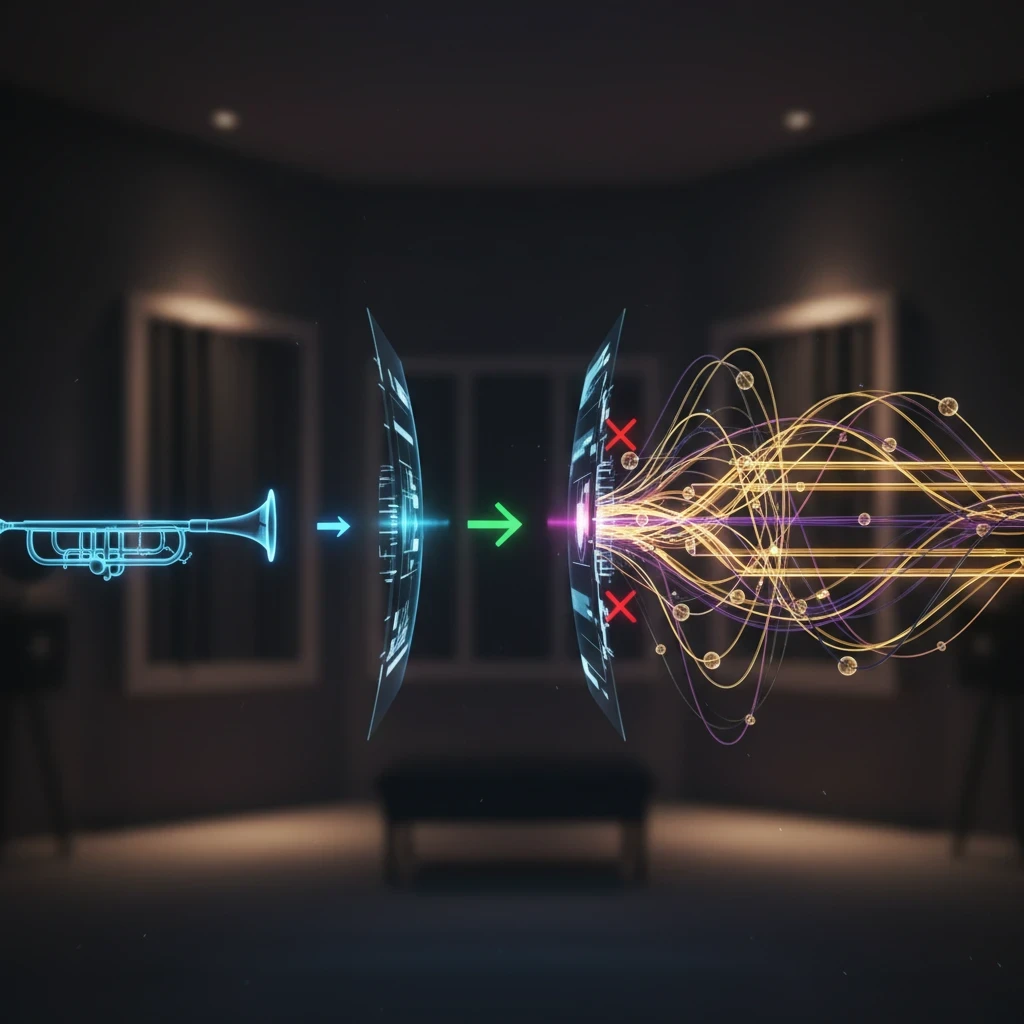
Before jumping into steps, it helps to understand why piano sheet music specifically causes more conversion issues than, say, a trumpet part or a vocal melody line.
Piano scores are inherently complex for OMR engines because they involve:
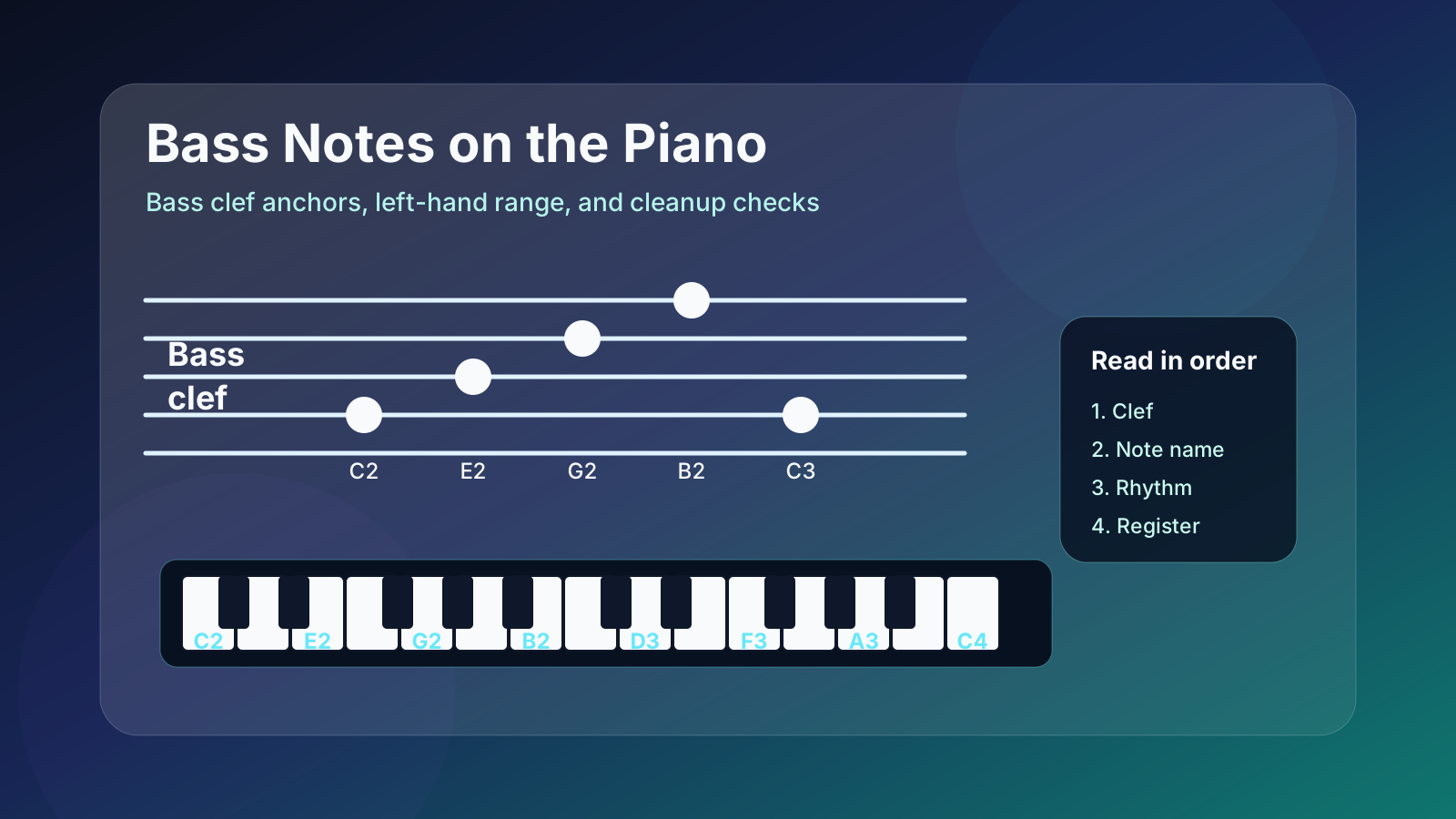
- Two staves (grand staff): The treble and bass clef must be read simultaneously and mapped to the correct MIDI channels or tracks.
- Polyphonic voicing: A single staff can contain multiple independent voices — a melody in the upper notes and an accompaniment pattern in the lower notes of the same hand.
- Chord density: Dense chords with closely spaced intervals are harder for recognition algorithms to separate cleanly.
- Pedal markings and dynamics: These affect musical interpretation but don't have direct MIDI note equivalents, which means they're often lost or ignored during conversion.
- Ornaments and articulations: Trills, grace notes, staccato marks, and slurs require context-aware interpretation that many tools handle inconsistently.
Understanding these challenges helps you set realistic expectations and focus your cleanup efforts where they matter most.
Step-by-Step: Converting Piano Sheet Music to MIDI Online
The fastest path for most musicians is a browser-based AI converter. Here's the workflow using Melogen AI's PDF to MIDI tool as an example — the same principles apply regardless of which tool you use.
1. Prepare Your Source File
The quality of your input directly determines the quality of your output. A few minutes of preparation can save significant cleanup time later.
For digital PDFs (exported from notation software like Finale, Sibelius, or MuseScore):
- These produce the best results. The notation is clean, vector-based, and unambiguous.
- No special preparation needed — upload directly.
For scanned pages or photocopies:
- Aim for at least 300 DPI resolution.
- Ensure the page is flat, evenly lit, and free of shadows or creases.
- Crop to the music area — remove excessive margins, page numbers, and non-musical text.
For phone photos:
- Shoot from directly above (avoid perspective distortion).
- Use good, even lighting — avoid harsh shadows from overhead lights.
- Make sure the image is in focus and the staff lines are clearly visible.
- Melogen AI's image to MIDI converter is built specifically for this use case.
2. Upload and Convert
Upload your file to the converter. Melogen AI accepts PDF, JPG, and PNG formats. The AI engine analyzes the score, identifies notes, rhythms, clefs, key signatures, and time signatures, then generates a MIDI representation.
For a typical single-page piano piece, this takes a few seconds. Multi-page scores take proportionally longer.
3. Preview the Result
Before downloading, use the built-in MIDI editor to listen to the conversion. Switch between instrument sounds — piano is the obvious choice here, but trying a simple tone like a clean organ can sometimes make pitch errors easier to hear.
Pay attention to:
- Whether both hands (treble and bass) are present and correctly separated
- Any obvious wrong notes or missing passages
- Rhythm accuracy, especially in syncopated or complex time signatures
4. Edit and Fine-Tune
Most conversions will need some cleanup. Common fixes for piano scores include:
- Misread notes in dense chords: When notes are closely spaced (seconds or clusters), the OMR engine may merge or skip them.
- Voice separation errors: Inner voices in polyphonic passages sometimes get assigned to the wrong staff.
- Rhythm quantization: Triplets, dotted rhythms, and ties across barlines can be misinterpreted.
If the built-in editor handles what you need, fix it there. For more complex edits, export the MIDI and refine in your DAW.
5. Download and Import
Export as a MIDI file (Type 1 is preferred for piano — it preserves separate tracks for the left and right hands). Then import into your target application:
- DAW (Logic Pro, Ableton Live, FL Studio, Cubase): Import the MIDI file. Each track typically maps to one staff. Assign your preferred piano virtual instrument.
- Notation software (MuseScore, Finale, Sibelius): If you need notation editing rather than audio production, consider using Melogen AI's PDF to MusicXML converter instead — MusicXML preserves more musical detail than MIDI, including dynamics, articulations, and formatting.
Choosing the Right Conversion Approach

Not every piano score conversion scenario is the same. The best tool depends on your source material and your end goal.
| Scenario | Recommended Approach | Why |
|---|---|---|
| Clean digital PDF from notation software | PDF to MIDI converter | Highest accuracy with clean, vector-based input |
| Scanned or photocopied page (300+ DPI) | Sheet music to MIDI converter | Handles raster images with AI-powered recognition |
| Phone photo of printed music | Image to MIDI converter | Optimized for camera captures with perspective correction |
| Need notation editing (not just MIDI) | PDF to MusicXML | Preserves dynamics, articulations, and layout for notation software |
| Handwritten manuscript | Image to MIDI (with manual cleanup) | AI handles handwriting but expect more post-conversion editing |
| Multi-page concert score | PDF to MIDI (page by page) | Process systematically, verify each page before moving on |
AI-Powered OMR vs. Traditional OMR
If you've tried older tools like PDFtoMusic or SmartScore, or if you are currently looking for the best OMR software, you may have been frustrated by their limitations — especially with complex piano scores. Here's what's changed:
Traditional OMR works by matching detected symbols against a predefined library of notation shapes. It's rule-based, which means it struggles with anything that doesn't match its templates exactly: unusual fonts, tight spacing, handwritten scores, or degraded scans.
AI-powered OMR (the approach used by Melogen AI and some newer tools) uses machine learning models trained on large datasets of sheet music. These models understand musical context — they can infer that a cluster of noteheads on a piano staff is likely a chord rather than a recognition error, or that a particular rhythmic pattern makes musical sense within the current time signature.
The practical difference: AI-based tools tend to produce fewer catastrophic errors (entire measures misread) and handle edge cases better, though they still require cleanup for complex passages.
Piano-Specific Quality Tips
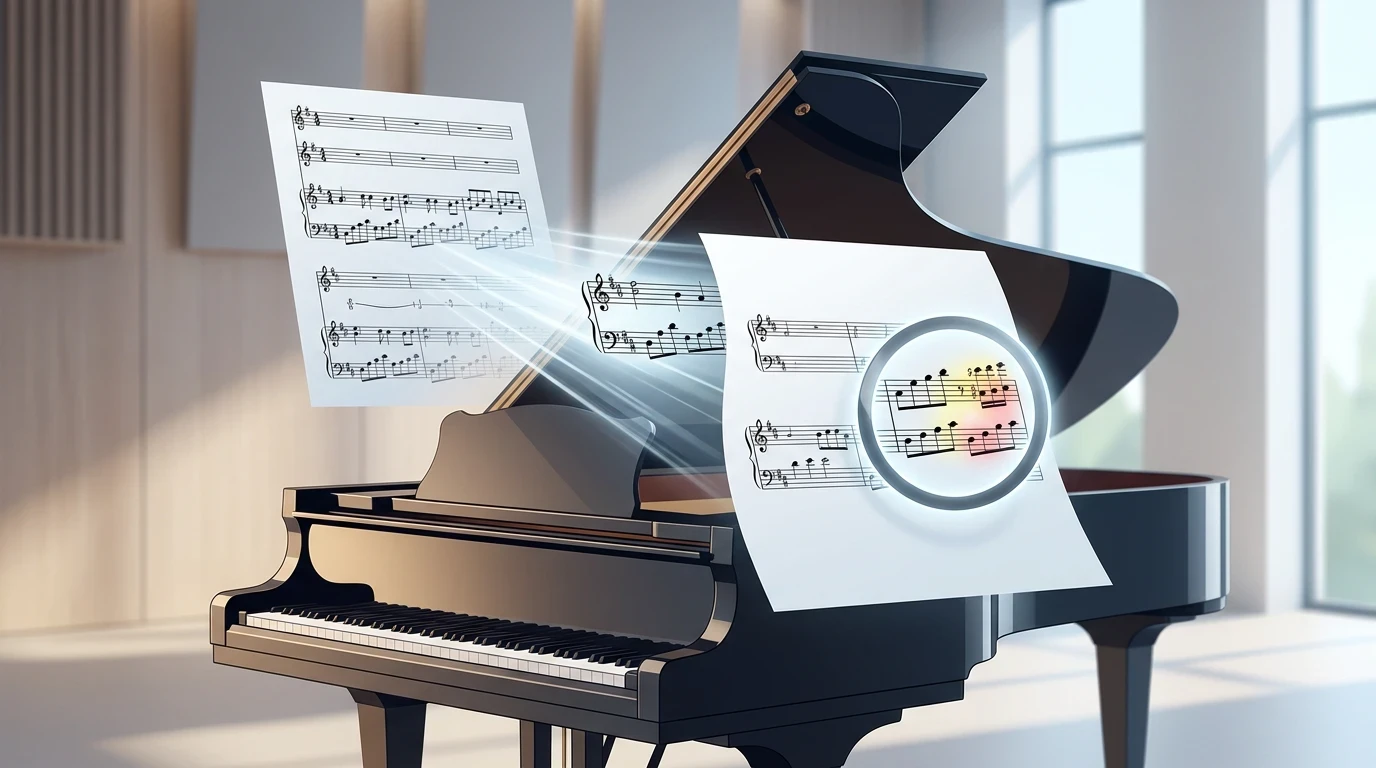
These practical guidelines help you get the cleanest possible MIDI from piano sheet music:
Before Conversion
- Separate multi-instrument scores: If your PDF contains piano + vocal or piano + solo instrument, the converter will attempt to read everything. If possible, crop or extract only the piano staves.
- Check for cue-sized notes: Small notation (ossia passages, cues) can confuse OMR engines. Be prepared to delete or fix these manually.
- Note your key and time signature: Knowing what to expect helps you spot errors faster during review.
During Review
- Check the first measure carefully: If the key signature or time signature is misread, every subsequent measure will have errors. Fix this first.
- Listen, don't just look: Play the MIDI back. Your ears will catch wrong notes that your eyes might miss, especially in fast passages.
- Verify bass clef independently: Bass clef recognition tends to be slightly less accurate than treble clef, particularly with ledger lines below the staff.
After Export
- Quantize thoughtfully: If you plan to quantize in your DAW, use a musical value that matches the smallest note duration in the piece — don't over-quantize, or you'll flatten deliberate rhythmic nuances.
- Check velocity values: Most OMR-generated MIDI uses uniform velocities. If you need dynamic variation, you'll want to add velocity editing as a post-conversion step.
- Save your source file: Keep the original PDF/image alongside the MIDI. You'll want to reference it during cleanup.
MIDI Conversion Quality Checklist
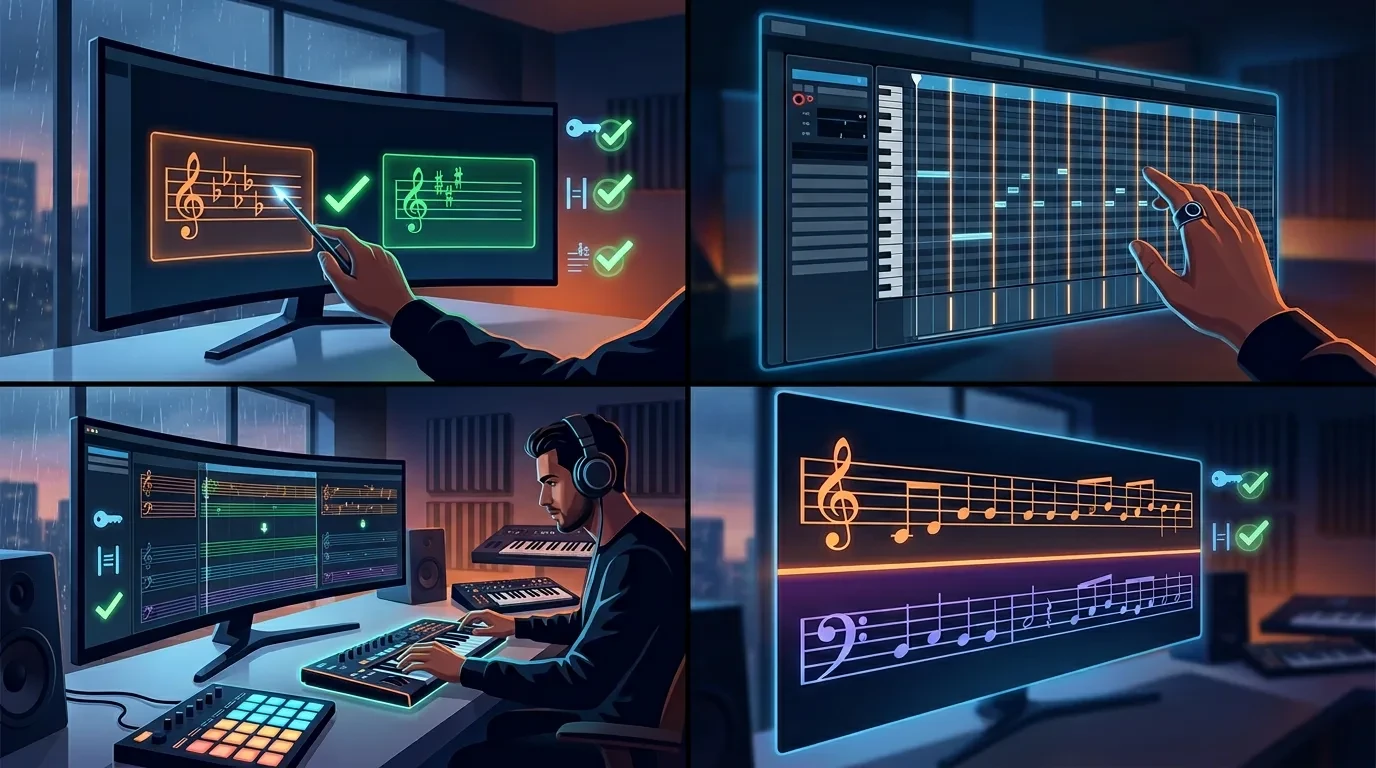
Use this checklist to verify your conversion before committing to a final version. Working through it systematically catches most issues in a single pass.
- Key signature correct — verify the first measure matches the original score
- Time signature correct — check that barlines align with the expected meter
- Both staves present — treble and bass clef are on separate tracks
- Note count reasonable — no obvious missing or extra notes in the first few measures
- Rhythm accuracy — play back at half speed and compare against the original score
- Chord voicings intact — spot-check 3-4 chords against the source
- Tied notes preserved — verify that notes held across barlines sustain correctly
- Repeat signs handled — check whether repeats, D.C., D.S. are expanded or ignored
- No phantom notes — listen for stray notes that don't exist in the original
- Tempo marking present — add or adjust if the converter didn't detect it
If more than 2-3 items fail, consider whether your source file quality could be improved before re-converting — a higher-resolution scan or a cleaner PDF often fixes multiple issues at once.
What MIDI Cannot Preserve (and What to Do About It)

One thing worth being honest about: MIDI is a control protocol, not an audio format. Some musical information from your piano score will not survive the conversion, no matter which tool you use.
| Musical Element | MIDI Equivalent | What Gets Lost |
|---|---|---|
| Note pitch and duration | Note On/Off messages | Preserved accurately |
| Tempo markings | Tempo meta events | Usually preserved (basic tempo) |
| Dynamic markings (pp, ff) | Velocity values | Often set to uniform — needs manual editing |
| Pedal markings (sustain) | CC64 (sustain pedal) | Rarely captured by OMR tools |
| Articulations (staccato, legato) | Note duration adjustments | Usually ignored — needs manual editing |
| Expression (crescendo, diminuendo) | CC11 or velocity curves | Not captured — must be programmed manually |
| Ornaments (trills, turns, mordents) | Rapid note sequences | Sometimes expanded, often ignored |
| Fingering numbers | No equivalent | Lost entirely |
| Text annotations | No standard equivalent | Lost entirely |
This isn't a limitation of the conversion tool — it's a limitation of the MIDI format itself. If you need to preserve these elements, exporting to MusicXML instead of MIDI is a better choice for notation workflows.
For production work in a DAW, the practical approach is: use the converted MIDI as your note-accurate starting point, then add expression, dynamics, and pedaling by hand. This is still vastly faster than entering every note from scratch.
When MIDI Conversion Isn't the Right Approach
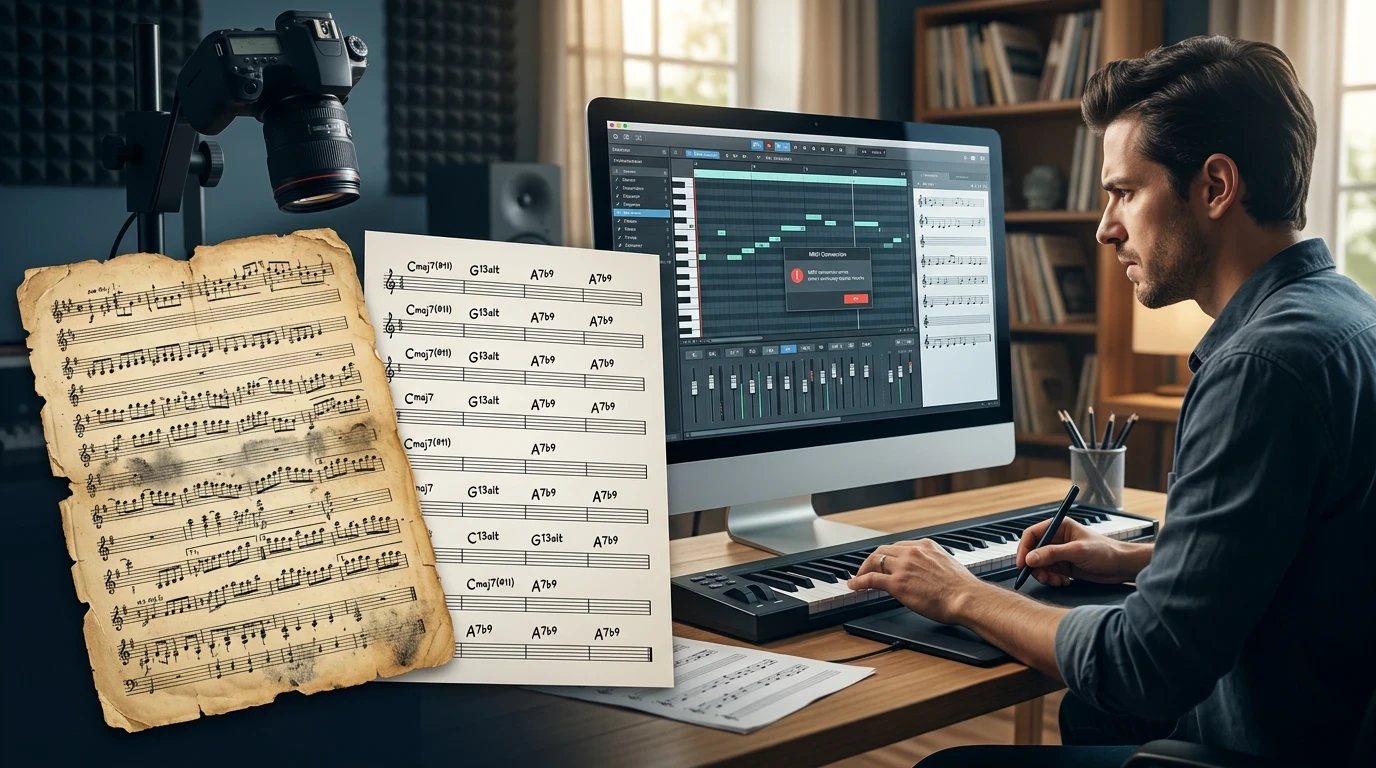
Conversion tools work well for clearly printed or engraved scores. But there are situations where a different approach saves time:
- Heavily degraded or very old manuscripts: If the scan is too blurry or the notation style is non-standard, manual entry (or audio-to-MIDI from a recording) may be faster than repeated conversion attempts.
- Lead sheets with chord symbols only: There are no "notes" to convert — you need a tool that interprets chord symbols, or simply enter them manually.
- You only need a few measures: For short excerpts, typing the notes directly into your DAW's piano roll might take less time than the upload-convert-export-import cycle.
- The recording exists but the score doesn't: If you have an audio recording of the piano piece, an audio to MIDI converter may be more direct than finding and converting the sheet music.
Summary
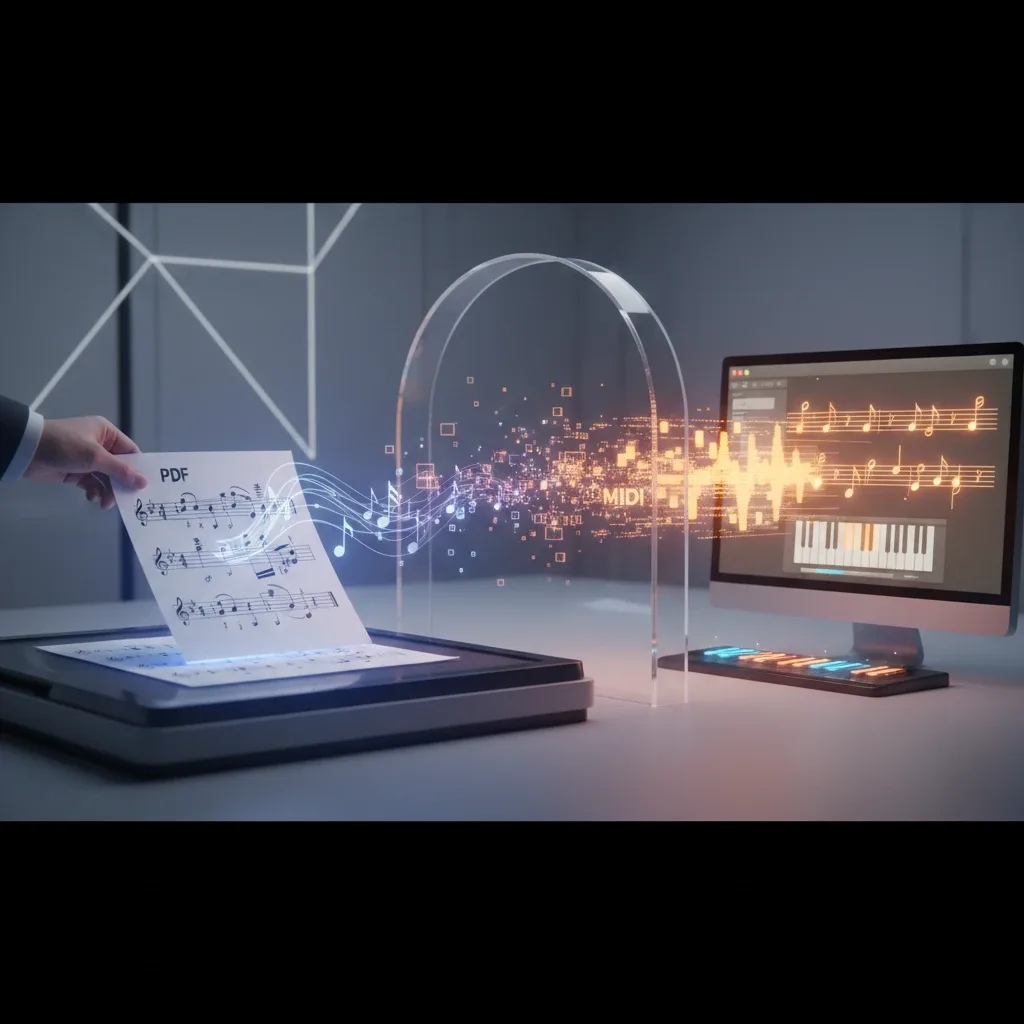
Converting piano sheet music to MIDI is a practical workflow that saves hours of manual note entry — if you approach it with the right expectations and a systematic process.
Here's the condensed workflow:
- Prepare your source file (clean PDF, high-res scan, or well-lit photo)
- Convert using an AI-powered tool like Melogen AI's sheet music to MIDI converter
- Verify using the quality checklist — check key, time signature, both staves, and rhythm
- Clean up in the built-in editor or your DAW — focus on dense chords and polyphonic passages
- Import into your DAW or notation software and add expression, dynamics, and pedaling
Piano scores are more complex than single-line parts, so expect a short cleanup pass rather than a one-click miracle. But the time savings are real: what used to be an afternoon of note entry becomes a 15-minute process of conversion plus refinement.
If you're working with a PDF score right now, try the PDF to MIDI converter and see how it handles your specific piece. The fastest way to evaluate any tool is to test it with your own material.
Turn a piano score into editable MIDI
Use Melogen Sheet2MIDI for the first pass, then check both staves, chords, rhythm, and export settings before moving into your DAW.
Frequently Asked Questions
Can I convert a multi-page piano score to MIDI in one step?
Most online converters handle multi-page PDFs as a single upload. The recognition processes each page sequentially and outputs a continuous MIDI file. For very long scores (20+ pages), processing page-by-page gives you more control over quality verification.
How accurate is AI-based piano sheet music to MIDI conversion?
Accuracy depends heavily on input quality. Clean, digitally-exported PDFs typically yield strong results with minimal cleanup. Scanned pages at 300+ DPI are close behind. Phone photos and handwritten scores require more post-conversion editing. Dense chords and polyphonic passages are the most common areas needing correction.
Should I export as MIDI or MusicXML?
If your goal is DAW production (arranging, sound design, virtual instruments), MIDI is the right choice. If your goal is notation editing (transposing, reformatting, printing parts), MusicXML preserves more musical detail including dynamics, articulations, and layout. Melogen AI offers both options.
What's the difference between MIDI Type 0 and Type 1?
Type 0 merges all data into a single track. Type 1 keeps separate tracks — for piano, this typically means one track per staff (right hand / left hand). Type 1 is generally preferred for piano conversions because it keeps the hands editable independently.
Do I need to install any software?
Not for browser-based tools like Melogen AI. You upload your file, the processing happens server-side, and you download the result. The entire workflow runs in your web browser on any device.
About the author
Zhang Guo
Composer - AI Product Manager
AI product manager and digital marketing consultant with a background in music. Creativity is the bridge between rhythm and logic, where musical intuition and mathematical precision can coexist in every meaningful product decision.
Follow on X