MIDI vs MusicXML: Which Format Should Musicians Use?
Compare MIDI vs MusicXML for DAWs, notation editors, and score conversion. Learn when to export MIDI, MusicXML, or both with Melogen.
 Zhang Guo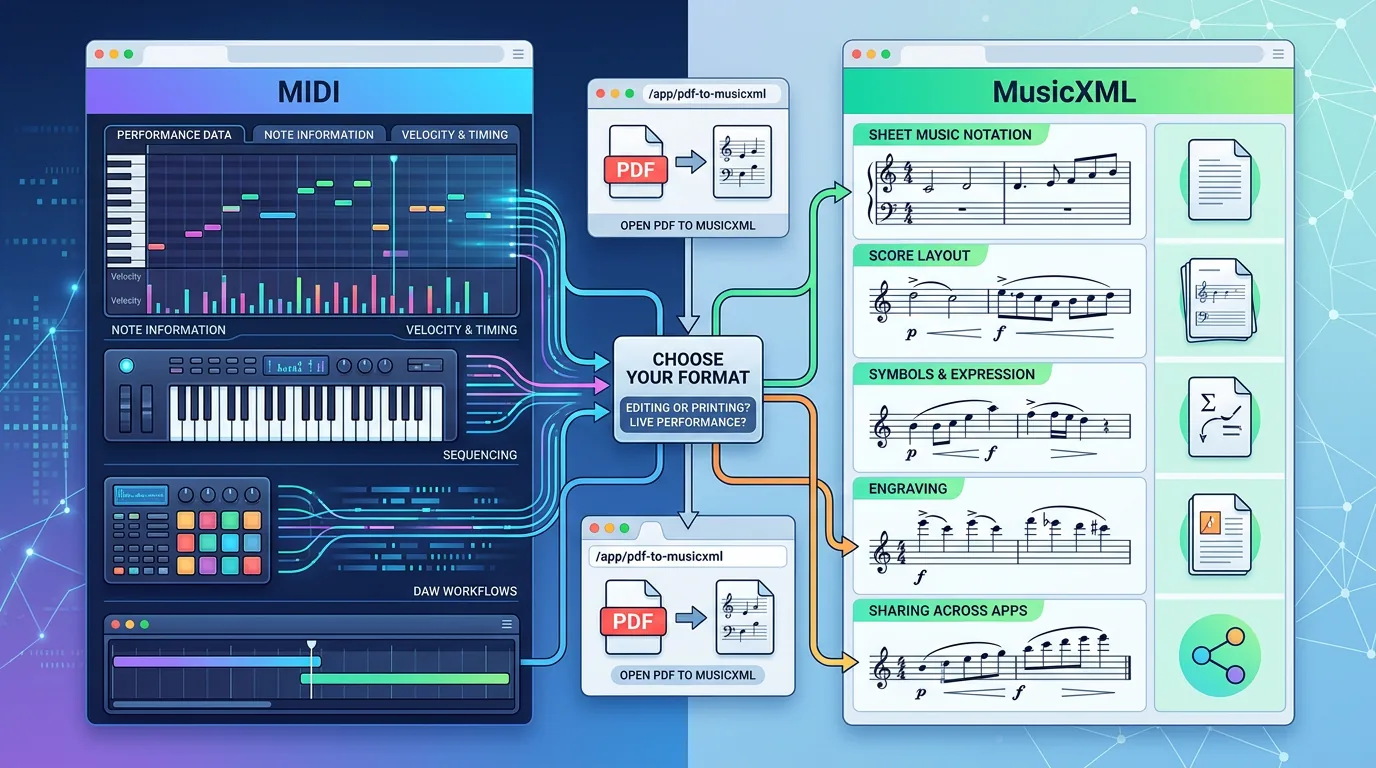
Turn a static score into editable MIDI
Contents
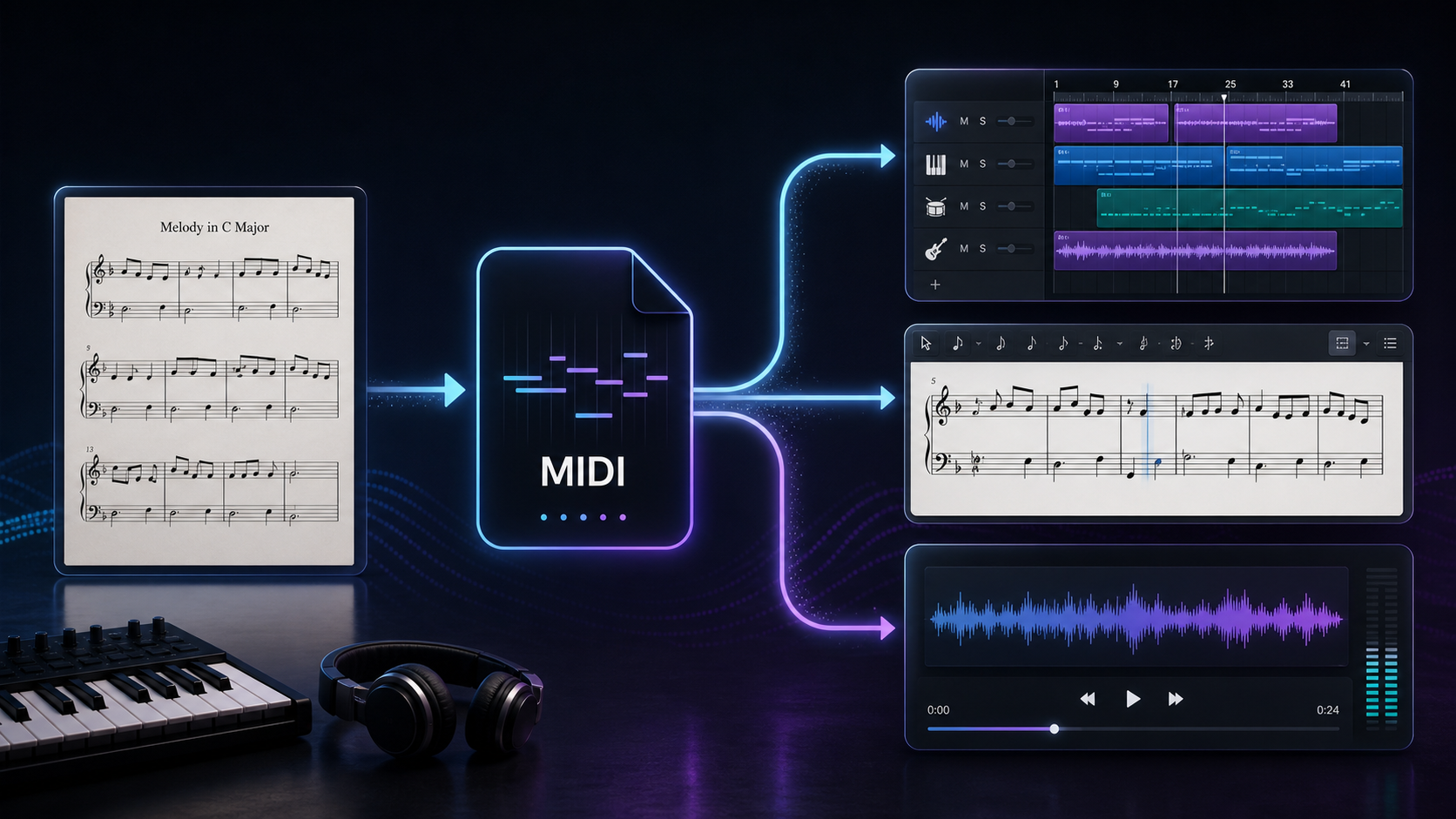
MIDI vs MusicXML is a destination decision, not a quality contest. Use MIDI when you want playback, piano-roll editing, DAW arrangement, or quick practice audio. Use MusicXML when you want to keep the score editable in notation software such as MuseScore, Dorico, Sibelius, Finale, or another score editor.
The easy mistake is treating them as two versions of the same export. They are not. MIDI is performance-first data. MusicXML is notation-first data. If you start from sheet music, a scan, or a PDF score, the right choice depends on what you need to edit next.
MIDI vs MusicXML: the short answer
If you only need one rule, use this:
| Reader job | Better first export | Why |
|---|---|---|
| Practice a part, hear playback, or import into a DAW | MIDI | DAWs and piano-roll editors understand note timing, velocity, tempo, and instrument playback quickly. |
| Edit a score, fix notation, transpose parts, or print sheet music | MusicXML | Notation editors need measures, staves, voices, clefs, articulations, and layout-aware score structure. |
| Convert a scanned score and you are not sure yet | Export both if possible | MIDI helps you audition the result; MusicXML helps you repair the written score. |
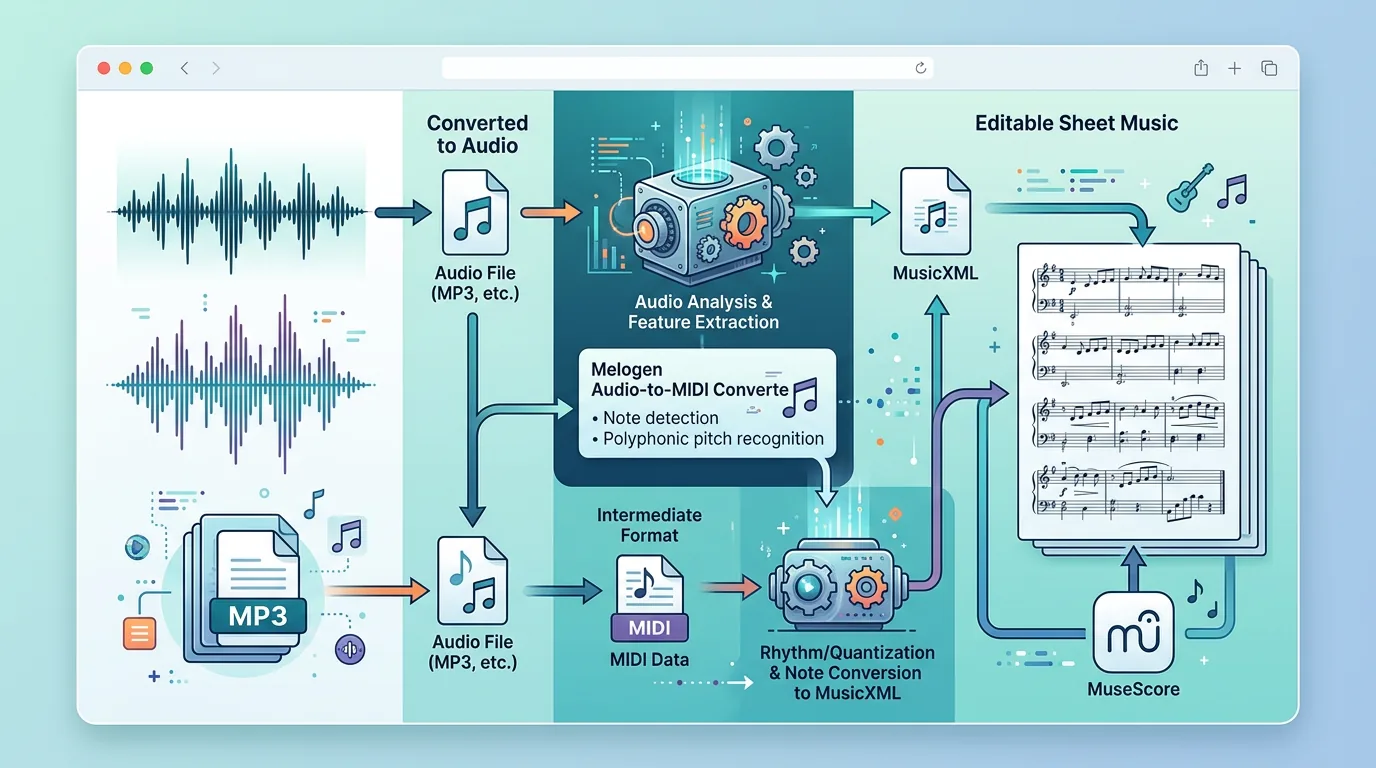
| Work from audio instead of visible notation | MIDI | Audio transcription usually produces note events first, not a complete engraved score. |
| Move a clean PDF score into MuseScore, Dorico, or Sibelius | MusicXML | You want the score model, not just playback notes. |
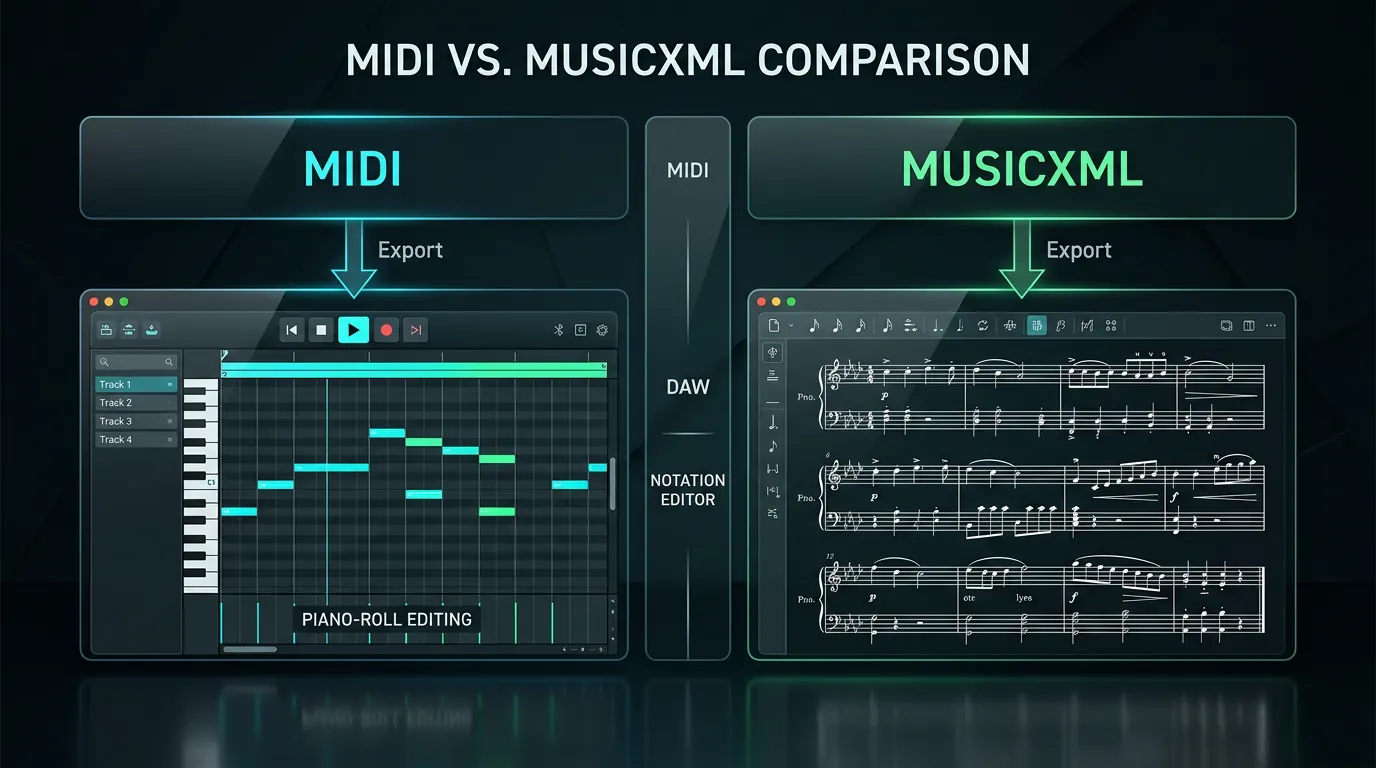
This is why a score conversion workflow often benefits from both exports. MIDI tells you whether the notes sound roughly right. MusicXML gives you a better starting point when the final destination is a readable score.
What MIDI preserves well
MIDI is built around musical events. A MIDI file can carry note on/off timing, pitch, velocity, tempo, controller data, and instrument program information. That makes it useful when you want to hear, edit, quantize, rearrange, or orchestrate the material in a DAW.
MIDI is especially practical for:
- importing a converted part into Logic, Ableton, FL Studio, Cubase, Reaper, or another DAW
- checking whether a scan produced the right pitches and rough rhythm
- changing instruments after conversion
- slowing down a part for practice
- editing note timing in a piano roll
- turning a source into a playable backing or study track
The weak spot is notation. MIDI does not reliably know whether two notes belong in separate voices, whether a duration should be written as a dotted quarter or tied rhythm, or whether a phrase marking should sit above a staff. Some software can infer notation from MIDI, but that is a reconstruction step, not the native strength of the format.
If your next step is a DAW or playback check, MIDI is usually the faster first export. If your next step is a clean printable score, MIDI alone can create extra cleanup work.
What MusicXML preserves better
MusicXML is designed to move written music between notation programs. It can represent score concepts such as measures, parts, staves, voices, clefs, key signatures, time signatures, beams, lyrics, articulations, dynamics, and other notation details.
That makes MusicXML stronger when your source is already written notation and your destination is another notation environment.
MusicXML is especially practical for:
- opening a scanned score in MuseScore, Dorico, Sibelius, Finale, or another notation editor
- correcting beams, voices, slurs, ties, articulations, and staff assignments
- preserving more score structure than a plain MIDI export
- preparing a part for printing or rehearsal
- moving notation between apps without re-entering every note
The weak spot is playback-first production. MusicXML can include playback information, but a DAW is usually happier with MIDI. If you plan to build an arrangement, swap instruments, humanize timing, or program a beat around the part, MIDI is often more direct.
Side-by-side comparison for real workflows
| Workflow question | MIDI | MusicXML | Practical choice |
|---|---|---|---|
| Do you need DAW editing? | Strong | Limited | Choose MIDI. |
| Do you need notation editing? | Weak to moderate | Strong | Choose MusicXML. |
| Do you need clean printed parts? | Usually weak | Strong | Choose MusicXML. |
| Do you need fast playback from a scan? | Strong | Good, but indirect | Start with MIDI. |
| Do you need to fix voices, beams, and measures? | Often reconstructed | Built for this | Use MusicXML. |
| Do you need to change instruments and mix the result? | Strong | Not ideal | Use MIDI. |
| Are you converting audio rather than visible notation? | Best fit | Usually not the first output | Use MIDI first. |
| Are you converting a PDF score for notation software? | Useful as a check | Best fit | Use MusicXML, then optionally MIDI. |
Here is the useful distinction: MIDI cares most about the timeline. MusicXML cares most about the score. A musician may need both, but not for the same reason.
Which format should you export from a scanned score?
For scanned sheet music, start by asking where the file is going after recognition.
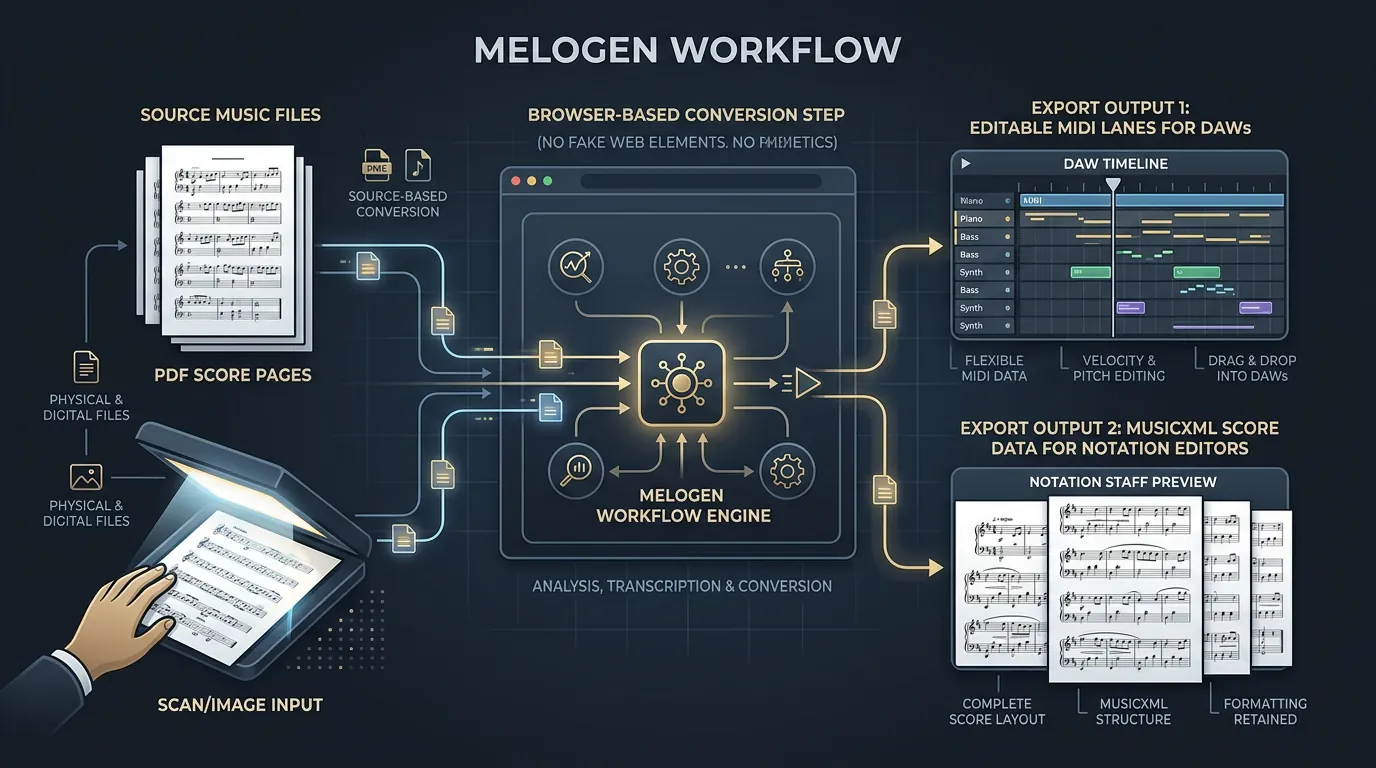
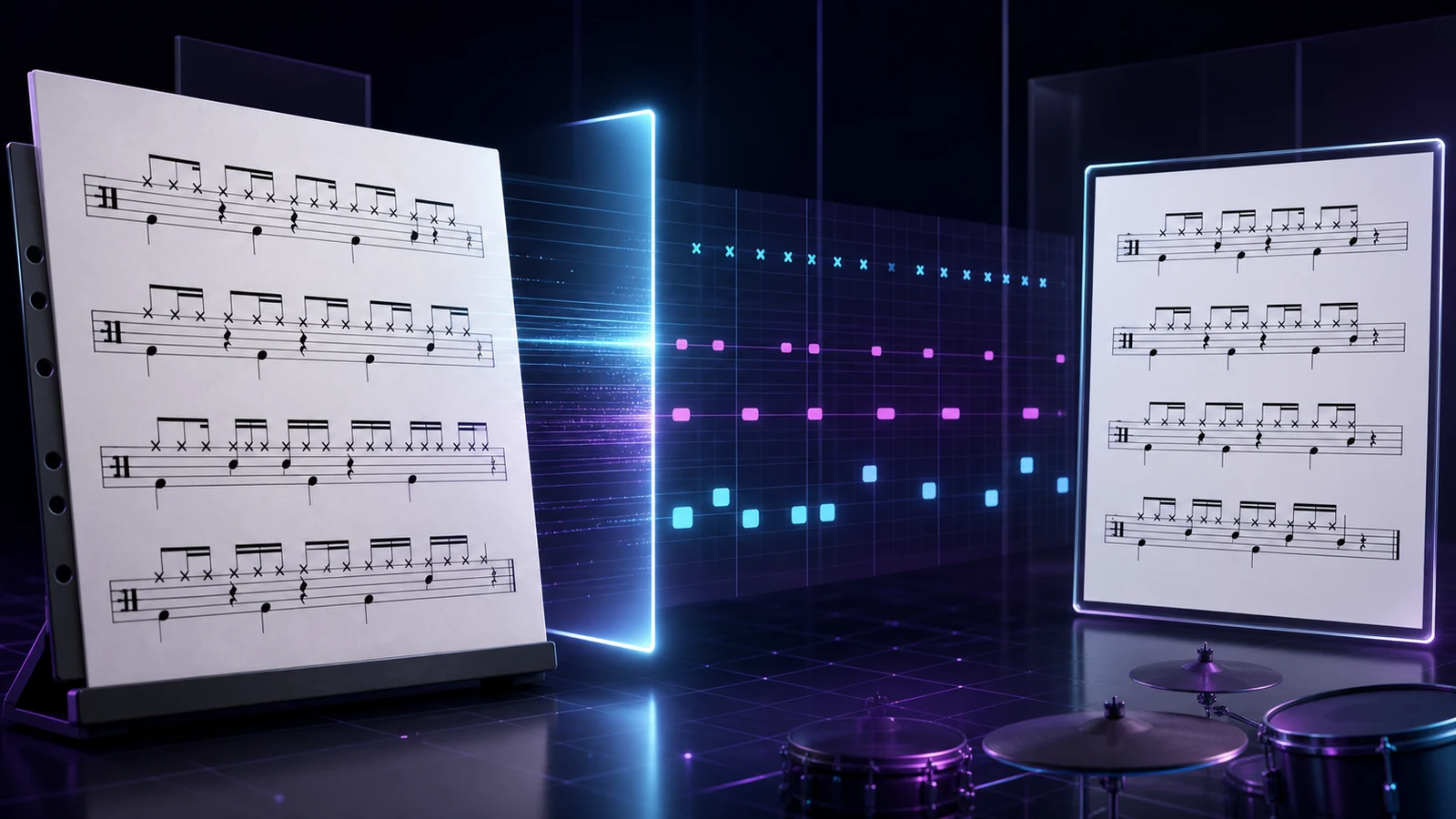
If you are sending the result to a DAW, export MIDI. You can listen, correct bad notes, quantize timing, change sounds, and build an arrangement around the converted material. This is the same mental model behind a sheet music to MIDI workflow: get a playable first pass, then inspect the places where the music actually matters.
If you are sending the result to a notation editor, export MusicXML. You will still need to proofread the recognition, but the cleanup will happen in the right environment: measures, staves, voices, lyrics, and articulations are notation problems. A MusicXML-first workflow is usually better when your goal is to edit or reprint a score, which is why a dedicated PDF to MusicXML workflow is worth separating from generic MIDI conversion.
If you are preparing a serious arrangement, export both when the tool allows it. Use MIDI to hear the part and MusicXML to repair the notation. The two files become two checks on the same source.
Where Melogen fits into the decision
Melogen has separate routes for these jobs because the destination matters:
- Use PDF to MusicXML when your source is a PDF score and your next step is notation editing.
- Use Sheet2MIDI when your source is visible sheet music, a scan, or a score image and you need an editable MIDI first pass.
- Use PDF to MIDI when you want a PDF score converted into playback-friendly MIDI.
- Use Audio to MIDI when the source is a recording rather than notation on a page.
Melogen is the bridge, not the final judge. After conversion, you still need to check the result like a musician: wrong enharmonics, merged voices, missing articulations, tempo assumptions, and phrase markings can all require human cleanup.
Get MusicXML when notation editing is the goal
Open Melogen PDF to MusicXML when your next step is MuseScore, Dorico, Sibelius, or any notation editor that benefits from structured score data.
Quality checks before you move on
Before you trust either export, run a quick pass:
| Check | Why it matters | What to do |
|---|---|---|
| Play the first 16 bars | Bad recognition usually reveals itself quickly. | Listen for missing notes, wrong octave jumps, and broken rhythm. |
| Inspect measure alignment | Barline drift creates painful downstream edits. | Compare the export against the original score measure by measure. |
| Check voices and hands | Piano, choir, and ensemble scores often merge layers. | In MusicXML, fix voices and staves before layout work. In MIDI, split tracks if needed. |
| Confirm tempo and pickup bars | MIDI playback can feel wrong even when pitches are right. | Set tempo, pickup measures, and count-in behavior before arranging. |
| Decide the destination before cleanup | Editing for a DAW and editing for a score are different jobs. | Clean MIDI in a DAW; clean MusicXML in notation software. |
Do not spend an hour polishing the wrong export. If the file is headed into a DAW, cleanup should happen around timing, note lengths, velocities, and instrument mapping. If the file is headed into notation software, cleanup should happen around measures, voices, stems, beaming, articulations, and layout.
FAQs
Is MusicXML better than MIDI?
MusicXML is better for notation editing. MIDI is better for playback, DAW editing, and arrangement work. Neither format is universally better; each is built around a different destination.
Can I convert MIDI to MusicXML?
Some notation programs can import MIDI and guess notation, but the result often needs cleanup. MIDI does not naturally store all the written-score information that MusicXML is meant to carry, so conversion can lose voice separation, spelling, beaming, and articulation detail.
Can I convert MusicXML to MIDI?
Yes, many notation programs can play or export a MusicXML score as MIDI. That is usually easier than the reverse direction because MusicXML contains more score structure. You may still need to adjust playback sounds, tempo, and expression inside your DAW.
Which format should I use for MuseScore, Dorico, or Sibelius?
Use MusicXML first. Those are notation editors, so they benefit from notation-aware data. Export MIDI later if you want to move the cleaned score into a DAW.
Which format should I use for Logic, Ableton, FL Studio, or Reaper?
Use MIDI first. A DAW wants notes on a timeline. If your source came from sheet music, you can keep a MusicXML export for notation cleanup, but the DAW handoff is usually MIDI.
The practical takeaway
Choose MIDI when the destination is sound, playback, DAW editing, or practice. Choose MusicXML when the destination is written notation, score correction, or printing. If you are converting a score and the project matters, keep both: MIDI for listening, MusicXML for notation cleanup.
That one decision saves a lot of rework. The format is not just a file extension. It decides where your cleanup time goes next.
About the author
Zhang Guo
Composer - AI Product Manager
AI product manager and digital marketing consultant with a background in music. Creativity is the bridge between rhythm and logic, where musical intuition and mathematical precision can coexist in every meaningful product decision.
Follow on X