Noteflight Review: Cloud Notation for Musicians
A practical Noteflight review for notation editing, classes, sharing, MusicXML workflows, and when Melogen fits before score cleanup.
 Zhang Guo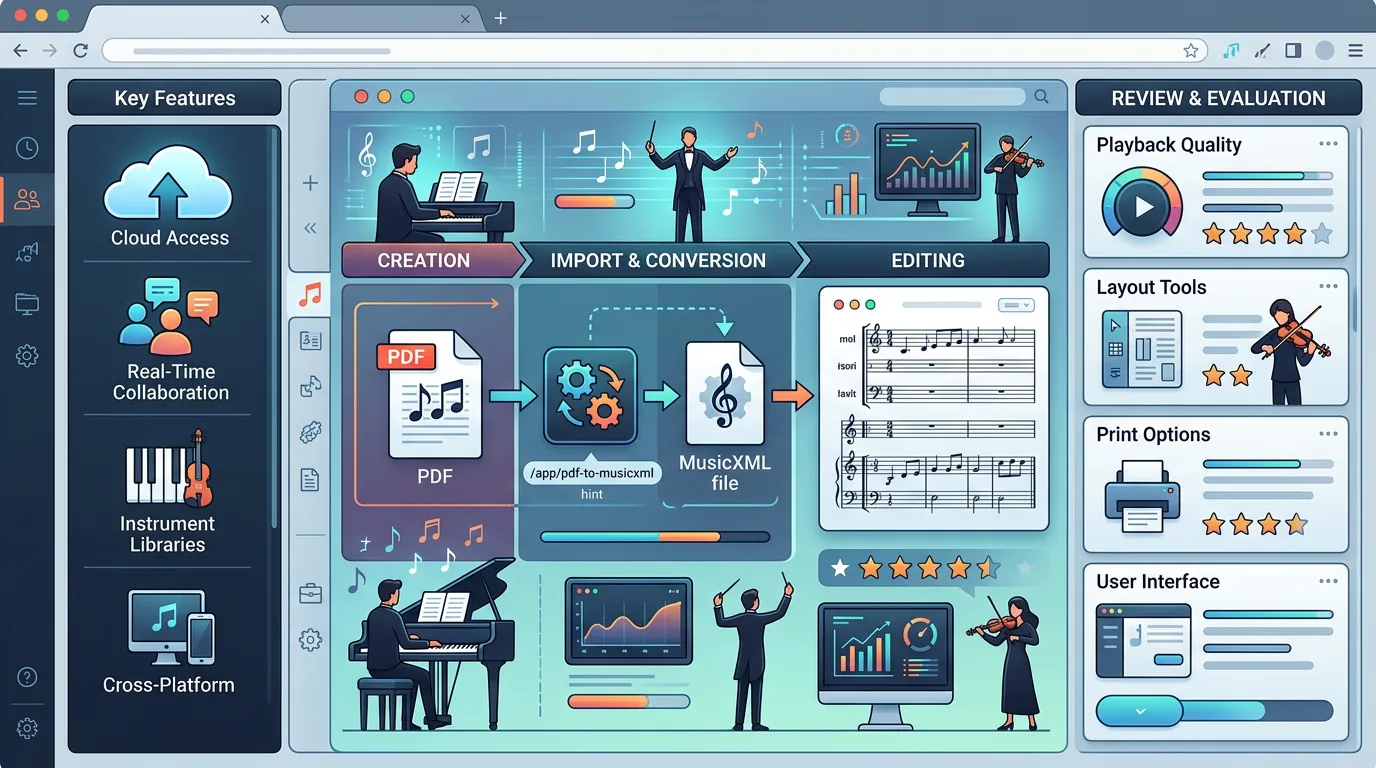
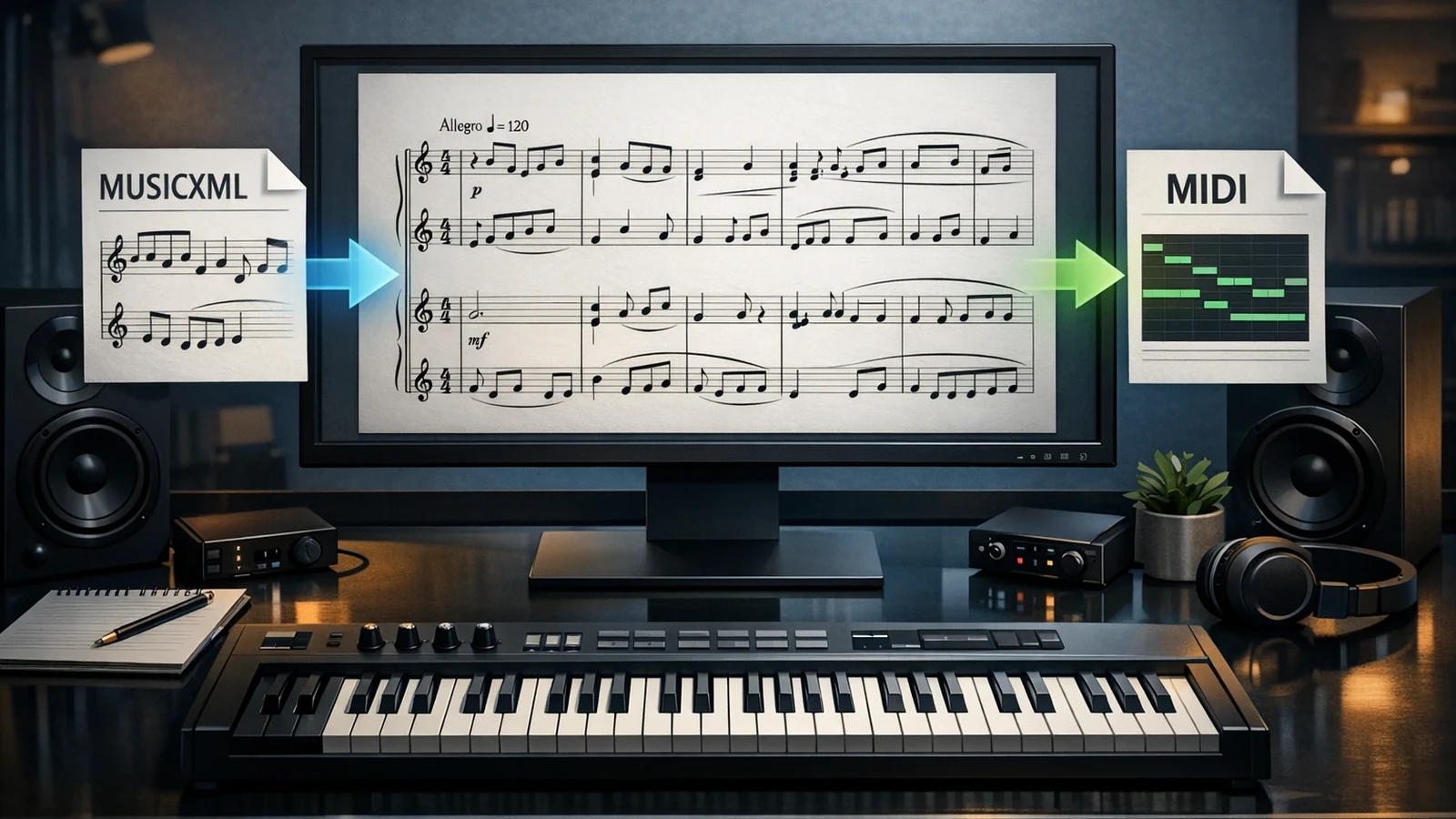
Turn a static score into editable MIDI
Contents
Noteflight is best understood as a browser-based notation editor, not a sheet-music scanner and not a DAW. Use it when the score already exists as notation, when students need to compose in a shared classroom space, or when a musician wants to edit and share a score without installing a desktop notation program.
This Noteflight review is a public product-surface and workflow-fit analysis based on the current public product pages, public help documentation, and the visible product surface as of April 16, 2026. The practical question is narrow: when is Noteflight the right notation workspace, and when should a musician use Melogen first to turn a PDF, scan, or score image into MIDI or MusicXML before editing?
What Noteflight does well
Noteflight positions Premium as cloud-based music notation software for composing, performing, sharing, and selling music. Its public Premium page also describes access to a large digital sheet-music catalog and a musician community. That makes the product closer to an online notation workspace than a one-click converter.
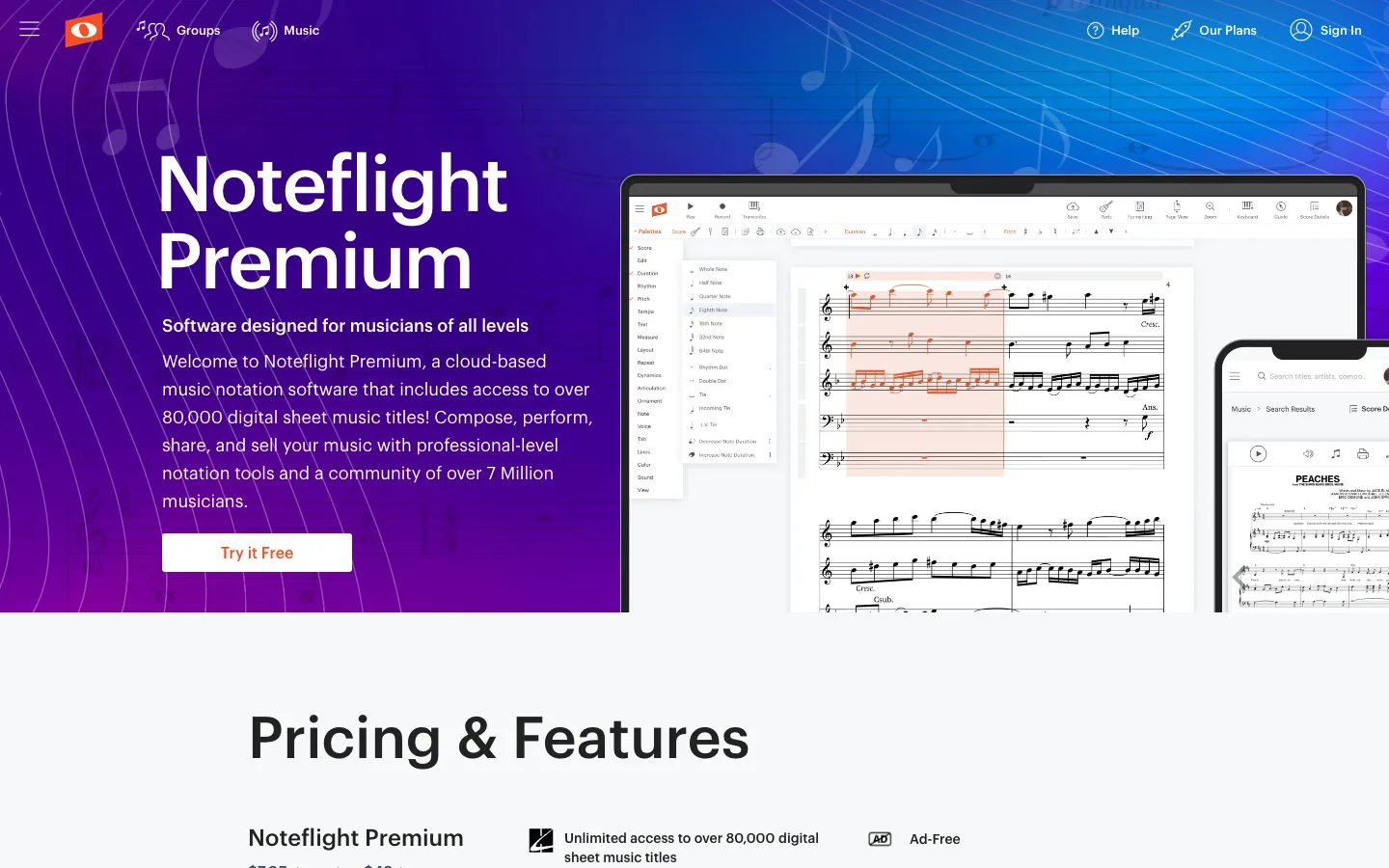
The strongest fit is a score that is ready to be edited, arranged, assigned, or shared. A songwriter can enter notation directly. A teacher can distribute an exercise. A composer can keep a sketch online instead of sending a desktop project file around.
Noteflight is less direct when the source is still trapped in a scan. If you have a PDF score, phone photo, or old printed part, you need recognition before notation editing. That is where a score-to-MusicXML or score-to-MIDI workflow matters.
Noteflight review: quick verdict
| Reader job | Noteflight fit | Better first step | Decision rule |
|---|---|---|---|
| Compose a score from scratch in the browser | Strong | Noteflight | Start in Noteflight if the music is being written now. |
| Share notation with students or collaborators | Strong | Noteflight Learn or Premium groups | Use Noteflight when the main job is classroom or cloud collaboration. |
| Turn a PDF score into editable notation | Partial | Melogen PDF to MusicXML, then Noteflight if needed | Convert the static score first, then edit. |
| Turn sheet music into playable MIDI | Partial | Melogen Sheet2MIDI or PDF to MIDI | Use MIDI when playback or DAW editing is the goal. |
| Build a polished engraving workflow | Mixed | A dedicated notation editor may still be needed | Use Noteflight for browser convenience, not every pro engraving edge case. |
The useful verdict: Noteflight is good when the score is already a score. Melogen is useful before that moment, especially when the music starts as a PDF, image, or scan.
Features that matter most
Noteflight's public help documentation says users can import MusicXML, MIDI, and Noteflight XML files, then export scores in formats such as MusicXML, MIDI, WAV, and MP3. That import/export layer is important because it keeps Noteflight connected to the rest of a musician's toolchain instead of locking every score inside one editor.
For a practical review, these are the features that matter:
- Browser notation editing: useful when you do not want a desktop install.
- Sharing and groups: useful for lessons, ensembles, and collaborative score review.
- MusicXML import/export: useful when the score needs to move between notation tools.
- MIDI export: useful for playback checks and DAW handoff, with the usual MIDI cleanup limits.
- Education features: Noteflight Learn is built for classroom use, assignments, and student feedback.
- Marketplace and catalog access: useful if your workflow includes published sheet music, not just your own files.
The limitation is equally important. Noteflight is not primarily an OMR scanner. If the source is a printed page, you still need a recognition step before the notation editor becomes useful.
Noteflight Learn for teachers
Noteflight Learn is the education-focused version. Its public page describes a platform for teaching composition and music theory, creating exercises and assignments, and giving students feedback. It also highlights privacy and school use cases, which is why the education version is not just "Premium with a different label."
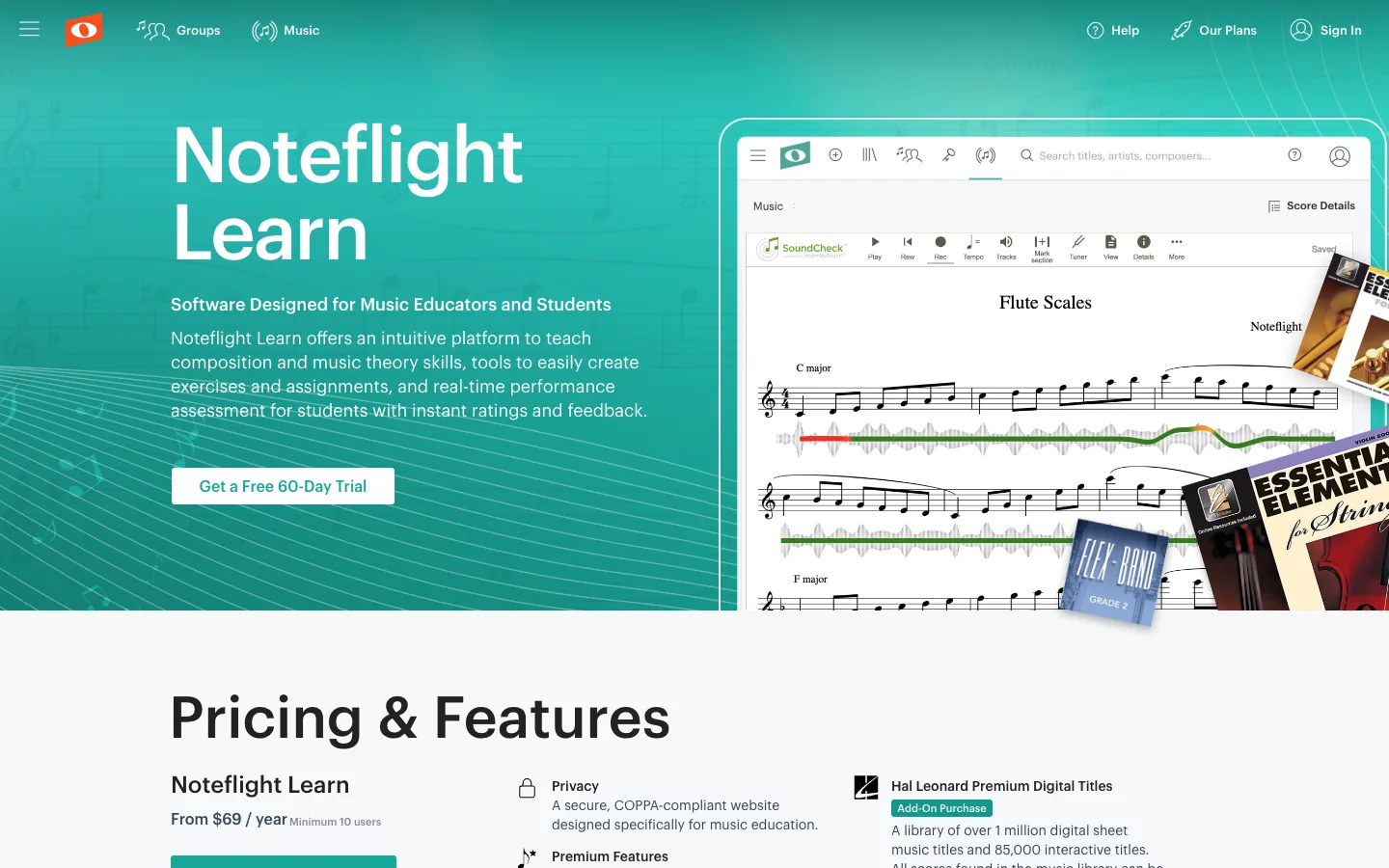
This is where Noteflight is strongest against a generic notation editor. A teacher does not only need note entry. They need a place where students can open the same kind of workspace, submit work, and revise without the friction of installing software on every machine.
If you are a student or independent musician, Premium may be the simpler path. If you are choosing for a class, studio, school, or ensemble program, Learn deserves a separate look because the job is not just notation. The job is controlled sharing, assignment workflow, and feedback.
Pricing and availability
Noteflight's public Premium page lists monthly and yearly pricing, while the Learn page lists education pricing with a minimum user count. Treat these numbers as something to re-check before purchase because subscription pages can change faster than blog posts.
From a musician's point of view, the pricing decision is mostly about how often the browser workspace saves time:
- Choose a paid Noteflight plan if you write, assign, share, or revise notation often.
- Stay cautious if you only need to convert a few PDFs or scans.
- Compare it with a desktop notation editor if you need deep engraving control.
- Pair it with a converter if the source material usually starts as PDF, image, or scanned sheet music.
The important distinction is cost per workflow, not cost per feature. If Noteflight replaces a clumsy classroom exchange or keeps student scores organized, it can be worth it. If you only need to extract notes from a PDF once, start with a conversion tool instead.
Where Melogen fits before Noteflight
Melogen is not a Noteflight replacement. It sits earlier in the workflow when the score is not yet editable.
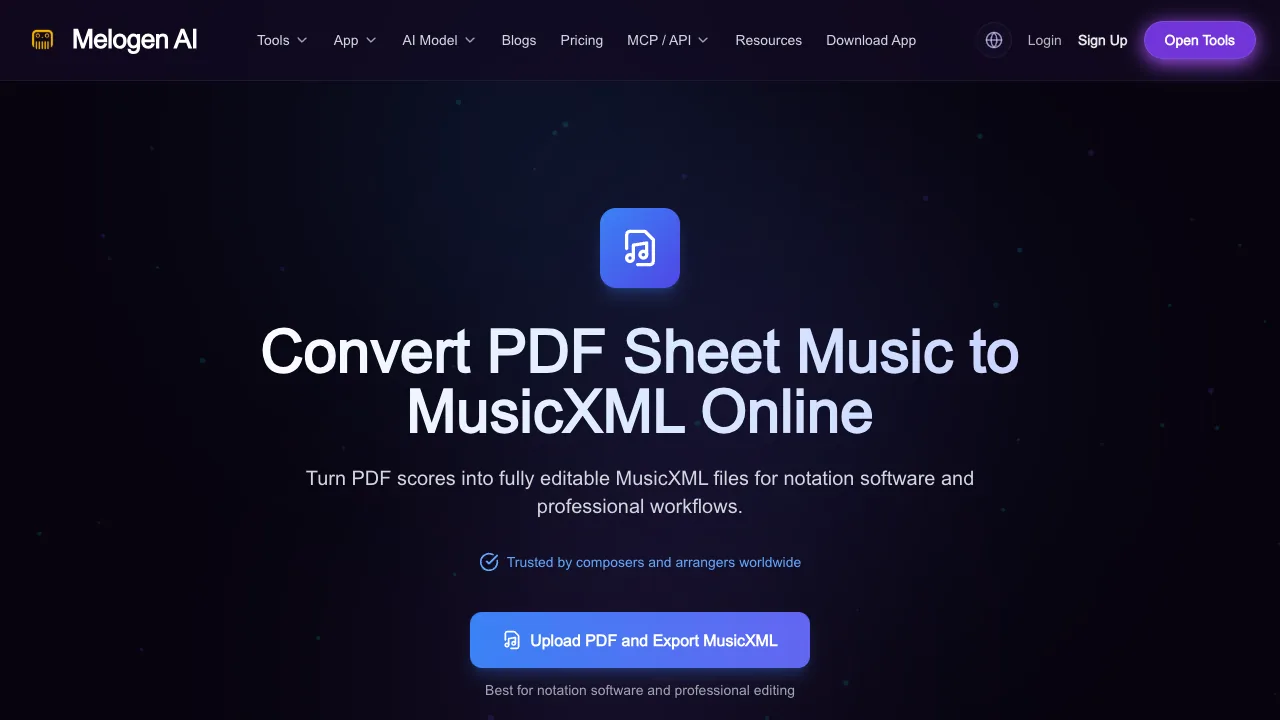
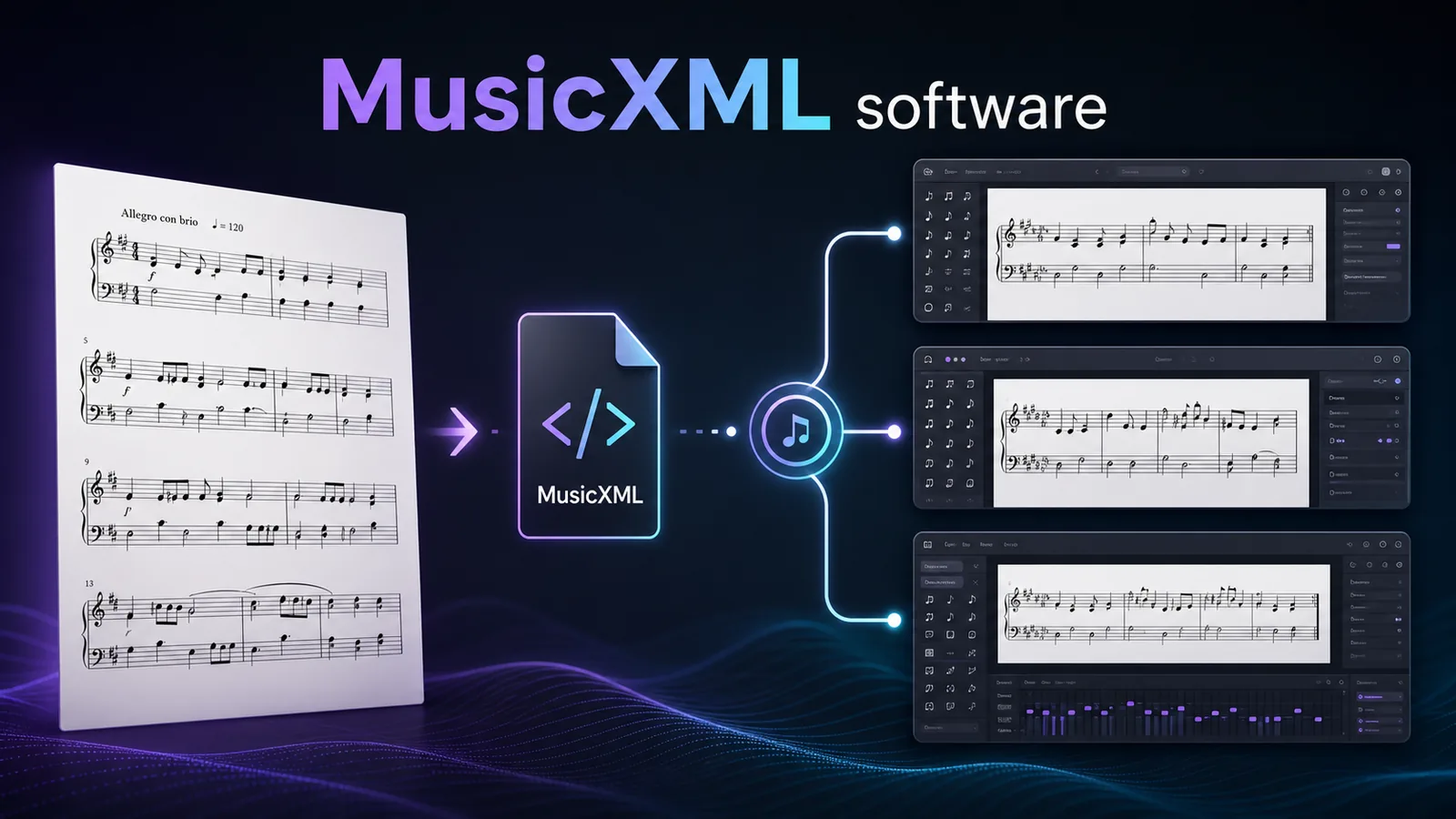
Use PDF to MusicXML when your next step is notation editing. MusicXML preserves score structure such as measures, voices, clefs, dynamics, articulations, and layout better than plain MIDI. That makes it the better first export when the destination is Noteflight, MuseScore, Sibelius, Dorico, or another notation editor.
Use Sheet2MIDI when your next step is playback, DAW editing, or a quick musical check. MIDI is better for hearing and arranging the result, while MusicXML is better for repairing the written score. This MIDI vs MusicXML guide explains the choice in more detail.
The honest workflow is:
- Start with the source: PDF, scan, image, entered notation, or existing MusicXML.
- Convert first if the source is static sheet music.
- Import into Noteflight only after the score has become editable data.
- Proofread the result like a musician, especially voices, rhythm, enharmonics, lyrics, and articulations.
No converter removes the need for cleanup. It just moves you from manual re-entry to musical review.
Pros and cons
Pros
- Runs in the browser, which reduces setup friction.
- Strong fit for students, teachers, and shared notation work.
- Supports import and export paths that keep scores portable.
- Useful for quick composition, arrangement, playback, and sharing.
- Learn version is purpose-built for music education.
Cons
- Not the right first step for raw scans or PDFs that still need recognition.
- Browser convenience may not replace advanced desktop engraving needs.
- Pricing depends heavily on whether you need Premium, Learn, catalog access, or classroom seats.
- Reviewers should avoid judging OMR accuracy from Noteflight alone because scanning is a separate workflow.
The practical takeaway
Get MusicXML when you need notation-first editing
Open Melogen PDF to MusicXML when your next step is Sibelius, Dorico, MuseScore, or any notation editor that benefits from structured score data.
Choose Noteflight if you want a cloud notation workspace for composing, teaching, sharing, and editing scores. Choose Noteflight Learn if the buyer is a teacher or school. Choose Melogen first if your music begins as a PDF, scan, or score image and needs to become MusicXML or MIDI before anyone can edit it properly.
For most musicians, the cleanest stack is not either-or. Use Melogen to create the editable file, then use Noteflight or another notation editor to make the musical decisions.
About the author
Zhang Guo
Composer - AI Product Manager
AI product manager and digital marketing consultant with a background in music. Creativity is the bridge between rhythm and logic, where musical intuition and mathematical precision can coexist in every meaningful product decision.
Follow on X