PlayScore 2 Review: Best Use Cases in 2026
A practical PlayScore 2 review for scan, playback, MIDI, MusicXML, and when Melogen is the cleaner browser workflow.
 Zhang Guo
Turn a static score into editable MIDI
Contents
PlayScore 2 is still easiest to understand as a mobile-first score scanner and playback tool. If your real job is to point a phone at printed music, hear the result, adjust playback, and export a working MIDI or MusicXML file, it belongs on the shortlist. If your source is already a PDF on a laptop and the next step is a notation editor, DAW, or browser-based conversion workflow, Melogen is often the cleaner first step.
This 2026 PlayScore 2 review is based on PlayScore's current public product pages, app-store surfaces, official FAQ, and Melogen's current score-conversion routes reviewed on April 28, 2026. The useful question is not whether one tool is universally better. It is whether you are solving a phone scanning problem, a playback practice problem, or a browser PDF-to-MIDI/MusicXML workflow problem.
PlayScore 2 review: quick verdict
| Reader job | PlayScore 2 fit | Melogen fit | Decision rule |
|---|---|---|---|
| Scan printed music with a phone | Strong | Possible from saved images | Choose PlayScore when capture and playback happen on the mobile device. |
| Hear a score for practice | Strong | Strong after conversion | Choose the tool that gets you to playback with the least file handling. |
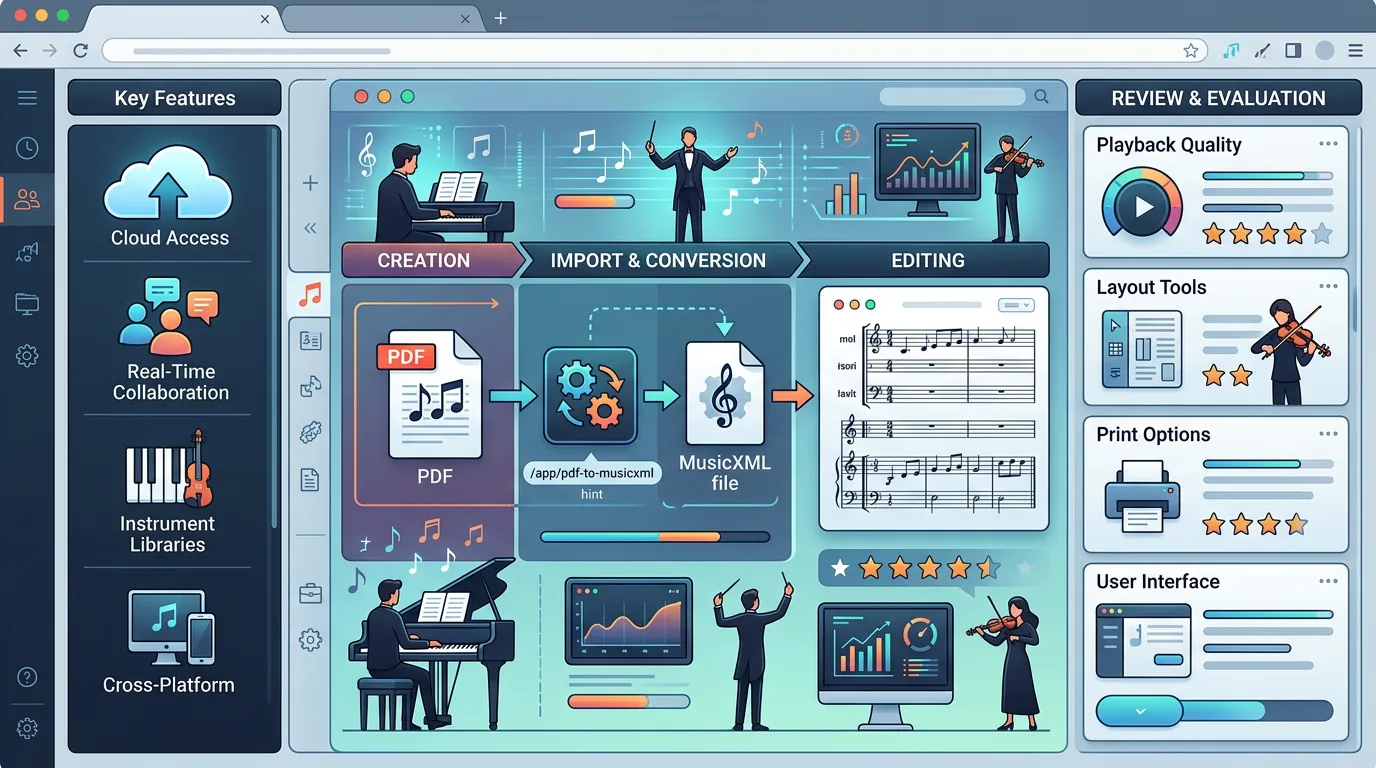
| Convert an existing PDF to notation editing | Useful, check subscription/export path | Strong with PDF to MusicXML | Use MusicXML when the destination is MuseScore, Dorico, Sibelius, Noteflight, or another notation editor. |
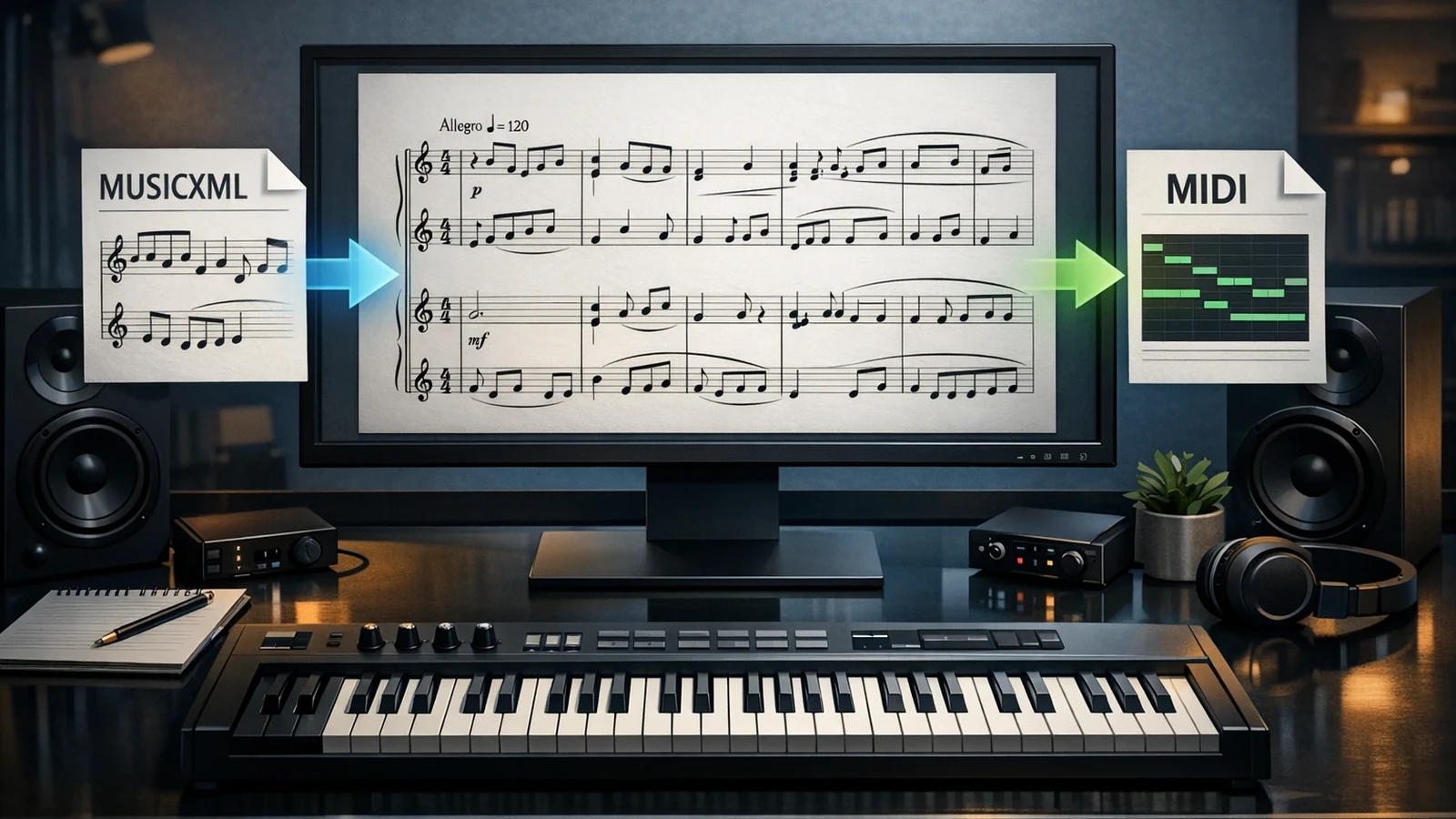
| Convert visible notation to a DAW-friendly file | Useful with MIDI export | Strong with Sheet2MIDI or PDF to MIDI | Use MIDI when playback, arranging, or DAW editing matters more than page layout. |
| Avoid mobile-app file routing | Mixed | Strong | Stay in the browser if the score already lives on your desktop. |
The short verdict: PlayScore 2 is strongest when the score starts in the physical world and you want a phone-centered way to hear it. Melogen is strongest when the score is already a file and your next move is browser conversion into MIDI or MusicXML.
What PlayScore 2 does well
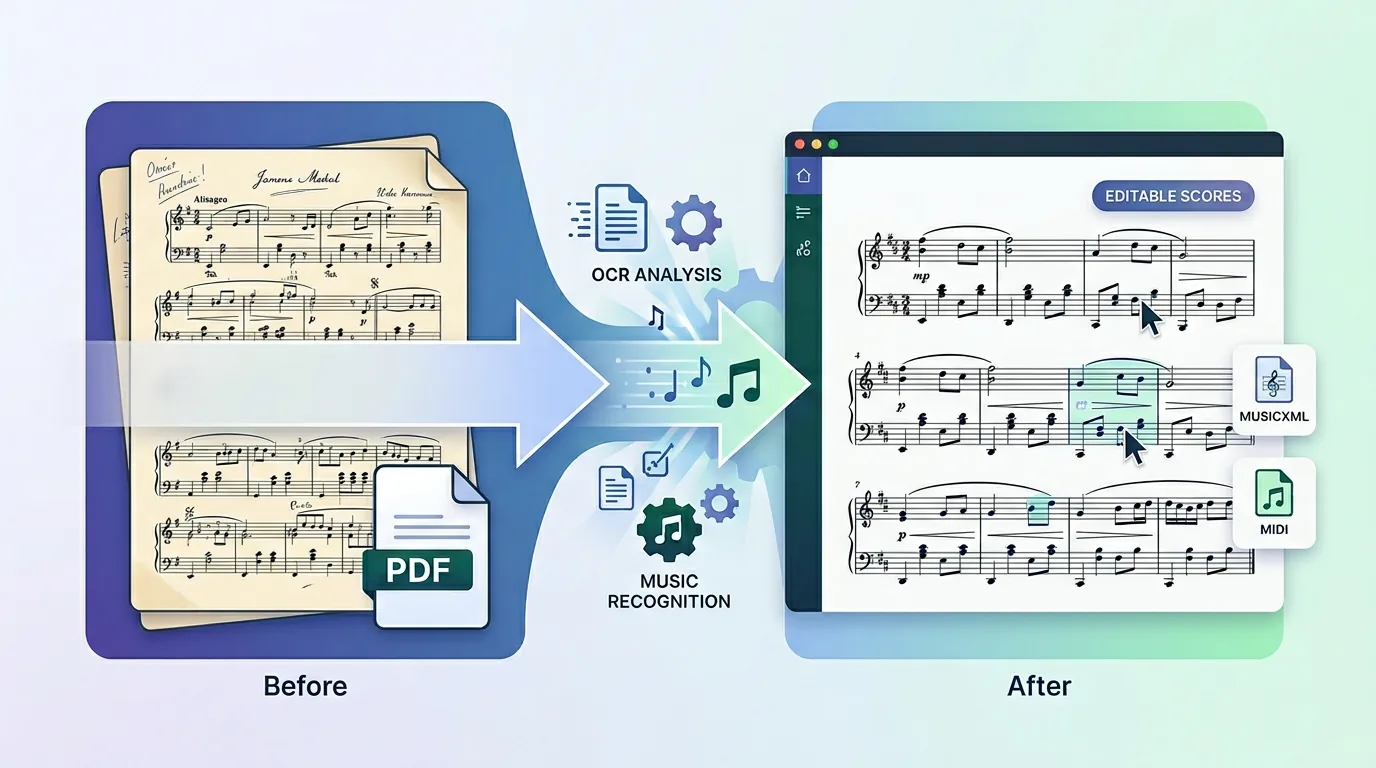
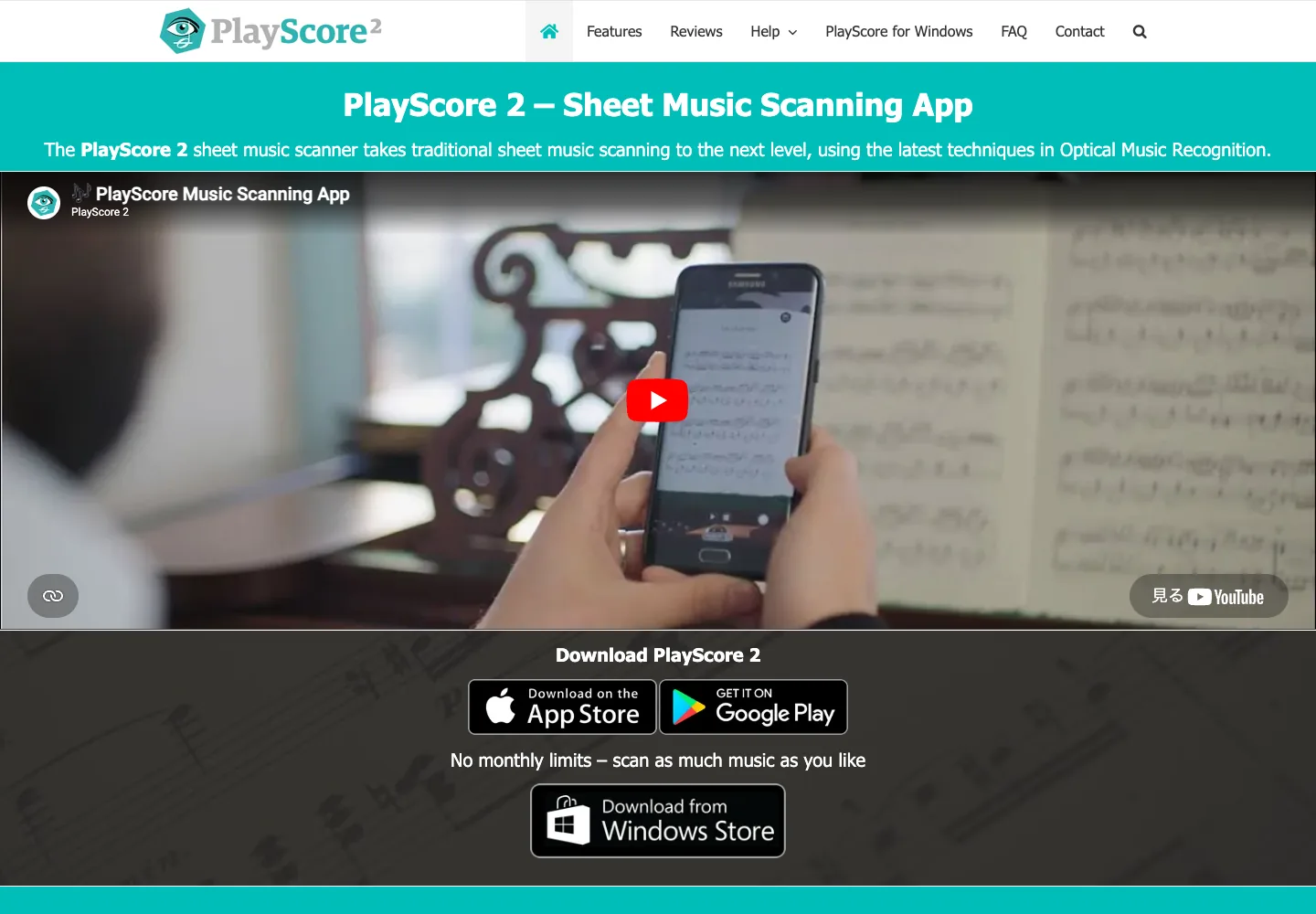
PlayScore's official features page presents the product around optical music recognition, score playback, and export. The public surface emphasizes scanning scores, playing them back, working across supported mobile and desktop environments, and exporting recognized music for another app.
That is a useful category: not a full notation editor, not a DAW, and not just a PDF utility. PlayScore 2 sits in the OMR step where printed notation becomes something you can hear and move elsewhere.
The practical strengths are clear:
- Phone-first capture is convenient when the source is a printed page on a stand, table, or library desk.
- Playback helps learners, choir members, teachers, and arrangers check a score before deeper editing.
- MIDI and MusicXML export make the result portable when the recognized score needs to continue in another program.
- Local-device processing and score-quality guidance on the official FAQ make it easier to understand the privacy and input-quality tradeoffs.

Where the workflow gets less simple
The same mobile-first design can become friction when the source is not on the phone. A musician who already has a clean PDF on a laptop may not want to move it into a mobile app, check subscription/export requirements, send it back out, and then open the result in notation software.
PlayScore's public FAQ also makes two workflow realities worth planning around. First, image quality matters. Cropped pages, skew, poor lighting, dense orchestral systems, small print, handwriting, and damaged scans can still require correction after recognition. Second, export and PDF workflows may depend on the current app plan or store purchase surface, so verify the current official listing before building a paid workflow around it.
None of that makes PlayScore 2 weak. It simply means the tool should be judged by the source and destination. If you need to capture paper with a phone and listen immediately, the app shape is a feature. If you need to convert a desktop PDF into MusicXML for notation cleanup, a browser route may remove steps.
MIDI, MusicXML, and playback are different goals
MIDI and MusicXML are not interchangeable. MIDI is best when the next task is hearing, arranging, tempo checking, DAW editing, or building a practice reference. MusicXML is best when the written score still matters: measures, voices, clefs, articulations, lyrics, dynamics, and layout all belong to the notation cleanup stage.

Use this rule before choosing the tool:
| Desired outcome | Better output | Why it matters |
|---|---|---|
| Hear a part, slow it down, or make a practice reference | MIDI or in-app playback | Playback decisions do not need perfect page layout. |
| Build a DAW sketch from notation | MIDI | DAWs understand notes, timing, velocity, and tracks better than page structure. |
| Correct a score in notation software | MusicXML | The editor needs notation structure, not only sound events. |
| Reprint, transpose, or extract parts | MusicXML | Layout and staff relationships matter after conversion. |
| Quickly check whether recognition worked | Playback first, then export | Listening catches many rhythm and pitch problems early. |
If the format decision is the real blocker, read Melogen's MIDI vs MusicXML guide before exporting. The wrong file type can make a good recognition pass feel harder than it needs to be.
Where Melogen is the better route
Melogen is not trying to replace the phone-scanning feel of PlayScore 2. It is better understood as the browser-first route when your score is already a file or when you want the conversion step to happen before choosing a notation editor or DAW.
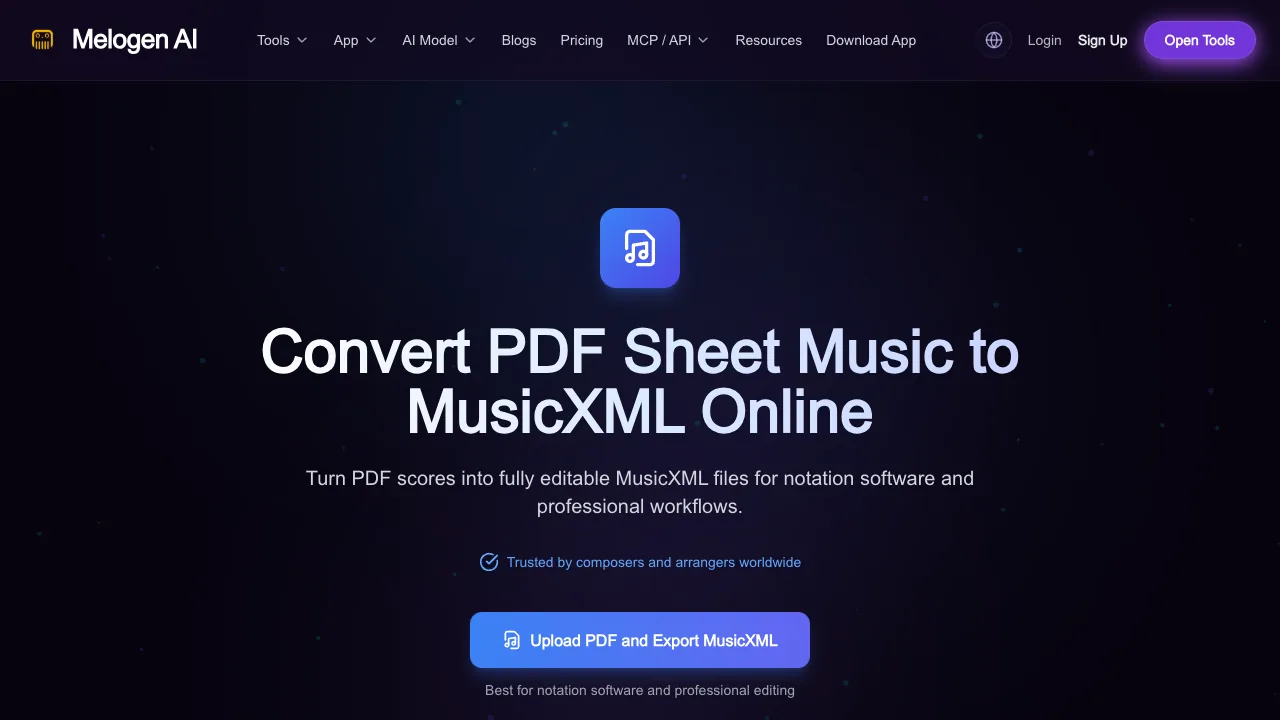
Use PDF to MusicXML when the next step is notation editing. That route is built for PDF score input and MusicXML output, which fits MuseScore, Dorico, Sibelius, Noteflight, Finale-style workflows, and other notation tools better than a playback-only file.
Use Sheet2MIDI when your source is visible sheet music in PDF, JPG, or PNG form and the next task is playback, practice checking, arrangement sketching, or DAW handoff. Use PDF to MIDI when the source is specifically a PDF score and MIDI is the destination.
The honest limit is the same limit every OMR workflow shares: the first export still needs a musician's review. Check rhythm, voices, repeats, clefs, accidentals, lyrics, articulations, and any dense multi-staff passage before relying on the file.
Pros and cons
Pros
- Strong fit for mobile score capture and immediate playback.
- Helpful for singers, instrumentalists, teachers, and arrangers who need to hear printed notation quickly.
- MIDI and MusicXML export paths make recognized music useful beyond the app.
- Public FAQ and product surfaces explain practical input-quality expectations.
- A good match when the phone is already the most convenient scanning device.
Cons
- Less direct when the source is already a desktop PDF and the destination is browser-based conversion.
- Export and PDF workflows should be checked against the current official app-store or subscription surface before purchase.
- Poor scans, skewed photos, handwriting, and dense pages still require manual correction.
- It is not a full notation editor or DAW replacement.
- MusicXML vs MIDI decisions still require the user to understand the next editing step.
Who should choose PlayScore 2
Choose PlayScore 2 if the source is physical sheet music, your phone is the fastest capture device, and immediate playback is part of the job. It is especially sensible for practice, choir rehearsal, lessons, quick checking, and cases where you want to hear the page before deciding whether deeper editing is worth it.
Choose Melogen first if the source is already a PDF, scan, screenshot, or saved image and you want to stay in a browser. In that case, the job is less about phone capture and more about getting a clean first pass into the right editing format.
The safest workflow is simple:
- Identify the source: paper page, phone photo, PDF, or existing image.
- Identify the destination: playback, DAW, notation editor, or print-ready score cleanup.
- Choose MIDI for playback and DAW work.
- Choose MusicXML for notation editing.
- Proofread the recognized result before trusting it.
The practical takeaway
Get MusicXML when notation editing is the goal
Open Melogen PDF to MusicXML when your next step is MuseScore, Dorico, Sibelius, Noteflight, or any notation editor that benefits from structured score data.
PlayScore 2 is a good 2026 choice when mobile scanning and instant playback are the center of the task. Melogen is the better first move when your score is already a PDF, scan, or image file and the next step is a browser-to-MIDI or browser-to-MusicXML workflow. The best result usually comes from choosing the conversion path by destination, then proofreading the output like a musician instead of treating any OMR result as final.
About the author
Zhang Guo
Composer - AI Product Manager
AI product manager and digital marketing consultant with a background in music. Creativity is the bridge between rhythm and logic, where musical intuition and mathematical precision can coexist in every meaningful product decision.
Follow on X