TuneFab Spotify Music Converter Review 2026
A public-surface TuneFab Spotify Music Converter review with safety notes, pricing checks, affiliate context, and clear Melogen workflow limits.
 Zhang Guo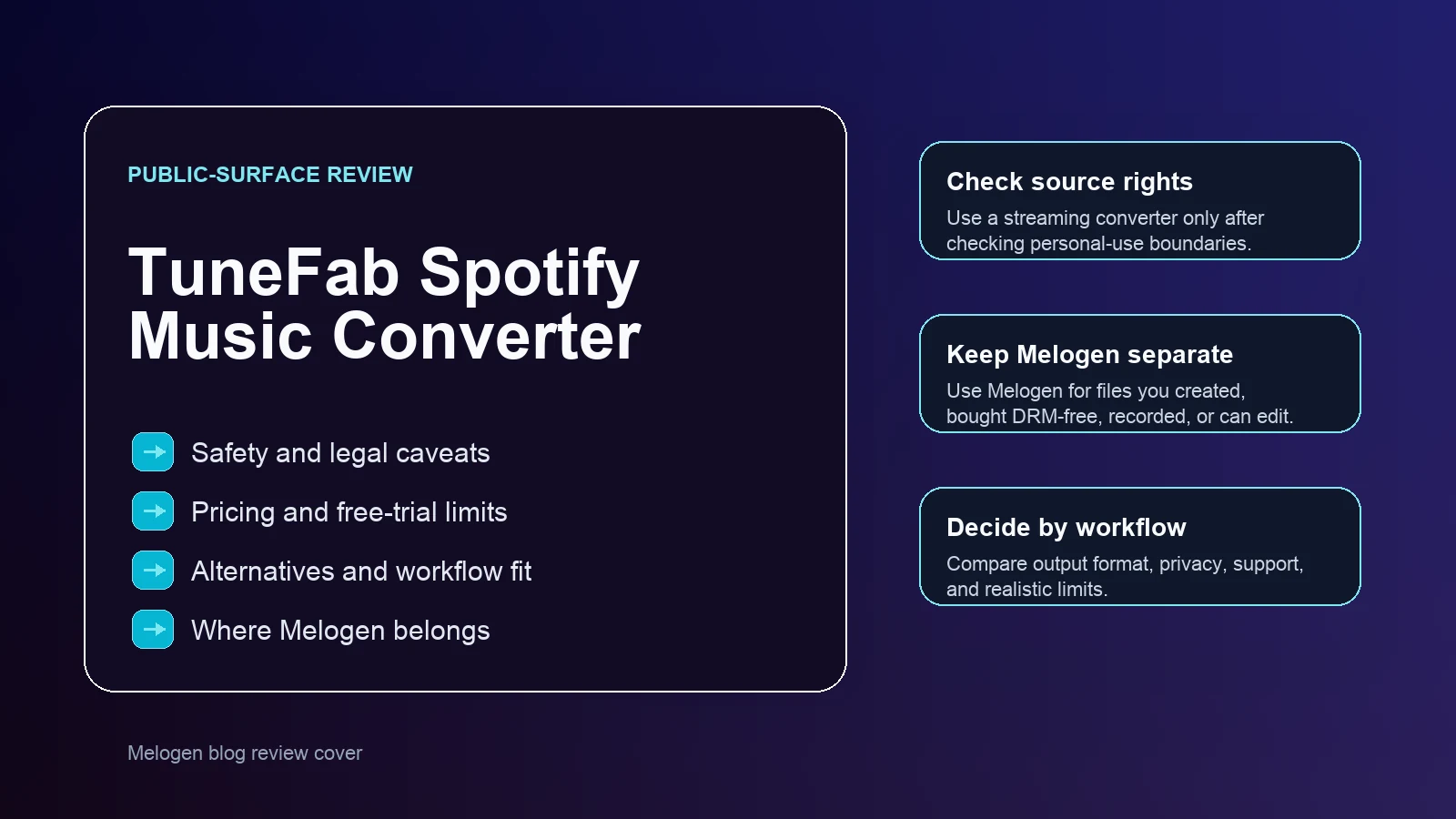
Turn a static score into editable MIDI
Contents
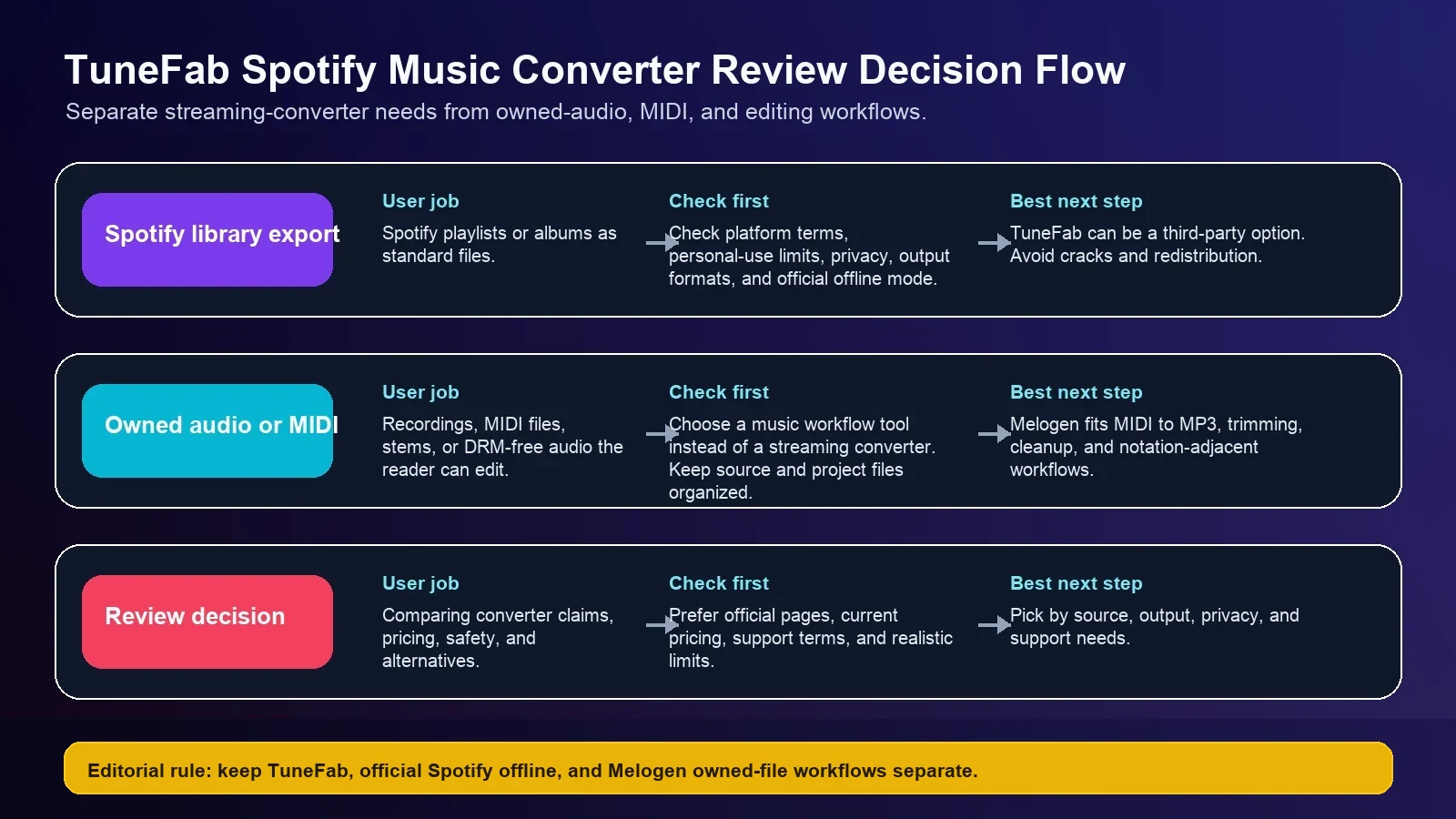
TuneFab Spotify Music Converter is for a very specific job: taking Spotify tracks, albums, playlists, podcasts, or audiobooks and saving them as standard audio files on a Mac or Windows computer. That makes it useful for some offline-listening and file-management workflows, but it also means the first question is not just "does it convert?" The better question is whether your source, license, privacy expectations, and output format make a third-party Spotify converter the right tool.
This TuneFab Spotify Music Converter review uses the public TuneFab product and review pages, the current US search results, and the official product positioning to judge fit. It does not treat Melogen as a Spotify converter. Melogen is the better route when you are working with files you created, recordings you are allowed to edit, MIDI files, or DRM-free audio that needs trimming, rendering, or cleanup.
Quick verdict
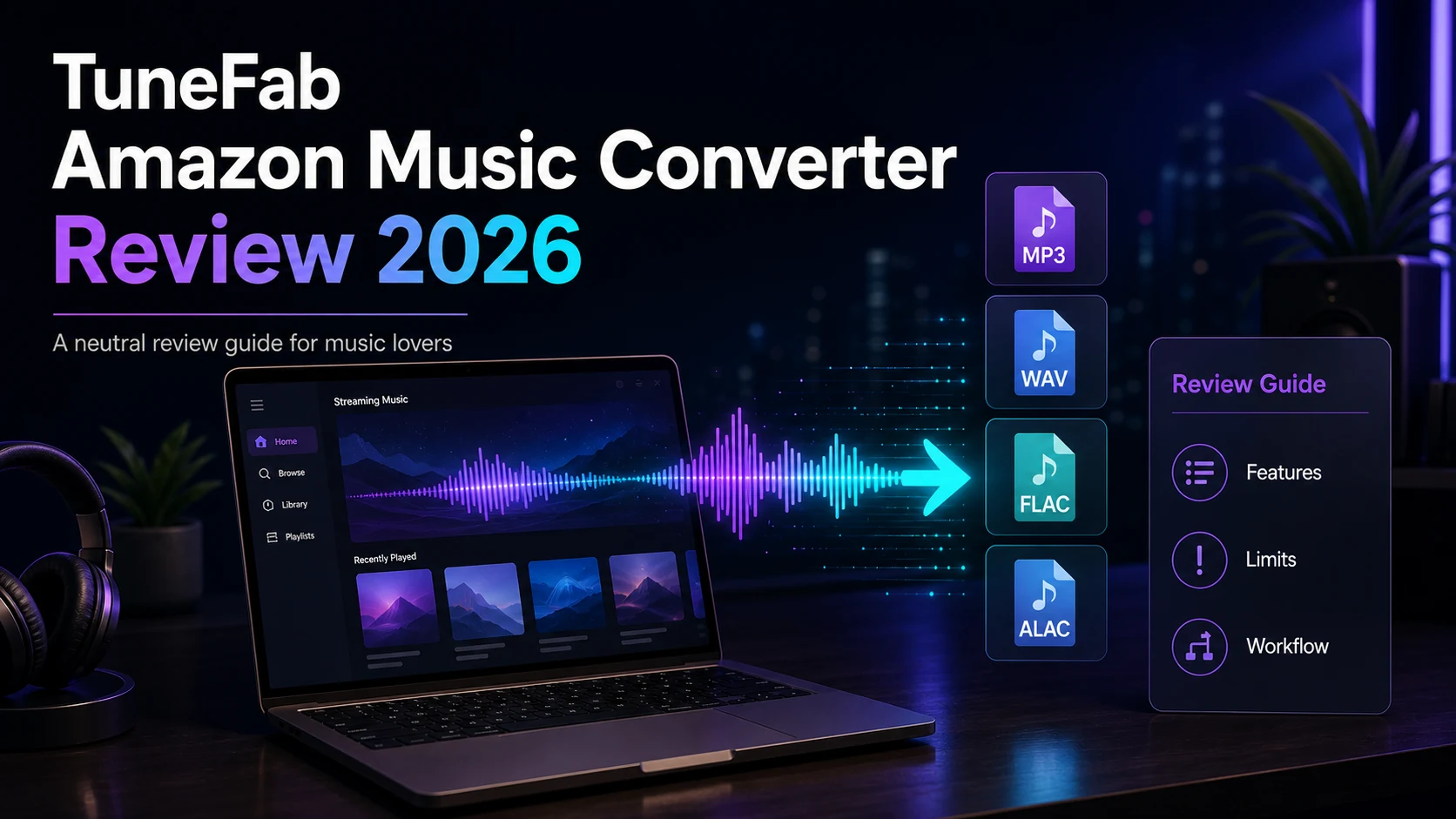
TuneFab is worth considering if you specifically need a desktop Spotify music converter, want local MP3, M4A, WAV, FLAC, AIFF, ALAC, or AAC files, and are comfortable checking the rights and personal-use limits yourself. Its official product page positions it around Spotify track, playlist, album, podcast, audiobook, and lyrics downloads, with batch conversion, ID3 tag retention, and a built-in Spotify web player.
It is not the right tool if you only need normal Spotify offline listening inside the Spotify app, if you are looking for cracked software, or if your real task is editing owned music files. For owned files, a safer split is simple: use a Spotify converter only for Spotify-library export needs, and use Melogen for MIDI-to-audio, trimming, cleanup, or notation-adjacent work.
| Reader question | Better path | Why |
|---|---|---|
| I need Spotify songs as local audio files | Evaluate TuneFab or another Spotify converter | The task is streaming-library export, not MIDI or notation editing. |
| I just want offline Spotify playback | Use Spotify Premium offline mode first | It stays inside Spotify's supported flow. |
| I have MIDI, recordings, stems, or DRM-free audio | Use Melogen's file tools | The source is already editable or renderable without a streaming converter. |
| I am comparing converter claims | Check official pages, pricing, trial limits, and support | Speed and quality claims change, and review pages can be promotional. |
What TuneFab says it does
TuneFab's current Spotify Music Converter page describes a desktop converter for Windows and macOS that can save Spotify content to common audio formats. The page highlights MP3, M4A, WAV, FLAC, AIFF, ALAC, and AAC outputs, batch conversion, lyric files, ID3 tag preservation, and support for both Spotify Free and Premium accounts. It also claims up to 35X faster batch conversion, so treat speed as a product claim to verify on your own machine before relying on it for a large library.
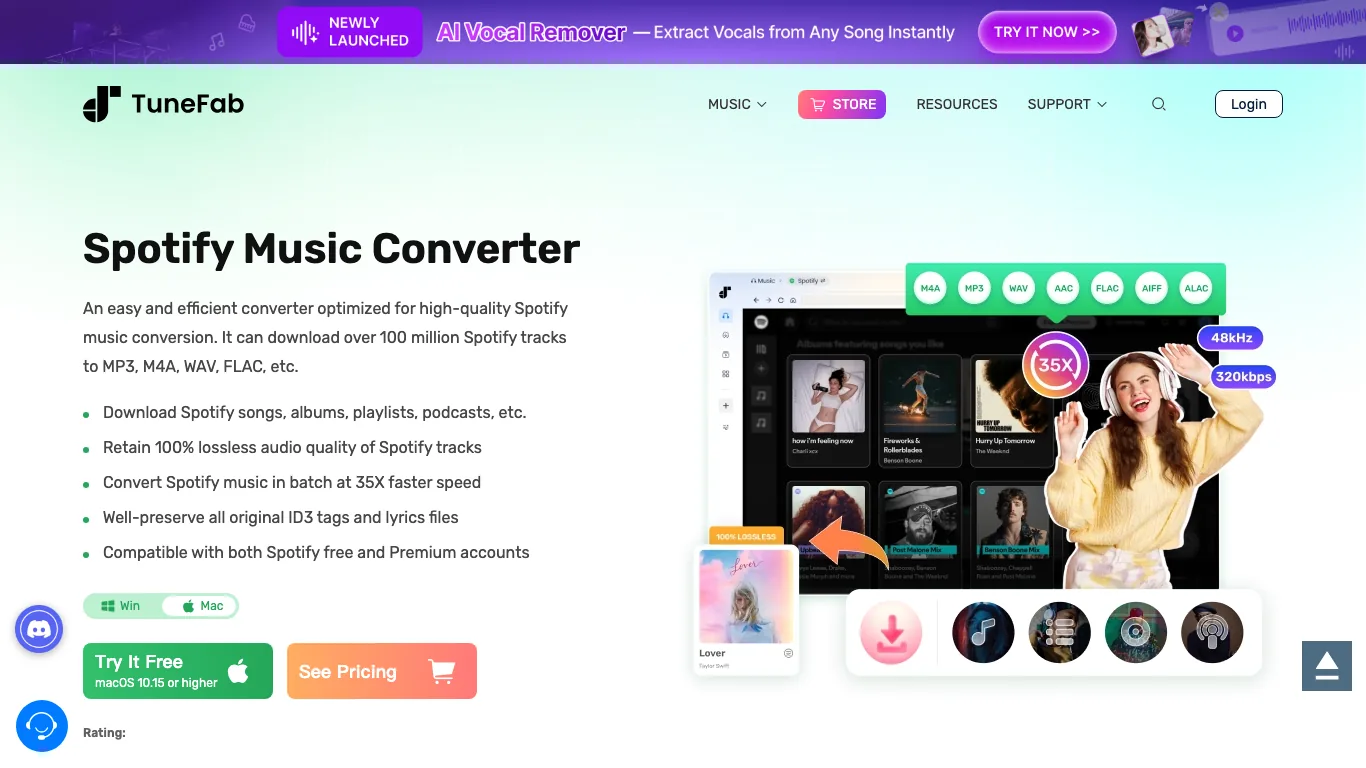
The review page also frames the product as a paid desktop utility, with a free trial that currently advertises a limited sample conversion. Pricing and trial limits are exactly the kind of detail you should re-check on the official page before buying, because converter products often change discounts, license tiers, and platform support.
Safety and legal caveats
The safest way to read any Spotify converter review is to separate software safety from usage rights.
Software safety means downloading from the official product page, avoiding cracked installers, checking the requested permissions, and keeping purchase receipts and support contacts. Usage rights mean deciding whether the way you plan to save or reuse Spotify content is allowed for your situation. TuneFab's own review copy talks about personal use, but you should still read Spotify's official terms and avoid redistribution, commercial reuse, or using downloaded catalog audio as if it were your own production asset.
For Melogen readers, that boundary matters. Melogen should not be used as a promise that protected streaming catalog audio can be freely converted, edited, or republished. Use Melogen when the source is a MIDI file, an owned recording, a score conversion result, or another file you have permission to process.
Pricing, trial limits, and support checks
Before paying for TuneFab Spotify Music Converter, check four things on the official page:
- The current Windows and Mac system requirements.
- The current free-trial conversion limit.
- The current plan price and renewal or lifetime-license language.
- The support and refund policy for the exact product you are buying.
The snapshot reviewed for this article shows a "starts at" price and a free download limit, but pricing is a moving target. That makes the checkout page more important than any review paragraph, including this one.
TuneFab compared with alternatives
The current US search results for "tunefab spotify music converter review" are review-heavy. They include TuneFab's own review page, customer-review surfaces, and competing converter brands that publish comparison pages. That means the search intent is not a pure tutorial. Searchers are trying to decide whether TuneFab is safe, worth paying for, and better than alternatives.
ViWizard is one of the alternatives that appears around the same Spotify converter search cluster. Its official product page also positions the product around Spotify-to-file conversion, output formats, metadata retention, and offline playback.
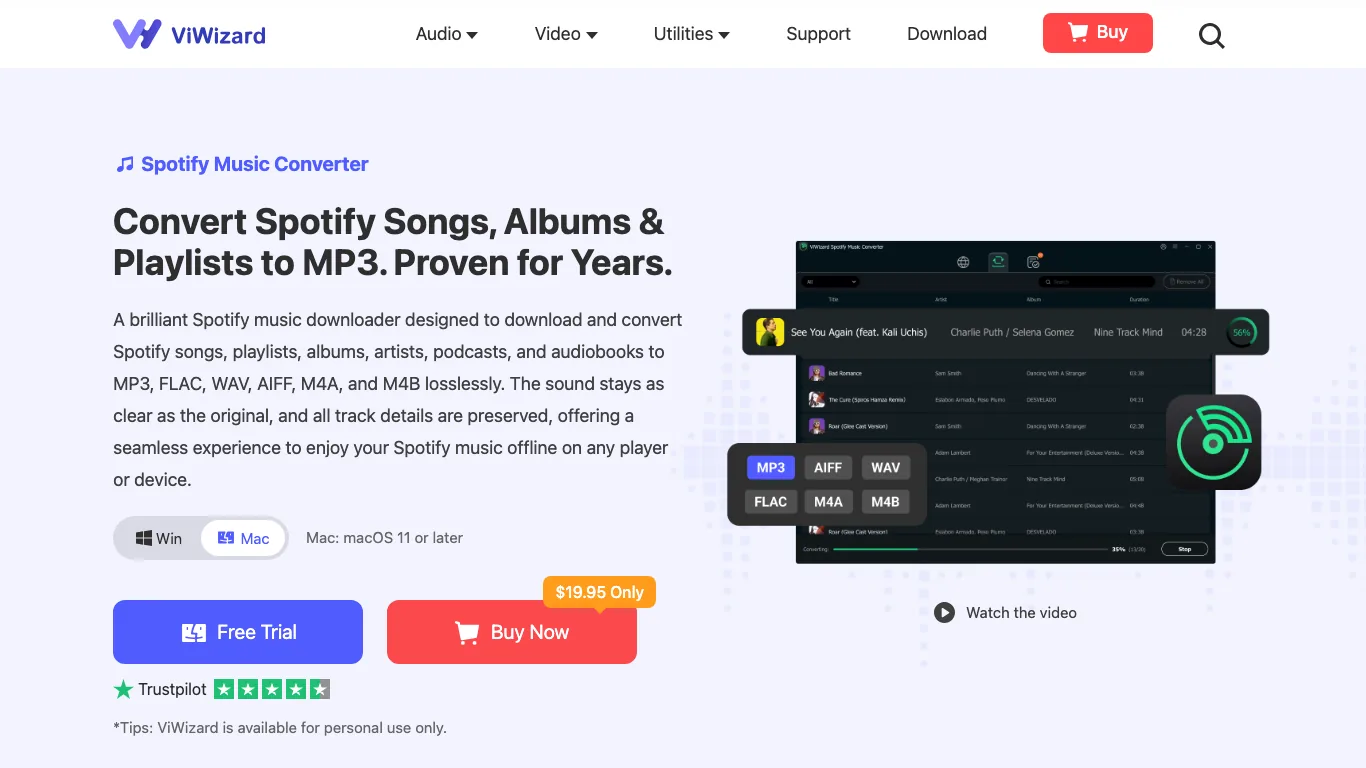
Do not choose between TuneFab, ViWizard, Sidify, NoteBurner, or another converter only by the largest speed claim. A more practical comparison is:
| Comparison point | What to check |
|---|---|
| Source fit | Spotify tracks, playlists, podcasts, audiobooks, or another service. |
| Output fit | MP3 for compatibility, WAV or FLAC for quality, M4A for Apple workflows. |
| Account privacy | Whether the app requires Spotify login inside a built-in web player. |
| Trial limits | How many tracks or minutes you can test before paying. |
| Support | Refund terms, update policy, and current macOS or Windows compatibility. |
Where Melogen fits and where it does not
Melogen does not replace a Spotify library converter. It is not positioned as a way to download or unlock Spotify's protected streaming catalog. The right Melogen fit starts after the source is already yours to process.
Use Melogen when the job is:
- turning MIDI into a quick MP3 preview with the MIDI to MP3 tool
- trimming owned audio for a practice clip with the Music Trimmer
- converting sheet music, PDFs, or images into MIDI with Sheet2MIDI
- preparing editable music material for a DAW, notation editor, or practice workflow
That separation keeps the article honest. TuneFab may be a fit for Spotify-library export needs. Melogen is a fit for owned-file and musician workflow steps.
How to decide before installing
Use this short checklist before you install any Spotify converter:
- Start with the official Spotify offline option if you only need app-based listening.
- Use the official TuneFab page, not a cracked download mirror.
- Confirm the current trial limit before importing a large playlist.
- Test one non-critical playlist before relying on batch conversion.
- Keep the converted files for personal, rights-aware use.
- Use Melogen only when the file is already yours to edit, render, trim, or convert.
Need a Spotify converter after checking the limits
TuneFab can be worth testing when your actual job is Spotify library export. This is an affiliate recommendation; keep Spotify, TuneFab, and Melogen workflows separate.
FAQs
Is TuneFab Spotify Music Converter safe
Use the official TuneFab page, avoid cracked installers, and keep your operating system security prompts on. The public product page presents TuneFab as a desktop app for Windows and Mac, but safety still depends on downloading the official build and checking current support policies.
Is TuneFab Spotify Music Converter legal
The safer answer is that legality depends on source, rights, location, and use. Treat converter output as personal-use material unless you have clear rights to do more. Do not redistribute Spotify catalog audio or use it as production material without permission.
Does Melogen convert Spotify songs
No. Melogen is for music workflows such as MIDI rendering, trimming owned audio, score-to-MIDI conversion, and notation-adjacent processing. It should not be described as a Spotify downloader or protected-streaming converter.
Should I use TuneFab or ViWizard
Compare the current official pages, supported output formats, free-trial limits, login flow, refund policy, and platform compatibility. If your workflow is not Spotify-library export, neither product may be the right next step.
The practical takeaway
TuneFab Spotify Music Converter is a serious option for readers who specifically want a desktop Spotify-to-file converter and are willing to check personal-use boundaries. It is not a universal music workflow tool. Choose it only when the source is Spotify and the output needs justify a converter. Choose Melogen when the source is an owned file, MIDI, a recording, or a score that needs practical music production cleanup.
About the author
Zhang Guo
Composer - AI Product Manager
AI product manager and digital marketing consultant with a background in music. Creativity is the bridge between rhythm and logic, where musical intuition and mathematical precision can coexist in every meaningful product decision.
Follow on X