NoteBurner Amazon Music Converter Review 2026
A public-surface review of NoteBurner Amazon Music Converter, where it fits, key limits, and better paths for Amazon Music files.
 Zhang Guo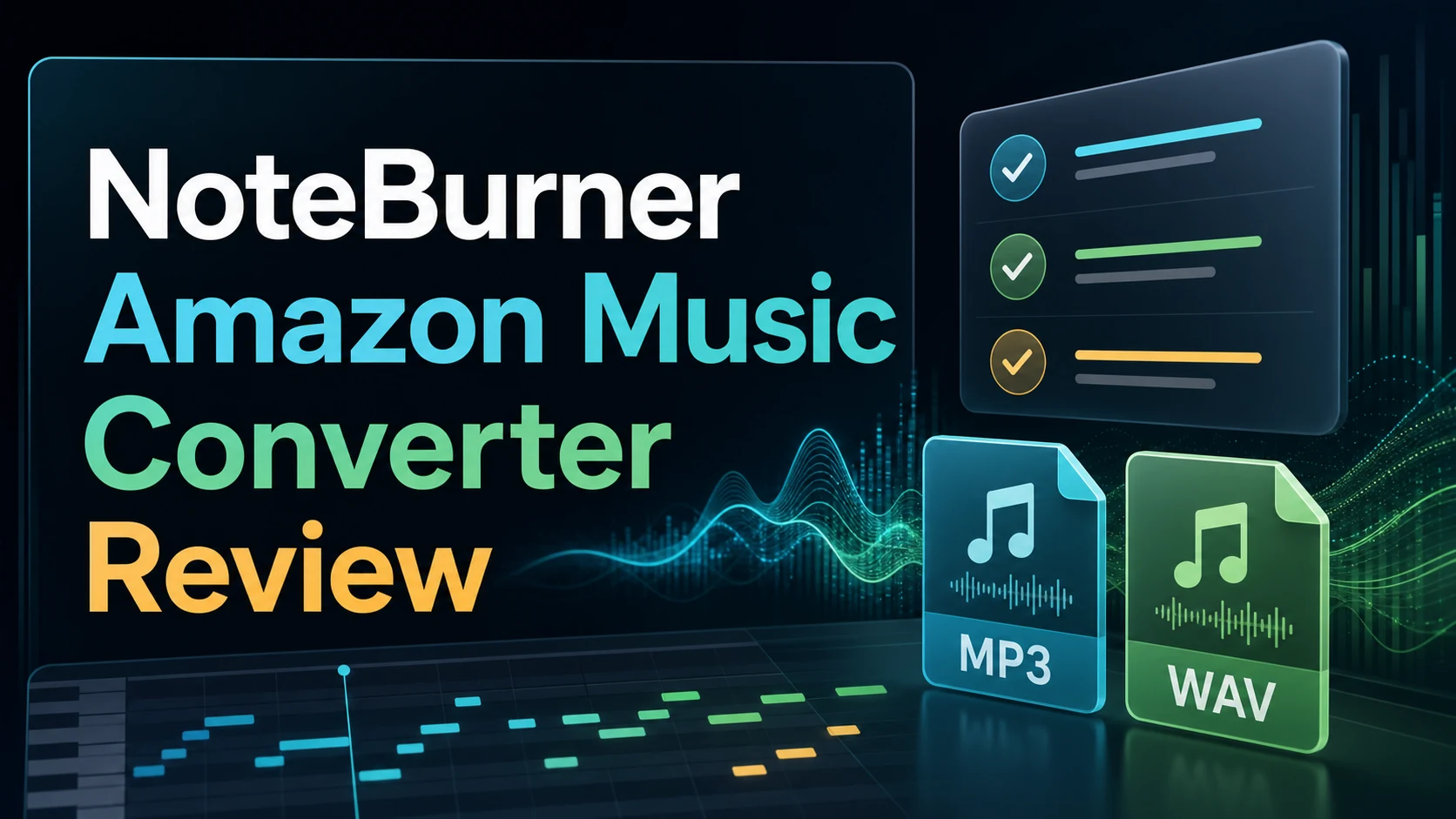
Turn a static score into editable MIDI
Contents
NoteBurner Amazon Music Converter is built for a very specific job: take music from Amazon Music and save it as local audio files such as MP3, AAC, WAV, FLAC, AIFF, or ALAC. That makes it useful for listeners who need portable local files, but it also means the right question is not simply whether the app has enough features. The real question is whether its workflow, limits, and alternatives match the way you handle music files.
This NoteBurner Amazon Music Converter review looks at the current public product surface, the official feature claims, the buyer decision points, and the safer downstream workflow once you already have local audio that you own or have permission to edit.
Quick Verdict
NoteBurner is worth shortlisting if you want a dedicated desktop Amazon Music converter, care about output formats beyond MP3, and prefer a product that also includes local audio utilities such as format conversion and tag editing. It is less convincing if you want the simplest first purchase, if you need a web-first workflow, or if your real goal is editing, trimming, transcribing, or turning your own files into MIDI after download.
| Decision point | NoteBurner fit | Watch out for |
|---|---|---|
| Main job | Amazon Music to MP3, AAC, WAV, FLAC, AIFF, or ALAC | The workflow is still tied to Amazon Music access and personal-use limits |
| Best user | Desktop user who wants a dedicated converter | Not a general music editing, MIDI, or notation tool |
| Useful extras | ID3 tags, lyrics, local format converter, CD burning, AA/AAX converter | Extras may not matter if you only need one clean MP3 export |
| Alternative path | TuneFab is strong when you want a cleaner Amazon Music converter buying path | This is an affiliate recommendation when linked below |
| Melogen fit | Use Melogen after you already have permitted local audio | Melogen does not convert protected streaming catalogs |
What NoteBurner Says It Does
The official NoteBurner Amazon Music Converter page positions the product as a Windows and Mac converter for Amazon Music. The page says it can convert Amazon Music to MP3, AAC, WAV, FLAC, AIFF, and ALAC, keep ID3 tags and lyrics, and download at up to 10X speed through app or web-player download modes.
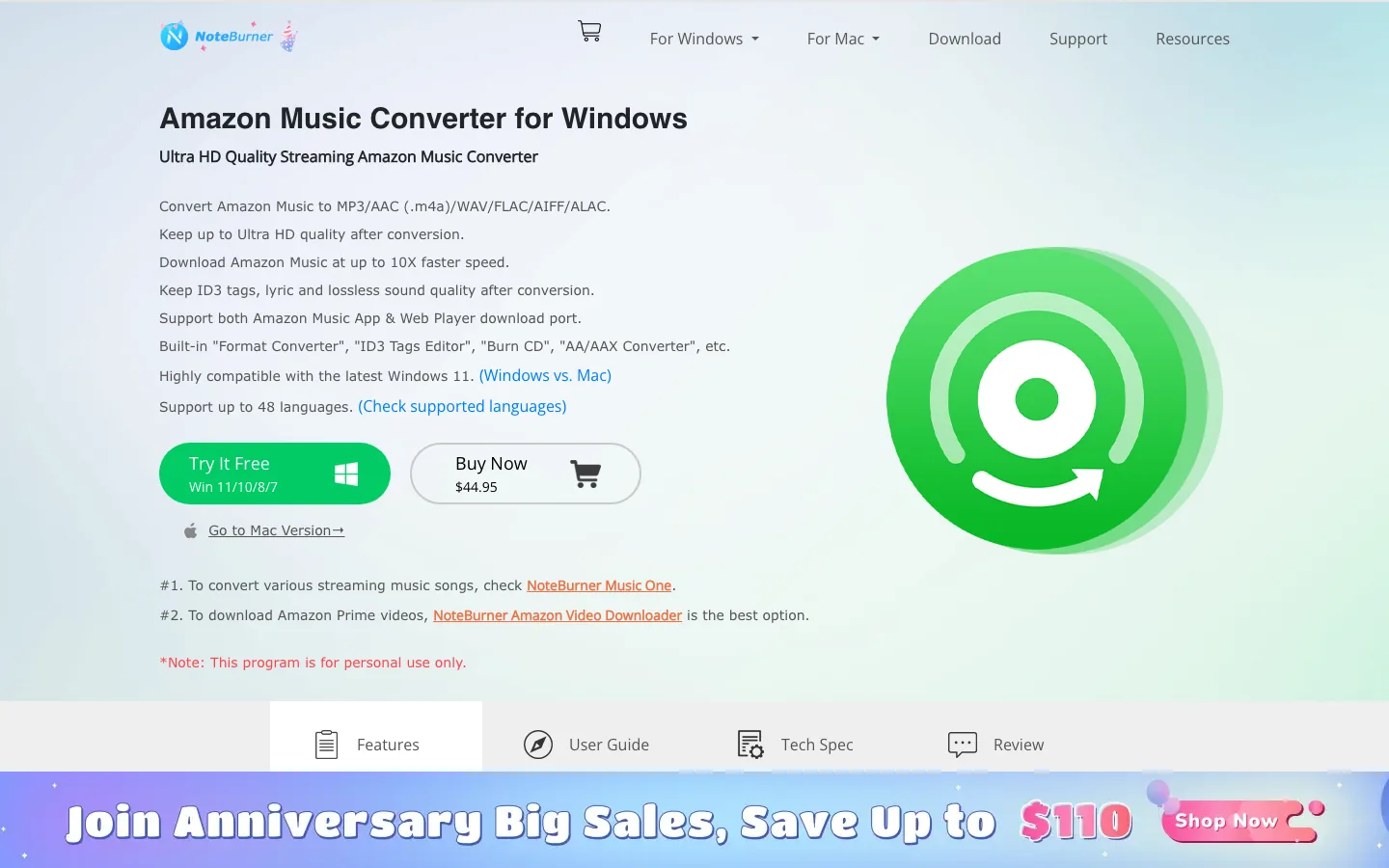
The official page also lists a small toolbox: local format converter, ID3 tag editor, CD burning, and AA/AAX converter. Those extras make NoteBurner feel less like a single-purpose downloader and more like a desktop utility for people who already manage a local music library.
That is useful, but it also clarifies the product's lane. NoteBurner is not a DAW, notation editor, sheet-music converter, stem editor, or browser-based creative tool. Its value lives at the point where Amazon Music becomes a local audio file.
Strengths That Matter
The strongest reason to consider NoteBurner is format flexibility. If your target is MP3 for broad compatibility, WAV or FLAC for editing, or ALAC for an Apple-heavy library, the product page covers the main formats a music-library user would expect.
The second strength is metadata. ID3 tags and lyrics are not glamorous, but they save time when you move a file into a phone, car system, DJ folder, or lightweight editing workflow. A converted library without artist, album, and track names becomes messy quickly.
The third strength is the built-in utility set. A local format converter and tag editor are not unique, but they reduce app switching. If you often clean up local music files, that is a practical convenience.
Limits Before You Buy
The first limit is that this is still a converter workflow, not an all-purpose music workflow. If your next step is to trim a clip, fix volume, transcribe a melody, convert audio to MIDI, or prepare a notation handoff, NoteBurner does not solve that whole chain.
The second limit is evidence. A product page can tell you supported formats, advertised speed, platform support, and official use language. It cannot prove how stable conversion will be across every Amazon Music account, region, playlist, device, or catalog change. Streaming platforms change their web players and apps often, so treat maintenance history and update cadence as part of the buying decision.
The third limit is rights. The official page includes a personal-use note, and that matters. A local audio file is not automatically a publishing, remixing, or redistribution license.
NoteBurner vs TuneFab
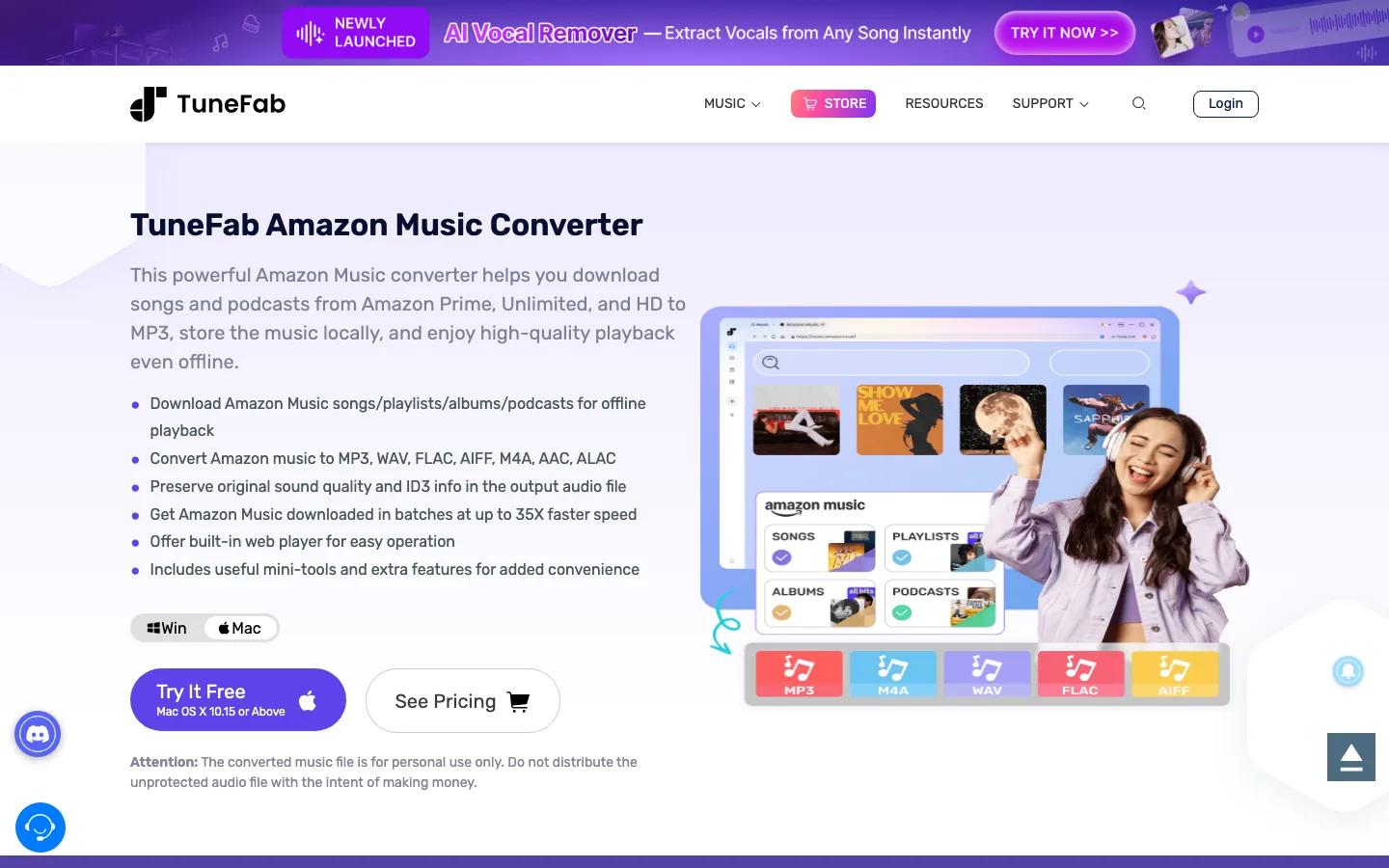
TuneFab is the most natural alternative for this search because it targets the same Amazon Music converter job. The official TuneFab Amazon Music Converter page highlights Amazon Music downloads to MP3, WAV, FLAC, AIFF, M4A, AAC, and ALAC, plus a built-in web player, ID3 preservation, batch downloads, and a free-trial path.
| Need | Better first look |
|---|---|
| Dedicated NoteBurner ecosystem or local toolbox | NoteBurner |
| Cleaner Amazon Music converter purchase path with affiliate availability | TuneFab |
| Built-in web player emphasis | TuneFab |
| Local format conversion and tag editing extras | NoteBurner |
| Unclear buyer, wants to compare before installing | Read both official product pages and trial limits |
If you are comparing the two, do not over-focus on one advertised speed number. Look at supported output formats, whether the app supports your operating system, trial limits, refund policy, and how clearly each vendor documents updates when Amazon Music changes.
Compare a TuneFab Amazon Music option
For Amazon Music conversion intent, TuneFab is the more direct affiliate recommendation. Use it only for music you are allowed to store and manage locally.
Where Melogen Fits After Conversion
Melogen should not be framed as an Amazon Music catalog converter. That is not the product job. Melogen is useful later, when you already have a local audio file you created, bought DRM-free, recorded, or have permission to edit.
At that point, Melogen can support the next creative step:
- Use a local MP3, WAV, or M4A in an editing workflow instead of staying locked in a streaming app.
- Trim or clean an audio clip before practice, rehearsal, or arrangement work.
- Convert your own audio ideas into MIDI when the goal is composition, notation, or DAW editing.
- Compare formats with guides like Convert Music Files to MP3 Without Confusion or What Is Bitrate in Audio for Music Files.
If you are also evaluating Spotify-focused converters, the earlier TuneFab Spotify Music Converter review gives a useful pattern for comparing vendor claims without pretending every streaming workflow is the same.
How To Decide
Use this checklist before choosing NoteBurner, TuneFab, or any Amazon Music converter:
- Confirm the output format you actually need. MP3 is easy to play anywhere, WAV is easier to edit, FLAC keeps lossless storage smaller, and ALAC makes more sense in Apple libraries.
- Check your operating system. Do not buy a Windows-first workflow if your real machine is a Mac, and vice versa.
- Read the trial limits before installing. Trial terms tell you whether you can test a full song, only a partial file, or only a limited number of conversions.
- Look for update history. Amazon Music app and web-player changes can break converter workflows.
- Separate listening from editing. Offline streaming inside Amazon Music is different from a local file you can move into another workflow.
- Keep personal-use boundaries clear. A converter can create a file, but it does not create distribution rights.
Final Takeaway
NoteBurner Amazon Music Converter is a legitimate review candidate because it targets a clear buyer problem: getting Amazon Music into local formats for personal library use. Its best points are format coverage, metadata handling, and extra local-audio utilities. Its main limits are the usual ones for streaming-music converter tools: platform dependency, update risk, trial and pricing details, and personal-use boundaries.
For Amazon Music conversion specifically, compare NoteBurner with TuneFab before buying. For the next musical step after you have a permitted local audio file, move into a tool that matches the output job: MP3 cleanup, audio editing, MIDI transcription, or notation handoff.
About the author
Zhang Guo
Composer - AI Product Manager
AI product manager and digital marketing consultant with a background in music. Creativity is the bridge between rhythm and logic, where musical intuition and mathematical precision can coexist in every meaningful product decision.
Follow on X