MIDI FORMAT CONVERSION
MIDI to FLACLossless audio, in a smaller package.
Turn a .mid or .midi file into an audio file for listening, sharing, or your next edit. Choose the output format and settings, then add your files to begin.
.mid & .midi input · Seven output formats

YOUR WORKSPACE
Choose your settings. Add your MIDI.
Conversion starts when you add files. Set the format and advanced options first; follow each file’s status below.
Drag and drop your MIDI files here
Supported formats: .mid, .midi
Maximum file size: 1GB
Select Output Format
How browser agents use WebMCP on this page
CHOOSE FOR YOUR NEXT STEP
Lossless audio, in a smaller package.
Lossless compression for keeping rendered audio without the file size of an uncompressed WAV. Check that your destination player supports FLAC.
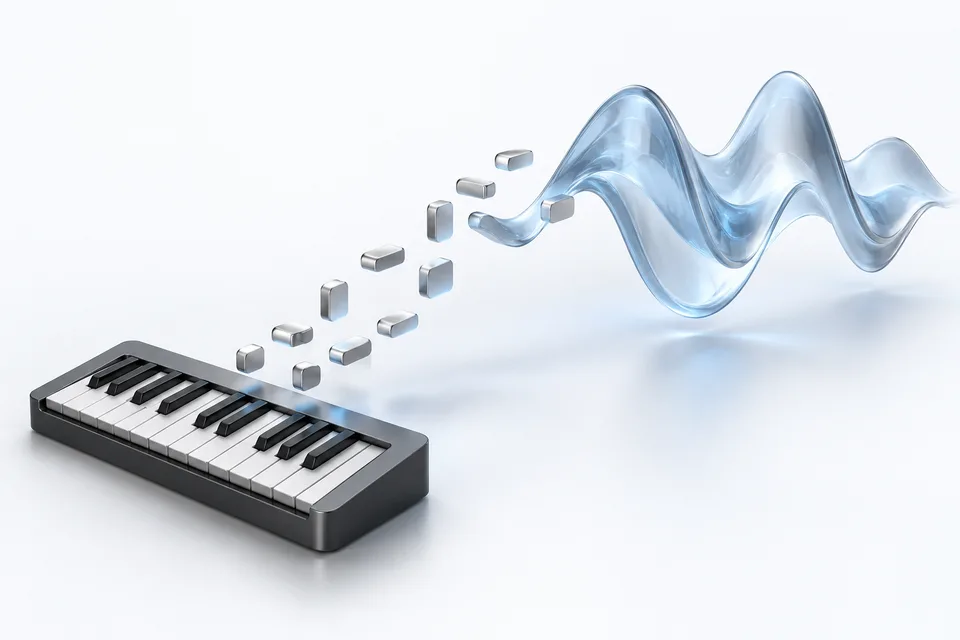
MIDI is a set of instructions.
A MIDI file stores notes, timing, and instrument information rather than recorded sound. Rendering creates audio from those instructions. The result can sound different from the instrument library used in your original project.
OUTPUT GUIDE
Choose the file your workflow needs.
- MP3
- Compressed audio for everyday playback and sharing. A practical choice when a smaller file matters more than a lossless copy.
- WAV
- Uncompressed audio for an editing or production workflow. Allow more storage space than you would for a compressed listening copy.
- FLAC
- Lossless compression for keeping rendered audio without the file size of an uncompressed WAV. Check that your destination player supports FLAC.
- OGG
- An open audio container for supported players and workflows. Check compatibility with the app or platform where you plan to use the file.
- AAC
- Compressed audio for AAC-compatible players. Choose this when your destination calls for an AAC file rather than an M4A container.
- M4A
- An audio container widely used in music libraries and compatible media players. Check the import requirements of your destination app.
- MP4
- Choose MP4 when your destination requires this container. An MP4 extension alone does not promise a visual track or a piano-roll video; check the returned file in your intended player.
FROM NOTES TO PLAYBACK
A clear path to your audio file.
- 01
Choose the output
Select a format and, if needed, adjust quality and sample rate in Advanced Settings. These choices apply when you add a file.
- 02
Add your MIDI files
Drop .mid or .midi files into the uploader or choose them from your device. Each file starts its own conversion task.
- 03
Review and download
Follow the status for each file. Download completed results individually or together, then check them in your intended player.
BEFORE YOU CONVERT
A few useful details.
Which files can I upload?
The converter accepts .mid and .midi files, with a 1 GB per-file upload limit. It does not transcribe a recording into MIDI.
Can I change the output format?
Yes. Choose one of the seven formats in the converter before adding your files. The format navigation above opens a page with that format selected by default.
Will the audio sound exactly like my original project?
Not necessarily. MIDI contains performance instructions, not your original recorded instruments or sound library. Listen to the rendered result before using it in a final project.
Can I cancel or download multiple files?
The workspace keeps a separate status for each file, with cancellation controls for active tasks and download controls for available results. Batch controls appear when files are present.
Does MP4 mean a piano-roll video?
No such promise is made here. MP4 is a container choice; verify the returned file and its tracks in your destination software.
Need help with a conversion?
Contact supportSTART FROM SOMETHING ELSE
Have sheet music instead?
Convert a score into MIDI first, then return here when you need an audio copy.