App That Recognizes Music Notes: Best 2026 Picks
Compare app that recognizes music notes options for sheet music, audio, and practice. See outputs, tradeoffs, and when Melogen fits.
 Zhang Guo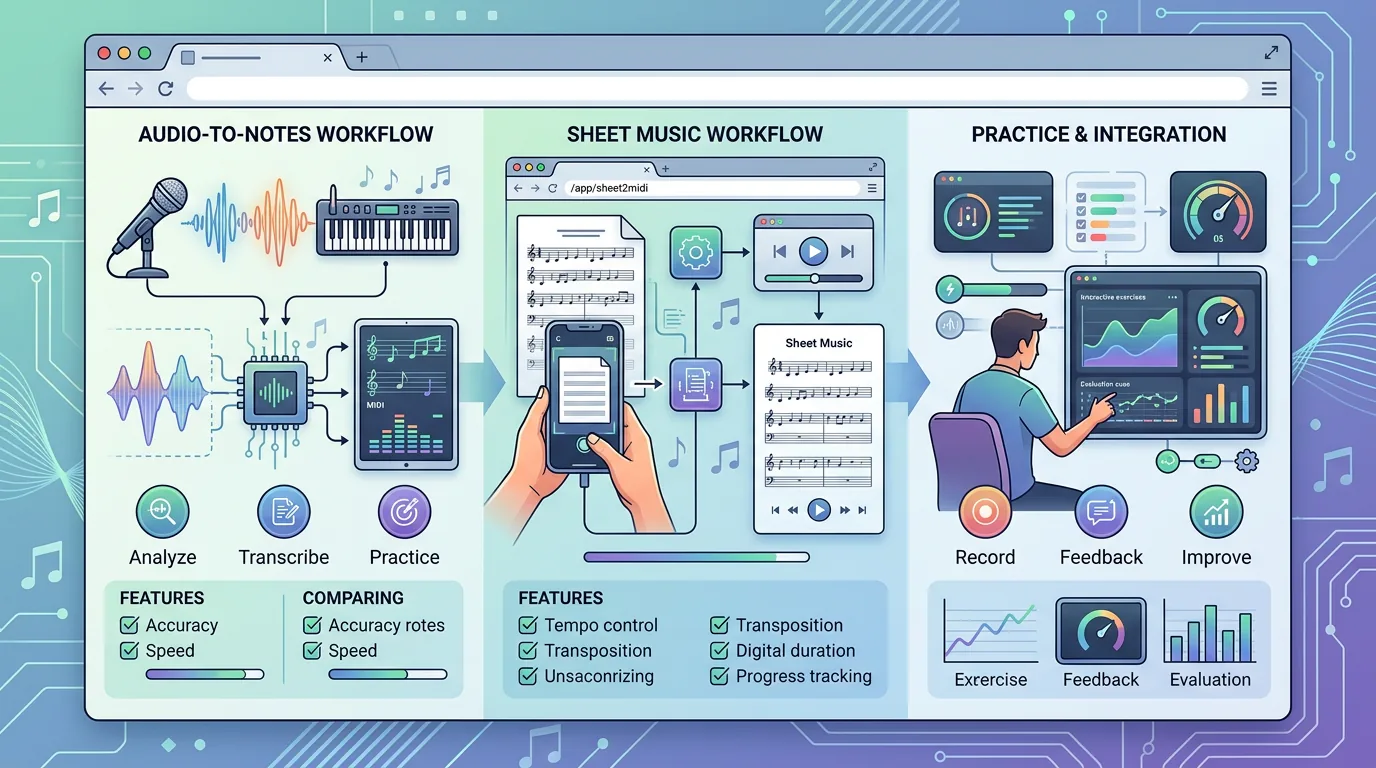
Turn a static score into editable MIDI
Contents
If you are looking for an app that recognizes music notes, the first thing to know is that the best options do not all solve the same job. Some scan printed sheet music. Some listen to a single note through your microphone. Some convert a melody recording into MIDI. Some train your ear so you can recognize notes yourself.
That distinction matters. If you have a PDF score, start with an OMR workflow. If you are singing one note into your phone, use a pitch detector. If you have an audio clip and need editable notes in a DAW, use audio-to-MIDI transcription. This roundup compares the options by source, output, strength, and tradeoff so you can choose the right route without pretending one app fits every music task.
Quick comparison table
| Option | Best for | Output | Strength | Tradeoff |
|---|---|---|---|---|
| Melogen Sheet2MIDI | Scanned sheet music, score images, and PDFs | MIDI or MusicXML | Browser-based score-to-file workflow | Best when the source is visible notation, not raw audio |
| PlayScore 2 | Mobile OMR and score playback | Playback, MIDI, MusicXML | Strong score-reading workflow for printed notation | More app-centered than browser-first |
| Sheet Music & Note Recognition | Live microphone note detection | Standard notation from clear monophonic input | Simple phone-based audio-to-notes workflow | Optimized for clear single notes, not dense full mixes |
| Find the Note | Instant pitch names while singing or playing | Note name, frequency, pitch history | Fast live feedback for practice | Not a full transcription or notation export workflow |
| Basic Pitch | Audio-to-MIDI experiments from recordings | MIDI | Useful for single-instrument recordings and DAW cleanup | Needs review and correction after transcription |
| Perfect Ear | Learning to recognize notes yourself | Ear training, rhythm, sight-reading drills | Best for musicianship practice | Does not convert a score or recording into a production file |
Best overall for sheet music: Melogen Sheet2MIDI
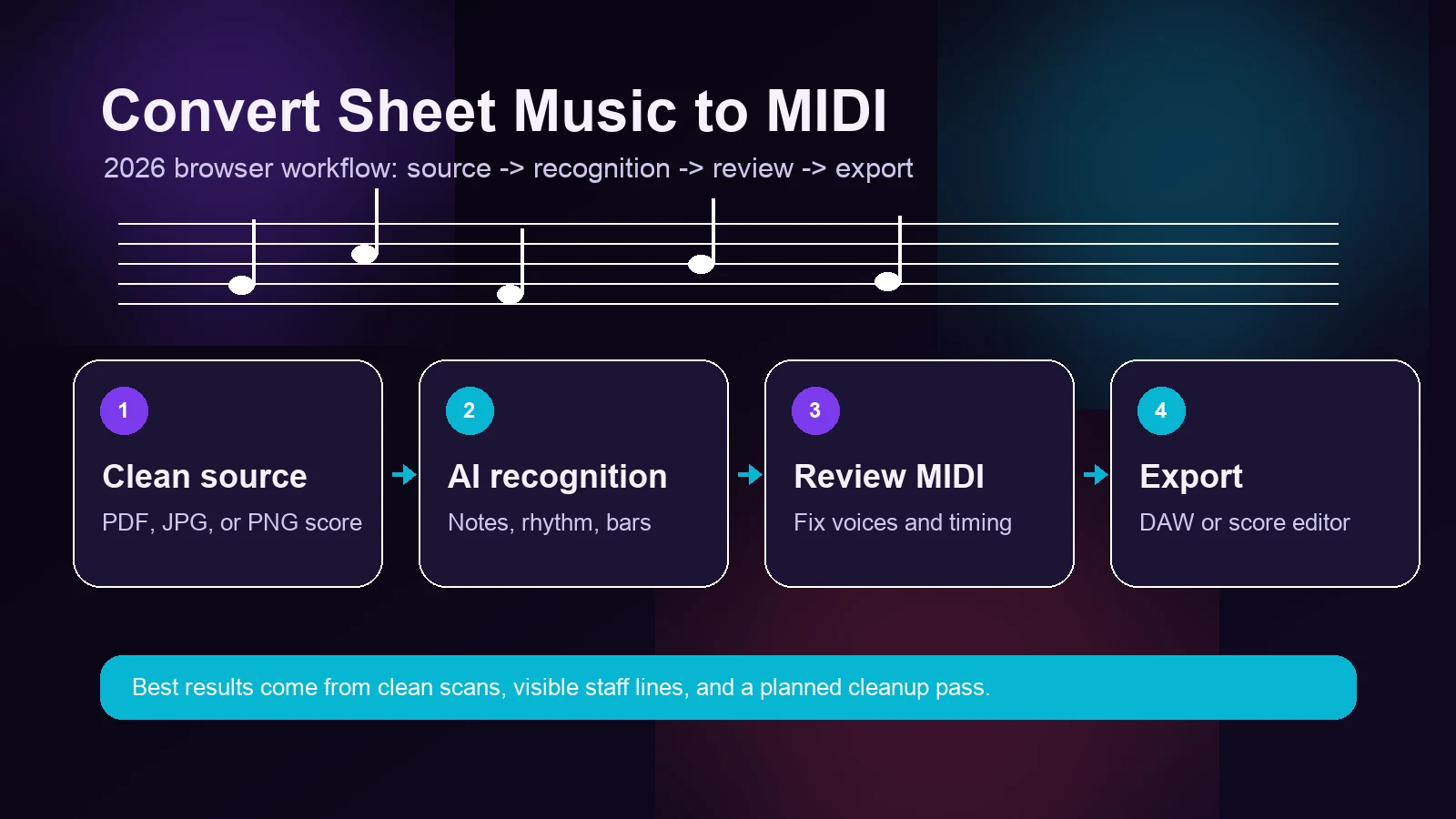
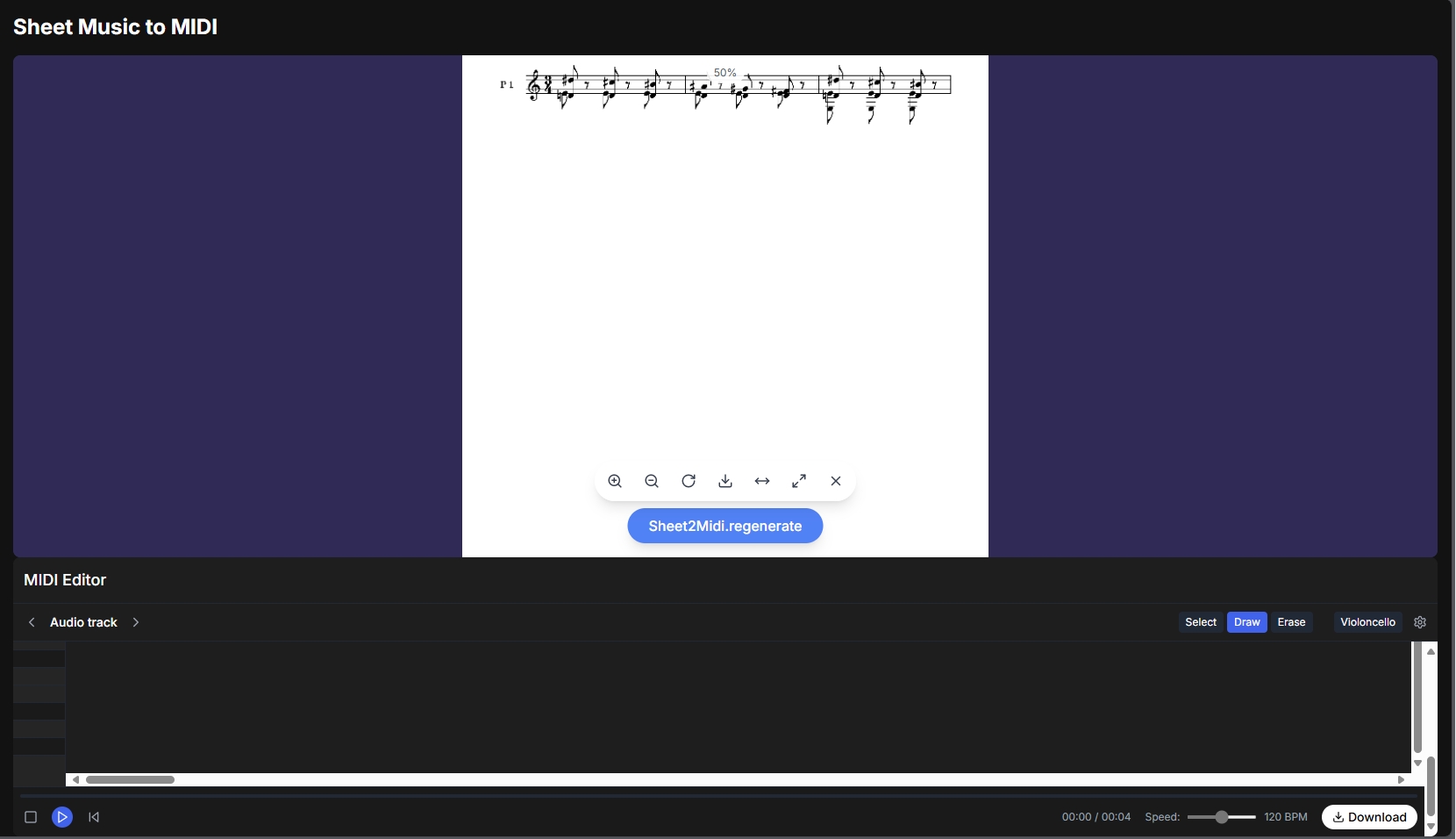
Melogen Sheet2MIDI is the strongest fit when the notes are already visible on a page. The local product flow supports sheet music images and PDFs, including JPG, PNG, and PDF input, then outputs MIDI and MusicXML for editing or playback. That makes it a practical first stop for arrangers, students, teachers, and producers who want to move from a static score into an editable file.

Key features
- Score image and PDF upload
- MIDI and MusicXML output
- Browser-first workflow
- Useful when the next step is a DAW or notation editor
Pros and cons
The main advantage is the output path. A note name on a screen is not enough if you need to edit the music. MIDI and MusicXML give you something you can inspect, correct, and move into a real workflow. The catch: this is the right tool for visible notation, not for a random full-band audio recording.
Best-fit reader
Choose Melogen if you have a score, scan, PDF, or clean photo and want a first editable pass. If you are still learning the category, this guide to what OMR means for musicians explains the technology behind score recognition.
Best mobile OMR app: PlayScore 2
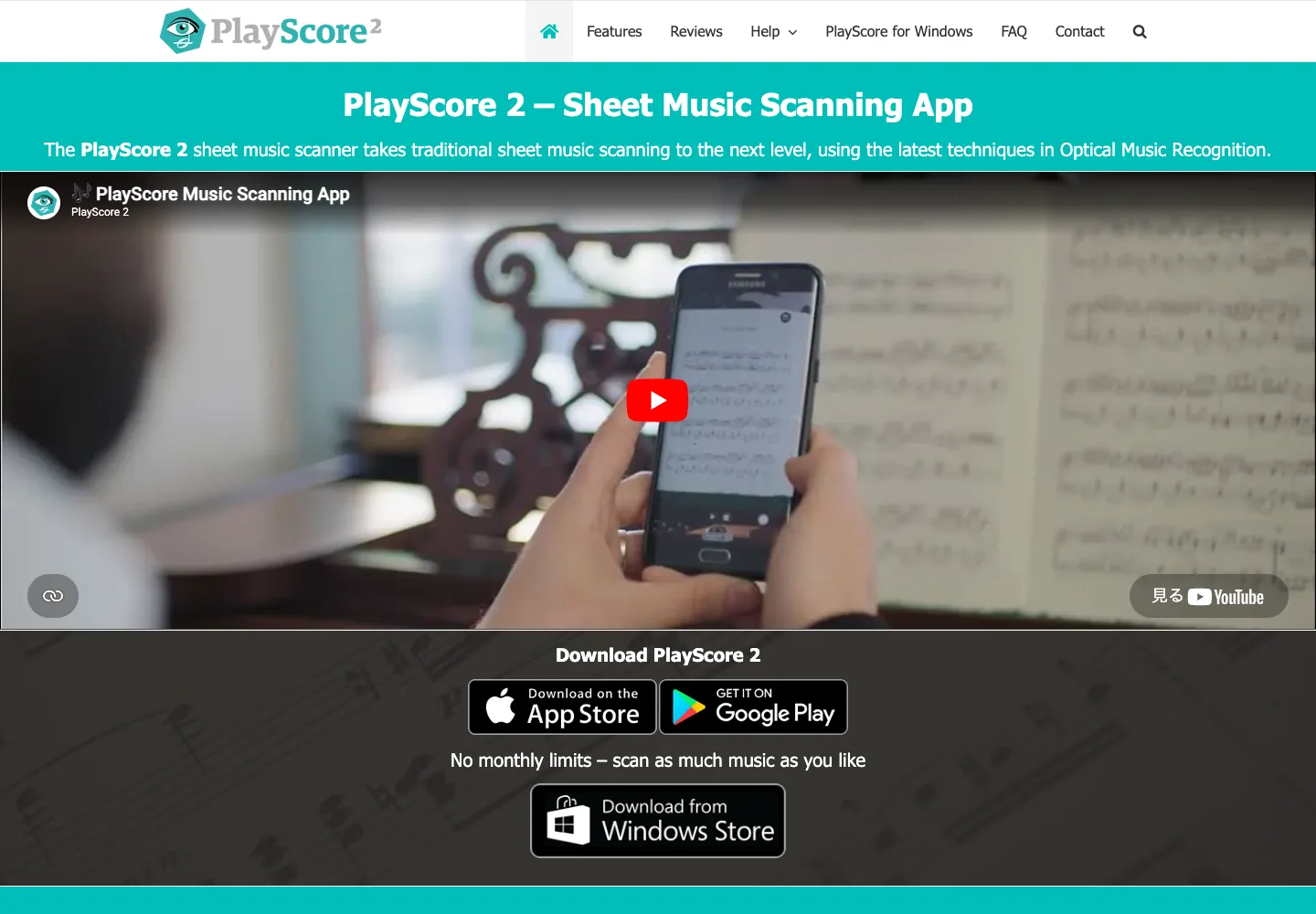
PlayScore 2 is a dedicated sheet music scanning app. Its current public product page describes Optical Music Recognition for traditional sheet music scanning, playback of scores, multi-staff score reading, and export to MIDI or full-notation MusicXML.
Key features
- Camera and PDF score workflows
- Score playback
- MIDI and MusicXML export
- Practice-oriented playback features such as looping and tempo control
Pros and cons
PlayScore 2 is strong when you want a mobile score reader that recognizes notation and plays it back. It is less direct if your goal is a browser-based conversion workflow or a quick one-off score-to-MIDI pass from your desktop.
Best-fit reader
Choose PlayScore 2 if you want an app-centered OMR workflow for practice, playback, and score export. If your main question is broader than one app, compare it against other score workflows in this best OMR software for musicians guide.
Best for live microphone notes: Sheet Music & Note Recognition
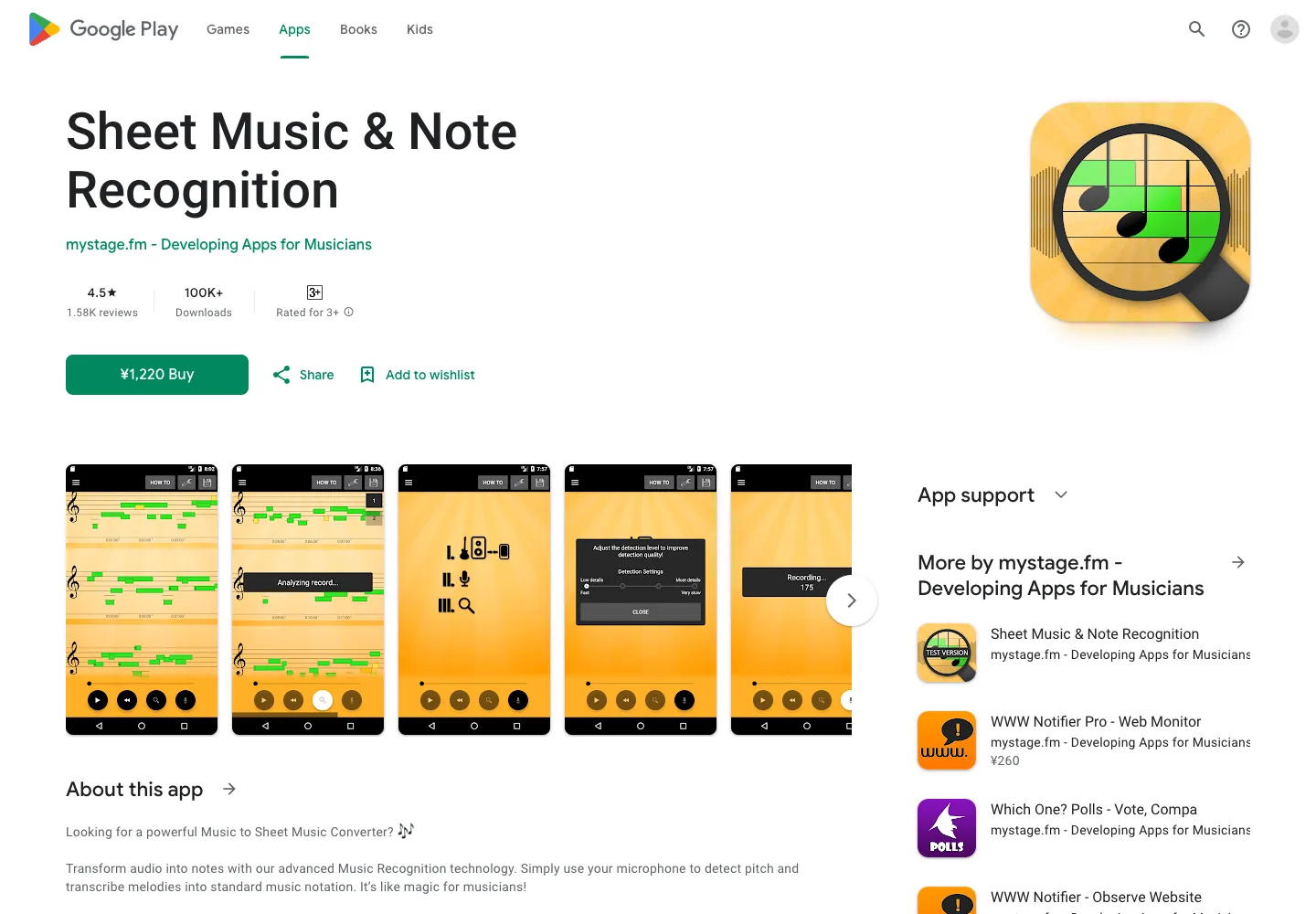
Sheet Music & Note Recognition by mystage.fm is aimed at musicians who want microphone-based note detection. Its Google Play listing says it can transform audio into notes, detect pitch, transcribe melodies into standard notation, and works best with clear single notes.
Key features
- Microphone-based pitch detection
- Live melody transcription into notation
- Instrument and vocal practice use cases
- Phone-first workflow
Pros and cons
This is a better fit for live note checking than for scanned score conversion. The useful limitation is right in the app positioning: clear monophonic input is the safer target. If your source is a dense recording with drums, chords, and vocals, do not expect a phone microphone detector to behave like a full transcription system.
Best-fit reader
Choose it if you want to sing or play a melody into your phone and see notes appear. Do not choose it if your real need is turning a PDF score into MusicXML.
Best simple pitch detector: Find the Note
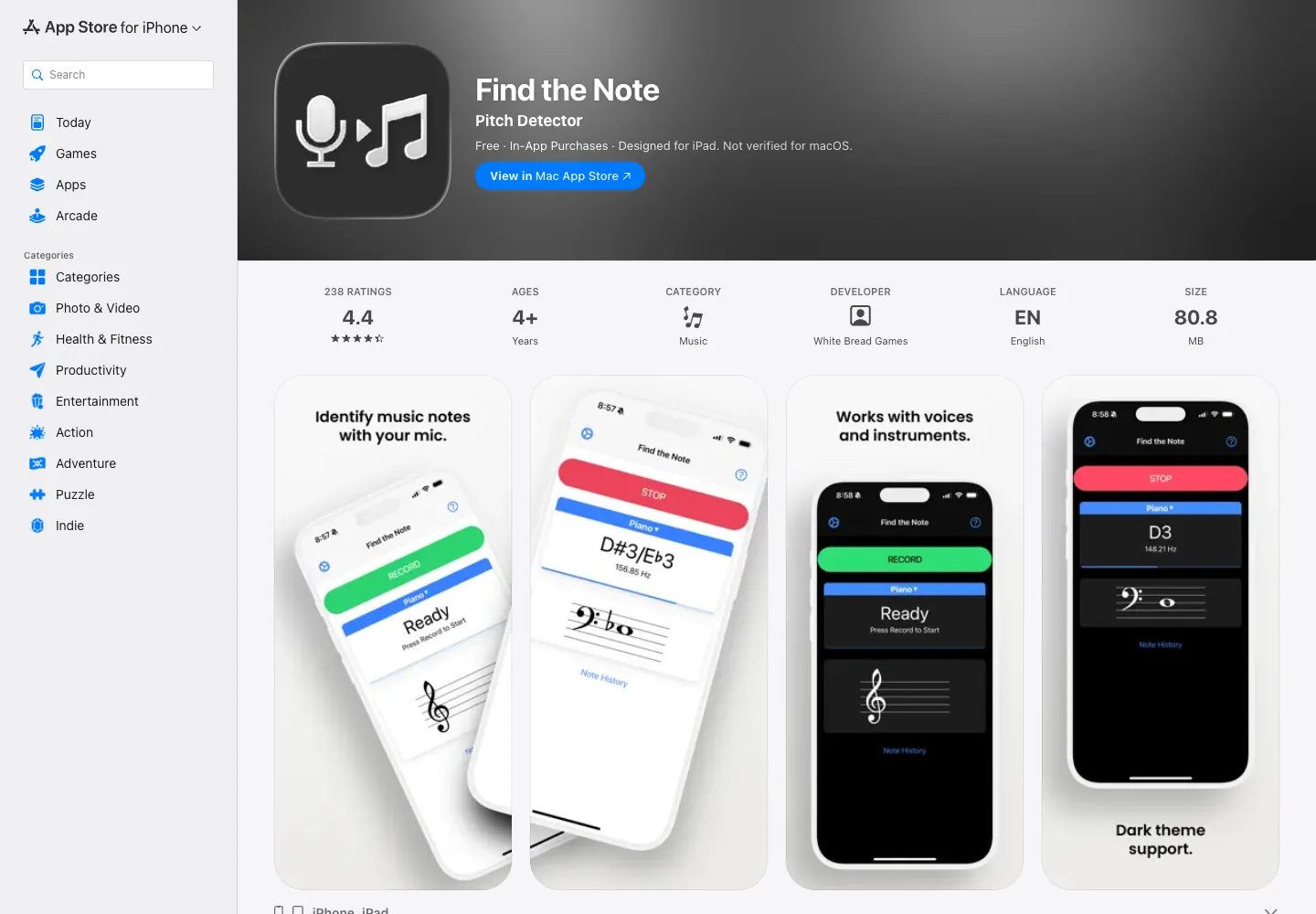
Find the Note is a focused iOS pitch detector. The App Store listing says it uses the device microphone to identify musical notes, displays frequency and current note, works with voice, piano, and other instruments, and includes note history.
Key features
- Real-time note name and frequency display
- Voice and instrument input through the device microphone
- Note history for practice tracking
- Lightweight practice use case
Pros and cons
The strength is simplicity. If you are checking whether you sang an F-sharp or a G, a focused pitch detector is faster than a full OMR or MIDI tool. The tradeoff is that it is not a notation export workflow. It will not turn a page of sheet music into a MusicXML file or build a polished DAW-ready arrangement.
Best-fit reader
Choose it for quick practice feedback, tuning-style checks, and live note identification. Skip it when the source is a scan, PDF, or full recording.
Best open-source audio-to-MIDI option: Basic Pitch
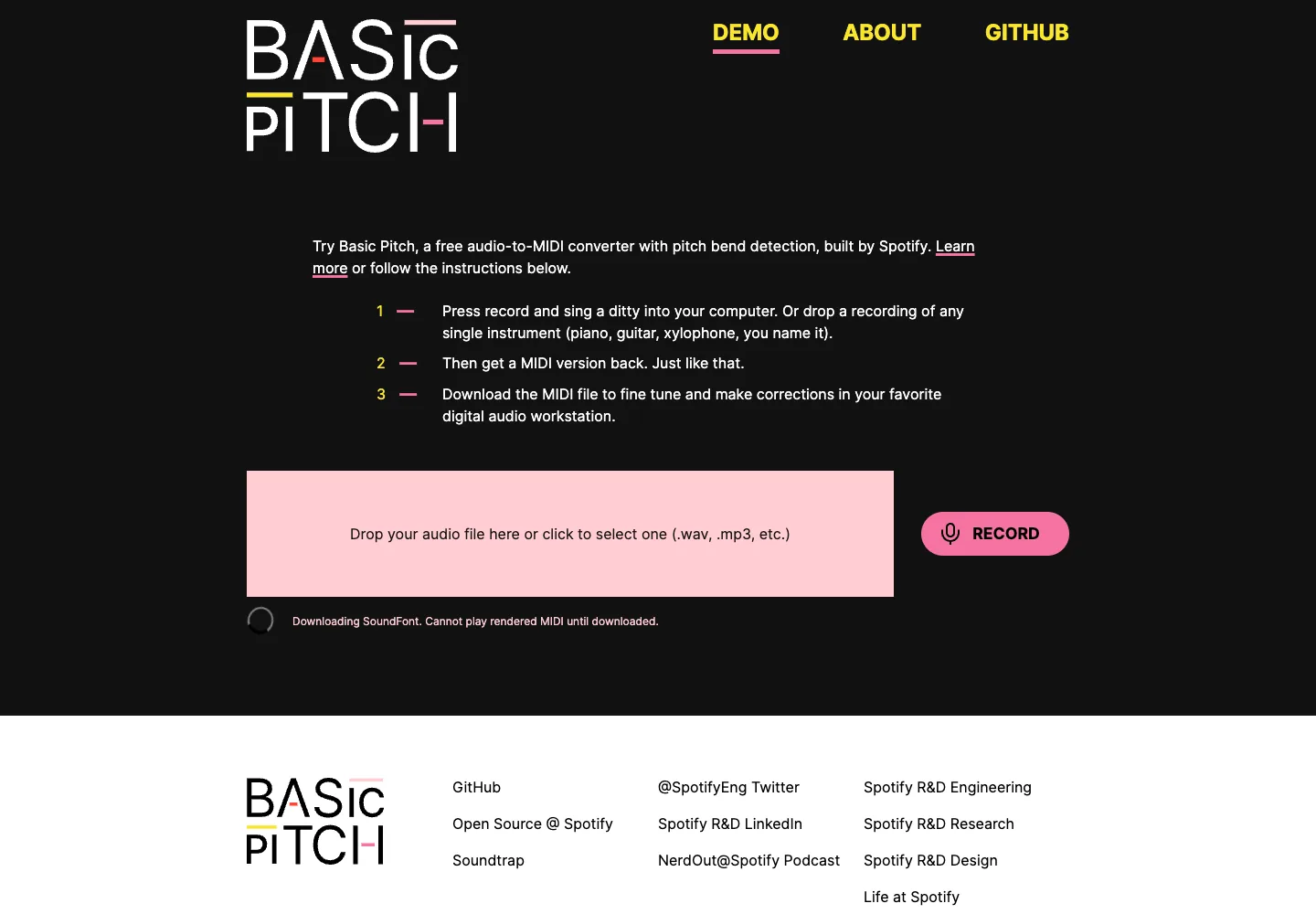
Basic Pitch is Spotify's open-source audio-to-MIDI converter demo. The current demo page says you can sing, drop in a single-instrument recording such as piano or guitar, get a MIDI version back, then download the MIDI for cleanup in a DAW.
Key features
- Audio-to-MIDI conversion
- Pitch bend detection
- Web demo plus open-source project
- Better fit for single-instrument recordings than noisy mixes
Pros and cons
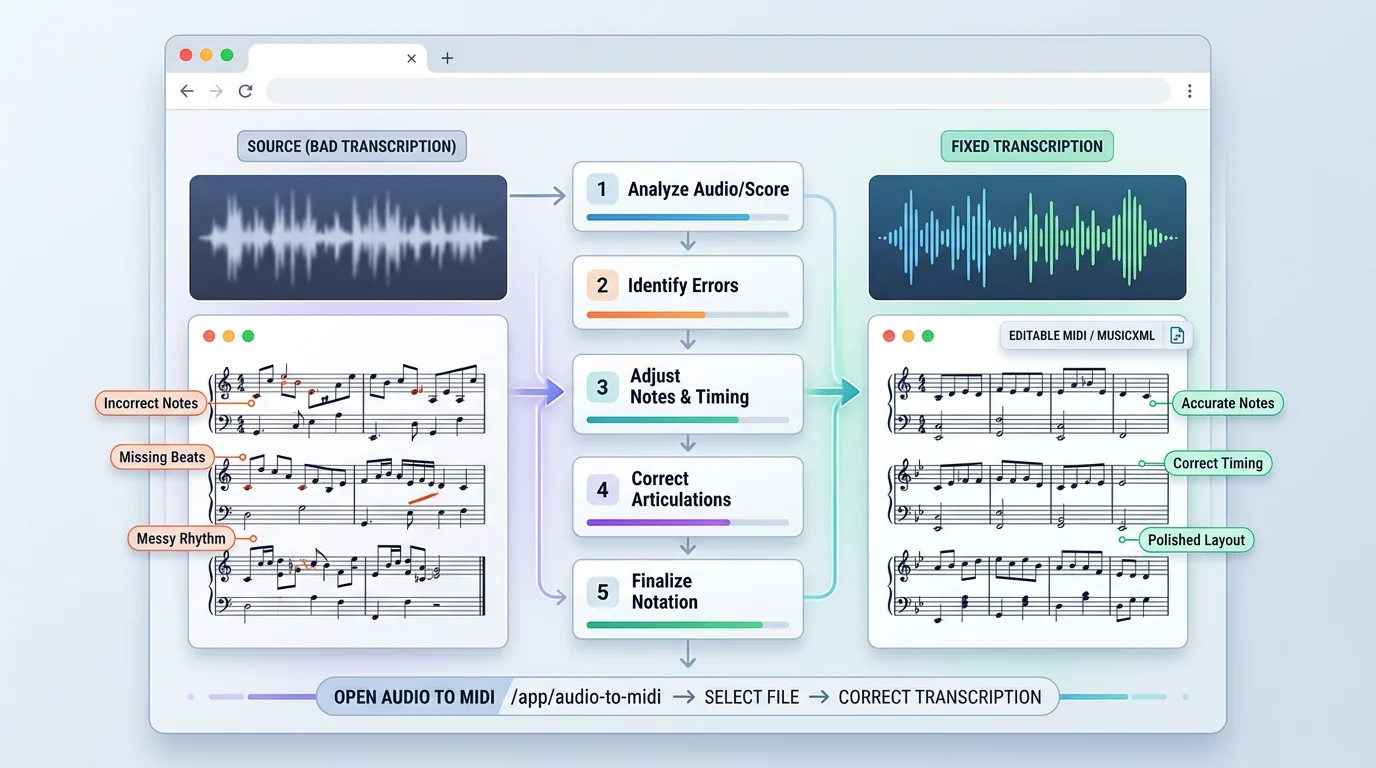
Basic Pitch is useful when the notes live in audio, not on a page. That makes it a different category from Sheet2MIDI or PlayScore 2. The tradeoff is that MIDI from audio transcription still needs review. You should expect to correct timing, extra notes, missing notes, and phrasing details after the first pass.
Best-fit reader
Choose it if you have a clean vocal, guitar, piano, or other single-instrument recording and want MIDI you can inspect in your DAW. If the music already exists as notation, use an OMR path instead.
Best for ear training: Perfect Ear
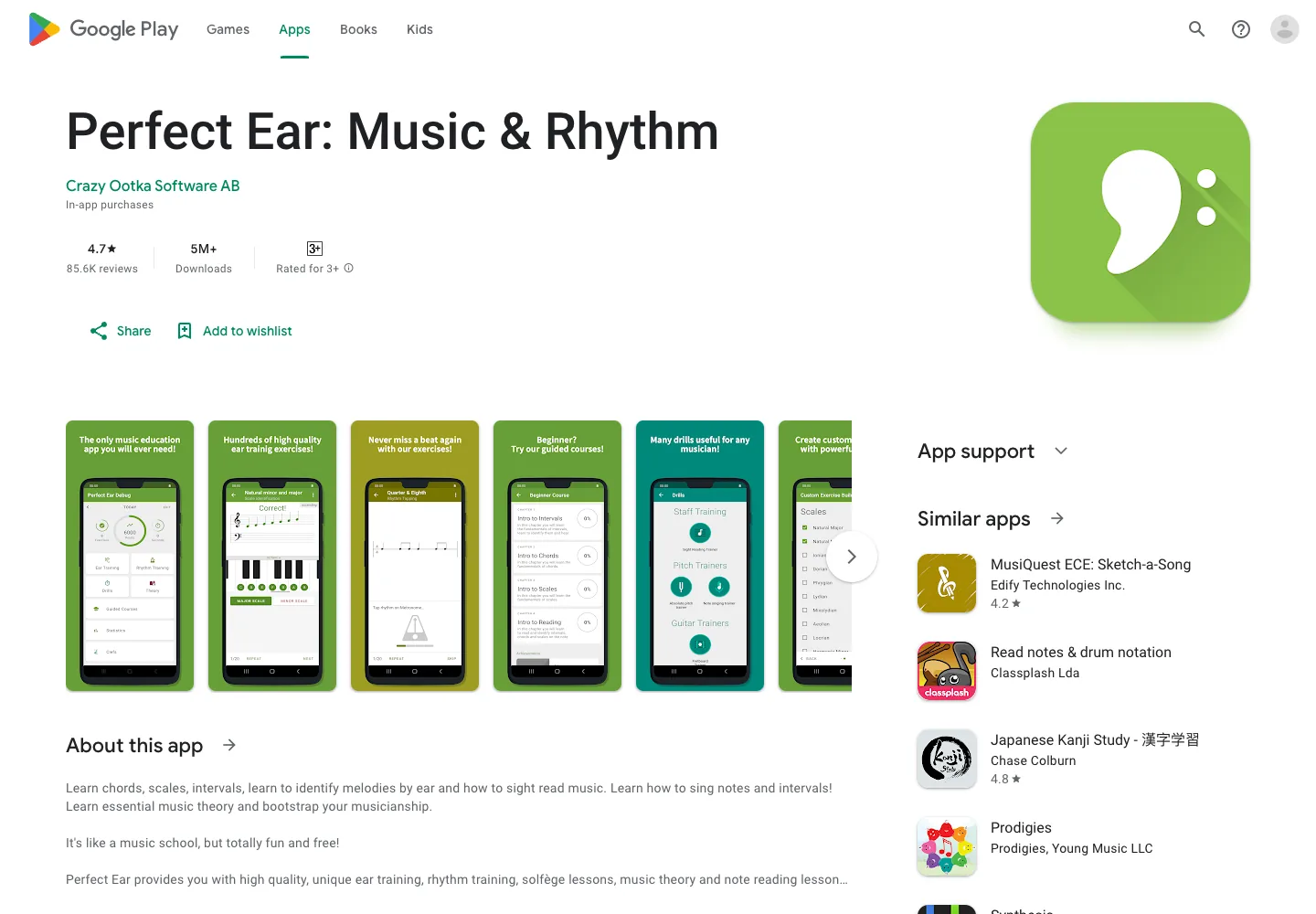
Perfect Ear is not mainly a converter. It is a training app. Its Google Play listing describes exercises for intervals, scales, chords, rhythm training, sight reading, melodic dictation, absolute pitch, and note singing.
Key features
- Ear training and rhythm exercises
- Sight-reading trainer
- Melodic dictation and note singing
- Music theory practice
Pros and cons
Perfect Ear is the right kind of app when your goal is to recognize notes better yourself. That is a different outcome from exporting MIDI or MusicXML. If you need a file you can edit, choose a conversion workflow. If you need better musical recognition over time, training makes more sense.
Best-fit reader
Choose it if you are a learner, teacher, singer, or instrumentalist building note recognition and listening skills. Do not choose it as a score scanner or audio-to-MIDI converter.
How to choose the right option
Use the source-and-output test:
| If you have... | Choose... | Because... |
|---|---|---|
| A PDF, scan, or photo of sheet music | Melogen Sheet2MIDI or PlayScore 2 | You need OMR, not a microphone pitch detector |
| A clean single-instrument recording | Basic Pitch or another audio-to-MIDI workflow | The notes are inside audio, not printed notation |
| A sung or played single note | Find the Note or Sheet Music & Note Recognition | You need real-time pitch detection |
| A long-term practice goal | Perfect Ear | You need training, not file conversion |
| A notation-editing workflow | MIDI or MusicXML output | A plain note label is not enough |
The most common mistake is using the right app category for the wrong source. A score scanner will not understand a noisy band recording. A pitch detector will not preserve bar lines from a piano score. An ear trainer will not export your arrangement.
If you are starting from a score and need a practical cleanup loop, read the workflow guide for converting sheet music to MIDI after choosing your recognition tool.
FAQs
What is the best app that recognizes music notes from sheet music?
Use an OMR tool. Melogen Sheet2MIDI is the best fit if you want a browser-based workflow from PDF, PNG, or JPG into MIDI or MusicXML. PlayScore 2 is also a strong mobile OMR option if you want app-based playback and export.
What is the best app for recognizing notes from singing?
Use a pitch detector or audio-to-MIDI tool depending on the output. Find the Note is simpler for live note names. Basic Pitch is more useful if you want a MIDI file from a recorded melody.
Can one app recognize notes from both sheet music and audio?
Some tools cover more than one workflow, but accuracy and output quality still depend on the source. In practice, visible notation, live pitch detection, and audio transcription are different jobs. Pick the tool around the source first.
Should I export MIDI or MusicXML?
Use MIDI when you want playback, DAW editing, or production work. Use MusicXML when you want notation editing in software such as MuseScore, Sibelius, Dorico, or Finale. If the source is a printed score, MusicXML often preserves more notation detail.
Move from sheet music to editable MIDI faster
Use Melogen Sheet2MIDI when your source is a score, scan, photo, or PDF and you need a browser-first first pass before cleanup.
The practical takeaway
The best apps that recognize music notes are best only inside the right workflow.
For sheet music, choose Melogen Sheet2MIDI or another OMR tool. For a single note through a microphone, choose a pitch detector. For audio recordings, choose audio-to-MIDI and expect cleanup. For musicianship, use an ear-training app.
That is the honest way to read this category. Start with the source, choose the output you need, then test one short example before trusting any app with a full score or arrangement.
About the author
Zhang Guo
Composer - AI Product Manager
AI product manager and digital marketing consultant with a background in music. Creativity is the bridge between rhythm and logic, where musical intuition and mathematical precision can coexist in every meaningful product decision.
Follow on X