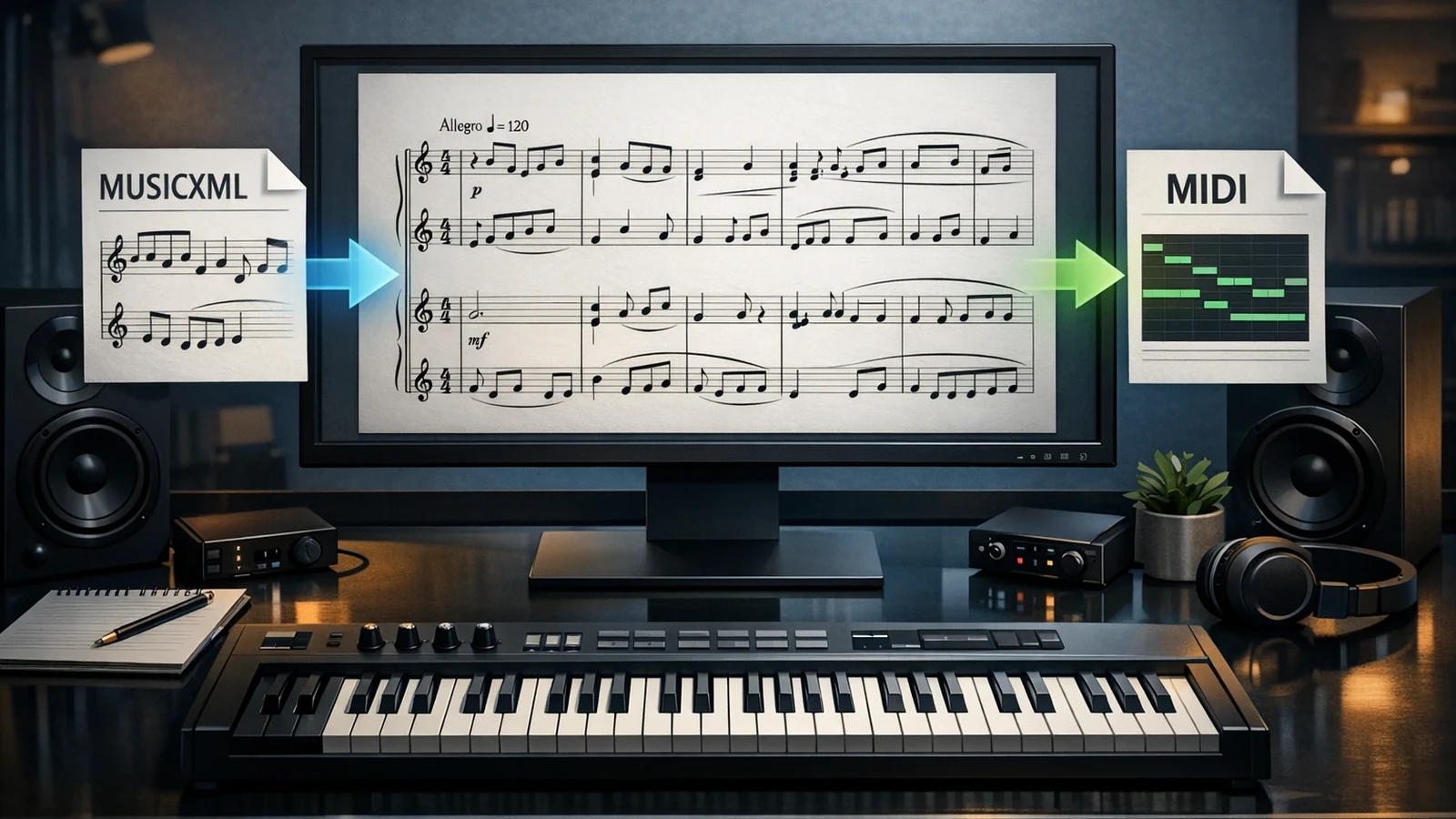
Best MusicXML Software for Musicians in 2026
Compare MusicXML software for PDF conversion, notation editing, browser viewing, and pen workflows, with practical picks for musicians.
 Zhang Guo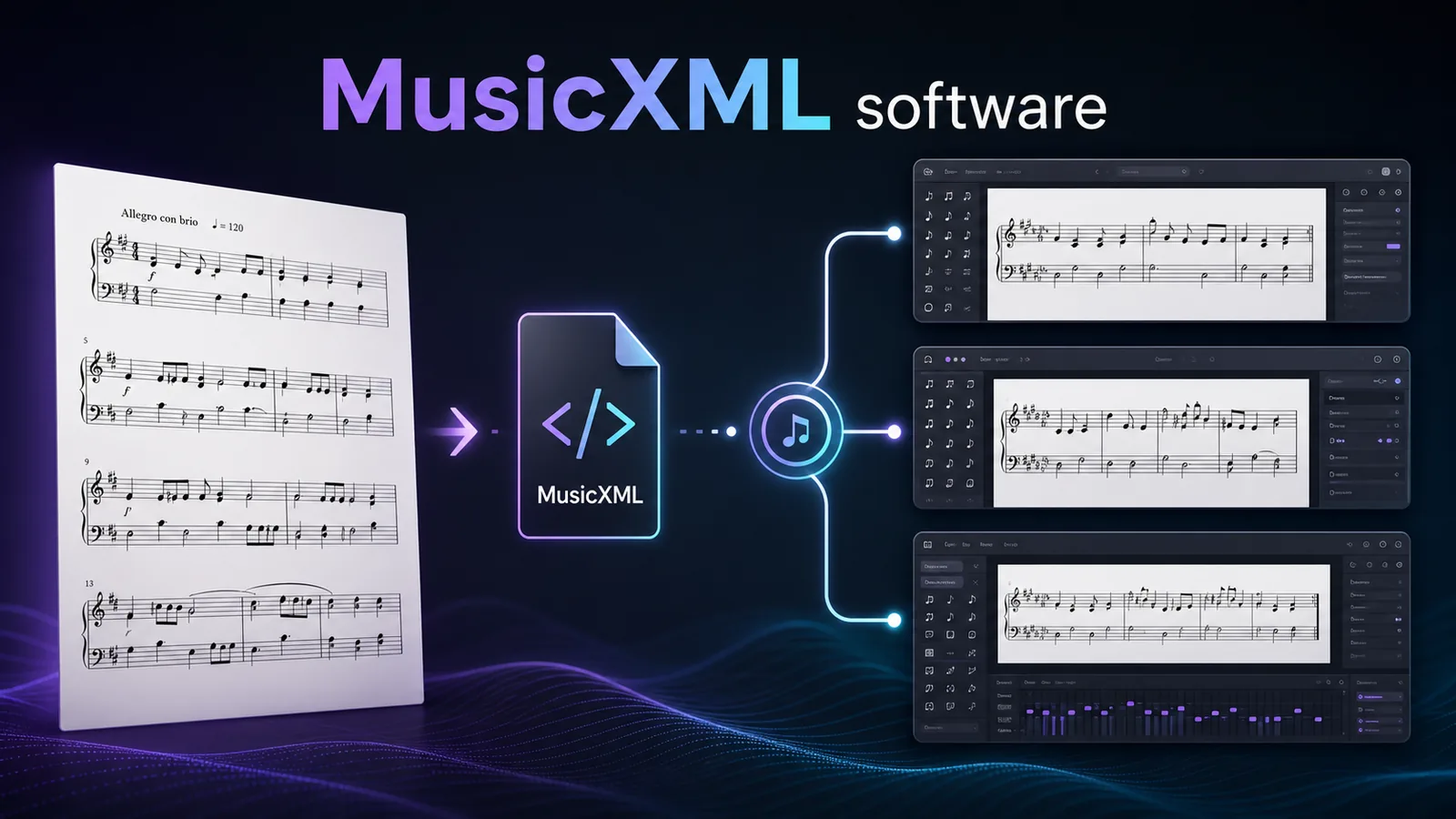
Turn a static score into editable MIDI
Contents
The best MusicXML software depends on the job before and after the file. If you have a scanned PDF and need editable notation, start with a converter such as Melogen PDF to MusicXML. If you already have a MusicXML or MXL file, open it in a notation editor such as MuseScore Studio, Dorico, or Sibelius. If you just need to inspect a file quickly, a browser viewer can be enough.
That distinction matters because MusicXML is not one single workflow. The W3C MusicXML 4.0 tutorial defines it as a digital sheet music interchange and distribution format. In musician terms, it is the bridge between score sources, notation editors, rehearsal tools, and sometimes DAWs. The software you choose should match the bridge you actually need.
Quick Comparison Table
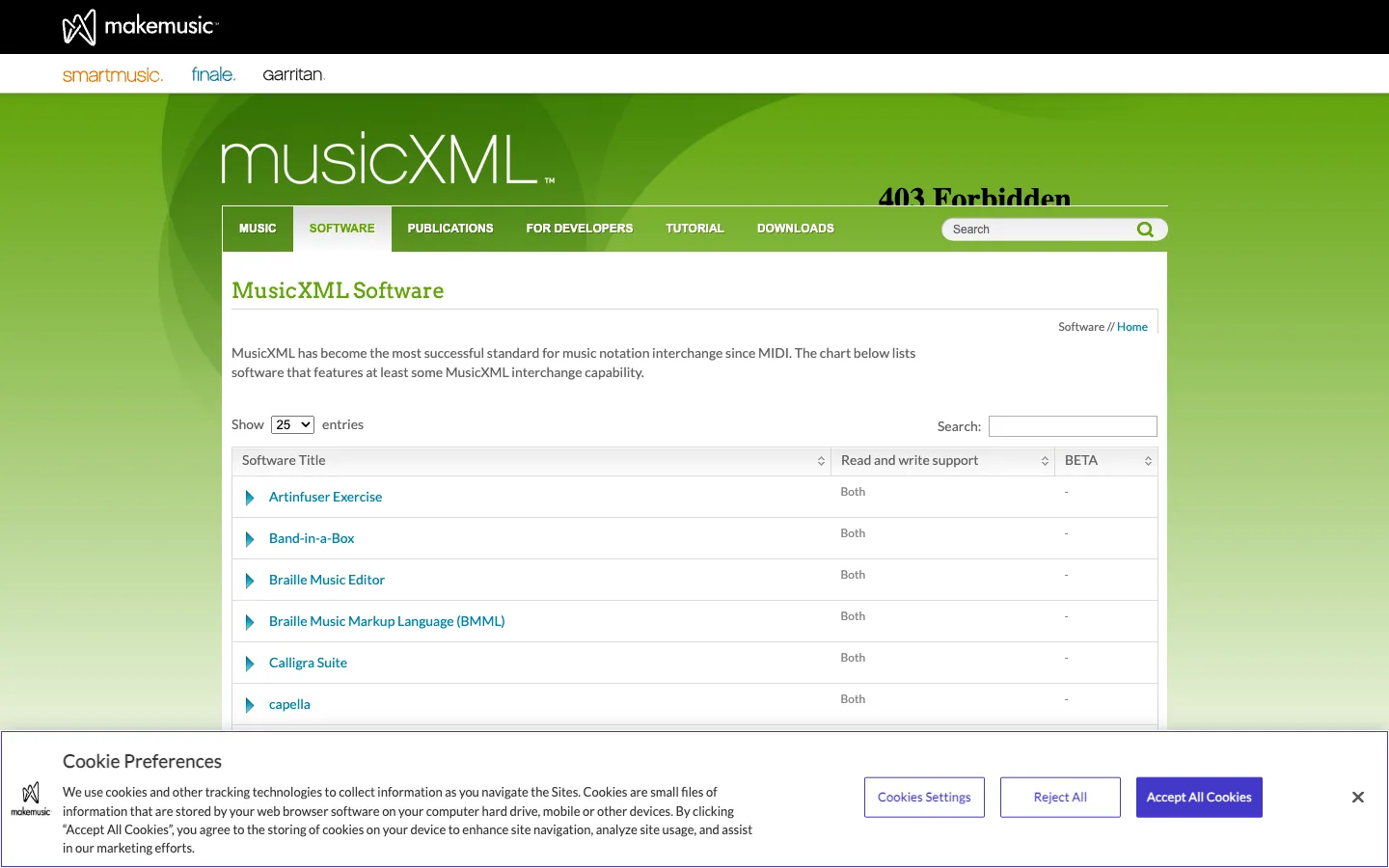
The official MusicXML software directory lists many programs with at least some MusicXML interchange support, but most musicians do not need to test every entry. Start with the job in front of you.
| Software | Best for | MusicXML role | Strength | Tradeoff |
|---|---|---|---|---|
| Melogen PDF to MusicXML | Turning PDF sheet music into editable notation | Creates MusicXML from a PDF score | Browser-first conversion before cleanup | Not a full notation editor |
| MuseScore Studio | Free notation cleanup and everyday score editing | Reads and exports MusicXML or MXL | Strong no-cost editing path | Imported layouts still need proofreading |
| Dorico | Professional scoring and engraving | Imports and exports MusicXML in pro scoring workflows | Strong layout, parts, and engraving tools | Best when you need a serious notation workspace |
| Sibelius | Established notation workflows in schools and studios | Reads MusicXML across tiers, writes in paid tiers | Familiar to many educators and copyists | Tier details matter before you choose it for export |
| Soundslice MusicXML Viewer | Fast browser inspection and practice | Uploads and displays MusicXML temporarily | Quick view, playback, hide parts, transpose | Viewer-first, not a desktop engraving suite |
| StaffPad | Pen and touch composition | Imports and exports MusicXML for handoff | Natural for sketching notation on tablet devices | Requires a compatible pen/touch device |
Best for PDF Scores Melogen PDF to MusicXML
Melogen fits when the source is a static PDF score and the next step is notation editing. The useful output is not a prettier PDF. It is a MusicXML or MXL file that can be opened in a notation editor for cleanup, transposition, part extraction, or printing.
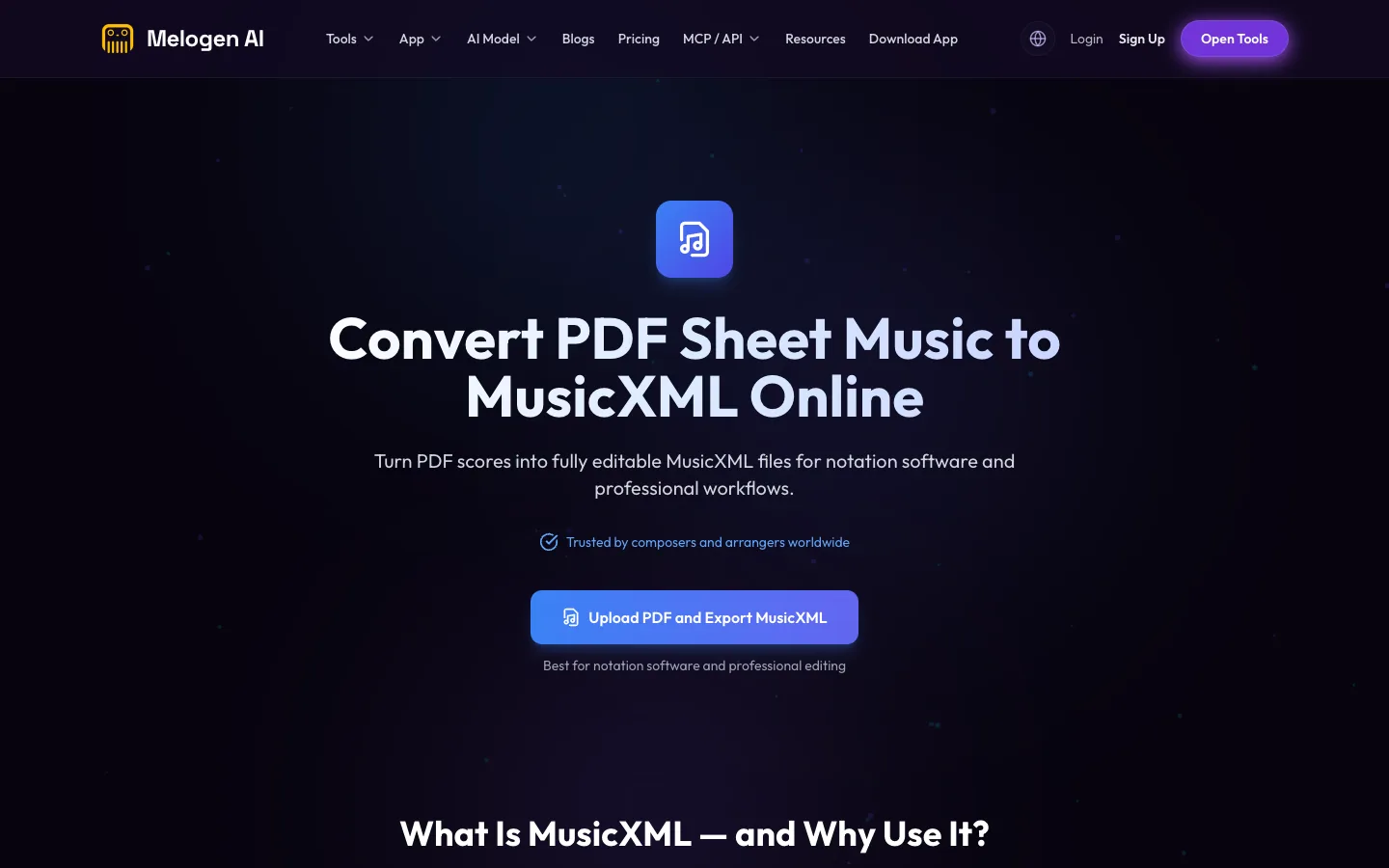
Use this path when you have a readable PDF and do not want to re-enter every note by hand. Run the first conversion, open the result in your notation software, then check measures, voices, lyrics, dynamics, repeats, and layout. If the score is a blurry scan, straighten or rescan before expecting clean MusicXML.
Melogen should not replace the notation editor at the end of the workflow. It is the bridge into that editor. For a deeper source-prep workflow, use the convert PDF to MusicXML online guide before you clean the exported file.
Best Free Notation Editor MuseScore Studio
MuseScore Studio is the practical first stop when you want a free notation editor that can open, inspect, and clean MusicXML files. The MusicXML directory lists MuseScore as reading and writing MusicXML, including compressed .mxl, and the MuseScore handbook has a dedicated page for working with MusicXML files.
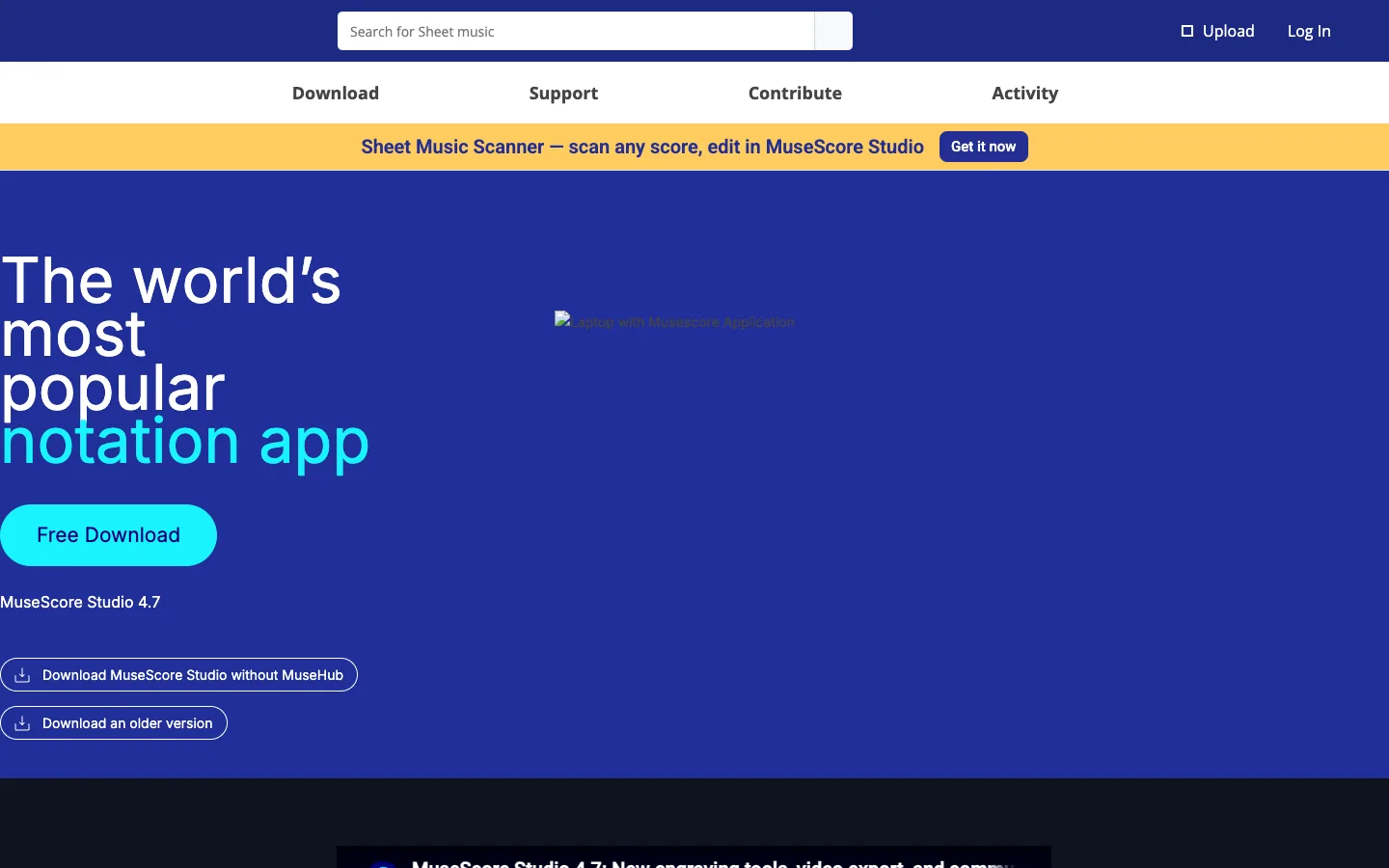
This is the tool I would try first after a conversion if the goal is basic proofreading, part edits, transposition, or a fast print-ready pass. It is especially useful for students, teachers, and arrangers who want a real notation workspace without starting with a paid scoring package.
The tradeoff is normal for MusicXML: the imported score may not look identical to the source. Treat MusicXML as structure first. Notes, staves, voices, and markings matter more than exact page spacing during the first import.
Best Professional Engraving Path Dorico
Dorico is the better fit when the MusicXML file is entering a professional scoring environment. Steinberg's Dorico help explains that MusicXML files can be imported into existing Dorico Pro projects as separate flows, and that Dorico can use page, margin, and staff-size information when those values are present in the file.

Choose Dorico when the score will become a polished part set, an ensemble arrangement, a publishing layout, or a larger project with multiple flows. It is also a sensible destination if you are moving away from older notation software and need a current pro-grade environment.
The caution is that Dorico is not the quickest answer for someone who only needs to open one MusicXML file. It shines when the next step is real notation work.
Best Familiar Studio Workflow Sibelius
Sibelius remains a familiar MusicXML destination for many school, church, theater, and studio workflows. The MusicXML directory lists Sibelius as a notation editor with MusicXML read support across First, Artist, and Ultimate, while MusicXML writing depends on tier and platform.
Use Sibelius when the people around the project already use it, or when a teacher, copyist, or ensemble library expects Sibelius files after the MusicXML import. It is less about being universally better and more about fitting an existing notation ecosystem.
Before choosing Sibelius specifically for export, check the exact tier you plan to use. MusicXML reading and MusicXML writing are not the same requirement.
Best Browser Viewer Soundslice MusicXML Viewer
Soundslice is useful when you need a quick look at a MusicXML file before deciding whether it deserves deeper cleanup. Its free MusicXML viewer says you can upload a MusicXML file, see the notation, listen, hide parts, and transpose inside the browser.
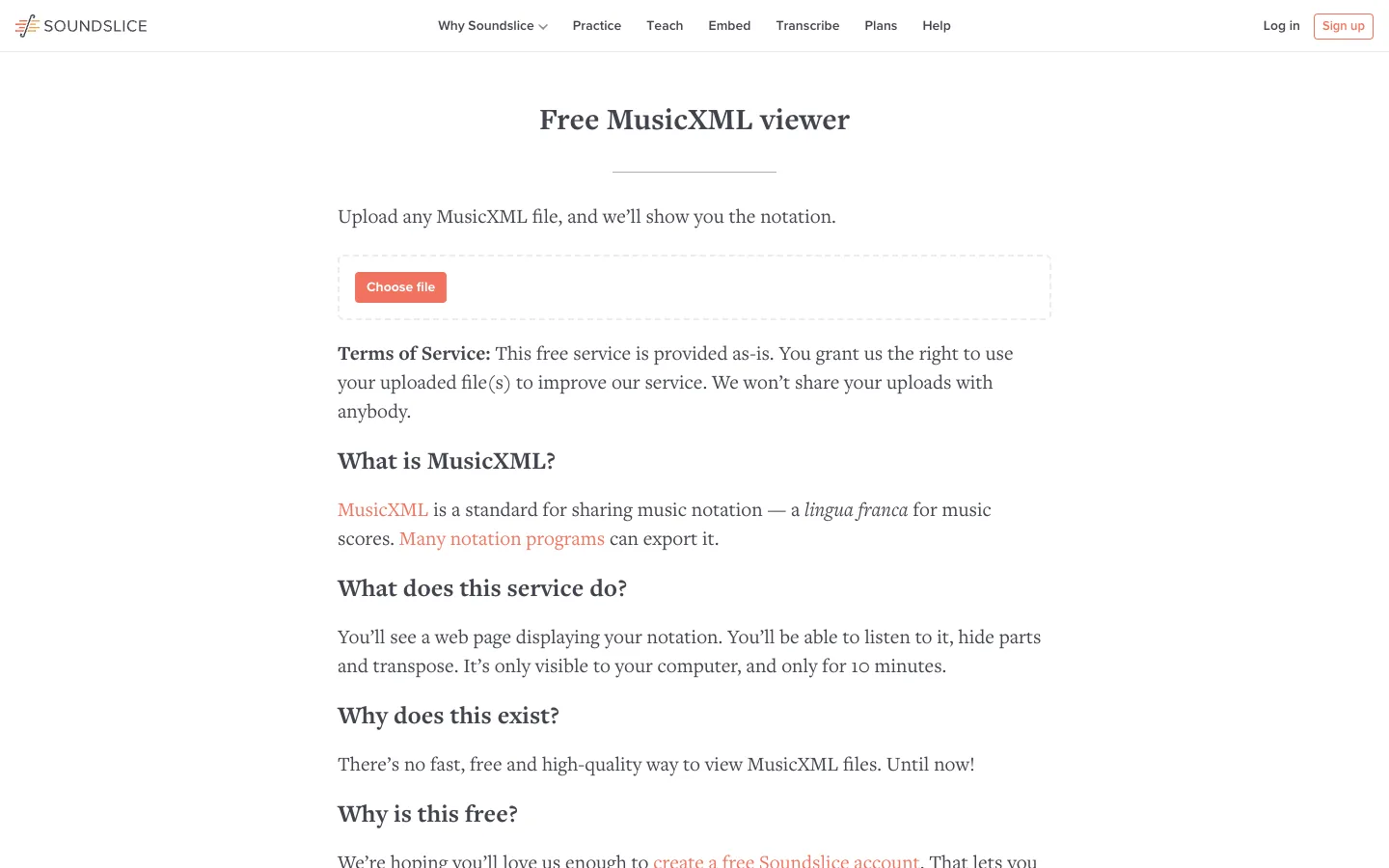
That makes it a good triage tool. Did the conversion preserve the right number of staves? Are the rhythms roughly intact? Does the file open at all? A quick browser view can answer those questions before you move into a notation editor.
Do not use a viewer as your final cleanup workspace. Use it to inspect, share a quick read, or diagnose whether the file needs a full notation pass.
Best Pen and Touch Workflow StaffPad
StaffPad is a different kind of MusicXML software because it is built around handwriting notation with pen and touch. StaffPad's help docs say it can import MusicXML and MIDI, and its export docs explain that MusicXML is the better interchange choice when notation semantics matter more than MIDI playback events.
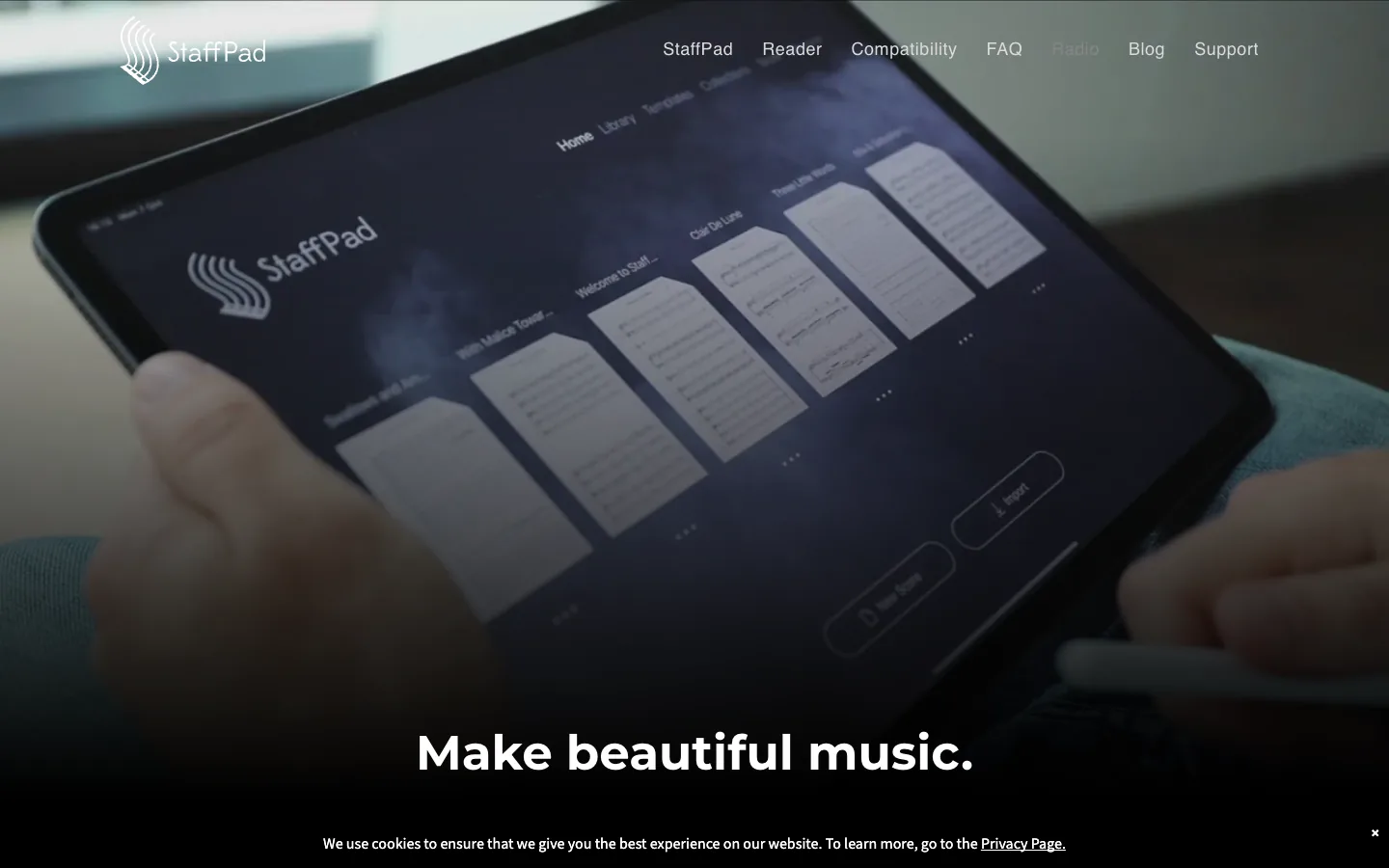
Choose StaffPad if your composition workflow starts with handwritten notation on a compatible iPad or Windows pen device, then needs to move into another notation program later. It is not the first pick for cleaning a scanned PDF, but it is strong when the writing surface itself is the reason you are choosing software.
The practical check is hardware. If you do not already want the pen-and-touch workflow, MuseScore, Dorico, or Sibelius will usually be more direct for MusicXML cleanup.
How to Choose the Right MusicXML Software
Use this decision framework before installing another notation app.
| Your starting point | Choose | Why |
|---|---|---|
| A scanned or exported PDF score | Melogen PDF to MusicXML | You need to create MusicXML before a notation editor can clean it. |
| A MusicXML file that needs free cleanup | MuseScore Studio | It gives you an editable score workspace without a paid entry point. |
| A score that will become professional parts | Dorico | Layout, flows, parts, and engraving matter after import. |
| A school or studio already standardized on Sibelius | Sibelius | Collaboration fit can matter more than a feature checklist. |
| A file you only need to inspect | Soundslice MusicXML Viewer | A browser view is faster than opening a full editor. |
| A tablet-first handwritten composition workflow | StaffPad | Pen input is the point, with MusicXML as a handoff format. |
The fastest workflow is often two tools, not one. Convert a PDF with Melogen, inspect the MusicXML quickly, then clean the score in the notation editor your project already uses.
Turn PDF sheet music into editable MusicXML
Use Melogen PDF to MusicXML for the first pass, then finish the musical cleanup in MuseScore, Dorico, Sibelius, StaffPad, or another notation editor.
Common MusicXML Mistakes
The first mistake is treating MusicXML like a finished score. It is usually a strong transfer format, not a final engraving result. After import, proofread the musical structure before you worry about page beauty.
The second mistake is choosing a tool by brand name instead of output need. A viewer is enough for inspection. A notation editor is needed for cleanup. A converter is needed when the source is still a PDF. Those are different jobs.
The third mistake is confusing MusicXML with MIDI. If you are deciding between the two formats, read MIDI vs MusicXML. The short version: MusicXML is notation-first, while MIDI is playback-first.
FAQs
What software opens MusicXML files?
Many notation editors and music tools can open MusicXML. Common musician-facing choices include MuseScore Studio, Dorico, Sibelius, StaffPad, Soundslice, and many other tools listed in the official MusicXML software directory.
What is the best free MusicXML software?
For editing, MuseScore Studio is usually the best free first stop. For quick viewing, Soundslice's free MusicXML viewer is useful. For converting a PDF into MusicXML first, use a converter such as Melogen PDF to MusicXML.
Is MusicXML better than MIDI?
MusicXML is better when the next job is notation editing, transposition, parts, lyrics, articulations, and score cleanup. MIDI is better when the next job is DAW playback, timing, velocity, and instrument sound.
Can a PDF be opened directly in MusicXML software?
Usually no. A PDF is a page image or document, not a structured score file. You need an OMR or PDF-to-MusicXML conversion step before notation software can edit the music as MusicXML.
Should Finale still be in a MusicXML workflow?
Only for legacy projects. MakeMusic announced the end of Finale sales and development in 2024, so new MusicXML workflows should usually plan around current notation tools and keep Finale files exportable while the old installation still works.
The Practical Takeaway
For most musicians, the cleanest MusicXML stack is simple: Melogen creates MusicXML from a PDF score, MuseScore or another notation editor cleans the result, and a pro tool such as Dorico or Sibelius takes over when the project needs publication-level layout or an existing studio standard.
Do not chase one perfect MusicXML app. Match the software to the file's next job, proofread the imported score, and keep MusicXML doing what it does best: moving written music between tools without trapping it inside a static page.
About the author
Zhang Guo
Composer - AI Product Manager
AI product manager and digital marketing consultant with a background in music. Creativity is the bridge between rhythm and logic, where musical intuition and mathematical precision can coexist in every meaningful product decision.
Follow on X