Convert PDF to MusicXML Online: 2026 Workflow
Convert PDF to MusicXML online with a practical 2026 workflow, source checks, accuracy expectations, export steps, and MIDI tradeoffs.
 Zhang Guo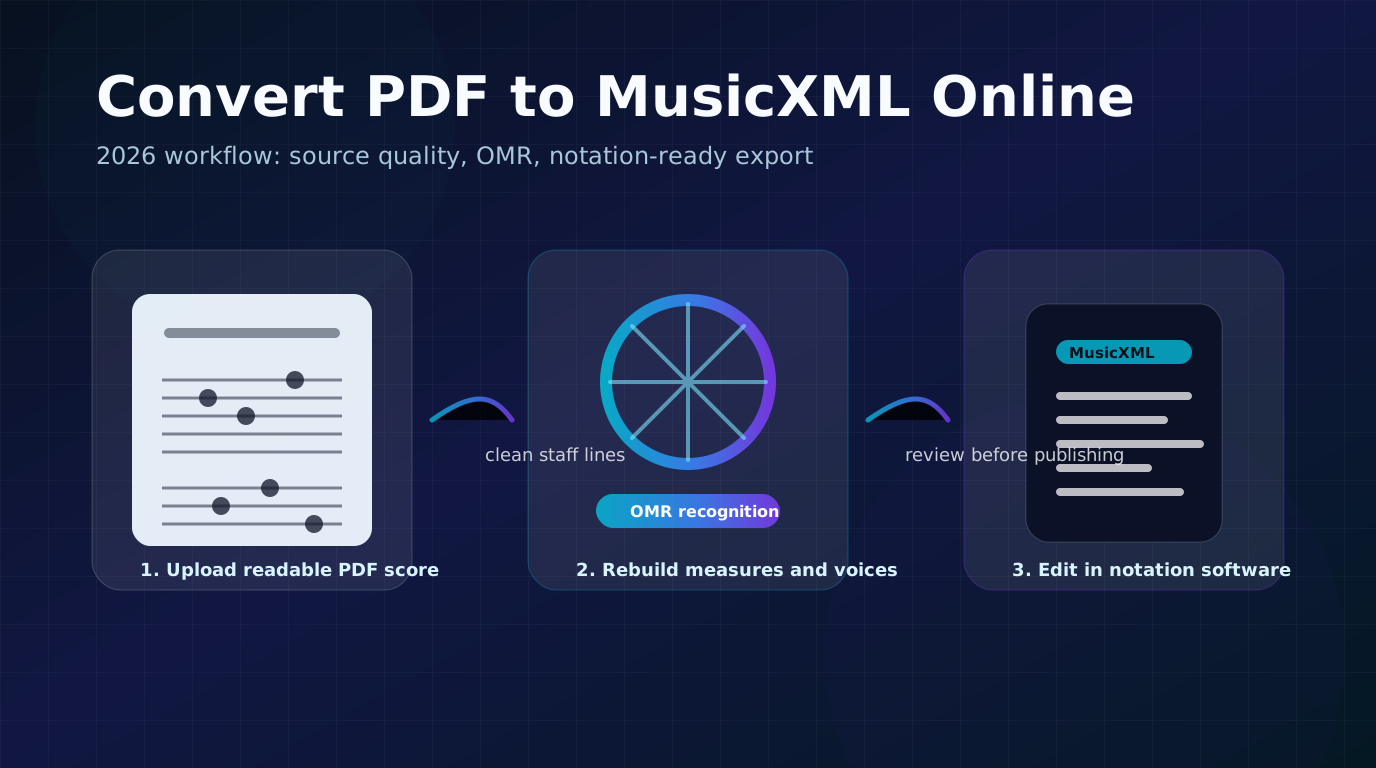
Turn a static score into editable MIDI
Contents
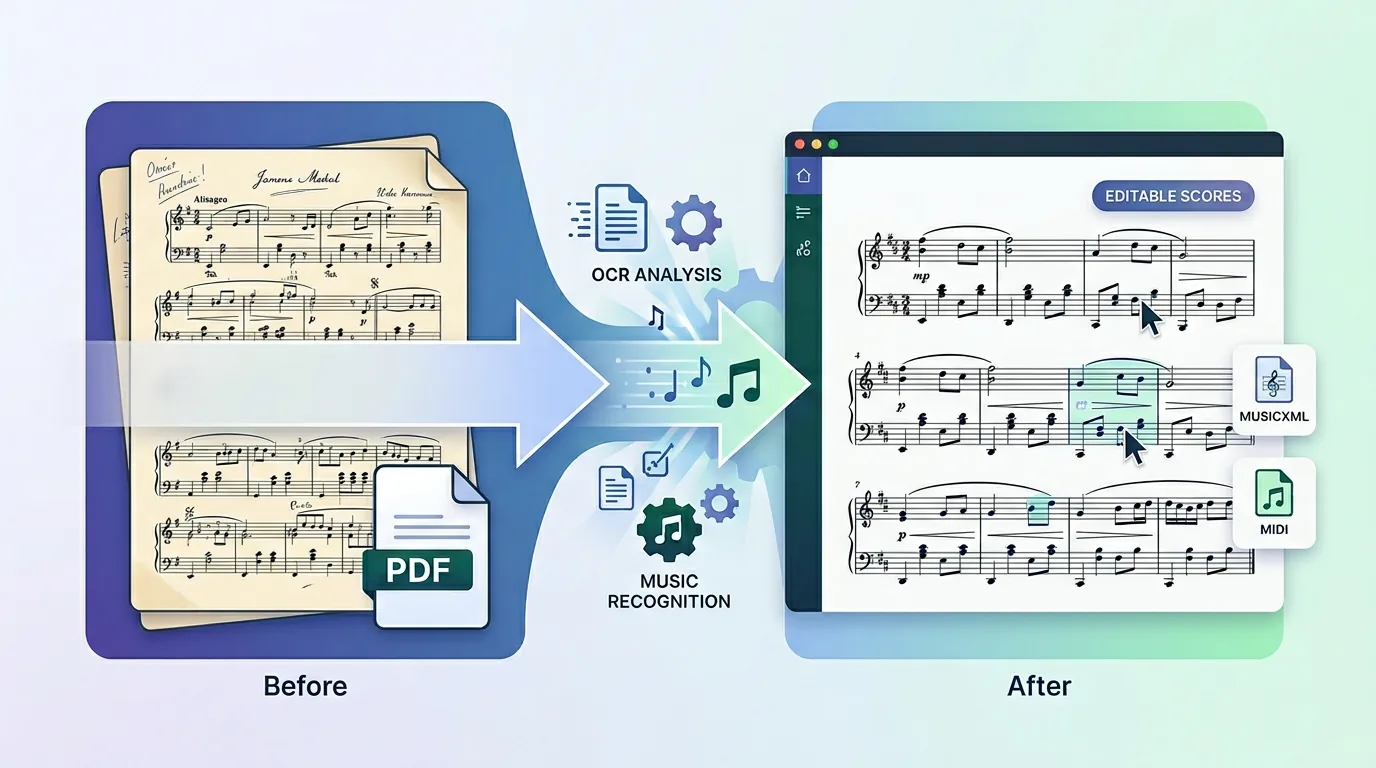
If you need to convert PDF to MusicXML online, the practical workflow is simple: upload a readable PDF score, let optical music recognition rebuild the notation structure, download the MusicXML or MXL file, then proofread it in MuseScore, Dorico, Sibelius, a legacy Finale setup, or another notation editor.
The important 2026 update is expectation setting. Online PDF-to-MusicXML tools are much better than manual re-entry, but they are not magic. A clean digital PDF can convert very well. A tilted scan, faint photocopy, handwritten chart, or dense orchestral page may still need cleanup after export.
What you need before you start
For this specific workflow, start with a PDF score and the Melogen PDF to MusicXML route. It is built around PDF input with MusicXML output, so it fits notation editing better than a general MIDI converter.
You will get the best results when the source is visible notation rather than audio. If you are still learning what the recognition step does, the short version is that OMR reads staff notation and turns the page into structured musical data.
Before uploading, check the source file:
| Source check | Good signal | Why it matters |
|---|---|---|
| PDF type | Exported from notation software or a sharp scan | Digital PDFs usually preserve structure better than photographed pages. |
| Staff clarity | Staff lines are straight, dark, and not broken | OMR needs staff position to infer pitch, voices, and measures. |
| Page angle | No skew, curl, or camera perspective | Tilted pages can cause measure and rhythm drift. |
| Contrast | Black notation on a clean background | Faint photocopies and shadows create missed symbols. |
| Notation density | Standard printed notation | Dense piano, choir, or orchestral pages need closer proofreading. |
| Handwriting | Avoid if possible | Handwritten music remains much less predictable than printed notation. |
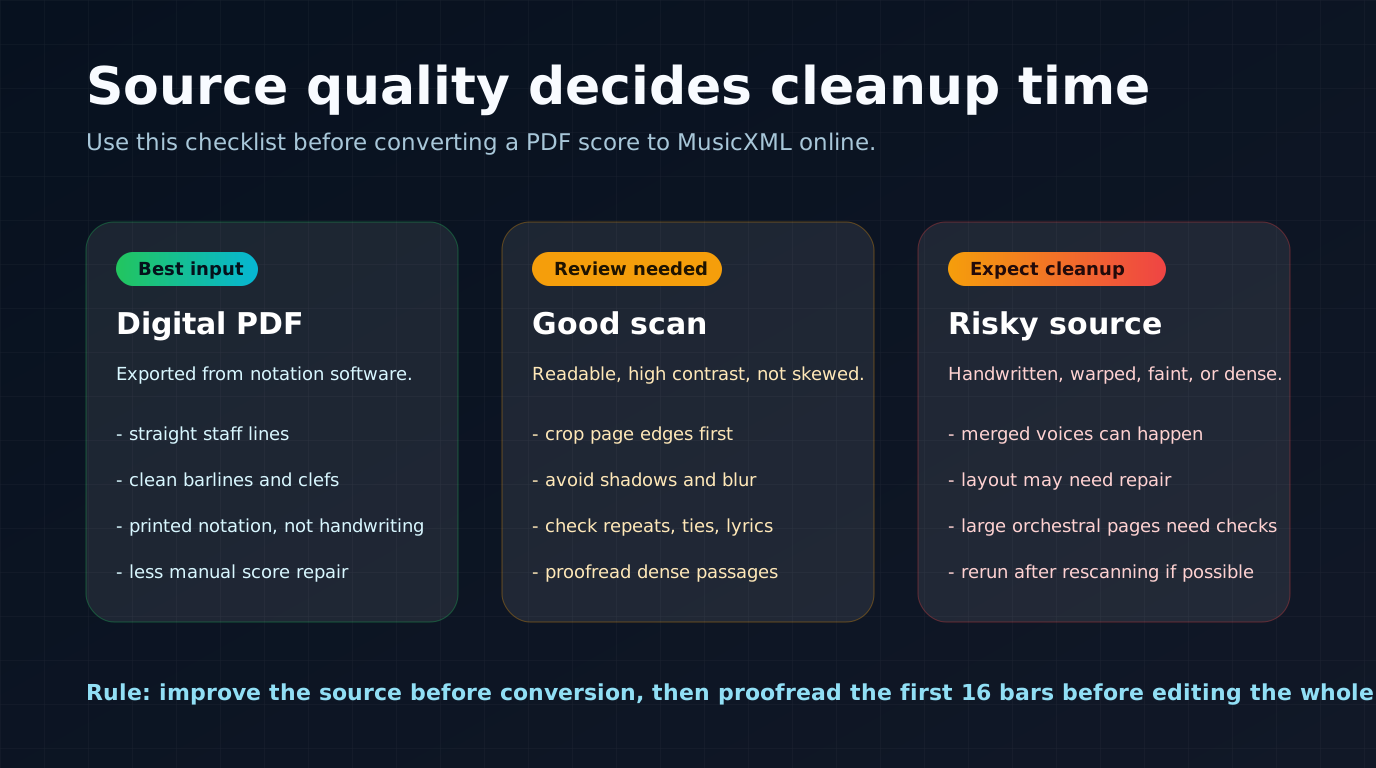
If the file looks rough, improve the PDF before converting. Crop page borders, rescan at higher resolution, straighten the page, or use a cleaner source if you have one. This often saves more time than repairing a bad MusicXML export later.
Step 1: Upload your PDF score
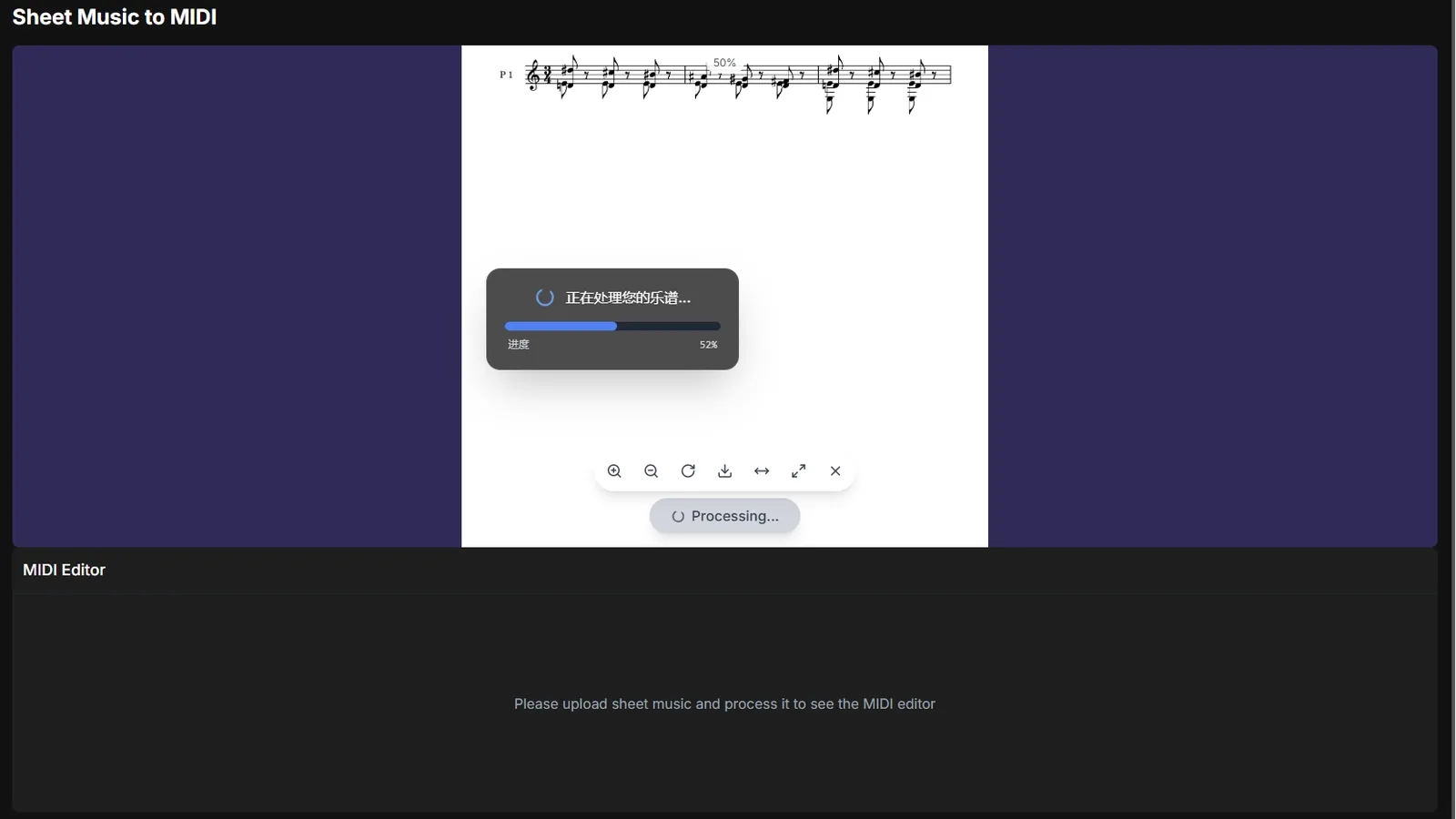
Open Melogen's PDF to MusicXML page and upload the score. This article keeps the original screenshot because it still shows the right first move: choose the score file before thinking about downstream notation cleanup.
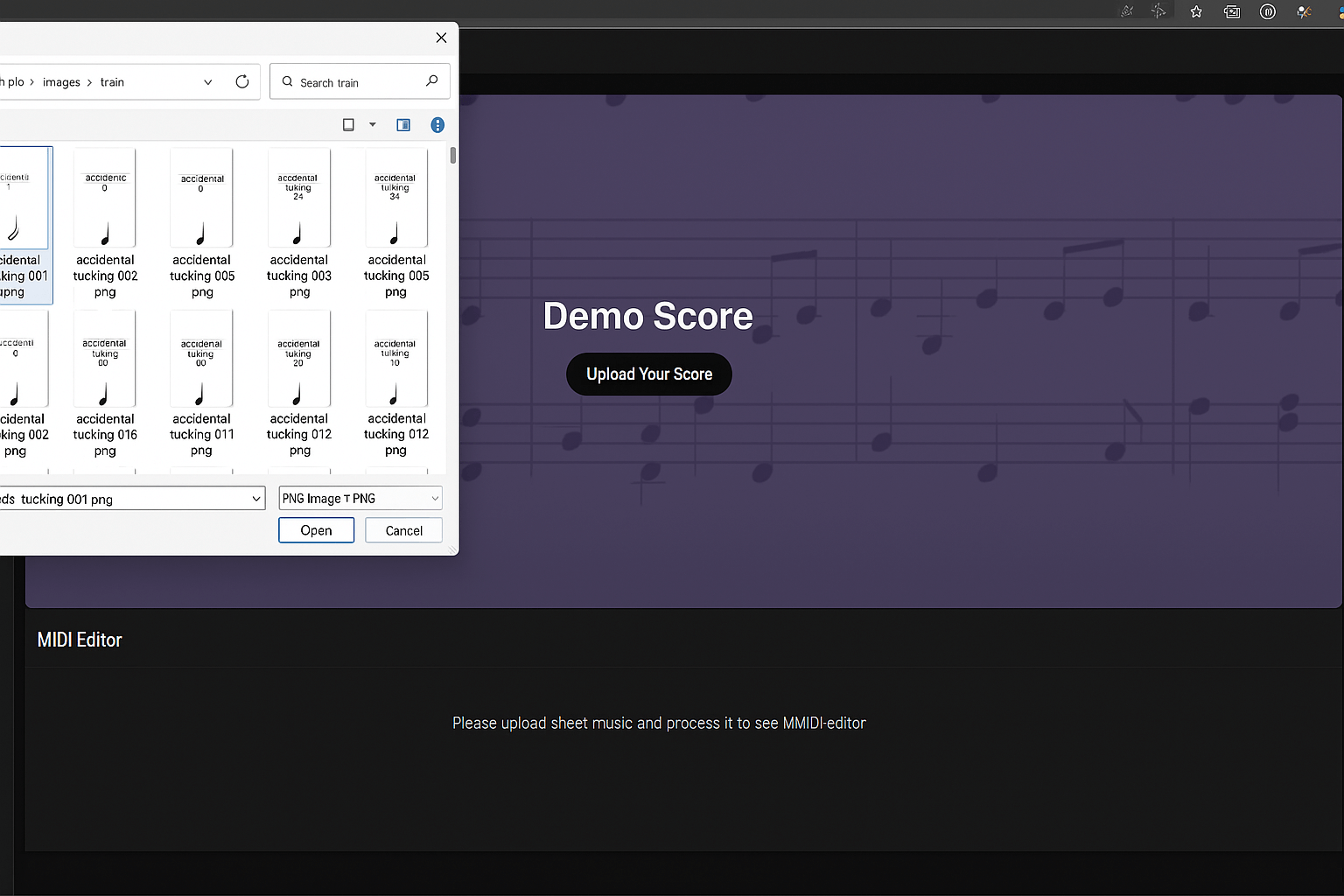
Use a PDF when your target is MusicXML. Photos and images are better matched to image or sheet-music conversion routes, while this route is focused on PDF scores.
The safest starting point is a clean printed score. If you only have a scan, try to make the scan look like a printed page: square, high contrast, no shadows, and no missing margins.
Step 2: Let OMR rebuild the notation structure
After upload, the conversion step detects notation symbols and reconstructs score structure: notes, rests, clefs, time signatures, measures, voices, and staff relationships. Processing is often quick for simple scores, but the exact time depends on page count and notation density.
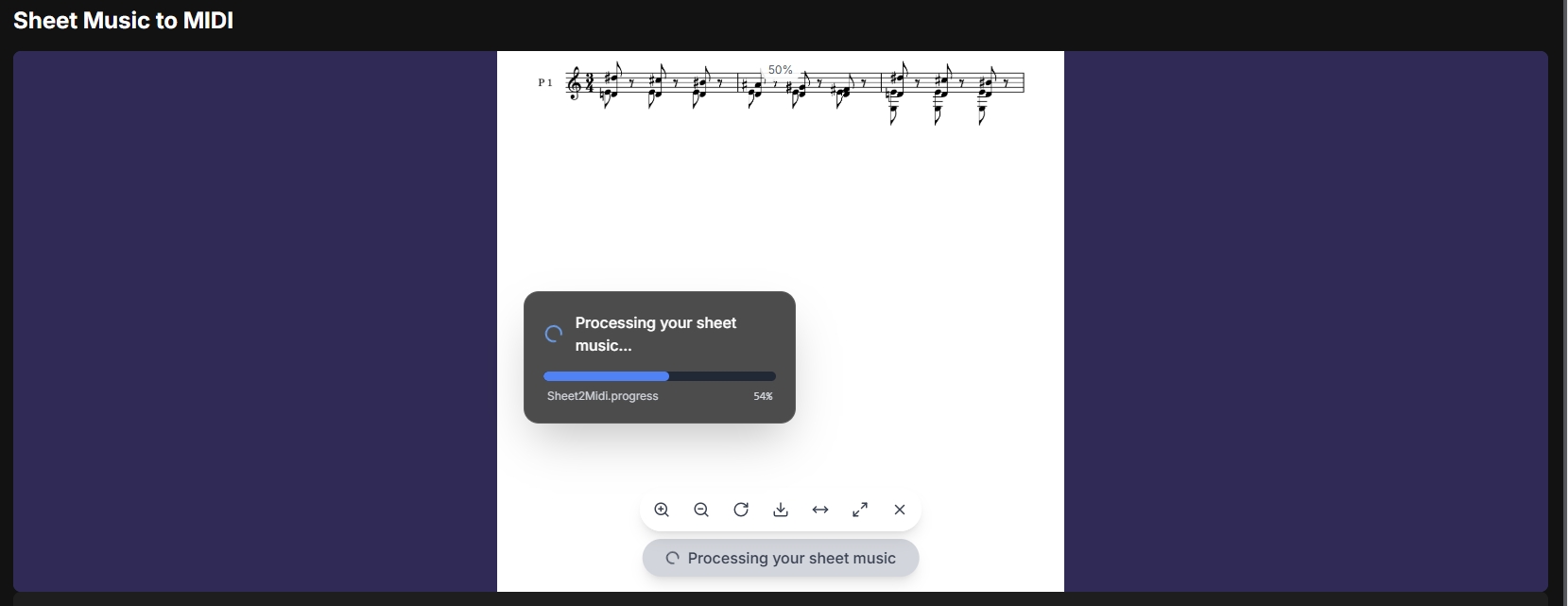
This is where most accuracy differences happen. A simple piano piece from a digital PDF is a very different task from a scanned orchestral reduction with tiny staves. Treat the first conversion as a draft that removes manual entry, not as the final engraved score.
Realistic accuracy expectations:
- Digital PDFs exported from notation software usually produce the cleanest structure.
- High-quality scans can work well, but review is still required.
- Complex multi-staff scores may need manual fixes for voices, beams, repeats, articulations, and layout.
- Handwritten or blurry sources can require enough correction that rescanning or manual entry may be faster.
Step 3: Export MusicXML or MXL
When the conversion finishes, download the MusicXML output. Some tools label the download as .musicxml; others use .mxl, which is the compressed MusicXML package used by many notation programs.
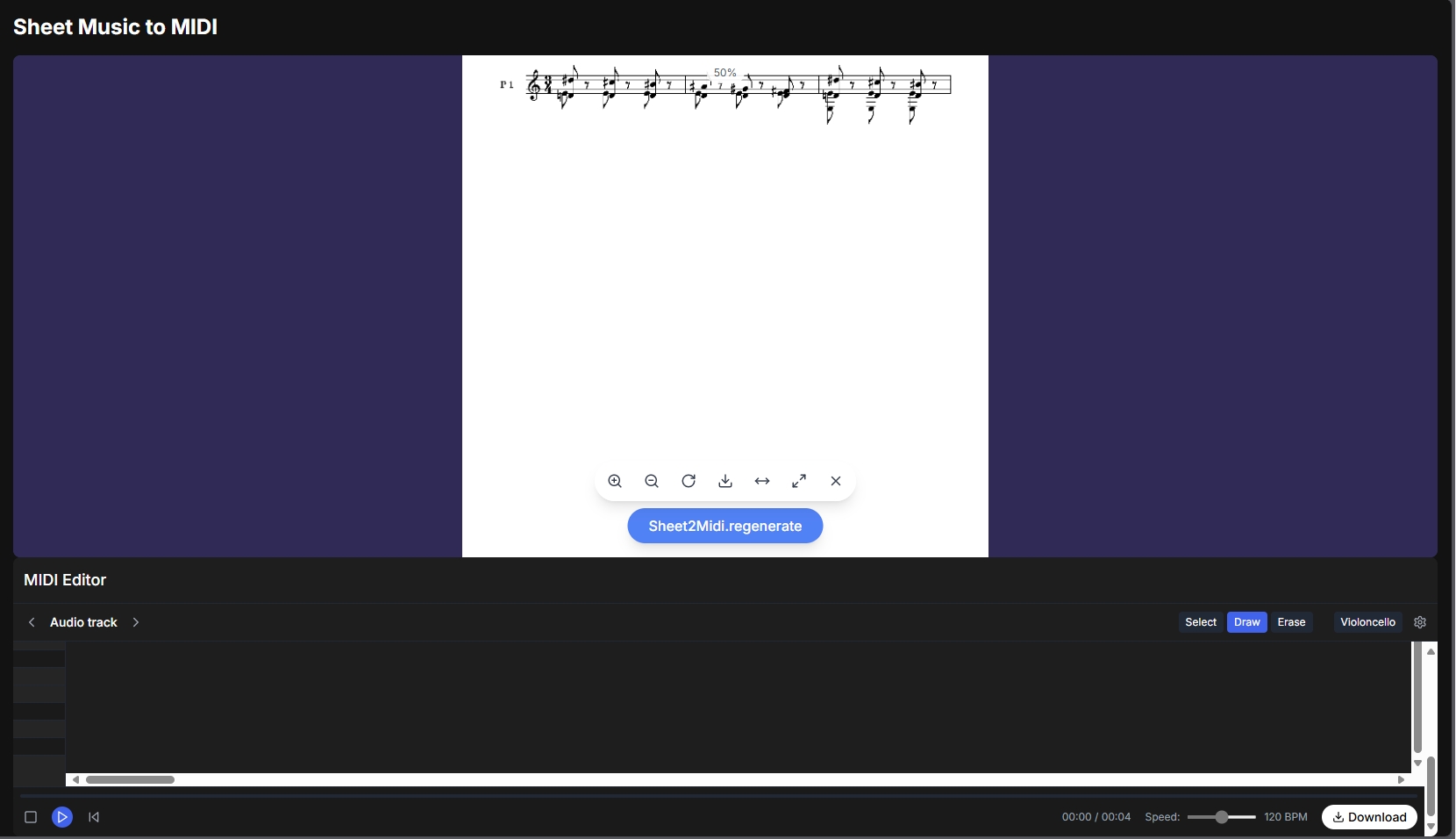
MusicXML is the right export when you care about notation-aware editing. It can carry measures, staves, clefs, voices, articulations, dynamics, lyrics, and other score concepts that a plain MIDI file does not naturally preserve.
Do not judge the conversion only by whether it downloads. Open the file in your notation editor and inspect the first page before you invest time in the whole score.
Step 4: Open the file in notation software
Import the MusicXML or MXL file into the notation software you actually plan to use. MuseScore, Dorico, Sibelius, Notion, and legacy Finale workflows are common destinations. The exact import wording varies by app, but the check is the same: compare the converted score against the original PDF.
Start with these cleanup checks:
- Play the first 16 bars and listen for obvious pitch or rhythm errors.
- Compare barlines and measure counts against the PDF.
- Check clefs, key signatures, time signatures, pickup bars, repeats, and endings.
- Inspect multi-voice passages for merged or misplaced voices.
- Review dynamics, articulations, slurs, ties, lyrics, and chord symbols before printing.
If your final destination is a DAW, you may still want MIDI after the notation cleanup. But for a score-first project, MusicXML is usually the better bridge because you can fix the written music in the right environment.
MusicXML vs MIDI: which export should you choose?
PDF to MusicXML and PDF to MIDI are related, but they solve different jobs. If this choice is the real blocker, the deeper guide is MIDI vs MusicXML. Here is the short decision table:
| Goal after conversion | Choose MusicXML | Choose MIDI |
|---|---|---|
| Edit notation in MuseScore, Dorico, Sibelius, or Finale | Yes | Not first |
| Reprint, transpose, or extract parts | Yes | Usually no |
| Preserve measures, voices, clefs, lyrics, and articulations | Yes | Limited |
| Build a production arrangement in a DAW | Sometimes after cleanup | Yes |
| Hear quick playback or change virtual instruments | Useful, but indirect | Yes |
| Fix timing, velocity, quantization, and piano-roll lanes | Not ideal | Yes |
| Convert audio instead of visible notation | No | Yes |
The practical rule is simple: MusicXML cares about the written score. MIDI cares about playback and timing. A serious arrangement may use both, but you should know which file you are cleaning first.
If you decide the destination is actually MIDI, use a PDF-to-MIDI workflow instead of forcing notation software to become a DAW. For broader PDF-focused options, the best PDF to MIDI converters guide is the better next read.
Where Melogen fits
Melogen is useful here because it gives you a browser-based first pass from PDF score to editable MusicXML. That means you can skip manual note entry and move directly to the musician's review pass: checking measures, voices, repeats, symbols, and layout.
It is not the right promise to say every PDF becomes a perfect score with no corrections. The better promise is workflow speed: Melogen helps turn a static page into a structured file you can open, inspect, and repair in the notation tool that fits your project.
Convert a PDF score to editable MusicXML
Use Melogen PDF to MusicXML when your next step is notation editing, transposition, part extraction, or score cleanup in MuseScore, Dorico, Sibelius, or another notation editor.
Troubleshooting common conversion problems
| Problem | Most likely cause | What to do |
|---|---|---|
| Missing notes | Faint print, low contrast, or overlapping symbols | Rescan or crop the source, then rerun conversion. |
| Wrong rhythm | Beams, tuplets, pickup bars, or ties were unclear | Check the original measure and fix rhythm inside the notation editor. |
| Voices merged together | Piano, choir, or ensemble texture was dense | Split voices manually before layout work. |
| Measures drift out of sync | Skewed scan, bad barline detection, or missing system break | Straighten the PDF if possible and inspect measure counts early. |
| Dynamics or articulations missing | Small markings were hard to read | Add expressive markings after the note/rhythm structure is stable. |
| Layout looks different | MusicXML preserves structure better than exact engraving | Treat layout as the final cleanup step, not the recognition step. |
Do the fastest triage first. If the first page is badly wrong, improve the source and rerun. If only a few measures need repair, continue in your notation editor.
FAQs
Can I convert any PDF score to MusicXML online?
You can try any readable PDF score, but results depend on the source. Digital PDFs and clean scans are the best inputs. Handwritten, blurry, skewed, or very dense pages need more correction.
Is MusicXML better than MIDI?
MusicXML is better for notation editing, score cleanup, transposition, part extraction, and printing. MIDI is better for playback, DAW production, virtual instruments, and piano-roll editing.
What software can open MusicXML or MXL files?
Common notation destinations include MuseScore, Dorico, Sibelius, Notion, and legacy Finale installs. Many DAWs can interact with score data too, but DAW-first editing usually works better with MIDI.
How accurate is online PDF to MusicXML conversion in 2026?
It is strongest on clean digital PDFs and readable printed scans. Expect a proofread pass for complex scores, old scans, multi-voice piano music, lyrics, articulations, repeats, and orchestral layouts.
Should I edit the MusicXML before exporting audio?
Yes. If the goal is a clean recording or DAW arrangement, first repair the notation enough that the musical structure is right. Then export MIDI or audio from your notation environment if needed.
The practical takeaway
Converting PDF to MusicXML online is best when you want to turn a static score into something editable in notation software. Start with the cleanest PDF you can, run the conversion, inspect the first page, then clean the MusicXML where notation details actually matter.
That is the real time saver. You are not asking AI to publish a finished edition by itself. You are using it to remove the slowest part of the job: re-entering a score note by note.
About the author
Zhang Guo
Composer - AI Product Manager
AI product manager and digital marketing consultant with a background in music. Creativity is the bridge between rhythm and logic, where musical intuition and mathematical precision can coexist in every meaningful product decision.
Follow on X