Best Stem Splitter Tools for Musicians in 2026
Compare stem splitter tools for vocals, drums, bass, and remix workflows, with browser, mobile, pro, and free options for musicians.
 Zhang Guo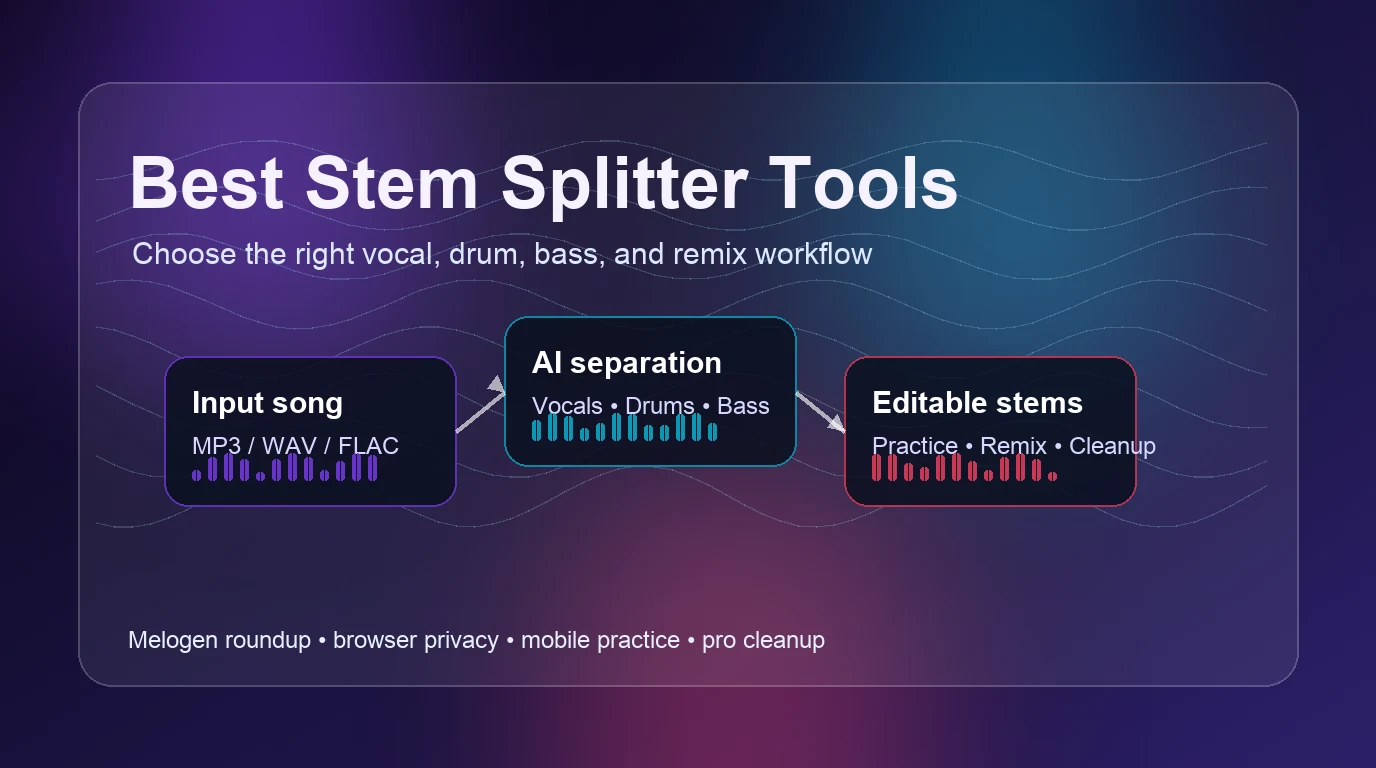
Turn a static score into editable MIDI
Contents
The best stem splitter is not always the one with the longest feature list. A singer practicing harmony, a producer cleaning a demo, and a teacher slowing down a bass line all need different tradeoffs: privacy, mobile access, export quality, speed, or a simple free workspace.
Use this roundup as a practical shortlist. It compares stem splitter tools by input workflow, likely output, musician fit, and the cleanup step that usually follows the split. Use files you own, created, licensed, or otherwise have permission to edit; a stem splitter is a production tool, not a music-rights shortcut.
Quick comparison table
| Tool | Best for | Typical inputs | Useful outputs | Strength | Tradeoff |
|---|---|---|---|---|---|
| Melogen AI Vocal Remover | Private browser-first stem work | MP3, WAV, FLAC, OGG, M4A, AAC | Vocals, karaoke, drums, bass, other | Runs locally in the browser and fits quick music cleanup | Best for short practical stem tasks, not full DAW project management |
| Moises | Mobile practice and higher-quality practice exports | Songs uploaded into the Moises app ecosystem | Separated stems, practice controls, WAV exports on supported plans | Strong practice workflow across devices | Advanced export quality depends on the plan and app workflow |
| BandLab Splitter | Free rehearsal and quick practice loops | Uploaded songs in a browser workspace | Vocals, drums, bass, instrumental practice layers | Simple interface with pitch, speed, and loop controls | Less focused on final studio delivery |
| LALAL.AI | Fast web extraction and batch-style jobs | Audio and video files | Vocal, instrumental, and selected instrument stems | Clear upload-first workflow and broad format positioning | Credit/plan model matters for heavy use |
| Loudly AI Stem Splitter | Quick browser splitting | Uploaded audio files | Vocals, drums, bass, and more | Fast, minimal interface for first-pass separation | Fewer musician-specific practice controls |
Best browser-first choice is Melogen AI Vocal Remover
Melogen is the right first stop when you want to split a song without installing a desktop app or sending the job through a complicated project workspace. The local product code and page position the tool around browser-based processing, Demucs-based separation, and downloadable stems for vocals, karaoke, drums, bass, and other instruments.
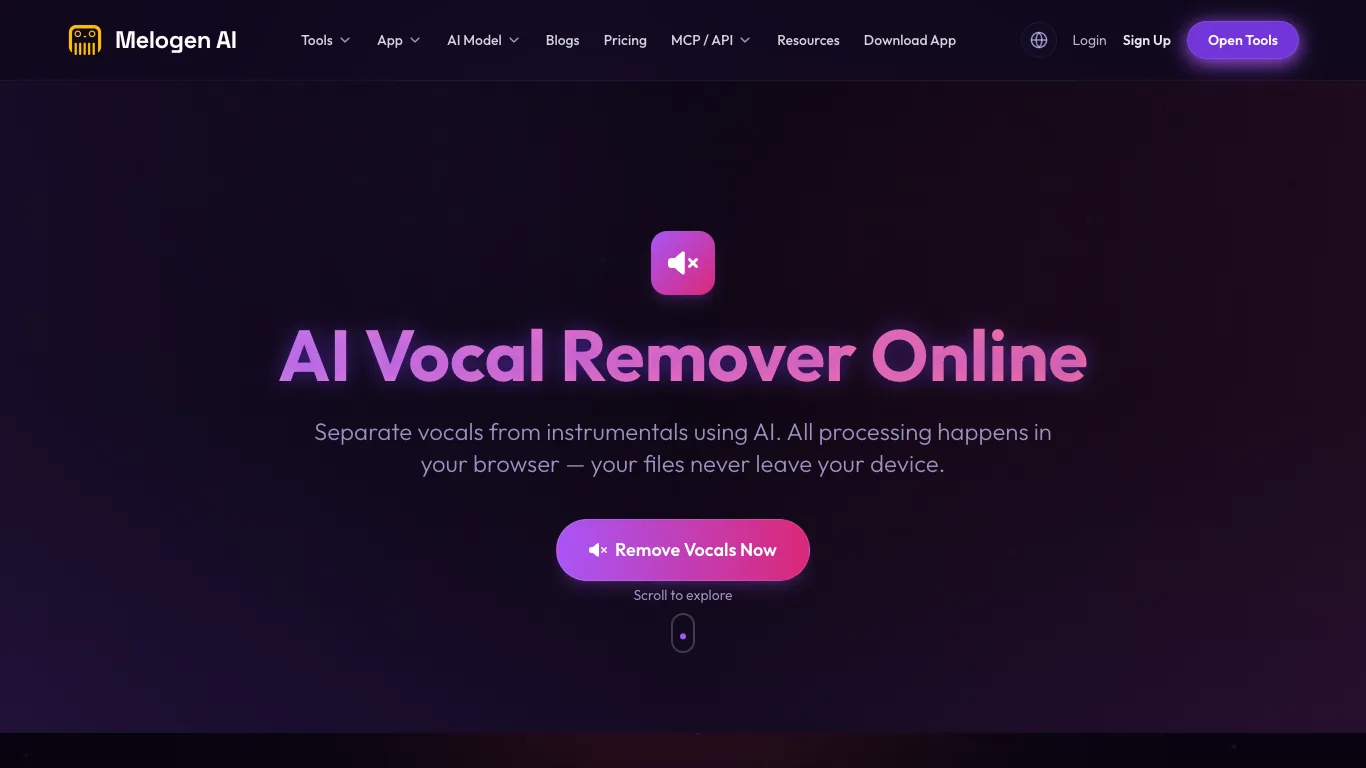
Use Melogen when you need a fast private pass before deciding whether a track deserves deeper cleanup. A singer can pull a karaoke version for rehearsal, a guitarist can isolate the bass or drum reference, and a producer can grab quick stems before moving into a DAW. If the input is already compressed or messy, read the audio quality tradeoffs in what bitrate means for music files before blaming the splitter.
Melogen is not trying to replace a full arrangement session. Treat it as the bridge from mixed audio into usable stem material. If your next step is note-level transcription instead of stem practice, the workflow changes; audio-to-notes and MIDI transcription is a different job from vocal removal.
Best mobile practice workflow is Moises
Moises is strongest when stem splitting is part of a practice loop. Its public Hi-Fi Stem Separation page presents higher-resolution export positioning, desktop and mobile access, and a musician-facing workflow that fits rehearsal, collaboration, and repeated playback.
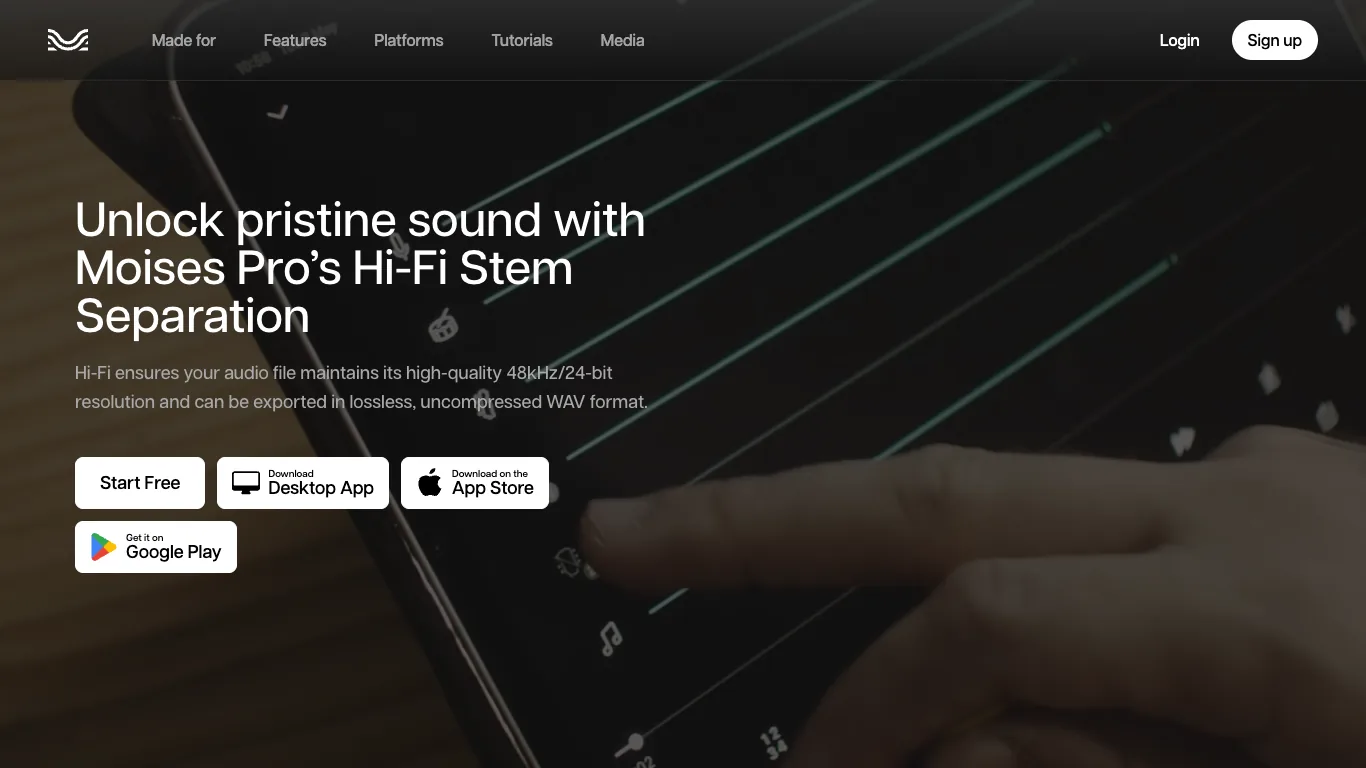
Pick Moises if your main job is not only extracting stems, but also living with them during practice: slowing a section down, repeating a difficult part, or keeping the workflow available across devices. That makes it a better fit for students, teachers, and working musicians who rehearse away from the desk.
The tradeoff is that Moises is an app ecosystem. If you only need one browser split and a downloadable stem, that can be more workflow than necessary. If you expect to rehearse the same material all week, that extra structure can be useful.
Best free practice workspace is BandLab Splitter
BandLab Splitter is useful when the goal is practice rather than polishing stems for release. The public page presents a free audio separation tool with visible stem lanes, speed controls, pitch adjustment, looping, and a simple import-your-own-song flow.
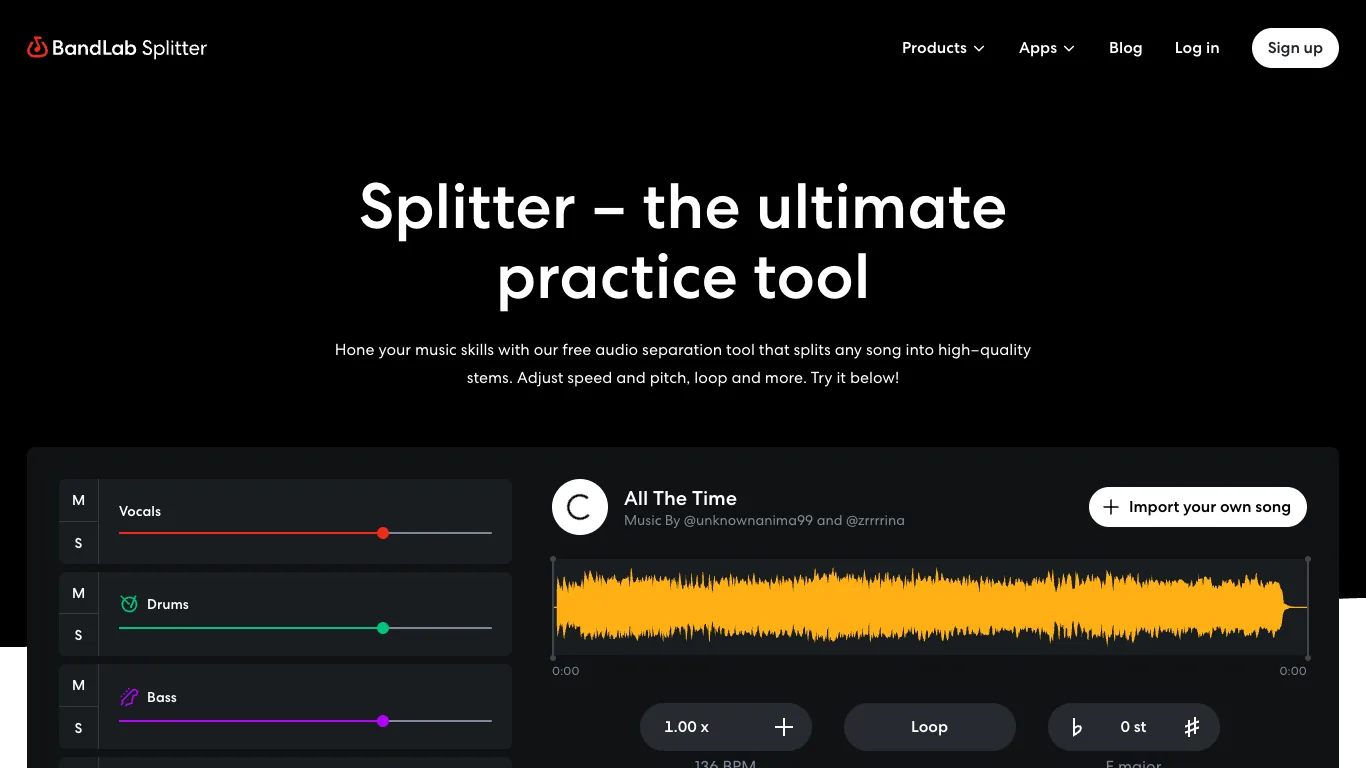
That makes BandLab a good choice for rehearsal questions: Can I hear the bass line clearly? Can I loop the hard section? Can I drop the vocal enough to sing along? Those are different from studio questions like export resolution, offline batch work, or detailed artifact repair.
Choose BandLab when the browser practice room matters more than final-stem housekeeping. For production work, expect to move into a DAW after the split.
Best upload-first extraction tool is LALAL.AI
LALAL.AI is built around a direct upload-and-extract workflow. Its public page emphasizes removing vocals and instrumentals from audio and video, selecting what to extract, and handling common audio and video file types.
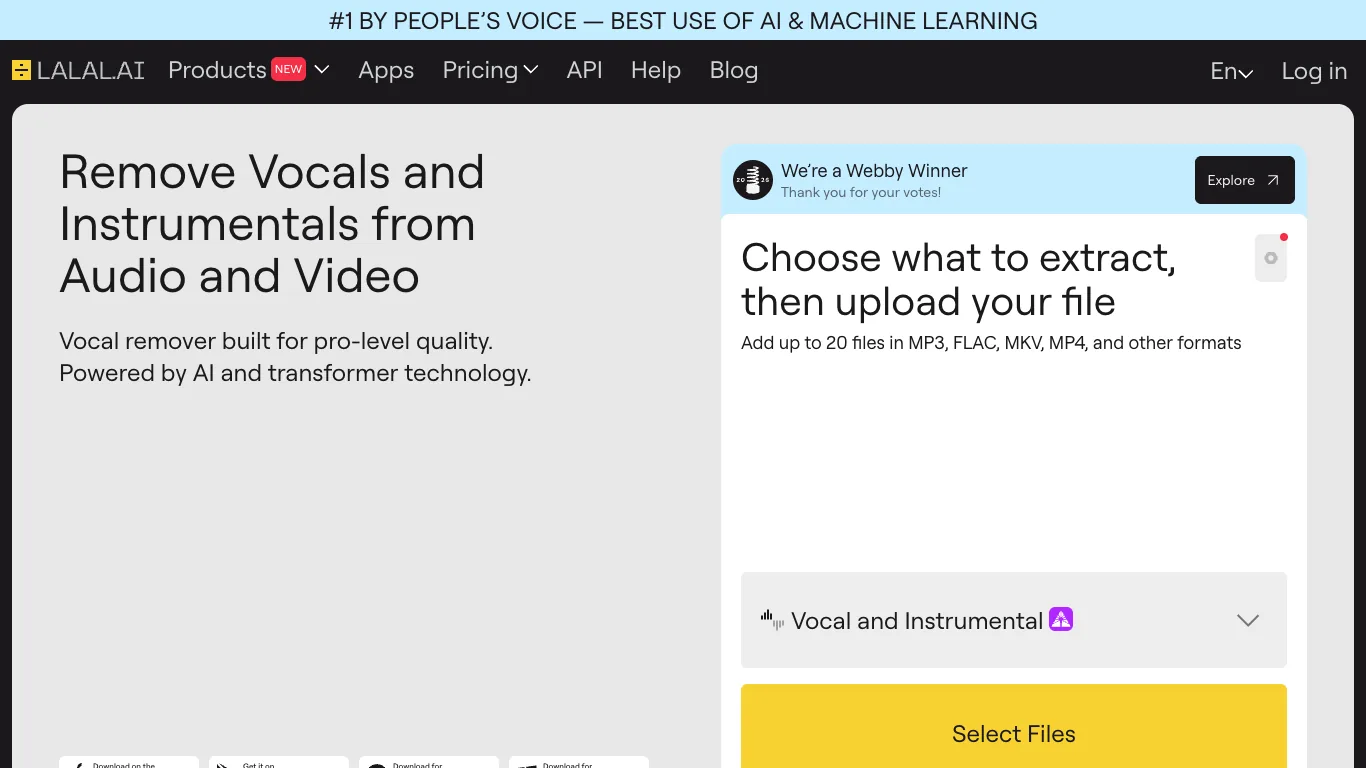
Use LALAL.AI when you want a dedicated web extractor with a clear file queue and a broad separation menu. It is a stronger fit for people who already know the stem they need and want to process several files with fewer practice controls in the way.
The main decision is usage volume. If you split stems constantly, check the current plan and credit model before building a workflow around it. If you split occasionally, the direct interface can be easier than opening a larger music workstation.
Best quick browser split is Loudly
Loudly AI Stem Splitter is the leanest option in this shortlist. Its public page says it can separate vocals, drums, bass, and more through a free online AI stem splitter, with a very direct call to try the tool.
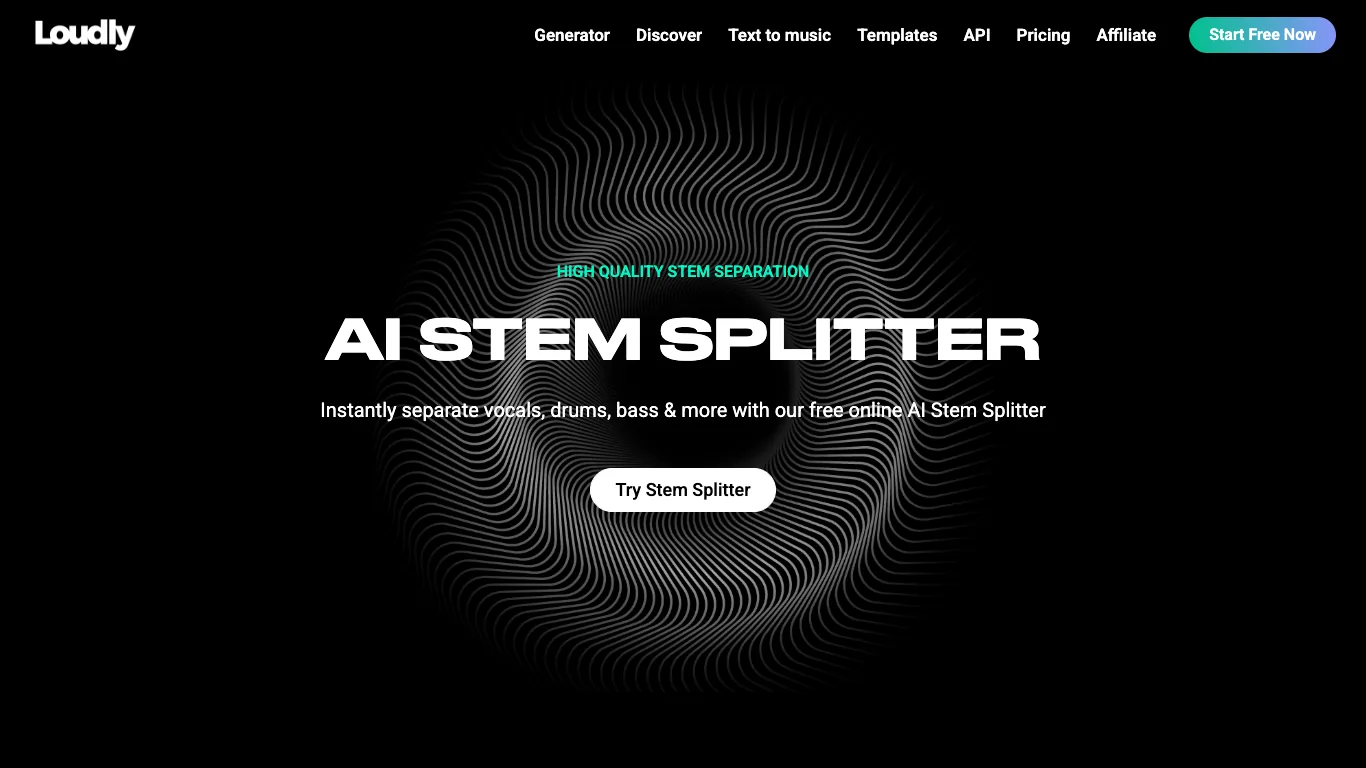
Use Loudly when you want the least-friction first pass and do not need a practice ecosystem. It is especially handy for deciding whether a source file is worth more careful stem cleanup elsewhere.
The tradeoff is depth. A minimal splitter is convenient, but it may not give you the same practice, export, or arrangement context as tools designed for musicians who keep revisiting the same material.
How to choose the right stem splitter
Start with the musical job, not the brand name.
| If your job is... | Start with... | Why |
|---|---|---|
| Create a quick karaoke or backing track | Melogen or Loudly | Fast browser splitting is enough for a first pass |
| Practice one part repeatedly | Moises or BandLab | Practice controls matter as much as stem quality |
| Build a remix or sample sketch | Melogen, LALAL.AI, or Moises | You need clean enough stems plus export flexibility |
| Isolate drums, bass, or vocals for study | Melogen or BandLab | The separated lane should be easy to audition |
| Process many files | LALAL.AI | A dedicated upload-first extractor is easier to repeat |
The useful test is simple: after the first split, can you make the next musical decision? If the answer is yes, the tool did its job. If the answer is no, try a cleaner source, shorten the section, or move the output into a DAW for manual repair.
Split vocals and instruments in Melogen
Use Melogen AI Vocal Remover for a private browser-first stem pass, then decide whether the track needs deeper DAW cleanup.
Stem quality checklist
Before you keep a split, check the section that matters most. A good verse split does not guarantee the chorus will survive cymbals, layered vocals, distortion, or heavy sidechain compression.
- Test the loudest chorus and the quietest verse.
- Listen for vocal bleed in the instrumental stem.
- Check whether drums still smear into bass.
- Export a short section before processing the whole track.
- Keep the original mix next to the stems for reference.
- Avoid using stems from copyrighted recordings in public releases unless you have the rights.
If the stem is for private practice, small artifacts may be fine. If the stem is for production, every artifact becomes an arrangement decision.
FAQs
What is a stem splitter?
A stem splitter separates a mixed audio file into parts such as vocals, drums, bass, instrumental backing, or other instruments. It is useful for practice, remix sketches, karaoke tracks, transcription prep, and arrangement study.
Which stem splitter is best for musicians?
Melogen is the best starting point when you want a private browser-first split. Moises is stronger for mobile practice, BandLab is useful for free rehearsal loops, LALAL.AI fits upload-first extraction, and Loudly is good for fast browser tests.
Can a stem splitter make perfect studio stems?
No. AI separation can be useful, but it still leaves artifacts when the mix is dense, compressed, distorted, or heavily layered. Treat the result as a workable first pass, not a guaranteed studio multitrack.
Are stem splitters legal to use?
The tool itself is not the issue; your rights to the source and output matter. Use music you own, created, licensed, or have permission to edit. Do not treat separated stems as cleared material for public release.
The practical takeaway
Choose Melogen when you want the fastest private route from song file to usable stems in the browser. Choose Moises or BandLab when practice controls matter. Choose LALAL.AI or Loudly when you want a dedicated web extractor. The best stem splitter is the one that gets you to the next musical decision with the least cleanup.
About the author
Zhang Guo
Composer - AI Product Manager
AI product manager and digital marketing consultant with a background in music. Creativity is the bridge between rhythm and logic, where musical intuition and mathematical precision can coexist in every meaningful product decision.
Follow on X