How to Transcribe Audio Into Notes With a MIDI Workflow
Learn how to transcribe audio into notes with a source-first workflow, cleanup checks, MIDI export tips, and honest limits for dense recordings.
 Zhang Guo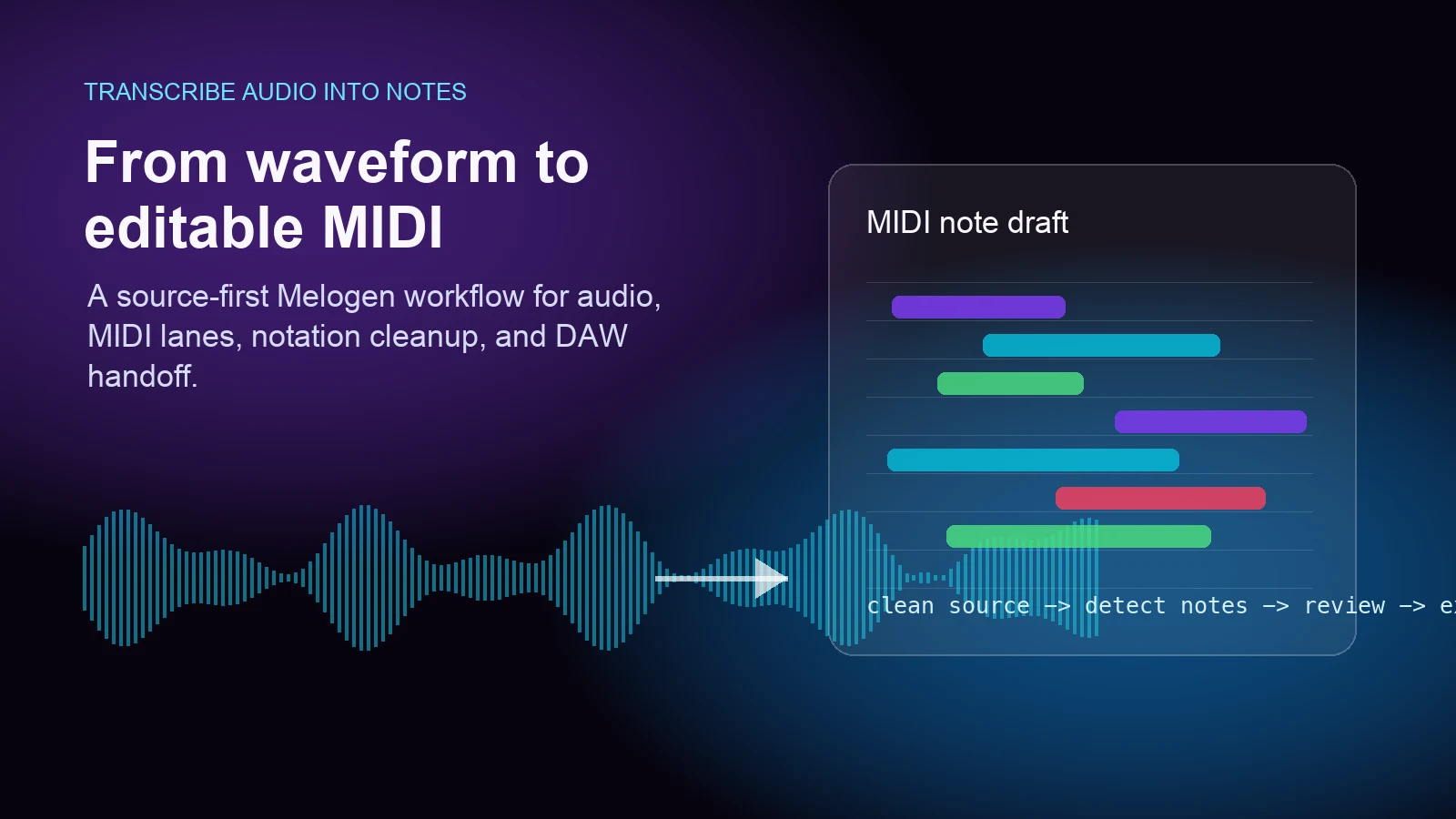
Turn a static score into editable MIDI
Contents
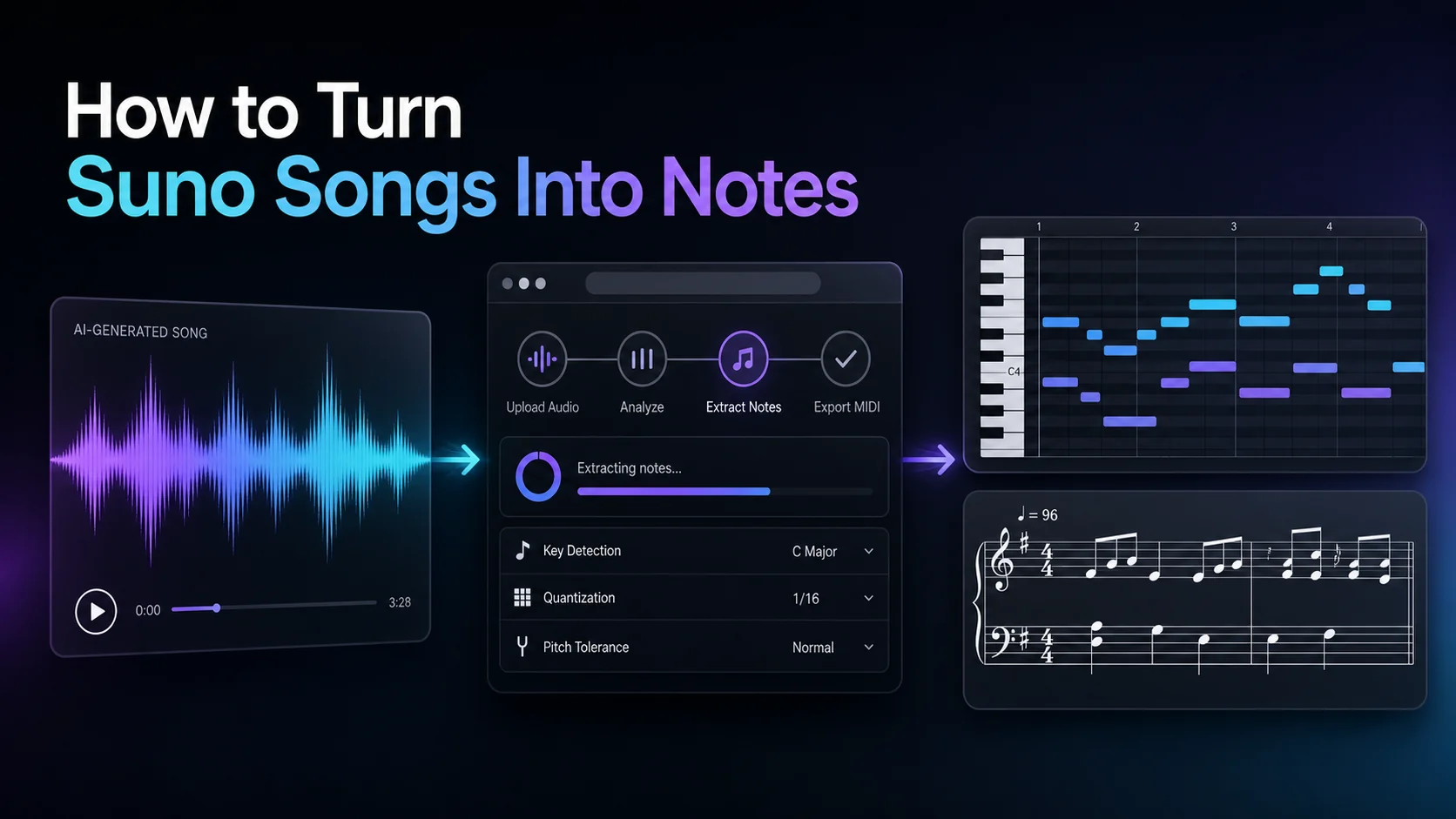
To transcribe audio into notes, start by deciding what kind of notes you actually need. If you want editable MIDI for a DAW, use an audio-to-MIDI workflow. If you want clean printed notation, treat the first result as a draft and move it into notation software for cleanup. If the source is a full mix, isolate the clearest part before expecting useful note data.
The practical goal is not a perfect one-click score. The goal is to get from a recording to editable musical material faster: MIDI lanes, a rough melody, a bass line, a vocal line, or a notation draft that you can review with your ears.
Start with the output you need
Before you upload anything, name the destination. A producer usually wants MIDI they can edit in a piano roll. A student may want note names or a readable melody line. An arranger may want a MusicXML or notation path after the MIDI is cleaned up.
| Goal | Best first output | Why | Cleanup focus |
|---|---|---|---|
| Build a synth, piano, bass, or vocal MIDI part | MIDI | DAWs read it directly | Wrong notes, timing, note length, velocity |
| Print readable sheet music | MIDI first, then notation cleanup | Audio detection needs score editing after export | Measures, rests, ties, enharmonics, layout |
| Learn a melody by ear | MIDI or simple notation | You need pitch and rhythm clues, not a full arrangement | Phrase boundaries and octave choices |
| Transcribe a dense full song | Cleaner stem first | Mixed audio hides notes inside drums, effects, and harmonics | Remove extra notes and simplify parts |
That source-and-output decision keeps the workflow honest. A clean vocal memo and a mastered full-band track are both audio files, but they are not equally easy to turn into notes.
Prepare the cleanest audio source
Audio-to-notes tools work best when the musical line is easy to hear. Use the highest-quality file you have, trim empty space, and avoid sending a noisy full mix when you only need one part.
Good sources include:
- a solo vocal, bass, piano, guitar, flute, violin, or synth line
- a clear phone recording with little background noise
- an exported stem from a DAW session
- a short phrase you can compare against the original audio
Harder sources include:
- mastered songs with drums, vocals, guitars, and effects all at once
- heavily distorted or reverberant audio
- low-bitrate files with warble or compression artifacts
- live room recordings where the main melody is buried
If the source is visible sheet music rather than sound, do not force an audio workflow. Use a score route such as Sheet2MIDI or PDF to MusicXML instead. The same musician may need both categories, but they solve different recognition problems.
Convert the audio into a MIDI draft
Melogen's Audio to MIDI converter supports common audio formats including MP3, WAV, FLAC, OGG, M4A, and AAC. The local product page describes AI analysis, pitch detection, MIDI generation, and the same important caveat musicians already know: audio-to-MIDI is harder than sheet-music conversion, so manual editing may be needed.
Use this route when you want a browser-first MIDI file before opening a DAW. Upload one short source first, download the MIDI, then judge whether the detected notes are good enough to keep editing.

The broader Music2MIDI route is useful when your source is a full music file and you want stem-aware audio transcription positioning. If you are building an automated workflow for an agent or a repeatable pipeline, the Music2MIDI MCP route is the better technical handoff.
Turn audio into editable MIDI before cleanup
Use Melogen Audio to MIDI for the first pass, then review the notes in your DAW or notation editor before arranging.
Review structure before fixing every note
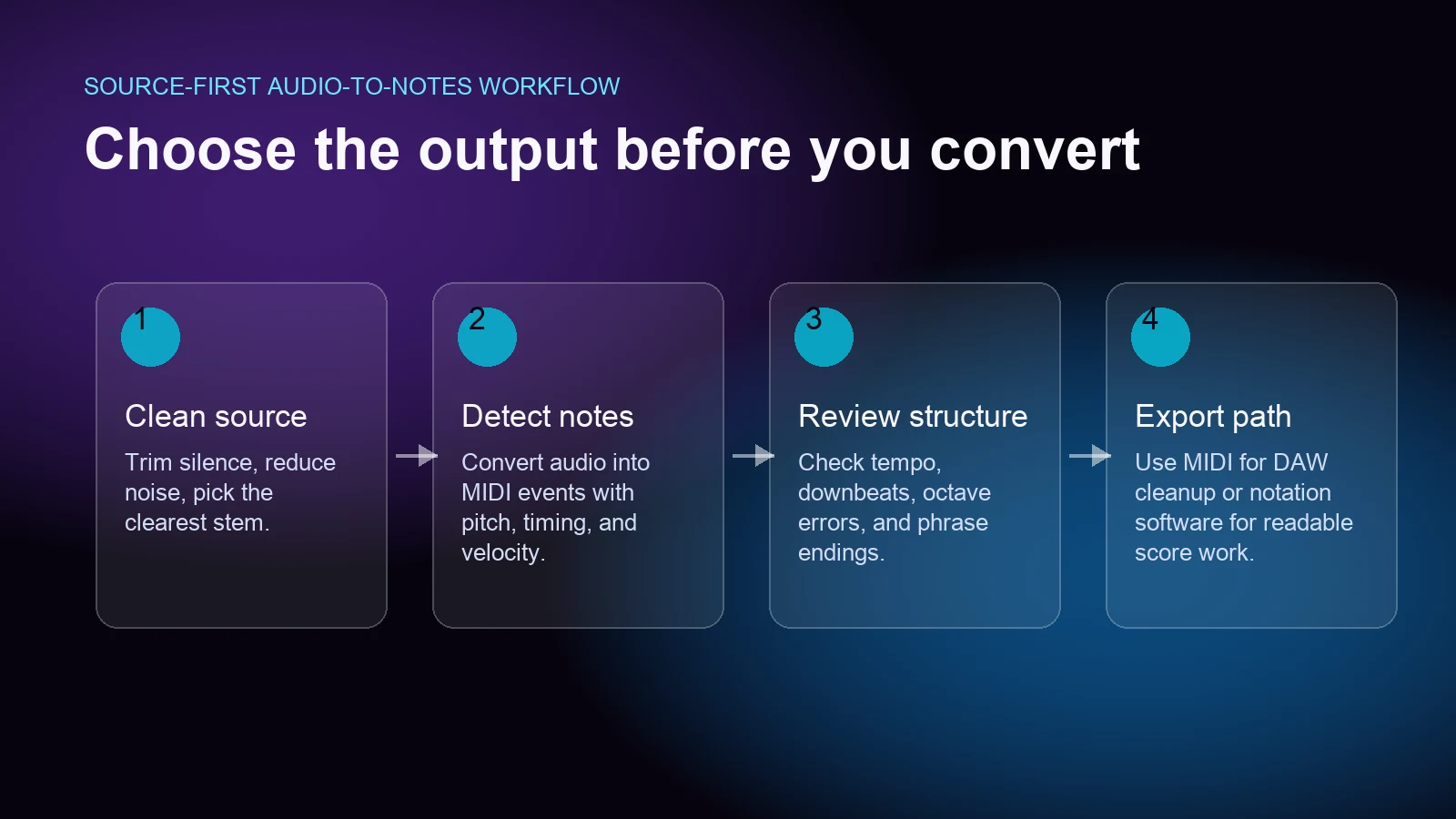
The first review pass should answer a simple question: did the conversion capture the musical structure?
Check these things before you zoom into every note:
- Does the first downbeat land where the phrase actually starts?
- Is the tempo close enough for bar-level editing?
- Are the main pitch centers correct, even if small notes are messy?
- Are phrases split in a musical way, or did the converter create tiny note fragments?
- Are wrong notes concentrated in noisy sections that should be rerun from a cleaner source?
If the structure is wrong, fix the source and rerun. If the structure is usable, then start editing note by note. That order saves time because a misaligned MIDI file can waste an entire session.
Clean the MIDI like a musician
Once the draft is worth keeping, clean it in the order that affects musical usefulness most.
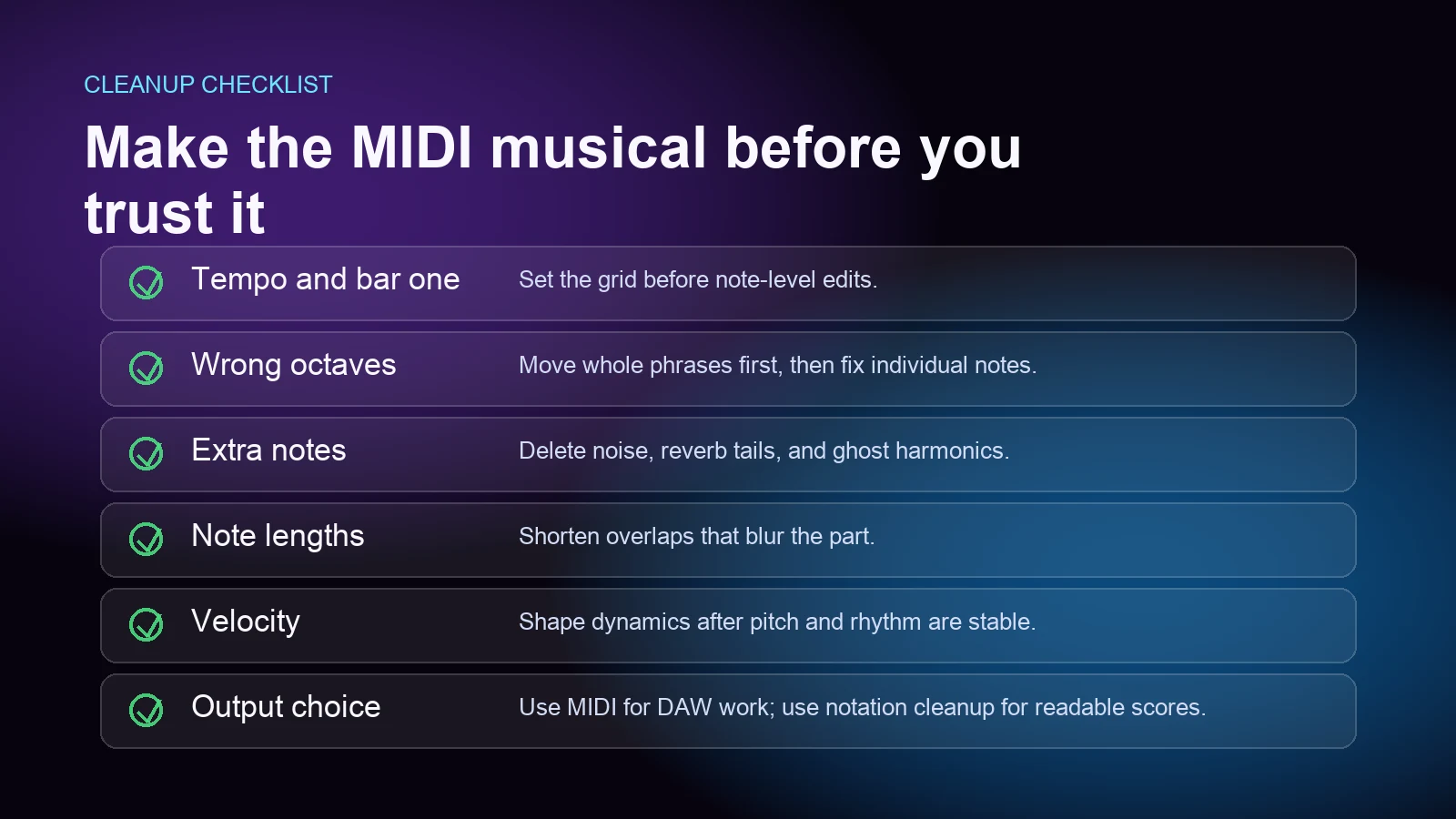
Start with octave errors and stray notes. Then fix note lengths, overlaps, and obvious timing problems. Leave fine velocity shaping until the pitches and rhythms are stable.
| Problem | Likely cause | Better fix |
|---|---|---|
| Too many extra notes | Reverb, background noise, dense chords, or drum bleed | Use a cleaner stem or delete ghost notes in groups |
| Main melody jumps octaves | Harmonics confused the detector | Move whole phrases by octave before editing single notes |
| Rhythm feels smeared | Loose source timing or bad tempo setup | Set tempo and downbeat first, then quantize lightly |
| Chords become clusters | Polyphonic audio is too dense | Keep the strongest voice or rerun from an isolated part |
| Notation looks unreadable | MIDI is playback data, not score layout | Import into notation software and rewrite rests, ties, and measures |
The cleanup mindset matters. Do not flatten a human performance just because the grid is available. Preserve phrase endings, held notes, and intentional timing where they make the part feel musical.
Choose MIDI, notation, or tabs after the first pass
Audio transcription often starts with MIDI because MIDI is a flexible bridge. It can play a virtual instrument, open in a DAW, or become the raw material for notation software. But MIDI is not the same as readable notation.
Use MIDI when:
- your next step is Logic Pro, Ableton, FL Studio, Cubase, Reaper, or another DAW
- you want to change sounds, edit timing, or build an arrangement
- the output is for production, remixing, study, or quick experimentation
Use notation cleanup when:
- the end result must be printed or shared with performers
- bar lines, voices, beams, rests, lyrics, or articulations matter
- you need MusicXML for MuseScore, Dorico, Sibelius, Finale, or another notation editor
If you are deciding between those paths, the MIDI vs MusicXML guide explains the tradeoff. If you are comparing tool categories rather than writing one workflow, the best AI music transcription tools roundup is the better next read. If your audio is already headed into Logic Pro, use the more specific audio file to MIDI Logic Pro workflow.
Troubleshoot weak transcription results
When the notes are bad, do not assume the tool failed in a vacuum. Most weak results come from the source, the chosen output, or the expectation.
Try this order:
- Cut the source down to a shorter test phrase.
- Use a cleaner file, preferably WAV or FLAC when available.
- Remove long silence, count-ins, and room noise.
- Try a more isolated stem if the mix is dense.
- Check whether the goal should be MIDI, MusicXML, or tabs.
- Rerun before spending an hour correcting a bad draft.
For full songs, it is normal to simplify. You may only need the bass line, lead melody, chord sketch, or drum pattern. Extracting every detail from a finished mix is a different job from transcribing one clear musical line.
The practical takeaway
To transcribe audio into notes well, work in this order: choose the output, clean the source, create a MIDI draft, check structure, then clean the musical details. That flow is slower than pretending the first export is final, but it is much faster than editing a bad conversion blindly.
Use Melogen Audio to MIDI when you want a browser-first MIDI file from MP3, WAV, FLAC, OGG, M4A, or AAC. Use Music2MIDI when the source is broader music audio. Use notation software after the MIDI pass when the final result needs to look like sheet music.
The win is not magic. It is getting to editable notes sooner, then spending your time on the musical decisions that still need a human ear.
About the author
Zhang Guo
Composer - AI Product Manager
AI product manager and digital marketing consultant with a background in music. Creativity is the bridge between rhythm and logic, where musical intuition and mathematical precision can coexist in every meaningful product decision.
Follow on X