What Is Bitrate in Audio for Music Files
Understand audio bitrate, how it affects music files, streaming, exports, and Audio to MIDI source quality, plus when higher bitrate matters.
 Zhang Guo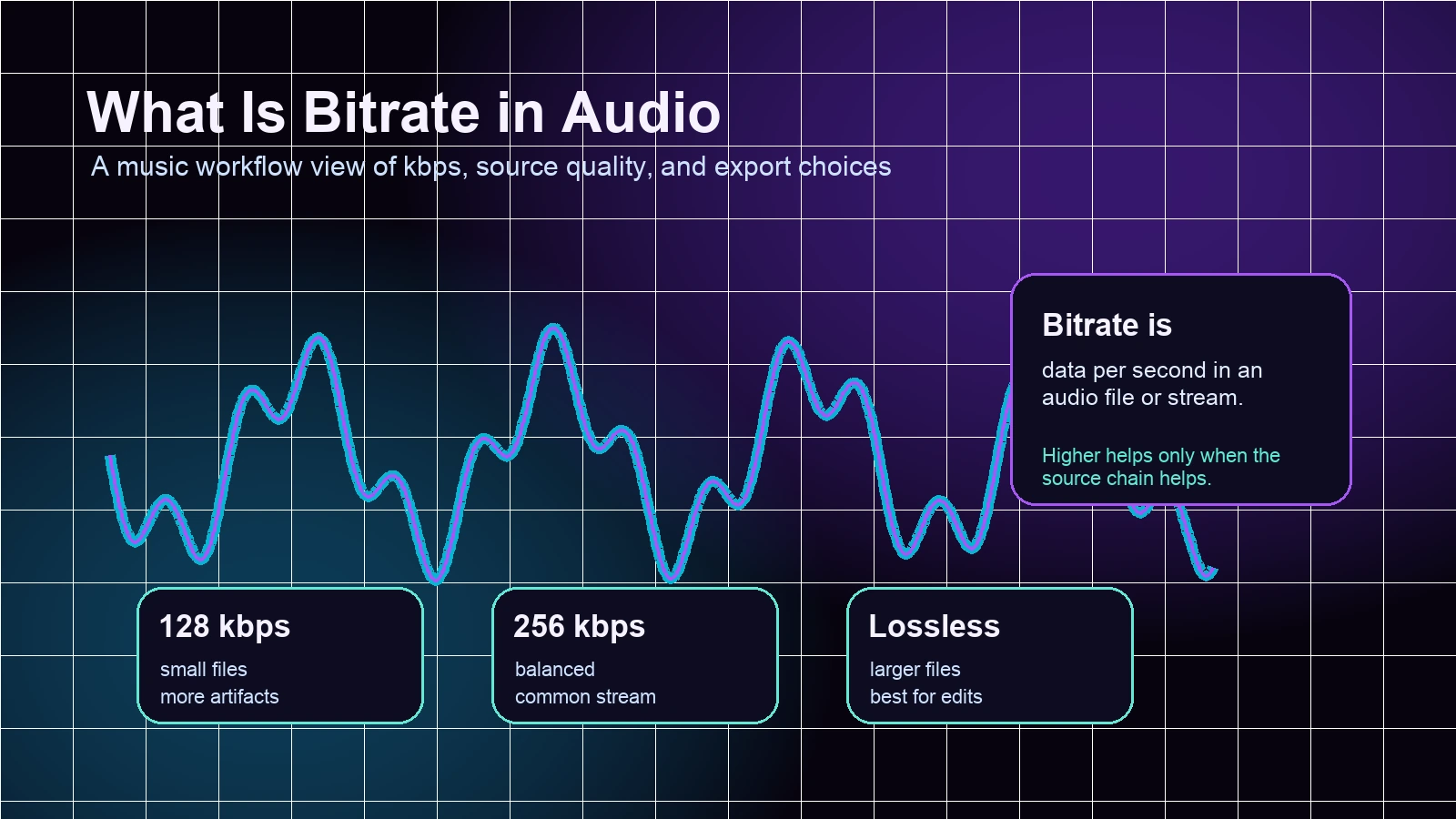
Turn a static score into editable MIDI
Contents
If you are asking what is bitrate in audio, the short answer is the amount of encoded data an audio file or stream uses each second. It is usually written as kbps, short for kilobits per second. A higher bitrate can preserve more detail, but it only helps when the recording, codec, playback chain, and final use actually need that detail.
For music work, the practical answer is simple: use enough bitrate for the job, but do not treat the number as a magic quality switch. A clean 256 kbps file can be more useful than a noisy 320 kbps file, and a lossless file can still sound bad if the source recording is weak.
What audio bitrate means
Bitrate tells you how much data an encoded audio file carries per second. A 128 kbps file carries less data each second than a 256 kbps file. A lossless file such as WAV or FLAC is different because it tries to preserve the source audio data without throwing detail away for a smaller file.
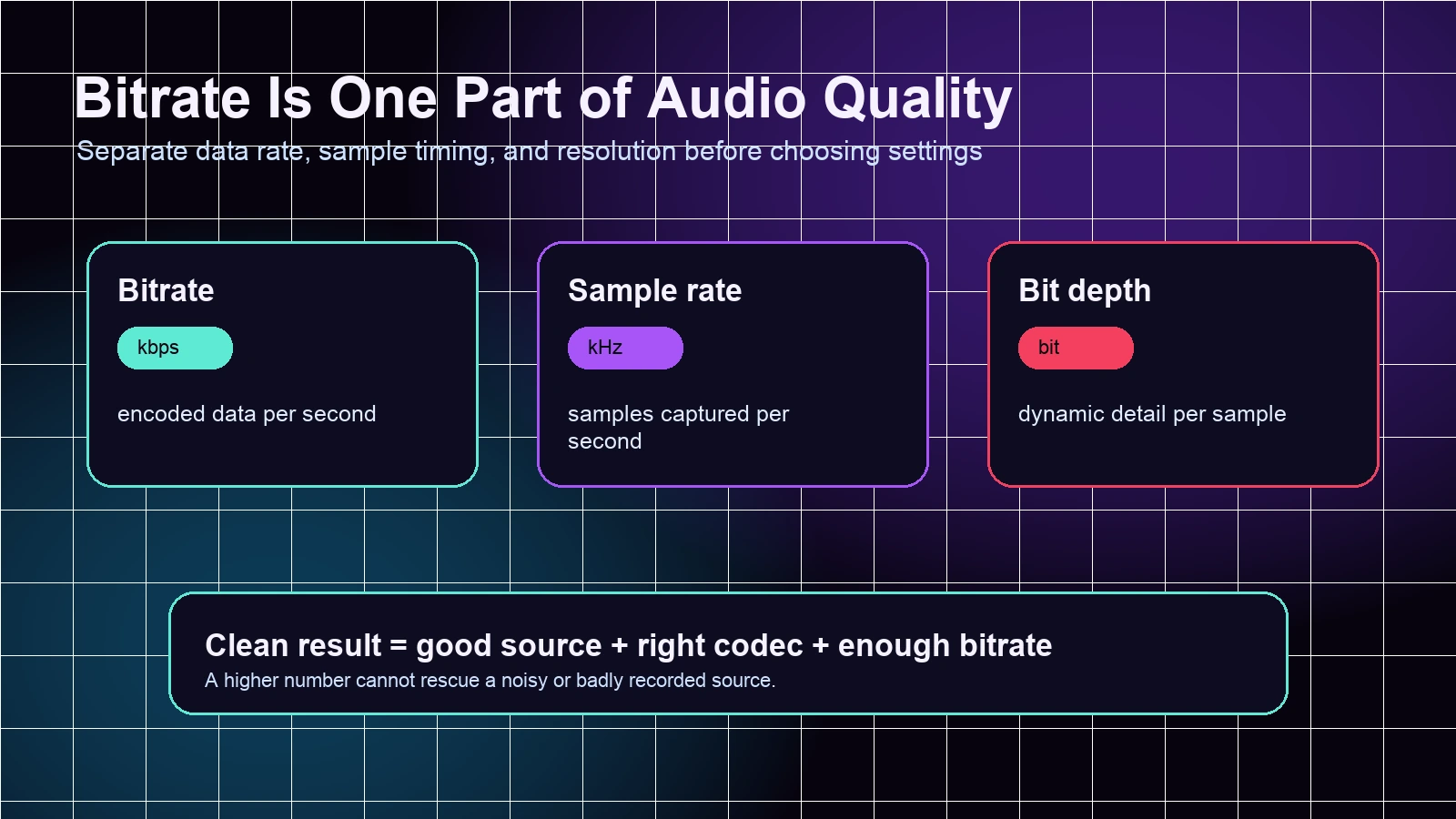
The important word is encoded. Bitrate is not the same as musical skill, recording quality, mastering quality, or loudness. It is one technical part of how audio is stored or streamed.
Use this basic split:
| Term | What it controls | Why musicians care |
|---|---|---|
| Bitrate | Encoded data per second | File size, compression artifacts, streaming quality |
| Sample rate | How often audio is sampled | Frequency range and production settings |
| Bit depth | Dynamic detail per sample | Headroom and detail in production files |
| Codec | The method used to encode audio | Whether the file is lossy, lossless, small, or editable |
If you are comparing streaming quality, Apple Music Lossless is a useful next read because it separates AAC, ALAC, Bluetooth, storage, and hardware choices. If you are comparing browser and desktop playback, Spotify Web Player vs Desktop App shows why the playback surface can matter as much as the number.
Bitrate and file formats are not the same thing
Bitrate describes the data rate. The file format describes the container or codec family. That is why two files can both be MP3 but use different bitrates, and why a FLAC file can be much larger while still being the better archive choice.
Here is the practical version:
| Format or setting | Typical role | Good fit | Watch out for |
|---|---|---|---|
| 128 kbps MP3 or AAC | Small listening copies | Voice notes, rough sharing, casual previews | Cymbals, reverb, and dense music can smear |
| 256 to 320 kbps MP3 or AAC | Higher quality compressed music | Practice references, phone listening, demos | Still lossy after repeated exports |
| WAV | Uncompressed production audio | Editing, mixing, handoff to another musician | Large files |
| FLAC | Lossless compressed audio | Archive, careful listening, high-quality delivery | Not every app supports it equally |
Do not keep exporting a lossy file again and again. If you edit a 128 kbps MP3, export it as another MP3, import it into another editor, and export again, each step can add damage. For repeated edits, keep a WAV or FLAC master and make smaller listening copies only at the end.
Where bitrate matters in a music workflow
Bitrate matters in different ways depending on the job. A singer sharing a quick rehearsal clip does not need the same settings as a composer archiving a final render or a musician preparing an audio file for transcription.
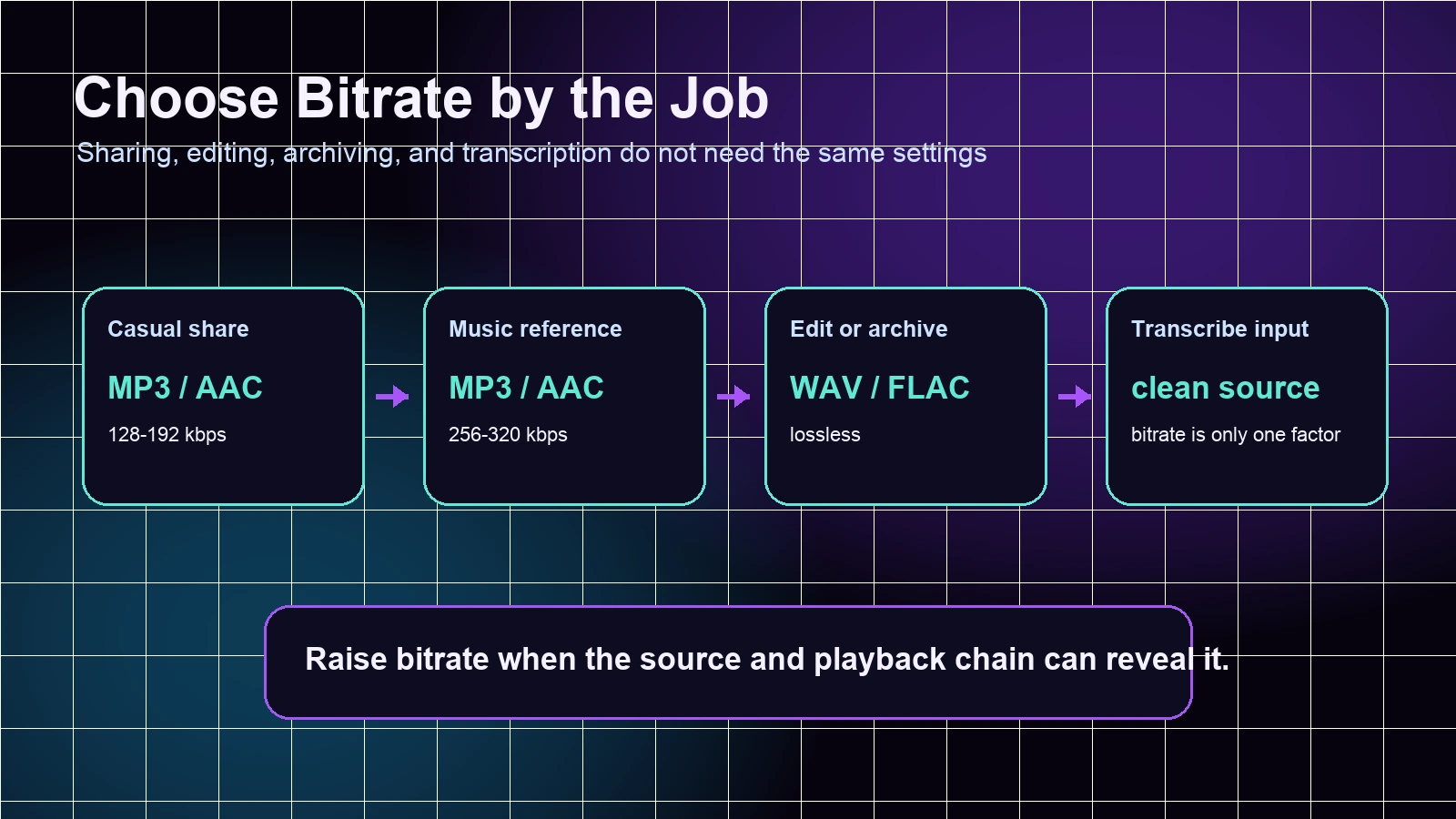
Use this decision table before changing settings:
| Job | Sensible choice | Why |
|---|---|---|
| Quick phone share | MP3 or AAC around 128 to 192 kbps | Small and easy to send |
| Practice reference | MP3 or AAC around 256 to 320 kbps | Better detail without huge files |
| Mix review or archive | WAV or FLAC | Avoids repeated lossy compression |
| MIDI or notation transcription input | Cleanest available source first | Bitrate helps less than separation, clarity, and low noise |
| Final public delivery | Match the platform or client requirement | The destination often decides the best format |
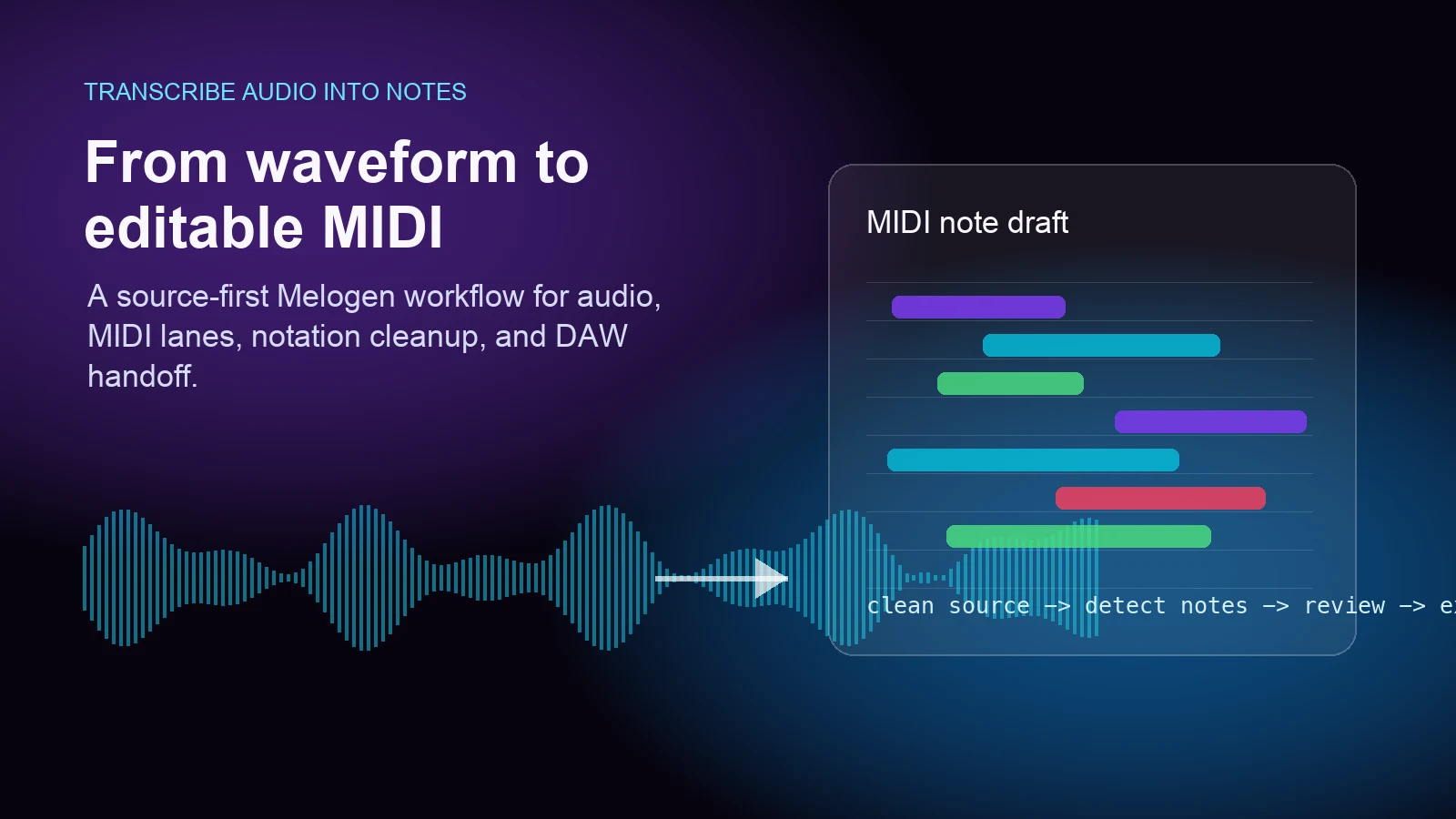
For Audio to MIDI work, the source matters before the bitrate number. A clean, simple recording gives the transcription model more useful signal. A distorted, noisy, or dense mix can still be difficult even at a high bitrate. The guide on how to transcribe audio into notes goes deeper into that source-quality problem.
When higher bitrate helps
Higher bitrate helps when compression artifacts are the bottleneck. You may hear the difference in cymbals, reverb tails, room sound, dense chords, stereo width, and quiet background detail. It can also help when you are using a file as a reference for careful listening, arranging, transcription prep, or quality checks.
It is worth choosing a higher bitrate or lossless file when you:
- need to edit the audio again later
- compare mixes, masters, or arrangement details
- archive an original recording
- prepare clean source audio for analysis or transcription
- share work with another musician who may edit it
It is usually less important when you:
- listen on small speakers in a noisy room
- send a quick rough idea in a chat
- work from a source that is already noisy or distorted
- stream over a connection or app that changes quality automatically
- cannot hear the difference in a quick blind comparison
The honest test is not "highest number wins." It is whether the higher setting changes the decision you are making.
When bitrate cannot fix the source
Bitrate cannot restore detail that was never captured well. If the microphone clipped, the room was noisy, the instrument was buried in a dense mix, or the file has already been compressed many times, raising the bitrate only stores the problem in a larger file.
For a rough but useful workflow:
- Start from the cleanest source you have.
- Use WAV, FLAC, or the original project export when editing matters.
- Make compressed copies only for sharing or casual playback.
- Avoid re-exporting lossy files multiple times.
- For transcription, choose clarity and separation before chasing kbps.
Melogen's Audio to MIDI route is a good example of why this matters. Higher bitrate and sample rate can help, but the best results still come from clear audio, simpler arrangements, and isolated instruments when possible.
Where Melogen fits
Melogen does not change the bitrate of a streaming subscription track or bypass platform rules. The useful Melogen role is in owned-file and creator workflows: converting audio into editable MIDI, rendering MIDI to audio formats, and choosing a sensible quality target for the next step.
If you have audio and want editable notes, start with Audio to MIDI and keep the cleanest source available. If you already have MIDI and want an audio file for review or archiving, a lossless export can make more sense than another small MP3.
Use cleaner audio before you chase bitrate
Start with Melogen Audio to MIDI when your goal is editable notes from audio, then choose MP3, WAV, or FLAC based on how the result will be used.
FAQs
Is 320 kbps always better than 128 kbps?
It usually preserves more detail, but it is not always meaningful. A clean 128 kbps spoken idea may be fine, while a noisy 320 kbps rehearsal recording can still be hard to use.
Is bitrate the same as sample rate?
No. Bitrate is encoded data per second. Sample rate is how often the audio is sampled each second. They work together, but they are not interchangeable.
Should I use WAV or FLAC instead of MP3?
Use WAV or FLAC when you plan to edit, archive, or hand off the file. Use MP3 or AAC when small size and broad compatibility matter more than future editing.
Does higher bitrate improve Audio to MIDI accuracy?
Sometimes, but only if the higher bitrate comes from a cleaner source. Clear notes, low noise, and simple instrumentation usually matter more than the bitrate label.
The practical takeaway
Audio bitrate is useful because it tells you how much encoded data a file or stream carries each second. It is not the whole quality story. For music work, choose bitrate by task: smaller files for casual sharing, higher compressed settings for reference listening, and lossless formats for editing or archiving.
When the goal is transcription or analysis, start with the cleanest source you can get. A higher bitrate can preserve detail, but it cannot turn a messy recording into a clean performance on its own.
About the author
Zhang Guo
Composer - AI Product Manager
AI product manager and digital marketing consultant with a background in music. Creativity is the bridge between rhythm and logic, where musical intuition and mathematical precision can coexist in every meaningful product decision.
Follow on X