How to Download Amazon Music to Computer Safely
Learn how to download Amazon Music to a computer, what stays app-only, when purchased MP3s work, and where local audio tools fit.
 Zhang Guo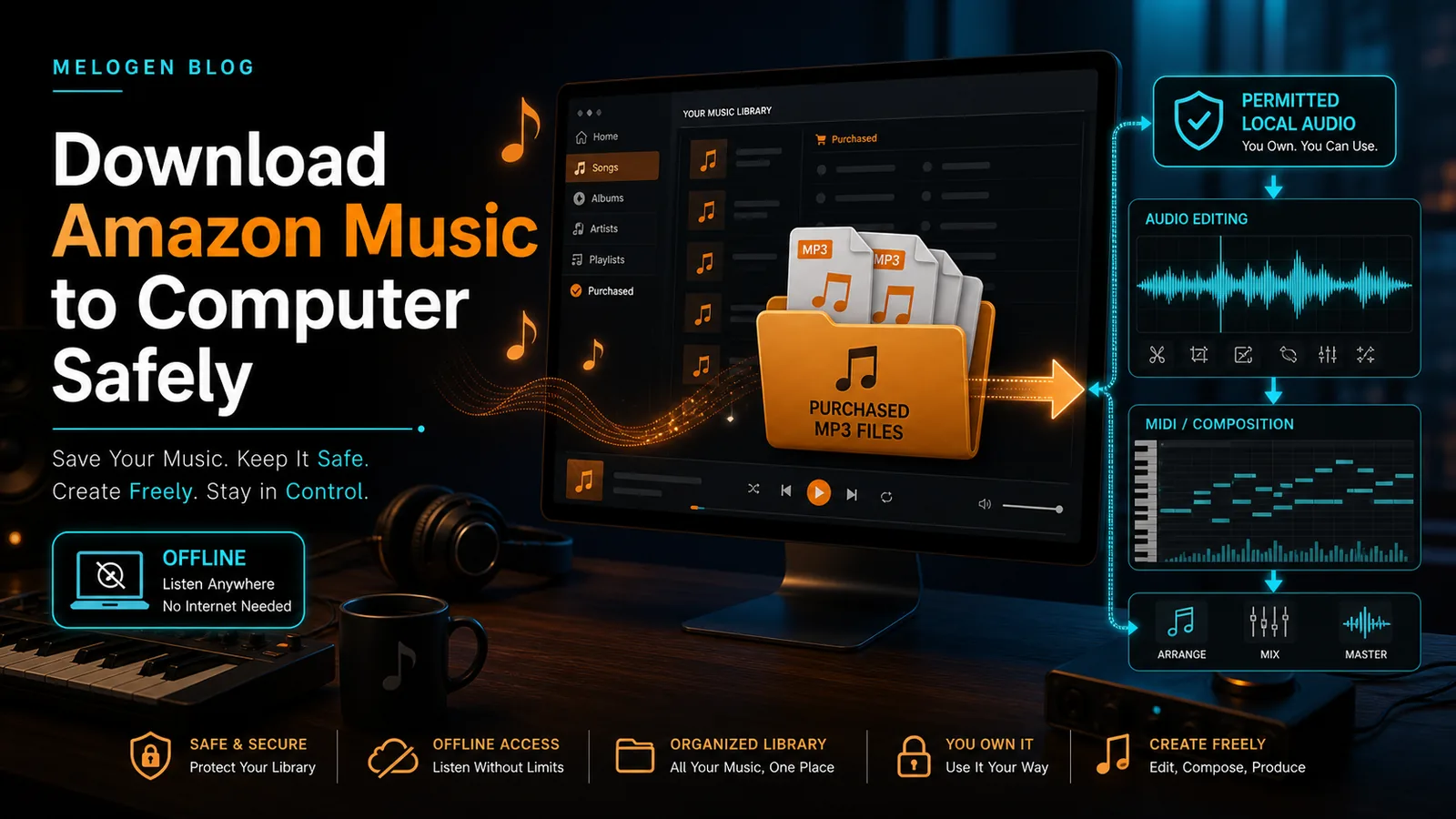
Turn a static score into editable MIDI
Contents
If you want to download Amazon Music to computer safely, start with two official paths: install the Amazon Music desktop app for offline listening, or download purchased music files from your Amazon Music library. The important catch is that subscription downloads and purchased MP3 files are not the same thing.
If you only want to listen offline, use Amazon's app. If you need a local file you can move into another player, look for purchased music. If you are considering a third-party Amazon Music converter, treat it as a separate buyer decision with personal-use and rights limits. Melogen is useful later, after you already have local audio you own or have permission to edit.
Quick decision table
| Goal | Best path | What you get | Main limit |
|---|---|---|---|
| Listen offline on your computer | Amazon Music desktop app | Offline playback inside the app | Not a portable MP3 file |
| Save music as local files | Purchased Amazon Music downloads | Files stored on your computer | Applies to purchased music, not the full streaming catalog |
| Compare converter software | TuneFab or another dedicated converter | Local audio output for personal use | Check legality, platform support, trial limits, and update risk |
| Edit, trim, or transcribe local audio | Melogen after the file is lawful to edit | Audio trimming, cleanup, and audio-to-MIDI workflow | Melogen is not an Amazon Music catalog downloader |
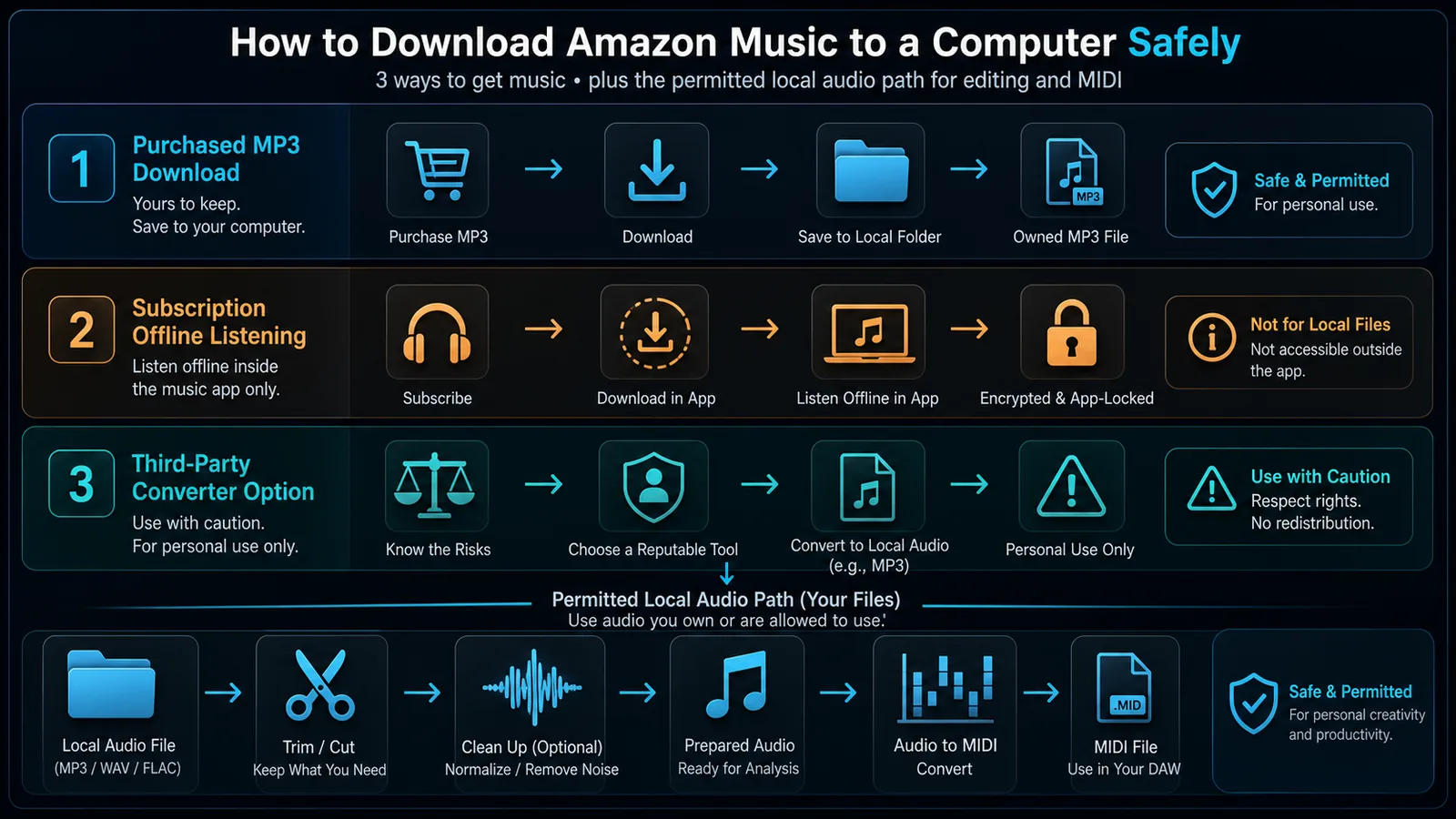
This article is not Amazon support and does not imply that Melogen can manage your Amazon account. It is a practical guide to choosing the right route before you move any audio into a broader music workflow.
Use the Amazon Music desktop app for offline listening
The fastest official route is the Amazon Music app for PC. Amazon's download page opens the installer and then asks you to sign in with your Amazon account.
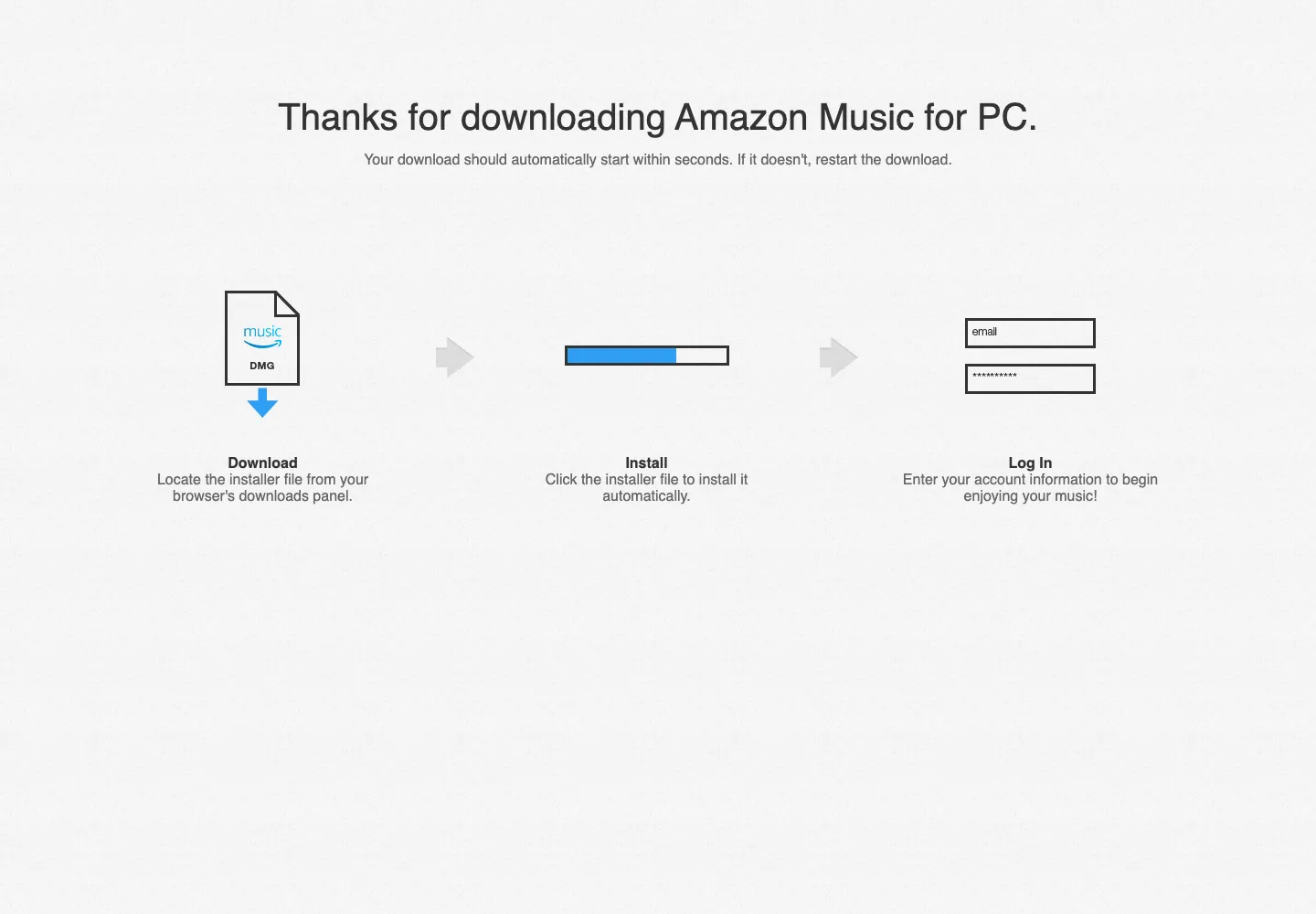
Use this path when your goal is listening, travel, data saving, or keeping music available when your connection drops. It is the right answer for most Amazon Music Prime or Amazon Music Unlimited subscribers who simply want offline access on the same computer.
The limitation is file control. Offline music inside a streaming app is normally tied to the app and account. It is not the same as having a DRM-free MP3, WAV, FLAC, or M4A file you can move freely into another editor, DAW, phone, USB drive, or notation workflow.
If your real goal is choosing between Amazon Music Prime and Unlimited, read the Amazon Music Prime vs Unlimited guide before you think about file conversion.
Download purchased Amazon Music files when you need local audio
Amazon's official help page for downloading purchased music in a web browser says purchased music files can be stored locally or imported into another media player. The same page also makes the key distinction: Prime and Unlimited titles are not available for direct computer download as files.
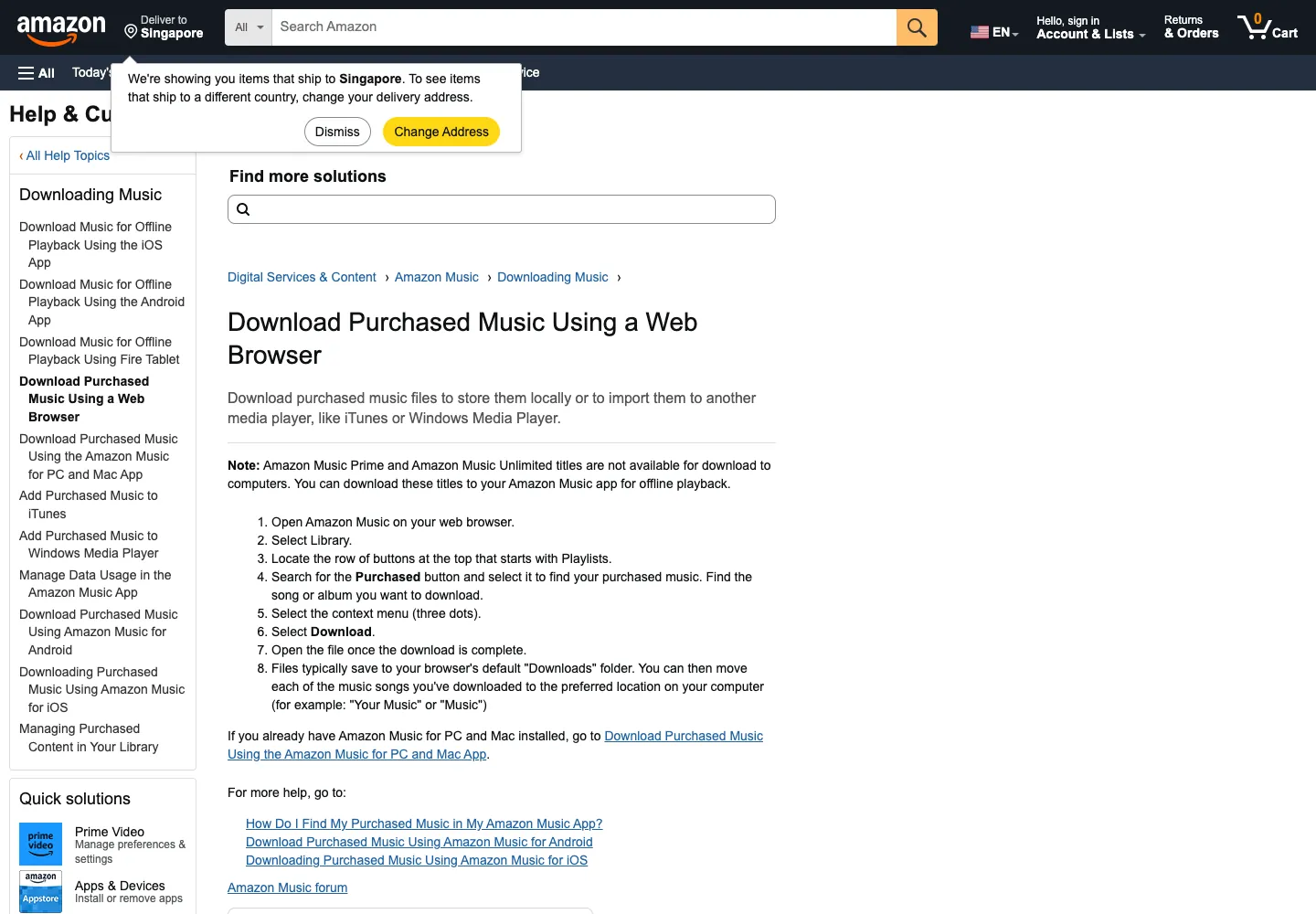
That means the cleanest local-file workflow is:
- Open Amazon Music in a browser or the Amazon Music desktop app.
- Go to your library and find music you purchased.
- Use the download option for the purchased song or album.
- Save the file to a known local folder, such as Downloads or Music.
- Import that file into your media player, editor, DAW, or archive only if your usage rights allow it.
This is the route I would check first if you need music outside the Amazon Music app. Purchased files give you a clearer local-file category than subscription offline downloads.
Consider TuneFab only as a third-party converter option
Some searchers looking for how to download Amazon Music to a computer are really comparing converter software. The competitor page that triggered this article is a TuneFab guide, and TuneFab is a relevant affiliate partner for Amazon Music converter intent.
The official TuneFab Amazon Music Converter page positions the app as a way to convert Amazon Music songs, playlists, albums, and podcasts into local audio formats such as MP3, WAV, FLAC, AIFF, M4A, AAC, and ALAC. This is an affiliate recommendation.
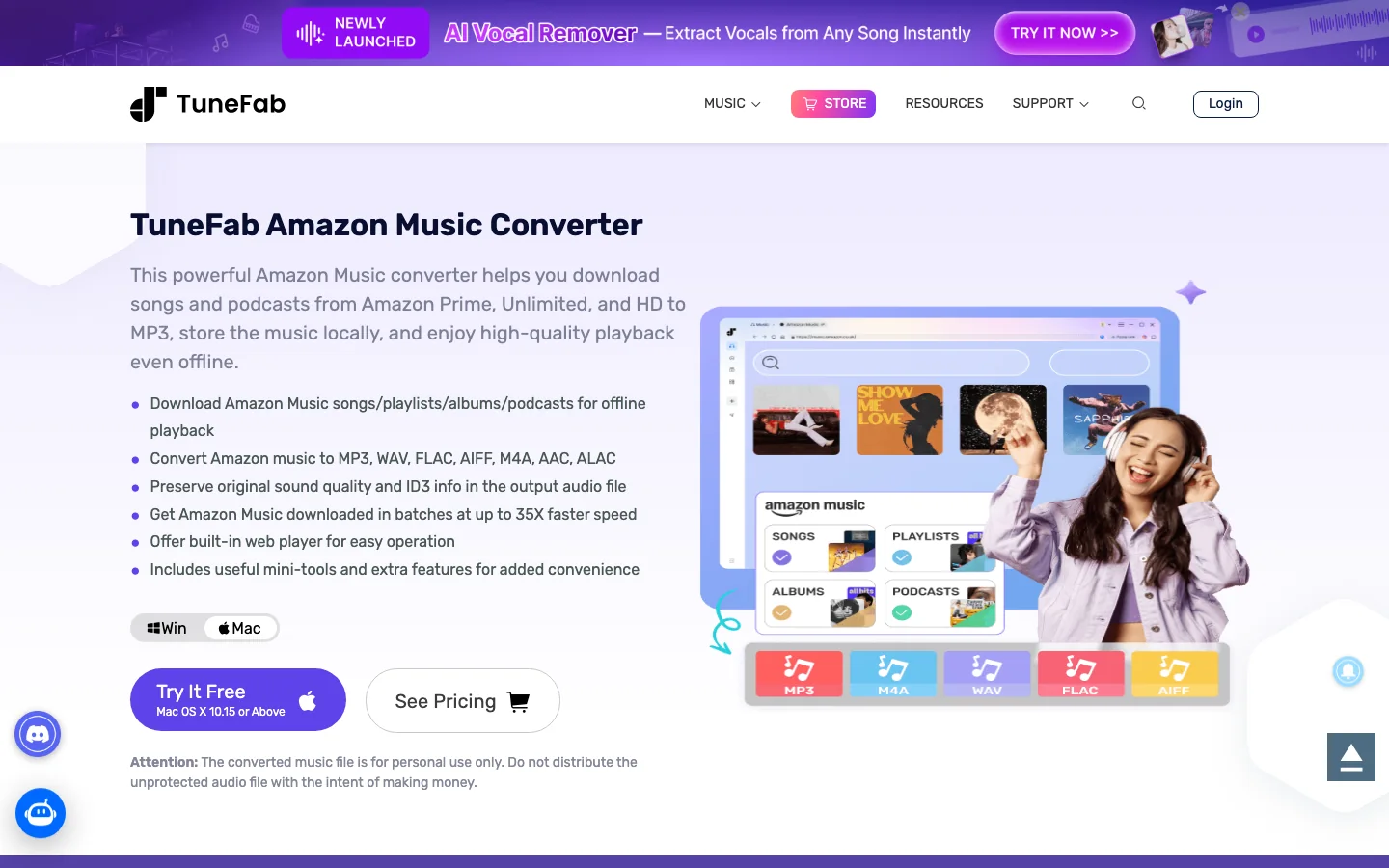
Use a converter comparison only after you have answered these questions:
- Are you handling music for personal listening, backup, or a permitted local library?
- Do you need MP3 portability, lossless storage, or an editing-friendly format such as WAV?
- Does the tool support your operating system and current Amazon Music account region?
- Does the trial let you verify enough of a real song or playlist before paying?
- Does the vendor explain personal-use limits clearly?
- What happens if Amazon changes its app or web player?
For a product-specific buying decision, Melogen already has separate public-surface reviews for TuneFab Amazon Music Converter, NoteBurner Amazon Music Converter, and TunePat Amazon Music Converter. This article stays focused on the broader download-to-computer job.
Where Melogen fits after you have permitted local audio
Melogen should not be framed as an Amazon Music downloader. Its job starts after you already have audio you created, bought DRM-free, recorded, licensed, or otherwise have permission to edit.
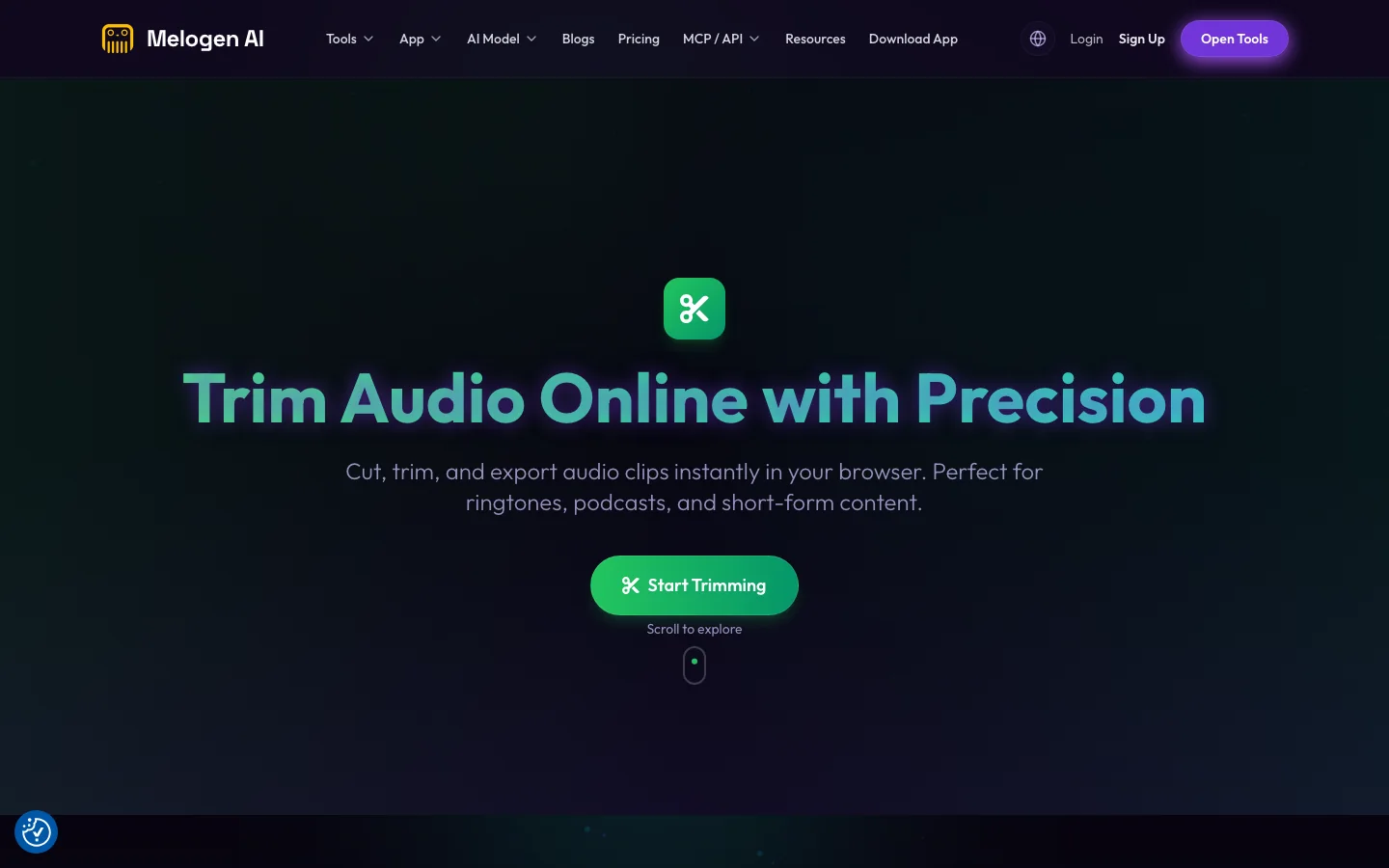
Once the source is legitimate for your use case, Melogen can help with the music work that comes next:
- Use Melogen Music Trimmer to cut a lesson clip, clean a rehearsal reference, or prepare a loop from a permitted local file.
- Use Audio to MIDI when the goal is turning your own audio idea into editable MIDI for composition or arrangement.
- Use the convert music files to MP3 guide if your next decision is simply which local audio format to keep.
- Keep streaming-app offline downloads separate from creative project files.
This keeps the workflow honest: Amazon Music is the listening and library layer, converter tools are a separate local-file decision, and Melogen is for editing or transforming music files you are allowed to process.
Trim audio you are allowed to edit
Use Melogen after you already have legal local audio. Cut clips, prepare practice loops, or move your own audio idea toward MIDI.
Checklist before you download
Use this checklist before you install an app, buy a track, or test a converter:
- Name the real goal. Are you trying to listen offline, keep purchased files, or edit audio?
- Start with Amazon's official app or purchased-music help page.
- Confirm whether the music is purchased, subscription-only, or from another source.
- Keep a clean local folder for files you are allowed to store.
- Avoid moving subscription offline downloads into editing workflows.
- If you test TuneFab or another converter, use a small sample first and read the personal-use language.
- Move into Melogen only when the audio source is lawful for your editing task.
FAQs
Can I download Amazon Music to my computer?
Yes, but the method depends on the source. Use the Amazon Music desktop app for offline listening, and use Amazon's purchased-music download flow when you need local files from music you bought.
Can Amazon Music Prime or Unlimited songs be downloaded as MP3 files?
Amazon's purchased-music help page distinguishes Prime and Unlimited titles from purchased downloads. Subscription downloads are for offline playback in the Amazon Music app, not general local MP3 export.
Is TuneFab the same as Amazon Music?
No. TuneFab is a third-party converter product. Amazon Music is the streaming and music-store service. If you compare TuneFab, treat it as a separate purchase with trial, platform, update, and personal-use checks.
Can I use downloaded Amazon Music in Melogen?
Use Melogen only with audio you have permission to edit. Purchased DRM-free files, your own recordings, licensed audio, or original project exports are cleaner sources than subscription offline downloads.
The practical takeaway
To download Amazon Music to a computer safely, start with the official path that matches your goal. Use the desktop app for offline listening, use purchased-music downloads for real local files, and treat TuneFab or any converter as a carefully checked third-party option.
For music production, keep the boundary visible. Amazon Music helps you listen and manage a library. Melogen helps after you have permitted local audio and need trimming, MIDI, cleanup, or a more editable music workflow.
About the author
Zhang Guo
Composer - AI Product Manager
AI product manager and digital marketing consultant with a background in music. Creativity is the bridge between rhythm and logic, where musical intuition and mathematical precision can coexist in every meaningful product decision.
Follow on X