Is Suno the Best AI Music Generator? 2026 Guide
Compare Suno with Udio, Mureka, Lyria, Beatoven, and SOUNDRAW so you can choose the right AI music generator for your workflow.
 Zhang Guo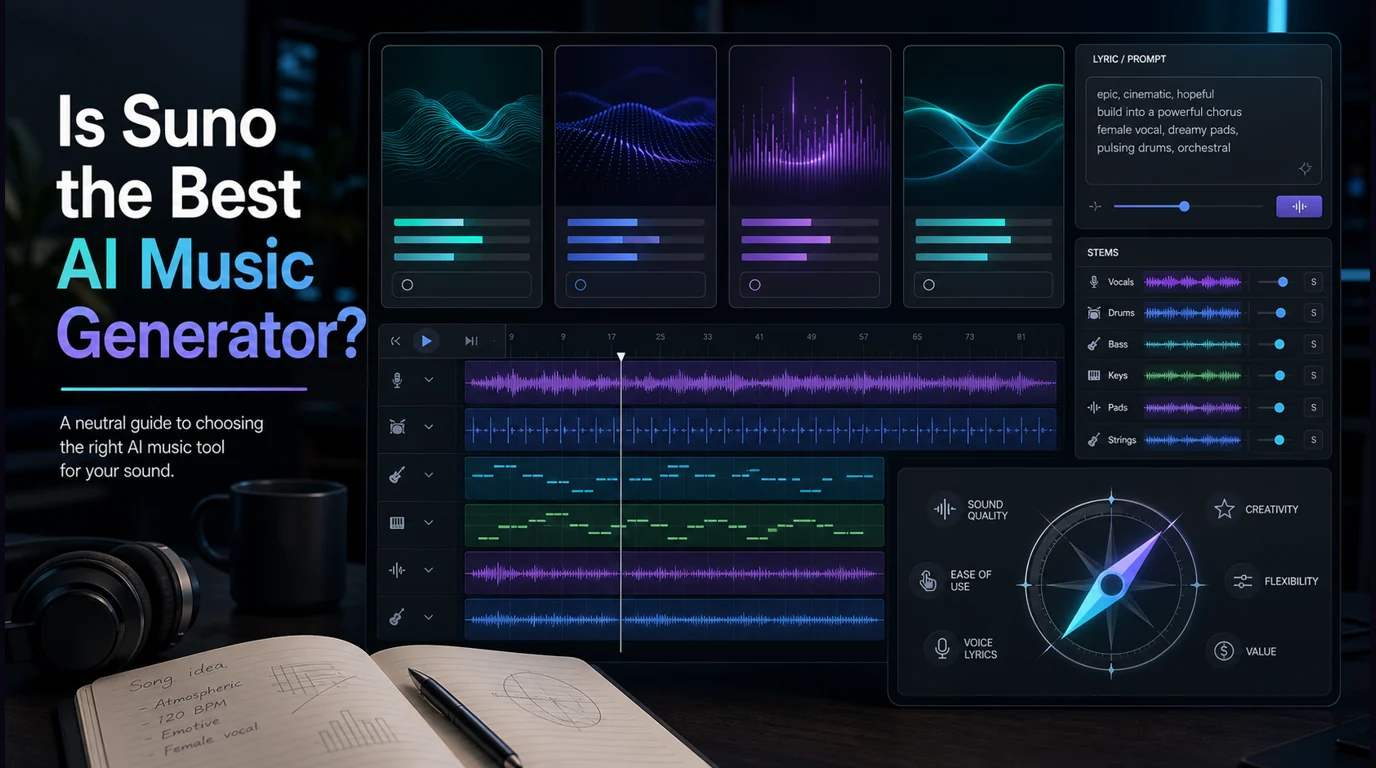
Turn a static score into editable MIDI
Contents
If you are asking "is Suno the best AI music generator?", the honest answer is: sometimes. Suno is one of the strongest AI music generators for fast full-song drafts, especially when you want lyrics, vocals, and a complete track from a short prompt. It is not automatically the best choice for every musician, producer, creator, or brand team.
The better question is: best for what job? If you need a catchy vocal demo, Suno can be a great first stop. If you need prompt exploration, commercial background music, soundtrack control, or a workflow that stays close to Melogen's AI model pages, another tool may fit better.

Quick comparison table
| Tool | Best for | Main creation style | Strength | Tradeoff |
|---|---|---|---|---|
| Suno | Fast full-song drafts | Prompt to song with vocals and editing tools | Very direct for lyric-driven songs | Not always the best for licensing-sensitive background music or detailed production handoff |
| Udio | Prompt exploration and alternate song ideas | Prompt to song | Clean creative surface and strong song-generation focus | Still needs human selection, editing, and rights review |
| Mureka in Melogen | Melogen users who want a model-led song generator path | Text, lyrics, style, vocals, and custom song direction | Fits the Melogen AI model ecosystem and creator workflow | Best judged by the specific model/workflow you choose |
| Google Gemini Lyria | Gemini users and custom track prompts | Text or image prompts to music | Strong AI-platform integration | Availability and workflow may vary by account and region |
| Beatoven.ai | Background music for videos and projects | Mood and use-case driven background tracks | Built around customizable background music | Less song/vocal centered than Suno |
| SOUNDRAW | Copyright-safe beats and creator music | Beat and track generation | Strong licensing/safety positioning for creators | More production-music focused than lyric-first songwriting |
The pattern is simple. Suno is a strong answer when the task is "make me a song." It is a weaker answer when the task is "give me the safest background track for a client video," "help me compare model behavior," or "fit this inside a broader Melogen music workflow."
When Suno is the best choice
Suno is a good first choice when you want to move from idea to complete song quickly. Its official homepage is built around the promise of making a song from a prompt, with a visible creation box and messaging around pro editing tools.
That makes it useful for:
- songwriters who need a quick lyric-and-vocal sketch
- creators testing hooks, choruses, and mood directions
- producers who want a fast reference before rebuilding the idea in a DAW
- non-musicians who need a complete musical draft instead of loops or stems
The important limit is control. A generated song is still a rendered result. You can prompt, choose, edit, extend, or regenerate, but you are not arranging every bar like you would in a DAW session. Treat Suno as a fast ideation engine, not as a replacement for musical judgment.
If your real task is music transcription rather than music generation, compare that separately. The best AI music transcription tools guide is for turning existing audio or notation into editable outputs such as MIDI, MusicXML, or sheet music.
When Udio may be the better fit
Udio is another strong AI song generator, and its official page keeps the promise simple: make music and start creating. That directness matters when you want to test several prompt directions without overthinking a production stack.
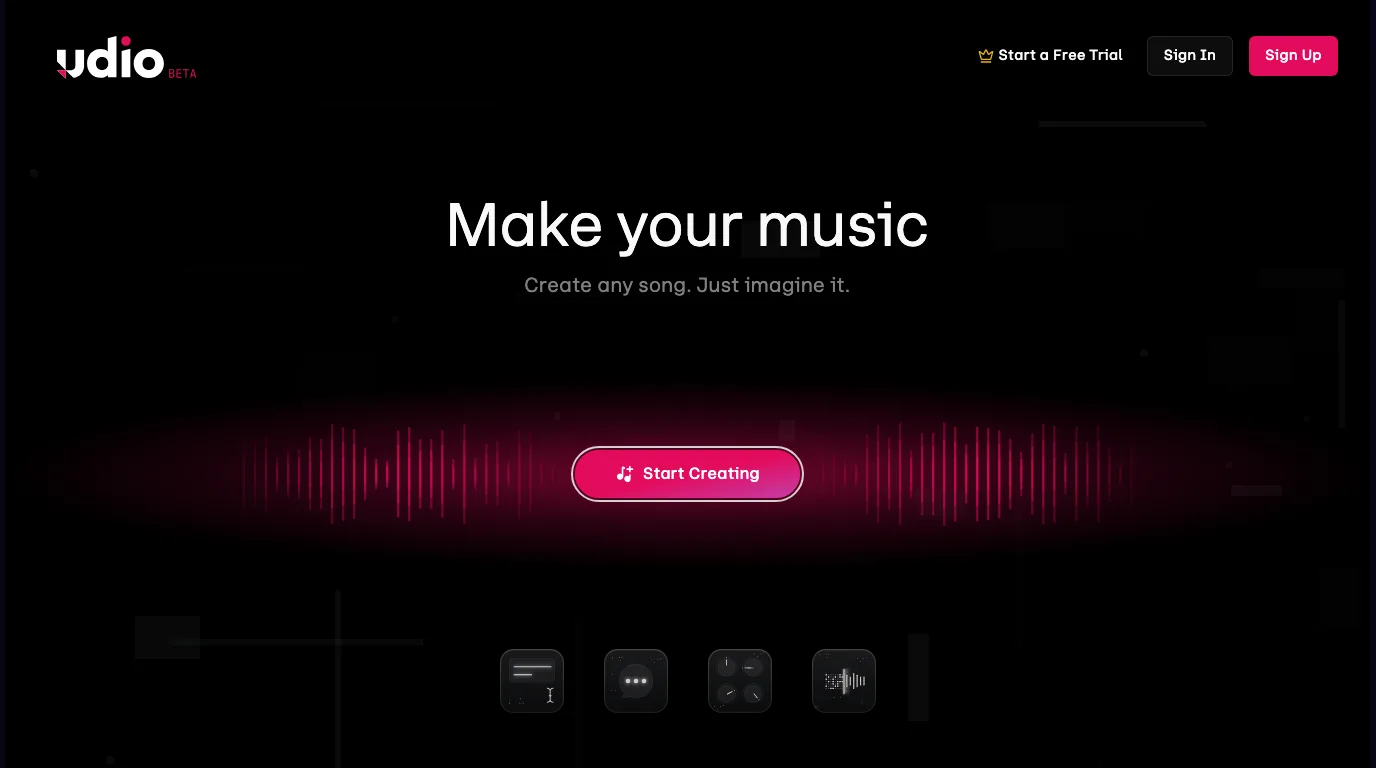
Choose Udio when the job is exploratory. For example, you may want to compare three chorus moods, test a genre blend, or hear whether a lyric idea should become pop, country, electronic, or cinematic. In that workflow, the first output is not "the master." It is a fast reference that helps you decide what to keep.
The same caution applies: do not outsource the final decision to the model. Listen for arrangement shape, vocal fit, lyric stress, transitions, and whether the hook survives after the novelty fades.
Where Mureka and Melogen fit
Melogen's Mureka page is positioned around creating original music with vocals, instrumentals, and custom styles. It is the better internal path when you want to stay inside Melogen's AI model ecosystem instead of sending every generation task to a third-party surface.
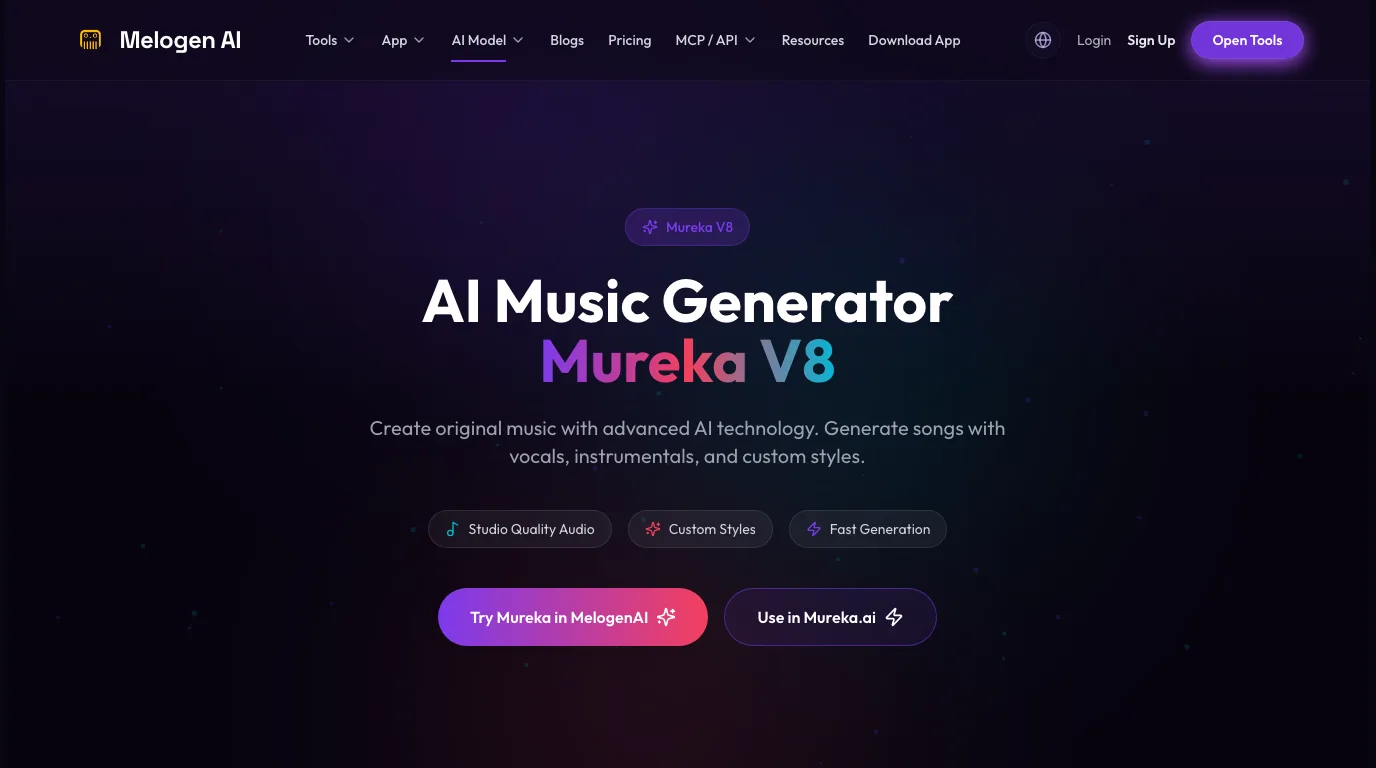
Use the Melogen route when you want a music-generator workflow alongside the rest of your music stack: score tools, MIDI utilities, audio tools, model pages, and practical blog guidance. That makes sense for creators who move between generation, conversion, editing, and publishing rather than treating AI music as a single isolated tool.
For a broader creator-tool view, the technology for composing music guide is a useful companion. It separates ideation tools, notation tools, recording tools, and arrangement workflows instead of putting every product into one "best app" bucket.
When Lyria is worth considering
Google positions Lyria 3 inside Gemini as a high-fidelity AI music generator that can turn text or image prompts into tracks with instrumentals, vocals, and lyrics. That makes it interesting if you already use Gemini and want music generation connected to a broader AI workspace.
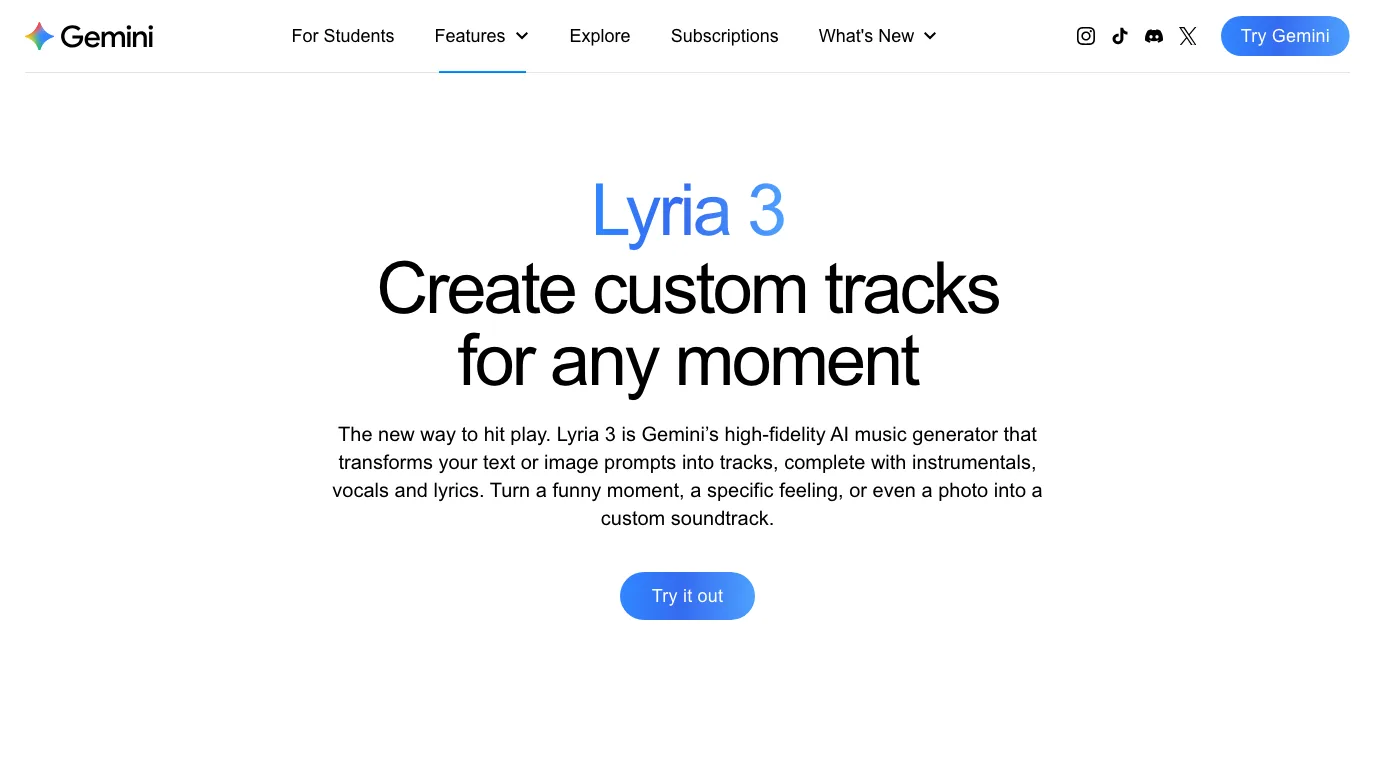
Lyria is less about "Suno vs everyone" and more about platform fit. If your creative workflow already lives around Gemini, Lyria may be the convenient music layer. If your workflow is mostly about song sketches, social clips, and fast vocal demos, Suno or Udio may still feel more direct.
Use Lyria when platform integration matters. Use a dedicated song generator when the only job is to get musical drafts quickly.
When Beatoven or SOUNDRAW is a better answer
Beatoven.ai and SOUNDRAW are worth comparing because they answer a different need. They are not only trying to make a viral song. They are closer to background music, creator tracks, and licensing-aware workflows.
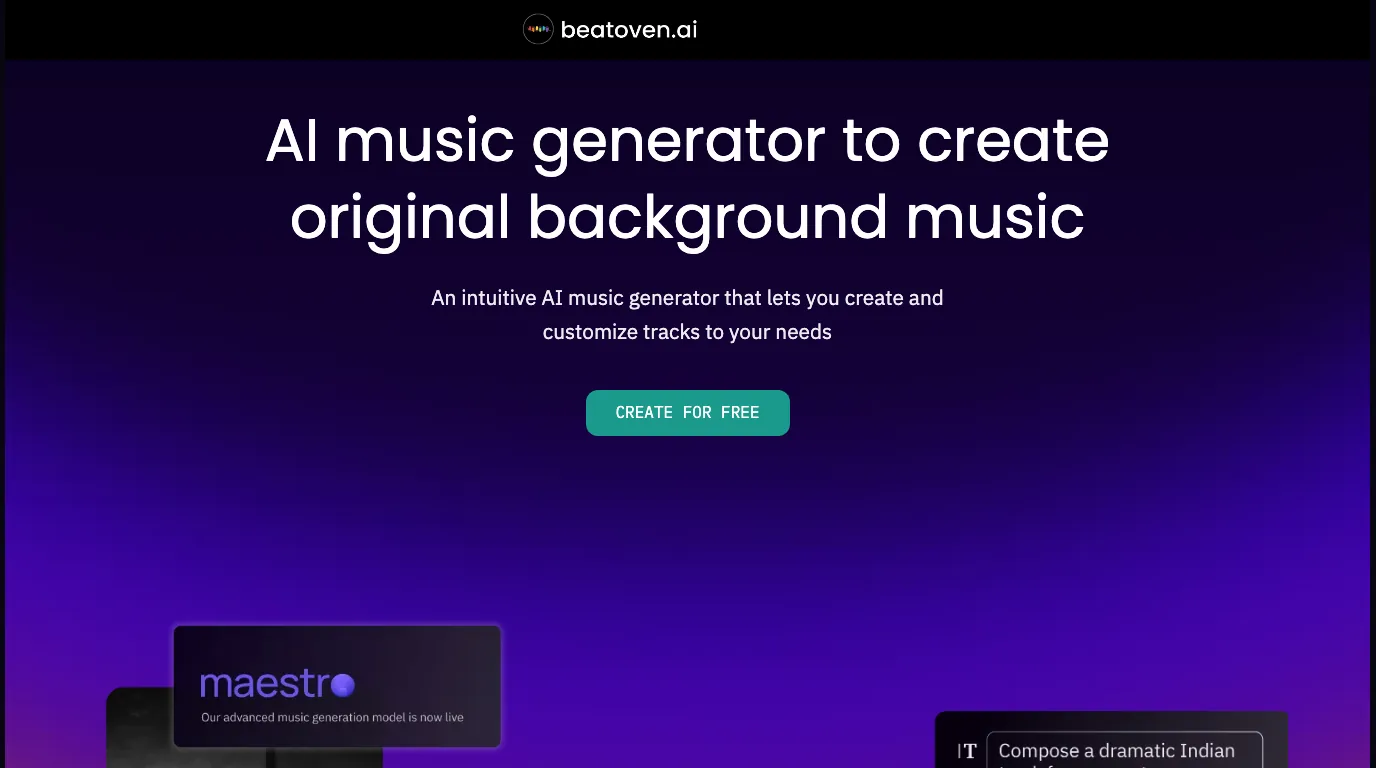
Beatoven.ai is framed around original background music that can be customized to your needs. That is useful for video editors, podcasters, educators, and product teams who need music under spoken content rather than a full vocal song in the foreground.

SOUNDRAW puts copyright-safe creator music front and center on its public page. That does not remove the need to read the current license terms before commercial use, but it tells you the product is aiming at a different buyer than a songwriter testing hooks.
This is where Suno may not be the best tool. If the track has to sit under a voiceover, client video, ad, or background scene, a production-music workflow may be more useful than a lyric-first song generator.
How to choose the right AI music generator
Use this decision framework before you pick a tool:
| If you need... | Start with... | Why |
|---|---|---|
| A fast vocal song sketch | Suno or Udio | They are direct prompt-to-song generators. |
| A Melogen-friendly model workflow | Mureka in Melogen | It fits the broader Melogen model and music-tool ecosystem. |
| Background music for content | Beatoven.ai or SOUNDRAW | They are built around creator and production-music use cases. |
| Music generation inside a wider AI assistant | Gemini Lyria | It connects music generation to Gemini's broader AI surface. |
| Editable MIDI or notation from existing music | Melogen Music2MIDI, Sheet2MIDI, or another transcription tool | Generation and transcription are different workflows. |
The last row is easy to miss. AI music generators create new audio. Transcription and conversion tools turn existing material into editable forms. If you need to convert a score, song, or sketch into MIDI, you are asking a different question than "is Suno the best AI music generator?"
Where Melogen fits after the first draft
Melogen is strongest when AI music sits inside a larger music workflow. You might use a generator to explore a mood, then use Melogen tools to handle adjacent tasks: MIDI conversion, audio cleanup, score workflows, or model-specific exploration.
For generator work, start with Mureka in Melogen when you want a creator-focused AI music page inside the Melogen ecosystem. If your work moves toward files, formats, and editing, Melogen also gives you conversion routes such as MIDI tools and audio-to-MIDI workflows.
The practical habit is this: generate to explore, then edit like a musician. Keep the prompt results that teach you something, discard the rest, and move the useful ideas into the tool that matches your next step.
Try a Melogen model route for song ideas
Use Melogen when you want AI music generation to sit beside MIDI, score, and audio workflows instead of living as a one-off prompt experiment.
FAQs
Is Suno better than Udio?
It depends on the workflow. Suno is very strong for fast, complete song drafts. Udio is also strong for prompt exploration and alternate song ideas. Test both with the same brief and judge the output by structure, vocal fit, lyric stress, and how much cleanup you would need.
Is Suno the best AI music generator for commercial projects?
Not automatically. For commercial projects, the license and use case matter as much as the sound. If you need background music for a client video, ad, podcast, or course, compare creator-focused tools such as Beatoven.ai or SOUNDRAW and read the current terms before publishing.
Can Suno replace a DAW?
No. Suno can generate useful song drafts, but a DAW is still the better place for detailed arrangement, mixing, edits, stems, instrumentation decisions, and final production control.
Should I use an AI music generator or an audio-to-MIDI tool?
Use an AI music generator when you want new music from a prompt. Use an audio-to-MIDI or score conversion tool when you already have music and need an editable file for a DAW or notation editor.
The practical takeaway
Suno can be the best AI music generator when your main goal is a fast, complete song draft with vocals. It is not the universal best answer. Udio may fit prompt exploration, Mureka in Melogen may fit a model-led Melogen workflow, Lyria may fit Gemini users, and Beatoven or SOUNDRAW may fit creator-safe background music.
Pick the generator by the next musical decision you need to make, not by the loudest leaderboard claim.
About the author
Zhang Guo
Composer - AI Product Manager
AI product manager and digital marketing consultant with a background in music. Creativity is the bridge between rhythm and logic, where musical intuition and mathematical precision can coexist in every meaningful product decision.
Follow on X