Best AI Music Transcription Tools for Musicians
Compare the best AI music transcription tools by source, output, strengths, tradeoffs, and which Melogen workflow fits.
 Zhang Guo
Turn a static score into editable MIDI
Contents
The best AI music transcription tools depend on what you are starting with. A clean PDF score, a phone recording of a melody, a full-band song, a guitar riff, and a singer-songwriter demo are all transcription problems, but they do not need the same tool.
This roundup uses a source-first rule: choose the tool by input and output before you compare brand names. If you need editable MIDI from audio, start with an audio-to-MIDI workflow. If the notes are already visible on a page, use an OMR or sheet-to-MIDI workflow. If you need guitar tabs, lead sheets, or notation editor cleanup, pick a tool that exports the format you will actually edit.
Quick comparison table
| Tool | Best for | Main output | Strength | Tradeoff |
|---|---|---|---|---|
| Melogen Music2MIDI / Sheet2MIDI | Browser-based MIDI workflow from audio or visible scores | MIDI, with score routes for MIDI or MusicXML | Fast source-to-editable-file routing without desktop setup | Still needs cleanup on dense mixes or messy scans |
| Basic Pitch | Free single-instrument audio-to-MIDI experiments | MIDI | Open, simple, good for quick DAW experiments | Best with single instruments, not full arrangements |
| AnthemScore | Desktop audio-to-sheet-music work | Sheet music, MusicXML, MIDI, PDF | Strong editing environment after AI detection | Desktop install and manual correction mindset |
| Klangio Transcription Studio | Multi-instrument transcription and instrument-specific outputs | Sheet music, MIDI, MusicXML, Guitar Pro, TAB | Broad instrument modes and dedicated transcription products | More product-specific than a neutral editing workspace |
| Songscription AI | Fast web transcription from audio or social/video links | Sheet music, MIDI, MusicXML, Guitar Pro | Wide input and instrument coverage in a browser | Output quality still depends on source separation and arrangement density |
| ScoreCloud | Lead sheets, singer-songwriter demos, and notation editing | Lead sheets, MIDI, MusicXML, PDFs | Strong songwriting and notation-software framing | Best when the goal is a lead sheet or score workflow, not raw DAW MIDI only |
The useful split is not "which tool says AI the loudest." It is "which output do I want to fix next?" MIDI is easiest to edit in a DAW. MusicXML is better for notation software. Guitar Pro or TAB matters when the end user is a guitarist. PDF sheet music is useful when the file needs to be printed or shared.
If your broader question is still "do I need note recognition, OMR, or audio transcription?", the comparison in App That Recognizes Music Notes: Best 2026 Picks is the better first stop. This article is narrower: it focuses on AI music transcription tools and the file you get after transcription.
Best overall browser workflow: Melogen Music2MIDI
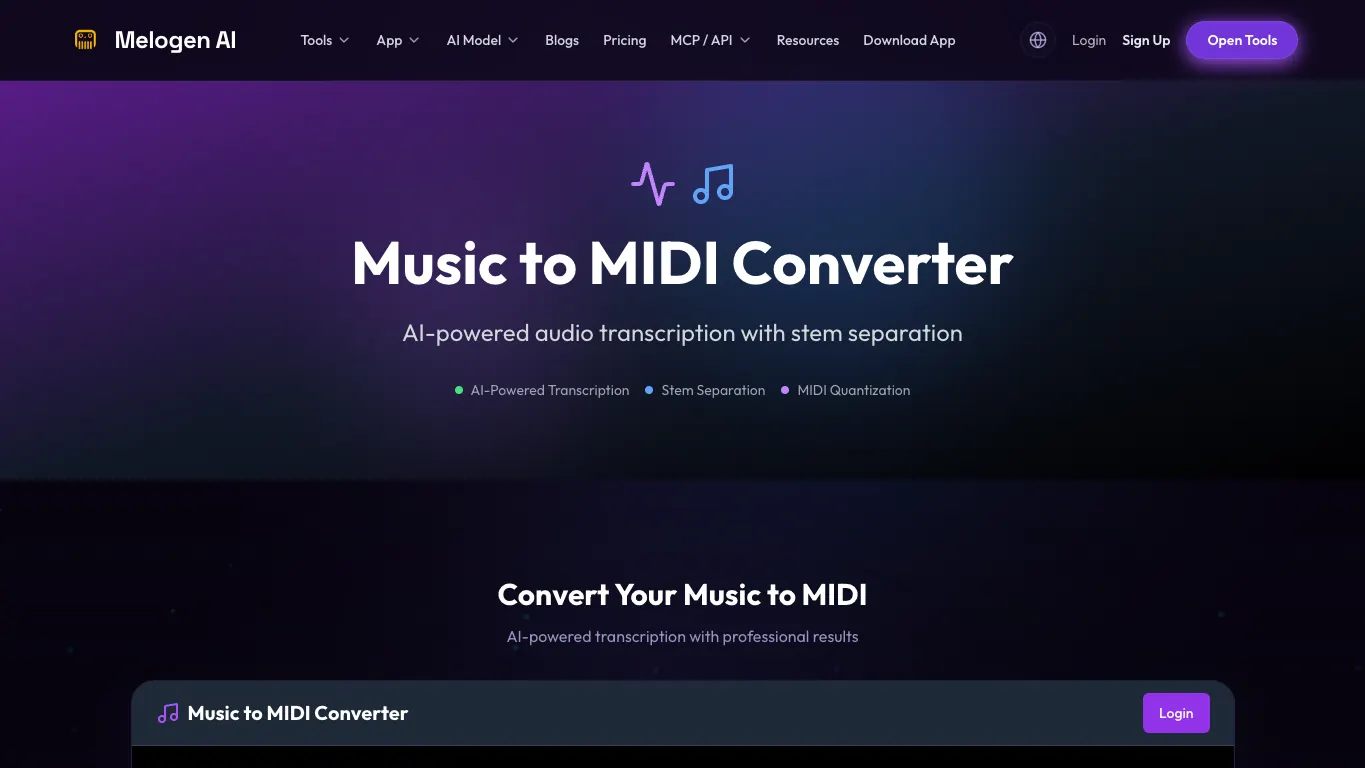
Melogen fits when you want a fast browser path from a music source into an editable file. The local Music2MIDI product route is positioned as an AI-powered audio transcription workflow with optional stem separation, while Melogen's score routes handle the visible-notation side: Sheet2MIDI for sheet music images and PDFs, and PDF to MusicXML when the next stop is notation software.
Key features
- Browser-based music-to-MIDI workflow for audio transcription.
- Sheet2MIDI route for score images and PDFs.
- PDF to MusicXML route when the target workflow is notation editing.
- Standard MIDI output for DAWs and cleanup.
Pros and cons
Melogen is strongest when you want to move quickly from source to editable output without installing a desktop app. That makes it a practical first pass for producers, arrangers, students, and teachers who need to test a transcription before doing musical cleanup.
The limitation is the normal limitation of AI transcription: dense mixes, noisy recordings, overlapping instruments, and low-quality scans still need human review. I would not treat any first-pass MIDI or MusicXML file as final. I would treat it as a faster way to reach the editing stage.
Best-fit reader
Choose Melogen if you want a browser-first workflow and you are comfortable checking the result in a DAW or notation editor. If your source is a printed score or PDF, the older best OMR software for musicians comparison stays relevant. If your source is audio, start with Melogen Music2MIDI.
Best free single-instrument experiment: Basic Pitch
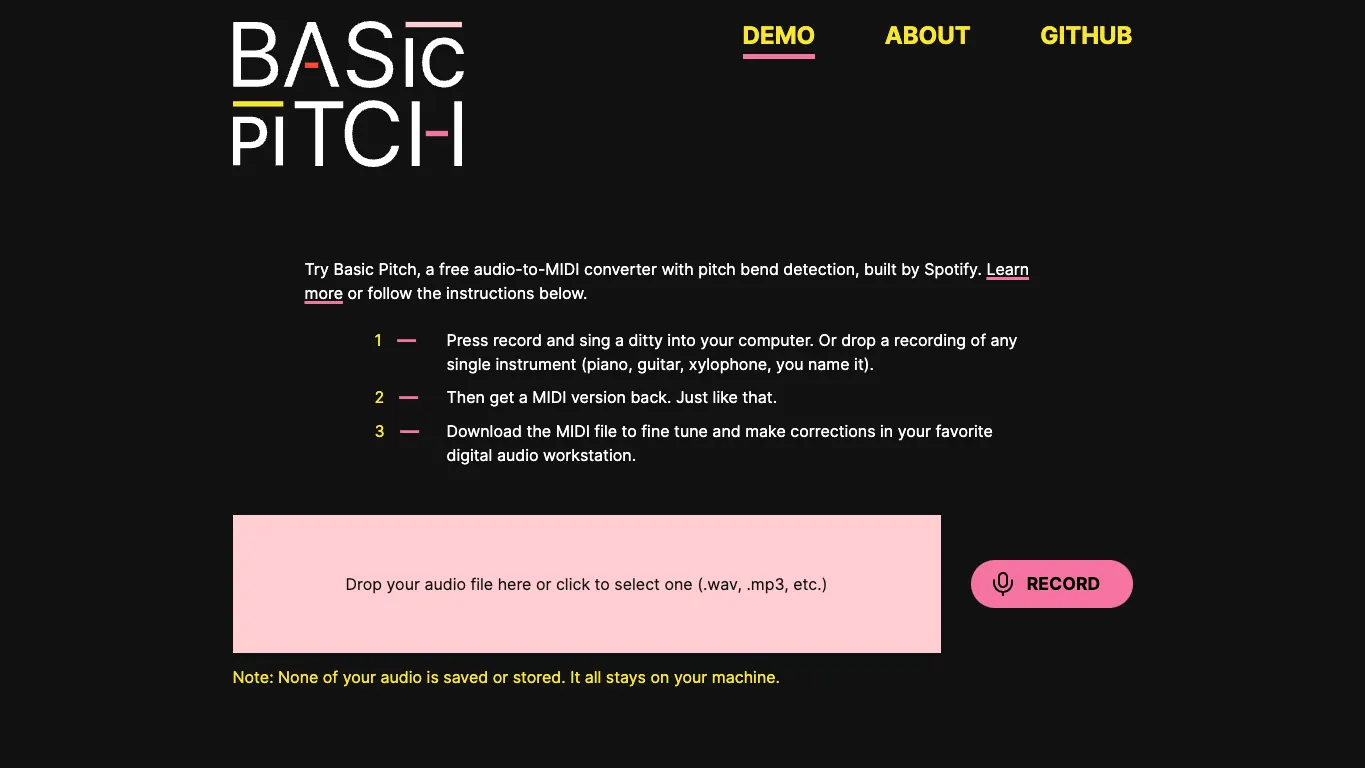
Basic Pitch is Spotify's free audio-to-MIDI demo with pitch bend detection. Its public demo invites you to record audio or drop in a single-instrument recording, then download the MIDI file for correction in a DAW.
Key features
- Free browser demo.
- Audio-to-MIDI conversion.
- Pitch bend detection.
- Best positioned for single-instrument recordings such as voice, piano, or guitar.
Pros and cons
Basic Pitch is a good place to test the category because it is direct: add audio, get MIDI, edit the MIDI. It is especially useful when the source is one clear instrument rather than a complete mixed track.
The tradeoff is scope. If you need full score editing, MusicXML, TAB, lead sheets, or a polished multi-instrument workflow, Basic Pitch is not trying to be the whole studio. Use it when the job is "extract a MIDI sketch I can fix."
Best-fit reader
Choose Basic Pitch if you want a lightweight, no-drama way to try audio-to-MIDI on a clear melody, riff, or single-instrument line.
Best desktop editing environment: AnthemScore
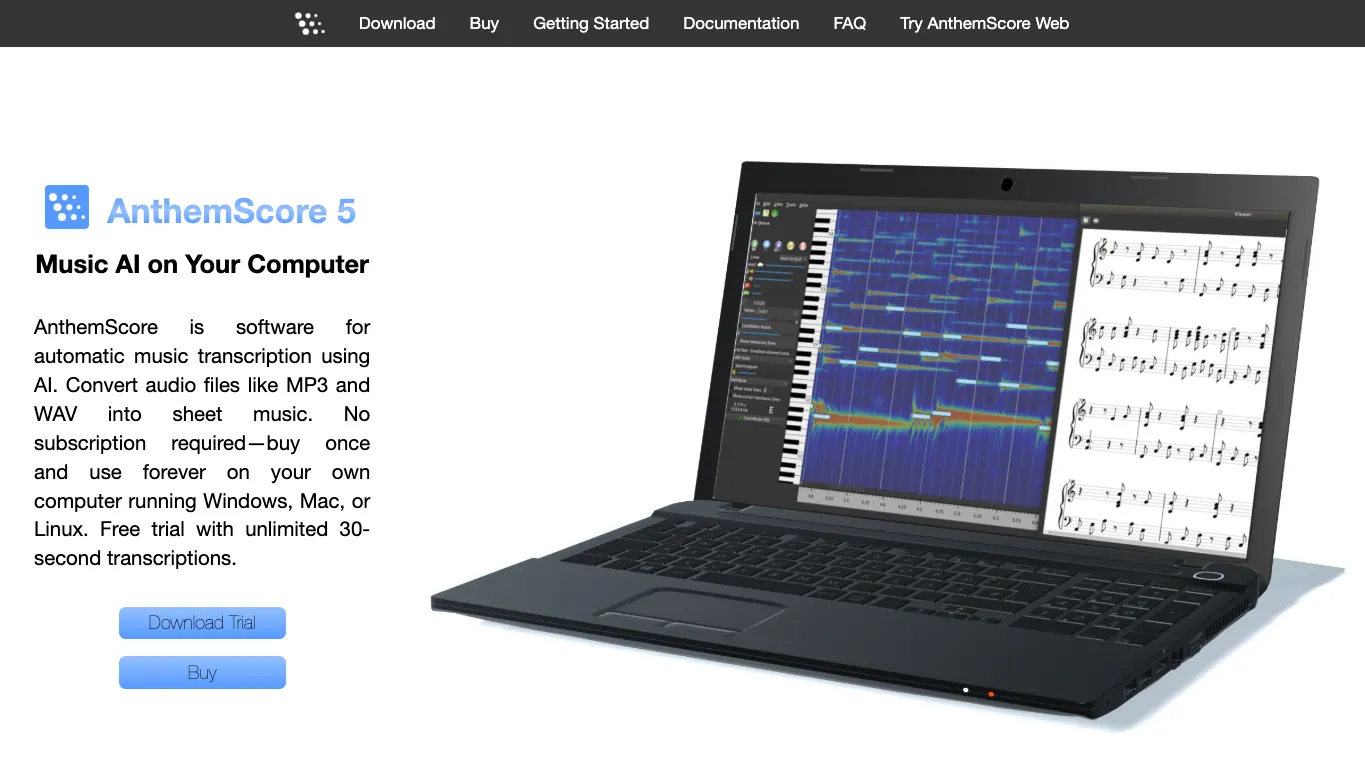
AnthemScore is desktop software for automatic music transcription using AI. Its current public page describes MP3 and WAV input, sheet music output, Windows/Mac/Linux support, a buy-once model, and exports such as PDF, MusicXML, and MIDI.
Key features
- Desktop automatic transcription from audio files.
- MP3 and WAV input positioning.
- Sheet music editing after detection.
- PDF, MusicXML, and MIDI export.
Pros and cons
AnthemScore is strong when you know the AI output will need careful editing and you want that editing environment built into the same product. That matters for musicians who think in notation first and want to fix time signatures, measures, keys, or notes before exporting.
The tradeoff is setup and workflow weight. If you only need a quick browser pass, a desktop app can feel slower. If you need detailed score cleanup, that same desktop depth becomes the reason to choose it.
Best-fit reader
Choose AnthemScore if your workflow is "audio file into editable sheet music, then export to MusicXML, MIDI, or PDF after correction."
Best instrument-specific suite: Klangio Transcription Studio
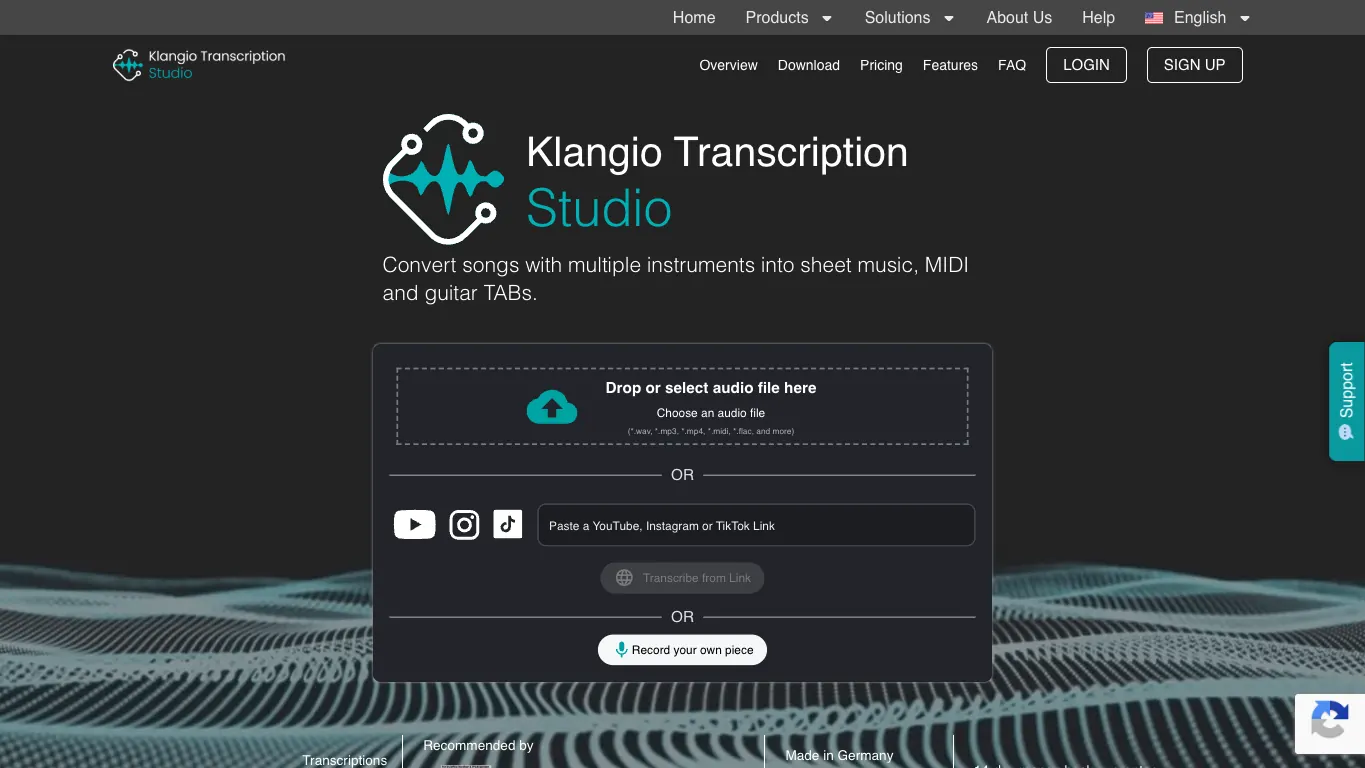
Klangio Transcription Studio is built around turning songs into notes. Its product page describes multiple instrument transcription, sheet music, MIDI, MusicXML, and guitar TAB/Guitar Pro style workflows, with related products such as Piano2Notes, Guitar2Tabs, Drum2Notes, Sing2Notes, and Scan2Notes.
Key features
- Multi-instrument transcription studio positioning.
- Instrument-specific product family.
- Sheet music, MIDI, MusicXML, and guitar TAB-style outputs.
- Useful for guitar, piano, drums, vocals, and other targeted parts.
Pros and cons
Klangio is useful when your source is not just "audio" but a specific musical job: guitar part to tabs, drum groove to notation, vocal line to notes, or piano recording to sheet music. That specificity is a real advantage for readers who already know the target instrument.
The tradeoff is that you are buying into a product family and workflow. If you want one neutral, general-purpose editing surface, compare the output requirements carefully before you start.
Best-fit reader
Choose Klangio when the output format is instrument-specific, especially if guitar TAB, drum notation, or a dedicated piano/vocal workflow matters more than a generic MIDI file.
Best web tool for broad audio inputs: Songscription AI
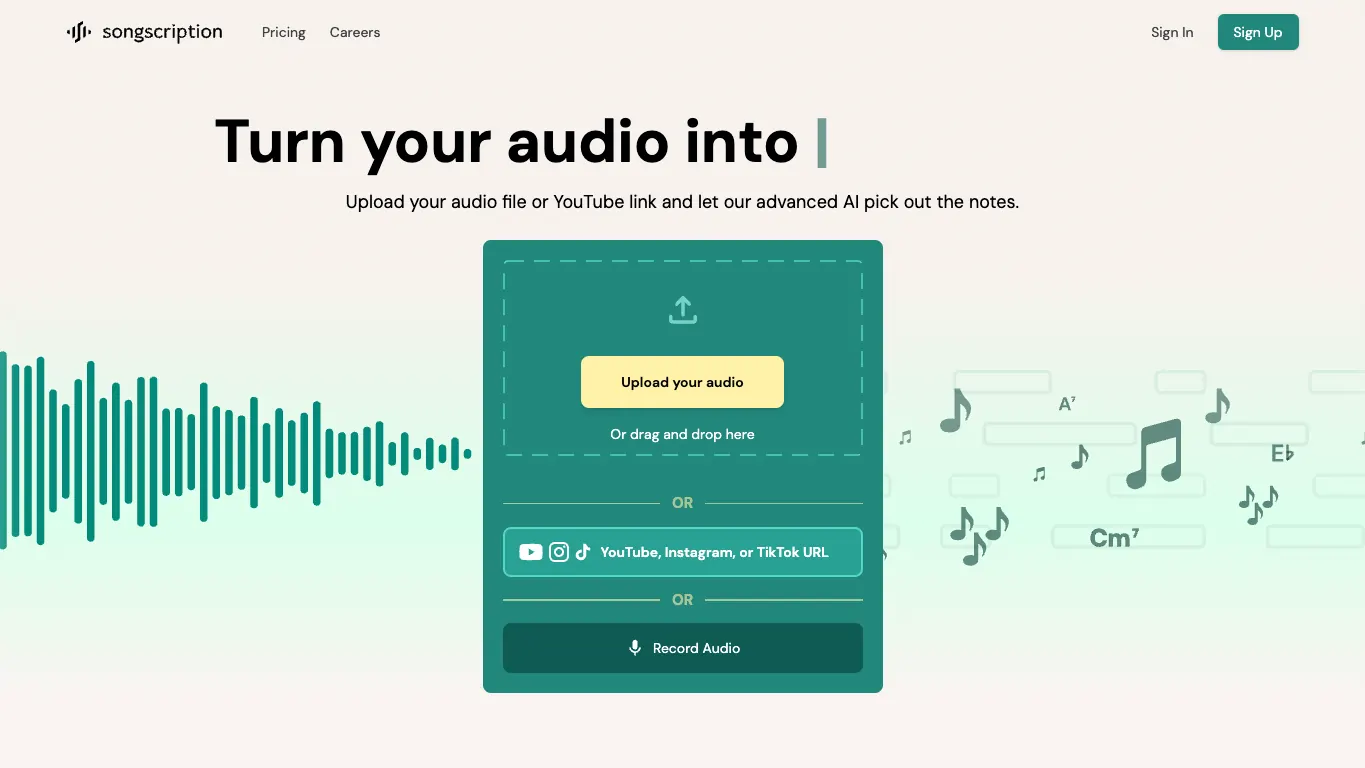
Songscription AI positions itself as a web transcription platform for audio, YouTube, Instagram, TikTok links, and direct recording. Its public page describes output options including sheet music, MIDI, guitar tabs, and MusicXML, with support across instruments such as piano, guitar, bass, violin, flute, trumpet, saxophone, drums, and vocals.
Key features
- Audio upload and link-based input positioning.
- Sheet music, MIDI, MusicXML, and guitar tab output.
- Broad instrument coverage claims.
- Browser-based workflow with editor-style positioning.
Pros and cons
Songscription is attractive when the source might come from a file, a recorded idea, or a public video/social link. That makes it easy to test when the user does not want to prepare a clean DAW export first.
The tradeoff is the same one that applies to broad transcription tools: source quality matters. A clean instrument line is a different problem from a compressed full-band upload with drums, vocals, effects, and reverb.
Best-fit reader
Choose Songscription AI if you want a broad browser tool that accepts several input paths and can hand you notation-oriented outputs rather than MIDI alone.
Best for lead sheets and songwriter notation: ScoreCloud
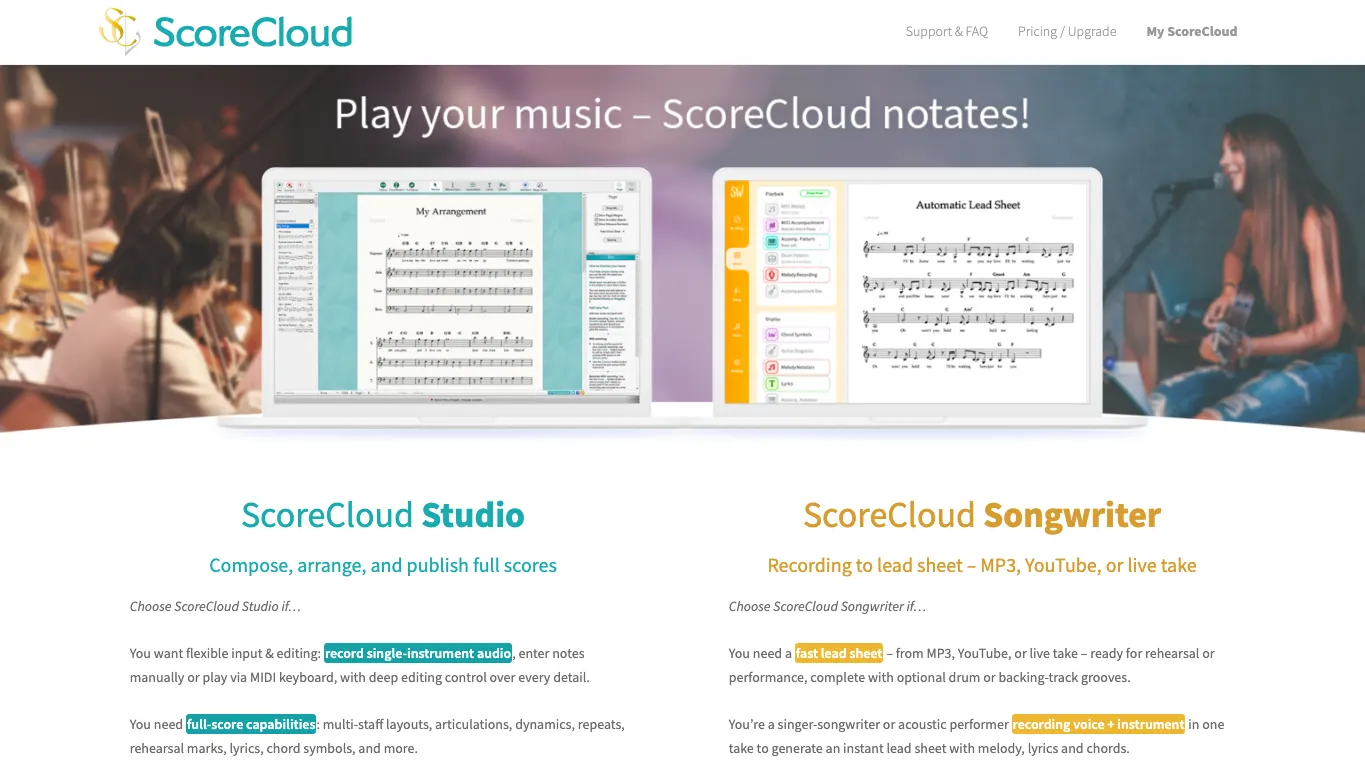
ScoreCloud is closer to notation and songwriting software than a simple converter. Its public page separates ScoreCloud Studio, Songwriter, and Express: Studio supports audio or MIDI input with full-score editing and exports, while Songwriter is framed around lead sheets from MP3, YouTube, or live takes with melody, lyrics, and chords.
Key features
- ScoreCloud Studio for notation editing and full-score workflows.
- ScoreCloud Songwriter for lead sheets from recordings or links.
- MusicXML, MIDI, PDF, and sharing workflows described on the public page.
- Strong fit for singers, teachers, composers, and arrangers who need readable notation.
Pros and cons
ScoreCloud is strongest when the goal is not just "extract notes" but "make something a musician can read, rehearse, print, or share." The lead-sheet positioning is especially useful for singer-songwriters and teachers.
The tradeoff is that it may be more workflow than you need if your only target is a quick MIDI lane in a DAW. In that case, a narrower audio-to-MIDI converter may get you to cleanup faster.
Best-fit reader
Choose ScoreCloud if you care about lead sheets, lyrics/chords, or notation editing more than a minimal audio-to-MIDI export.
How to choose the right AI transcription tool
Start with the output you will edit next:
| If your source is... | And you need... | Start with... |
|---|---|---|
| A clean audio file with one main instrument | MIDI for a DAW | Basic Pitch or Melogen Music2MIDI |
| A full song with multiple instruments | Instrument-aware transcription | Klangio or Songscription AI |
| A printed score, scan, or PDF | MIDI or MusicXML from visible notation | Melogen Sheet2MIDI or a dedicated OMR tool |
| A guitar recording | TAB or Guitar Pro-style output | Klangio or Songscription AI |
| A singer-songwriter demo | Melody, chords, lyrics, or a lead sheet | ScoreCloud Songwriter |
| A complex audio file that needs notation cleanup | Edited sheet music plus exports | AnthemScore or ScoreCloud Studio |
This is also why the topic deserves its own article instead of being folded into a note-recognition roundup. An app that recognizes one note through a microphone, an OMR scanner for printed notation, and an AI audio transcription tool can all "recognize music," but the workflow outcome is different.
Where Melogen fits
Melogen is the route I would start with when you want a browser-first conversion into a file you can edit. Use Music2MIDI or the audio to MIDI converter for audio sources. Use Sheet2MIDI when the notes are already visible on a page. Use PDF to MusicXML when the next step is a notation editor rather than a DAW.
It is not the right answer for every reader. If you need a desktop notation editor wrapped around the transcription process, AnthemScore or ScoreCloud may fit better. If you need guitar TAB from a recording, an instrument-specific tool may be more direct. If you only want a free single-instrument experiment, Basic Pitch is hard to ignore.
That honesty is the point. The best tool is the one that shortens the path from your source to the cleanup environment you already trust.
Turn music into editable MIDI before cleanup
Use Melogen Music2MIDI when your next step is extracting notes from audio, checking the MIDI, and refining the part in your DAW.
FAQs
Are AI music transcription tools accurate enough for final sheet music?
Usually not without review. AI transcription can save a lot of setup time, but dense mixes, expressive timing, reverb, and overlapping instruments still create mistakes. Treat the first output as a draft.
Should I choose MIDI or MusicXML?
Choose MIDI when the next step is a DAW, virtual instrument, or piano-roll cleanup. Choose MusicXML when the next step is notation software such as MuseScore, Sibelius, Dorico, or Finale.
What is the best AI transcription tool for guitar tabs?
If you need guitar TAB specifically, look at an instrument-specific tool such as Klangio Guitar2Tabs or Songscription AI. If you only need MIDI from a guitar recording, Basic Pitch or Melogen Music2MIDI may be enough.
What is the best tool for scanned sheet music?
Use an OMR or sheet-music workflow instead of a raw audio transcription tool. Melogen Sheet2MIDI is the browser route, and the best PDF to MIDI converters guide compares more PDF-focused options.
The practical takeaway
Pick the transcription tool by source and output, not by the broadest feature list. For audio-to-MIDI in the browser, start with Melogen Music2MIDI or Basic Pitch. For detailed desktop score editing, compare AnthemScore and ScoreCloud. For guitar, drum, vocal, or multi-instrument workflows, Klangio and Songscription AI deserve a closer look.
The real win is not a perfect one-click transcription. It is getting to a usable first pass faster, then spending your time on the musical corrections that still need a human ear.
About the author
Zhang Guo
Composer - AI Product Manager
AI product manager and digital marketing consultant with a background in music. Creativity is the bridge between rhythm and logic, where musical intuition and mathematical precision can coexist in every meaningful product decision.
Follow on X