iTunes Match vs Apple Music: Music Library Guide
Compare iTunes Match vs Apple Music for owned files, streaming, Sync Library, backups, and musician workflows before choosing a service.
 Zhang Guo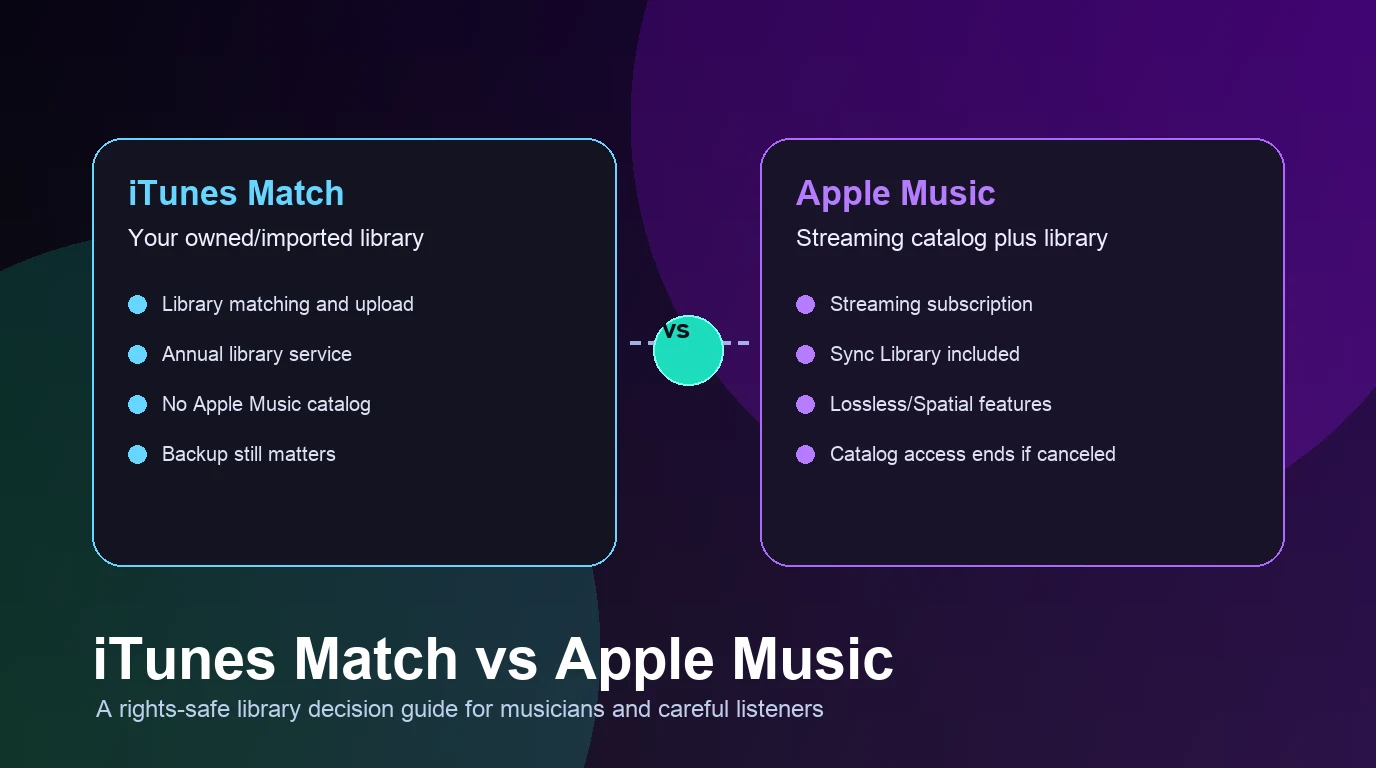
Turn a static score into editable MIDI
Contents
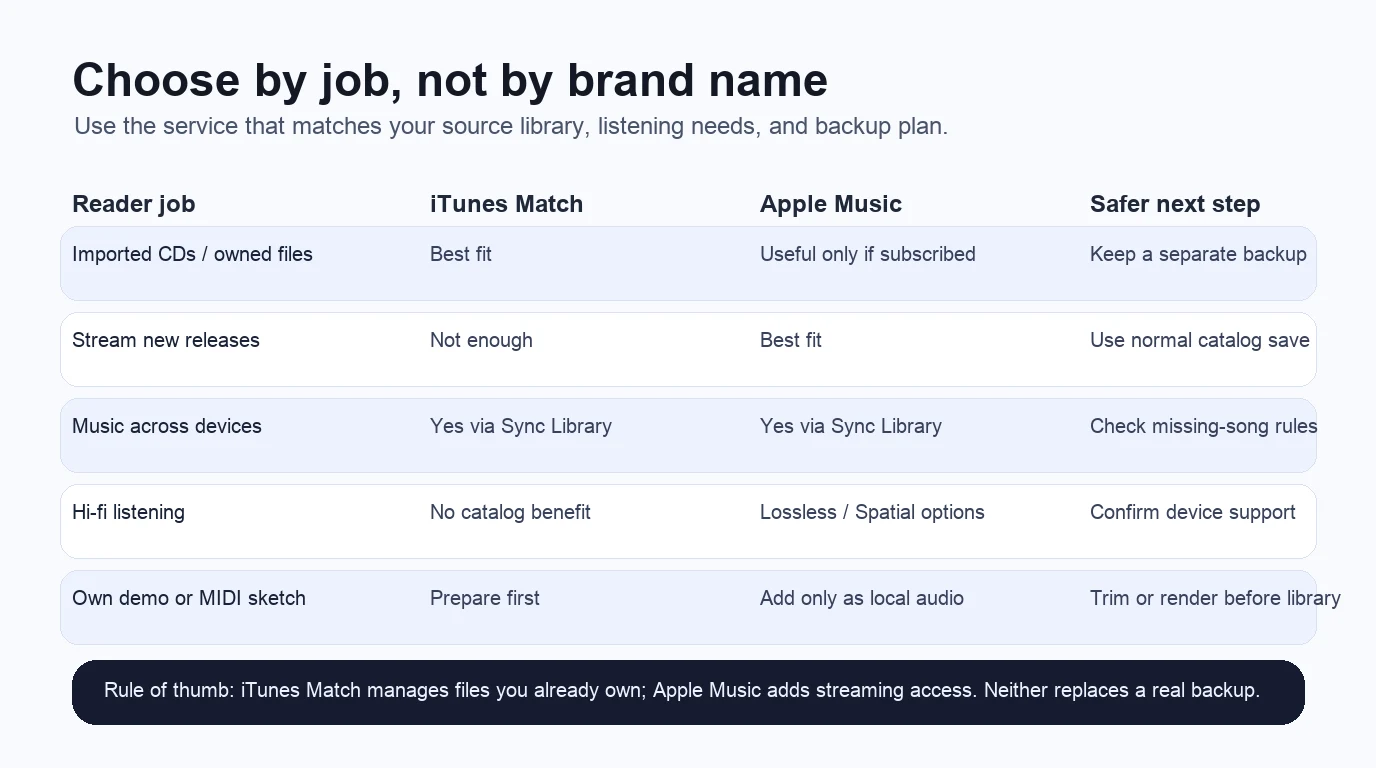
iTunes Match vs Apple Music is mostly a question about what kind of music library you are trying to protect. If you already own a library of ripped CDs, purchased tracks, demos, and imported files, iTunes Match is the file-library service to understand. If you want a streaming catalog, discovery, playlists, and Apple Music quality features, Apple Music is the stronger fit.
The useful distinction: iTunes Match manages access to songs you already own or imported. Apple Music adds a subscription catalog on top of library syncing. Neither one is a real backup, and neither should be treated as a shortcut for copying music from a streaming catalog into files you own.
Quick comparison
| Decision point | iTunes Match | Apple Music |
|---|---|---|
| Best for | Owned/imported libraries | Streaming, discovery, and saved catalog music |
| Catalog access | No Apple Music catalog | Apple Music catalog subscription |
| Library syncing | Uses Sync Library | Uses Sync Library |
| Imported CDs and files | Core use case | Can coexist, but not the main reason to subscribe |
| Android fit | Not available for Android devices according to Apple's iTunes Match support page | Apple Music is available beyond Apple-only devices |
| Backup role | Not a backup | Not a backup |
| Musician workflow | Helpful when you manage your own file archive | Helpful when listening, researching, and saving catalog references |
What iTunes Match does
Apple's official iTunes Match support page says iTunes Match gives you access to music on all your devices, including songs imported from other sources such as CDs. It uploads your music library from the Apple Music app on Mac or PC, then lets you access that library on devices with Sync Library turned on.
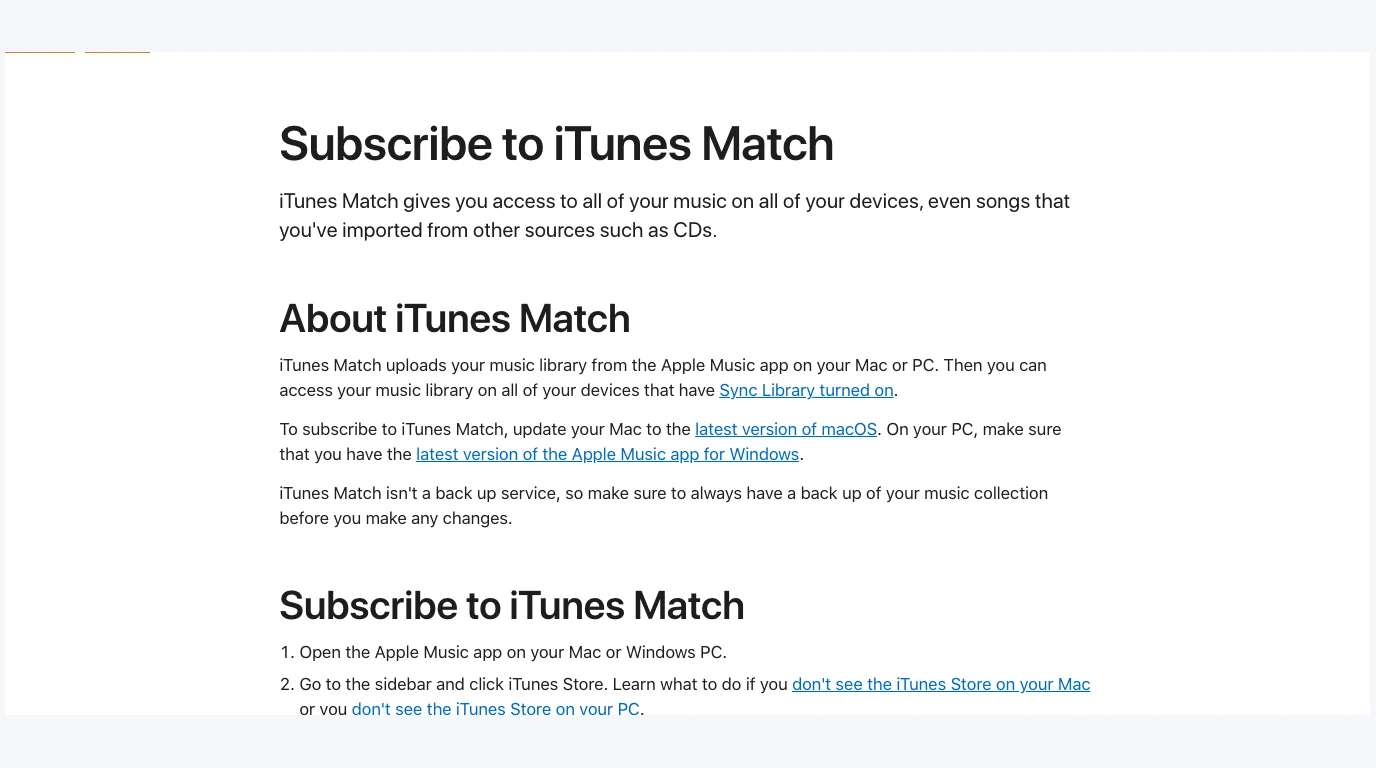
That makes iTunes Match a library service, not a streaming subscription in the Apple Music sense. It is useful when the source material matters: a CD collection, old iTunes purchases, self-released tracks, rehearsal mixes, transferred files, or a personal archive you have organized over time.
The caution is just as important. Apple says iTunes Match is not a backup service. If you care about the library, keep your own copy on an external drive, cloud backup, NAS, or another backup system before you let any sync service touch it.
What Apple Music adds
Apple's Apple Music subscription support page frames Apple Music as a way to listen to millions of songs, discover music, and access your music library across devices. That is the broader subscription value: streaming catalog, playlists, recommendations, radio-style listening, and saved library items.
Apple Music can also matter when sound quality is part of the decision. Apple's lossless audio support page explains that most of the Apple Music catalog is encoded in ALAC in addition to AAC, with lossless options that use more data and device storage. That is a catalog feature, not an iTunes Match feature.
Choose Apple Music when your daily job is listening, discovering, saving albums, comparing recordings, or researching repertoire. For composers and producers, it is often a reference-library service: you can check arrangements, compare mixes, build listening playlists, and study releases without buying every track first.
Sync Library is shared, but the job is different
Both services depend on Apple's Sync Library behavior, but the reason you use Sync Library changes.
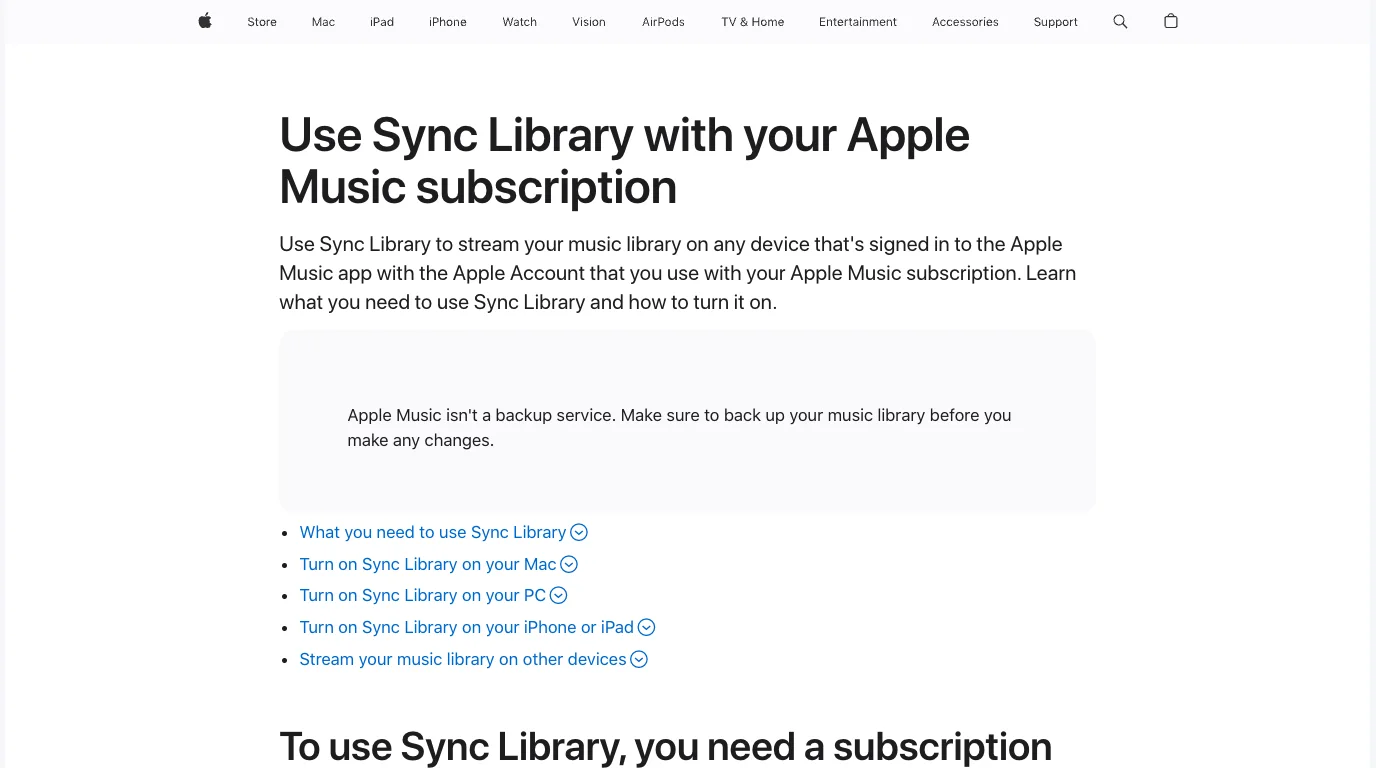
Apple's Sync Library support page describes Sync Library as the way to stream your music library on signed-in devices, and it repeats the same important warning: Apple Music is not a backup service. In practice, this is where many people confuse the services. The interface may look similar, but the source rights and expectations are different.
Use this mental model:
| Library job | Better fit | Why |
|---|---|---|
| Access imported CDs and personally owned files across Apple devices | iTunes Match | The service is built around matched/uploaded library access |
| Stream new releases, playlists, and catalog music | Apple Music | The subscription includes catalog access |
| Keep a permanent archive of important audio | Neither alone | Keep your own backup outside Apple's sync layer |
| Listen to your own demo files in a music app | Either can help after the file is prepared | The source file must already be legal and clean |
| Move files between editing tools | Neither is the editing tool | Use DAWs, notation software, or format converters first |
Choose by reader scenario
If you have a big owned library, start with iTunes Match. This is the cleanest answer for someone who still cares about imported CDs, older purchases, and personal files. The key is to tidy the library first: remove duplicates, standardize names, back up the original files, and only then turn on sync.
If you mainly want Apple Music's catalog, choose Apple Music. It is the better answer for everyday streaming, discovery, playlists, editorial recommendations, and Apple Music audio features. You can still have local files in the app, but the subscription's main value is not file ownership.
If you are a musician with your own material, separate creation from listening. Keep editable sessions in your DAW or notation software. Keep archive copies somewhere you control. Then export clean listening files for Apple Music app playback, local files, or playlist tests.
If your actual question is "where do I legally get files I own," read the buy MP3 music online guide before confusing a stream with a purchase. If your question is "how do I play my own files in Spotify," the add local files to Spotify guide covers that adjacent workflow.
Where Melogen fits
Melogen does not replace iTunes Match or Apple Music. It fits before the library step, when the file you plan to keep or listen to still needs preparation.
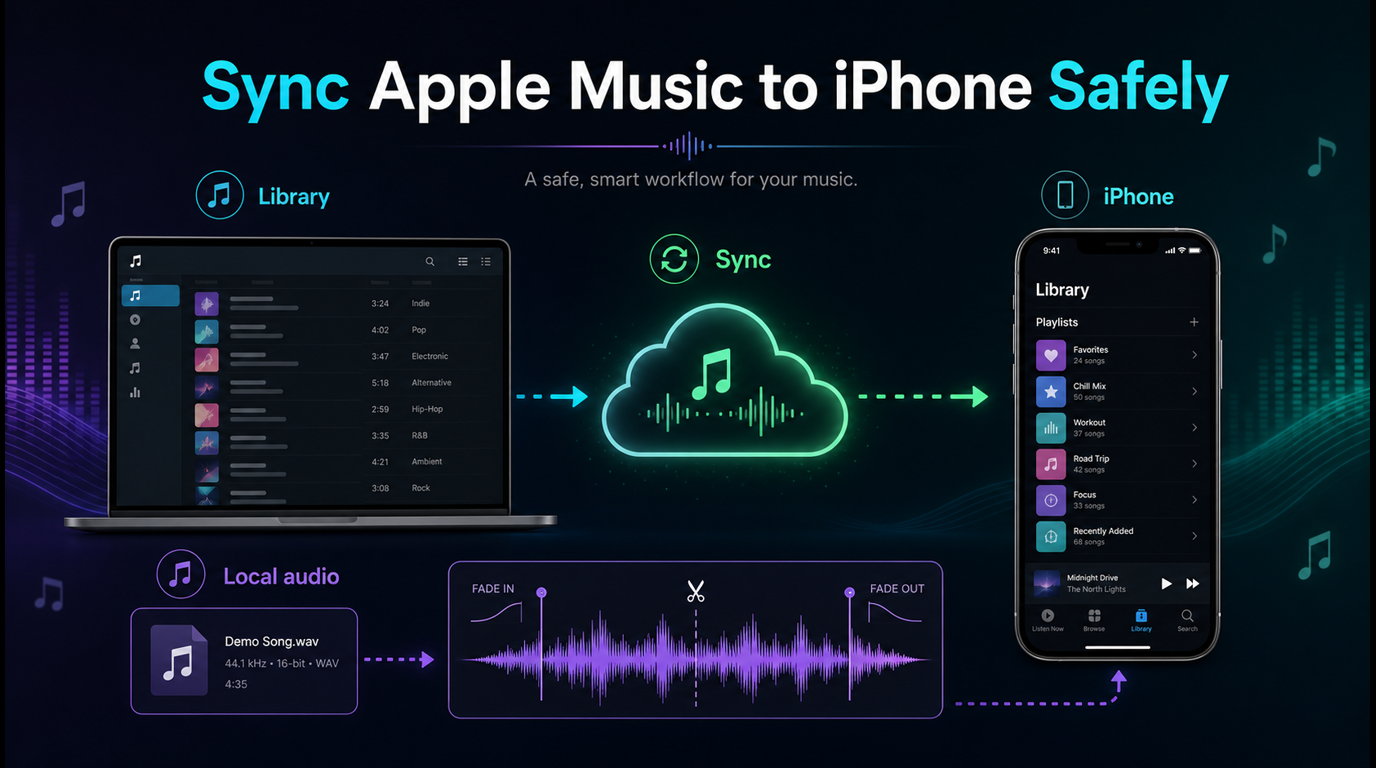
For example, a composer may have a MIDI sketch that needs to become a simple audio preview before it goes into a listening folder. A teacher may need to trim silence from a rehearsal clip before putting it in a class playlist. A producer may want a quick MP3 bounce from a MIDI file before comparing it against reference tracks.
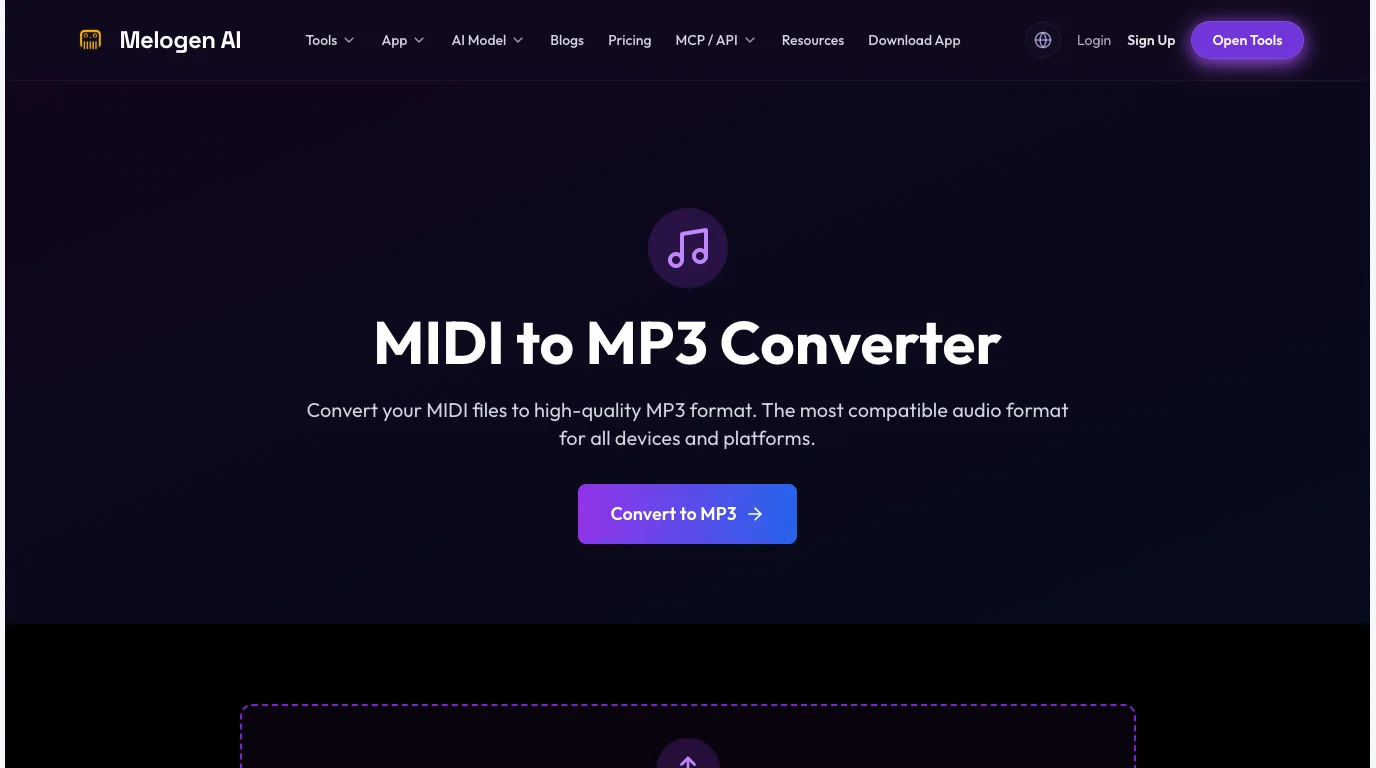
Use Melogen's MIDI to MP3 converter when the source is your own MIDI and you need a shareable listening file. Use the music trimmer when an audio clip has a count-in, extra ending, or rough section that should be cleaned before it enters any library app.
Prepare your own music before it enters a library
Use Melogen to render a MIDI sketch or trim a listening copy, then choose iTunes Match, Apple Music, or local-file playback from a cleaner source.
The boundary is simple: use Melogen for music you created or are allowed to edit. Do not frame it as a way to extract, bypass, or permanently copy music from a streaming subscription.
FAQs
Is iTunes Match included with Apple Music?
Apple Music includes Sync Library for Apple Music subscribers, while iTunes Match remains a separate library-oriented service. Check Apple's current subscription screens in your region before assuming both are bundled in the same way for your account.
Is iTunes Match better than Apple Music?
It is better only for a specific job: managing access to an owned or imported music library. Apple Music is better when you want streaming catalog access, discovery, playlists, and Apple Music audio features.
Does either service back up my music?
No. Treat both as sync/access layers. Keep a separate backup of files that matter, especially recordings, purchased downloads, CD rips, student materials, demos, and project exports.
Can I use Apple Music for my own demo files?
You can keep local files and personal audio in your broader music workflow, but Apple Music does not publish private demos to the public catalog. Export a clean listening copy, keep the editable session elsewhere, and use the right distribution path if you want a public release.
Should musicians use iTunes Match, Apple Music, or both?
Use iTunes Match if your owned library is the center of the workflow. Use Apple Music if catalog listening and reference discovery are the center. Use both only when you clearly need both jobs and you are comfortable managing backups and sync behavior.
The practical takeaway
Choose iTunes Match when the music starts as files you already own or imported. Choose Apple Music when the music starts as a streaming catalog you want to listen to, save, and discover. In both cases, keep your own backup and clean up your own demos before they enter the library.
The safest workflow is not glamorous, but it works: archive first, sync second, listen third. For your own music, prepare the file before the library app has to guess what it is.
About the author
Zhang Guo
Composer - AI Product Manager
AI product manager and digital marketing consultant with a background in music. Creativity is the bridge between rhythm and logic, where musical intuition and mathematical precision can coexist in every meaningful product decision.
Follow on X