MuseScore Review: When MuseScore Studio Fits
A fair MuseScore review for notation editing, plugins, MusicXML workflows, and when Melogen is the better first step.
 Zhang Guo
Turn a static score into editable MIDI
Contents
MuseScore is best understood as a free desktop notation editor, not a browser converter and not a scan-first recognition tool. Use it when the score already needs to be written, cleaned up, arranged, or exported in notation form.
This MuseScore review is a public product-surface and workflow-fit analysis based on the public MuseScore Studio product surface and official handbook pages visible on April 21, 2026. The practical question is narrow: when is MuseScore Studio the right notation workspace, and when should a musician use Melogen first to turn a PDF, scan, or image into editable MusicXML or MIDI before opening a notation editor?
What MuseScore is best at
The current public MuseScore Studio page presents the app as free and open-source music notation and composition software. Its visible feature framing centers on note entry, playback and editing, MIDI keyboard input, a large playback instrument library, file transfer through MIDI and MusicXML, and custom plugins.
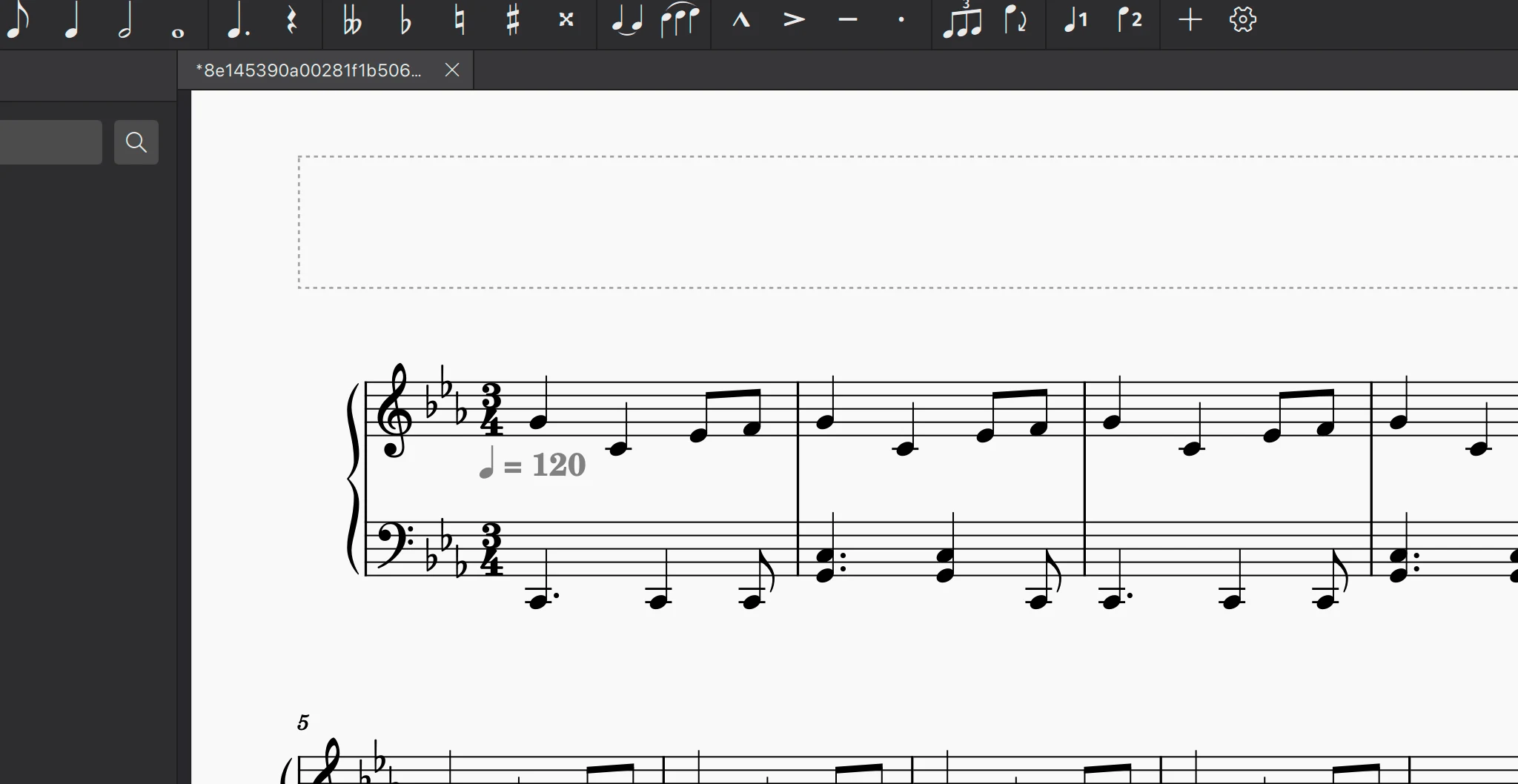
That combination makes MuseScore strongest when the score is already in an editable state or close to it. A composer can start from scratch. An arranger can fix voicings and layout. A teacher can prepare readable parts. A musician can open MusicXML, make score-level corrections, and export again without getting locked into a closed format.
MuseScore is less direct when the source is still static. If the music begins as a scanned PDF, phone photo, or printed part, the first job is recognition. The notation editor becomes useful after that conversion step, not before it.
MuseScore review: quick verdict
| Reader job | MuseScore fit | Better first step | Decision rule |
|---|---|---|---|
| Write or arrange a score from scratch | Strong | MuseScore Studio | Start here if the music already lives as notation. |
| Open and refine MusicXML from another tool | Strong | MuseScore Studio | Good fit when the file is already editable. |
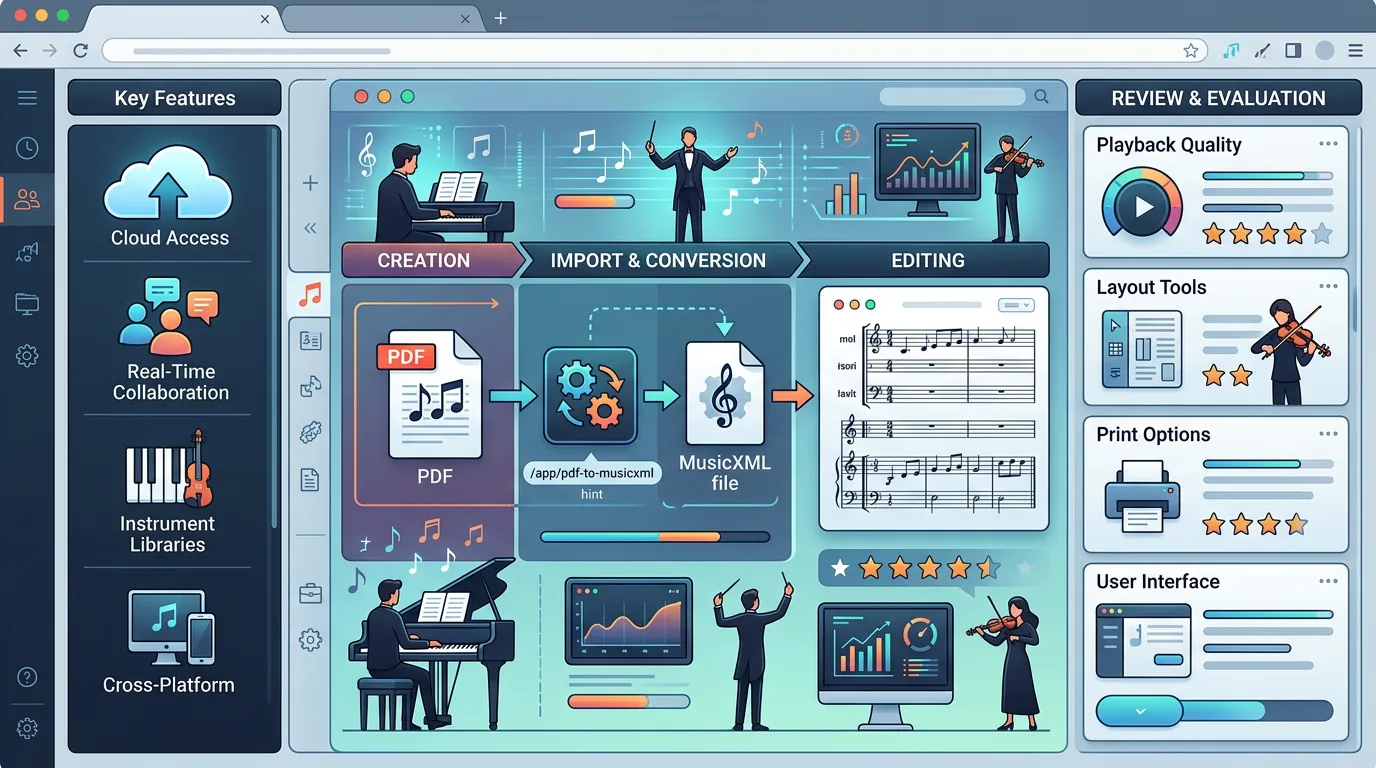
| Move a scan or PDF into notation editing | Partial | Melogen PDF to MusicXML | Convert the static score first, then clean it up in MuseScore. |
| Get a fast playback or DAW sketch from sheet music | Partial | Melogen Sheet2MIDI | Use MIDI when playback or production is the next step. |
| Extend the editor with plugins and custom desktop workflows | Strong | MuseScore Studio | Better fit than a lightweight browser editor when you want a deeper desktop setup. |
The short verdict: MuseScore is a strong notation workspace. It is not the best first move when the main problem is still score recognition.
Features that matter in a real workflow
The official working with files and plugins handbook sections reinforce the same story: MuseScore is built as a notation workspace you can exchange with other tools and extend over time.
For most musicians, these are the features that matter most:
- Free desktop notation editing across the major desktop platforms, which keeps the entry cost low for students, arrangers, and hobbyists.
- MusicXML and MIDI handoff, which matters when your workflow moves between notation software, DAWs, and conversion tools.
- Plugin support, which is useful when repetitive notation tasks or custom workflow tweaks start to matter.
- MIDI keyboard note input and built-in playback focus, which helps with sketching, checking harmony, and hearing edits quickly.
- A large instrument and sound surface on the current public product page, which makes MuseScore more than a plain note-entry app.
The useful takeaway is that MuseScore earns its place as the editor and cleanup stage. It is strongest after the musical material has already become editable data.
Where MuseScore can slow you down
MuseScore is desktop-first. That is a strength if you want a serious local editor, but it also means more setup and a heavier interface than a single-purpose browser conversion flow.
It can also create false expectations when the real problem is recognition. If a musician starts with paper sheet music, a skewed scan, or a rough phone photo, MuseScore is not automatically the first answer. The score still has to become MusicXML or MIDI somehow. Even after import, cleanup is still a musician job: voices, rhythms, beaming, enharmonic spelling, articulations, and layout decisions do not disappear just because a file opens.
Another practical limitation is that "MuseScore" now describes a broader ecosystem than just one editing window. New users often need to separate the free desktop notation editor from the surrounding web services, scores, and account surfaces. The editor can still be the right choice, but the buying and workflow questions are not all the same question.
Availability and cost
The current public MuseScore Studio page positions the desktop editor itself as free and open source. That is a real advantage for musicians who want notation editing without starting with a subscription decision.
If your workflow only needs a desktop score editor, that value proposition is straightforward. If you are also evaluating the wider MuseScore ecosystem around online scores, services, or premium offerings, re-check those pages directly before you buy anything. Those details can change faster than a review article, while the core desktop-editor value is much more stable.
Where Melogen fits before MuseScore
Melogen is not a MuseScore replacement. It fits earlier in the workflow when the score is still trapped in a static source.

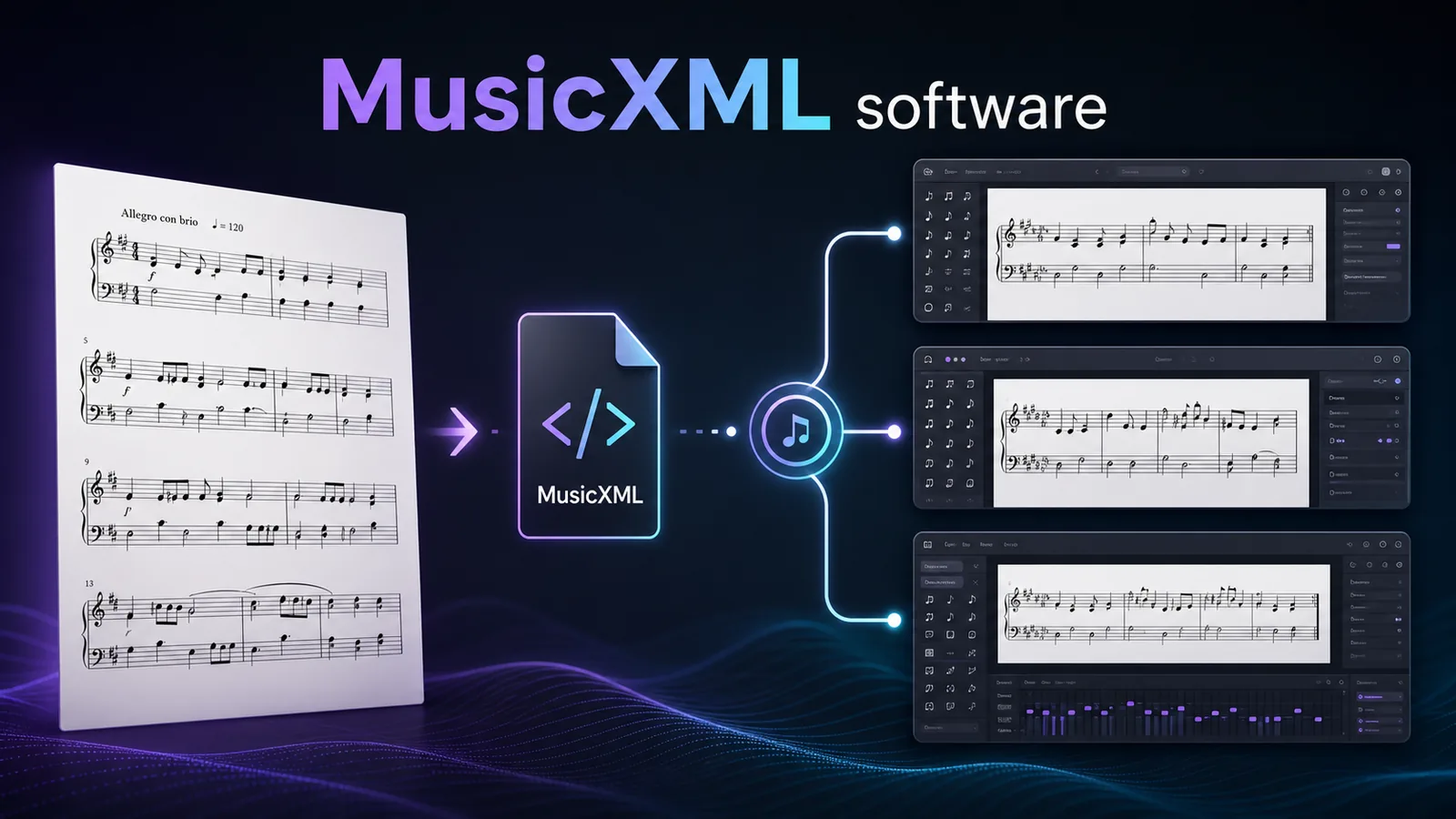
Use PDF to MusicXML when the next step is notation editing inside MuseScore. MusicXML preserves score structure such as measures, voices, clefs, dynamics, articulations, and layout better than plain MIDI. That makes it the cleaner bridge when you want to keep repairing the written score after the conversion.
Use Sheet2MIDI when the next step is playback, practice checking, or DAW work. MIDI is lighter for hearing and arranging the result, while MusicXML is better for notation-first cleanup. This MIDI vs MusicXML guide breaks that decision down in more detail.
If you are comparing a cloud-first notation workspace against a desktop-first one, this Noteflight review covers the browser side of the decision. MuseScore is usually the stronger fit when you want a local editor and plugin depth. Noteflight is more attractive when collaboration and browser access are the main priority.
The honest workflow looks like this:
- Start with the source: PDF, photo, scan, MusicXML, MIDI, or notation you are writing from scratch.
- Convert first if the source is static sheet music.
- Open MuseScore after the file has become editable.
- Proofread like a musician, especially rhythm, voices, articulations, and page layout.
Pros and cons
Pros
- Free and open-source entry point for real notation editing.
- Strong fit for MusicXML and MIDI handoff workflows.
- Useful plugin layer for musicians who outgrow basic score entry.
- Desktop environment makes deeper score cleanup more practical than many lightweight editors.
- Good choice when the job is editing notation, not only hearing it back.
Cons
- Not the best first step for raw scans, PDFs, or phone photos that still need recognition.
- Desktop-first workflow is heavier than a quick browser conversion.
- Cleanup still matters after import, especially on dense or messy scores.
- The broader MuseScore ecosystem can blur the difference between the free editor and other paid or web-based services.
The practical takeaway
Convert the score before you edit it
Open Melogen PDF to MusicXML when your next step is MuseScore, Dorico, Sibelius, or another notation editor that benefits from structured score data.
Choose MuseScore Studio if you want a capable free desktop notation editor and your score is already editable or nearly there. Choose Melogen first if the music begins as a PDF, scan, or image and the real job is converting that static page into MusicXML or MIDI before score cleanup.
For many musicians, the best answer is not MuseScore or Melogen. It is Melogen first, then MuseScore for the notation decisions that still need a human ear and eye.
About the author
Zhang Guo
Composer - AI Product Manager
AI product manager and digital marketing consultant with a background in music. Creativity is the bridge between rhythm and logic, where musical intuition and mathematical precision can coexist in every meaningful product decision.
Follow on X