Music App for Schools: Best 2026 Teacher Picks
Compare music app for schools options for notation, practice, composing, podcasts, classroom music, and student review workflows.
 Zhang Guo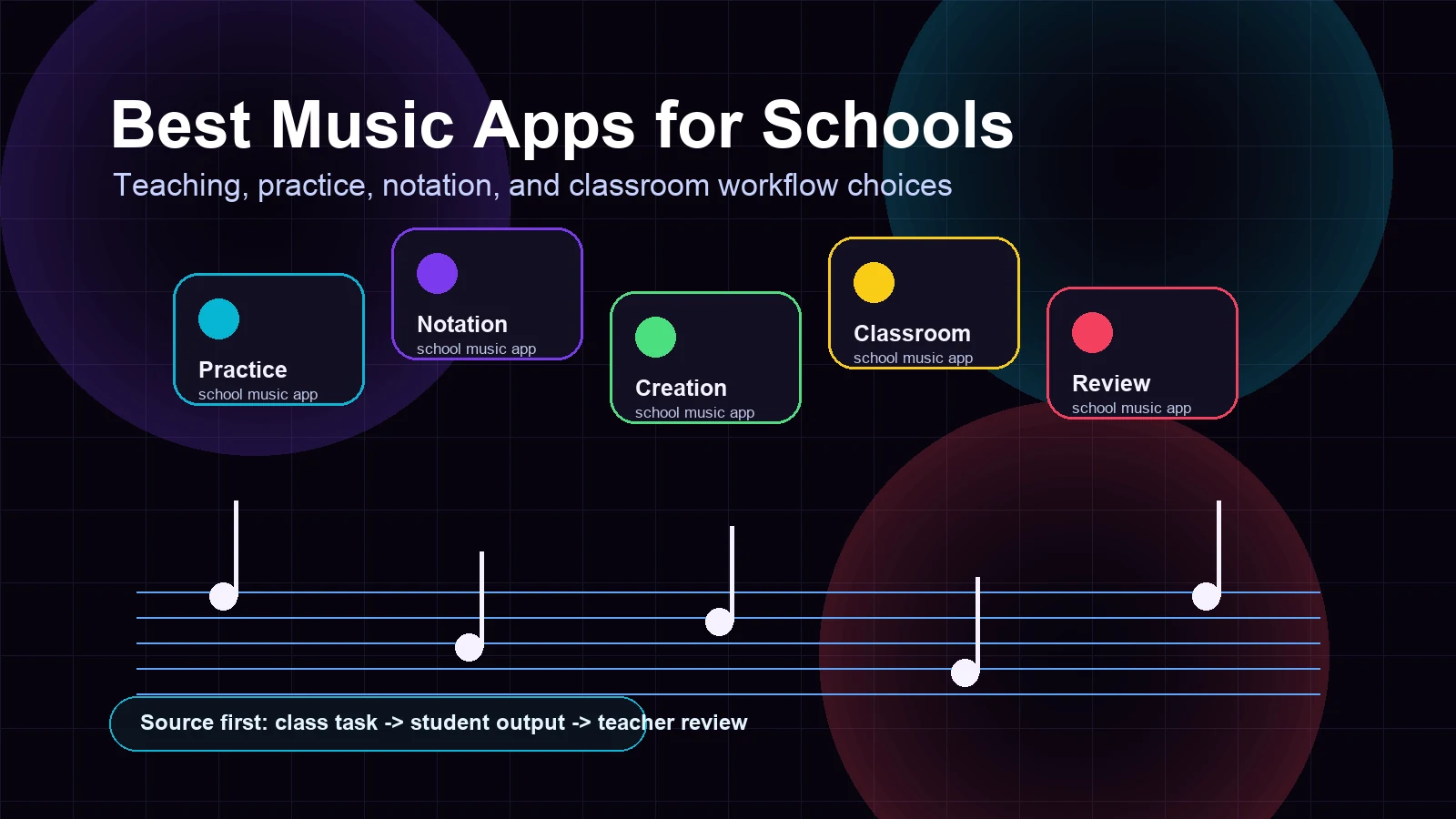
Turn a static score into editable MIDI
Contents
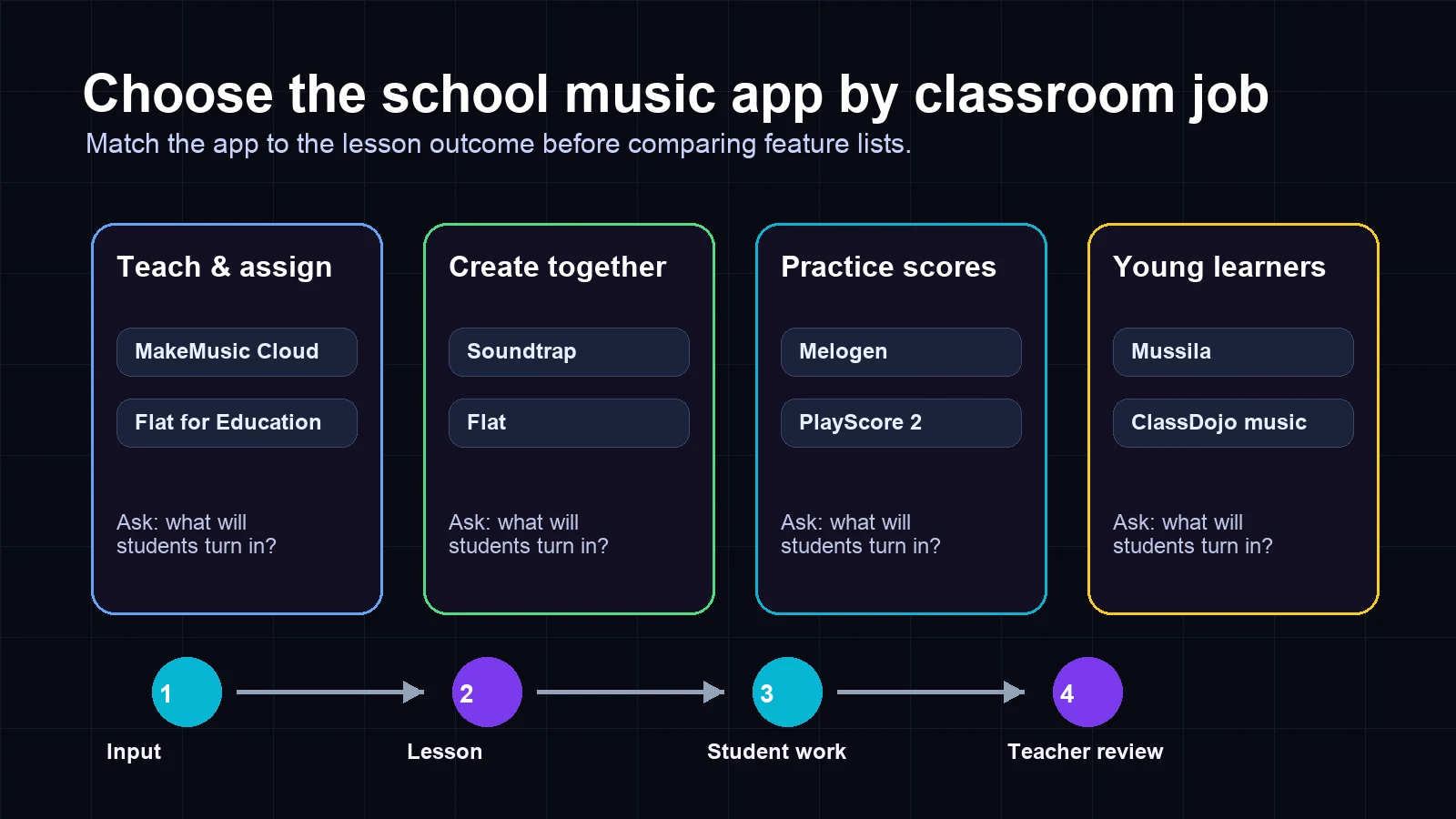
The best music app for schools depends on what the class actually needs to produce. A choir director trying to help students hear their parts needs a different tool from a general music teacher making loop-based projects, a band director assigning sight-reading, or an elementary teacher keeping a room focused during transitions.
Use the classroom job first, then compare brands. If students need to read a score, prioritize notation and playback. If they need to create, prioritize collaboration. If they need feedback, prioritize assignments and teacher review. If they only need a calmer classroom soundtrack, do not buy a full music education platform for that one job.
Quick comparison table
| App | Best for | Main classroom output | Strength | Tradeoff |
|---|---|---|---|---|
| Melogen Sheet2MIDI | Score-based practice and rehearsal prep | MIDI or MusicXML from visible notation | Fast browser workflow from PDF, PNG, or JPG sheet music | Not a full school LMS or gradebook |
| MakeMusic Cloud | Band, orchestra, choir, and assignment review | Assigned exercises, practice feedback, and repertoire work | Built around music teachers, catalog, sight reading, and assessment | Broader platform than a quick one-off app |
| Soundtrap for Education | Creative audio projects and podcasts | Collaborative songs, loops, recordings, podcasts | Student-friendly browser collaboration | Less focused on traditional score reading |
| Flat for Education | K-12 notation, theory, and composition | Notation projects, composition, and teacher grading | Cloud notation with classroom integrations | Best when notation creation is the core task |
| PlayScore 2 | Mobile score scanning and playback | Playable scores from photos, PDFs, and scans | Strong sheet music playback and part practice | App-centered OMR workflow, not a class hub |
| Mussila | Younger learners and gamified music basics | Music learning games and early piano practice | Motivating for elementary-age students | Less useful for ensemble score workflows |
| ClassDojo Music Toolkit | Classroom focus and activity soundtrack | Background classroom music | Simple free classroom utility | Not a music curriculum, notation tool, or assessment app |
Best score-to-practice workflow: Melogen Sheet2MIDI
Melogen Sheet2MIDI fits school music when the source is a real score: a PDF, scan, or photo that students need to hear, rehearse, or move into an editable workflow. The local product metadata confirms the tool is built for sheet music images and PDFs, supports PNG, JPG, and PDF input, and converts the score into MIDI. Melogen's score routes also support MusicXML-oriented workflows when notation editing is the next step.
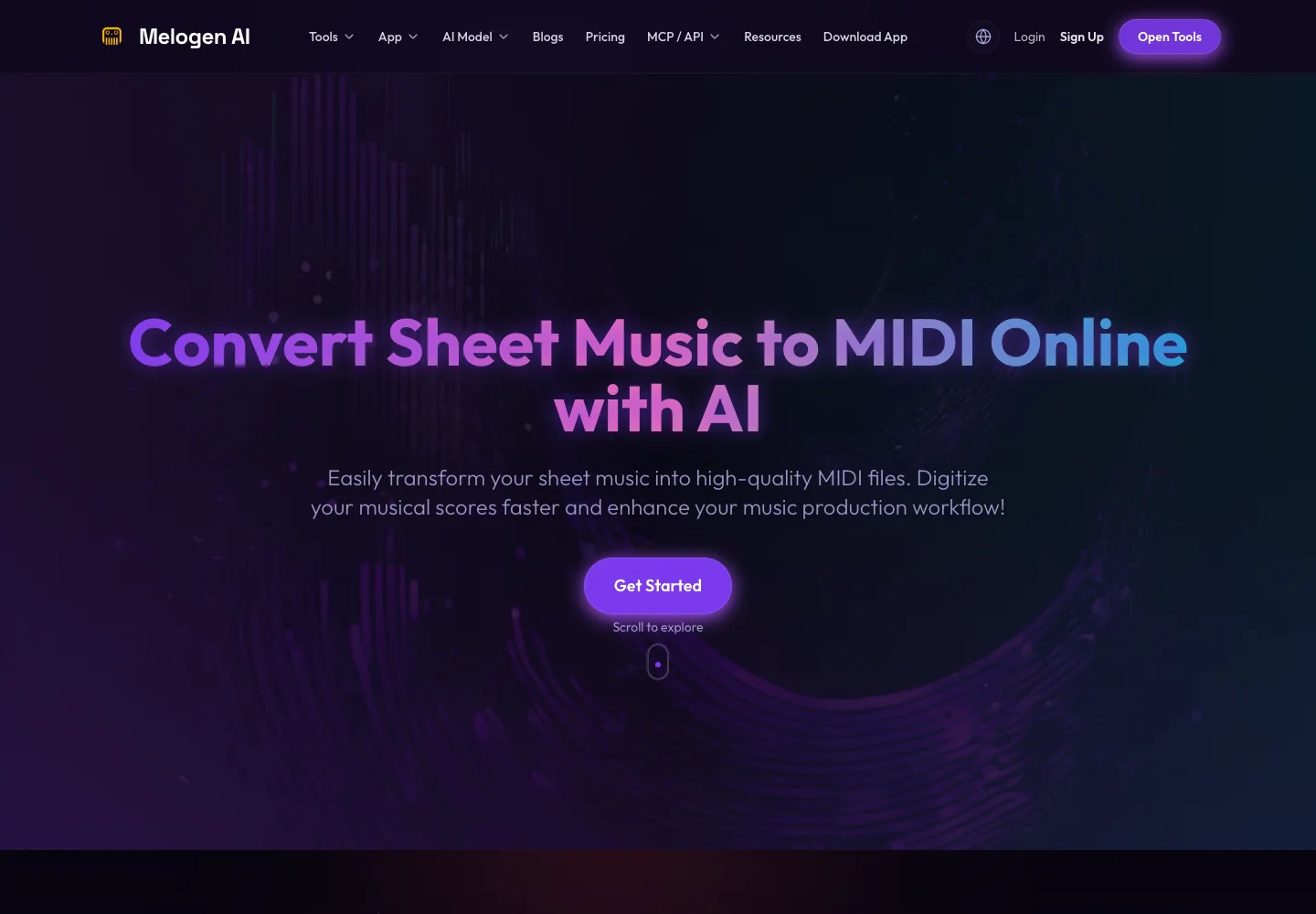
Choose Melogen when the teacher's immediate job is not "manage a whole class platform" but "turn this readable score into something students can hear and inspect." That is useful for choir parts, piano accompaniments, band excerpts, theory examples, and rehearsal prep.
Good school uses include:
- Creating a quick playback reference from a clean PDF score.
- Turning a short sight-reading excerpt into MIDI for slower practice.
- Preparing a score for DAW or notation cleanup.
- Helping students compare what they see on the page with what they hear.
The honest limitation is scope. Melogen is not a school roster, assignment, or gradebook system. It belongs in the score-to-practice part of the workflow. If the class needs a complete assignment and assessment layer, compare it with a platform such as MakeMusic Cloud or Flat for Education.
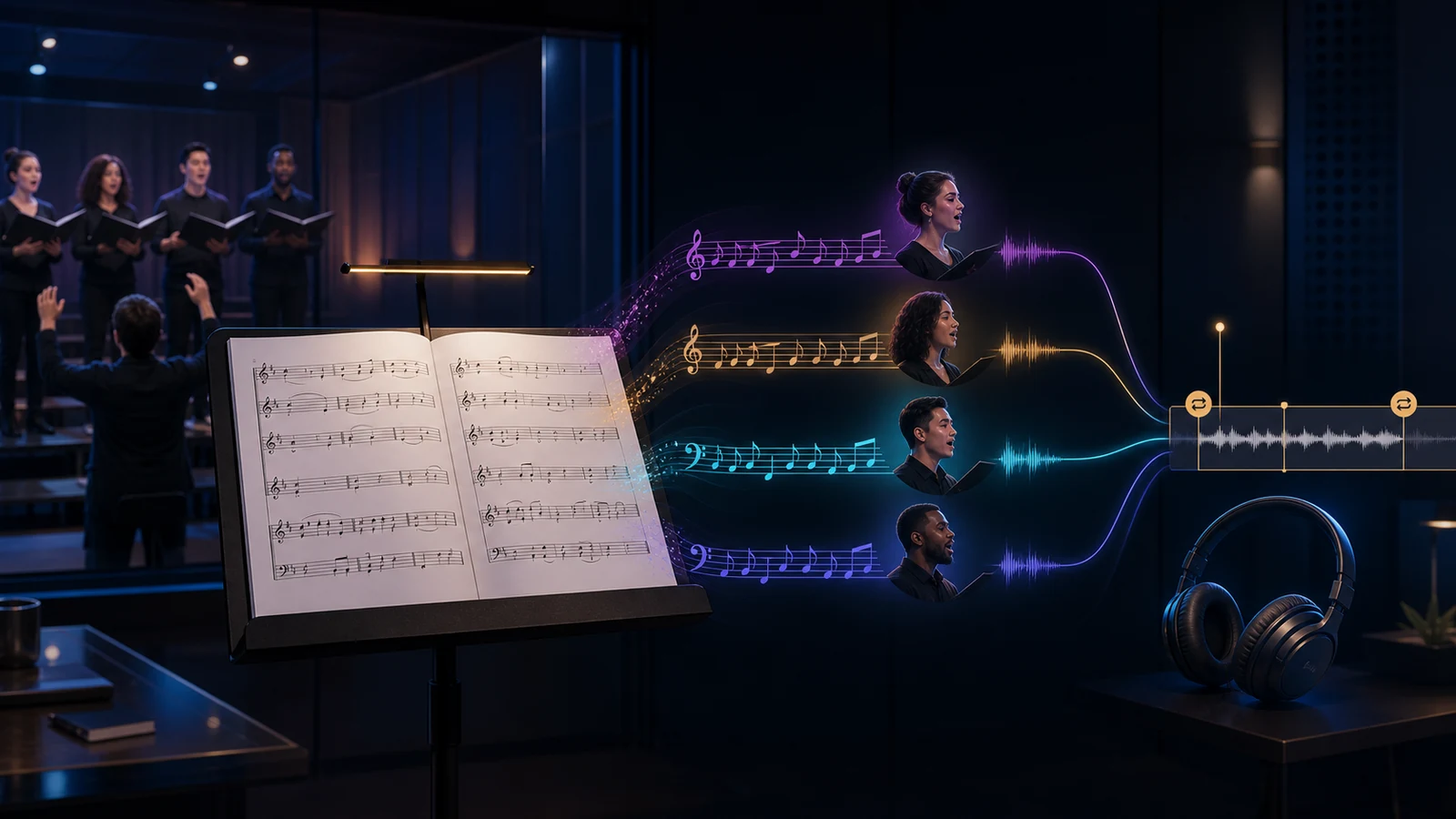
If your current task is choir rehearsal, the guide on how to learn a choir part shows how a score can become a practice reference without replacing musical rehearsal.
Best full music-class platform: MakeMusic Cloud
MakeMusic Cloud is the strongest fit when a school wants a dedicated music education platform rather than a single-purpose utility. Its public page positions the product around music teachers, an expanding music catalog, sight reading, dynamic accompaniments, and tools that support student progress.
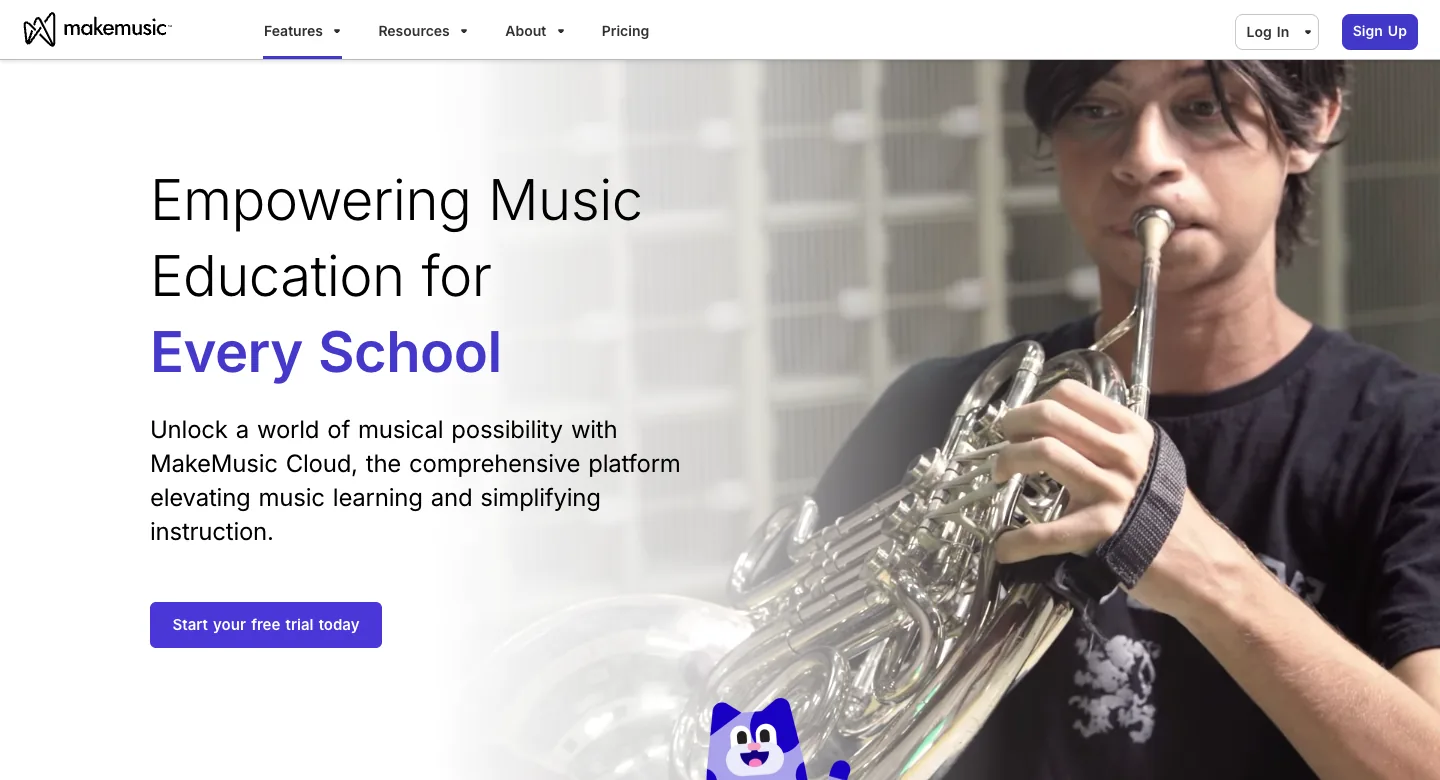
Choose MakeMusic Cloud for band, orchestra, choir, and general performance classes where the teacher needs assignments, repertoire, practice structure, and student feedback in one place. It is especially relevant when the program already runs around ensemble repertoire and repeated practice cycles.
The tradeoff is weight. A full platform can be the right school purchase, but it may be more than you need for a one-off PDF playback task or a single creative audio project. Use it when teacher review and program-level continuity matter.
Best for student audio creation: Soundtrap for Education
Soundtrap for Education is best when students are making music, podcasts, beats, or recorded projects together. Its public education page frames the tool as a safe online space for teachers and schools, with music and podcast creation in the browser.
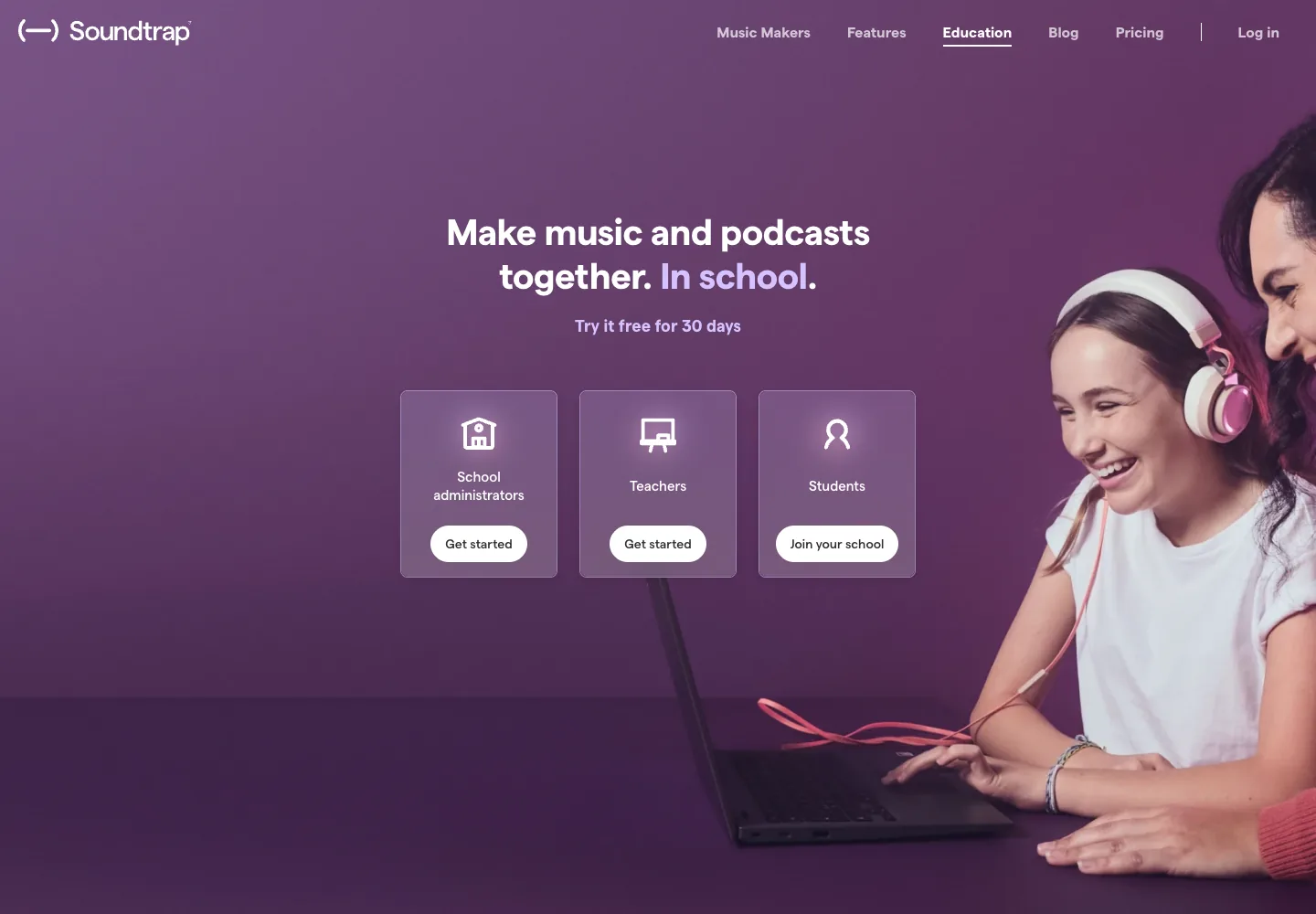
Choose Soundtrap for composition units, podcast assignments, loop-based projects, songwriting, cross-curricular audio work, and remote collaboration. It is stronger for creation than for scanning a printed score or assessing traditional notation reading.
The useful question is whether the deliverable is an audio project. If yes, Soundtrap belongs high on the list. If the deliverable is a clean notation file, a sight-reading grade, or a converted score, choose a notation or OMR workflow instead.
Best K-12 notation classroom: Flat for Education
Flat for Education is a cloud notation platform built for K-12 classrooms. Its official page emphasizes composition, theory, performance assessment, grading, privacy, and integrations with school tools.
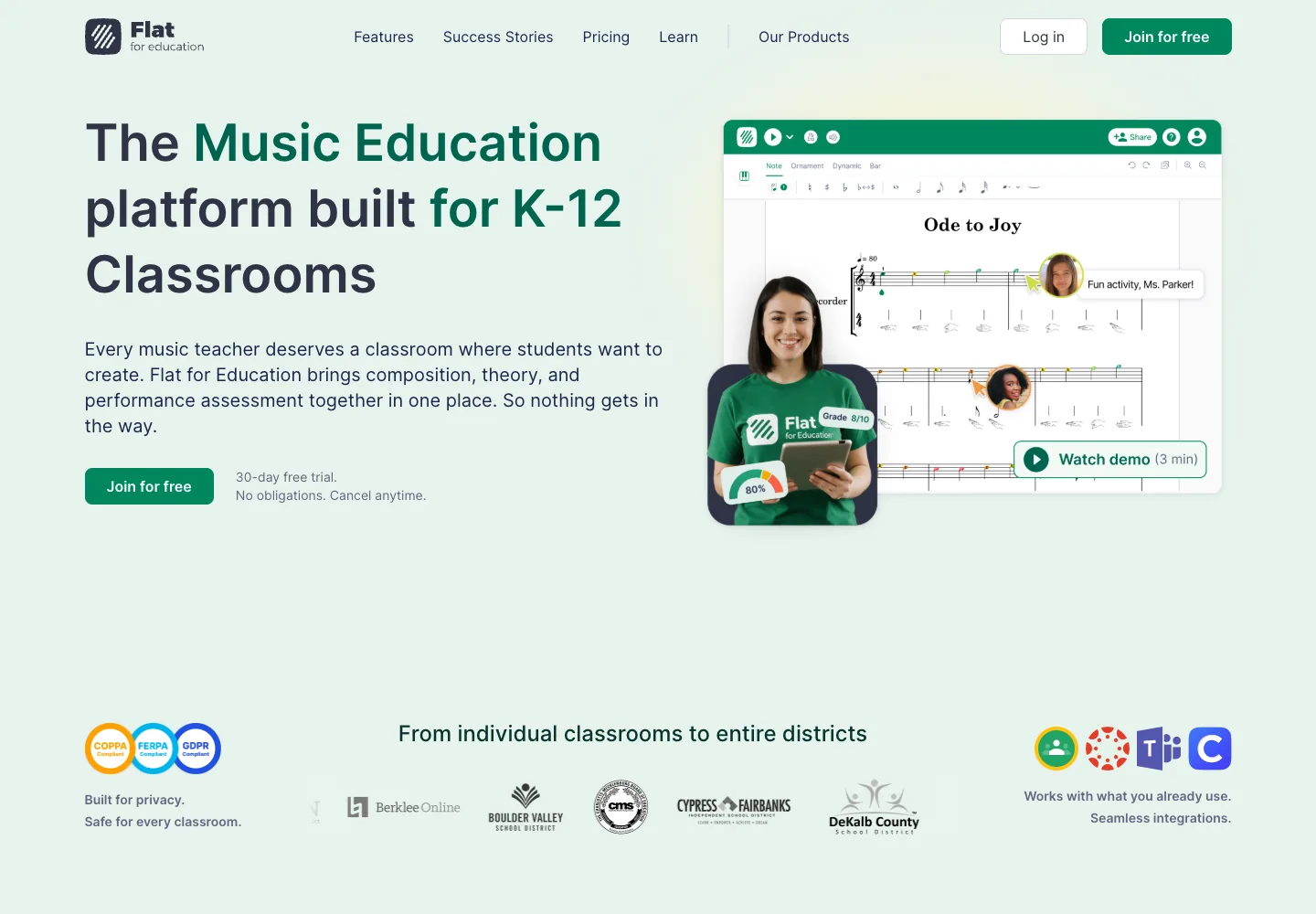
Choose Flat when students need to write, edit, share, and submit notation. It is a better classroom fit than a consumer score editor when teachers need student accounts, assignments, review, and school-friendly workflow.
The tradeoff is that Flat starts from notation creation and collaboration. It is not primarily a scanner for existing paper scores. If the starting point is a printed score, use OMR or Sheet2MIDI first, then decide whether the cleaned result belongs in a notation environment.
Best mobile score scanner for students: PlayScore 2
PlayScore 2 is a dedicated sheet music scanning app. Its public product page positions it as an Optical Music Recognition app for scanning sheet music, playing scores, and helping users hear notation. The competitor page that triggered this opportunity also frames PlayScore 2 as a school music app for sight reading, choir practice, and school music exams.
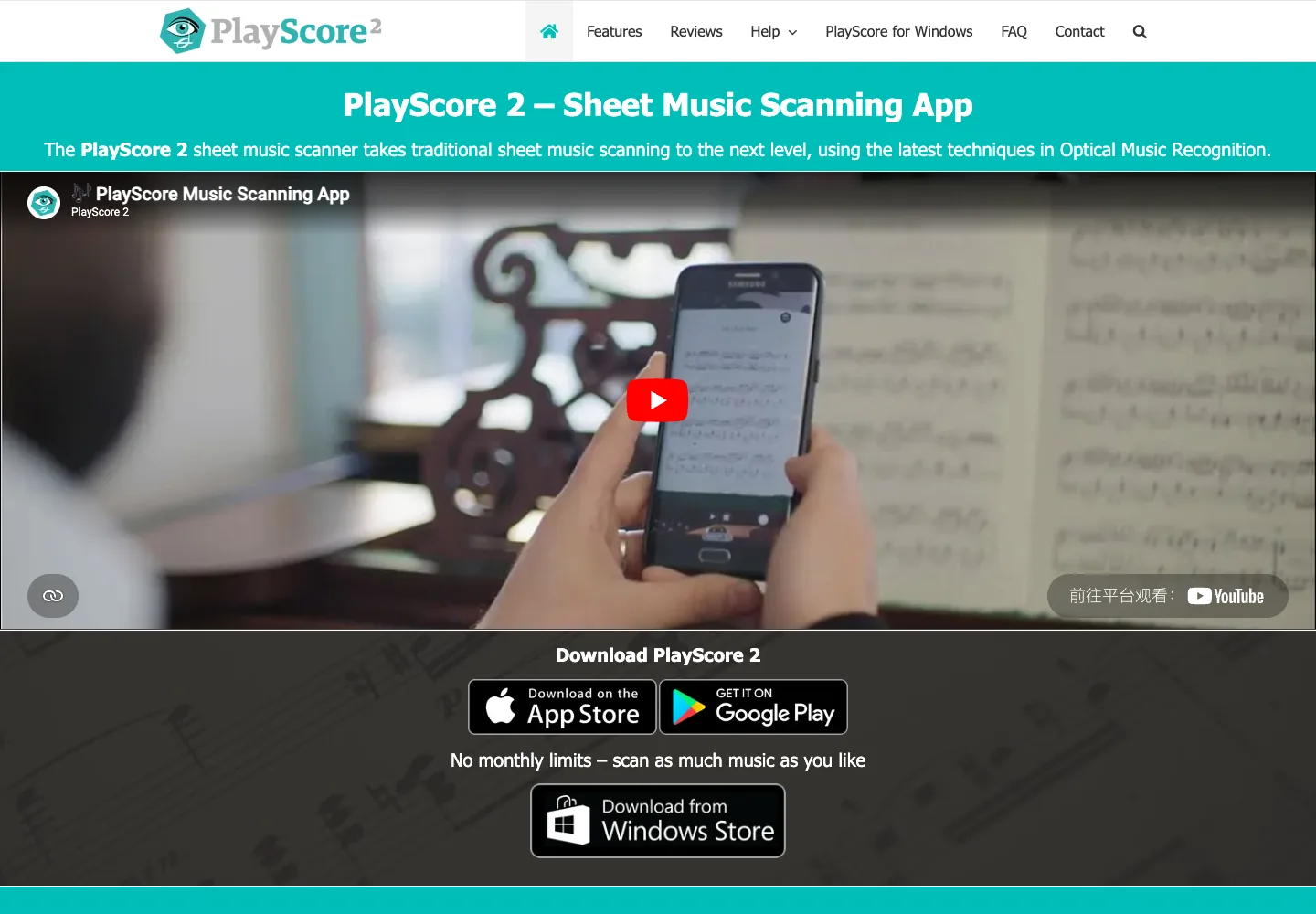
Choose PlayScore 2 when a teacher or student wants a mobile app that can photograph or import a score and play it back. That can help singers hear their line, instrumentalists loop a hard passage, or students connect written notation with sound.
The tradeoff is that PlayScore is centered on its own app workflow. If the class needs a browser-first conversion path from a desktop PDF into MIDI, Melogen may be faster. If the school needs assignment management, MakeMusic Cloud or Flat may be a better fit.
If students are still deciding what kind of recognition app they need, the broader roundup on apps that recognize music notes separates score scanning from pitch detection and audio transcription.
Best gamified starter app: Mussila
Mussila is a better fit for younger learners than for advanced ensemble workflow. Its public page describes award-winning music learning apps for kids, gamified exercises, piano learning, and school use.
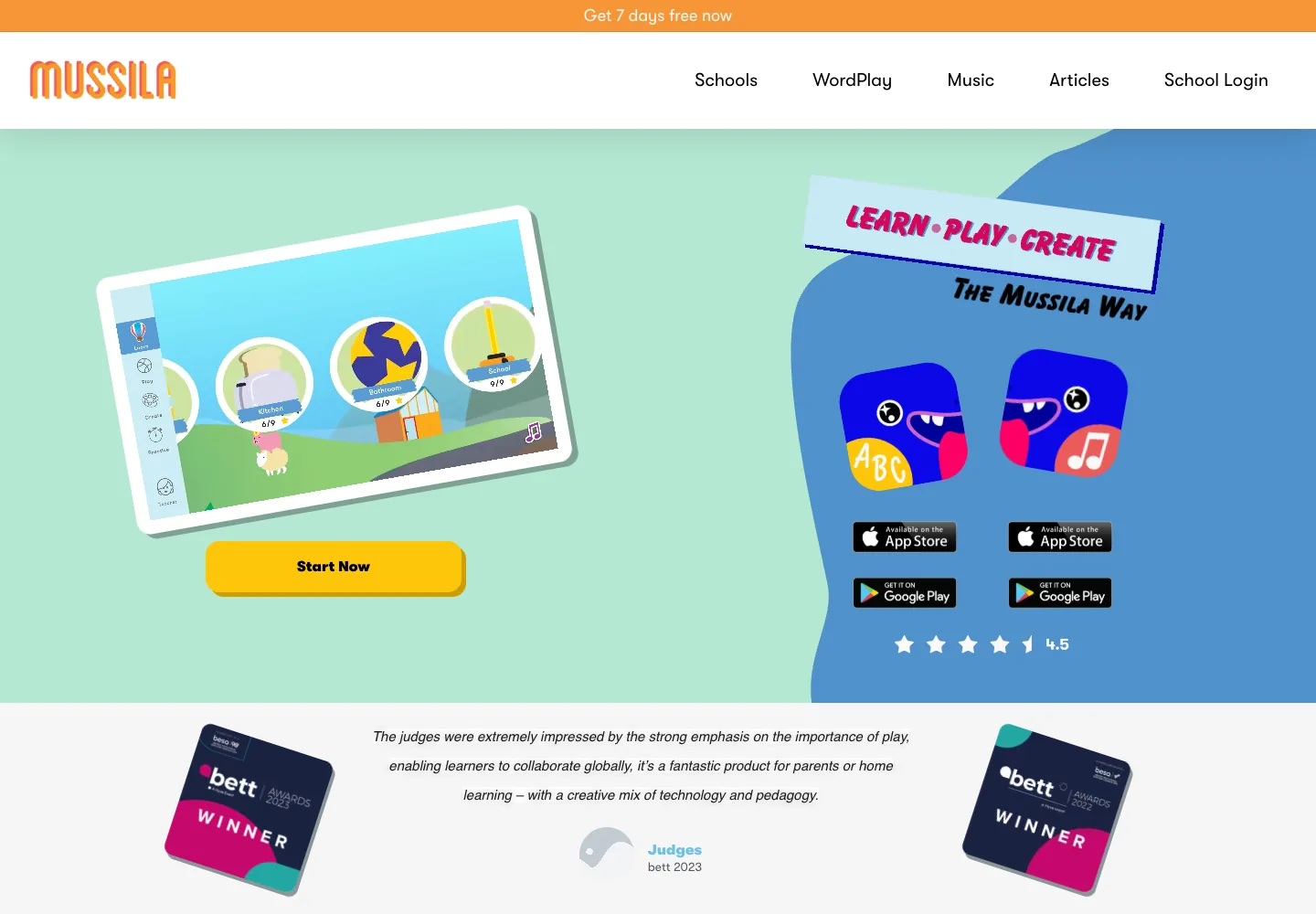
Choose Mussila when the goal is motivation, early music skills, and independent practice for younger students. It can be useful for elementary classrooms, after-school programs, and families that need a playful route into music basics.
The limitation is depth. Mussila is not the tool you choose for scanning SATB scores, assigning ensemble repertoire, or managing notation projects. It belongs closer to early learning than to score production.
Best simple classroom utility: ClassDojo Music Toolkit
ClassDojo's Music Toolkit is not a full music education product, but it solves a real school problem: background classroom music for focus, activities, and transitions. Its public page describes classroom music for any activity, including focus and free-time modes.
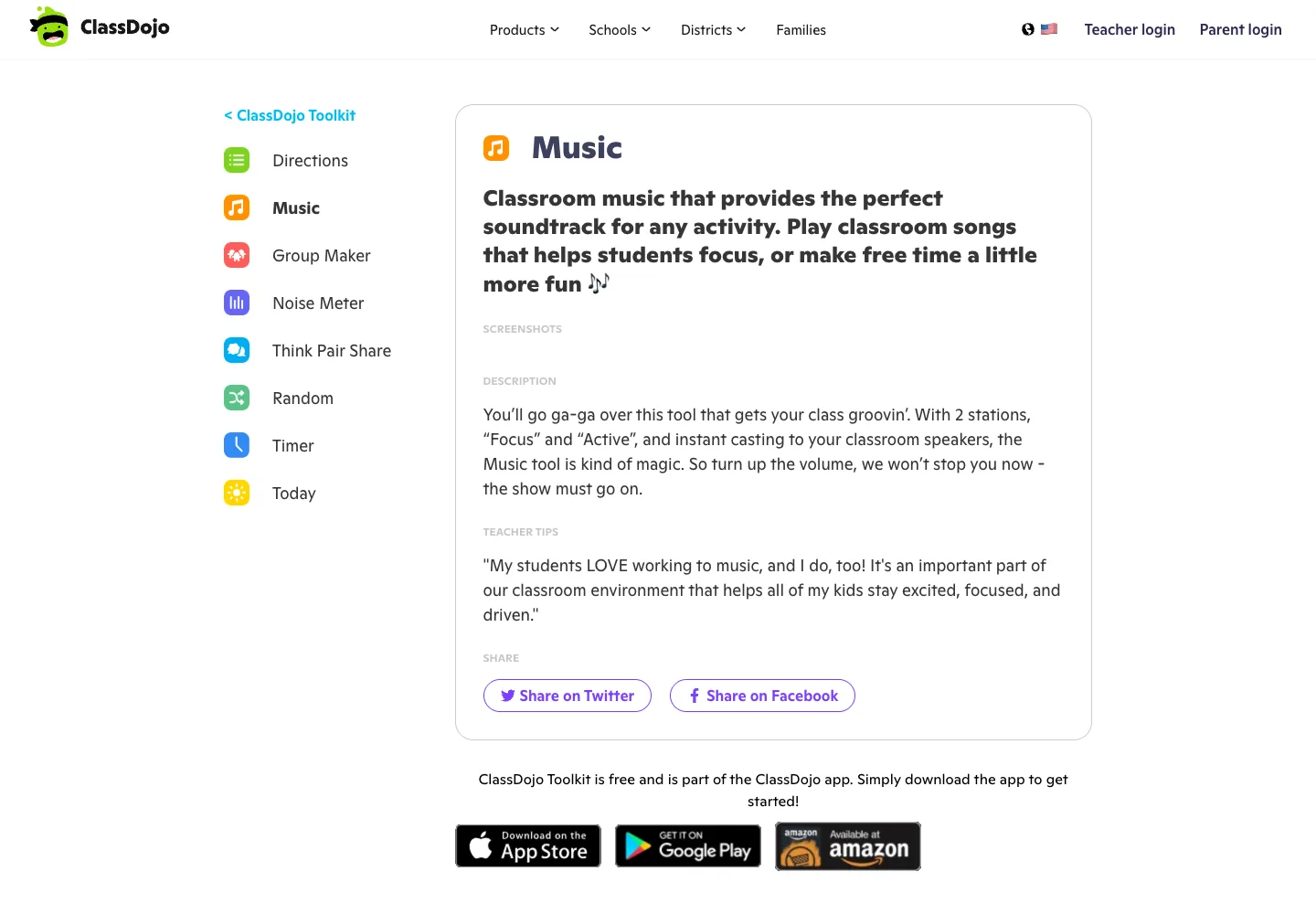
Choose ClassDojo Music when the job is routine management, not music instruction. A classroom teacher may need a simple soundtrack for writing time, movement, cleanup, or quiet transitions. That is a valid app need, but it should not be confused with notation, practice, composition, or assessment.
The practical rule: use ClassDojo for atmosphere, not musicianship outcomes.
How to choose the right school music app
Use a source-and-output check before buying or assigning anything:
| If the class starts with... | And students need... | Start with... |
|---|---|---|
| A PDF, scan, or photo of a score | Playback or editable MIDI/MusicXML | Melogen Sheet2MIDI or PlayScore 2 |
| Ensemble repertoire and teacher review | Assigned practice and feedback | MakeMusic Cloud |
| A creative audio brief | A song, beat, podcast, or recording | Soundtrap for Education |
| A notation/composition task | A score students can submit and revise | Flat for Education |
| Young beginners | Game-based practice and motivation | Mussila |
| A classroom routine | Background music for focus or activity | ClassDojo Music Toolkit |
For score-first tasks, keep the workflow small:
- Confirm whether the source is notation, audio, or a creative prompt.
- Decide whether the output should be playback, MIDI, MusicXML, notation, or a finished audio project.
- Test one short assignment before rolling the app out to the whole class.
- Check student privacy, roster setup, device access, and export limits.
- Keep the music objective visible so the app does not become the lesson.
Where Melogen fits
Melogen fits best when a teacher has visible notation and needs a fast first pass into playback or editable files. Use Sheet2MIDI for a score image, PDF, or scan. Use the output as a practice reference, a DAW handoff, or a starting point for notation cleanup.
It should sit beside classroom platforms, not pretend to replace all of them. A school may use Soundtrap for creative projects, Flat for notation assignments, MakeMusic Cloud for ensemble practice, and Melogen when the immediate problem is converting a readable score into MIDI or MusicXML.
Turn school sheet music into a practice reference
Use Melogen Sheet2MIDI when a class score, rehearsal excerpt, or practice page needs a quick browser-first MIDI or MusicXML pass.
The practical takeaway
The best music app for schools is not the one with the longest feature list. It is the one that matches the classroom output.
Choose Melogen or PlayScore 2 for score playback and OMR. Choose MakeMusic Cloud for ensemble assignment and feedback. Choose Soundtrap for creative audio projects. Choose Flat for notation classrooms. Choose Mussila for young learners. Choose ClassDojo Music when the job is classroom atmosphere.
That keeps the decision grounded in teaching instead of software shopping.
About the author
Zhang Guo
Composer - AI Product Manager
AI product manager and digital marketing consultant with a background in music. Creativity is the bridge between rhythm and logic, where musical intuition and mathematical precision can coexist in every meaningful product decision.
Follow on X