How to Share a MIDI File With Musicians and DAWs
Learn how to share a MIDI file, when MIDI is enough, when MusicXML or audio is safer, and how Melogen fits the handoff.
 Zhang Guo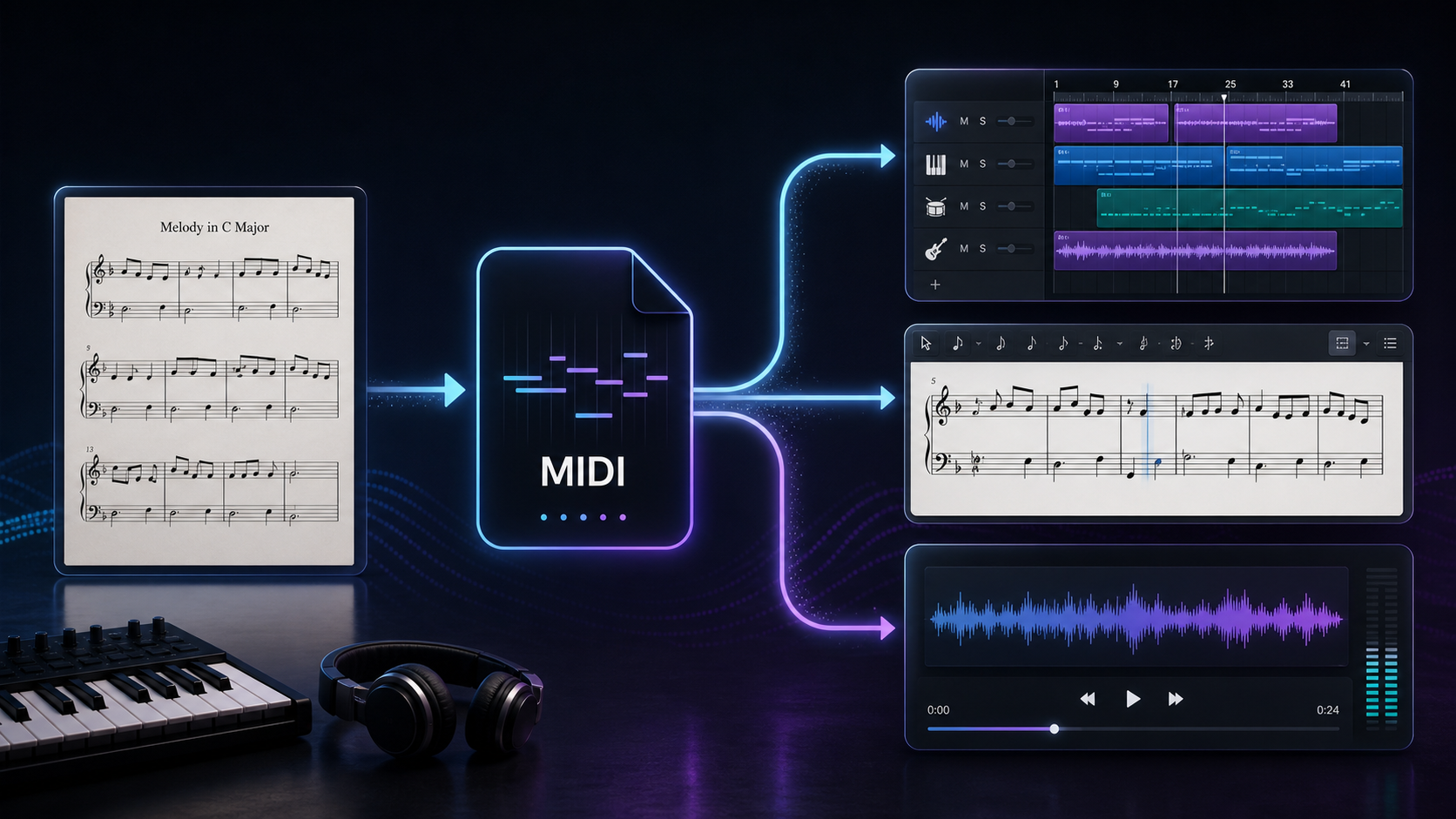
Turn a static score into editable MIDI
Contents
Sharing a MIDI file works best when the other person needs editable performance data: notes, timing, velocity, tempo, and instrument assignments. It is not the same thing as sending a recording, and it is not as notation-rich as MusicXML.
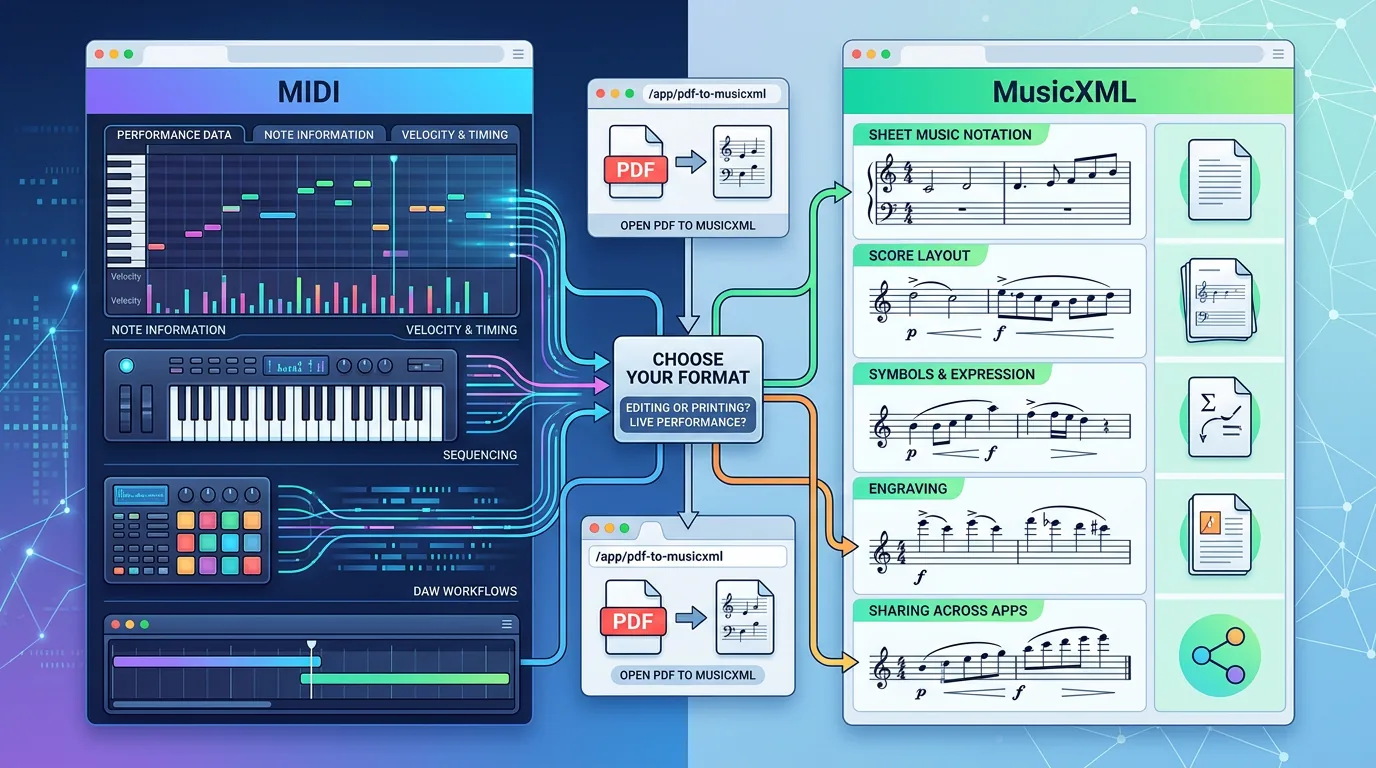
The useful rule is simple: send MIDI when the recipient will edit or play the musical idea in a DAW, send MusicXML when they need readable notation, and send an audio preview when the exact sound matters.
What a MIDI file actually shares
MIDI is a music data standard for exchanging performance instructions between instruments, computers, sequencers, and other devices. The MIDI Association describes MIDI 1.0 as a specification for exchanging information such as notes, program changes, and expression controls.
That means a .mid file usually carries musical instructions rather than finished audio. It can tell another device to play middle C with a certain timing and velocity. It does not guarantee that the other person's piano sound, string patch, reverb, or mix balance will match yours.
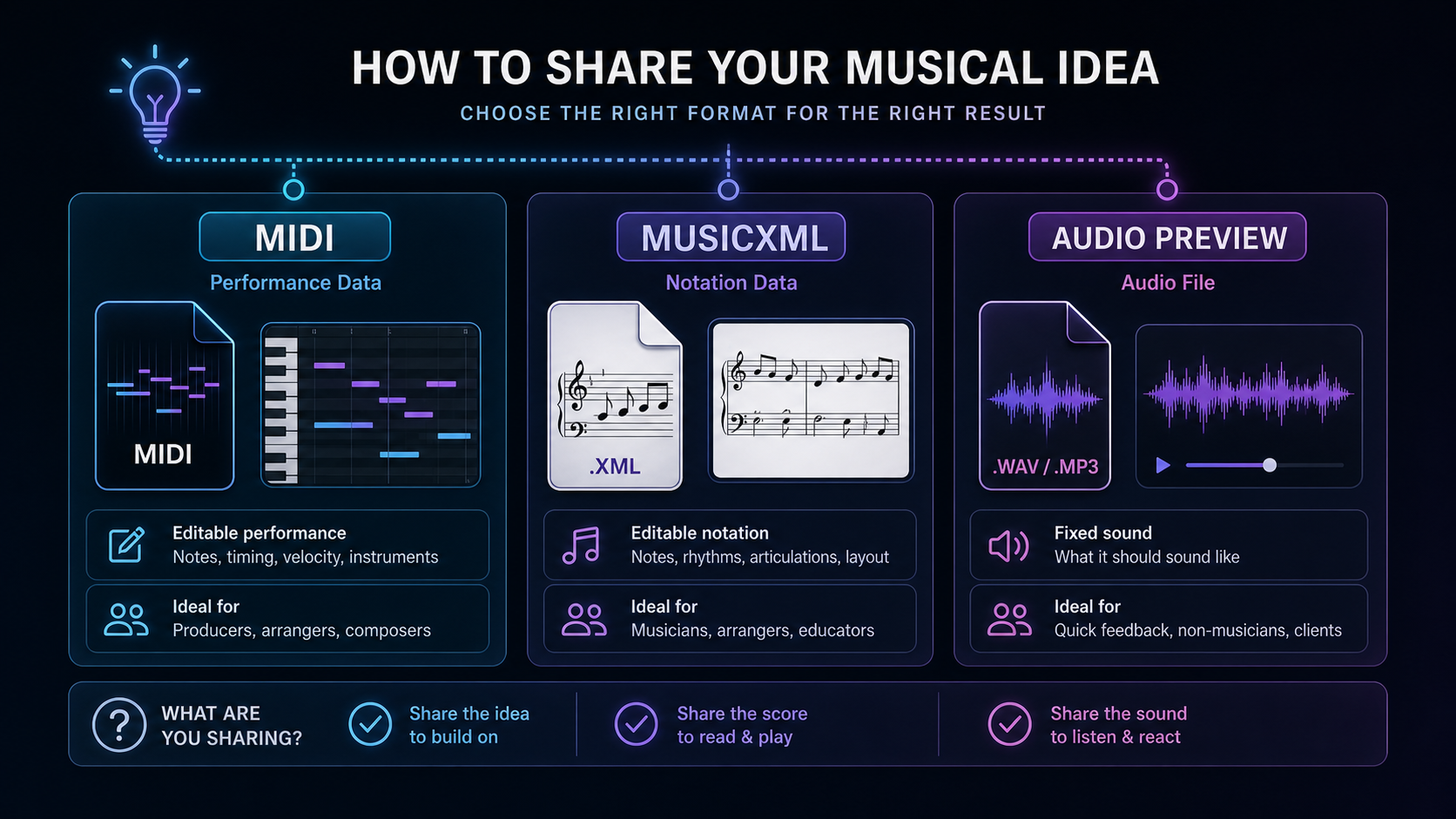
| Share format | Best for | What travels well | What may change |
|---|---|---|---|
| MIDI | DAW editing, arranging, quick playback | Notes, timing, tempo, basic instruments | Sound library, mix tone, articulations |
| MusicXML | Notation editing and score exchange | Measures, parts, rhythms, layout clues | Playback sound and some engraving details |
| Audio preview | Feedback from non-editors or clients | The actual sound they hear | Editable note data |
If you scanned sheet music or converted a PDF, use MIDI when the next job is performance editing. Use MusicXML when the next job is notation editing in MuseScore, Sibelius, Dorico, or another score editor. W3C's MusicXML 4.0 overview frames MusicXML as an open format for exchanging digital sheet music, which is why it preserves more score structure than MIDI.
Prepare the file before you send it
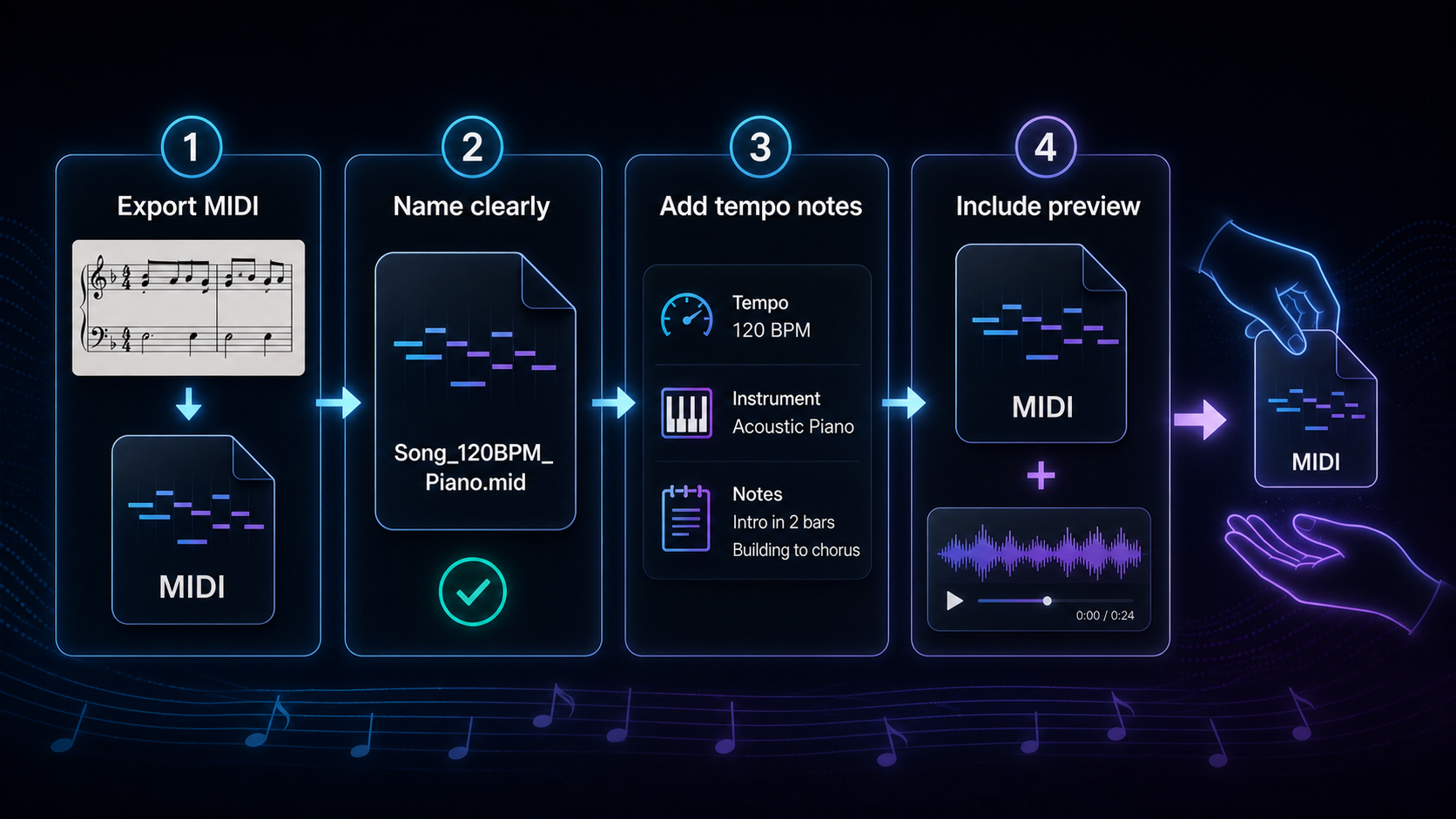
Before sharing a MIDI file, make it boringly clear. The recipient should know what the file contains before opening it.
- Export the MIDI from the cleanest source you have.
- Name the file with song, part, tempo, and version.
- Add a short note that lists tempo, key, instrument intent, and any known limitations.
- Include an audio preview if the sound or groove matters.
- Mention whether the file is a sketch, a practice track, or a final handoff.
Good file names make collaboration easier:
| Weak file name | Better file name | Why it helps |
|---|---|---|
new_song.mid | moon-riff-120bpm-piano-v2.mid | Names the idea, tempo, instrument, and version |
choir.mid | alto-practice-84bpm-with-countoff.mid | Tells singers what part and tempo to expect |
export.mid | verse-bassline-gm-bass-draft.mid | Warns that the file is still a draft |
Choose MIDI, MusicXML, or audio by the recipient
The right share format depends on what the other person will do next.
| Recipient | Send first | Add if needed | Why |
|---|---|---|---|
| Producer or DAW user | MIDI | Audio preview | They can edit timing, notes, and arrangement choices |
| Notation editor | MusicXML | PDF or MIDI | They need score structure more than a piano-roll sketch |
| Teacher or ensemble leader | PDF or audio | MIDI or MusicXML | They may need readable parts and a reliable reference |
| Client or non-musician | Audio preview | They need to hear the result, not inspect edit data | |
| Yourself on another device | MIDI plus notes | Audio preview | You need enough context to resume the session later |
This is where many MIDI handoffs go wrong. A MIDI file can be technically correct while still being confusing. If the receiving musician opens it with a different piano patch, a missing drum map, or a different General MIDI interpretation, the file may feel wrong even though the notes are intact.
How to create a shareable MIDI file from sheet music
If your source is printed or scanned notation, start by converting the score into editable music data, then clean the result before sharing.
- Upload the PDF, scan, or image to a score-to-MIDI workflow such as Melogen Sheet2MIDI.
- Listen through the first pass and check obvious rhythm, repeat, and voice errors.
- Export MIDI when the next step is DAW editing or practice playback.
- Export or recreate MusicXML when the next step is notation editing.
- Send a short readme-style note with tempo, intended sound, and known cleanup needs.
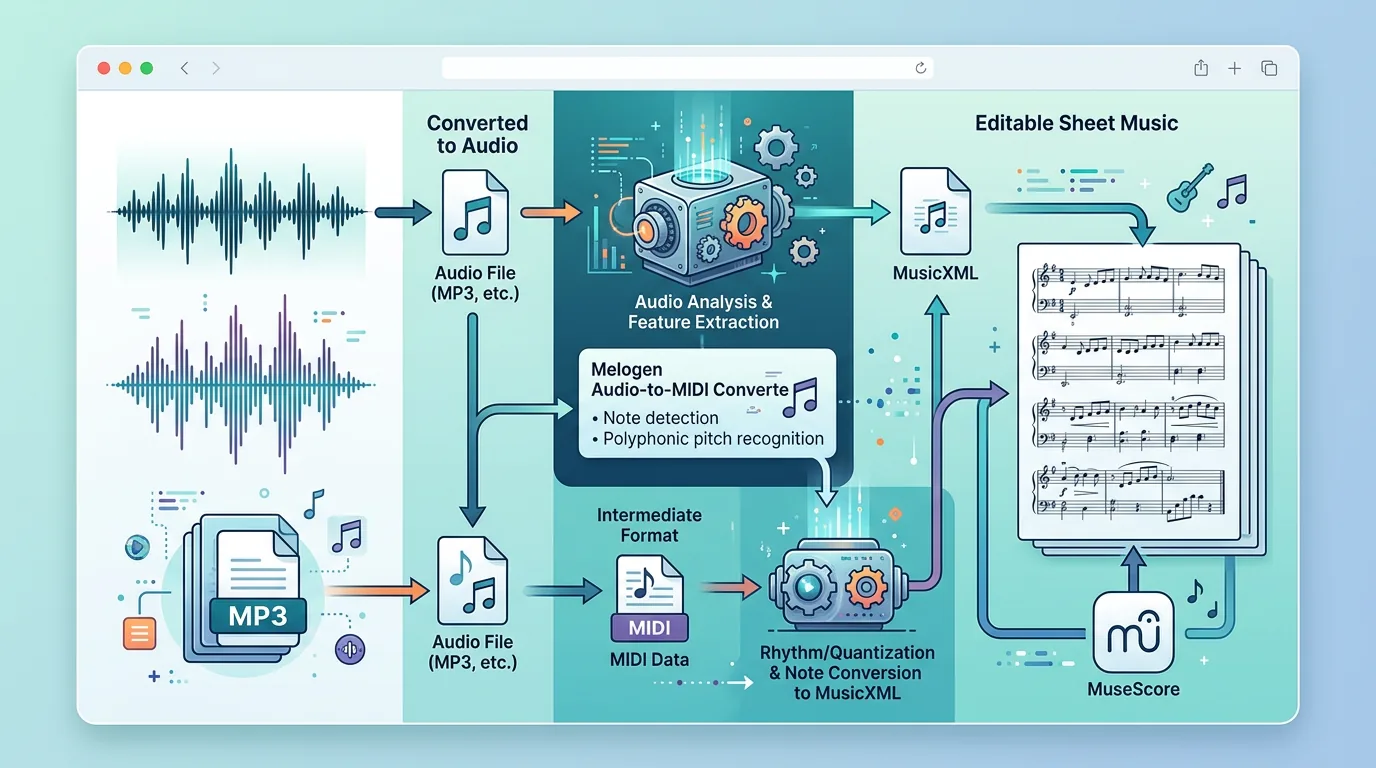
For audio sources, use an audio-to-MIDI workflow instead of pretending a finished recording will become a perfect score. Melogen Audio to MIDI is a better starting point when the source is a melody, riff, or instrumental line rather than printed notation.
Common mistakes when sharing MIDI
The most common mistake is treating MIDI as if it were an MP3. MIDI is portable music data, but the listening result depends on the playback device and sound library.
Another mistake is sending MIDI to someone who really needs notation. If the recipient wants to revise slurs, rehearsal marks, lyrics, articulations, page layout, or separate printed parts, send MusicXML or a PDF alongside the MIDI.
Also avoid sending a MIDI file with no context. Even a one-line note helps:
120 BPM, C major, piano sketch, bars 9-16 still need rhythm cleanup, audio preview attached for groove.
That note prevents a lot of back-and-forth because it tells the recipient what is intentional and what is still rough.
Where Melogen fits
Melogen is useful at the conversion and preparation stage. Use it to move from source material into a workable file, then make the musical judgment before you share.
If you are starting from sheet music, Sheet2MIDI is the practical route. If you are starting from a PDF score and the recipient needs notation in a score editor, the supporting guide on converting PDF to MusicXML online is the better next read. If you are unsure which format fits, the MIDI vs MusicXML comparison gives the broader format decision.
Turn sheet music into a shareable MIDI starting point
Use Melogen Sheet2MIDI for the first conversion pass, then clean the result and send the format your collaborator actually needs.
The practical takeaway
Share a MIDI file when the next person needs editable performance data. Add context so they know what the file is supposed to do. If they need notation, send MusicXML or a PDF. If they need to hear the exact result, send an audio preview.
Before you send the file, run this final check:
- Can the recipient edit the notes or timing they care about?
- Does the file name explain song, tempo, part, and version?
- Did you add a note for tempo, instrument intent, and limitations?
- Would a MusicXML file serve the notation task better?
- Did you attach an audio preview when sound matters?
That small bit of packaging turns a loose MIDI export into a useful musical handoff.
About the author
Zhang Guo
Composer - AI Product Manager
AI product manager and digital marketing consultant with a background in music. Creativity is the bridge between rhythm and logic, where musical intuition and mathematical precision can coexist in every meaningful product decision.
Follow on X