Spotify Podcasts Not Working Fixes That Actually Help
Fix Spotify podcasts not working with a podcast-first checklist for app, downloads, storage, offline mode, device audio, and safe fallback steps.
 Zhang Guo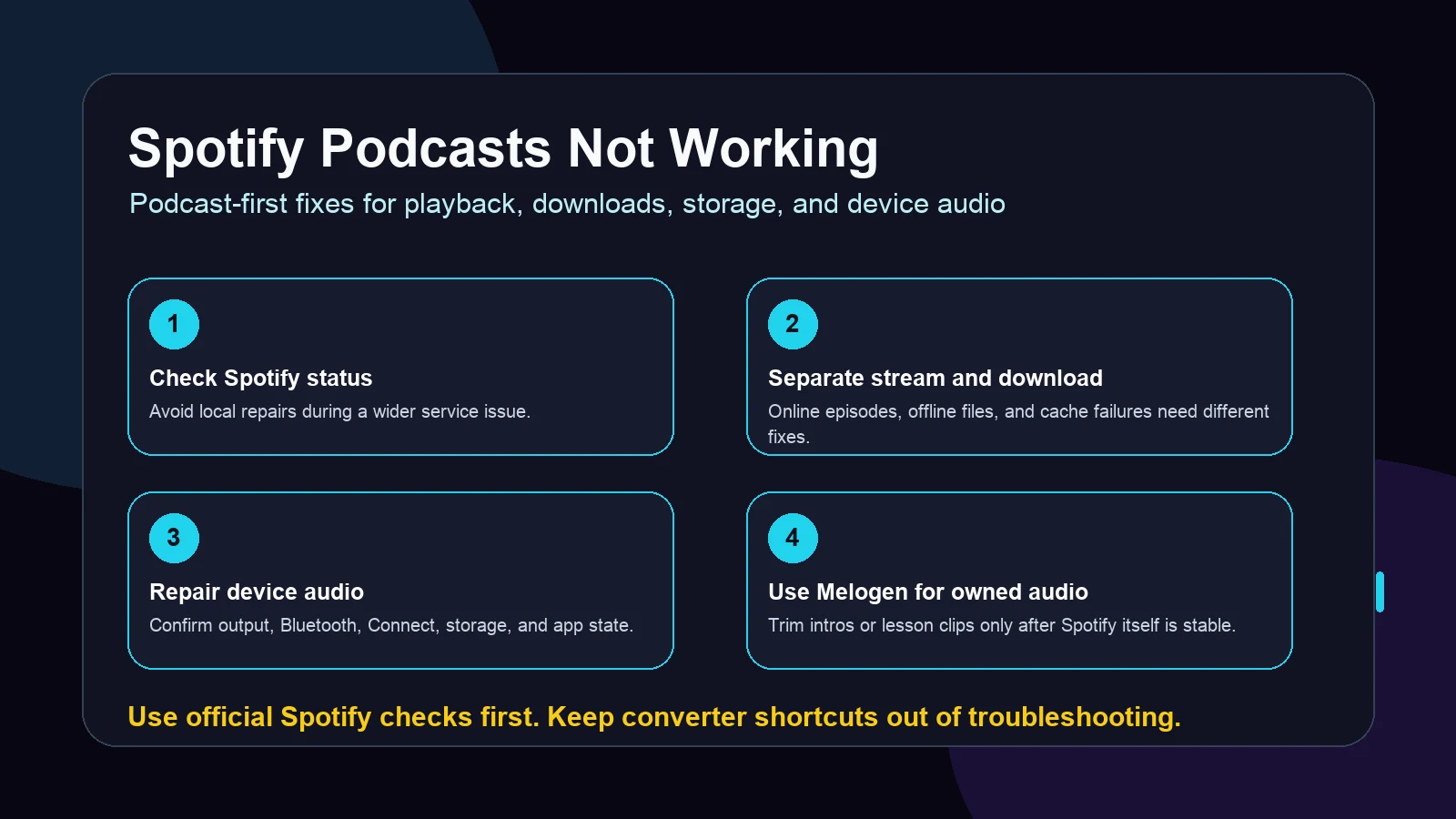
Turn a static score into editable MIDI
Contents
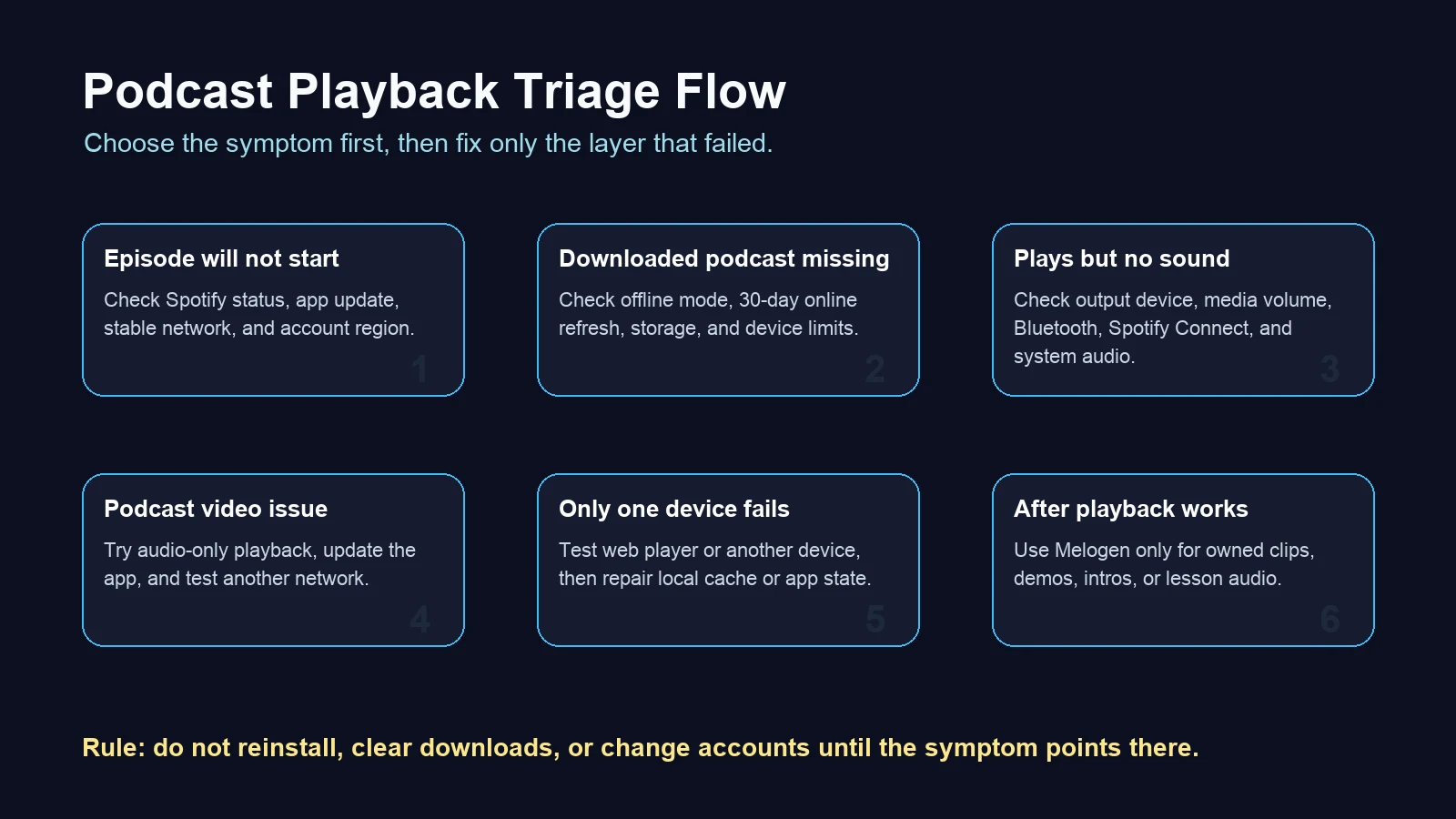
If your search is "Spotify podcasts not working," do not start by deleting every download or reinstalling the app. Podcast problems can come from different layers: Spotify service status, the individual episode, downloads and offline mode, device storage, audio output, Bluetooth or Spotify Connect, and the app cache.
The fastest path is to separate the symptom first. A podcast that will not stream, a downloaded episode that disappeared, and an episode that appears to play with no sound should not get the same fix.
Quick triage for Spotify podcasts not working
Use the symptom to choose the first repair. It keeps you from wiping downloads or changing account settings before you know what actually failed.
| What you see | Most likely cause | First fix to try |
|---|---|---|
| No podcast episode starts | Spotify service issue, app state, network, or account region | Check Spotify status, restart the app, and test another network |
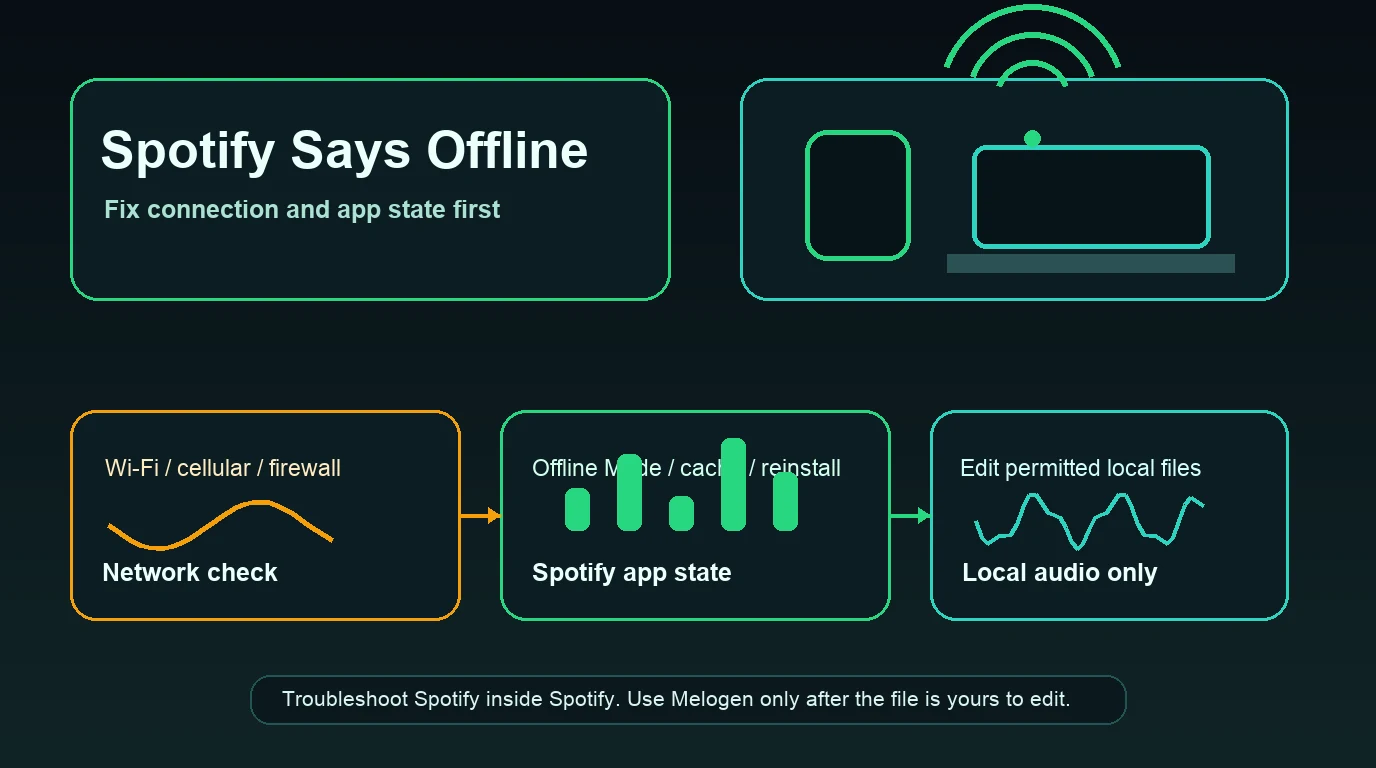
| Only downloaded podcasts fail | Offline mode, expired downloads, storage, or device limit | Go online once, check storage, and verify downloads |
| Episode plays but there is no sound | Device output, media volume, Bluetooth, or Spotify Connect | Switch audio output and test another app |
| Only one device fails | Local cache, old app version, low storage, or device setting | Update Spotify and repair that device only |
| Podcast video fails but audio works | Video playback, network, app version, or episode availability | Try audio-only playback and update the app |
Confirm Spotify and podcast-specific basics
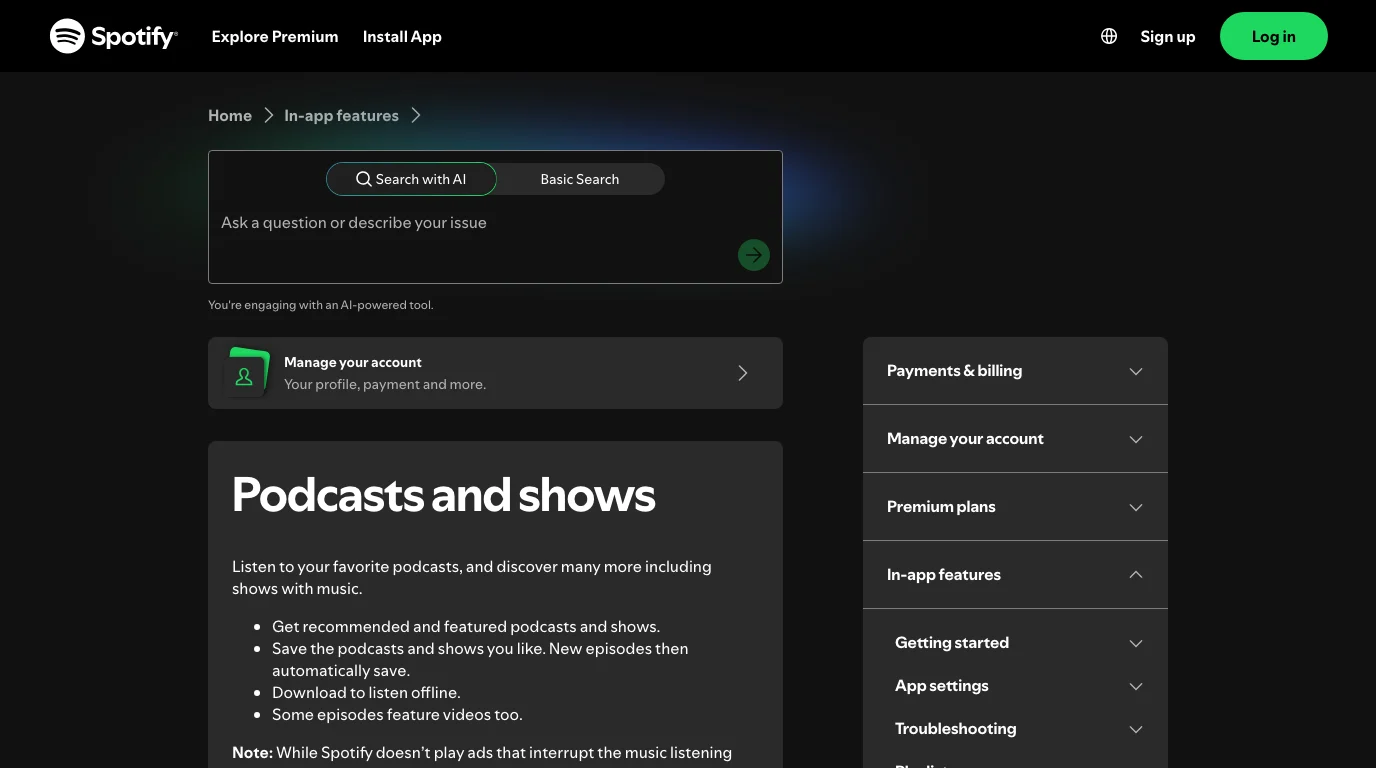
Start with the checks that explain many podcast failures without touching your library. Spotify's official podcasts and shows page says podcasts can be saved, downloaded for offline listening, and may include video episodes. That means a podcast problem can be a playback problem, a download problem, or a video-specific problem.
Run this order first:
- Check whether other Spotify music and podcasts play.
- Check the Spotify Status page or Spotify's ongoing issue channels if many users seem affected.
- Restart Spotify once.
- Update the Spotify app.
- Try the same episode on another network.
- Try one different episode from the same show and one episode from another show.
This tells you whether the issue is Spotify-wide, account-wide, show-specific, episode-specific, or device-specific. If every title fails, do not keep changing podcast settings. If only one episode fails, the issue may be availability, video playback, or the episode file itself.
Fix playback, sound, and device state
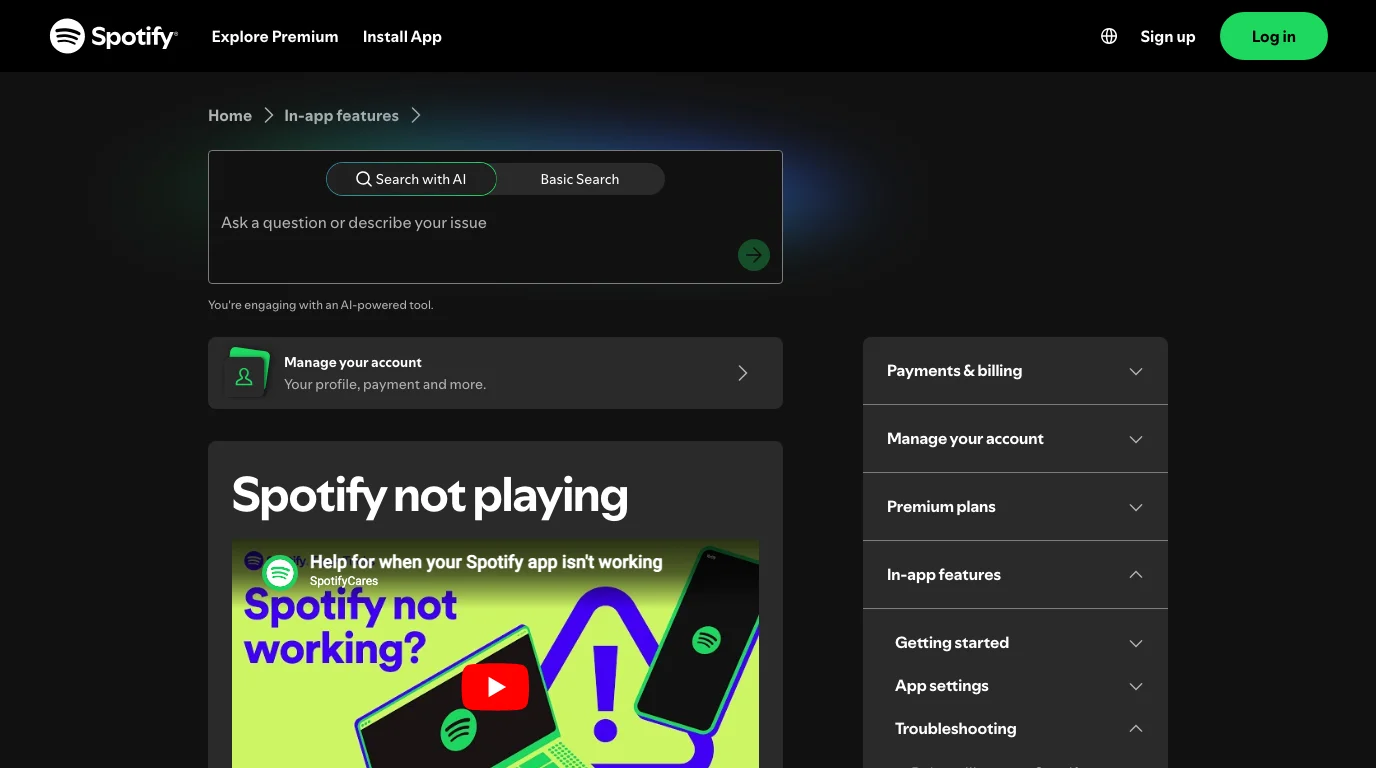
Spotify's official Spotify not playing page gives the broad playback order: restart the app, update it, reinstall only when needed, check the internet connection, update the operating system, close unused apps, and clear cache. It also calls out device checks such as enough free memory, firewall rules on desktop, battery state, and SD card problems on Android.
For podcasts, apply that advice with a little more precision:
| Area | What to check | Why it matters |
|---|---|---|
| App state | Restart Spotify and update the app | Podcast feeds and video playback can fail on stale app state |
| Network | Test Wi-Fi, mobile data, and VPN-off playback | A podcast stream may fail while cached songs still seem fine |
| Device storage | Keep enough free space before downloading episodes | Downloads and cache both need local storage |
| Audio output | Switch speakers, headphones, Bluetooth, or Spotify Connect | The episode may be playing somewhere you are not hearing |
| Account region | Check if content is unavailable while traveling | Region limits can make tracks or episodes unavailable |
If the Spotify app appears to play but you hear nothing, use Spotify's Can't hear Spotify checks: confirm the correct output device, test sound outside Spotify, and make sure playback is not being sent to another device through Bluetooth, Spotify Connect, or another wireless path.
Repair downloads and offline podcast playback
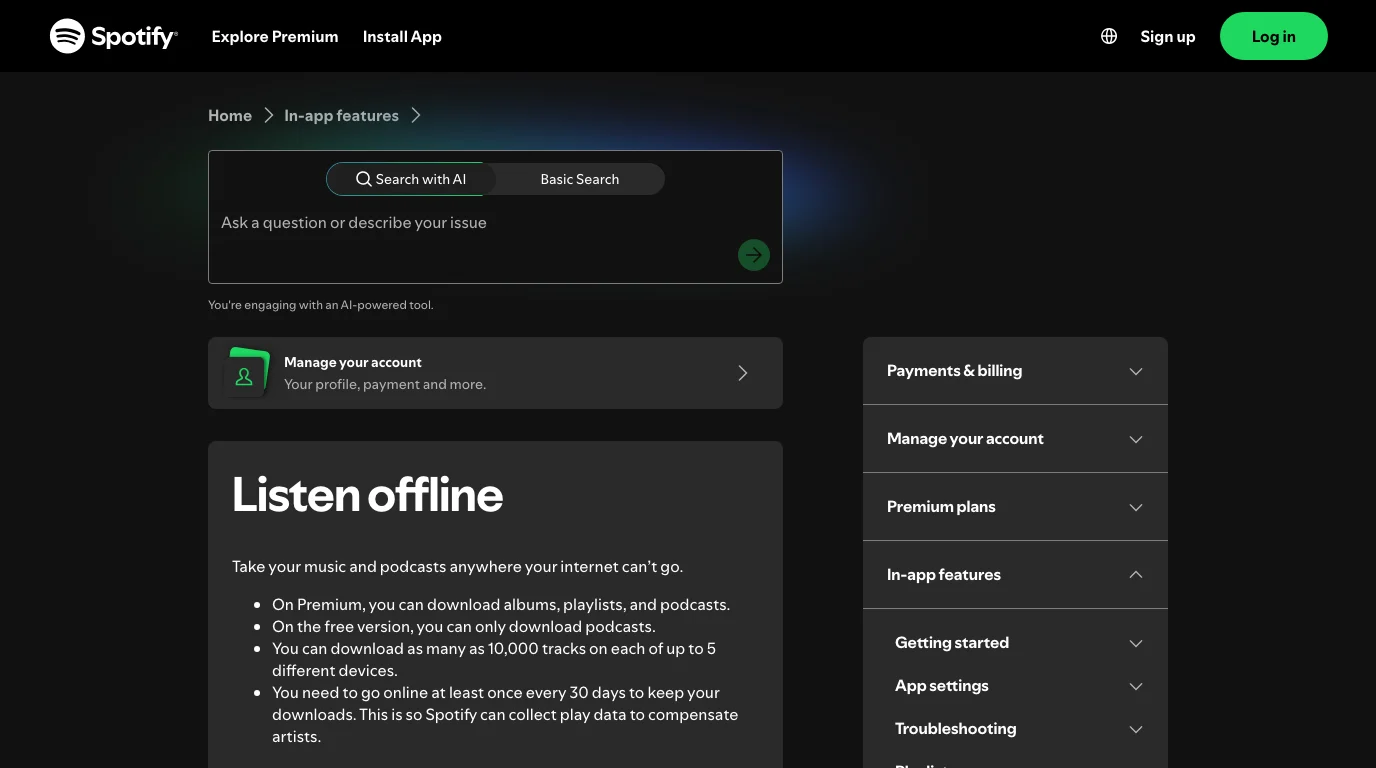
Downloaded podcasts need their own branch of troubleshooting. Spotify's listen offline page says Premium users can download albums, playlists, and podcasts, while free users can download podcasts. It also notes that downloads require enough storage, device limits matter, and downloaded music or podcasts must be re-downloaded after reinstalling.
Use this checklist before reinstalling:
- Go online once and open Spotify.
- Turn Offline Mode off, then test the podcast stream.
- Check that the episode is still downloaded.
- Confirm the device has enough free storage.
- Turn off aggressive battery-saving or cache-cleaning apps during the test.
- If downloads disappeared after reinstalling, re-download the episodes.
Spotify also says downloads can be lost if you do not go online within the required refresh window, reinstall the app, download to more devices than allowed, use an outdated app, or have SD card trouble on supported Android setups. Those are download-state issues, not proof that the podcast itself is broken.
Use web player or another device to isolate the failure
If one phone, tablet, or desktop app keeps failing, test the podcast somewhere else before you make heavier changes.
Try this clean comparison:
- Play the same episode in the Spotify web player.
- Play it on one other device.
- Play a different podcast on the failing device.
- Turn off VPN, proxy, and unusual DNS rules for one test.
- If only the original device fails, repair that device's Spotify app and storage.
The web player test is useful because it separates account or episode availability from app storage and cache. If the web player works, the episode exists and your account can play it. Then your work is local: app update, cache, storage, output device, or reinstall.
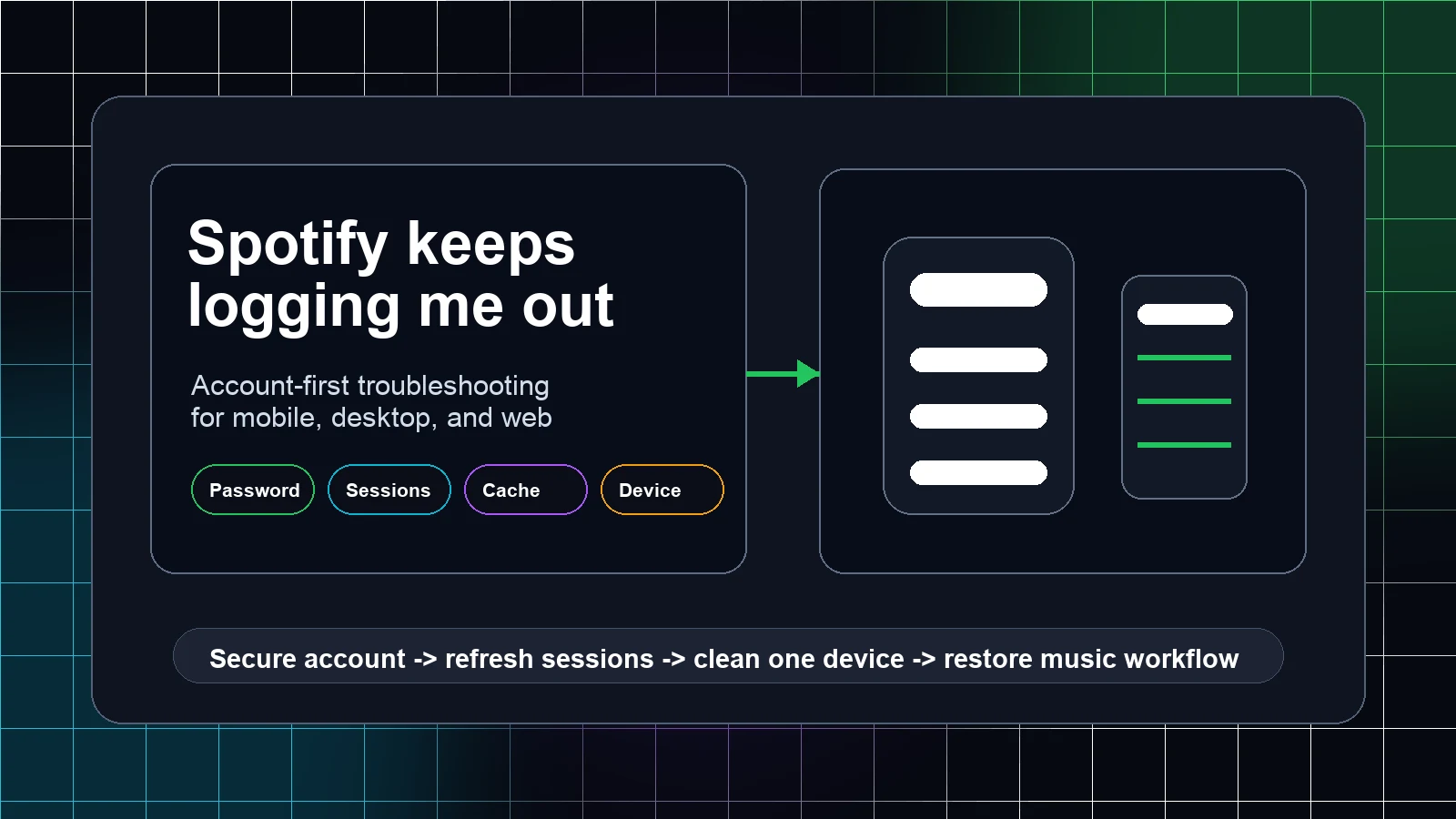
If the web player itself fails, use the browser-first checklist in Spotify Web Player not working. If Spotify keeps signing you out while you test, switch to the account-first checklist in Spotify keeps logging me out.
Where Melogen fits after podcast playback works
Melogen does not fix Spotify's servers, unlock missing episodes, download protected podcasts, or repair a Spotify account. It becomes useful after Spotify is stable and you are working with audio you have the right to edit: a podcast intro, a lesson recording, a rehearsal cue, a voice memo, a purchased file, or a creator-owned export.
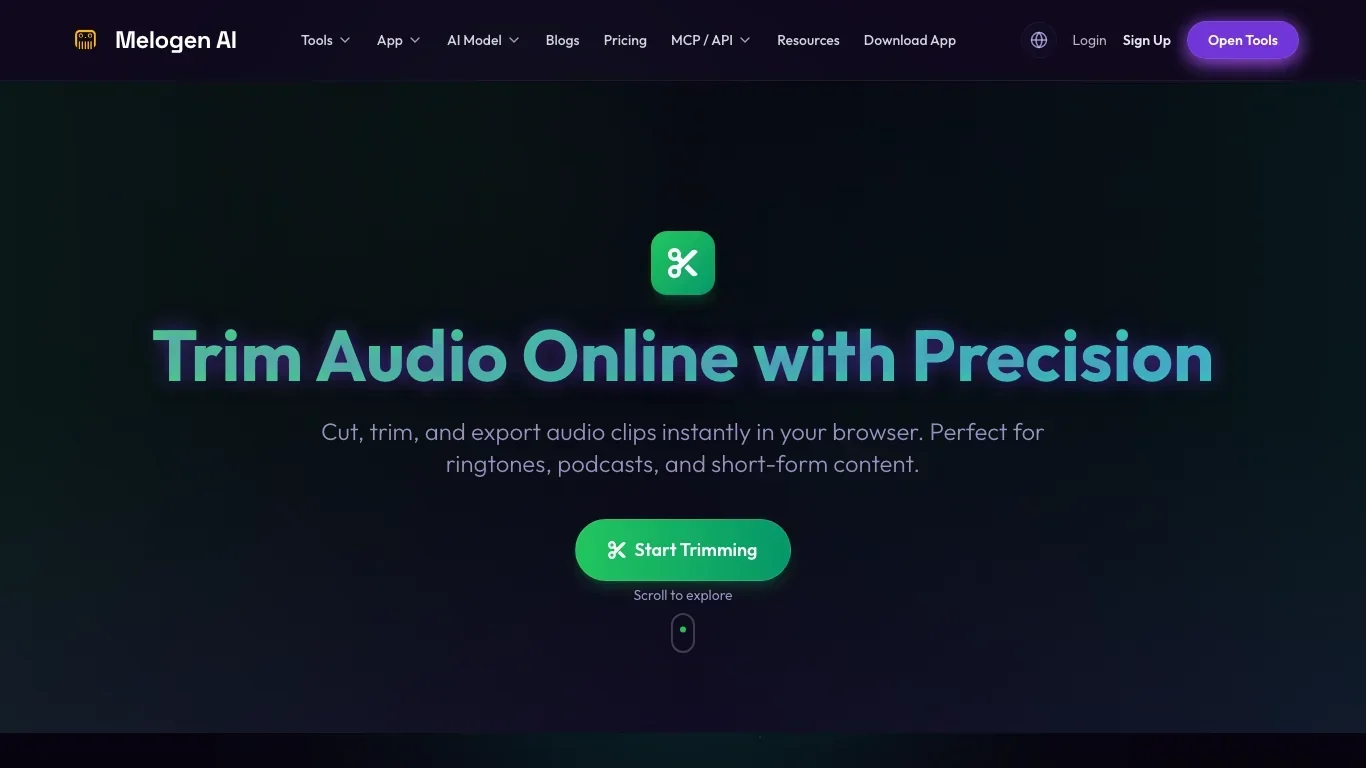
Use the Melogen Music Trimmer when your own audio file has dead air, a rough intro, a noisy tail, or a section you want to cut before sharing or listening. Keep the boundary clean: solve Spotify playback in Spotify, then edit only audio files you own or have permission to process.
Trim your own podcast clips after playback is stable
Use Melogen Music Trimmer for podcast intros, lesson clips, rehearsal files, or demos you are allowed to edit.
FAQs
Why are Spotify podcasts not working but music plays?
The issue may be episode availability, podcast video playback, downloads, offline mode, storage, or a show-specific feed problem. Test another podcast, then test the same episode on another device or in the web player.
Why are my downloaded Spotify podcasts missing?
Downloaded episodes can disappear after reinstalling Spotify, using too many download devices, not going online often enough, running an outdated app, or having storage or SD card issues. Go online, update the app, check storage, and re-download the episode if needed.
Why does a Spotify podcast play with no sound?
Check media volume, output device, Bluetooth, Spotify Connect, and system sound. If another audio app is also silent, fix the device sound path first. If only Spotify is silent, restart and update Spotify before reinstalling.
Should I clear Spotify cache for podcast problems?
Clear cache after simpler checks such as restarting the app, updating, testing the network, and checking output. Cache cleanup can help stale local state, but it should not be your first move if the problem is service-wide or episode-specific.
Can Melogen fix Spotify podcasts?
No. Use Spotify's official app, device, and support paths for podcast playback. Melogen helps only with audio files you own or have permission to edit, such as trimming a podcast intro or lesson clip after playback is stable.
The practical takeaway
Spotify podcast problems are easiest to fix when you stop treating every symptom as the same failure. First decide whether the problem is streaming, download state, device audio, app cache, or a single episode. Check Spotify status before local repairs, keep downloads intact until the symptom points there, and use Melogen only for owned audio cleanup after Spotify itself is working.
About the author
Zhang Guo
Composer - AI Product Manager
AI product manager and digital marketing consultant with a background in music. Creativity is the bridge between rhythm and logic, where musical intuition and mathematical precision can coexist in every meaningful product decision.
Follow on X