UkeySoft Apple Music Converter Review 2026
A public-surface UkeySoft Apple Music Converter review covering pricing checks, TuneFab alternatives, and Melogen next steps.
 Zhang Guo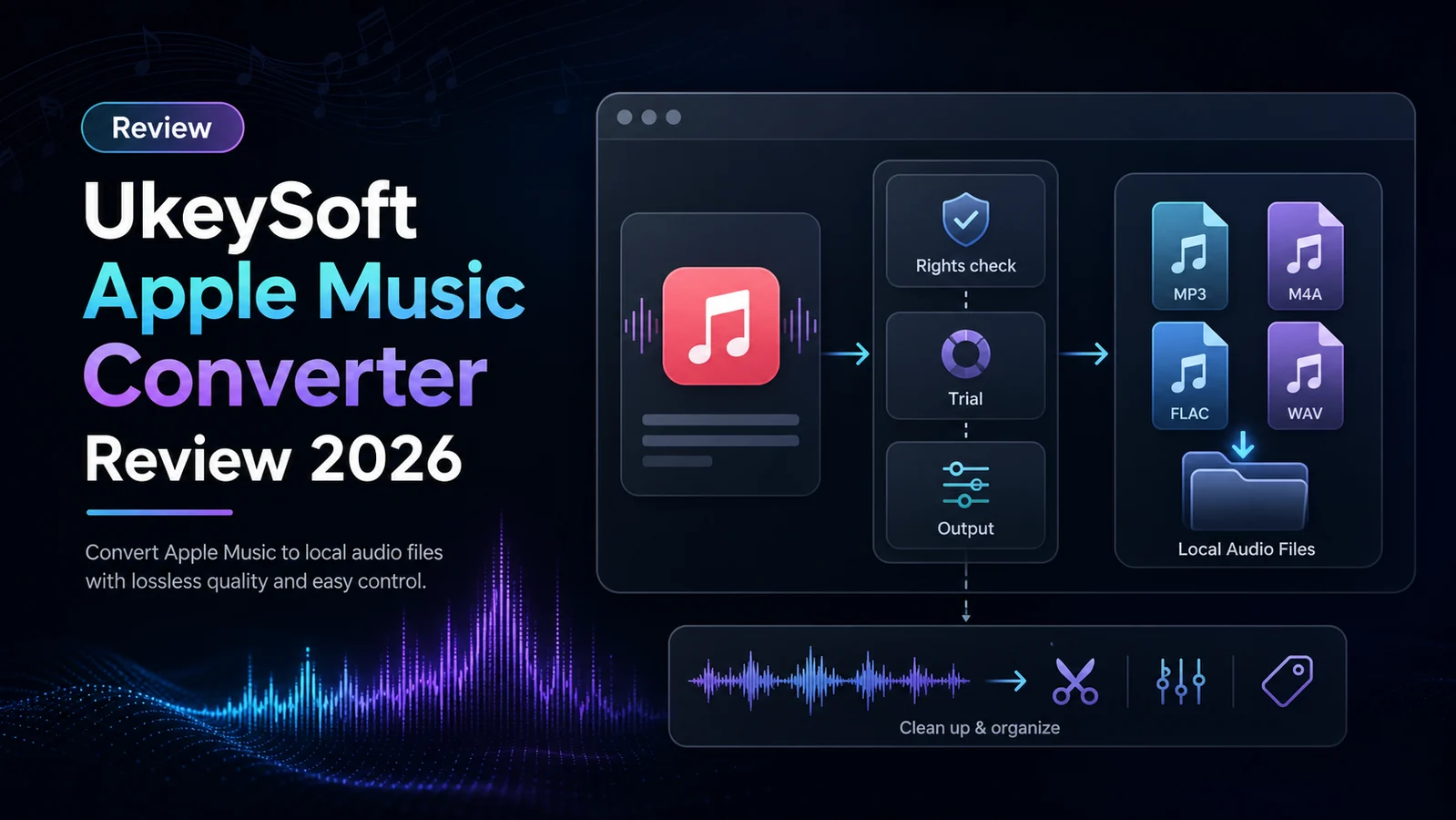
Turn a static score into editable MIDI
Contents
UkeySoft Apple Music Converter is for listeners who are not just trying to play Apple Music offline inside the Apple Music app. The reader searching for a UkeySoft Apple Music Converter review usually wants to know whether a third-party desktop converter is worth installing, what formats and license checks matter, and what to do after a file exists.
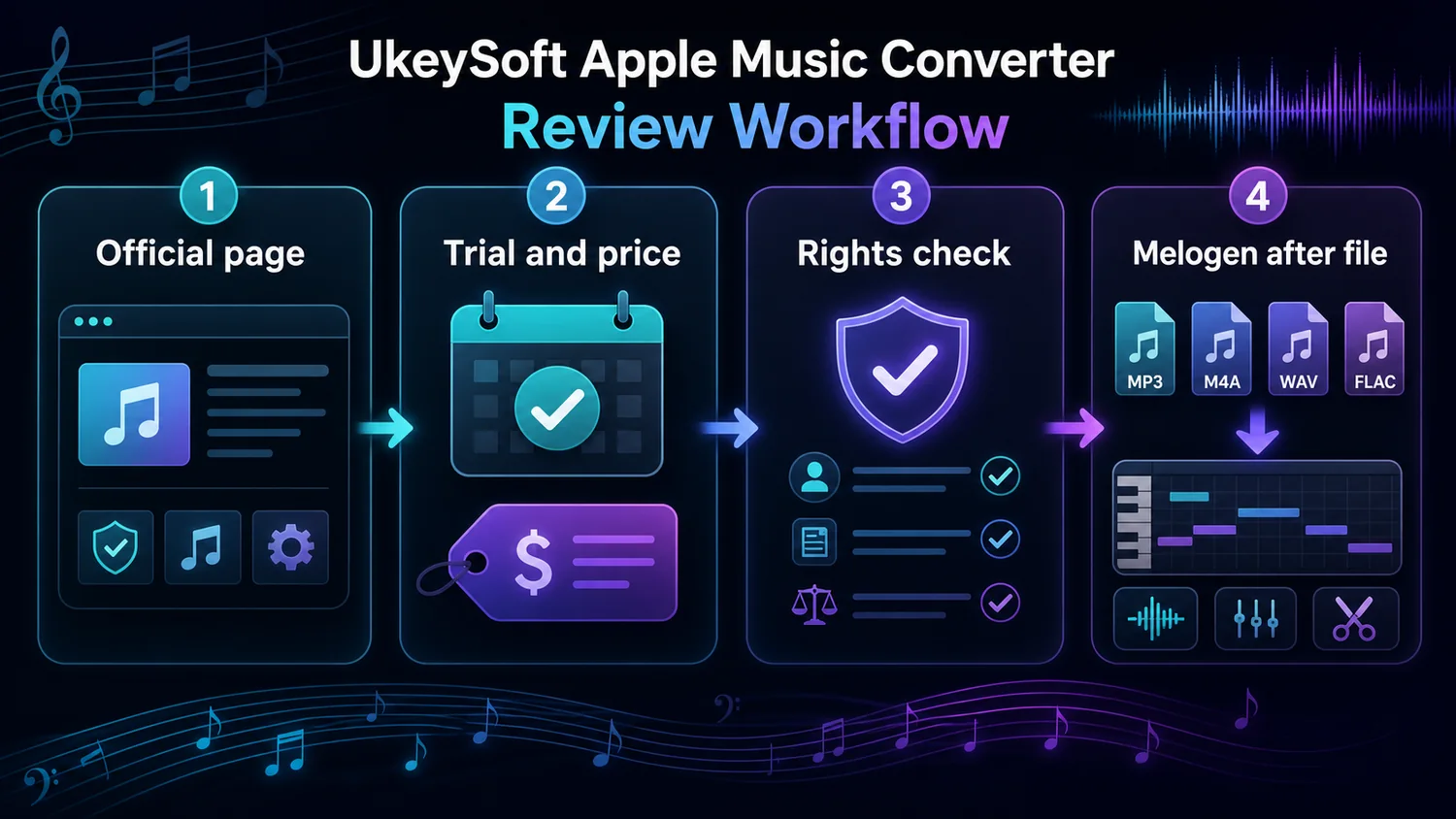
This review uses UkeySoft's current public product and store pages, the TuneFab competitor snapshot that surfaced this opportunity, Apple support guidance, and Melogen's own product pages. The lens is public-surface product analysis: claims, pricing signals, output formats, support boundaries, and the handoff into owned-audio workflows. The useful question is whether UkeySoft fits the Apple Music-to-file export layer before any editing, transcription, or cleanup workflow begins.
Quick Verdict
UkeySoft Apple Music Converter is worth researching if your real task is Apple Music-to-file export and you want common output formats such as MP3, M4A, AAC, FLAC, WAV, or AIFF. UkeySoft's public page also describes a built-in Apple Music web player, batch downloading, metadata retention, and Windows/Mac support.
It is not the first tool to open if you only need offline playback on your iPhone, Mac, or Windows PC. For that job, start with Apple's official Apple Music download flow. It is also not a Melogen replacement. Melogen does not convert protected Apple Music catalog streams; it fits later when the source is already an owned, recorded, DRM-free, or otherwise permitted audio file.
| Reader job | Better first step | Why |
|---|---|---|
| Listen offline inside Apple Music | Apple Music's official download feature | It stays inside Apple's supported playback workflow. |
| Save Apple Music as standard files | Research UkeySoft or another converter carefully | Installer source, license, trial, and usage rights matter. |
| Compare several Apple Music converters | Read a broader converter or downloader guide | A single-product review is too narrow for shortlist decisions. |
| Edit or transcribe a permitted file | Use Melogen after the file is already safe | The job becomes music editing, not streaming catalog export. |
What UkeySoft Says It Does
UkeySoft's official Apple Music Converter page describes a desktop converter for Apple Music tracks, albums, and playlists. The current public copy says it can output MP3, M4A, AAC, FLAC, WAV, and AIFF, and that it uses a built-in Apple Music web player so users do not have to install the Apple Music app or iTunes for the conversion flow.
Those are vendor claims, so treat them as the starting point for review, not as proof that every library, region, account state, or operating-system version will behave the same way. Before importing a large playlist, verify the latest installer, current OS support, current trial limits, and the exact output format you need.
The competitor page that triggered this draft is article-shaped. It reviews UkeySoft through workflow steps, pros and cons, not-working concerns, and alternatives. That makes this a branded review/intercept article, not another broad "best Apple Music downloader" roundup. For a wider shortlist, use Melogen's best Apple Music downloaders guide.
Pricing and License Checks
UkeySoft's store page for Apple Music Converter listed Windows 11/10/8.1/8/7 support and Mac OS X 10.12 or above during this run. The same public checkout page showed a 1-month subscription, a 1-year subscription, and a single lifetime plan for the individual Apple Music Converter product.
Do not treat those prices as permanent. Converter vendors change discounts, bundles, renewal language, device limits, and refund terms often enough that the checkout page is the source to inspect before paying.
Use this pre-purchase checklist:
- Confirm whether you are buying monthly, yearly, lifetime, or an all-in-one bundle.
- Check whether the license covers Windows, Mac, or both.
- Verify the current refund period and renewal language.
- Test the trial on one non-critical playlist before importing a library.
- Decide whether you are comfortable with the app's Apple Music login flow.
UkeySoft Compared With TuneFab
UkeySoft and TuneFab sit in the same broad Apple Music converter category. Both are off-site converter products, not Melogen tools, and both should be checked for installer source, license type, current trial behavior, output formats, refund terms, and personal-use boundaries.
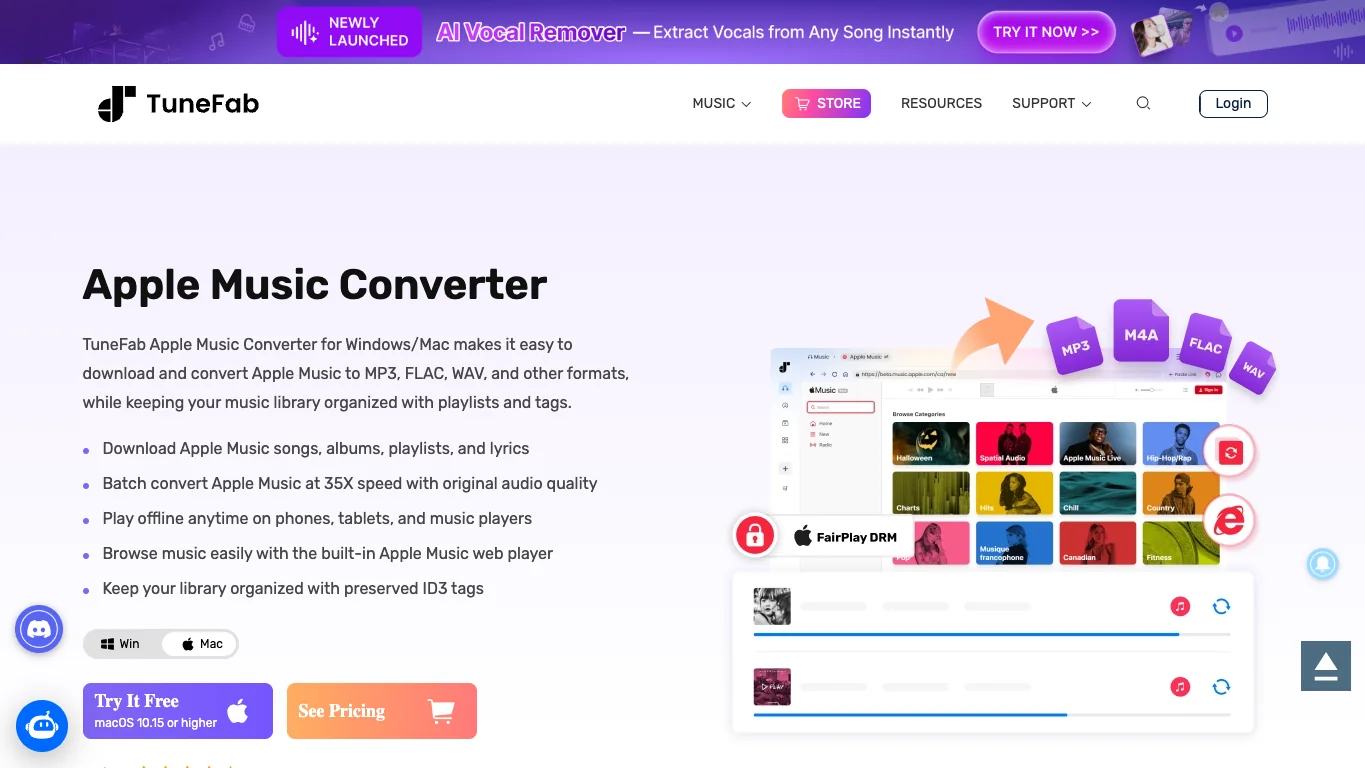
TuneFab is a natural comparison point because it also offers a desktop Apple Music converter, common audio output formats, batch conversion claims, and a long Apple Music converter content footprint. If your search is really "which Apple Music converter should I test next," the matching TuneFab option is TuneFab Apple Music Converter. This is an affiliate recommendation; keep it separate from Melogen's owned-audio workflow.
For a narrower branded comparison, Melogen also has a Sidify Apple Music Converter review. UkeySoft deserves its own page because branded review searches have a trust task: readers want to know whether this specific product, not the whole category, is worth checking.
Safety and Rights Boundaries
There are two safety questions, and both matter.
Software safety is about where you download the installer, whether you avoid cracked copies, how updates work, and what login surface the app asks you to use. Usage safety is about whether your planned output is personal, noncommercial, and appropriate for the source.
Apple's own music file format conversion guidance is useful context because ordinary local files and Apple Music subscription catalog streams are not the same thing. If you already have purchased, imported, recorded, or DRM-free music, your next step may be ordinary file conversion or editing. If the source is Apple Music subscription catalog audio, be more careful about what you do with any exported file.
| Question | Safer answer |
|---|---|
| Do I only need offline playback? | Use Apple Music's supported download feature. |
| Do I need standard local files? | Compare converters, but verify trial, license, and source rights first. |
| Can I share converted Apple Music catalog audio? | Do not assume that. Verify rights before uploading, sampling, publishing, or commercial use. |
| Can Melogen process the file afterward? | Only when the source is owned, permitted, or otherwise safe for you to edit. |
Avoid crack pages, "free full version" installers, torrent mirrors, and activation-code searches. They add security risk and move the workflow away from a reviewable music-production decision.
Where Melogen Fits After the File Exists
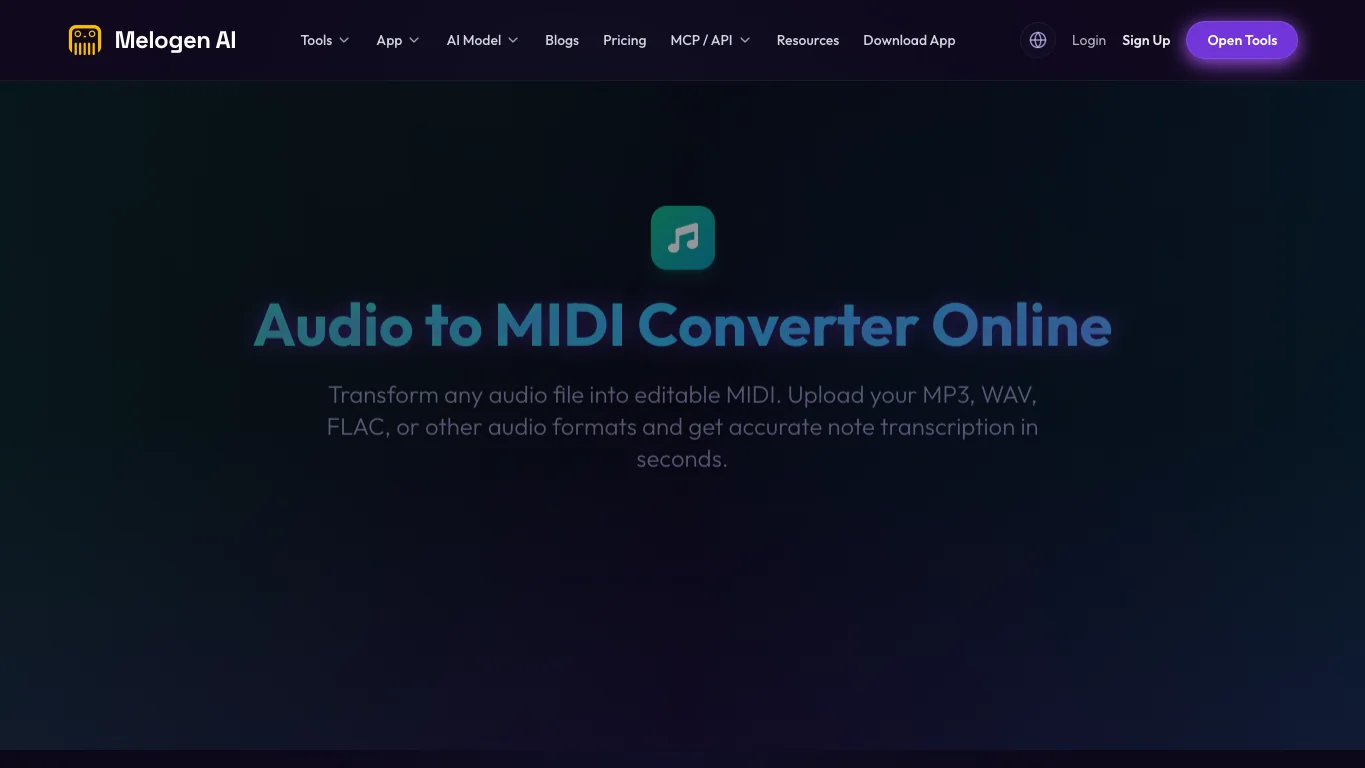
Melogen is not an Apple Music downloader or protected-streaming converter. It is useful after the file is already yours to process.
Use Melogen for:
- turning permitted audio into editable MIDI with Audio to MIDI
- trimming an owned recording, rehearsal clip, or loop with Music Trimmer
- converting sheet music, PDFs, or images into MIDI with Sheet2MIDI
- preparing musical material for a DAW, notation editor, practice workflow, or arrangement cleanup
For broad Apple Music conversion paths, Melogen's Apple Music to MP3 converter guide is the better companion article. This UkeySoft review is narrower: it helps you decide whether UkeySoft itself is worth checking before the file ever reaches an editing workflow.
Turn permitted audio into editable MIDI
If your source is already an owned or allowed audio file, use Melogen Audio to MIDI for the music-editing step instead of treating Melogen as an Apple Music downloader.
Decision Checklist Before Installing
Use this checklist before installing UkeySoft Apple Music Converter or any similar Apple Music converter:
- Start with Apple Music's official offline download option if app playback is enough.
- Download only from UkeySoft's official page or current official checkout path.
- Confirm output formats, trial behavior, license period, and supported operating systems.
- Check refund and renewal terms before paying.
- Test a small playlist before relying on batch conversion.
- Keep output personal and rights-aware unless you have explicit permission to do more.
- Use Melogen only when the file is already owned, permitted, or safe for music editing.
FAQs
Is UkeySoft Apple Music Converter safe
Use UkeySoft's official site, avoid cracked installers, and verify current operating-system support before installing. Safety also depends on how comfortable you are with the app's login flow, update model, support terms, and refund language.
Is UkeySoft Apple Music Converter free
UkeySoft's public pages describe paid subscription and lifetime license options. Check the current trial and checkout pages before relying on any older review, because trial limits, discounts, and renewal terms can change.
Does UkeySoft replace Apple Music offline downloads
No. Apple Music offline downloads are the supported route for playback inside the Apple Music app. UkeySoft is a third-party converter path for readers who specifically need standard local files and have checked the relevant limits.
Does Melogen convert Apple Music songs
No. Melogen is for owned or permitted music workflows such as Audio to MIDI, Music Trimmer, Sheet2MIDI, MIDI rendering, and score cleanup. It should not be positioned as an Apple Music downloader.
The Practical Takeaway
UkeySoft Apple Music Converter is a serious review candidate when the job is Apple Music-to-file export and you are willing to check the current installer, license, output formats, trial behavior, support terms, and rights boundaries. Use Apple Music's official downloads for normal app playback, compare UkeySoft and TuneFab only when a converter genuinely fits, and bring Melogen in later for files you are allowed to trim, transcribe, render, or arrange.
About the author
Zhang Guo
Composer - AI Product Manager
AI product manager and digital marketing consultant with a background in music. Creativity is the bridge between rhythm and logic, where musical intuition and mathematical precision can coexist in every meaningful product decision.
Follow on X