Best Apple Music Downloaders for Safer Choices in 2026
Compare Apple Music downloaders, official offline listening, converter tools, online risks, and Melogen next steps for files you can edit.
 Zhang Guo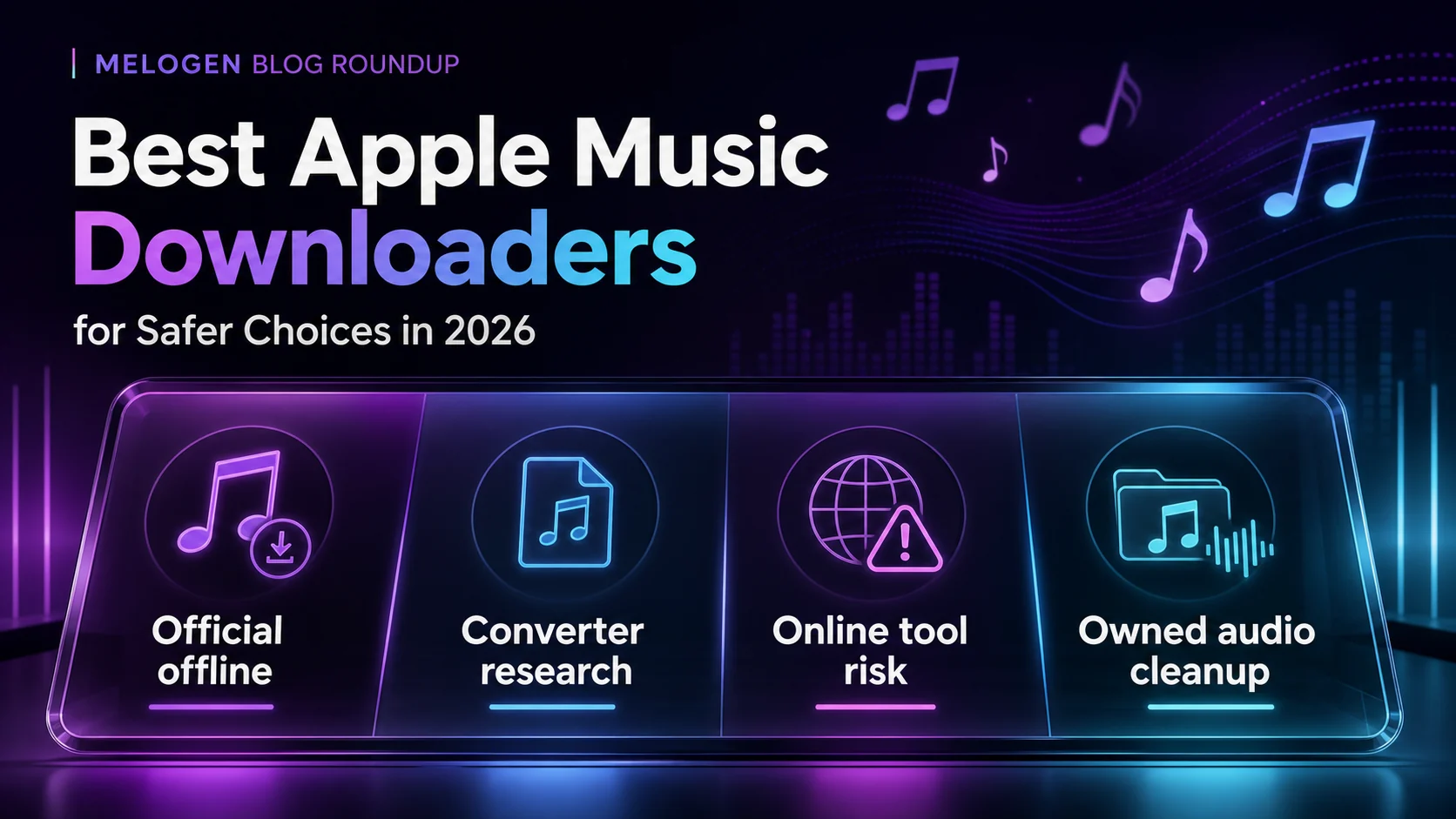
Turn a static score into editable MIDI
Contents
The best Apple Music downloaders are not one interchangeable category, because "download" can mean several different jobs. If you want offline listening inside Apple Music, use Apple's official download workflow. If you are researching Apple Music converter software, compare established product pages, format support, source boundaries, and trial limits before installing anything. If you already have an audio file you own or are allowed to edit, Melogen fits after the download question, not before it.
This roundup separates official offline listening, desktop converter research, online downloader risk, and owned-audio cleanup. That is more useful than ranking every site by who promises the fastest MP3.
Quick comparison table
| Option | Best for | Output expectation | Main strength | Watch out for |
|---|---|---|---|---|
| Apple Music offline downloads | Listening offline inside Apple Music | App-managed playback | Official and lowest-risk | Not a portable MP3 export |
| TuneFab Apple Music Converter | Apple Music converter research | MP3, FLAC, WAV, M4A, ALAC, AIFF | Priority affiliate option with playlist-oriented workflow | Check source rights, trial limits, and current terms |
| Sidify Apple Music Converter | Comparing another established desktop converter | MP3, AAC, WAV, FLAC, AIFF, ALAC | Long-running converter brand with Mac and Windows product pages | Verify current pricing and platform requirements |
| NoteBurner Apple Music Converter | Mac-focused converter comparison | MP3, AAC, WAV, FLAC, AIFF, ALAC | Clear public product page and broad format claims | Confirm current OS support before buying |
| MuConvert Apple Music Converter | Web-player based converter workflow research | MP3, M4A, WAV, FLAC | Public page emphasizes built-in Apple Music Web Player and batch conversion | Strong DRM language requires a rights check |
| APLMate online downloader | One-off online downloader risk review | Claimed MP3 download from Apple Music URLs | Fast to inspect from a browser | Privacy, reliability, rights, and stability are unclear |
| Melogen Music Trimmer | Audio you already own or can edit | Cleaned local audio clip | Browser workflow for permitted files | Not an Apple Music downloader |
Apple Music offline downloads
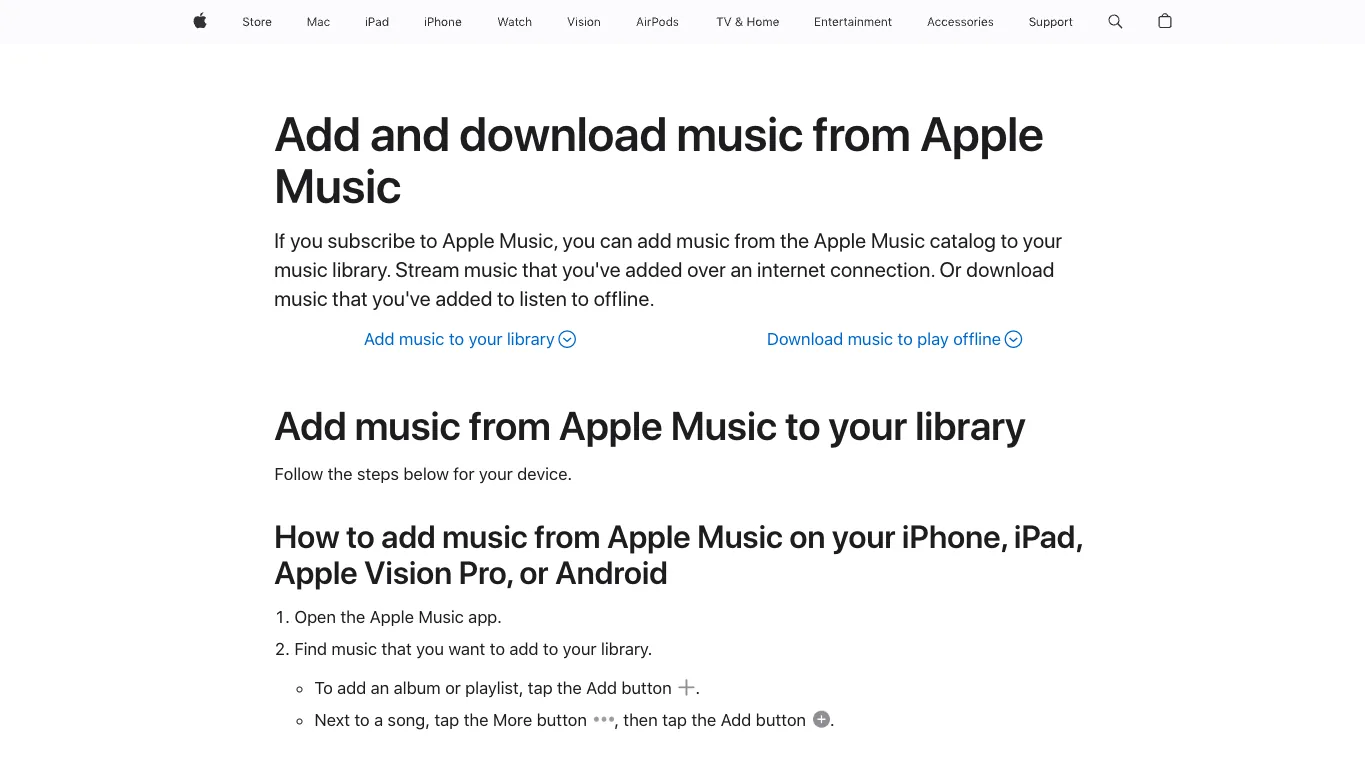
If the goal is simple offline listening, Apple's own workflow should be the first answer. The official Apple Support page for adding and downloading music from Apple Music explains the normal path: add music to your library, then download it to listen offline in Apple Music.
Use this path when you are commuting, traveling, studying, teaching, or rehearsing and you only need playback in Apple Music. It is not the path for editing, remixing, moving files into a DAW, or turning a subscription catalog track into a normal MP3.
The practical split is:
| Source | Better first route |
|---|---|
| Apple Music subscription catalog | Apple Music offline listening |
| iTunes Store purchase | Purchase redownload and file-library check |
| Imported CD or local file | Local backup, then format conversion if needed |
| Your own recording or MIDI render | Melogen or another editor after the file exists |
For Windows-specific setup, the guide to download Apple Music to PC covers the official app route in more detail.
TuneFab Apple Music Converter
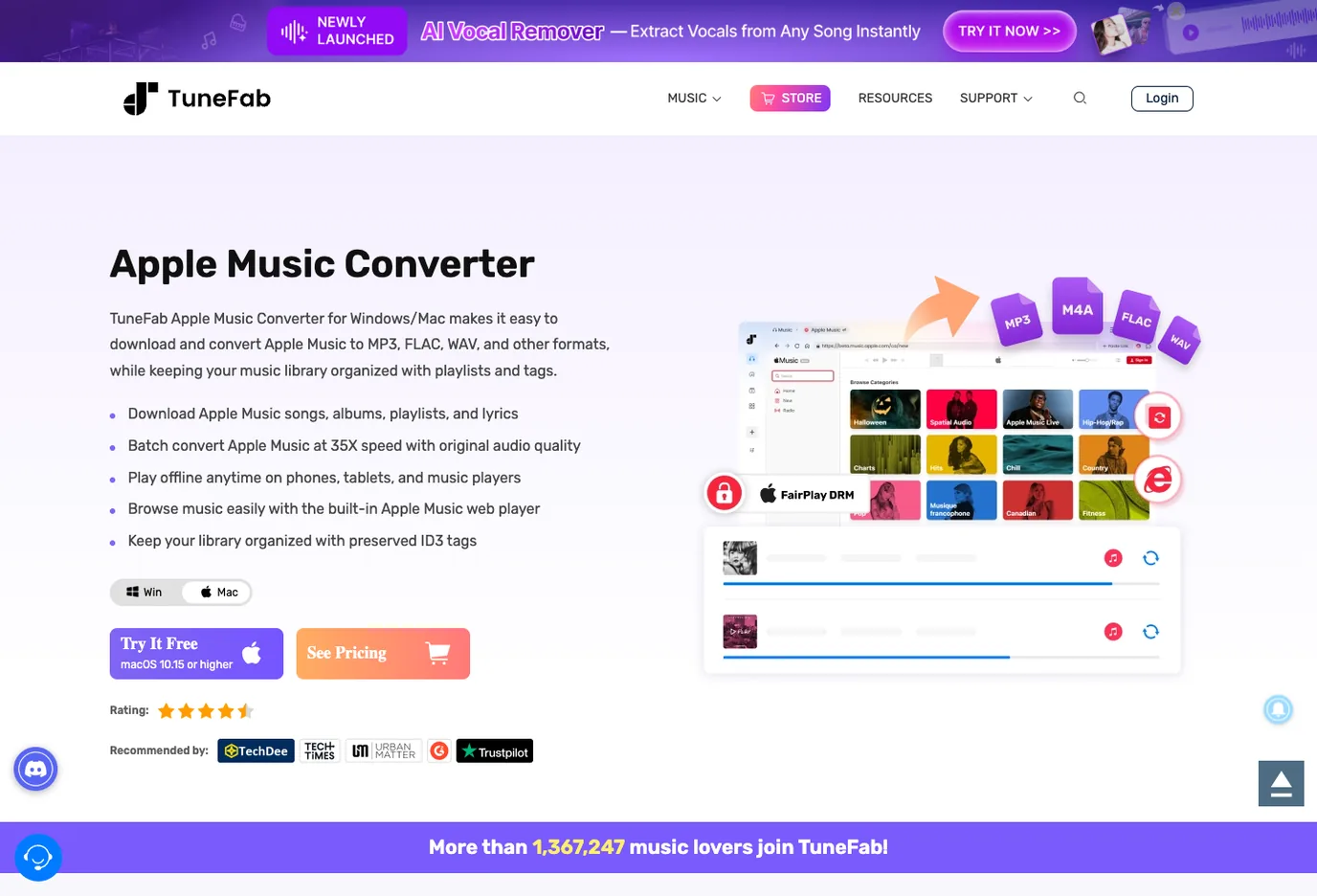
If the real search intent is "Which Apple Music converter should I evaluate?", TuneFab is the most natural first third-party product to check. This is an affiliate recommendation: open TuneFab Apple Music Converter.
TuneFab's current public product page positions the app for Windows and Mac Apple Music conversion, with output formats including MP3, FLAC, WAV, M4A, ALAC, and AIFF, playlist organization, and a built-in Apple Music web-player workflow.
Best fit:
- you are deliberately researching Apple Music converter software
- you need batch playlist handling rather than one song at a time
- you want a desktop product from a known product page
- you need output format choice, not only app-based offline listening
Not a fit:
- you only need Apple Music offline playback
- you are looking for cracked software, premium-bypass tools, or mirror sites
- you expect Melogen to convert protected streaming catalog audio
If you are not sure whether the source is a normal file or a subscription item, read Apple Music to MP3 converter options before installing anything. It is the source-first companion to this roundup.
Sidify Apple Music Converter
Sidify is useful as a comparison point because its public Apple Music Converter page describes a Mac-focused converter workflow and lists multiple output formats. Its site also has broader product pages for streaming audio conversion, so it belongs in the "established desktop converter" bucket rather than the "random online downloader" bucket.
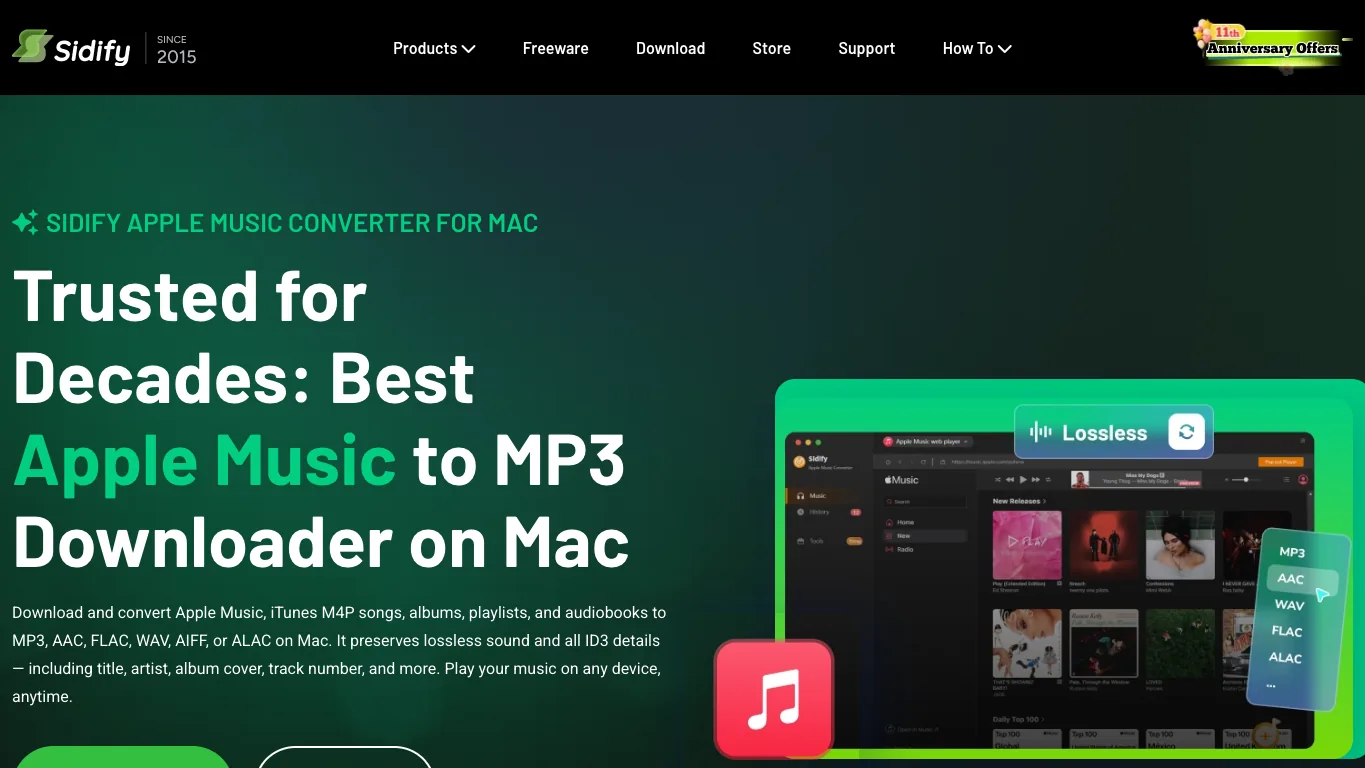
Official source: Sidify Apple Music Converter for Mac.
Use Sidify when you want to compare TuneFab against another dedicated converter brand. The useful checks are the same: current operating-system support, output formats, update history, trial limits, refund terms, and how the product asks you to connect your Apple Music library.
NoteBurner Apple Music Converter
NoteBurner is another long-running converter brand with a public Mac Apple Music Converter page. The current page describes Apple Music, M4A/M4B/AA/AAX audiobook, M4P, and podcast conversion, with MP3, AAC, WAV, FLAC, AIFF, and ALAC among the named outputs.
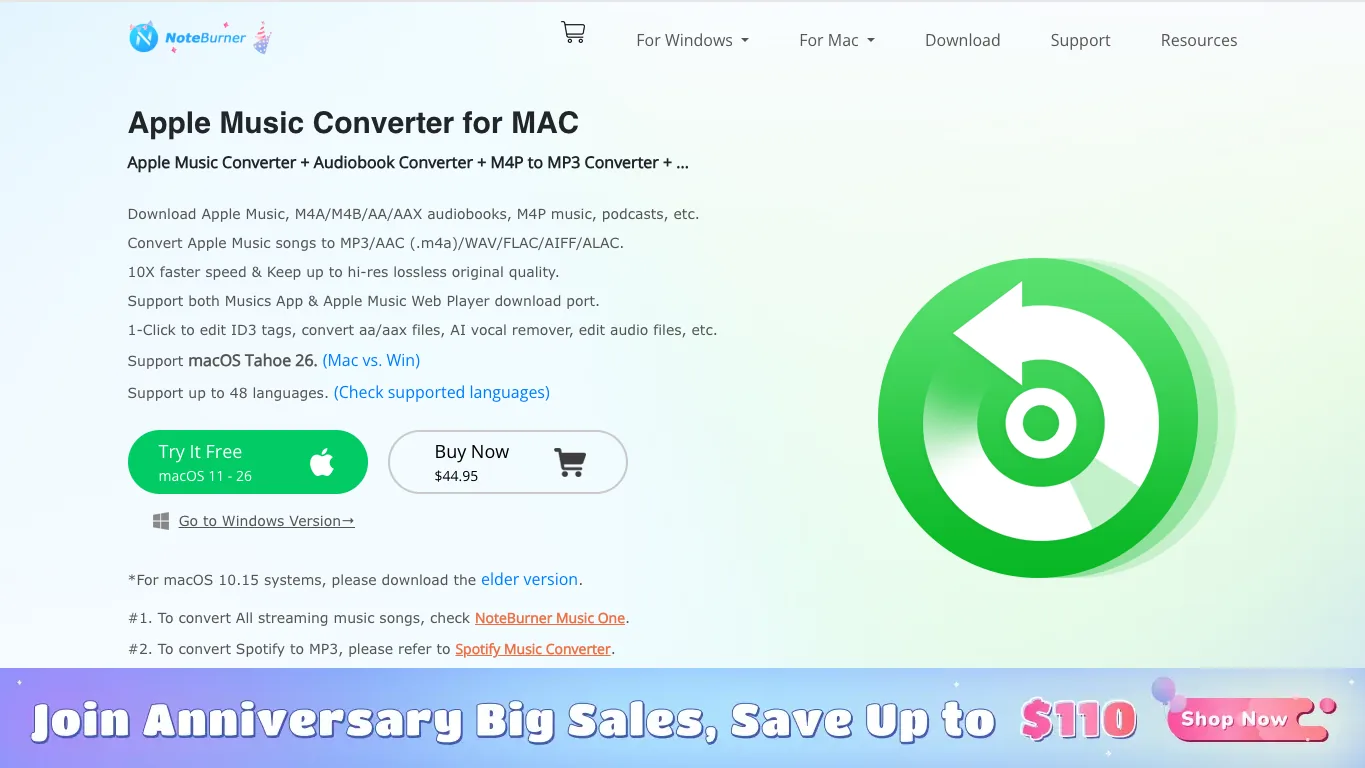
Official source: NoteBurner Apple Music Converter for Mac.
Choose this option when you are building a shortlist and want a second desktop converter to compare against TuneFab and Sidify. Do not choose it just because it appears in a list. Check whether the current Mac or Windows version fits your device, whether the free trial is enough for your test, and whether the workflow still matches your source.
MuConvert Apple Music Converter
MuConvert's Apple Music Converter page emphasizes a built-in Apple Music Web Player, batch conversion, ID3 tag retention, and output formats such as MP3, WAV, M4A, and FLAC. It is worth including because the page is explicit about playlist analysis and browser-like access inside the converter.
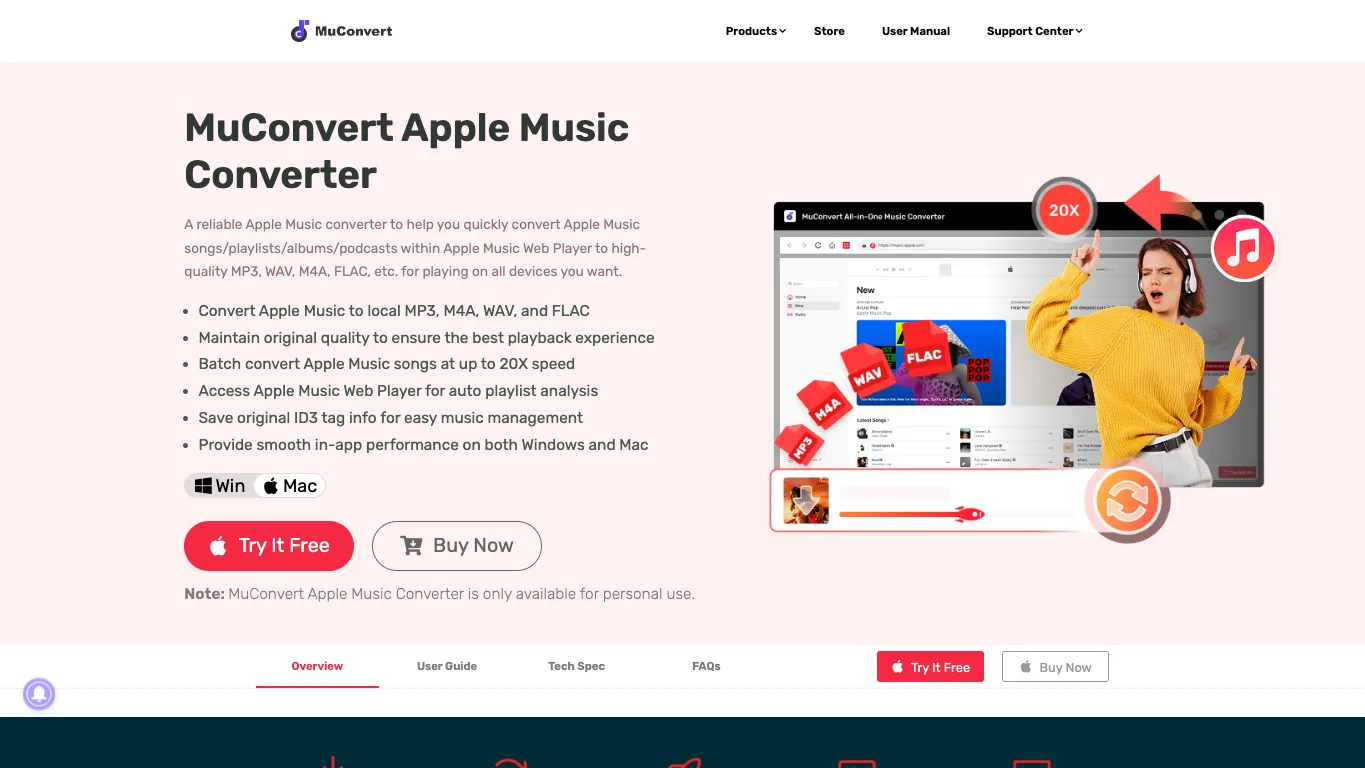
Official source: MuConvert Apple Music Converter.
The caution is the language around DRM and "keeping" streaming music. That does not make the tool automatically wrong for every reader, but it does mean your source and use case matter. Treat it as a product to evaluate, not as a permission slip.
APLMate online downloader
Online Apple Music downloaders show up in the current search results because they promise speed and no install. APLMate is one example: its public page asks for an Apple Music URL and presents itself as an online Apple Music downloader.
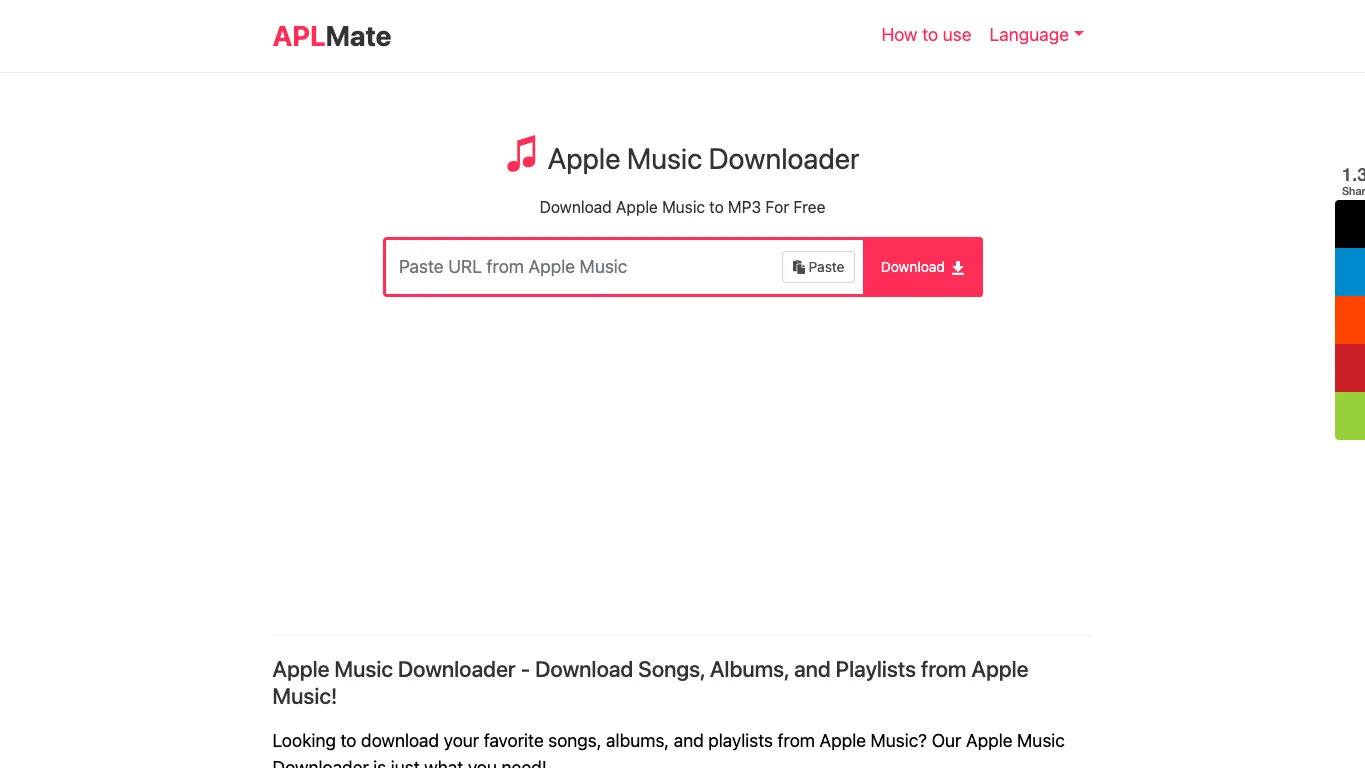
Official page inspected: APLMate.
Use this category as a risk example, not as the default recommendation. Before pasting any music URL into an online downloader, ask:
- Who operates the site?
- Does it explain privacy, retention, and file handling clearly?
- Does it have stable documentation or support?
- Does it ask for account credentials or only public links?
- Is the output quality verifiable?
- Are you allowed to store or reuse the resulting file?
For most musicians, the safer order is official offline listening first, known desktop converter research second, online downloader experiments last.
Where Melogen fits after the downloader question
Melogen is not an Apple Music downloader, Apple Music to MP3 converter, or protected-stream unlocking tool. Its fit starts after the file is already yours to edit: a DRM-free purchase, imported file, recording, MIDI render, lesson clip, podcast segment you can reuse, or other permitted local audio.
Use Melogen when the next job is musical cleanup:
- trim dead air from a rehearsal or lesson recording with Music Trimmer
- render a MIDI arrangement into a listening file with MIDI to MP3
- prepare a local audio file before adding it to a music library
- keep the editable project separate from the listening copy
If your next step is normal file conversion, the guide to convert music files to MP3 is a better follow-up than another downloader list.
Clean up audio you are allowed to edit
Use Melogen after the file is already yours: trim a recording, render MIDI, or prepare a clean listening copy before adding it to a music library.
How to choose safely
Use this decision checklist before installing or pasting anything:
| Check | Why it matters |
|---|---|
| Do I only need offline listening? | Apple Music already handles that inside the app |
| Is the source purchased, imported, or self-created? | Normal local files are easier to manage safely |
| Does the tool have an official product page? | Product identity, support, and update history matter |
| Does it explain output formats clearly? | MP3, WAV, FLAC, ALAC, AAC, and M4A are different jobs |
| Does it require credentials or only library access? | Account handling changes the risk profile |
| Am I allowed to store, edit, or transfer the result? | A technical output is not the same as usage permission |
The best Apple Music downloader for one reader may be no downloader at all. If the goal is listening, stay with Apple. If the goal is converter research, compare established product pages and read the terms. If the file is already yours, move into editing, trimming, or rendering.
FAQs
What is the safest Apple Music downloader?
For listening, Apple's official offline download workflow is the safest because it stays inside Apple Music. For converter research, start with official product pages such as TuneFab, Sidify, NoteBurner, or MuConvert, then check current terms, source rights, trial limits, and output formats.
Is TuneFab better than Sidify or NoteBurner?
TuneFab is the priority affiliate recommendation for Melogen's Apple Music converter intent, but the better product depends on your platform, trial needs, output format, update history, and support expectations. Compare official pages rather than relying on one ranking score.
Are online Apple Music downloaders safe?
Some online downloaders may work for simple links, but they usually carry more privacy, reliability, support, and rights uncertainty than official offline listening or known desktop converter products. Treat them as high-risk experiments.
Can Melogen download Apple Music songs?
No. Melogen does not download Apple Music songs or convert protected streaming catalog audio. Use Melogen for audio you own or can edit, including trimming, MIDI rendering, and local-file cleanup.
Should I convert Apple Music to MP3?
Only after you know the source. DRM-free local files, iTunes purchases, Apple Music subscription downloads, and your own recordings are different cases. Start with the source-first guide to Apple Music to MP3 converter options if the boundary is unclear.
The practical takeaway
Do not choose an Apple Music downloader from the headline promise alone. Start with the source and the job. Use Apple Music offline downloads for app-based listening, TuneFab or another established converter only when you are intentionally researching that product category, online downloaders only with extra caution, and Melogen after the file is already yours to edit.
That separation keeps the workflow useful for musicians: listening stays in Apple Music, converter research stays grounded in public product evidence, and creative cleanup happens on files you can actually work with.
About the author
Zhang Guo
Composer - AI Product Manager
AI product manager and digital marketing consultant with a background in music. Creativity is the bridge between rhythm and logic, where musical intuition and mathematical precision can coexist in every meaningful product decision.
Follow on X