Apple Music to MP3 Converter Options That Make Sense
Compare Apple Music to MP3 converter paths, safe local-file conversion, TuneFab research, and where Melogen fits for owned audio.
 Zhang Guo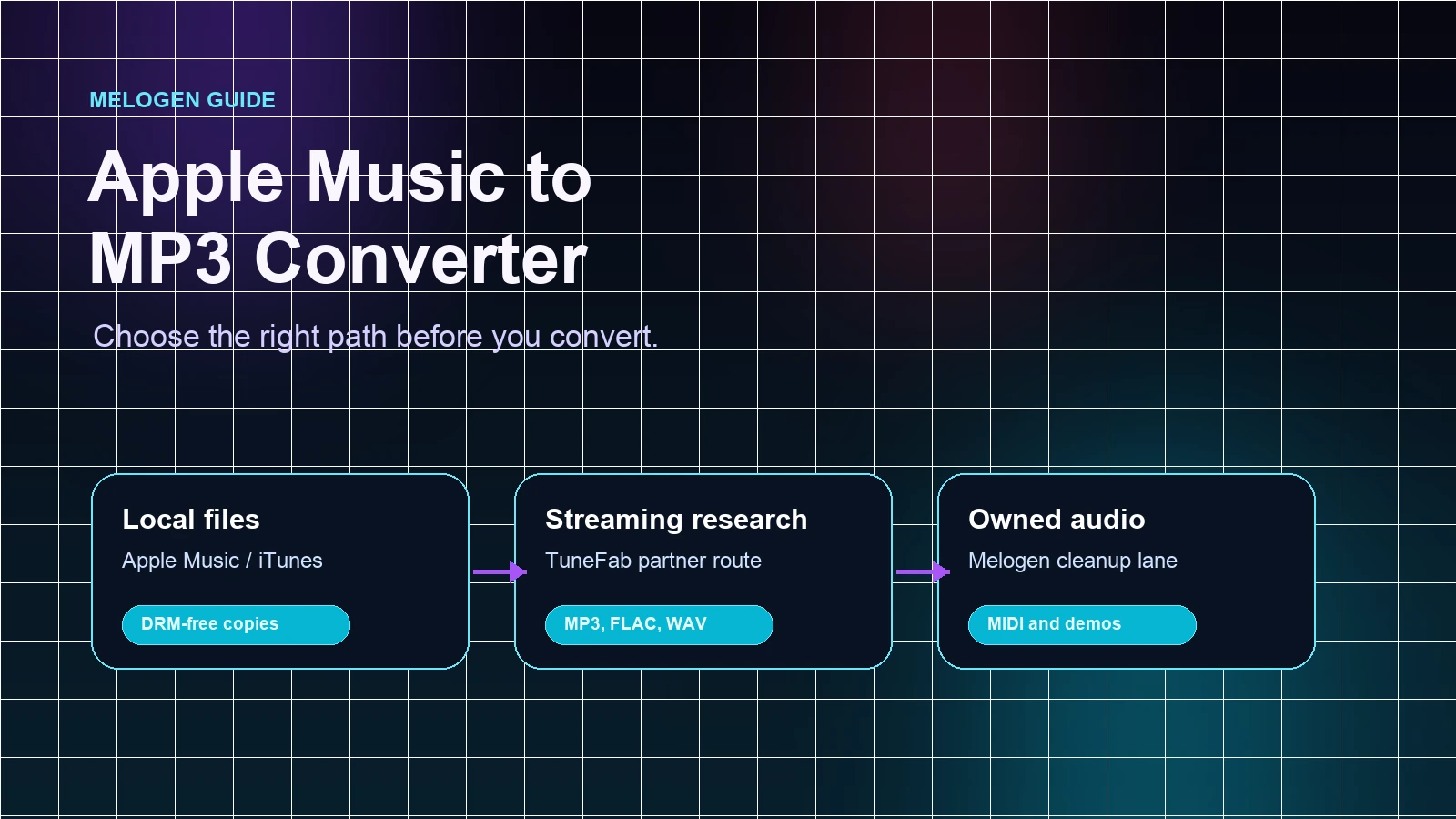
Turn a static score into editable MIDI
Contents
An Apple Music to MP3 converter is only useful after you know what kind of source you have. A DRM-free local file can usually be converted with Apple Music on Mac or iTunes for Windows. An Apple Music subscription download is different: it is not the same thing as a normal local audio file. Your own MIDI render, rehearsal clip, or exported score belongs in a third lane.
The clean decision is source-first. Use Apple's built-in conversion path for files you own or are allowed to reproduce. Use a dedicated converter only when you are intentionally researching that product category and understand the rights boundary. Use Melogen when the source is your own creative audio, MIDI, or score workflow rather than a protected streaming catalog.
Quick decision table
| Source | Better first path | Output you can expect | Watch out for |
|---|---|---|---|
| DRM-free local M4A, ALAC, WAV, AIFF, or AAC file | Apple Music on Mac or iTunes for Windows | A separate MP3 copy while the original remains in place | Lossy compression can reduce quality |
| Apple Music subscription download | Converter research with rights checks | A product decision, not an automatic ownership change | Subscription downloads are not ordinary files |
| Older protected Apple file | Account, purchase, and authorization check first | A playback or library-status decision | Protected AAC files may not convert |
| Your own MIDI, demo, lesson clip, or score-derived audio | Melogen for MIDI rendering, trimming, or owned-audio cleanup | MP3 listening copy, cleaner clip, or editable MIDI workflow | Melogen does not unlock streaming catalog tracks |
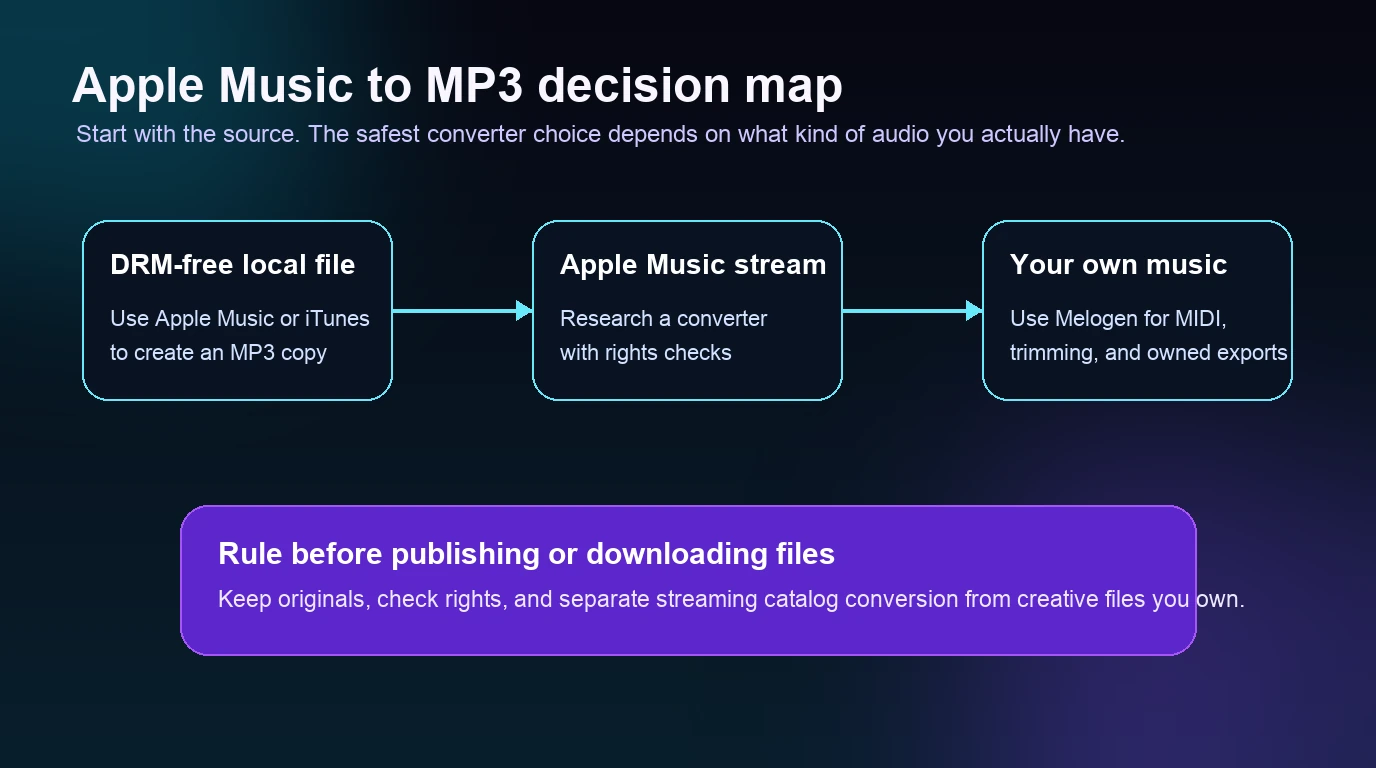
Use Apple Music or iTunes for local files
Apple's official guide to converting song file formats explains that the Apple Music app on Mac and iTunes for Windows can convert songs between compressed and uncompressed formats while keeping a copy of the original. That is the first path to check when your source is a normal local file in your library, folder, or disk.
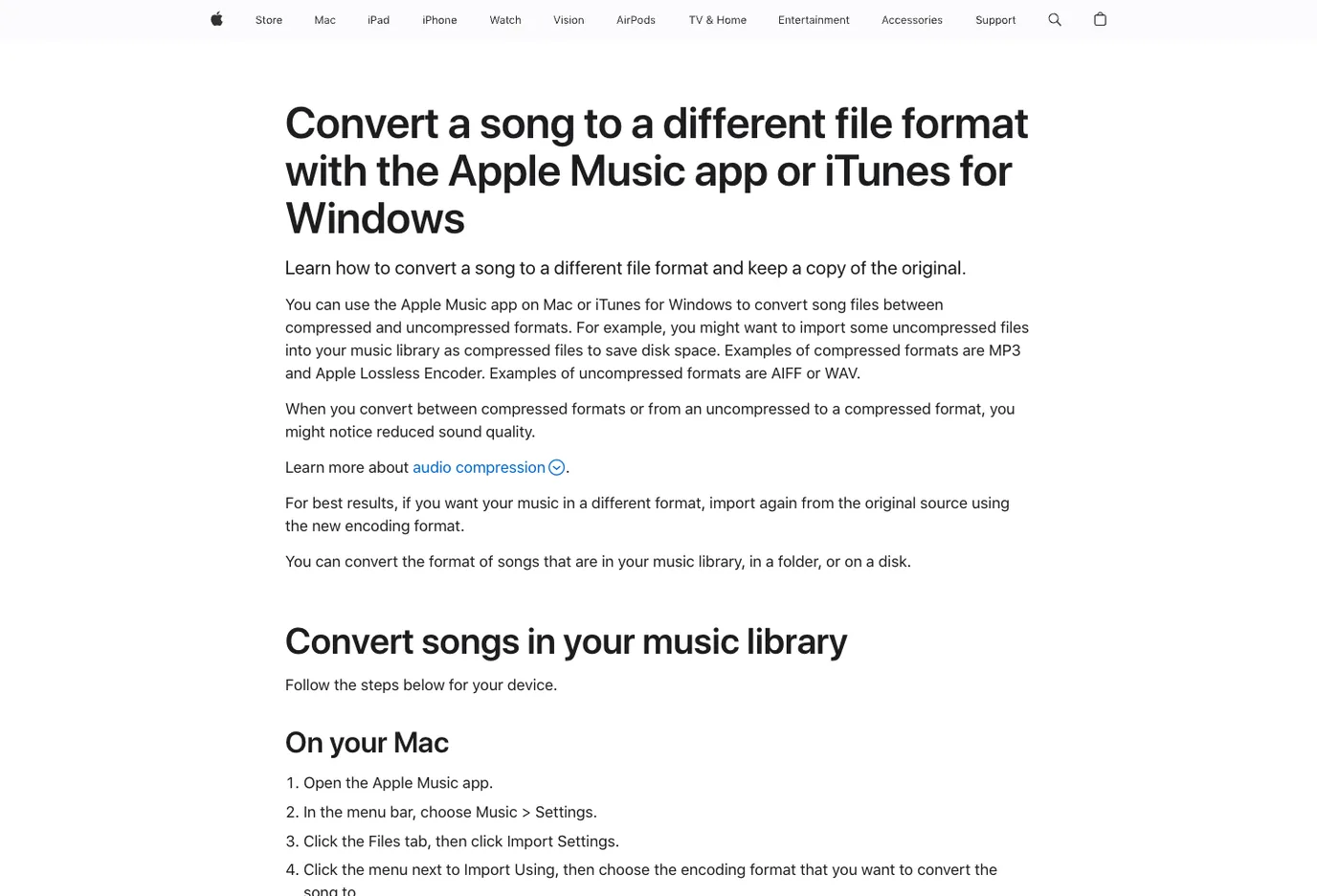
On Mac, the basic workflow is:
- Open the Apple Music app.
- Set the import format to MP3 in Music settings.
- Select the local song file you want to convert.
- Use the convert command to create an MP3 version.
- Keep the original file for archive or future exports.
On Windows, the equivalent route is iTunes for Windows. Set the import format, select the songs, and create a new MP3 copy. This is not glamorous, but it is the safest first answer for ordinary local files because it does not require another downloader, browser extension, or unknown upload service.
This is also where many searches get confused. If the file is an Apple Music subscription download, treat it as an authorized playback item first. If it is a DRM-free local file, treat it as a normal conversion job. The guide to converting Apple Lossless to MP3 goes deeper on ALAC, bitrate choices, and why you should keep the lossless original.
Use TuneFab when the real intent is converter research
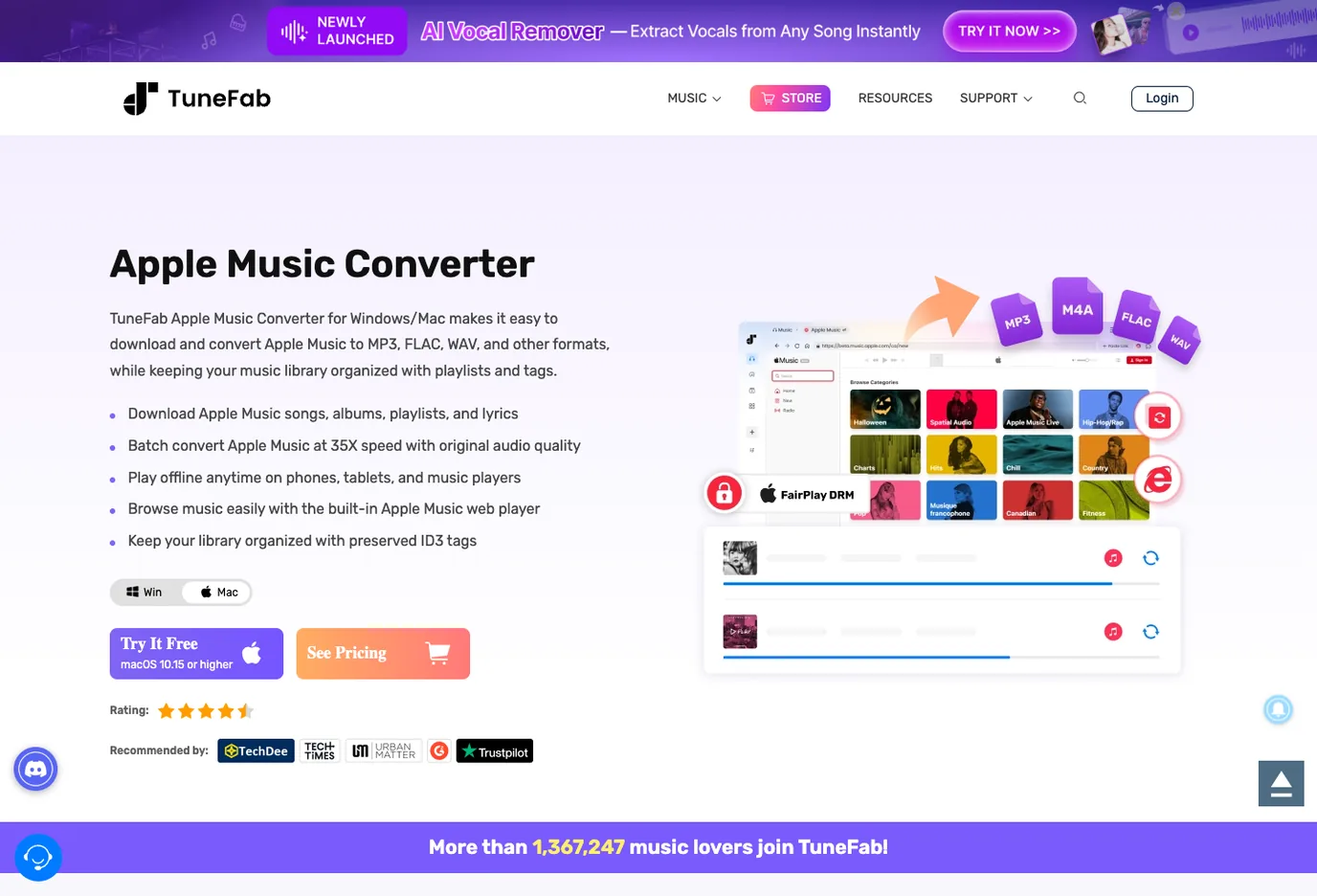
If your actual search intent is "Which Apple Music to MP3 converter should I evaluate?", the matching partner product is TuneFab Apple Music Converter. This is an affiliate recommendation.
TuneFab's current public product page positions the app for Windows and Mac, with Apple Music conversion to MP3, FLAC, WAV, M4A, ALAC, and AIFF, playlist and tag organization, and a built-in Apple Music web-player workflow.
Evaluate a dedicated converter when:
- you know the source is not just a normal DRM-free local file
- you need batch playlist handling rather than one song at a time
- MP3 is the delivery format, but FLAC or WAV might be useful later
- you want a desktop product instead of a random online downloader
- you are willing to check account, copyright, and platform boundaries before using the files
The useful question is not "Can this make an MP3?" Many tools claim that. The useful question is whether the workflow is stable, clear about output formats, organized enough for a real music library, and appropriate for your source.
Compare the options before you download anything
Use this comparison before installing a converter or uploading files to an unknown site.
| Option | Best for | Strength | Tradeoff |
|---|---|---|---|
| Apple Music or iTunes built-in conversion | DRM-free local files you own or are permitted to reproduce | First-party, no extra app, keeps the original | Does not turn protected subscription downloads into normal files |
| TuneFab Apple Music Converter | Dedicated Apple Music converter research | Partner product, batch-oriented, multiple output formats | Requires a clear rights and source check before use |
| Online downloader sites | One-off curiosity searches | Fast to try when they work | Quality, privacy, stability, and policy risk can be unclear |
| Manual legal library rebuild | Important music you want to keep long term | Cleanest ownership boundary | Slower than a converter |
| Melogen owned-audio workflow | MIDI, demos, rehearsal clips, and files you created | Fits creative cleanup and export work | Not an Apple Music subscription converter |
For most musicians, producers, and teachers, the safest order is:
- Check whether the file is already local and DRM-free.
- Convert that file with Apple Music or iTunes if possible.
- Use TuneFab only when the job is truly Apple Music converter research.
- Keep a separate lane for music you create or record yourself.
- Avoid treating low-trust downloader pages as your music-library source of truth.
Where Melogen fits for owned audio and MIDI
Melogen is not an Apple Music to MP3 converter. It does not unlock Apple Music subscription tracks, move protected streaming downloads into local files, or replace a dedicated streaming converter. Its fit is the creative side of the workflow: material you created, recorded, bought DRM-free, exported from a score, or otherwise have permission to edit.
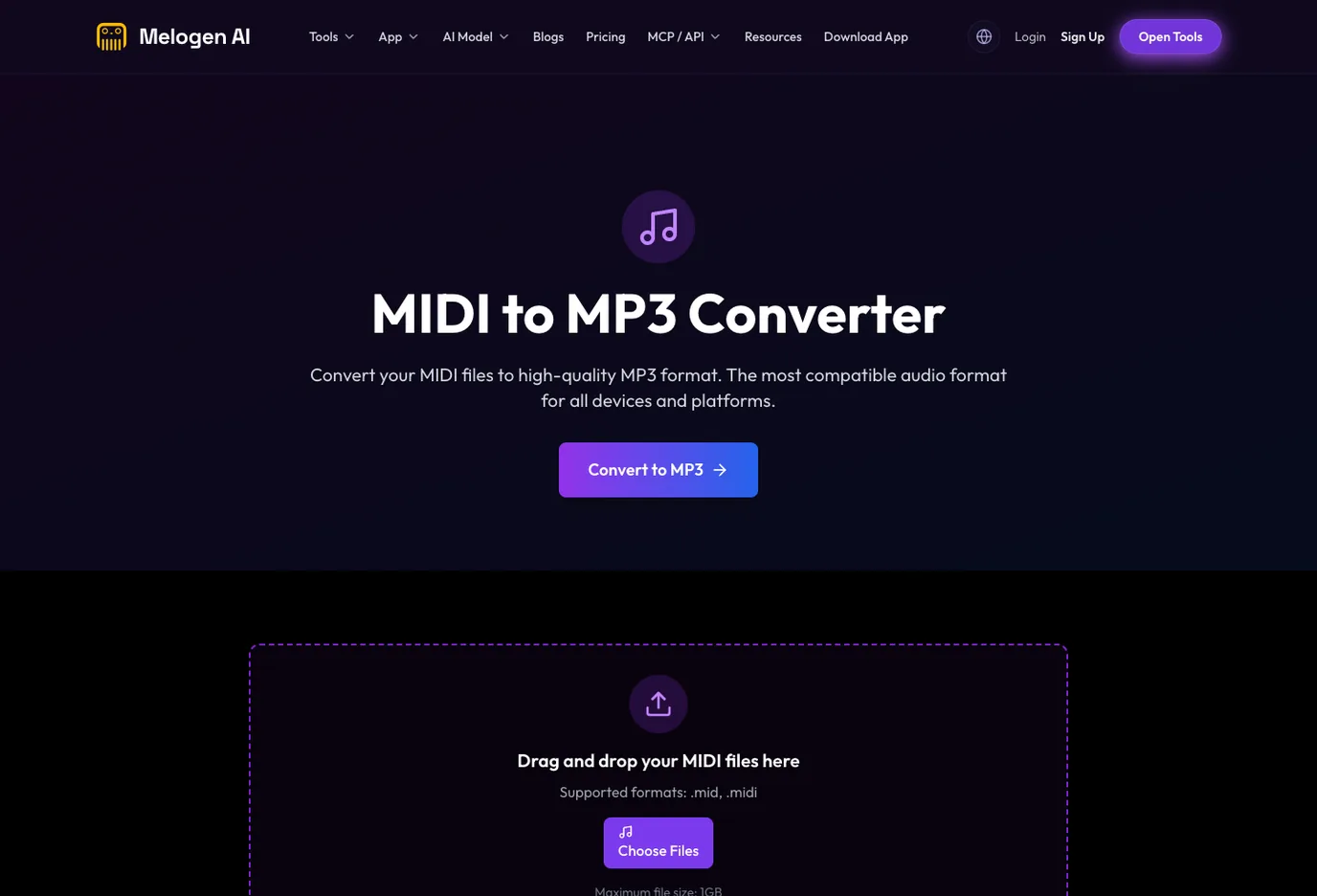
Use Melogen when:
- a MIDI arrangement needs an MP3 listening copy
- a rehearsal clip needs trimming before sharing
- a PDF or image score needs an editable MIDI or MusicXML first pass
- an audio recording you made needs a MIDI draft for cleanup
- you need a browser workflow before opening a DAW or notation editor
That is why a converter article should not sell Melogen as the answer to protected streaming downloads. The better Melogen recommendation is for owned source material. Use MIDI to MP3 when you already have MIDI and need a listening file. Use Music Trimmer when a recording you own needs a clean start or ending. If your next step is playlist cleanup, the guide to adding local files to Spotify covers the local-file boundary from the playback side.
Render your own MIDI as a clean MP3
Use Melogen when the source is your own MIDI, score-derived file, demo, or rehearsal clip and you need a portable listening copy.
Avoid the common conversion mistakes
Most Apple Music to MP3 converter problems start before the conversion begins. The source is mislabeled, the output need is vague, or the reader downloads the first tool that promises a miracle.
Use this checklist:
| Check | Why it matters |
|---|---|
| Is the source a local DRM-free file? | Apple Music or iTunes may already solve the job |
| Is the item a subscription download? | Treat it as a platform playback item before treating it as a file |
| Do you need MP3 specifically? | WAV, FLAC, ALAC, or AAC may fit some archive or editing jobs better |
| Are you keeping the original? | MP3 is lossy; it should be a copy, not the master |
| Is the converter from a known product page? | Random downloaders can be unstable or unclear about privacy |
| Are you using the file in a permitted way? | Apple's own guide limits reproduction to non-copyrighted, owned, or authorized material |
If you are making a listening copy from your own music, MP3 is fine. If you are archiving or editing, keep a lossless original. If you are comparing Apple library services before converting anything, read iTunes Match vs Apple Music first so the library rules are clearer.
FAQs
What is the safest Apple Music to MP3 converter?
For DRM-free local files, the safest first path is Apple Music on Mac or iTunes for Windows because it uses Apple's own file-conversion workflow and keeps the original. For Apple Music converter research, evaluate a dedicated product such as TuneFab with a clear source and rights check.
Can Apple Music convert songs to MP3?
Yes, for normal local songs that Apple Music can access and convert. Set the import format to MP3, select the song, and create an MP3 version. Protected or subscription-only items are a different case.
Does TuneFab convert Apple Music to MP3?
TuneFab's public Apple Music Converter page says the product converts Apple Music to MP3 and other formats on Windows and Mac. Treat it as a dedicated converter product to evaluate, not as proof that every streaming item can be used however you want.
Can Melogen convert Apple Music songs to MP3?
No. Melogen is not an Apple Music converter. It fits owned audio and music-production workflows, such as rendering MIDI to MP3, trimming a demo clip, or converting visible notation into editable MIDI or MusicXML.
Should I choose MP3, WAV, FLAC, or ALAC?
Use MP3 for everyday playback and sharing. Use WAV, FLAC, or ALAC when you need a cleaner archive or future editing source. Do not use MP3 as the only master file if quality matters.
The practical takeaway
Start with the source, not the converter promise. If the audio is a DRM-free local file, use Apple Music or iTunes first. If the search is really about Apple Music converter products, evaluate TuneFab Apple Music Converter with a rights check and a clear output plan. If the music is yours, keep it in the creative lane and use Melogen for MIDI rendering, trimming, score conversion, or cleanup.
That separation keeps the workflow useful. Local files, streaming-catalog research, and owned creative audio can all lead to MP3, but they should not all take the same path.
About the author
Zhang Guo
Composer - AI Product Manager
AI product manager and digital marketing consultant with a background in music. Creativity is the bridge between rhythm and logic, where musical intuition and mathematical precision can coexist in every meaningful product decision.
Follow on X