Virtual Piano Music Sheets for Roblox: Safe Workflow
Use virtual piano music sheets for Roblox safely, from legal sources to MIDI prep, note letters, and Sheet2MIDI cleanup.
 Zhang Guo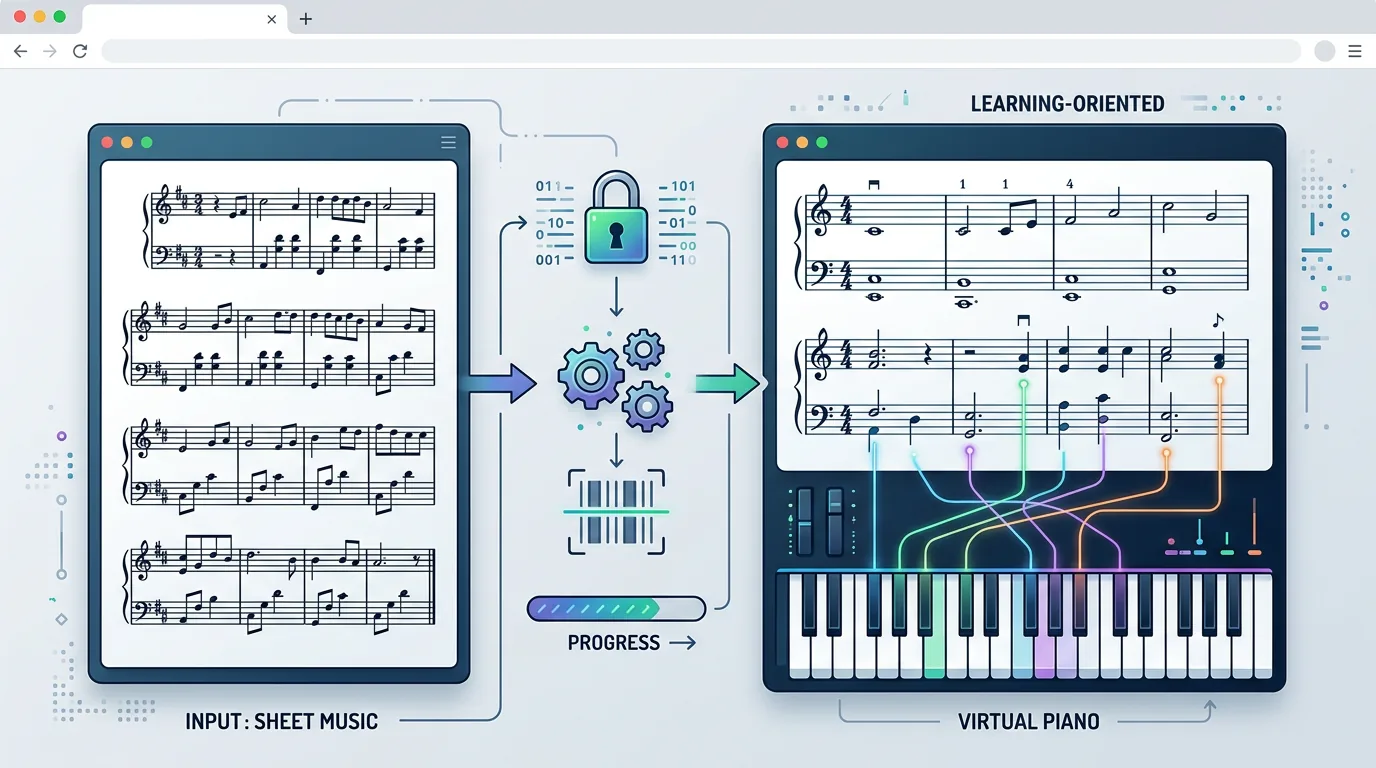
Turn a static score into editable MIDI
Contents
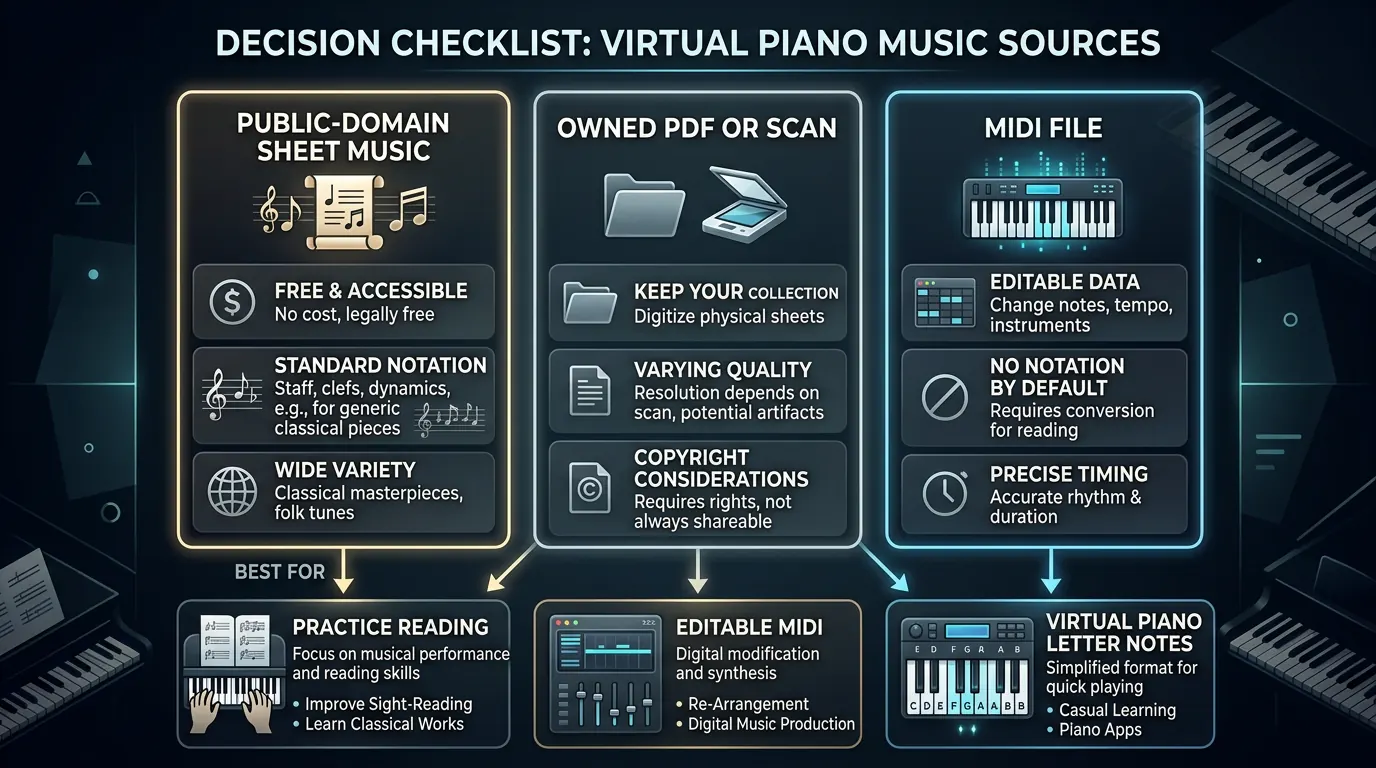
Virtual piano music sheets are simplified playing references for browser pianos, Roblox piano experiences, and similar keyboard apps. They are not always the same thing as traditional sheet music: some are staff notation, some are MIDI files, and many are letter-note sequences mapped to computer keyboard keys.
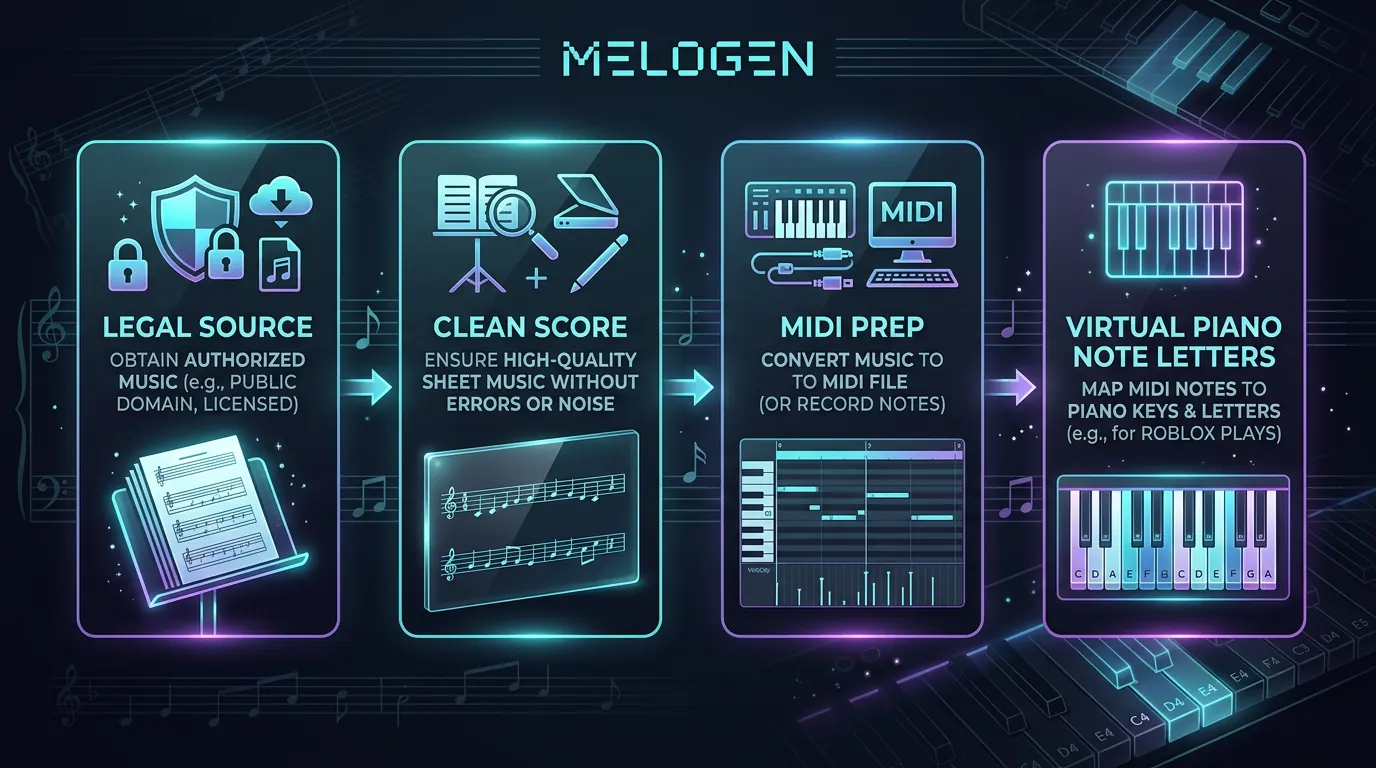
The safest workflow is to start from music you are allowed to use, prepare a clean score or MIDI file, then translate only the playable part into the note-letter format your virtual piano expects. That keeps you out of sketchy copy-paste sheets and gives you a file you can still practice, edit, or arrange later.
Start with a legal music source
Before you worry about Roblox piano notes, decide whether you have the right to use the music. A public-domain score, your own composition, a licensed arrangement, or a score from a source that clearly allows the use is a much better starting point than a random pastebin-style note dump.
For classical and folk material, public-domain libraries such as IMSLP and the Mutopia Project can be useful starting points. For modern songs, use music you own, have permission to arrange, or can legally practice from. Do not republish full copyrighted note-letter sheets just because they are easy to find.
If you already found a virtual piano sheet on a community site, still check what it actually is. Some pages are hand-entered letter sequences. Others are generated from MIDI and may miss rhythm, pedals, voicing, or left-hand detail.
Know which format you are looking at
| Signal | What to read first | Why it matters | Beginner action |
|---|---|---|---|
| Staff notation | Clef, key signature, rhythm, and note positions | It preserves musical structure, but it takes more reading skill | Use it when you want to learn the piece properly |
| MIDI file | Notes, timing, tempo, and tracks | It is editable and easier to convert into simplified note letters | Use it when the goal is a playable first pass |
| Letter-note sheet | Computer keyboard letters or note names | It is quick for virtual piano, but often loses rhythm and expression | Use it for casual practice, then compare against the source |
| YouTube tutorial | Visual key presses or scrolling notes | It helps imitation, but may be hard to edit or verify | Use it as a reference, not your only copy |
The search results for virtual piano music sheets are often resource-led because many readers want the fastest playable pattern. The catch is that fast patterns can hide the musical information you need to improve. If the letter sheet does not show rhythm, count from the original recording, score, or MIDI file before you memorize it.
Turn sheet music into a cleaner MIDI starting point
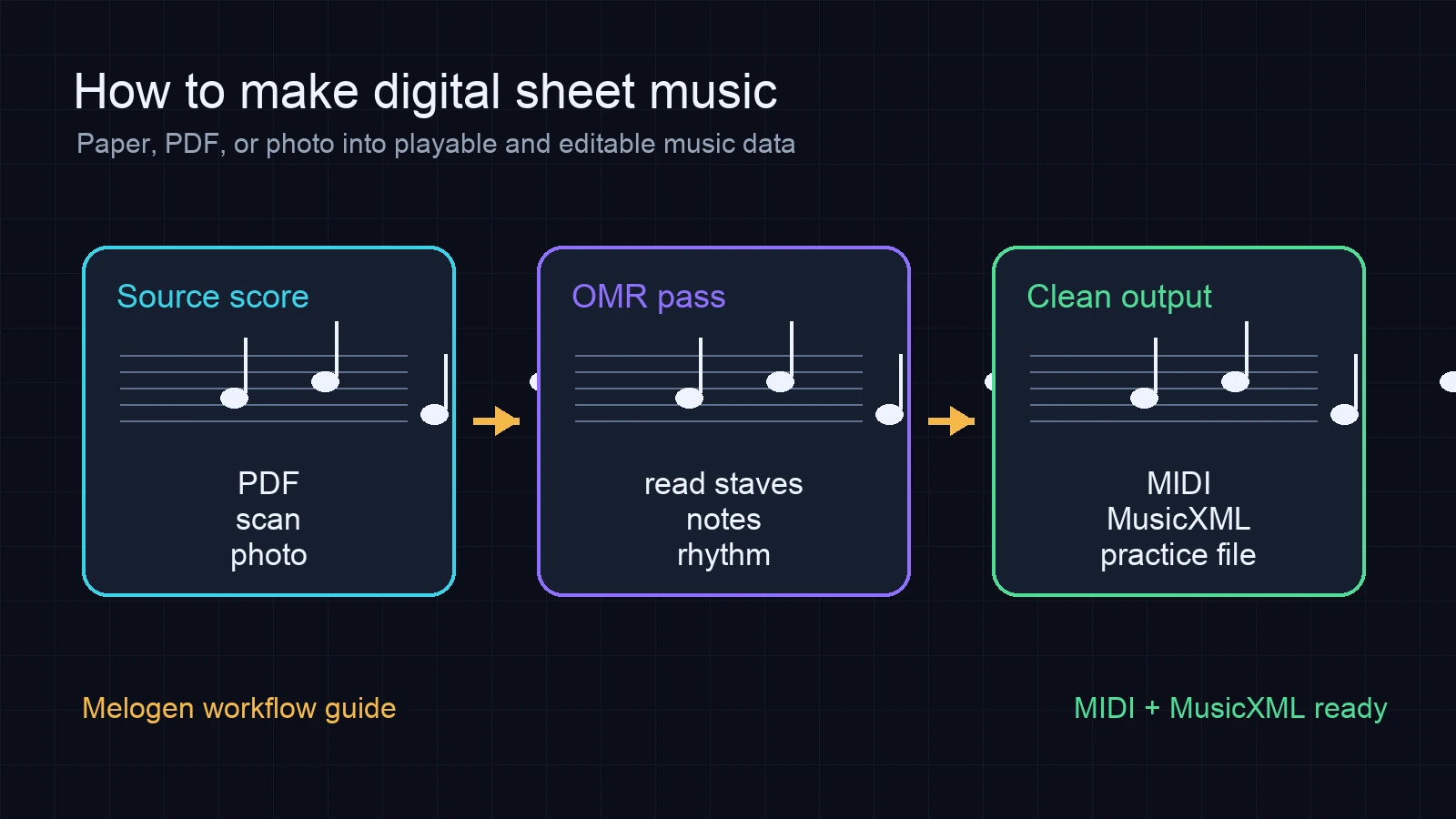
If your source is a PDF, PNG, or JPG score, run one clean conversion before you start typing note letters by hand. Melogen's sheet music to MIDI converter is built for this first pass: upload a score, let the AI recognize the notation, then download MIDI for playback and editing.
This matters because most virtual piano workflows eventually need pitch order. MIDI gives you that order in a form that can be inspected in a DAW, notation editor, or piano-roll view. From there, a separate MIDI-to-virtual-piano-letter tool can map pitches to the keyboard layout used by your app.
Melogen does not magically turn every song into a perfect Roblox piano sheet. It helps most when the source is visible notation and you need an editable MIDI bridge before making the final simplified version. For a broader walkthrough, see the Melogen guide on how to convert sheet music to MIDI.
Where Melogen fits
Use Melogen when the source is a score, scan, or PDF and you want the music data before the letter-note shortcut. The useful path looks like this:
- Choose a source you are allowed to use.
- Clean the scan or export a clear PDF when possible.
- Convert the score to MIDI with Sheet2MIDI.
- Listen through the MIDI and fix obvious wrong notes or missing voices.
- Map only the playable line into your virtual piano's note-letter format.
That workflow keeps the musical structure intact longer. It also gives you a reusable MIDI file if you later want to practice in a DAW, change tempo, simplify octaves, or rebuild the arrangement for a real keyboard.
Move from static notation to editable MIDI faster
Use Melogen Sheet2MIDI when you need a fast first pass from sheet music, scans, or PDFs before you do the detailed musical cleanup yourself.
Build a first-week practice loop
For a new virtual piano piece, keep the first week simple:
| Practice day | Goal | What to check |
|---|---|---|
| Day 1 | Confirm the source and format | Is it legal to use, and is it staff, MIDI, or letters? |
| Day 2 | Listen to the MIDI or reference recording | Are the rhythm and tempo clear enough to count? |
| Day 3 | Split the playable part into small phrases | Can each phrase fit your virtual piano keyboard layout? |
| Day 4 | Fix octave jumps and impossible chords | Do both hands make sense for your device or keyboard? |
| Day 5 | Practice slowly with the original nearby | Do the letters still match the actual melody? |
| Day 6 | Record one pass and mark mistakes | Are wrong notes coming from the source, the converter, or your fingering? |
| Day 7 | Save the final version with notes | Can you explain where the source came from and what you changed? |
If you are still learning standard notation, pair the letter sheet with a basic reading guide instead of treating it as a replacement. Melogen's beginner guide to reading sheet music is a good companion when you want the symbols to stop feeling like decoration.
The practical takeaway
Virtual piano music sheets are useful when they help you play faster, but they are weakest when they become disconnected from the real score or a legal source. Start with music you can use, keep the score or MIDI as your reference, and only simplify into letter notes after the rhythm and pitches make sense.
The quick rule: source first, MIDI second, letter notes last. That gives you a cleaner Roblox piano workflow without turning practice into a messy copy-paste hunt.
About the author
Zhang Guo
Composer - AI Product Manager
AI product manager and digital marketing consultant with a background in music. Creativity is the bridge between rhythm and logic, where musical intuition and mathematical precision can coexist in every meaningful product decision.
Follow on X