Apple Music Family Sharing Setup That Actually Works
Set up Apple Music Family Sharing, fix access issues, separate subscriptions from purchases, and protect local files before Sync Library changes.
 Zhang Guo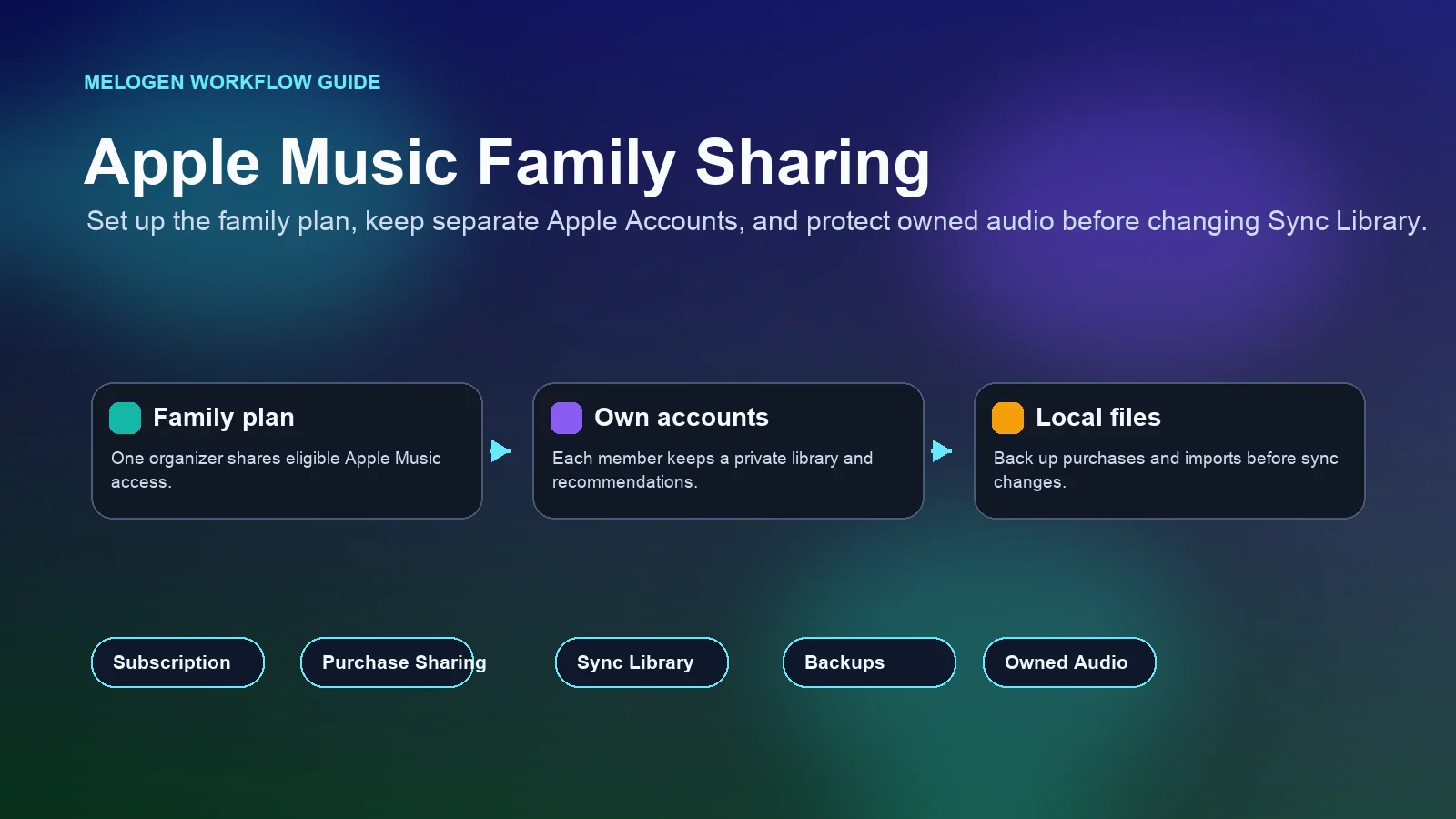
Turn a static score into editable MIDI
Contents
Apple Music Family Sharing works best when you treat it as shared subscription access, not one shared music identity. One family organizer sets up the family group and pays for an eligible family plan. Each listener still signs in with a separate Apple Account, keeps personal recommendations, and manages their own library.
That distinction prevents most setup mistakes. Family Sharing can share Apple Music access, eligible purchases, iCloud storage, location features, and parental controls, but those pieces are not the same setting. Before you change a subscription, delete songs, or rebuild a library, check which layer is failing.
Quick setup checklist for Apple Music Family Sharing
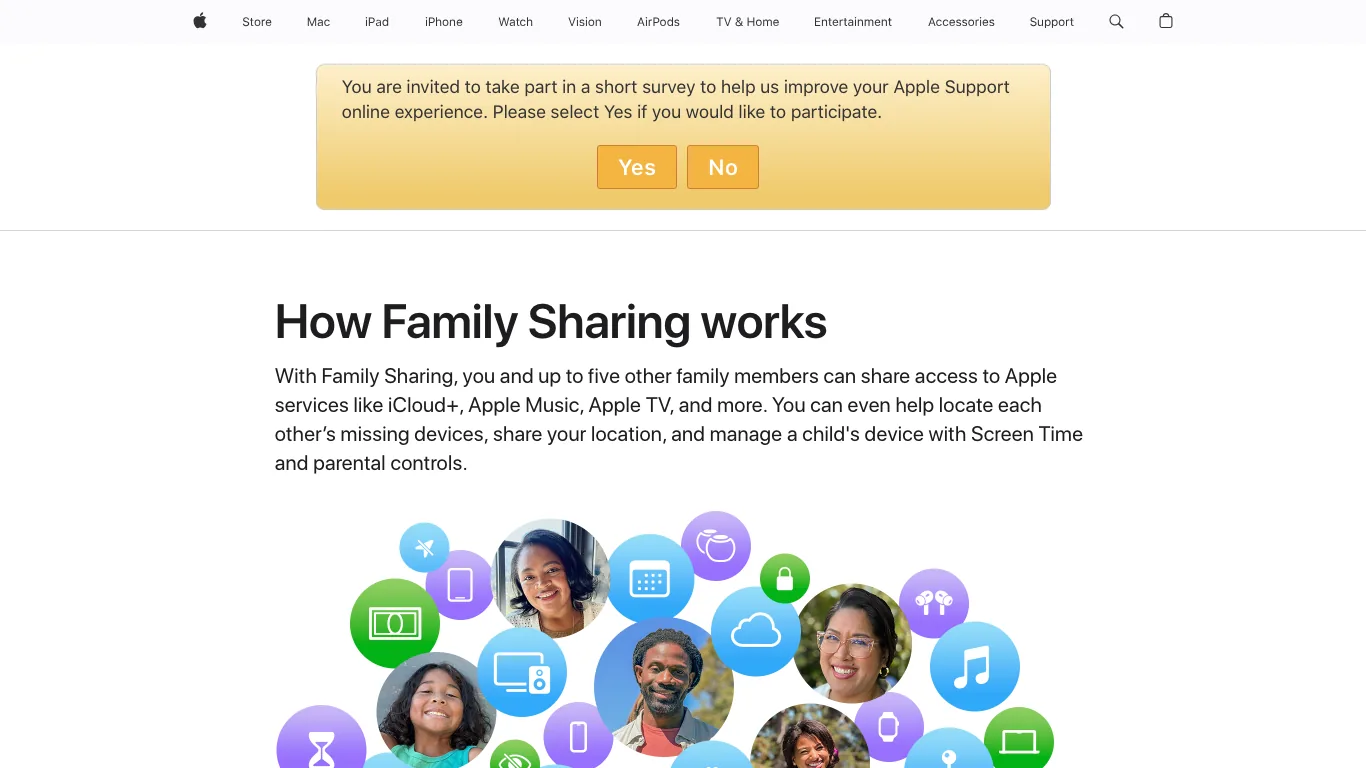
Apple's current support page for getting an Apple Music family subscription says a family subscription lets up to six people use Apple Music on their devices. Apple's broader Family Sharing overview explains the same core model: one organizer invites family members, and eligible services can be shared without everyone using the same Apple Account.
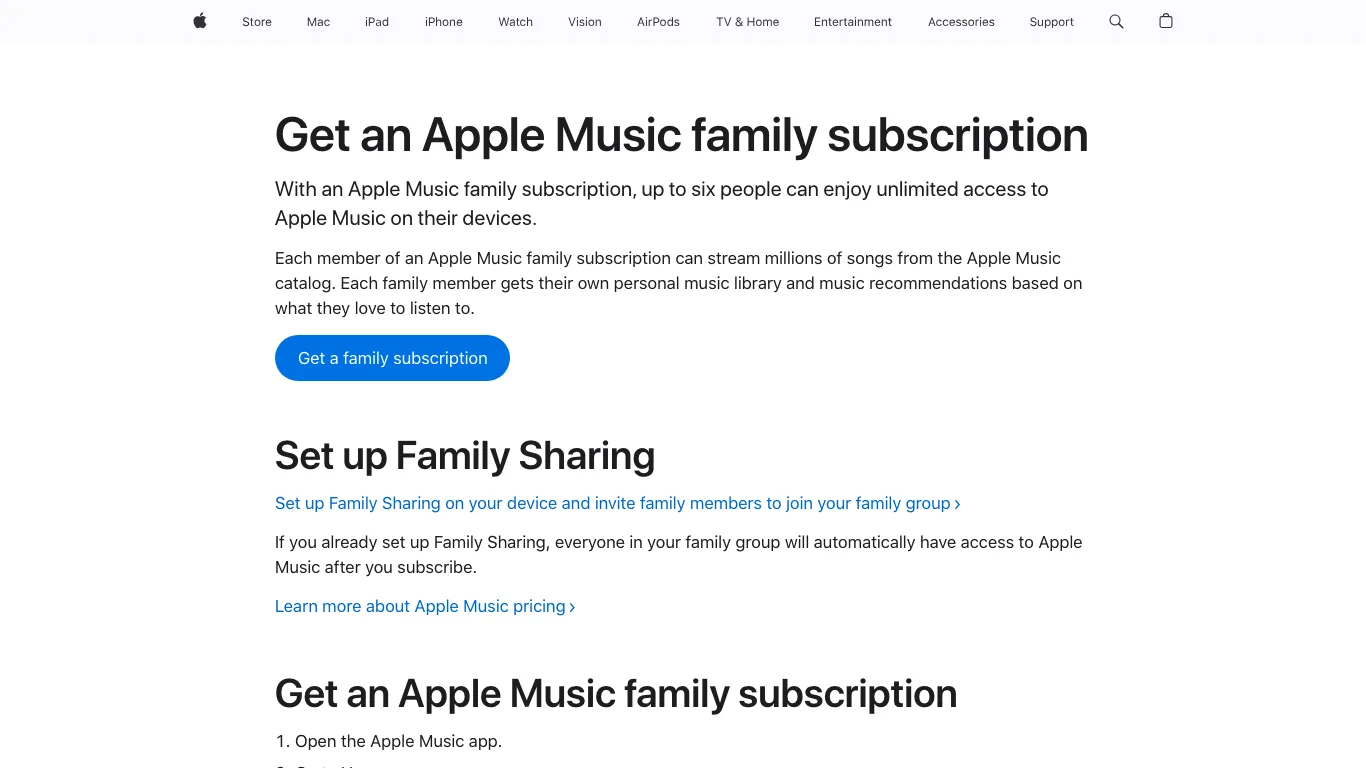
Use this order before you troubleshoot deeper:
| Step | What to check | Why it matters |
|---|---|---|
| 1 | Confirm the organizer has set up Family Sharing | Apple Music cannot be shared to a group that does not exist yet |
| 2 | Confirm the subscription is Family, Apple One Family, or Apple One Premier | Individual and student plans do not share Apple Music access the same way |
| 3 | Invite members with their own Apple Accounts | Separate accounts keep libraries, history, and recommendations from merging |
| 4 | Make sure the subscription is shared with family | Eligible Apple subscriptions are usually shared automatically, but the toggle still matters |
| 5 | Ask each member to open Apple Music on their own device | Access often appears only after the member accepts the group and opens the app |
| 6 | Check any existing personal Apple Music subscription | A member who joins a family group may stop renewing their personal plan on the next billing date |
The useful mental model is simple: Family Sharing shares eligibility. It does not turn six Apple Accounts into one library.
Do not mix up subscriptions, purchases, and Sync Library
Most bad Apple Music Family Sharing fixes happen because three different Apple systems get treated as one button.
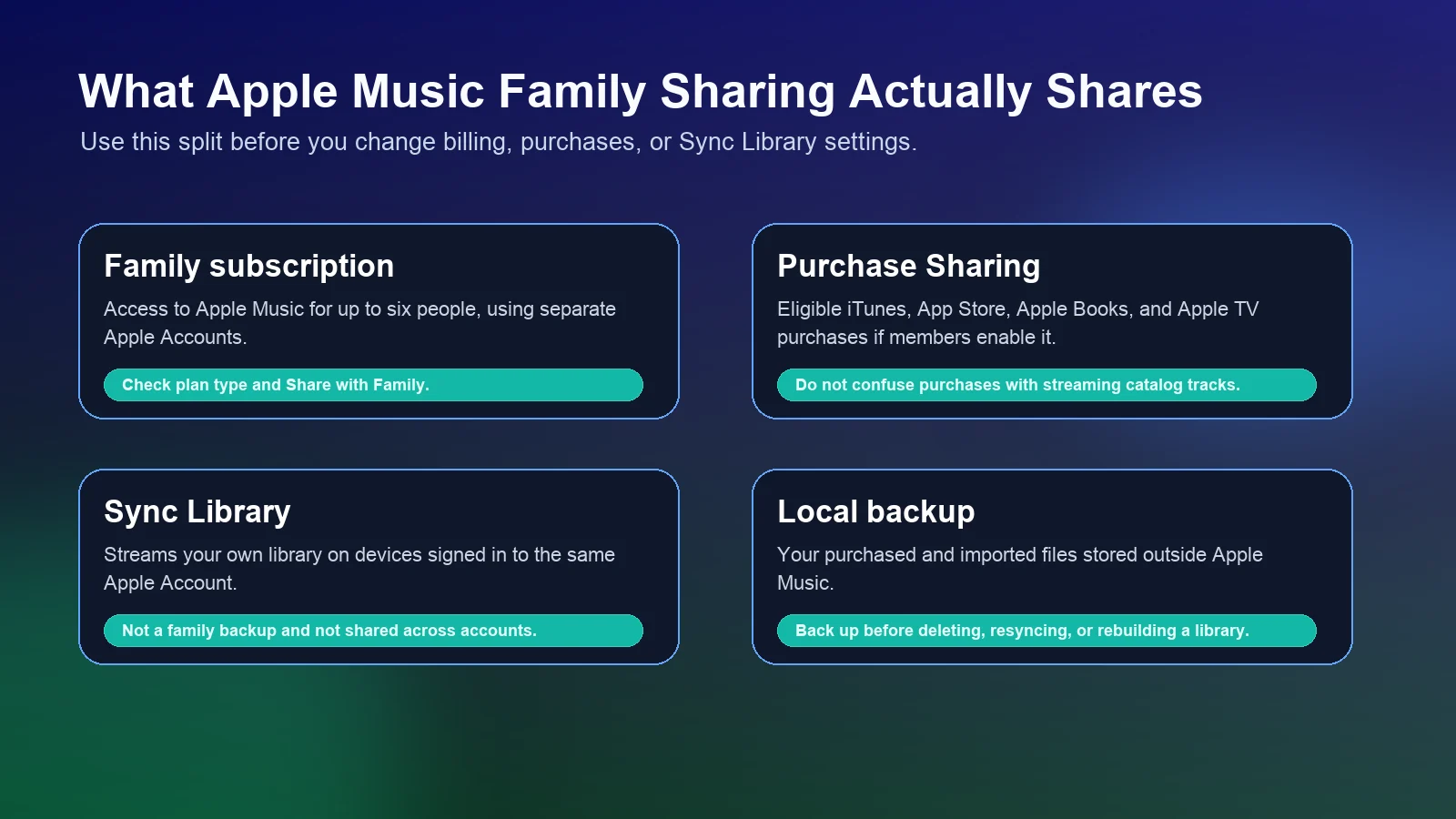
Subscription sharing is the Apple Music access layer. Purchase Sharing is the store-purchase layer. Sync Library is the personal-library layer for the Apple Account that owns the library. A local backup is your own copy of purchased or imported files outside Apple Music.
Apple's page for finding purchased content in a Family Sharing group separates Purchase Sharing from subscription access. Family members can download eligible purchases when Purchase Sharing is enabled, but that does not mean every Apple Music catalog track, playlist, or imported file becomes a shared family asset.
Here is the practical split:
| If the problem is | Check this first | Do not assume |
|---|---|---|
| A family member cannot stream Apple Music | Family plan status, invitation acceptance, and Share with Family | That their library is damaged |
| A purchased album is missing | Purchase Sharing and the account that bought it | That Apple Music Family Sharing shares every purchase automatically |
| A local imported track is missing | Sync Library, cloud status, and the original local file | That another family member can restore it |
| Playlists or recommendations look wrong | The Apple Account currently signed in | That a shared subscription means shared taste data |
If you are mainly trying to keep songs from disappearing, read the related Melogen guide on how to stop Apple Music from deleting songs before changing library settings.
Fix family access problems before changing plans
If Apple Music Family Sharing is set up but a member still cannot use Apple Music, start with the boring checks. They are usually faster than canceling and resubscribing.
- Confirm the member accepted the Family Sharing invitation.
- Confirm they are signed in with the Apple Account that joined the family group.
- Confirm the organizer has an eligible Apple Music family subscription or Apple One family plan.
- Open the subscription settings and make sure sharing is enabled.
- Ask the member to close and reopen Apple Music.
- Check whether Apple Music is available in the member's country or region.
- Wait for billing changes to settle if someone recently moved from an individual plan.
Apple's support flow for adding a family member to shared subscriptions also points to a common fix: if the subscription is individual or student, upgrade it to a family plan before expecting family access.
Do not use the same Apple Account on every device just to make access work. That creates a different problem: listening history, downloads, recommendations, and library changes can start colliding between people.
Protect local and purchased music before Sync Library changes
Apple Music Family Sharing is not a backup plan for owned audio. Apple's Sync Library support page is explicit that Apple Music should not be treated as a backup service. Back up your music library before making major changes.
This matters if your family library includes:
- old iTunes Store purchases
- imported CDs
- local MP3, WAV, AIFF, or M4A files
- voice memos, rehearsals, demos, or lesson recordings
- edited versions of songs used for practice, dance, school, or family videos
Before you turn Sync Library off and on, remove a family member, change Apple Accounts, or delete old downloads, make a simple copy of owned files outside the Music app. If the file exists only inside an app library and nowhere else, it is not safely backed up.
For a deeper deletion workflow, use the Melogen guide on how to delete music from iTunes without losing files. If your task is importing owned files into Apple Music, the safer companion is how to add songs to Apple Music.
Where Melogen fits for owned audio files
Melogen should not be used as a workaround for protected Apple Music catalog tracks. Keep catalog streaming, subscriptions, and purchase sharing inside Apple's supported flows.
Melogen is useful when the file is already yours: a rehearsal recording, a voice memo, a family video soundtrack, a public-domain performance you recorded, or an exported audio file you want to clean up before adding it to a personal library.

Use the Melogen Music Trimmer when you need to cut silence, trim a clean section, or create a short owned-audio clip before saving it. Keep the source file and the edited export in your own backup folder, then import the final file into Apple Music only if you have the rights to keep and use it.
Prepare family-safe audio clips before importing
Trim rehearsal recordings, voice memos, and owned audio files in the browser, then keep a backup before you add them to a personal Apple Music library.
FAQs
Can Apple Music Family Sharing use one shared library?
No. The point of the family plan is shared access with separate Apple Accounts. Each listener keeps a personal library, recommendations, and listening history.
Why can one family member use Apple Music but another cannot?
Check whether the missing member accepted the Family Sharing invitation, is signed in with the right Apple Account, and has access to the shared subscription. If the organizer has only an individual or student plan, family access will not work as expected.
Does Purchase Sharing include Apple Music catalog songs?
Purchase Sharing is for eligible purchased content. Apple Music catalog streaming is controlled by the subscription. Imported local files and catalog tracks should not be treated as the same type of item.
Should I turn Sync Library off to fix family sharing?
Usually no. Sync Library affects the personal music library for one Apple Account. If family subscription access is the issue, fix the family group and subscription sharing first. Only change Sync Library after you have backed up owned files.
The practical takeaway
Set up Apple Music Family Sharing in this order: family group, eligible family plan, invited Apple Accounts, shared subscription, then member-device checks. Keep purchases, subscriptions, Sync Library, and local backups mentally separate.
If the problem is access, fix the family sharing layer. If the problem is missing music, protect the library layer. If the file is an owned recording or export, trim and back it up before importing it anywhere. That calm separation saves more libraries than any dramatic reset.
About the author
Zhang Guo
Composer - AI Product Manager
AI product manager and digital marketing consultant with a background in music. Creativity is the bridge between rhythm and logic, where musical intuition and mathematical precision can coexist in every meaningful product decision.
Follow on X