Best AI Drum Transcription Tools for Musicians in 2026
Compare AI drum transcription tools by input, notation and MIDI output, editing workflow, strengths, limits, and best fit.
 Zhang Guo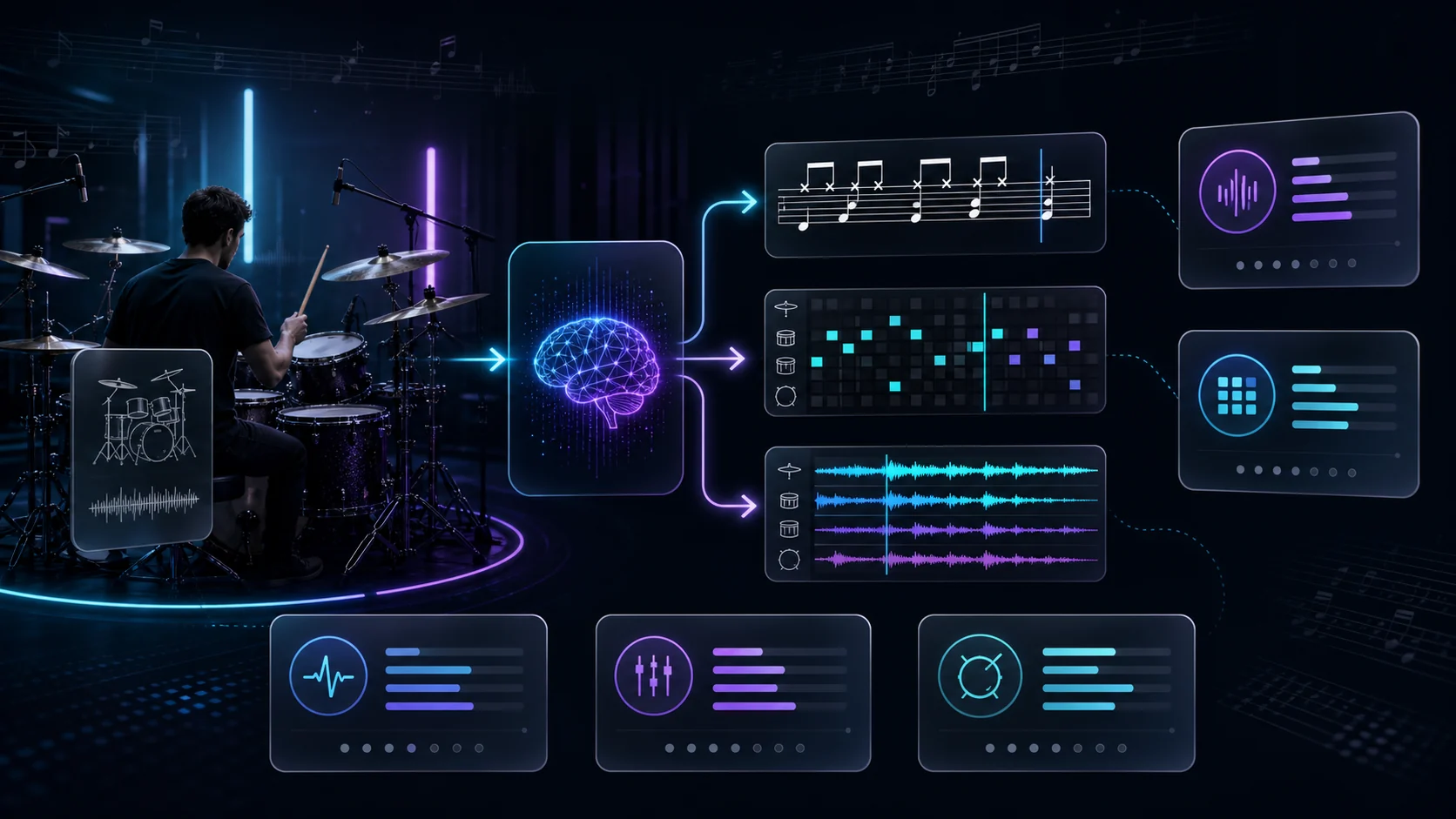
Turn a static score into editable MIDI
Contents
AI drum transcription is not one job. A drummer who wants printable notation, a producer who needs editable MIDI, and a teacher who wants to loop a difficult fill all need different outputs from the same recording. The best tool is therefore the one that gets your source into the right editing environment with the least repair work.
This roundup compares five current tools by input, output, editing workflow, and best-fit user. It is based on each product's public pages and documentation rather than a claim of private hands-on access. Features and plan limits can change, so confirm the current export options before starting a long transcription.
Quick comparison table
| Tool | Best for | Inputs described publicly | Main outputs | Main tradeoff |
|---|---|---|---|---|
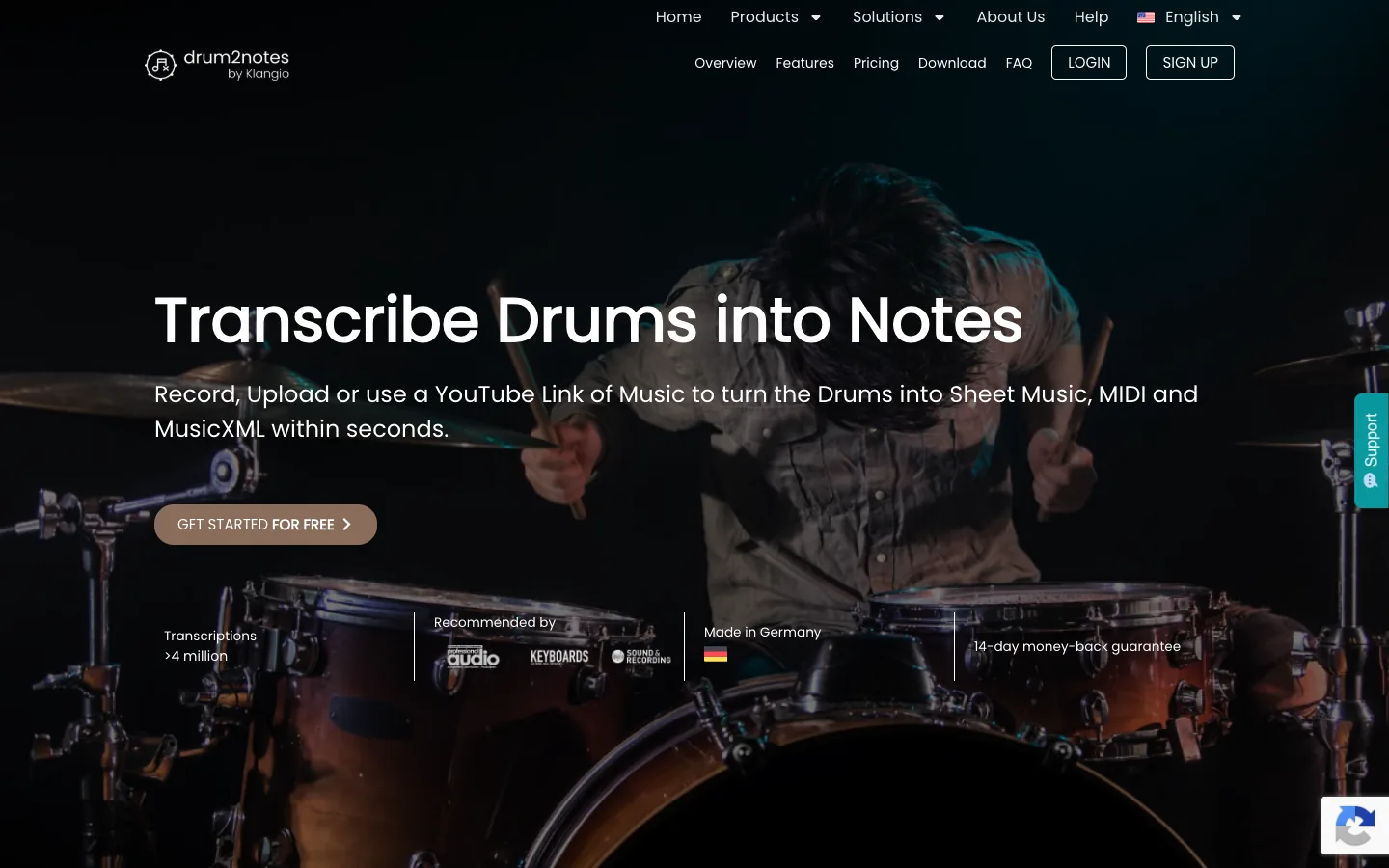
| Klangio Drum2Notes | Editable drum notation from a dedicated drum workflow | Audio upload, recording, or a YouTube link | Sheet music, MIDI, MusicXML | Specialized product workflow rather than a neutral editor |
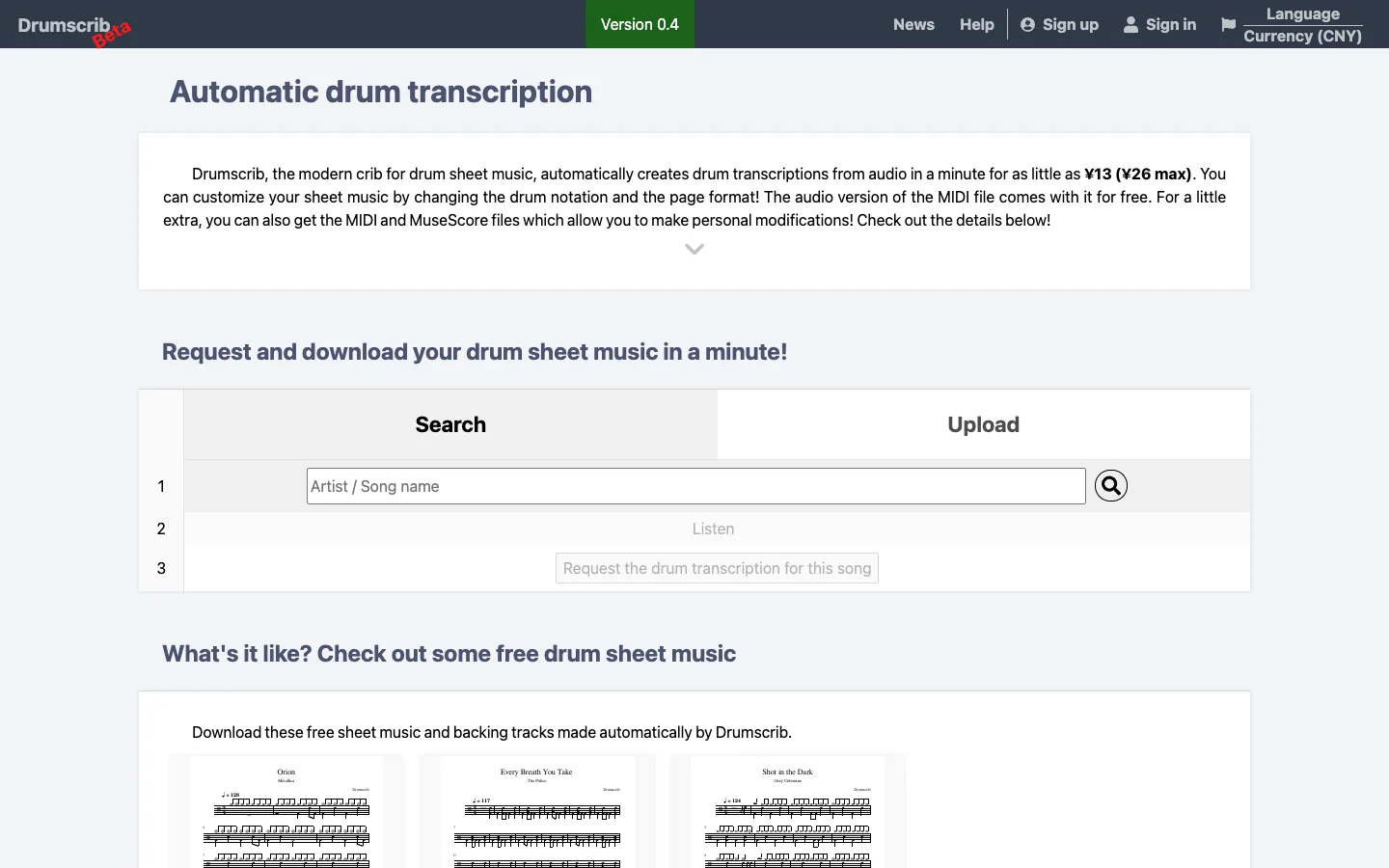
| Drumscrib | A direct upload-to-drum-score service | Uploaded audio or a searched song | PDF, with optional MIDI and MuseScore-compatible files | Less useful if you want live practice tools around the score |
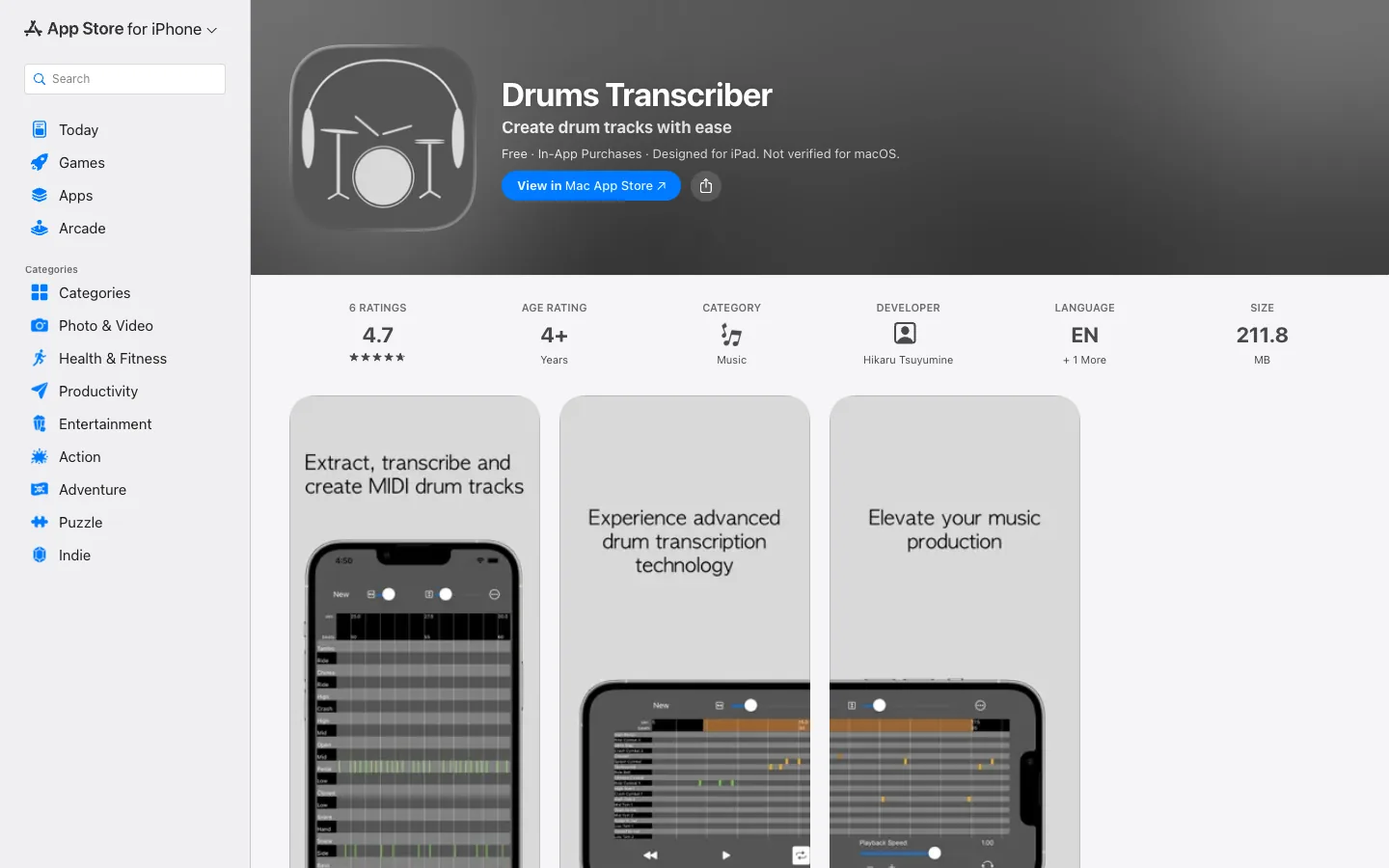
| Drums Transcriber | Mobile audio-to-drum-MIDI on iPhone or iPad | Audio imported or recorded on iOS/iPadOS | Playable and exportable drum MIDI, plus audio export | Mobile-first and MIDI-led rather than print-notation-led |
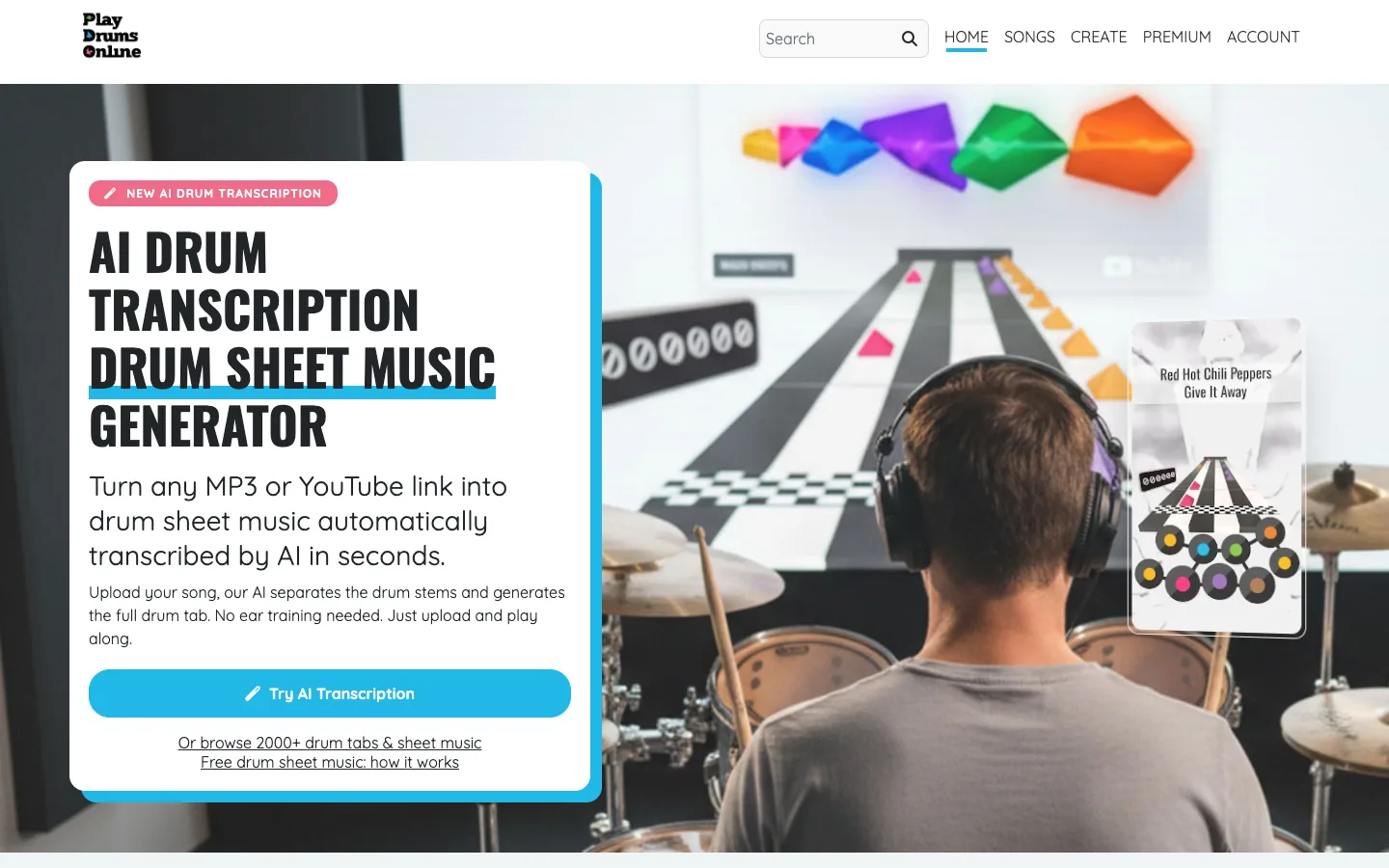
| Play Drums Online | Transcription combined with practice and looping | MP3 or YouTube source | Drum sheet music, PDF, MIDI, isolated drum audio | Best value comes from its combined practice workflow |
| DrumConvert | Broad notation export choices from a web workflow | Audio file or YouTube source | PDF, MIDI, MusicXML | Public results still need musical cleanup and source-quality checks |
There is no honest universal winner. Drum2Notes and DrumConvert make sense when notation-oriented exports matter. Drums Transcriber is more compelling when the destination is an iPhone, iPad, or DAW-style MIDI workflow. Play Drums Online is built around studying the part as well as extracting it. Drumscrib is the most direct choice when the desired outcome is a prepared drum score without building a larger software workflow.
Best for editable drum notation: Klangio Drum2Notes
Klangio Drum2Notes is a dedicated drum transcription product rather than a generic audio converter. Its public page describes three source paths—uploading audio, recording, or using a YouTube link—and output routes for sheet music, MIDI, and MusicXML. That combination is useful when you want to inspect a readable drum part and still retain an editable file for later correction.
What stands out
- Drum-specific positioning instead of a broad melody-to-MIDI promise.
- Notation and machine-editable export choices in the same workflow.
- A useful fit for drummers, arrangers, and teachers who need to move between a score and a DAW or notation editor.
Where to be careful
A dedicated model does not remove the need to verify the transcription. Cymbal choices, open versus closed hi-hat, ghost notes, flams, tuplets, and layered kick patterns are all easy places for a first pass to lose intent. A dense full mix also gives the model less separation than an isolated drum stem.
Choose Drum2Notes when the central job is "turn this performance into a drum part I can read and edit." If you only need a quick MIDI trigger pattern on a mobile device, a narrower MIDI-first app may be faster.
Best for a direct score service: Drumscrib
Drumscrib presents a simple task: provide the song, then receive drum sheet music. Its public site describes audio upload and song search, a downloadable PDF, and optional MIDI or MuseScore-compatible files. That makes it different from a full notation workstation. The value proposition is the finished transcription deliverable rather than a large editing surface.
What stands out
- A score-first workflow that is easy to understand.
- PDF for practice or printing, with editable-file options described publicly.
- A practical fit when the reader wants a chart and does not want to learn another production tool.
Where to be careful
Check the current turnaround, revision, and file-option terms before ordering because service details can change. Also decide whether your real need is a readable performance chart or raw event data. A clean PDF can be excellent for rehearsal while still being the wrong output for replacing drum samples or rearranging a groove inside a DAW.
Choose Drumscrib when the deliverable matters more than the software experience. It is particularly easy to compare against the other entries because its central question is not "which editor do you want?" but "which score files do you need back?"
Best for iPhone and iPad MIDI: Drums Transcriber
Drums Transcriber is an iPhone and iPad app centered on turning drum audio into playable MIDI drum tracks. Its App Store listing describes importing or recording audio, editing detected drum activity, and exporting MIDI or audio. This is a different user task from generating polished printable notation.
What stands out
- A mobile-first workflow for capturing or importing ideas.
- MIDI output that can continue into a production environment.
- A good fit for producers who want editable drum events rather than a finished score.
Where to be careful
MIDI is only as useful as its mapping. After export, verify that kick, snare, toms, hi-hat articulations, ride, and crashes trigger the intended kit pieces. Also check whether the source tempo matches the destination project. A correct rhythm played against the wrong grid can look inaccurate even when the detected events are close.
Choose Drums Transcriber when the next step is programming, sound replacement, or groove editing and you prefer to begin on an Apple mobile device. Choose a notation-first product if the end user needs a readable drum chart.
Best for practice plus transcription: Play Drums Online
Play Drums Online combines drum transcription with practice features. Its public page describes working from MP3 or YouTube, separating the drum part, generating sheet music, and providing PDF and MIDI options. It also emphasizes looping and learning the part, which changes the product's usefulness for students and teachers.
What stands out
- A workflow that connects source separation, notation, and rehearsal.
- Looping and practice value around the generated part.
- A useful fit when learning the performance is as important as downloading a file.
Where to be careful
An isolated stem can make a part easier to hear, but separation artifacts may soften transients or leave other instruments in the signal. Compare the isolated audio with the original before treating every detected hit as authoritative. The most readable practice chart may also simplify performance details that a producer would preserve in MIDI.
Choose Play Drums Online when you want to slow down, loop, hear, and read a part in one workflow. For a one-time notation export with no practice layer, the extra surface may not be necessary.
Best for PDF, MIDI, and MusicXML choices: DrumConvert
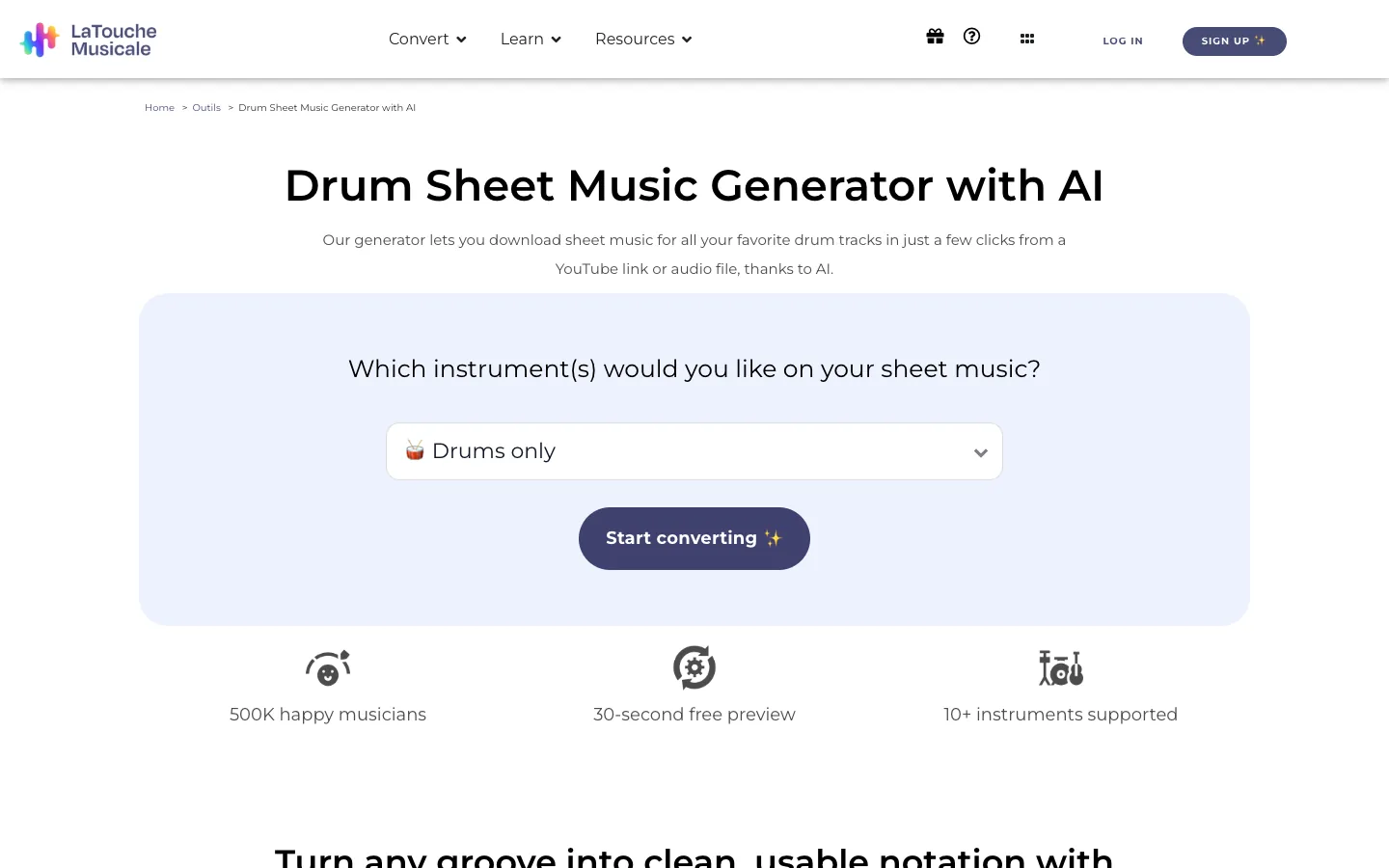
DrumConvert by La Touche Musicale is a web-based drum transcription workflow that accepts an audio file or YouTube source. Its public product materials describe drum notation plus PDF, MIDI, and MusicXML exports. Those choices matter because each file type solves a different editing problem.
What stands out
- Multiple output routes from one source.
- MusicXML for notation editing, MIDI for playback or production, and PDF for reading or sharing.
- A practical fit for users who have not yet decided which editor will own the cleanup stage.
Where to be careful
More export formats do not automatically mean less correction. Verify tempo, time signature, bar lines, kit mapping, and repeated patterns after conversion. If the source is a full mix, compare a short representative passage before committing to a complete song.
Choose DrumConvert when output flexibility is the deciding factor. It is especially relevant to readers who need the same transcription to serve a drummer, a notation editor, and a producer.
How to choose an AI drum transcription tool
Start with four questions.
1. Is the source an isolated drum stem or a full mix?
An isolated drum recording gives the system clearer transients and fewer competing events. A full mix may contain bass attacks, rhythm guitar, claps, percussion, and compression artifacts that resemble drum hits. If the tool includes stem separation, test whether that step improves the specific passage you care about.
2. Do you need notation, MIDI, or both?
Use PDF when the goal is reading, rehearsal, printing, or sharing a fixed chart. Use MIDI when you need to move notes, change velocity, replace sounds, or edit a groove in a DAW. Use MusicXML when you want to continue in notation software and preserve score structure more effectively than a flat PDF.
If those formats are still confusing, MIDI vs MusicXML explains what each file preserves and which editor normally comes next.
3. Does the tool support musical correction?
Look beyond the upload button. Useful correction controls include tempo and meter adjustment, kit-piece reassignment, bar-line repair, velocity editing, note deletion, and adding missed events. Even when the service returns a completed score, you should know how revisions are handled.
4. Are you transcribing to learn, arrange, or produce?
A student benefits from looping, stem playback, and readable notation. An arranger may prioritize MusicXML and score cleanup. A producer usually cares more about MIDI mapping, timing, velocity, and the ability to audition another kit. The same recording can justify a different winner for each user.
How to clean an AI drum transcription
The first pass is a starting point. Use this order to avoid polishing the wrong structure.
- Confirm tempo and downbeat. Make sure bar one begins where the musical phrase begins, then check whether the grid drifts over time.
- Verify the basic kit map. Check kick and snare first, then toms, hi-hat articulations, ride, crashes, and auxiliary percussion.
- Fix structure before detail. Repair measures, time-signature changes, repeats, and major fills before editing every ghost note.
- Compare repeated sections. If two choruses are similar, use the cleaner one as a reference instead of accepting unrelated AI variations.
- Restore dynamics carefully. A uniform wall of full-velocity hits may match the timing while losing the performance.
- Audit difficult passages against the audio. Fills, fast double-kick patterns, open hi-hats, flams, rolls, and cymbal chokes deserve focused listening.
If the final chart is for a reader rather than a DAW, review how to read drum tabs to check whether the notation communicates the intended kit and rhythm clearly.
Where Melogen fits after transcription
Melogen does not currently position itself as a drum-specific transcription tool, so it should not replace the products in this roundup. Its role starts after a compatible MIDI file exists. If a transcription service gives you MIDI and you need to convert that file for another workflow, use the Melogen MIDI Converter to create a more shareable or usable format.
That conversion step does not correct missed hits, fix a wrong tempo, or repair drum-kit mapping. Do the musical cleanup in the transcription tool, DAW, or notation editor first. Melogen is the handoff utility after transcription, not the drum-recognition engine.
Convert a cleaned MIDI file for your next workflow
Use Melogen after the drum transcription is checked and exported as MIDI. Conversion does not replace musical cleanup.
FAQs
Can AI transcribe drums from a full song?
Yes, several tools accept full songs, but results depend on the mix. Dense arrangements, heavy compression, reverb, percussion, and overlapping bass attacks can make event detection harder. Test a difficult section before processing a long track.
Is drum MIDI the same as drum sheet music?
No. Drum MIDI stores timed note events and performance values for playback or editing. Drum sheet music communicates rhythm and kit parts to a reader. A tool may generate both, but each output still needs its own cleanup.
Which output should I use for MuseScore or another notation editor?
MusicXML is usually the best starting point when the tool offers it because it is designed to exchange notation structure. MIDI can also be imported, but the notation program may need more work to infer voices, rests, bar structure, and readable beaming.
Can AI drum transcription detect ghost notes and cymbal articulations?
It may detect some of them, but these are high-risk details. Ghost-note velocity, open and closed hi-hat, ride bell, cymbal choke, flam, and roll notation should be checked against the recording.
What is the best AI drum transcription tool?
Use Drum2Notes or DrumConvert when notation and editable export choices matter, Drums Transcriber for a mobile MIDI-first workflow, Play Drums Online for learning and looping, and Drumscrib for a direct score deliverable. The best choice depends on the file you need next.
The practical takeaway
Choose an AI drum transcription tool by source, output, and cleanup destination. Test an isolated or difficult passage first, verify tempo and kit mapping, and treat the generated score or MIDI as an editable draft. A short, well-audited test tells you more than a long feature list—and prevents you from correcting an entire song in the wrong format.
About the author
Zhang Guo
Composer - AI Product Manager
AI product manager and digital marketing consultant with a background in music. Creativity is the bridge between rhythm and logic, where musical intuition and mathematical precision can coexist in every meaningful product decision.
Follow on X