Which AI Music Generator Is Best for Your Workflow
Compare Suno, Udio, Mureka, Lyria, Beatoven, and SOUNDRAW by song style, editing path, licensing fit, and the creator each tool serves best.
 Zhang Guo
Turn a static score into editable MIDI
Contents
Which AI music generator is best? Suno is the strongest starting point for a fast, complete song draft, but it is not the best tool for every creative job. Udio is a clean option for prompt exploration, Mureka in Melogen keeps generation inside a broader music-tool workflow, Gemini Lyria fits assistant-led creation, and Beatoven or SOUNDRAW make more sense when background music and creator-use terms are the priority.
The useful way to choose is by the next decision you need to make. This roundup compares six current options by creation style, editing path, public-use fit, and how easily the result moves into the rest of your music workflow.
Quick comparison table
| AI music generator | Best for | Main input | Typical result | Strongest workflow advantage | Main tradeoff |
|---|---|---|---|---|---|
| Suno | Fast, complete song drafts | Prompt, lyrics, or uploaded audio | Vocal songs, instrumentals, loops, and stems | Broad creation and editing surface in one product | The number of controls can be more than a quick background-score job needs |
| Udio | Rapid prompt exploration | Natural-language song description | Complete song ideas | A direct prompt-first surface that is easy to compare across concepts | You still need a clear selection and finishing process outside the first generation |
| Mureka in Melogen | A Melogen-centered generation workflow | Description, lyrics, style, optional reference, or instrumental mode | Generated songs and instrumentals | Sits beside Melogen's conversion, score, and audio tools | The value depends on whether the Mureka workflow fits your source and output needs |
| Gemini Lyria | Music creation inside a broader AI assistant | Text or image prompt | Tracks with instrumentals, vocals, and lyrics | Connects music generation to the wider Gemini workspace | Platform availability and the surrounding workflow may matter more than dedicated song controls |
| Beatoven.ai | Background music for content | Text prompt and project direction | Customizable background tracks and sound effects | Clear focus on video, podcast, game, and spoken-content use cases | Less centered on lyric-first full-song writing |
| SOUNDRAW | Creator beats and production music | Genre and track direction | Customizable beats and tracks | Public positioning emphasizes an in-house training approach and creator use | It is not the obvious first choice for a prompt-to-vocal-song brief |
No table can decide whether a chorus works, a transition earns its place, or a generated vocal fits your story. Use the table to pick the right first test, then judge the result like a musician: structure, hook, lyric stress, arrangement movement, editability, and the rights required by the final project.
Best overall for complete song drafts — Suno
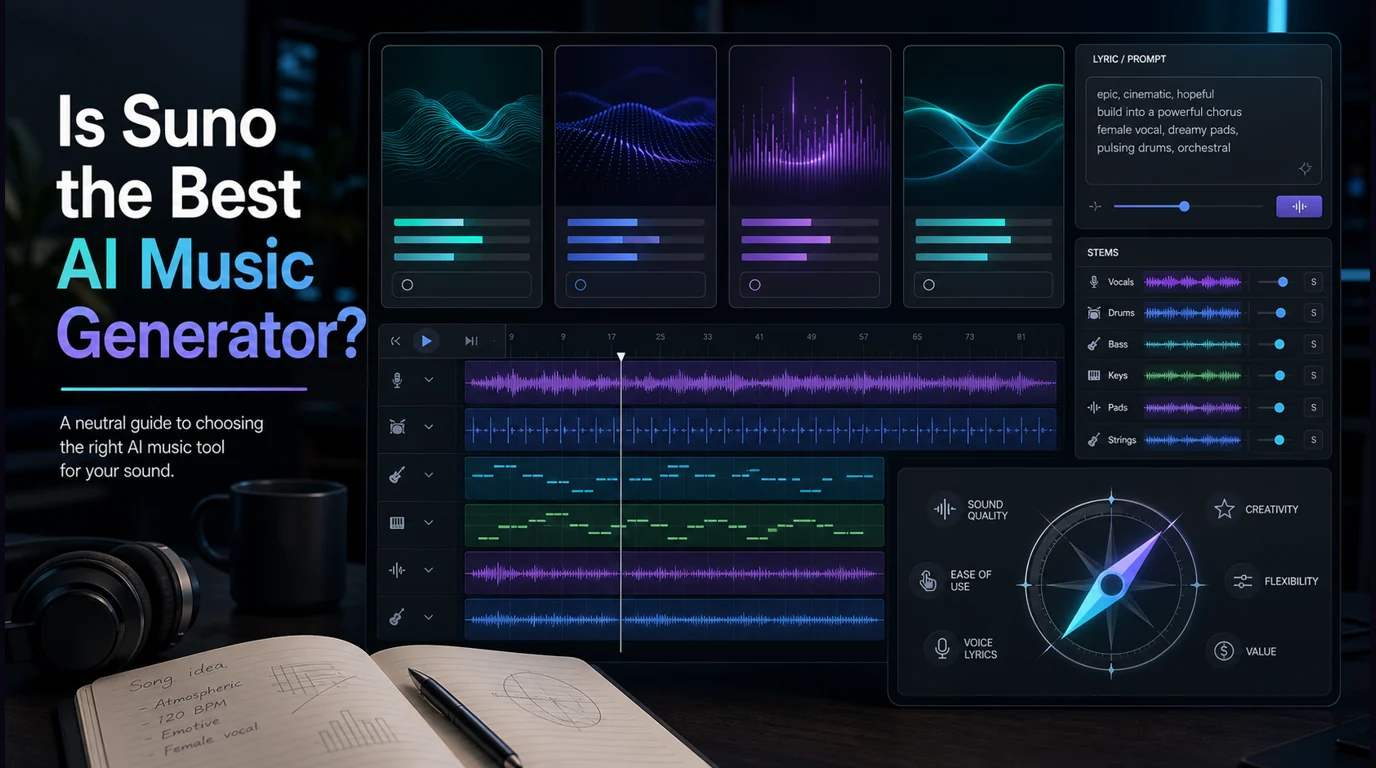
Suno is the best general starting point when the brief is simply “turn this idea into a complete song.” Its current public product surface supports prompt-based creation, lyrics, audio input, editing, remixing, stem workflows, and a browser-based Studio for deeper arrangement work.

That breadth matters for songwriters who want to move from a rough premise to something they can actually evaluate. You can test whether a lyric scans, whether the chorus arrives soon enough, or whether a genre reference belongs in the arrangement before rebuilding the promising parts elsewhere.
Suno is a particularly good fit for:
- lyric-led demos with vocals
- fast verse-and-chorus experiments
- creators who want generation and editing in one product
- producers who want stems or a stronger bridge into a DAW
The catch is that speed can hide weak musical decisions. A convincing render is not automatically a durable song. Listen past the surface polish and check the form, melodic identity, harmonic motion, vocal phrasing, and whether the hook still works after several plays.
If Suno is your leading option, the focused guide on whether Suno is the best AI music generator goes deeper into that single-product decision.
Best for prompt exploration — Udio
Udio remains one of the clearest options for testing several musical directions from short descriptions. Its official page leads with a simple promise: describe the song and create it. That makes it useful when your first goal is not a final master but a quick comparison between possible arrangements.
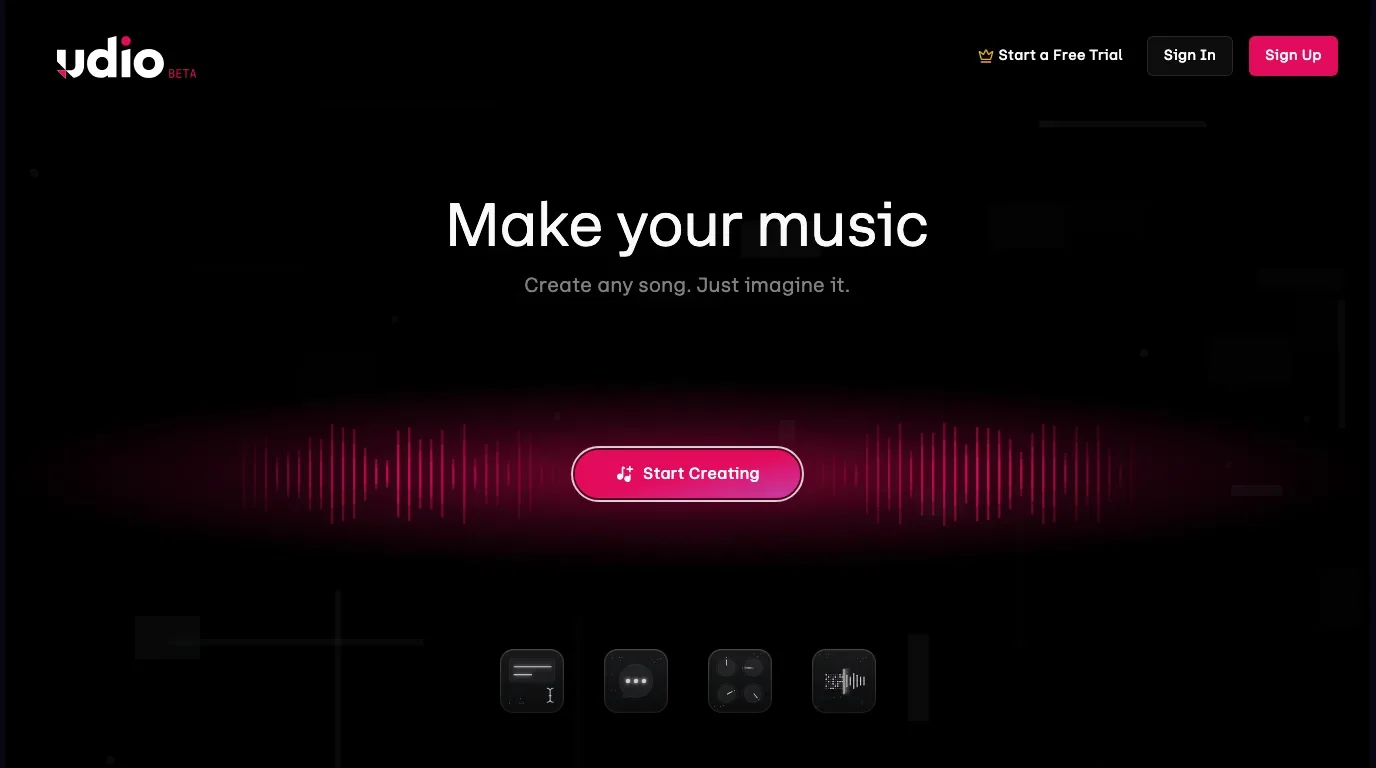
Use Udio when you want to ask questions such as:
- Should this lyric become indie pop, country, electronic, or cinematic?
- Does the hook work better with an intimate vocal or a larger arrangement?
- Is the idea strong enough to move into a DAW session?
- Which prompt details actually change the musical result?
The best workflow is controlled comparison. Keep the lyric, tempo direction, and section goal stable, then change one prompt variable at a time. That gives you a useful musical answer instead of a folder full of unrelated generations.
For tighter inputs, use the same discipline described in the Suno prompt-writing guide: name the role of the section, the energy curve, the instrumentation, and the details that must not drift.
Best Melogen-centered workflow — Mureka
Mureka in Melogen is the best fit when AI generation needs to sit beside the rest of a browser-based music workflow. The current Melogen route exposes Mureka V8 with simple and advanced modes, song description, lyrics, style direction, optional reference audio, vocal controls, and an instrumental path.
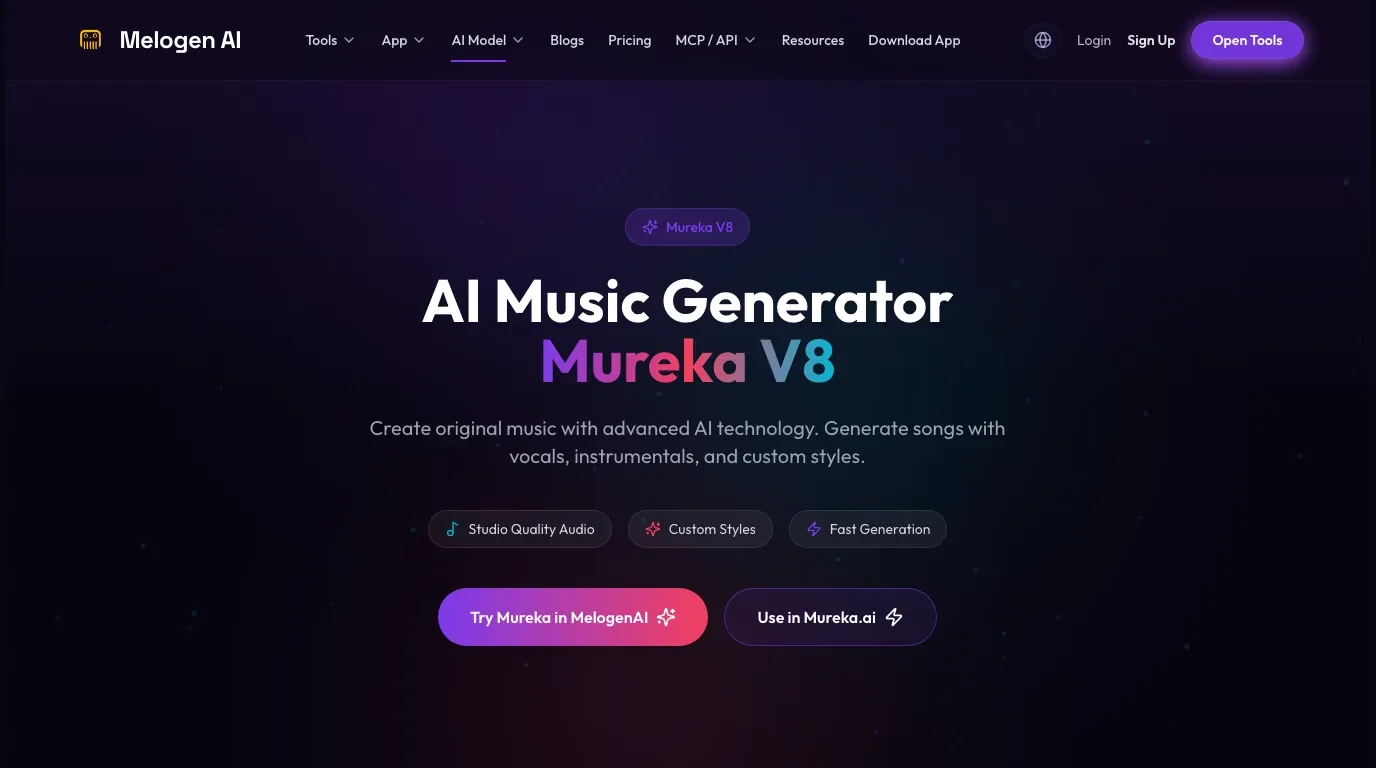
The advantage is not that one model wins every sound-quality contest. It is workflow continuity. A creator may generate an idea, then move to score conversion, MIDI utilities, audio cleanup, or another Melogen model page without treating the first render as the end of the process.
Choose Mureka in Melogen when:
- you want a model-specific generator inside the Melogen product family
- the brief may switch between a vocal song and an instrumental
- reference audio or style direction is part of the setup
- generation is one step in a longer music-production process
This is also the clearest internal Melogen recommendation for the approved keyword. It matches the reader's generator-selection job directly, unlike a transcription tool that starts from existing audio or notation.
Generate a song or instrumental with Mureka
Use the Mureka workspace in Melogen when you want prompt, lyric, style, reference, and instrumental controls inside a broader browser music toolkit.
Best for Gemini users — Lyria 3
Google presents Lyria 3 as Gemini's high-fidelity AI music generator. Its official page says text or image prompts can become custom tracks with instrumentals, vocals, and lyrics. The distinctive value is not only the audio output; it is the connection to a general AI assistant that may already hold the creative context for a project.
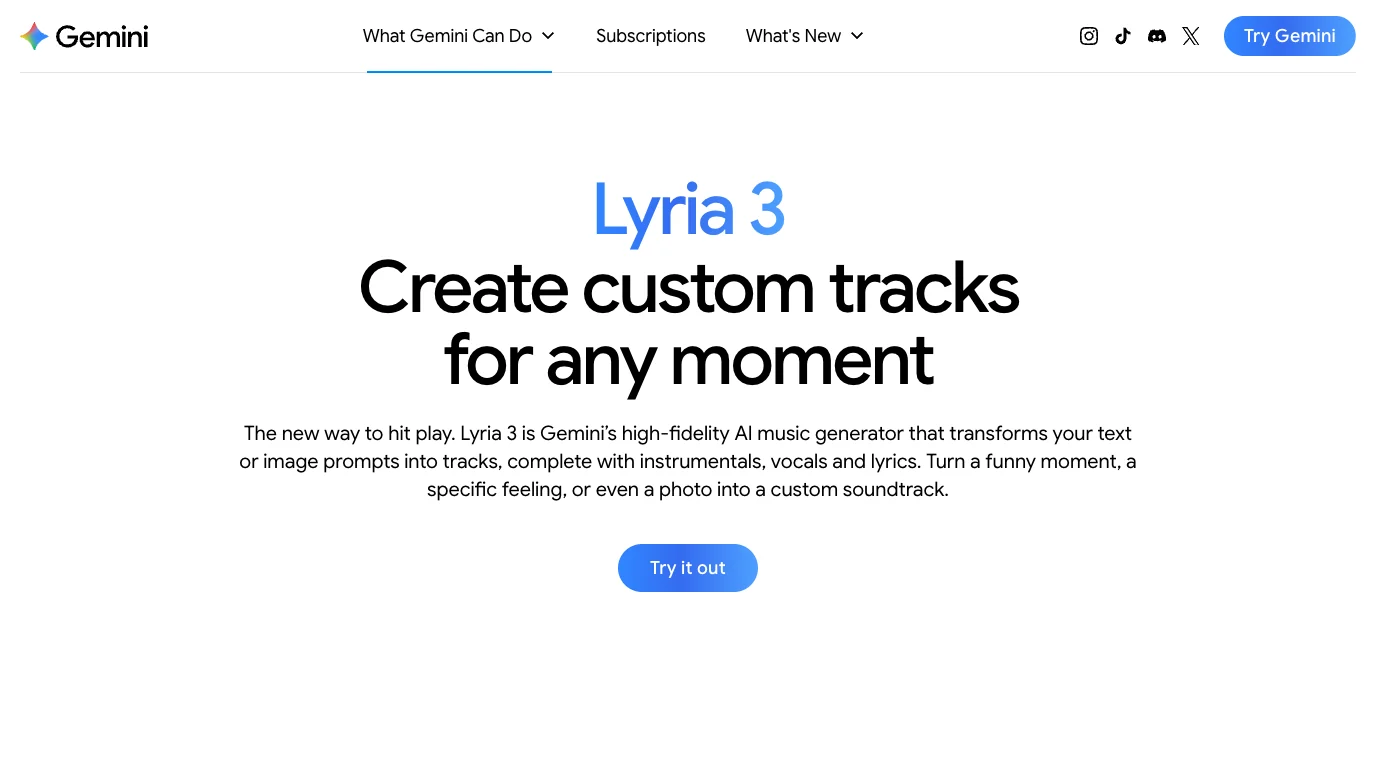
Lyria is a sensible choice when the music brief begins somewhere else in Gemini. A creator might develop a campaign concept, visual direction, scene description, or narrative beat and then turn that context into a track without rebuilding the brief in a separate product.
Choose Lyria when platform integration matters more than a dedicated music-only workspace. Choose Suno, Udio, or Mureka when you want the generator itself to be the center of the session.
Best for background scores — Beatoven.ai
Beatoven.ai is built around original background music rather than only full vocal songs. Its public product page emphasizes customizable tracks for video, podcasts, games, short films, social media, audiobooks, advertisements, and livestreams. It also states that a license is delivered with each download for eligible content use.
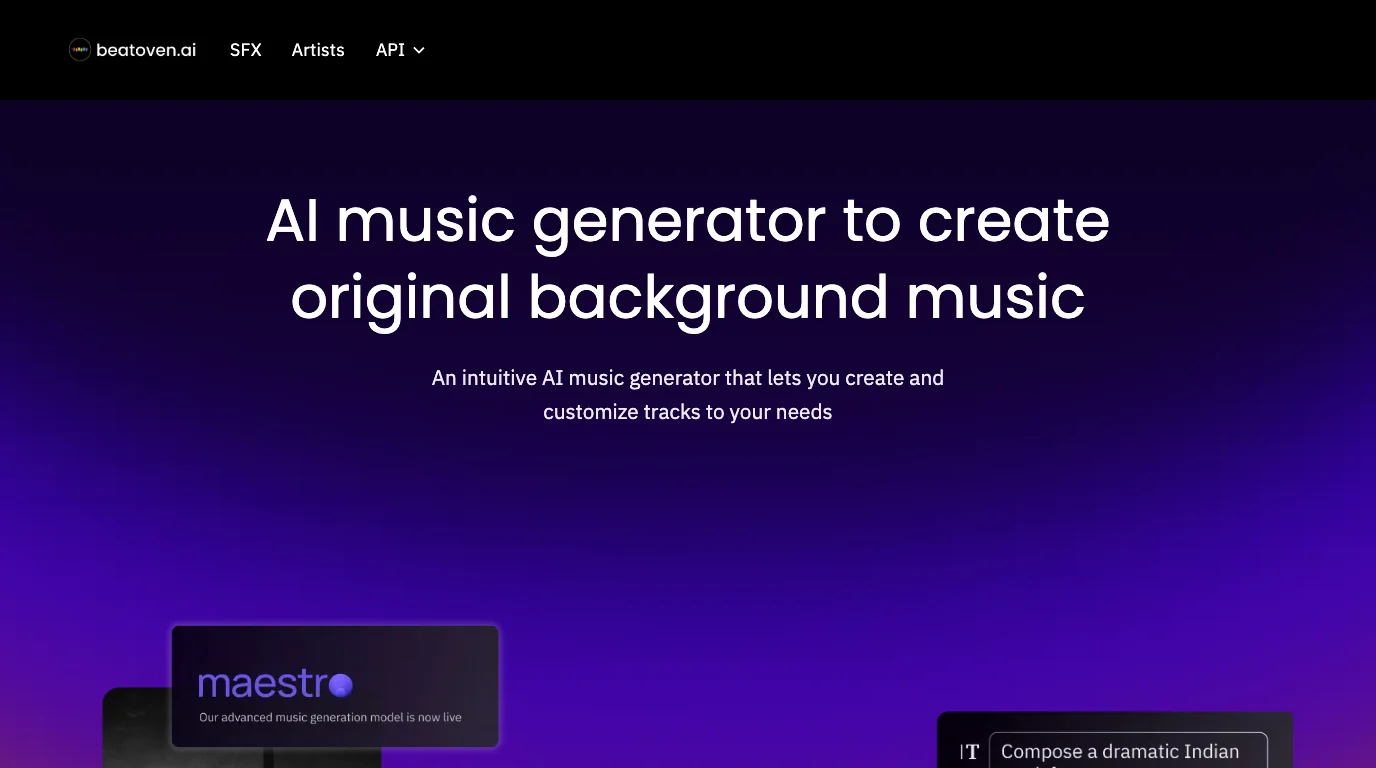
That narrower focus is useful. Background music has a different job from a featured song: support pacing, leave room for speech, survive edits, and avoid fighting the story. A generator that begins with that role can be more practical than a spectacular vocal track that has to be stripped back later.
Beatoven is a strong fit for:
- narration-heavy YouTube videos
- podcasts and audiobooks
- explainers, trailers, and short films
- games and interactive scenes
- creators who need a track shaped around duration and mood
Always read the current license for the exact plan and use case before publishing or monetizing. The product's background-music focus is a reason to evaluate it, not a substitute for checking the agreement attached to your download.
Best for creator beats and production music — SOUNDRAW
SOUNDRAW's current public page positions the product as a copyright-safe AI beat maker for creators and artists, with an emphasis on music trained from its in-house production process. Its Grid product extends that direction to Mac and iOS for beat-focused creation.

SOUNDRAW makes more sense when you want a customizable production track than when your brief begins with a lyric and lead vocal. That distinction matters for social videos, branded content, beat sketches, and instrumental publishing workflows.
The practical check is the same as with every licensing-led product: read the terms for your intended release. “Safe” is a product position; your project still needs the correct plan, download license, and distribution path.
How to choose the right AI music generator
Run one controlled brief through the two options that best match your job. Do not compare six unrelated prompts across six products.
Use this five-part scorecard:
- Musical fit — Does the result support the intended genre, form, vocal role, and emotional arc?
- Control — Can you revise lyrics, sections, style, references, stems, or duration in the way the project needs?
- Handoff — Can the useful result move into a DAW, editor, video timeline, or broader Melogen workflow?
- Rights fit — Do the current plan and license cover the final distribution, monetization, and client relationship?
- Iteration cost — How many generations and cleanup decisions are required before the track becomes useful?
| If your real job is... | Start with... | Then verify... |
|---|---|---|
| Write a complete vocal song quickly | Suno | Song structure, lyric stress, stems, and final-use rights |
| Explore several prompt directions | Udio | Whether the strongest idea survives a controlled second pass |
| Keep generation inside Melogen | Mureka in Melogen | Which input mode and model workflow fit the project |
| Turn wider assistant context into music | Gemini Lyria | Availability, output controls, and downstream editing path |
| Score a video, podcast, game, or narration | Beatoven.ai | Duration control and the license attached to the download |
| Build creator beats or production tracks | SOUNDRAW | The correct product, plan, and distribution terms |
FAQs
Is there one best AI music generator for every user?
No. Suno is a strong general answer for complete song drafts, but the best tool changes with the job. Udio fits prompt exploration, Mureka fits a Melogen-centered workflow, Lyria fits Gemini users, and Beatoven or SOUNDRAW fit creator-background and production-music needs.
Which AI music generator is best for beginners?
Suno and Udio both present direct prompt-first entry points. Start with the one that matches your desired output, use a short controlled brief, and evaluate structure and editability instead of generating many unrelated tracks.
Which option is best for commercial projects?
There is no universal answer because commercial rights depend on the product, plan, generation date, and intended use. Beatoven and SOUNDRAW foreground creator-use positioning, while Suno publishes plan-specific commercial-use information. Check the current terms before release.
Can an AI music generator replace a DAW?
It can replace part of the ideation process, but not every production decision. A DAW remains the stronger environment for detailed arrangement, recording, timing, mixing, automation, and delivery control.
What if I need editable MIDI instead of a rendered song?
Choose a transcription or conversion workflow, not a song generator. AI music generators create new audio; Melogen's audio, score, and MIDI tools are designed for moving existing musical material into editable formats.
The practical takeaway
Suno is the best first test for many people who want a complete song quickly. Udio is the cleaner prompt-exploration choice, Mureka is the strongest Melogen-centered path, Lyria fits Gemini-led projects, Beatoven is purpose-built for background scores, and SOUNDRAW is oriented toward creator beats and production music.
Pick two options by workflow, run the same controlled brief, and judge the result by the next musical decision it enables. The best AI music generator is the one that produces a useful handoff, not just the most impressive first render.
About the author
Zhang Guo
Composer - AI Product Manager
AI product manager and digital marketing consultant with a background in music. Creativity is the bridge between rhythm and logic, where musical intuition and mathematical precision can coexist in every meaningful product decision.
Follow on X