Best Free Music Apps for Musicians in 2026
Compare the best free music apps for musicians by score conversion, notation, audio creation, theory, ear training, and audio-to-MIDI workflows.
 Zhang Guo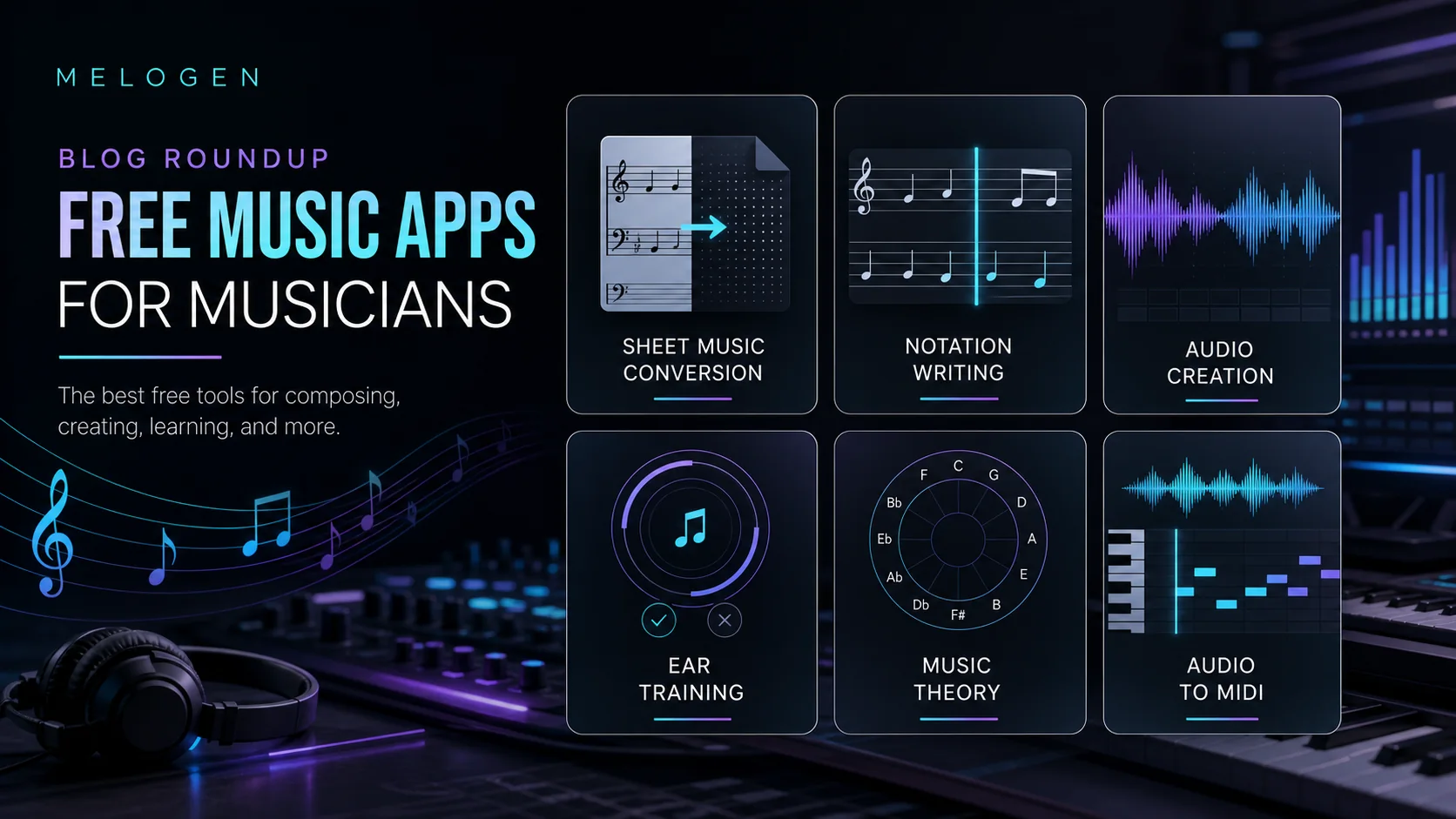
Turn a static score into editable MIDI
Contents
The best free music apps are not one category. A singer checking intervals, a composer writing notation, a producer sketching a beat, and a teacher turning a PDF score into practice audio all need different tools.
Use this roundup as a musician-first shortlist. It focuses on free or free-start options that help you make, read, practice, transcribe, or understand music. Streaming apps are useful for listening, but they are not the center of this list because they rarely solve the musician's working problem.
Quick comparison table
| App | Best for | Free model to verify | Main output | Tradeoff |
|---|---|---|---|---|
| Melogen Sheet2MIDI | Free browser score conversion | Free online tool with account/credit limits to check before long sessions | MIDI or MusicXML from PDF, PNG, or JPG sheet music | Best for visible notation, not raw mixed audio |
| MuseScore Studio | Free notation writing | Free download and open-source notation app | Editable notation, playback, print-ready scores | Requires desktop installation |
| BandLab | Free-start music creation | Free account entry with optional paid ecosystem features | Browser/mobile recordings, loops, songs, releases | Less notation-focused than a score editor |
| musictheory.net | Free theory lessons and drills | Free web lessons, exercises, and tools | Theory practice, note reading, intervals, chords | Not a composition or conversion app |
| Perfect Ear | Free-start ear training on mobile | Free mobile app with optional in-app purchases | Ear training, rhythm, sight-reading, note singing | Training app, not file conversion |
| Basic Pitch | Free audio-to-MIDI experiments | Free web demo and open-source project | MIDI from clean single-instrument audio | Needs cleanup after transcription |
Best for score conversion: Melogen Sheet2MIDI
Melogen Sheet2MIDI is the best free music app to try when your source is visible notation: a PDF score, a scan, or a photo of sheet music. The local Melogen product metadata describes a free online sheet music to MIDI converter that supports PNG, JPG, and PDF input. The practical output is what matters: MIDI for DAWs and MusicXML when you need notation editing.

Choose Melogen when the job is "turn this readable score into something editable." That can mean a practice MIDI file, a DAW handoff, a first pass before arranging, or a MusicXML file you will clean up in notation software.
The tradeoff is source type. If the music only exists as a full audio recording, Sheet2MIDI is not the right category. Use an audio-to-MIDI tool instead. If you are still comparing recognition categories, the guide to an app that recognizes music notes separates score scanning, pitch detection, and audio transcription.
Best for notation writing: MuseScore Studio
MuseScore Studio is the cleanest free starting point when you need to write, edit, print, and play notation. Its official site presents MuseScore Studio as a free download and positions it as a widely used notation app. That makes it a better fit than a lightweight mobile trainer when the end product is an actual score.
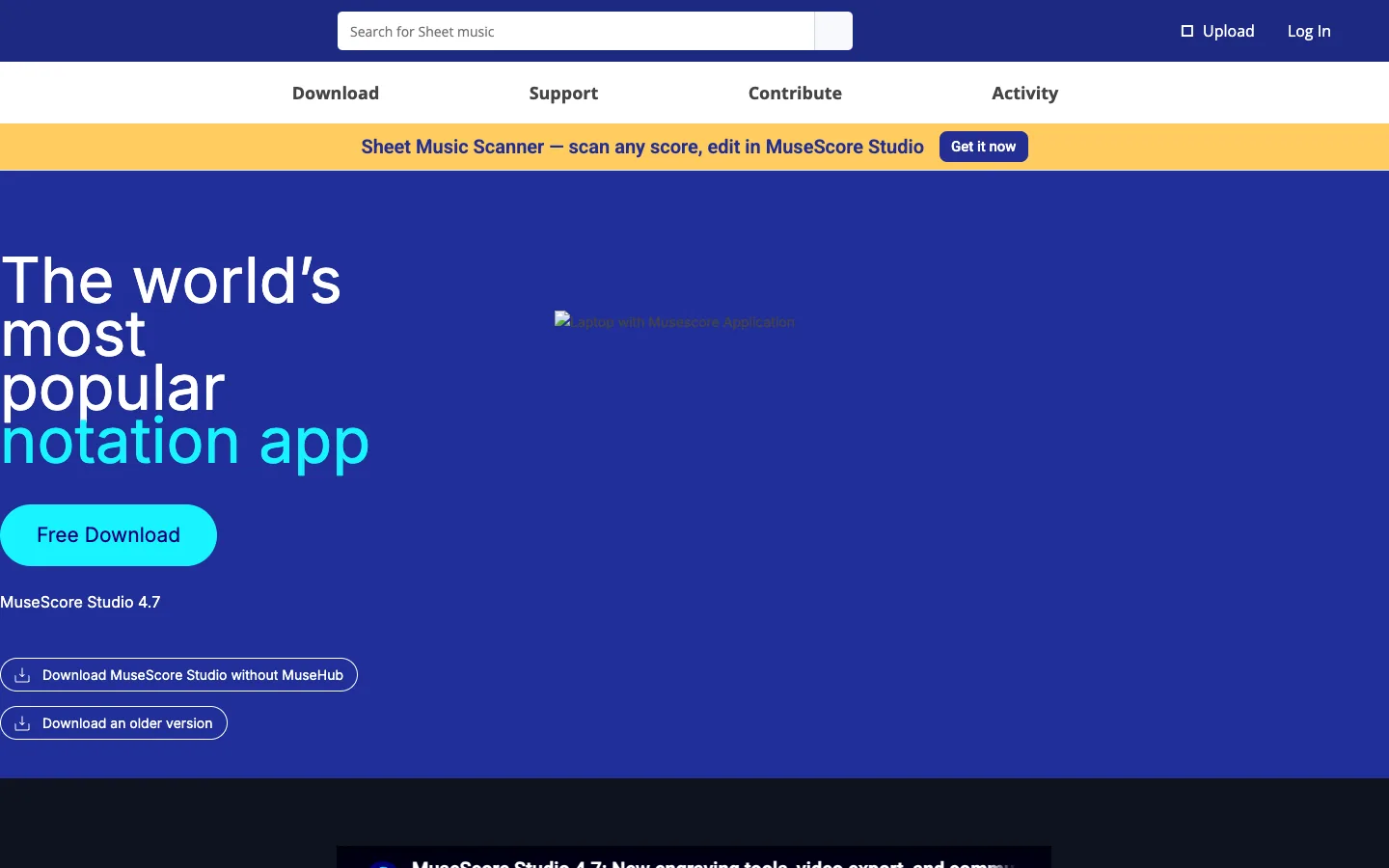
Choose MuseScore Studio when you are composing, arranging, engraving, or cleaning a score after conversion. For example, a practical workflow is to use Melogen for a first score-to-MIDI or score-to-MusicXML pass, then open the result in MuseScore Studio for detailed notation cleanup.
The tradeoff is setup. MuseScore Studio is a desktop notation environment, so it is more powerful than a quick web drill but heavier than a browser-only tool. It is not the fastest choice if you only need to identify one note or trim a recording.
Best for audio creation: BandLab
BandLab is the best free-start music app in this list when the job is creating audio rather than reading notation. Its public page frames the product around making music anywhere, connecting with other creators, releasing tracks, and engaging with fans.

Choose BandLab when you want to sketch a song, record vocals, build with loops, collaborate, or keep a lightweight creator workspace. It belongs closer to DAW and social music creation than to notation or score conversion.
The tradeoff is precision. BandLab is useful for making tracks, but it is not a dedicated score reader, OMR tool, or notation editor. If your starting point is a PDF score, start with Melogen or MuseScore instead. If your audio workflow is specifically about isolating vocals or stems, compare the options in best stem splitter tools.
Best for music theory practice: musictheory.net
musictheory.net is the simplest free web pick when the job is learning the building blocks: notes, intervals, scales, chords, key signatures, rhythm, and ear-training foundations. The site foregrounds free online lessons, exercises, and tools, so it works well as a no-install practice desk.
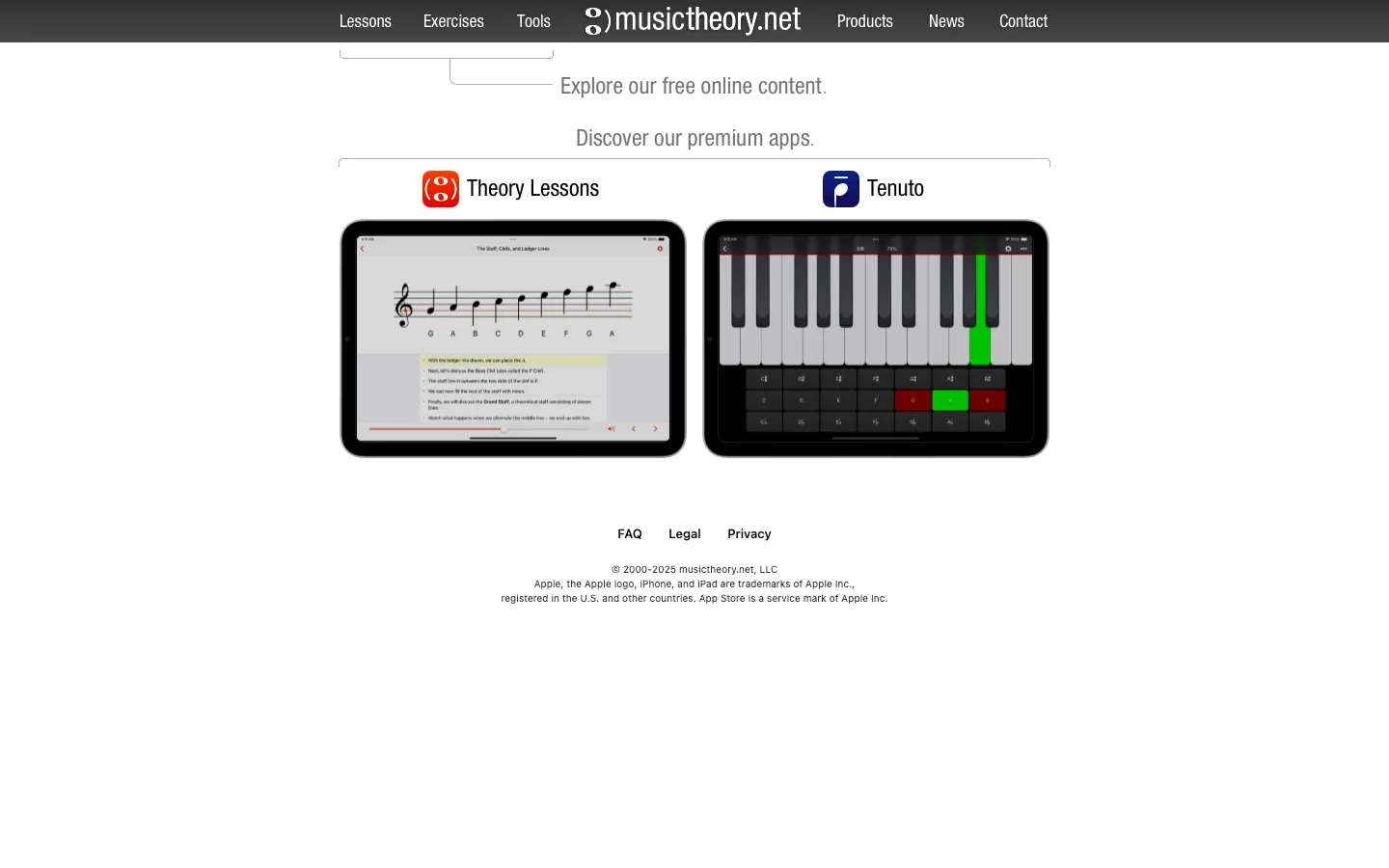
Choose musictheory.net when you need a quick explanation or a drill before you return to your instrument, DAW, or score. It is especially useful for students who need a low-friction way to repeat fundamentals.
The tradeoff is output. musictheory.net teaches and drills concepts; it does not convert a file, write a full score for you, or produce audio. That is a strength if the job is learning, and a limitation if the job is production.
Best for ear training: Perfect Ear
Perfect Ear is the best free-start mobile option here for ear training. Its Google Play listing describes interval, scale, chord, rhythm, sight-reading, melodic dictation, absolute pitch, and note-singing exercises.
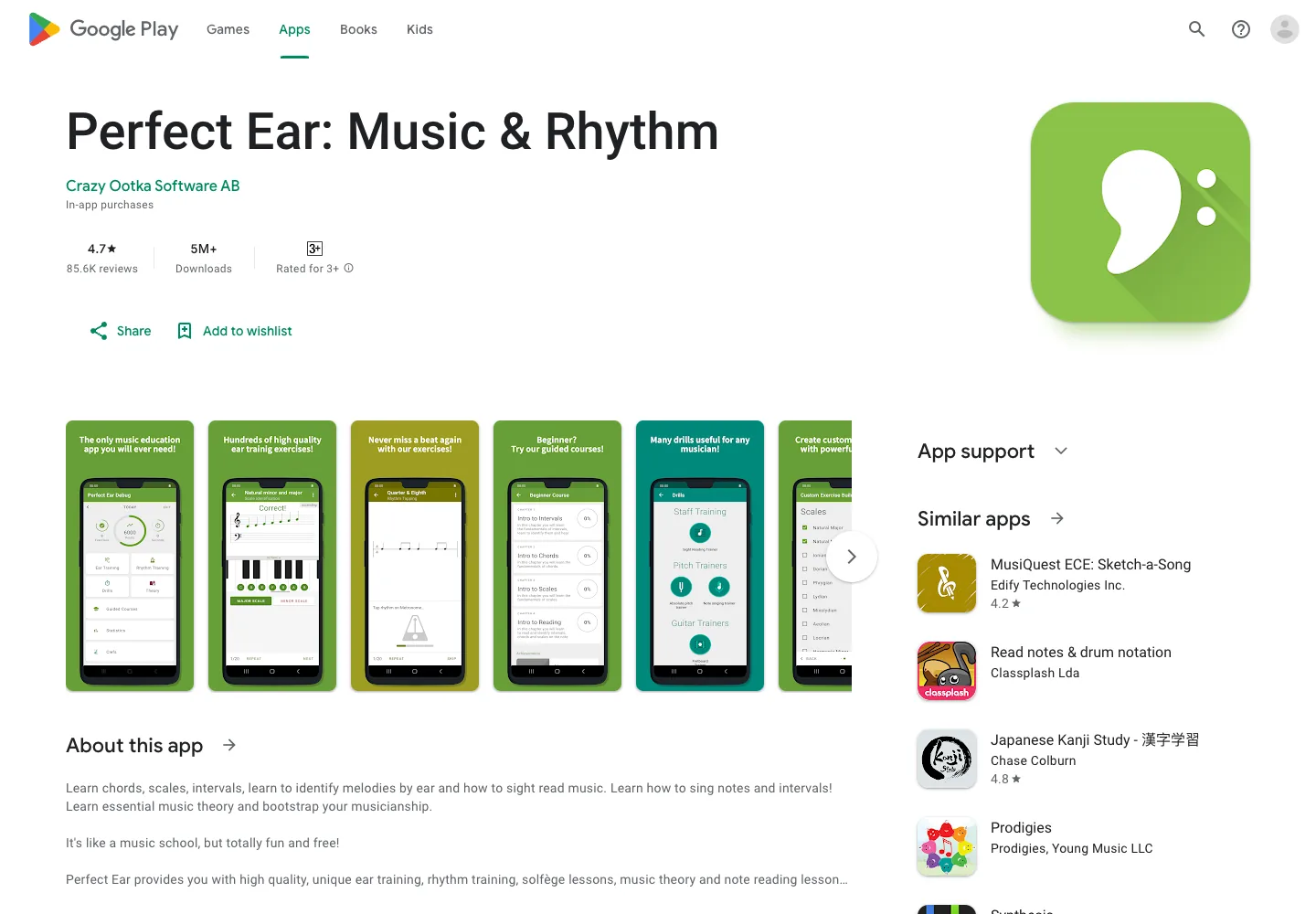
Choose Perfect Ear when the goal is to recognize music better yourself. It is a practice app, not a file tool. That matters because many "music app" searches mix up two very different needs: improving the musician and converting the material.
The tradeoff is that you do the musical work. Perfect Ear will not turn a PDF into MIDI or a vocal recording into clean notation. It helps you build the listening and reading skill that makes those outputs easier to judge.
Best free audio-to-MIDI experiment: Basic Pitch
Basic Pitch is the best free music app to try when the notes are in an audio recording rather than on a page. The official demo says you can sing, upload or drop in a single-instrument recording, get MIDI back, and download it for cleanup.
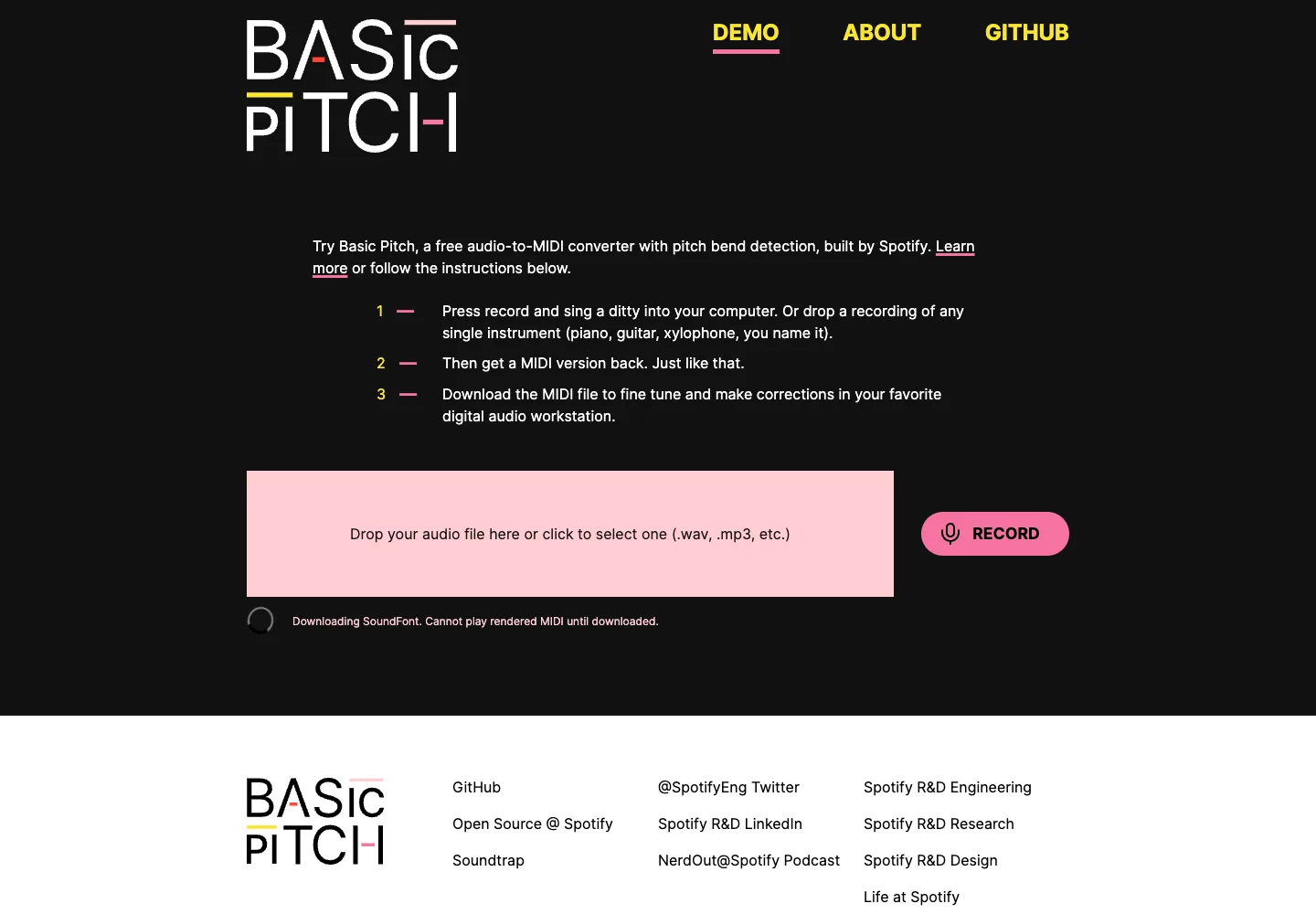
Choose Basic Pitch for clean vocal, guitar, piano, or other single-instrument recordings when you want a MIDI sketch. It is especially useful when the next step is editing in a DAW.
The tradeoff is cleanup. Audio-to-MIDI is not the same as reading a score. Timing, ornaments, extra notes, pitch bends, and missed notes all need a musician's review. If the source is already printed notation, use score recognition instead. If you are comparing broader classroom workflows, the music app for schools roundup shows where score conversion, notation, creation, and teaching platforms split.
How to choose the right free music app
Use the source-and-output test before you install anything:
| If you have... | You probably need... | Start with... |
|---|---|---|
| A PDF, scan, or photo of sheet music | Score conversion into editable files | Melogen Sheet2MIDI |
| A blank score or arrangement idea | Notation writing | MuseScore Studio |
| A song idea, loop, vocal, or beat | Audio creation | BandLab |
| Confusion about keys, intervals, or chords | Theory practice | musictheory.net |
| Weak note recognition or rhythm confidence | Ear training | Perfect Ear |
| A clean single-instrument recording | Audio-to-MIDI transcription | Basic Pitch |
The useful distinction is output. If you need a file, pick a conversion or creation app. If you need knowledge, pick a theory or ear-training app. If you need notation, pick a score editor. A free app is only valuable when it moves the exact musical task forward.
Where Melogen fits
Melogen fits when a free music app needs to bridge notation into editable files. Use Sheet2MIDI when the source is a score image, PDF, or scan and the next step is MIDI, MusicXML, DAW cleanup, or notation review.
It should not pretend to replace every app on this list. Use MuseScore Studio for deep notation editing, BandLab for audio creation, musictheory.net and Perfect Ear for learning, and Basic Pitch when the source is audio. Use Melogen when the source is visible notation and you want a fast browser-first first pass.
Turn sheet music into editable MIDI faster
Use Melogen Sheet2MIDI when your free music app search starts with a PDF, scan, or photo of notation.
The practical takeaway
The best free music apps for musicians are best only inside the right job.
Start with Melogen for score conversion, MuseScore Studio for notation writing, BandLab for audio creation, musictheory.net for theory, Perfect Ear for ear training, and Basic Pitch for audio-to-MIDI experiments. Then test one short example before you build a whole practice, classroom, or production workflow around any tool.
About the author
Zhang Guo
Composer - AI Product Manager
AI product manager and digital marketing consultant with a background in music. Creativity is the bridge between rhythm and logic, where musical intuition and mathematical precision can coexist in every meaningful product decision.
Follow on X