Best Spotify Running Playlists by Pace and BPM
Compare Spotify running playlists by pace, BPM, run type, and offline needs, with safe tips for choosing or making local workout clips.
 Zhang Guo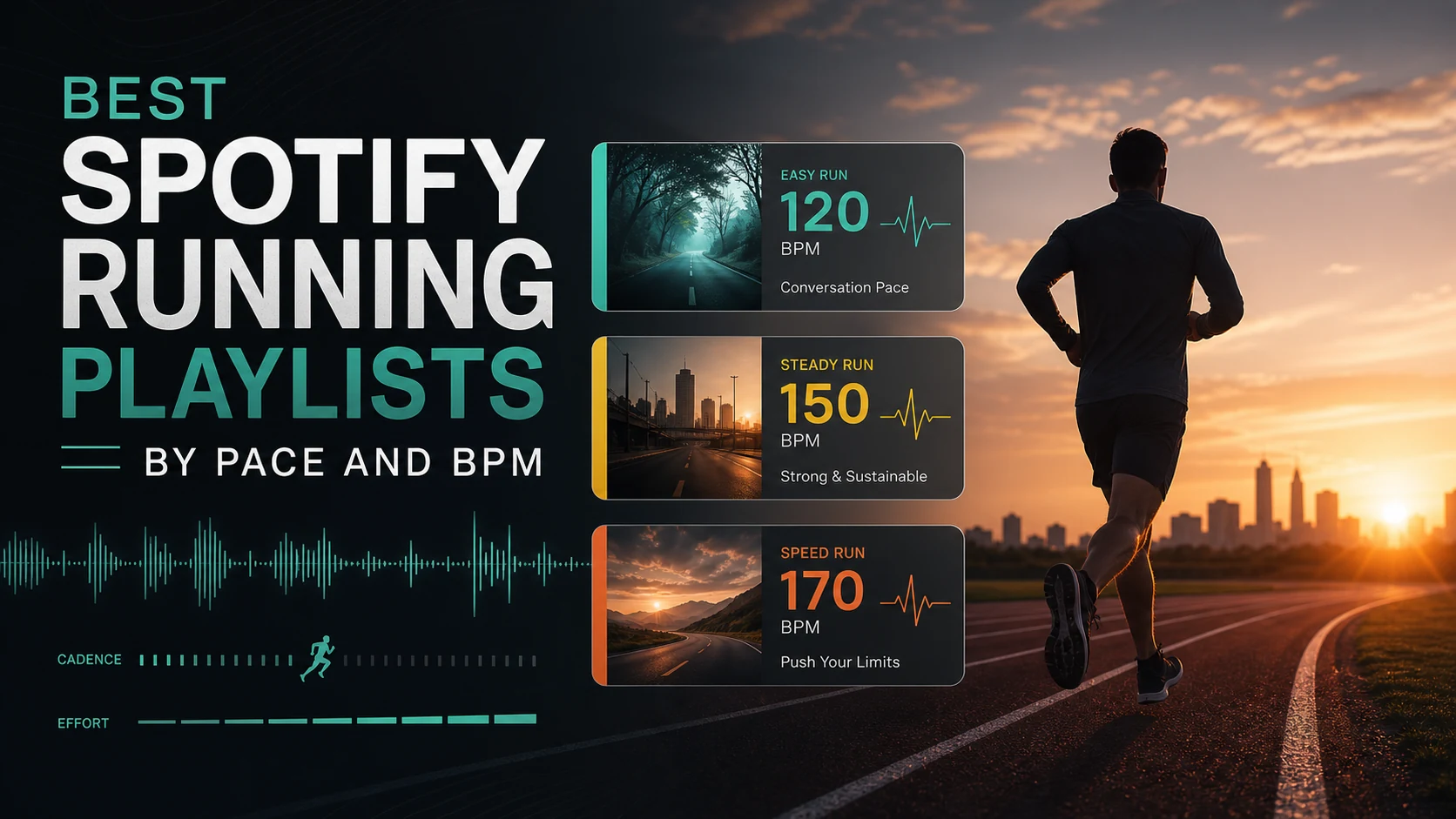
Turn a static score into editable MIDI
Contents
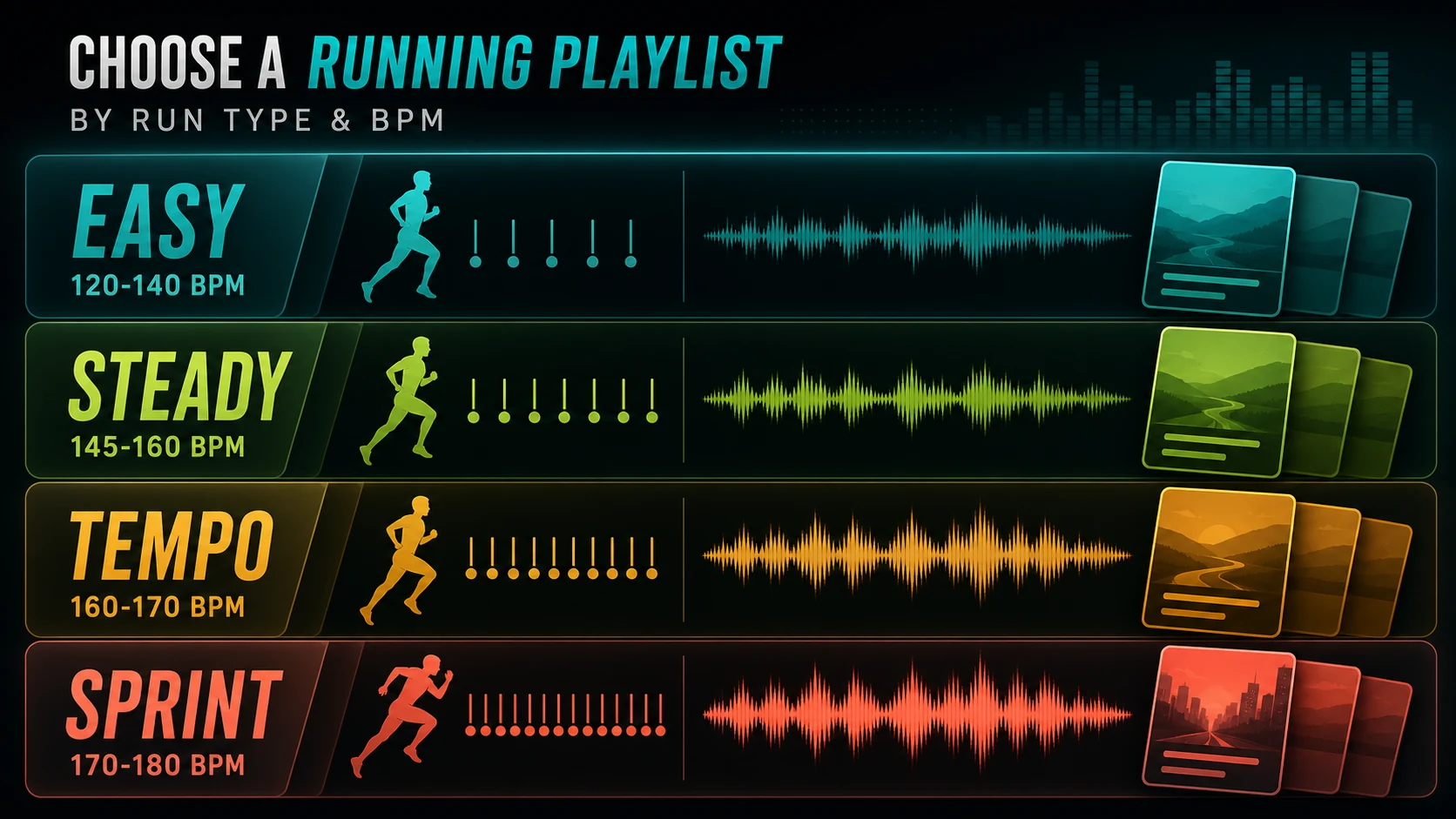
A Spotify running playlist works best when it matches the run you are actually doing. For an easy jog, start around 120-140 BPM or a relaxed long-run mix. For steady road work, look for 145-160 BPM. For tempo runs and short intervals, move toward 160-180 BPM, but do not chase a faster playlist if it makes your form fall apart.
The useful question is not just "which playlist is popular?" It is "which playlist keeps the right cadence, energy, and attention for this session?" This guide compares Spotify running playlists by pace, BPM, workout type, and offline-readiness, then keeps Melogen in the correct lane: local audio you are allowed to trim, not Spotify catalog downloading.
Quick comparison table
| Playlist direction | Best for | Useful BPM range | What to check first | Tradeoff |
|---|---|---|---|---|
| Long-run playlist | Easy mileage, conversational pace | 120-145 BPM | Smooth energy, low skip rate, familiar songs | Can feel too soft for faster days |
| Easy run BPM mix | Warm-ups, recovery jogs, zone 2 | 120-140 BPM | Beat consistency and low fatigue | Search results change often |
| Steady cardio mix | Daily road runs, treadmill work | 145-160 BPM | Strong pulse without sprint energy | Some mixes become repetitive |
| Tempo playlist | Threshold work, progression runs | 160-170 BPM | Upbeat tracks with controlled intensity | Easy to start too fast |
| Sprint or interval mix | Short repeats, hill surges | 170-180 BPM | High energy, clean starts, no slow intros | Too aggressive for long sessions |
| Recovery cooldown mix | Walk home, mobility, stretching | Under 120 BPM | Lower intensity and softer transitions | Not motivating enough mid-run |
| Custom local clip | Warm-up countdowns, drills, owned audio | Your choice | Source rights and export quality | Not a Spotify playlist replacement |
The table is the main selection framework. A static top-ten list gets stale quickly because public Spotify playlist pages, saves, track order, and regional availability change. Use the examples below as starting points, then verify the current page before race week, a long run, or a travel day.
Best for long runs and steady mileage
For long runs, the safest starting point is a playlist that holds energy without making every mile feel like a finish-line push. The public Spotify page for Nike Run Club Long Run is a useful example: it is clearly a running playlist, shows public save and track-count signals, and is built around staying on pace for the long haul.
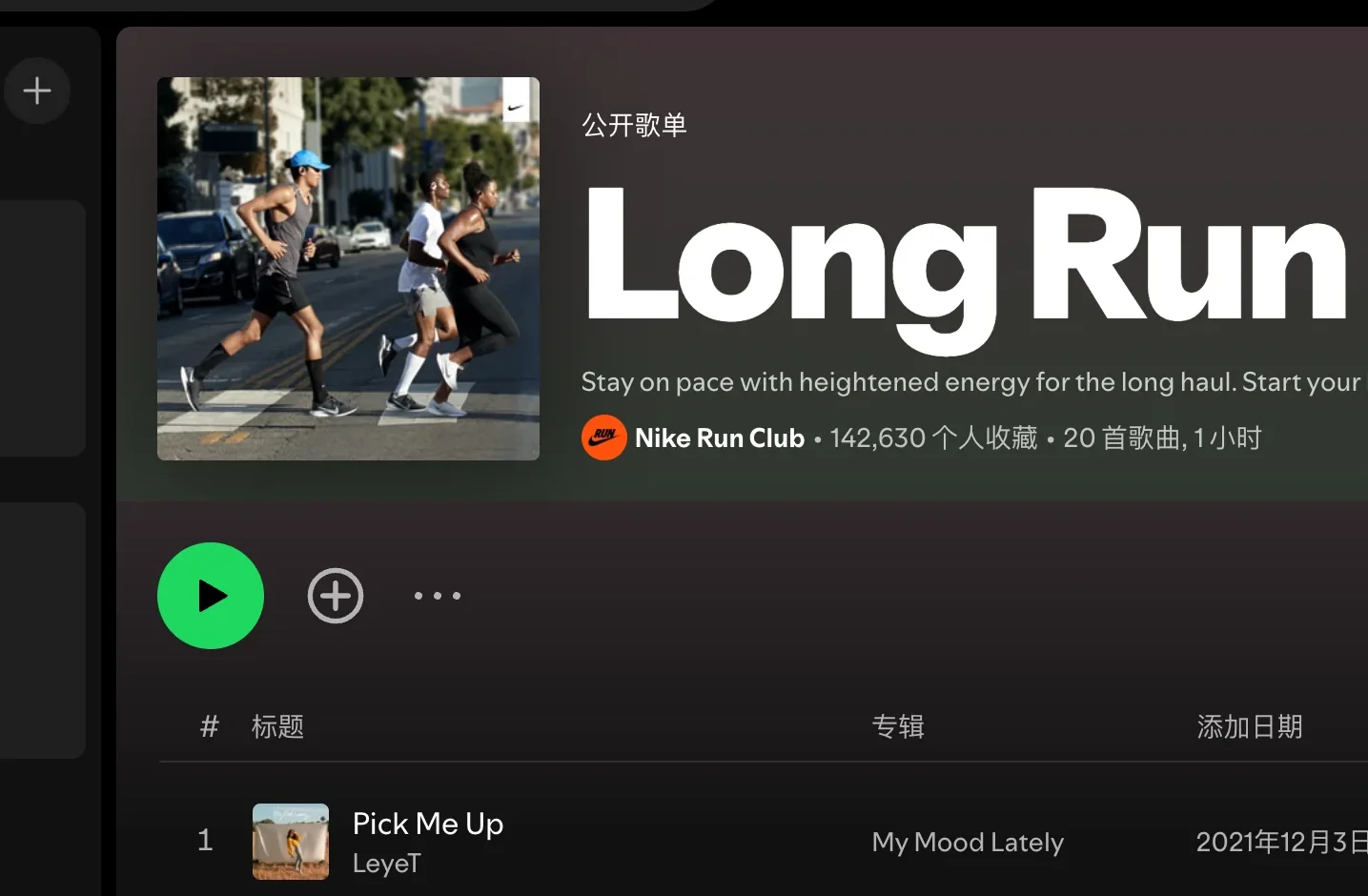
A long-run playlist should not be judged by the loudest chorus. Check the first 15 minutes. If the warm-up starts too hard, you may spend the whole run fighting the music. I would rather choose a slightly calmer mix that keeps cadence steady than a high-energy playlist that pulls every easy mile into tempo effort.
Use this lane when:
- You want company more than adrenaline.
- Your goal is duration, not speed.
- You need enough variety to avoid boredom without constant track skipping.
- You care about lyrics and mood because you will live with the playlist for an hour or more.
Best for easy runs from 120 to 140 BPM
For recovery runs, warm-ups, and zone 2 days, search Spotify for 120-140 BPM running or low-tempo running playlists. The exact playlist that ranks today may change, so treat the BPM range as the durable decision and the playlist name as replaceable.
Start with a public Spotify playlist search such as running 120 140 BPM playlists, then open two or three candidates and scan:
- Whether the playlist is public and still maintained.
- Whether the first tracks are actually easy-run friendly.
- Whether explicit lyrics or long intros will bother you outdoors.
- Whether the playlist is long enough for your session without looping.
- Whether it works in your country and account before you need it offline.
This is also the best lane for runners who naturally overstride when the music gets too fast. If the beat makes you tense your shoulders or shorten your breathing, slow the playlist down before you blame the shoes, route, or app.
Best for steady runs and treadmill sessions
For most everyday runs, 145-160 BPM is the sweet spot. It is energetic enough to keep attention but not so aggressive that every song turns into an interval. Search around running 150 BPM playlists when you want a steady pulse.
The practical test is simple: run the first ten minutes without touching the phone. If you skip more than twice, the playlist is probably wrong for the session. The best Spotify running playlist for treadmill work often has fewer surprises, cleaner transitions, and tracks that do not drop into long quiet sections.
If you use treadmill classes, also check whether the playlist fights the coach. A strong beat is helpful; a dense vocal mix can make cues harder to hear.
Best for tempo and sprint intervals
Tempo runs, progression runs, hills, and short repeats can handle 160-180 BPM, but this is where runners most often pick music that is too hot. Search for running 170 BPM playlists or sprint workout playlists, then test them on a short session before trusting them for a hard workout.
Use faster playlists when:
- The workout has clear on/off blocks.
- You want a strong cue to lift cadence.
- You can still keep relaxed arms and controlled breathing.
- You are not using the playlist to hide fatigue too early.
For sprint work, I would rather have a shorter, more focused playlist than a huge generic workout mix. The first beat matters when the interval starts. Slow intros, long breakdowns, and sudden genre shifts can make a fast workout feel messier than it needs to be.
Prepare Spotify for offline runs
Spotify's Listen offline support page says Premium users can download albums, playlists, and podcasts, while free users can download podcasts. It also says downloaded music needs periodic online checks. That means a race-day playlist is not ready just because you tapped the download icon once.
Before a long route, travel day, or race:
- Download the playlist on Wi-Fi.
- Open Spotify in Offline Mode and play the first track.
- Check that the playlist has enough length for the run.
- Make sure the phone has storage and battery.
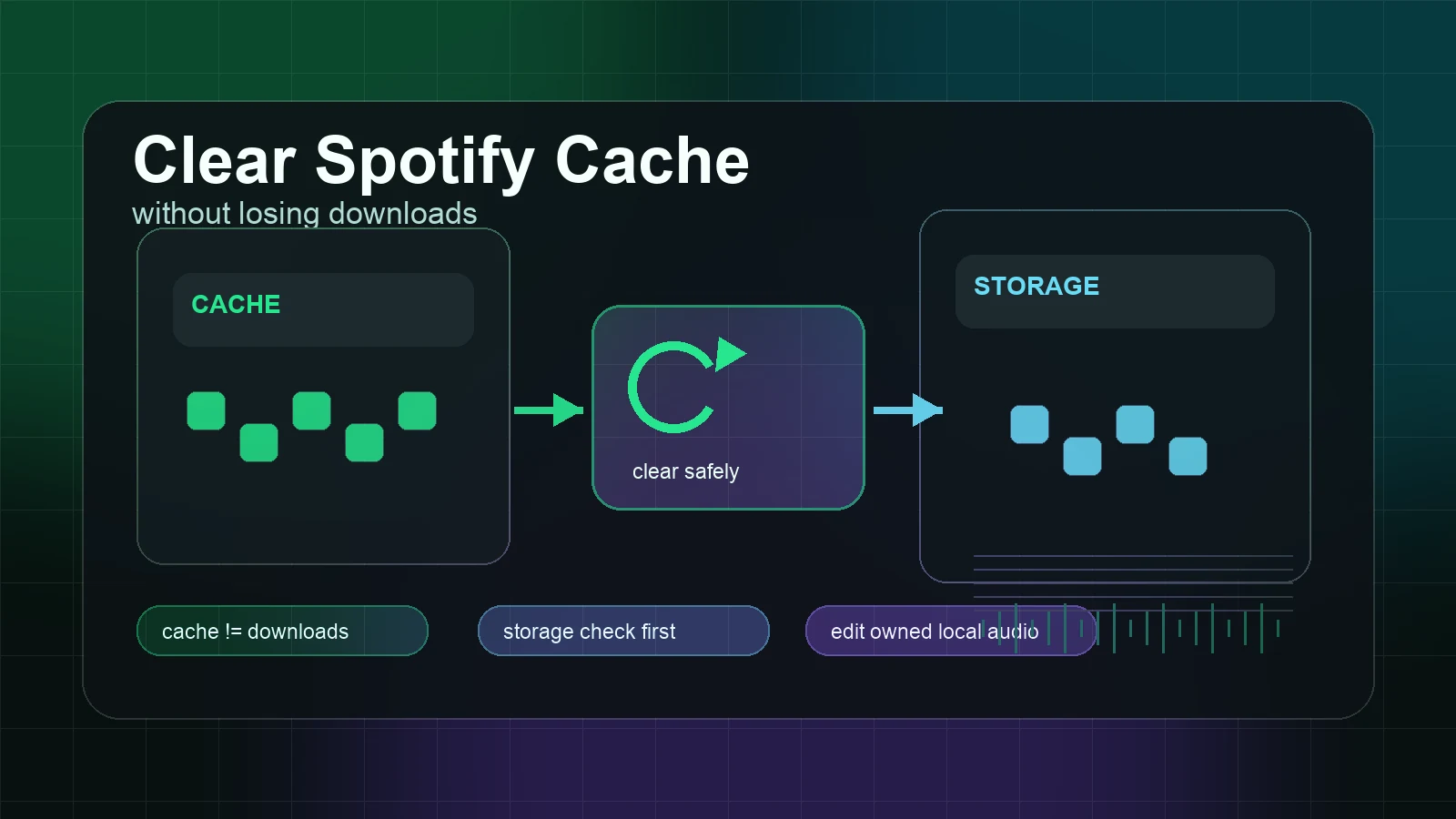
- Avoid rebuilding cache right before leaving home.
- Keep one backup playlist for weak signal or regional surprises.
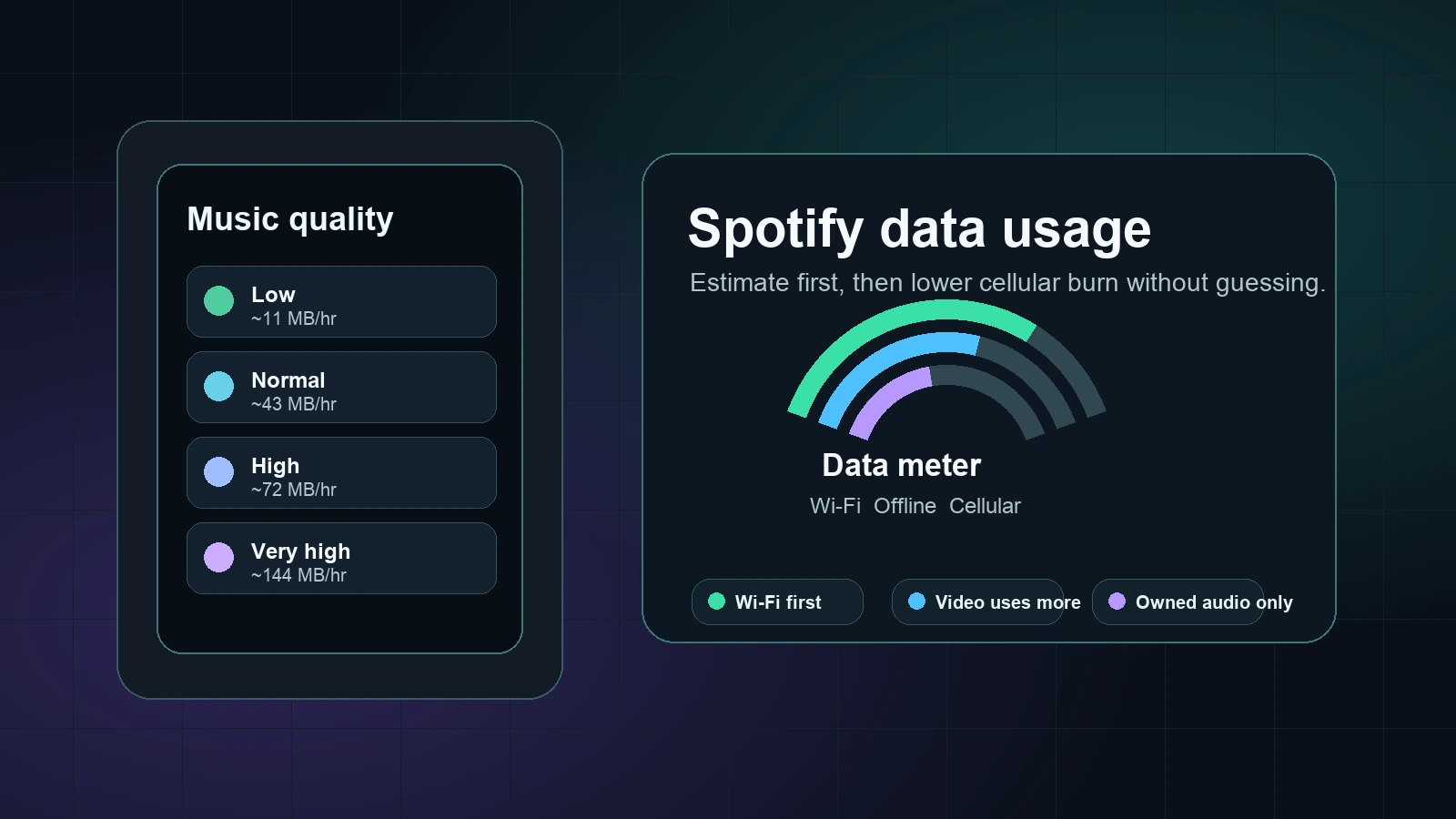
If you are trying to manage cellular use, pair this article with Spotify Data Usage Guide for Music Listeners. If your route includes a flight, subway, or no-signal section, use Listen to Spotify in Airplane Mode Safely before you leave Wi-Fi.
Where Melogen fits for custom run clips
Melogen does not download Spotify songs, export Spotify playlist audio, or turn catalog streams into local files. Keep that boundary clean. Spotify playlists stay inside Spotify unless Spotify itself provides the supported offline experience for your account.
Melogen fits when you already have audio you are allowed to edit: a local warm-up cue, a metronome count-in, a purchased DRM-free track, a practice recording, a race-day voice note, or a training clip you created. In that case, the job is not "convert Spotify." It is "trim this local file so it starts and ends cleanly."

Use Melogen Music Trimmer when you need to:
- Cut silence from a warm-up audio file.
- Trim a coach cue into a short interval prompt.
- Add a clean fade to an owned local clip.
- Shorten a practice loop before adding it to your device.
- Prepare legal local audio before following an Add Local Files to Spotify workflow.
Trim local run clips before you train
Use Melogen Music Trimmer for audio you created, bought DRM-free, recorded, or have permission to edit. Keep Spotify playlist playback inside Spotify.
FAQs
What BPM is best for a Spotify running playlist?
For easy runs, start around 120-140 BPM. For steady runs, try 145-160 BPM. For tempo and sprint work, 160-180 BPM can help, but the right choice depends on stride, fitness, terrain, and how the playlist feels after ten minutes.
Is a faster playlist always better for running?
No. Faster music can lift cadence, but it can also make you start too hard. Use faster playlists for tempo blocks, hills, intervals, or short efforts. For long runs, a steadier playlist is often more useful.
Can I download Spotify running playlists for offline use?
Spotify Premium users can download playlists inside the Spotify app for offline listening. That does not create separate audio files. Test the playlist in Offline Mode before you run without signal.
Can Melogen make a Spotify running playlist?
No. Melogen does not create Spotify playlists or manage your Spotify account. It can trim local audio files you are allowed to edit, which can help with custom warm-up cues, practice clips, or owned local files.
How should I test a running playlist?
Run the first ten minutes without skipping. If the playlist makes you rush, lose form, or fight the mood, choose a different BPM range. The best playlist is the one that supports the session, not the one with the biggest save count.
The practical takeaway
Choose the Spotify running playlist by the job: easy, steady, tempo, sprint, recovery, or custom local clip. Then check BPM, track length, offline readiness, and first-five-song feel. Public playlist rankings shift, but a source-first framework lasts.
Use Spotify for Spotify playback. Use Melogen only when the audio is already yours to edit and the musical task is trimming, fading, shortening, or preparing a clean local clip.
About the author
Zhang Guo
Composer - AI Product Manager
AI product manager and digital marketing consultant with a background in music. Creativity is the bridge between rhythm and logic, where musical intuition and mathematical precision can coexist in every meaningful product decision.
Follow on X