Listen to Spotify in Airplane Mode Safely
Listen to Spotify in airplane mode with Premium downloads, Offline Backup, offline mode, flight checks, and safe local-audio prep for travel.
 Zhang Guo
Turn a static score into editable MIDI
Contents
Yes, you can listen to Spotify in airplane mode if the music is already available inside Spotify before the plane loses internet. For Premium listeners, that usually means downloaded albums, playlists, or podcasts. Spotify also documents Offline Backup for Premium on mobile phones, Android Auto, and CarPlay, which can help when recently played music is available offline. For free accounts, Spotify's official offline support only covers podcasts, not music downloads.
The safe rule is simple: prepare Spotify inside Spotify while you still have Wi-Fi, test the downloaded playlist once, then switch on airplane mode. Do not solve a flight-listening problem by looking for cracked apps, free Premium workarounds, or converter shortcuts.
Quick answer for airplane mode
Start with what you actually need during the flight. A three-hour playlist, a downloaded podcast, and an editable local rehearsal file are different jobs.
| Your situation | Best path | Avoid |
|---|---|---|
| You have Spotify Premium and want music playback | Download the album or playlist in Spotify before the flight | Waiting until airplane mode is already on |
| You forgot to download but recently streamed music | Check whether Spotify Offline Backup appears on your mobile device | Assuming it replaces every manual download |
| You use Spotify Free | Download podcasts only, or use files that are already local and legal to play | Expecting Spotify Free to download music for offline use |
| A downloaded track disappears | Check storage, app version, device limit, and the 30-day online check | Reinstalling first and losing downloads again |
| You need a custom travel clip | Trim a permitted local file outside Spotify's catalog | Converting protected Spotify catalog streams |
This is why the wording matters. "Listen offline" is a Spotify app feature. "Create a separate audio file" is a different rights and workflow decision. Keep those lanes separate and the answer gets much safer.
Download Spotify before the flight
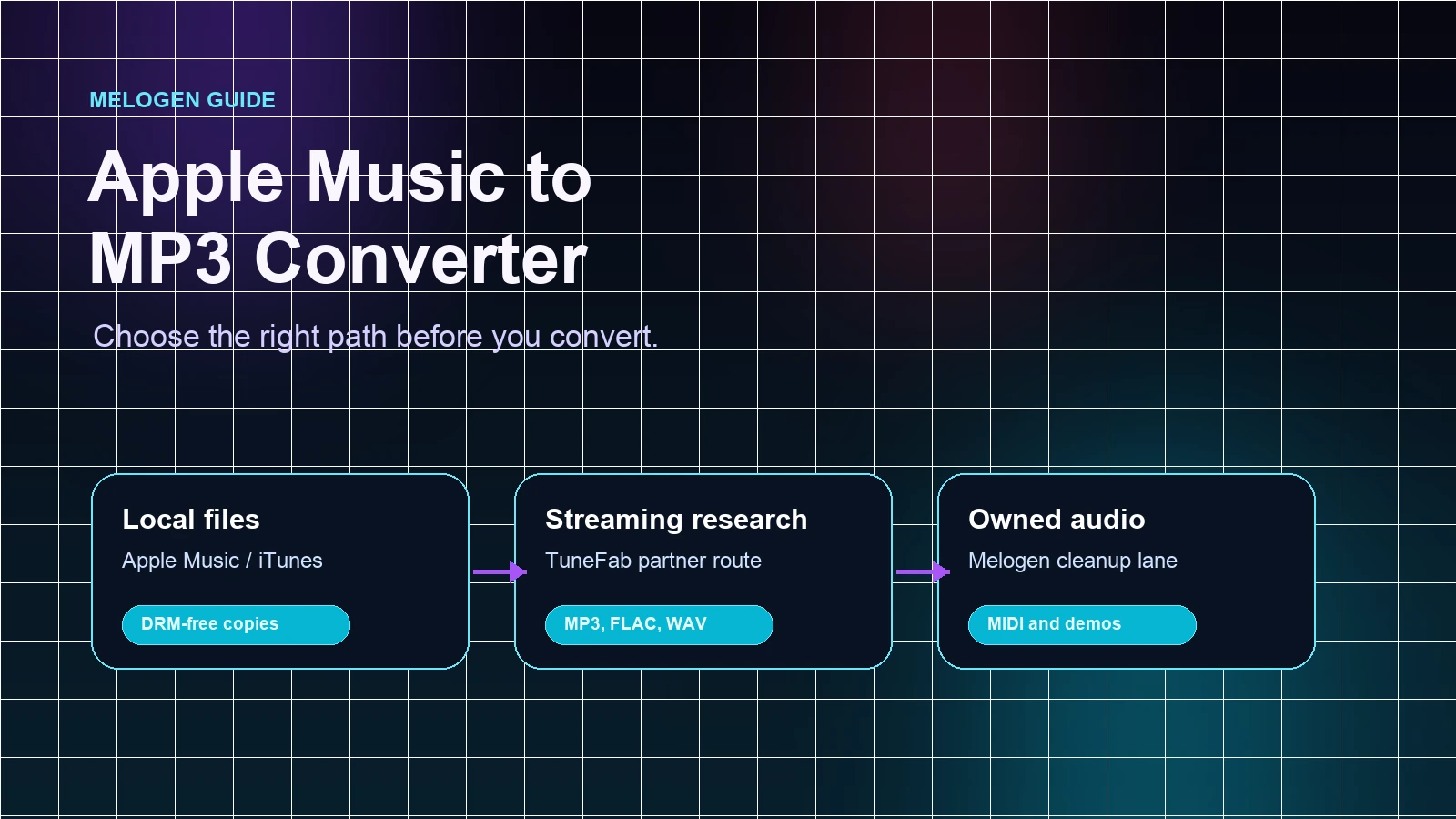
Spotify's Listen offline support page is the best starting point for this article. It says Premium users can download albums, playlists, and podcasts, free users can download podcasts, downloads can reach 10,000 tracks on each of up to five devices, and the device needs to go online at least once every 30 days to keep downloads active.
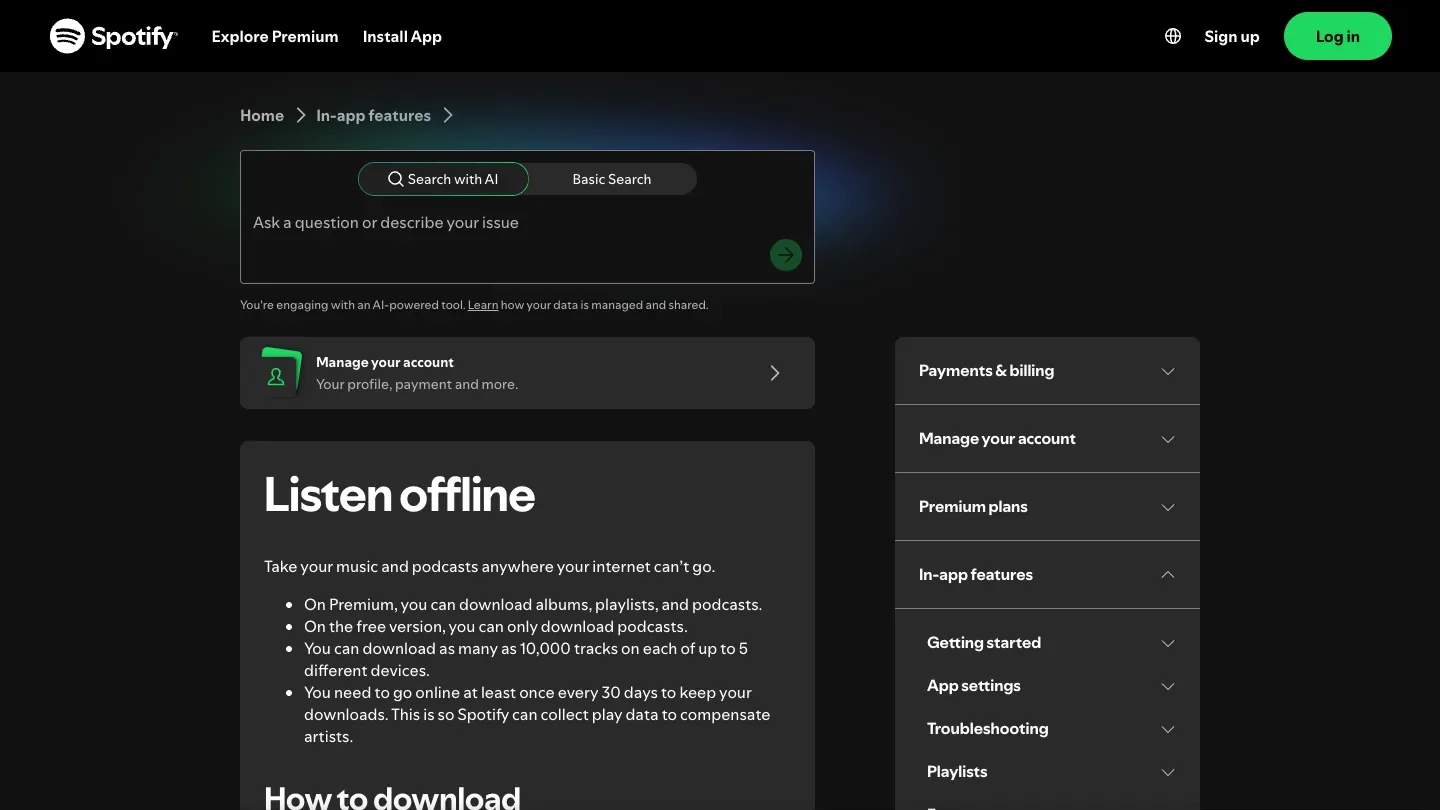
Use this pre-flight order:
- Connect to stable Wi-Fi before you leave for the airport.
- Open the album, playlist, or podcast you want for the trip.
- Tap the download control and wait for the download indicator to finish.
- Keep at least 1GB of free device memory, because Spotify uses storage for cache and offline playback.
- Open the playlist once while you are still online and start two or three tracks.
- Turn on airplane mode as a test, then confirm the downloaded playlist still plays.
Do not confuse saving a playlist to your library with downloading it. Library saves organize the playlist. Downloads prepare it for offline playback. If you only tap save, airplane mode can still leave you with a silent cabin and a very dramatic progress spinner.
Use Offline Backup as a safety net
Spotify's Offline Backup support page describes a Premium feature filled with music you can play offline without manually downloading it. Spotify lists it for Premium on mobile phones, Android Auto, and CarPlay.
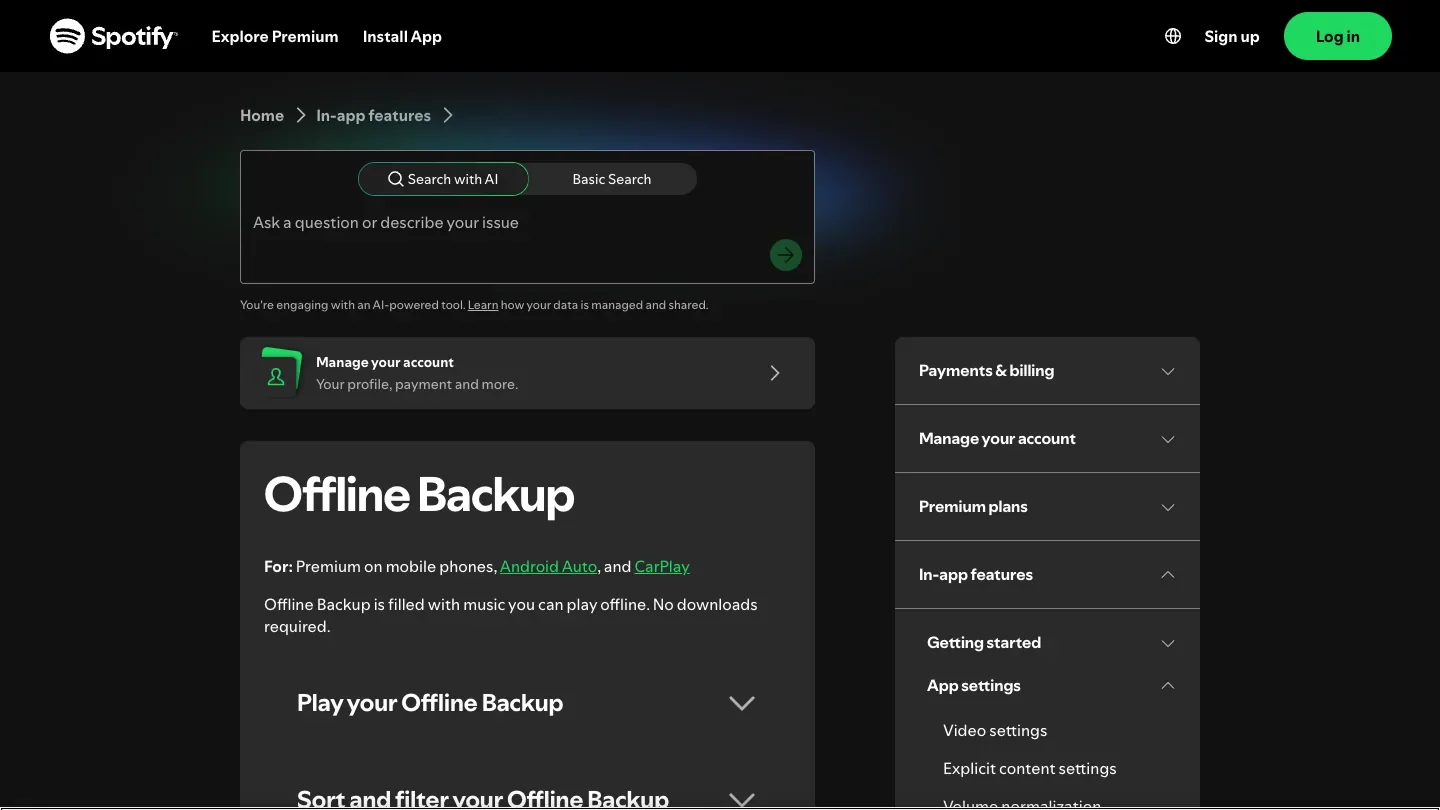
Treat Offline Backup as a backup playlist, not as your only plan. It is useful when you forgot to download something and Spotify has enough recent listening data to build an offline set. It is not the same as deliberately downloading the exact album, study playlist, DJ reference set, or long-haul queue you want.
Use this decision:
| Need | Better choice |
|---|---|
| Exact album or playlist for a flight | Manual download before boarding |
| Recent listening when Wi-Fi disappears unexpectedly | Offline Backup, if it appears |
| Podcast episodes for a free account | Podcast downloads in Spotify |
| Local rehearsal file, voice memo, lesson clip, or purchased DRM-free track | Local file workflow, not Spotify catalog conversion |
If the flight really matters, do the boring thing: download manually and test once. Offline Backup is a useful parachute, but the manual download is the seatbelt.
Run a clean pre-flight checklist
The practical failure is usually not "airplane mode broke Spotify." It is more often one of these: the playlist never downloaded, the phone ran low on storage, Spotify was reinstalled, the account hit the device limit, the app was stale, or the device has not gone online recently enough to keep downloads active.
Use this checklist before leaving Wi-Fi:
| Check | Pass condition | Fix before boarding |
|---|---|---|
| Download indicator | Album or playlist is fully downloaded | Leave Wi-Fi on until it finishes |
| Storage | Device has at least 1GB free, preferably more | Remove unused downloads or apps |
| Device limit | You are not over five offline devices | Remove downloads from an old device if needed |
| App version | Spotify is current | Update before you lose airport Wi-Fi |
| 30-day check | Device has been online recently | Open Spotify online before the trip |
| Offline test | Playlist plays with airplane mode on | Find the missing playlist or redownload |
| Battery | Enough power for the flight | Download before low-power panic mode |
If you recently changed phones, restored a backup, reinstalled Spotify, switched SD cards, or cleared app data, test downloads again. Those are exactly the moments when old assumptions stop being true.
Fix missing downloads without making it worse
If Spotify says offline and your flight playlist is missing, stay calm and isolate the cause. Spotify's own offline page says downloads can disappear when you do not go online at least once in 30 days, reinstall the app, download to more than five devices, use an outdated app, or have SD-card trouble on devices that use one.
Try this order while you still have a connection:
- Turn airplane mode off and confirm the phone has working internet.
- Open the playlist and check whether the download indicator is complete.
- Check storage before redownloading a large playlist.
- Update Spotify if the app is stale.
- Restart the app once.
- If tracks are greyed out, use the source-first checklist in Spotify Songs Greyed Out Fixes That Actually Help.
- If Spotify reports old offline devices, use the device cleanup logic in How to Remove Devices From Spotify Safely.
Reinstalling is the last move, not the first one. Spotify's support notes that downloaded music and podcasts need to be downloaded again after reinstalling. That is not a fun discovery at the gate.
Where Melogen fits after Spotify is ready
Melogen does not bypass Spotify, export Spotify catalog streams, manage Spotify downloads, or make Spotify Free behave like Premium. It fits a separate travel-audio job: preparing local files you are allowed to edit.
Spotify's Local files support page says Spotify can play audio files legally stored on your device. That is the boundary. If you have a rehearsal recording, lesson voice memo, exported demo, purchased DRM-free track, or your own backing track, Melogen can help you clean that file before travel.

Use Melogen Music Trimmer when the next task is local-file prep:
- Trim silence from a rehearsal recording before adding it to Local Files.
- Cut a lesson clip down to the section you actually need to practice.
- Add a clean ending or fade to a backing track you created.
- Export a shorter travel copy of a permitted file.
- Prepare local audio before following the Add Local Files to Spotify workflow.
The local Music Trimmer page describes browser-based trimming, waveform selection, preview, export, and common formats such as MP3, WAV, M4A, OGG, FLAC, and AAC. That is a useful music workflow, but it starts after the source file is already yours to edit.
Prepare a local travel clip before takeoff
Use Melogen Music Trimmer for audio you are allowed to edit when the job is removing silence, tightening an ending, or exporting a cleaner local file.
FAQs
Can Spotify Free listen to music in airplane mode?
Not through Spotify's official music-download feature. Spotify's offline support says free accounts can download podcasts, while Premium accounts can download albums, playlists, and podcasts. If you need music offline in Spotify, Premium downloads are the official path.
Do I need Offline Mode if airplane mode is already on?
Airplane mode removes the network connection. Offline Mode is a Spotify setting that helps make sure only downloaded content plays. If you want a clean test before the flight, turn on airplane mode and confirm the downloaded playlist plays before you board.
Can Offline Backup replace manual downloads?
Use it as a safety net, not a replacement for a planned flight playlist. Offline Backup can help when you forgot to download and Spotify has enough recent listening context, but manual downloads give you control over the exact album, playlist, or podcast.
Why did my Spotify downloads disappear?
Common causes include not going online at least once every 30 days, reinstalling Spotify, downloading on more than five devices, using an outdated app, storage problems, or SD-card problems. Check those before blaming airplane mode.
Can Melogen help me listen to Spotify offline?
No. Melogen does not change Spotify's offline rules or convert protected Spotify catalog audio. It helps with permitted local files, such as trimming a rehearsal recording or travel clip you have the right to edit.
The practical takeaway
To listen to Spotify in airplane mode, prepare the music while you still have internet. Premium users should download the exact albums, playlists, or podcasts they want, test playback once, and use Offline Backup only as a safety net. Free users can download podcasts, not Spotify catalog music. If the job is local audio you are allowed to edit, Melogen can help you trim and prepare that file before it ever becomes part of your travel playlist.
About the author
Zhang Guo
Composer - AI Product Manager
AI product manager and digital marketing consultant with a background in music. Creativity is the bridge between rhythm and logic, where musical intuition and mathematical precision can coexist in every meaningful product decision.
Follow on X