Spotify Data Usage Guide for Music Listeners
Estimate Spotify data usage by quality, reduce mobile data, check offline settings, and keep Melogen for owned local audio workflows.
 Zhang Guo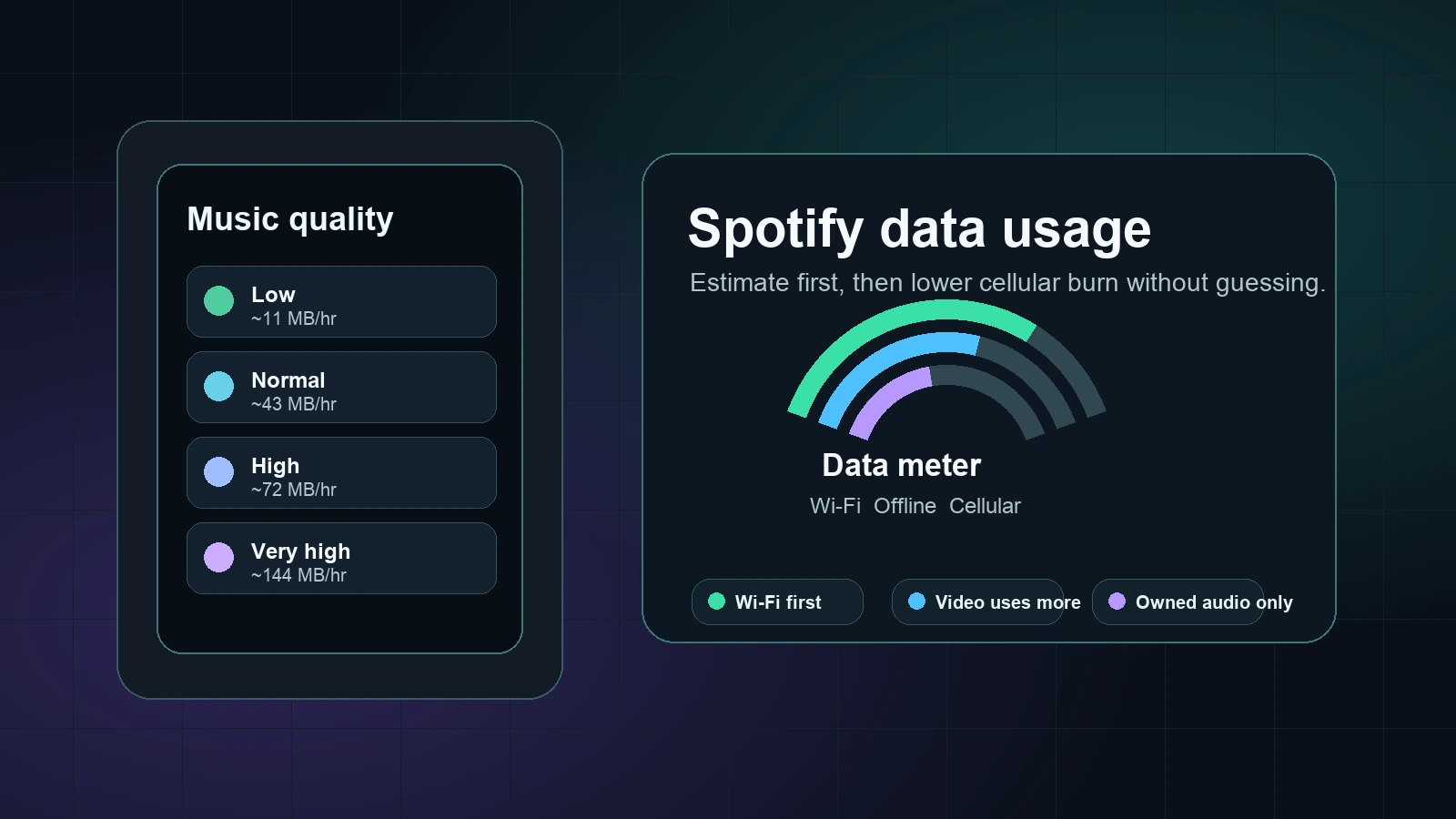
Turn a static score into editable MIDI
Contents
Spotify data usage depends on the audio quality setting, whether Spotify is using Wi-Fi or cellular, and whether the session includes video podcasts, Canvas visuals, lossless music, cache rebuilds, or downloads. For audio-only music, the useful estimate is about 11 MB per hour on Low, 43 MB per hour on Normal, 72 MB per hour on High, and 144 MB per hour on Very High.
Use those numbers as planning estimates, not billing guarantees. Spotify can auto-adjust quality, video uses more data than audio, and a fresh device may use extra bandwidth while it rebuilds cache or artwork. The safest workflow is simple: lower cellular quality, download on Wi-Fi when you have Premium, keep video podcast settings under control, and use Melogen only for local audio files you are allowed to edit.
Quick Spotify data estimates
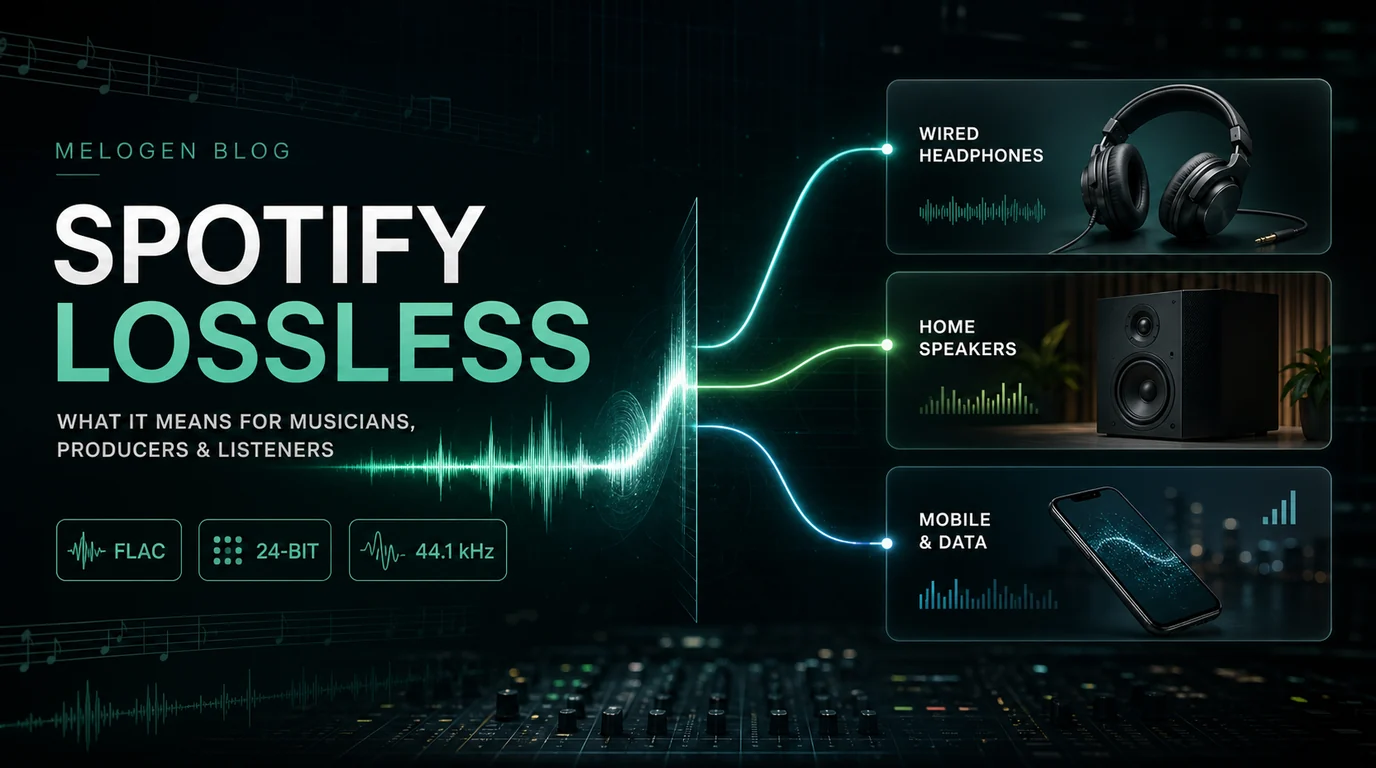
Spotify's audio quality support page lists the main music-quality tiers as Low around 24 kbit/s, Normal around 96 kbit/s, High around 160 kbit/s, Very High around 320 kbit/s for Premium, and Lossless up to 24-bit/44.1 kHz FLAC where available. Converting bitrate into rough data use gives you a practical starting point.
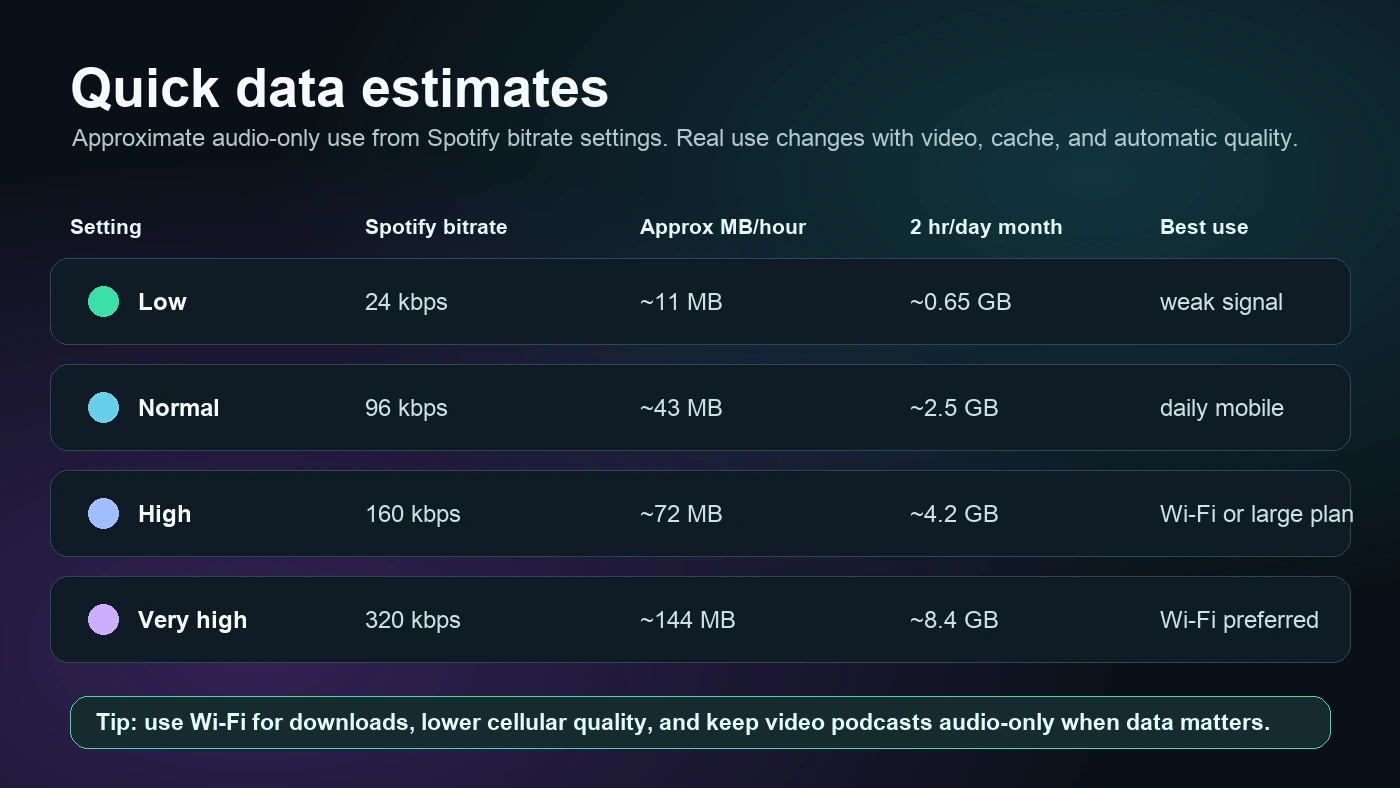
| Spotify setting | Approx bitrate | Approx data per hour | 2 hours per day for 30 days | Best fit |
|---|---|---|---|---|
| Low | 24 kbps | 11 MB | 0.65 GB | Weak signal, tight plan |
| Normal | 96 kbps | 43 MB | 2.5 GB | Everyday cellular listening |
| High | 160 kbps | 72 MB | 4.2 GB | Large plan or Wi-Fi |
| Very High | 320 kbps | 144 MB | 8.4 GB | Wi-Fi preferred |
| Lossless | Variable FLAC | Much larger | Plan for Wi-Fi and storage | Careful listening |
The math is rounded from bitrate per second into megabytes per hour. It does not include every extra request Spotify may make for album art, lyrics, recommendations, video, Canvas, or cache. Still, it is much better than guessing.
If you are comparing the quality terms themselves, read What Is Bitrate in Audio for Music Files first. That guide separates bitrate, codec, sample rate, and file workflow so you do not treat one number as the whole quality story.
Why your real data use can be higher
Spotify's Internet and data usage support page says Spotify needs Wi-Fi or mobile data to work and recommends Wi-Fi over mobile data. It also notes that Data Saver reduces usage by showing fewer images and lowering audio quality.
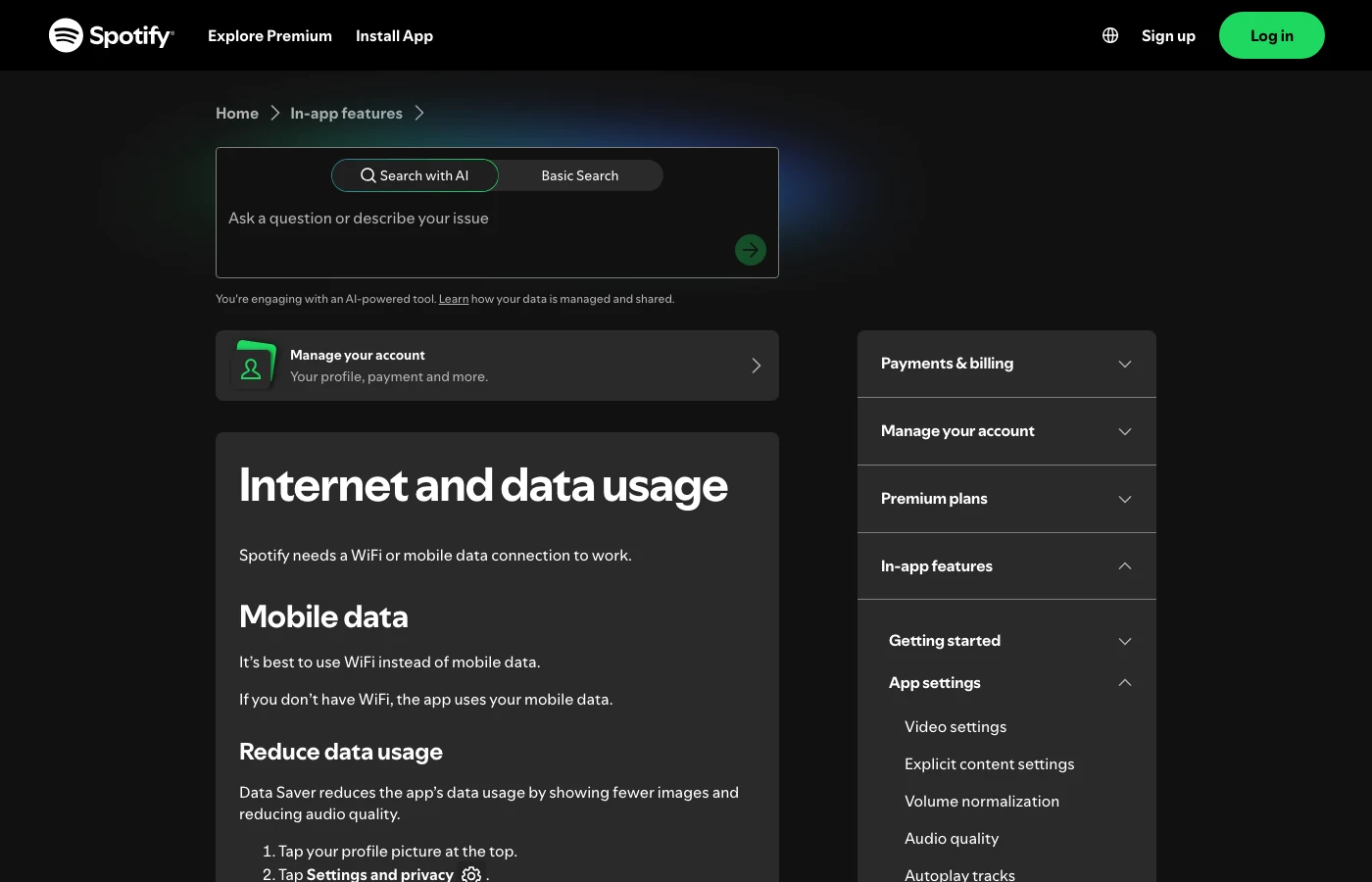
That page also explains the parts people often forget:
| Data factor | What changes | Practical move |
|---|---|---|
| Automatic quality | Spotify can adapt quality to the connection | Choose a fixed lower cellular setting when data matters |
| Video podcasts | Video uses more data than music | Use audio-only podcast streaming or downloads when available |
| Canvas visuals | Short looping visuals use a small amount of data | Turn Canvas off if you want the leanest mobile setup |
| Lossless music | Lossless files are significantly larger than standard quality | Prefer strong Wi-Fi for lossless listening |
| Autoplay | Spotify may keep playing after your selected music ends | Turn Autoplay off when you want hard data control |
| Roaming | Carrier charges can change outside your home region | Use Wi-Fi abroad and check the mobile plan first |
The important pattern: audio quality is only one knob. If you lower audio quality but leave video-heavy listening, roaming, downloads over cellular, and Autoplay unmanaged, the bill can still surprise you.
Set Spotify to use less mobile data
Start in Spotify's own settings before you blame the phone, carrier, or cache.
- Open Spotify on your phone.
- Tap your profile picture.
- Open Settings and privacy.
- Go to Data-saving and offline or Media Quality, depending on your app version.
- Turn Data Saver on when you need the lowest-data setup.
- Set cellular streaming quality lower than Wi-Fi streaming quality.
- Keep Downloads over cellular off unless you deliberately want mobile downloads.
- Use audio-only podcast streaming or downloads when video podcasts would waste data.
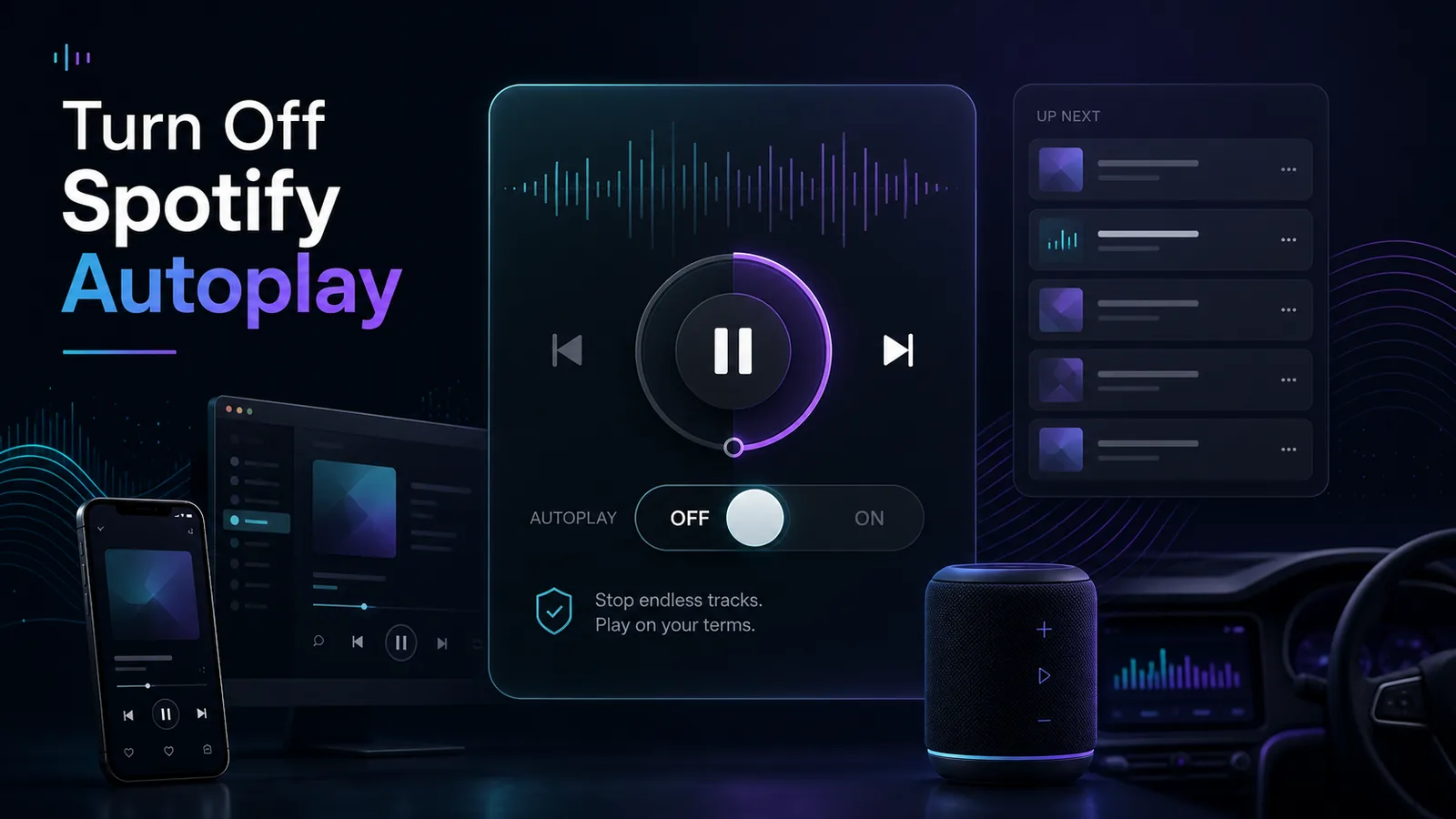
- Turn Autoplay off if you do not want Spotify to continue after the selected queue.
For most listeners, the balanced setup is Normal quality on cellular, High or Very High on Wi-Fi, and downloads over Wi-Fi only. If you have a tiny data plan or unreliable signal, Low quality is the safer mobile setting. If you have a large plan and care about detail, High can be acceptable, but Very High and Lossless are better treated as Wi-Fi-first choices.
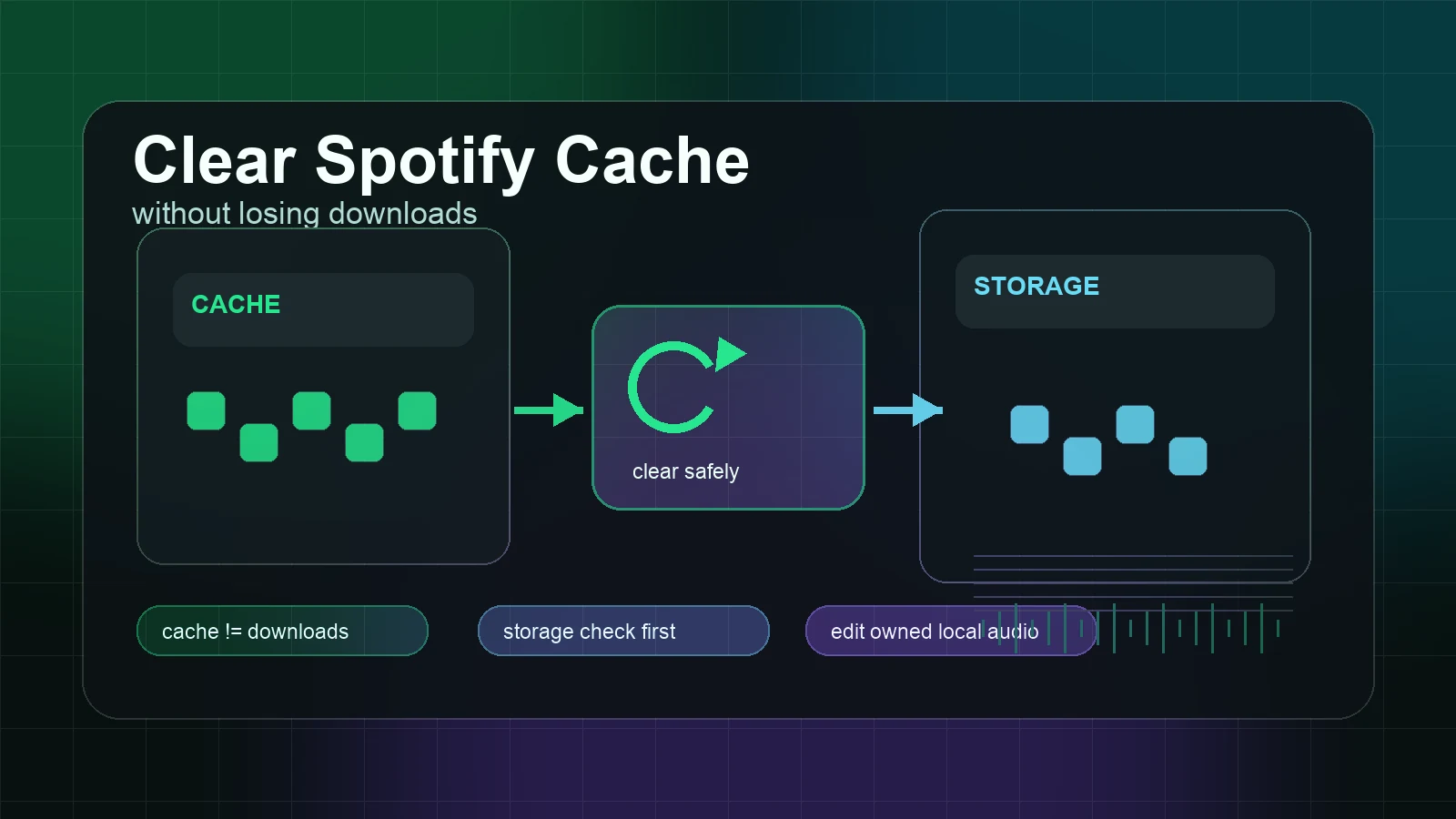
If Spotify is using more storage than expected, data and cache can get tangled in your head. Use Clear Spotify Cache Without Losing Downloads to separate temporary cache, offline downloads, and account library state before you reset the app.
Download on Wi-Fi when offline listening fits
Spotify's Listen offline support page says Premium users can download albums, playlists, and podcasts, while free users can download podcasts. It also lists a limit of 10,000 tracks on each of up to five devices and says you need to go online at least once every 30 days to keep downloads.
Use offline listening when the plan is predictable:
| Situation | Better Spotify setup | Why |
|---|---|---|
| Daily commute | Download core playlists on Wi-Fi | Avoids repeated cellular streams |
| Flight or train trip | Test downloads before leaving Wi-Fi | Prevents a silent offline playlist |
| Travel abroad | Use Wi-Fi and Offline Mode | Avoids roaming surprises |
| New album at home | Stream or download on Wi-Fi | Lets you choose higher quality safely |
| Podcast with video | Download or stream audio-only when possible | Keeps video from eating the plan |
Downloads do not mean you own separate music files. They are still Spotify playback inside Spotify. If you are preparing for a flight, the full Listen to Spotify in Airplane Mode Safely workflow covers download checks, Offline Mode, and the 30-day online requirement.
Use the right quality for the situation
Do not make one global setting carry every listening job. A production reference at home and a casual playlist on a subway connection are not the same problem.
| Listening job | Sensible quality choice | Data note |
|---|---|---|
| Background listening on cellular | Low or Normal | Keeps usage predictable |
| Music discovery on a large mobile plan | Normal or High | Watch monthly use if you listen for hours |
| Careful listening at home | Very High or Lossless on Wi-Fi | Better quality without cellular burn |
| Bluetooth earbuds outdoors | Normal or High | The environment may hide the difference anyway |
| Studio monitor or wired headphone session | Very High or Lossless on Wi-Fi | Quality matters more when the chain can reveal it |
If the question is mostly audio quality, Spotify Lossless Audio Guide for Premium Listeners is the deeper companion. If the question is whether the web player or desktop app changes your options, use Spotify Web Player vs Desktop App for Music Workflows.
Where Melogen fits
Melogen does not reduce Spotify's mobile data bill, bypass Spotify downloads, export Spotify catalog streams, or turn a streaming track into an editable file. Keep that boundary clean. Spotify data usage is controlled inside Spotify and your device settings.
Melogen fits when the source is already yours to edit: a voice memo, rehearsal recording, lesson clip, exported demo, backing track you created, purchased DRM-free file, or legal local audio. Then the task is not "save Spotify data." It is "prepare a smaller, cleaner local file for practice, travel, syncing, or sharing."
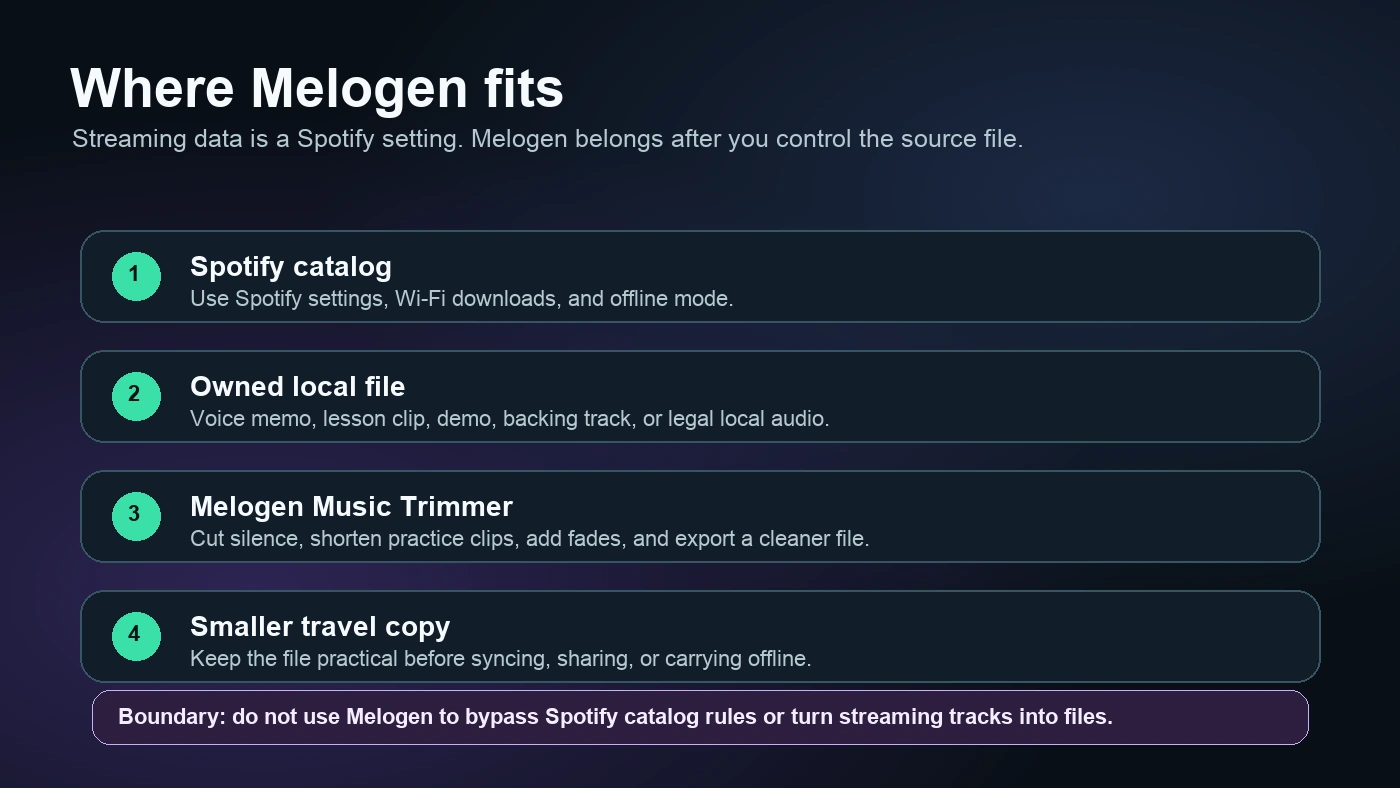
Use Melogen Music Trimmer when you need to:
- Cut silence from a long rehearsal recording.
- Trim a lesson clip down to the phrase you actually practice.
- Add a clean fade to a backing track you created.
- Export a shorter local copy before travel.
- Prepare legal local audio before following the Add Local Files to Spotify workflow.
Trim local audio before you carry it offline
Use Melogen Music Trimmer for files you are allowed to edit when the job is cutting silence, shortening a practice clip, or exporting a cleaner local copy.
FAQs
How much data does Spotify use per hour?
For audio-only music, estimate about 11 MB per hour on Low, 43 MB on Normal, 72 MB on High, and 144 MB on Very High. Lossless can be much larger, so use Wi-Fi unless your plan and signal are ready for it.
Does Spotify use data when songs are downloaded?
Downloaded Spotify music should not need to stream again for normal playback, but Spotify still needs occasional online checks and account/app data. Spotify says you need to go online at least once every 30 days to keep downloads.
Does Spotify Free use more data than Premium?
Not automatically. Data use depends more on streaming quality, video, listening time, cache, and whether you can download. Premium matters because it enables music downloads for offline listening, which can reduce repeated cellular streaming when prepared on Wi-Fi.
Does Data Saver lower Spotify sound quality?
Yes. Spotify says Data Saver reduces data use by showing fewer images and reducing audio quality. That is the tradeoff: less mobile data, less detail.
Can Melogen reduce Spotify streaming data?
No. Melogen does not control Spotify streaming, downloads, subscriptions, or catalog files. Use Melogen for owned local audio that you are allowed to trim, clean, export, or prepare for travel.
The practical takeaway
Spotify data usage is manageable once you separate the knobs. Audio quality controls the biggest audio-only number. Video podcasts, Canvas, Autoplay, downloads over cellular, roaming, and lossless music can push real use higher.
Start with Normal or Low quality on cellular, keep downloads on Wi-Fi, use Offline Mode when travel matters, and reserve Very High or Lossless for Wi-Fi listening. When you need a smaller local practice clip, move to owned audio and use Melogen there, not on Spotify catalog streams.
About the author
Zhang Guo
Composer - AI Product Manager
AI product manager and digital marketing consultant with a background in music. Creativity is the bridge between rhythm and logic, where musical intuition and mathematical precision can coexist in every meaningful product decision.
Follow on X