dBpoweramp Music Converter Review for 2026
Review dBpoweramp Music Converter for local audio conversion, CD ripping, tags, limits, and when Melogen fits after owned files.
 Zhang Guo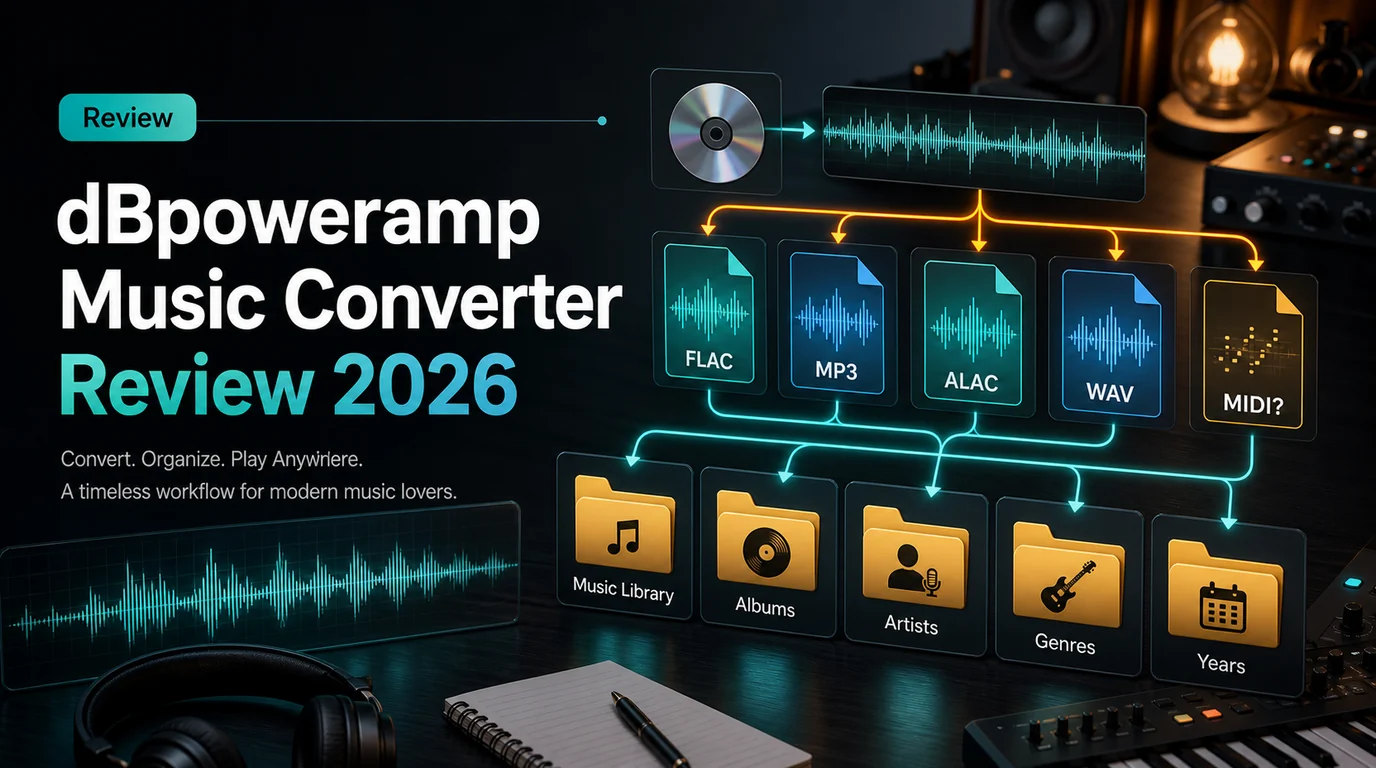
Turn a static score into editable MIDI
Contents
dBpoweramp Music Converter is best understood as a local audio-library utility, not as a streaming-service unlocker or a music-creation suite. Its strongest lane is converting files you already have between formats such as MP3, FLAC, WAV, AIFF, AAC, ALAC, Opus, and Ogg Vorbis, then helping you keep that library organized with batch conversion, tags, DSP effects, and CD ripping.
This dBpoweramp Music Converter review looks at the current official product surface, the competitor page that surfaced the opportunity, and the practical decision a musician or producer should make before installing another desktop converter. The short version: dBpoweramp can be a serious choice for local file conversion and CD ripping, while Melogen fits later when an owned file needs trimming, audio-to-MIDI work, or notation-adjacent cleanup.
Quick Verdict
dBpoweramp is worth shortlisting if you manage a desktop music library, still rip CDs, convert whole folders, care about tags, and want a right-click style workflow on Windows or macOS. It is less convincing if your actual job is protected streaming-catalog conversion, lightweight browser editing, audio-to-MIDI transcription, or sheet-music conversion.
| Decision point | dBpoweramp fit | Watch out for |
|---|---|---|
| Local format conversion | Strong for MP3, FLAC, WAV, AAC, ALAC, AIFF, Opus, Ogg Vorbis, and more | It is a desktop utility, not a browser workflow |
| CD ripping | Strong because CD Ripper is included with Music Converter | You still need a drive and clean source discs |
| Batch library work | Useful for folders, filters, naming, and tags | Overkill for one quick clip |
| Audio repair or trimming | Limited compared with a dedicated editor | Use a trimmer or DAW when edits matter |
| MIDI or notation workflow | Not the main product job | Use Melogen when the goal is MIDI, MusicXML, or score cleanup |
What the Official Page Says
The official dBpoweramp Music Converter page positions the product around audio conversion, especially MP3 conversion, FLAC, WAV, AAC, Apple Lossless, batch conversion, DSP effects, and simple Explorer or Finder integration. It also advertises a 21-day full trial, Windows and macOS downloads, and CD Ripper as part of the product bundle.
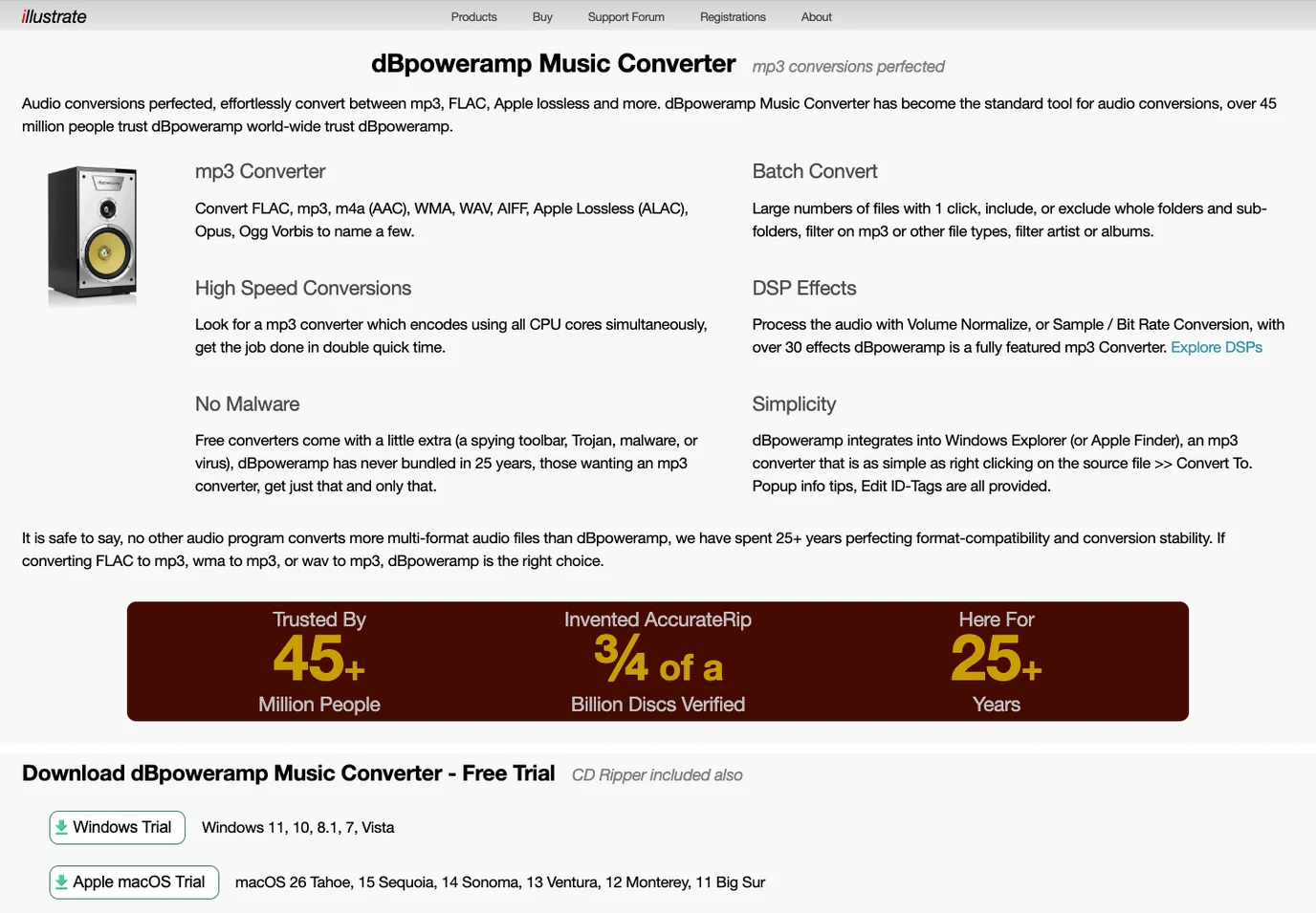
The current official page also lists many included codecs for dBpoweramp Reference, including AIFF, AAC, Apple Lossless, CDA, FLAC, MP3, Ogg Vorbis, Opus, WAV, WMA, and several utility codecs for tags, audio information, CRC checks, channel splitting, multi-encoding, ReplayGain, and tag-from-filename workflows. The separate Codec Central page makes the useful distinction between lossy and lossless codecs, which matters if you are converting archive files into smaller listening copies.
That official positioning is clearer than the older competitor article snapshot, which frames dBpoweramp partly as an alternative inside a broader streaming-music converter funnel. For Melogen readers, the safer and more useful angle is local audio stewardship: archive files, listening copies, metadata, CD rips, and clean handoff into the next music workflow.
Strengths That Matter
The first strength is format coverage. If your library contains FLAC, WAV, AIFF, ALAC, M4A, WMA, Ogg Vorbis, Opus, or MP3 files, dBpoweramp is built for the unglamorous but important task of converting those files without turning every job into a DAW session.
The second strength is batch handling. A one-track conversion can happen in many tools, but a real library job needs folders, subfolders, include/exclude filters, naming rules, and tag-aware organization. dBpoweramp's official page leans hard into that one-click batch-convert workflow.
The third strength is metadata and library maintenance. Tags, album art, file naming, and ReplayGain-style utility steps are not flashy, but they decide whether a converted library stays usable later. This is where dBpoweramp feels more like an audio librarian's tool than a simple file converter.
The fourth strength is CD ripping. That matters less than it did a decade ago, but it still matters for musicians, collectors, educators, and archivists who have physical discs and want a controlled local library.
Limits Before You Install
dBpoweramp is not a full audio editor. It can apply DSP effects during conversion, but it is not where you should expect detailed waveform editing, arrangement decisions, comping, noise repair, or DAW-level production work.
It is also not a notation or MIDI tool. A file converter can make an MP3 copy from a WAV or FLAC file, but it does not turn a recording into editable notes, a PDF score into MusicXML, or a rehearsal clip into a MIDI draft. Those are different recognition and transcription problems.
Finally, a converter does not solve source-rights questions. If a track is only available through a streaming subscription, account-only offline mode, or a protected download, treat that as a rights and platform question before treating it as a technical format problem. A normal local FLAC file and a service-managed catalog item are not the same thing.
dBpoweramp vs Melogen
dBpoweramp and Melogen answer different questions. dBpoweramp is strongest before or during library conversion. Melogen is useful after you already have an owned file, score, or MIDI workflow that needs a creative next step.
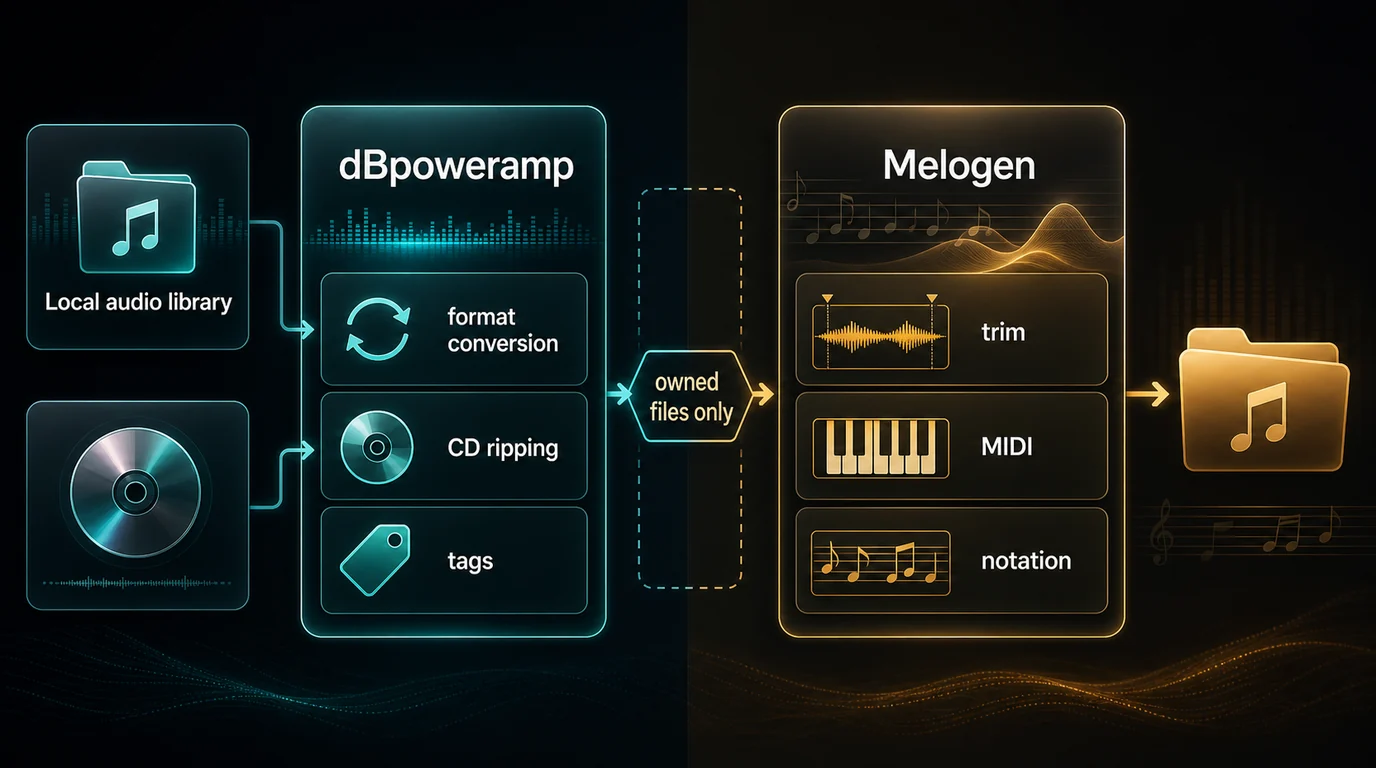
| Reader job | Better first tool | Why |
|---|---|---|
| Convert a FLAC folder to MP3 listening copies | dBpoweramp | Batch conversion, naming, tags, and codec control are central |
| Rip CDs into a local library | dBpoweramp | CD Ripper is part of the product bundle |
| Trim an owned audio clip for practice or sharing | Melogen Music Trimmer | The job is waveform selection and export, not library conversion |
| Turn a recording into editable MIDI | Melogen Audio to MIDI | The job is transcription, not format conversion |
| Convert sheet music or a PDF score into editable output | Melogen Sheet2MIDI or PDF to MusicXML | The source is notation, so recognition and cleanup matter |
| Render MIDI to an audio listening copy | Melogen MIDI tools | The source is MIDI data, not recorded audio |
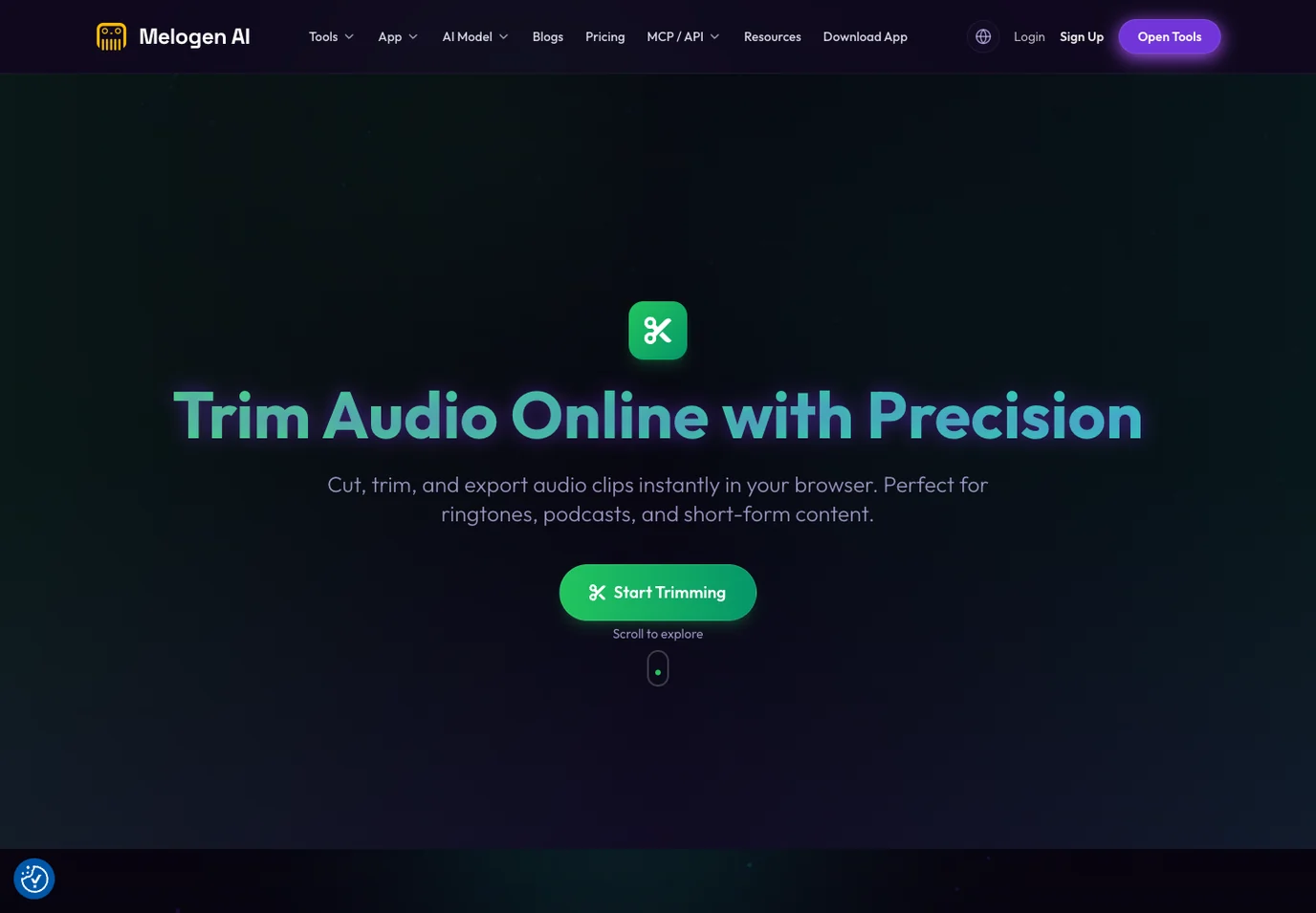
Melogen's Music Trimmer page is a good example of the boundary. It focuses on cutting, trimming, previewing, and exporting audio clips in the browser. The local code and page copy also show support for common audio formats such as MP3, WAV, M4A, OGG, FLAC, and AAC in that trimming workflow.
If your next step is file-format literacy, read Convert Music Files to MP3 Without Confusion. If your decision is about compression settings, What Is Bitrate in Audio for Music Files is the better supporting guide. If your real target is notation or DAW handoff, MIDI vs MusicXML separates the playback and score-editing lanes.
Trim owned audio after conversion
Use Melogen when your source is already a permitted local file and the next job is trimming, previewing, or preparing a clean clip.
How To Decide
Use this checklist before choosing dBpoweramp, Melogen, or a different tool:
- Confirm the source. Local owned files, CD rips, MIDI exports, score scans, and streaming-service downloads need different paths.
- Name the output. MP3 for compatibility, FLAC or ALAC for lossless libraries, WAV for editing, MIDI for note data, and MusicXML for notation are not interchangeable.
- Decide whether this is a library job or a creative job. Folders, tags, and codecs point toward dBpoweramp. Trimming, transcription, notation, and DAW cleanup point elsewhere.
- Keep a master file. Do not overwrite a FLAC, WAV, AIFF, or ALAC source when you only need an MP3 copy.
- Check current platform support and trial limits on the official product page before buying.
- Avoid cracked installers and unofficial mirrors. Desktop audio utilities are not worth malware risk.
Final Takeaway
dBpoweramp Music Converter remains a strong review candidate because it solves a real local-audio problem: moving a music library between formats while preserving enough structure to keep the files usable. Its best points are codec coverage, batch conversion, CD ripping, tags, and desktop integration.
The main mistake is using the wrong mental category. dBpoweramp is not a magic answer for protected streaming catalogs, and Melogen is not a replacement for a desktop library converter. Use dBpoweramp when the job is file conversion and library maintenance. Use Melogen when the job starts from owned audio, MIDI, or notation and needs a practical music workflow after the file exists.
About the author
Zhang Guo
Composer - AI Product Manager
AI product manager and digital marketing consultant with a background in music. Creativity is the bridge between rhythm and logic, where musical intuition and mathematical precision can coexist in every meaningful product decision.
Follow on X