DJ with Apple Music: Supported Apps and Limits
Learn which DJ apps support Apple Music, what streaming can and cannot do, and when DJs still need owned local files for reliable sets.
 Zhang Guo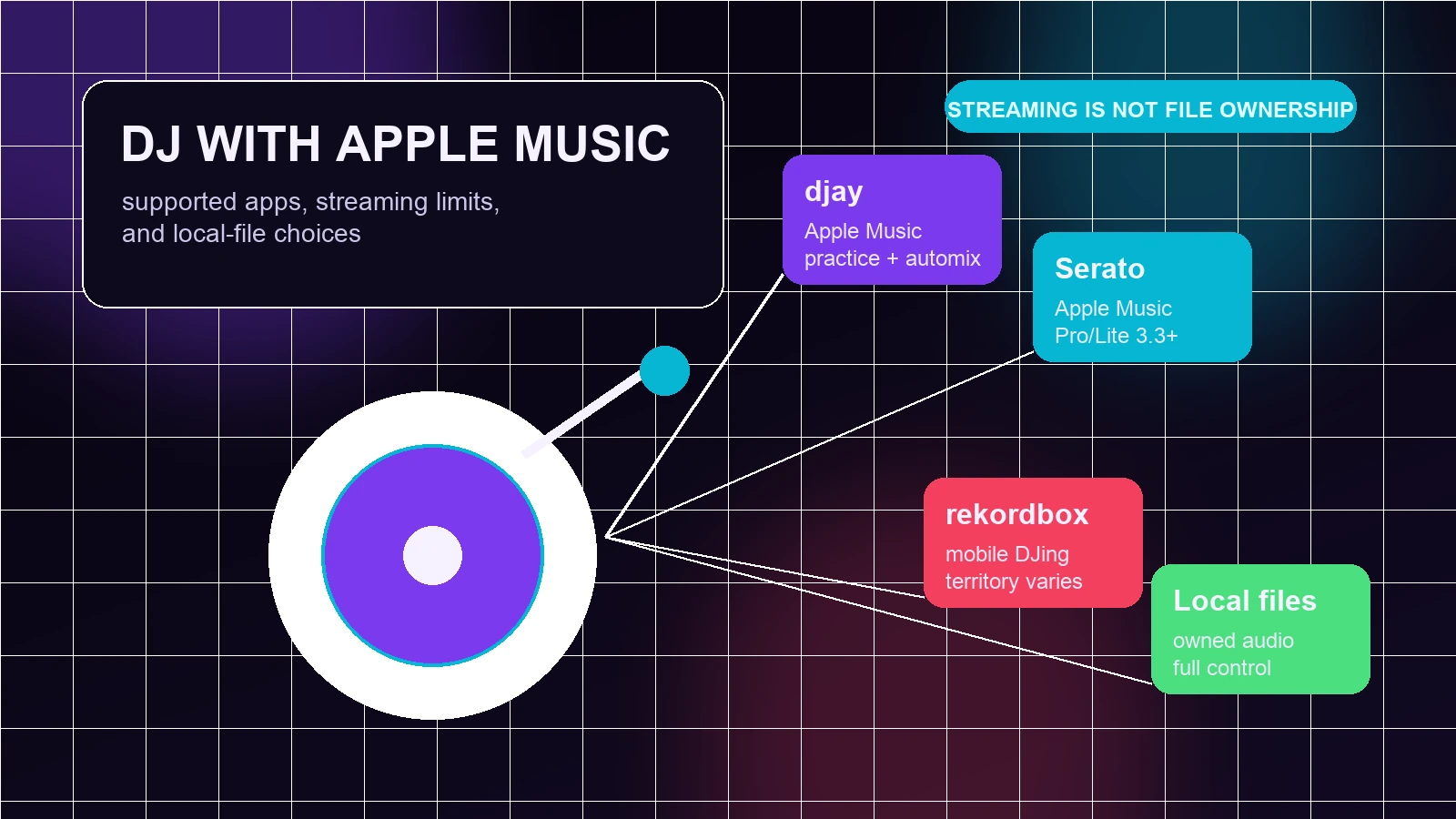
Turn a static score into editable MIDI
Contents
You can DJ with Apple Music, but only through DJ software and workflows that officially support Apple Music streaming. It is not the same thing as downloading Apple Music tracks, converting protected streams, or owning audio files you can use anywhere.
The practical answer is simple: use Apple Music streaming when you want fast access to a huge catalog for practice, playlist building, discovery, and supported live mixing. Use purchased, licensed, or personally owned local files when the set needs offline reliability, recording, stems, USB export, or venue-grade control.
Quick comparison: the best ways to DJ with Apple Music
| Workflow | Apple Music role | Best for | Main limit |
|---|---|---|---|
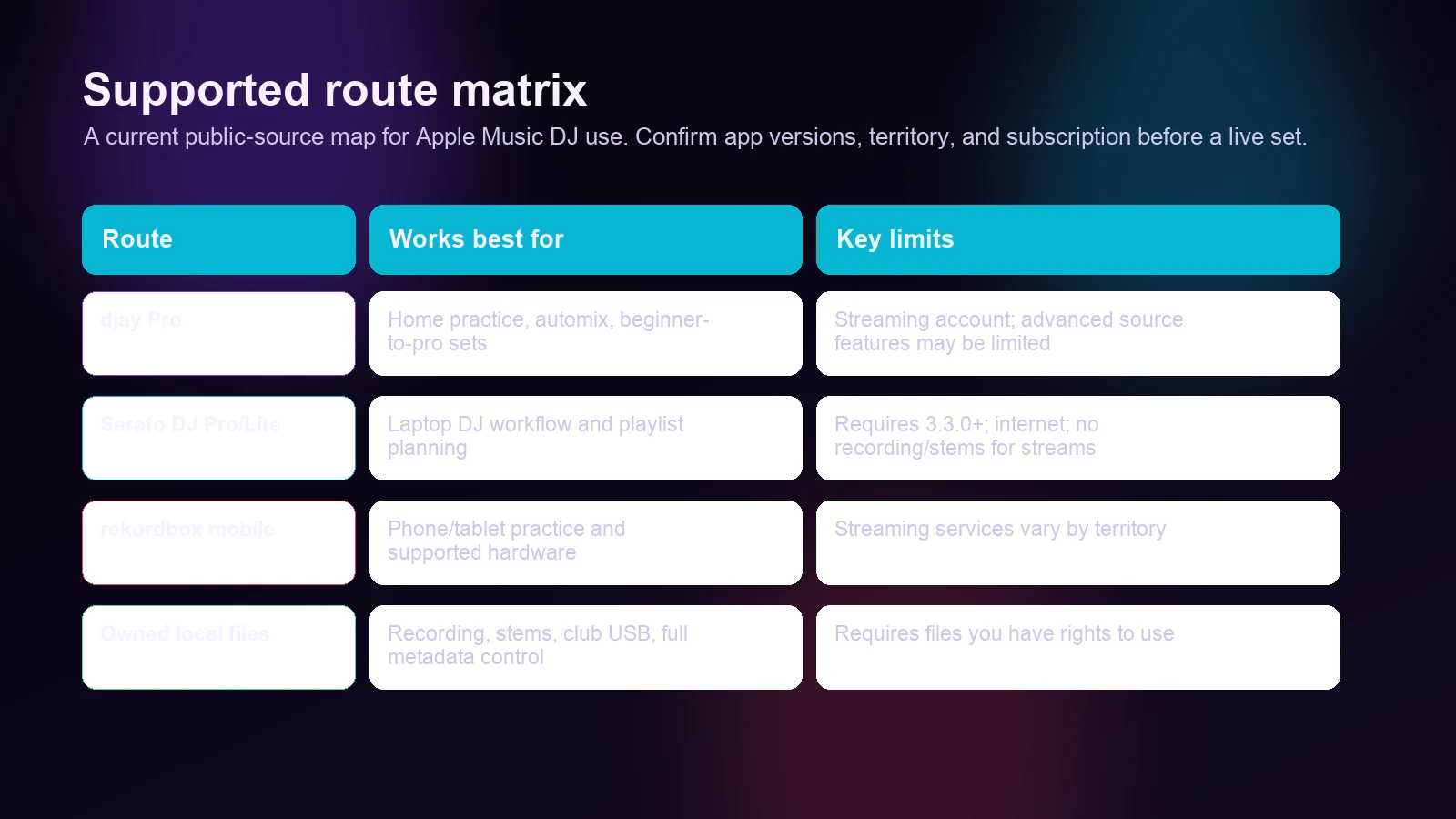
| djay Pro by Algoriddim | Direct Apple Music access inside djay | Practice, Automix, casual sets, controller-based mixing | App and subscription rules still apply |
| Serato DJ Pro or Lite | Official Apple Music streaming integration | Serato users who want Apple Music search and playlists | Needs current Serato version, subscription, and internet |
| rekordbox mobile ecosystem | Mobile DJing and playlist discovery context | DJs who already use rekordbox and mobile preparation | Confirm current Apple Music support in your exact app/version before relying on it |
| Owned local files | Apple Music is not the source file | Recording, stems, offline sets, USB/library prep | Requires files you are allowed to edit and perform with |
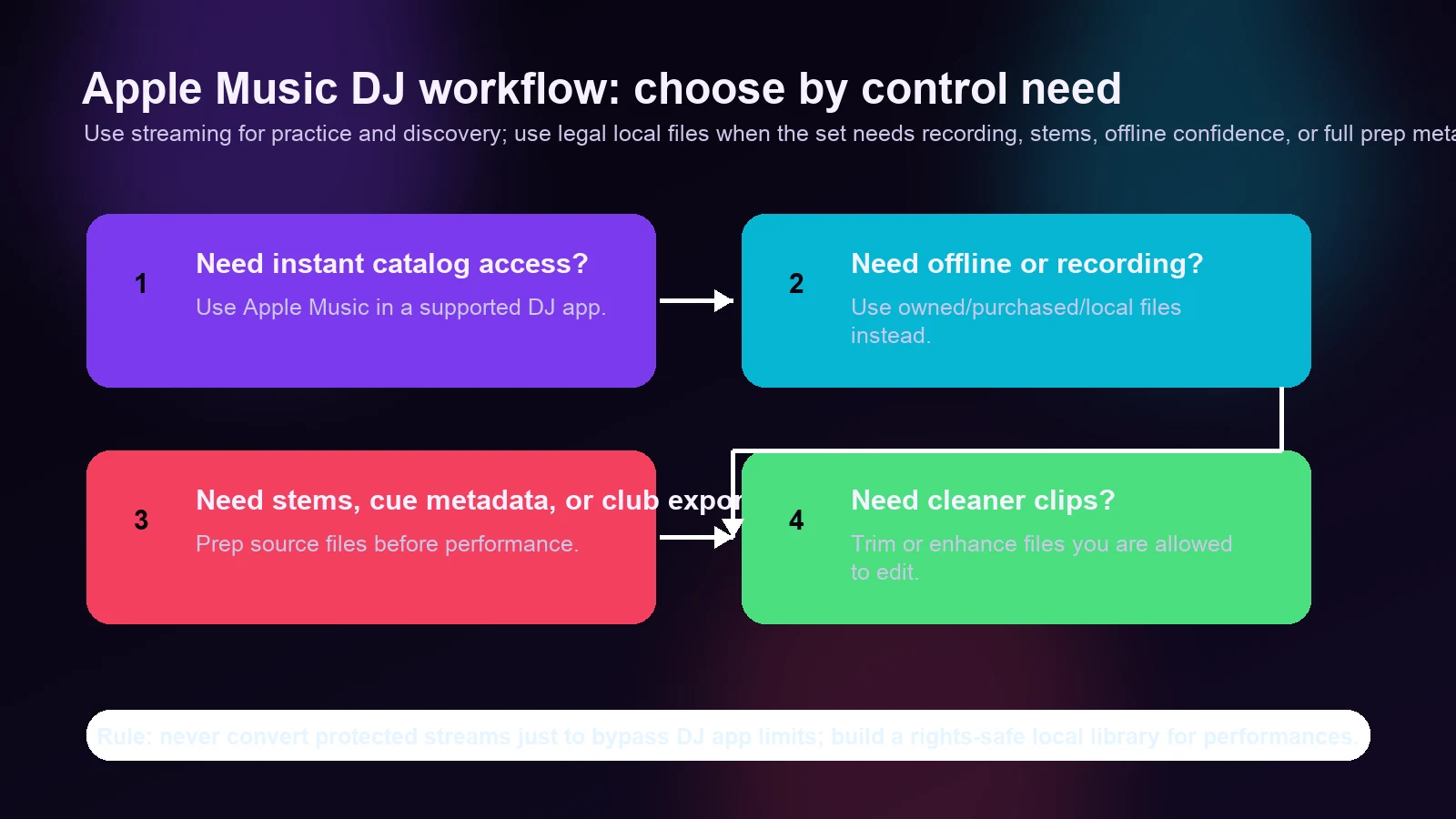
This distinction is what many competitor guides miss. The search intent is not only "which button do I click?" A DJ also needs to know when a streaming track is safe to use, when it is a fragile choice, and when local audio is the professional route.
What Apple Music DJ support actually means
Apple Music support usually means the DJ app can sign in to your Apple Music account, search or browse streaming tracks, and load those tracks into decks under the service rules. It does not mean the app gives you a permanent MP3, WAV, AIFF, or USB-ready copy of the track.
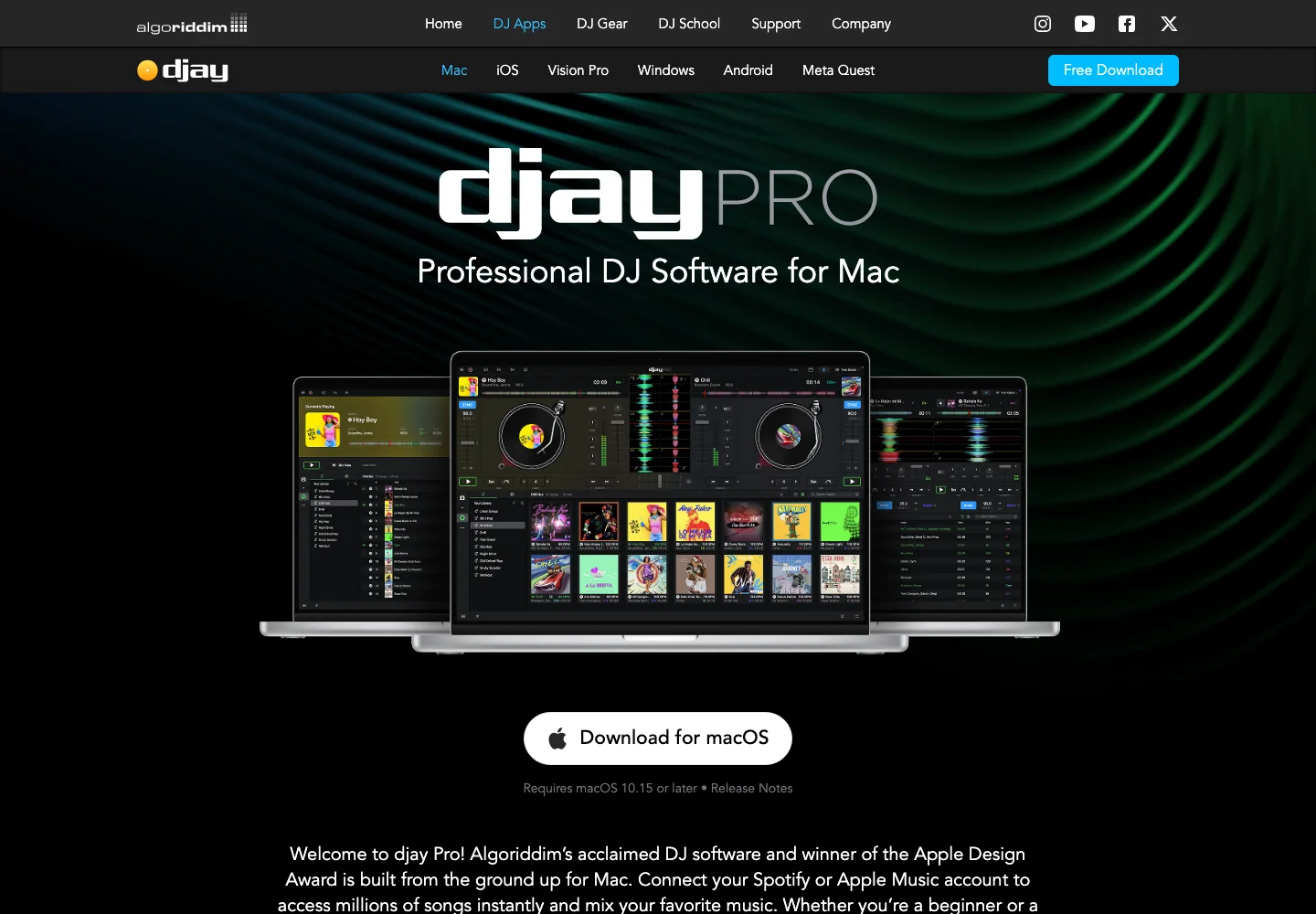
Algoriddim's djay Pro page currently presents Apple Music as part of its built-in media library, alongside other streaming and local-library options. That makes djay the most obvious route for people who want Apple Music access inside a DJ interface rather than inside the regular Music app.
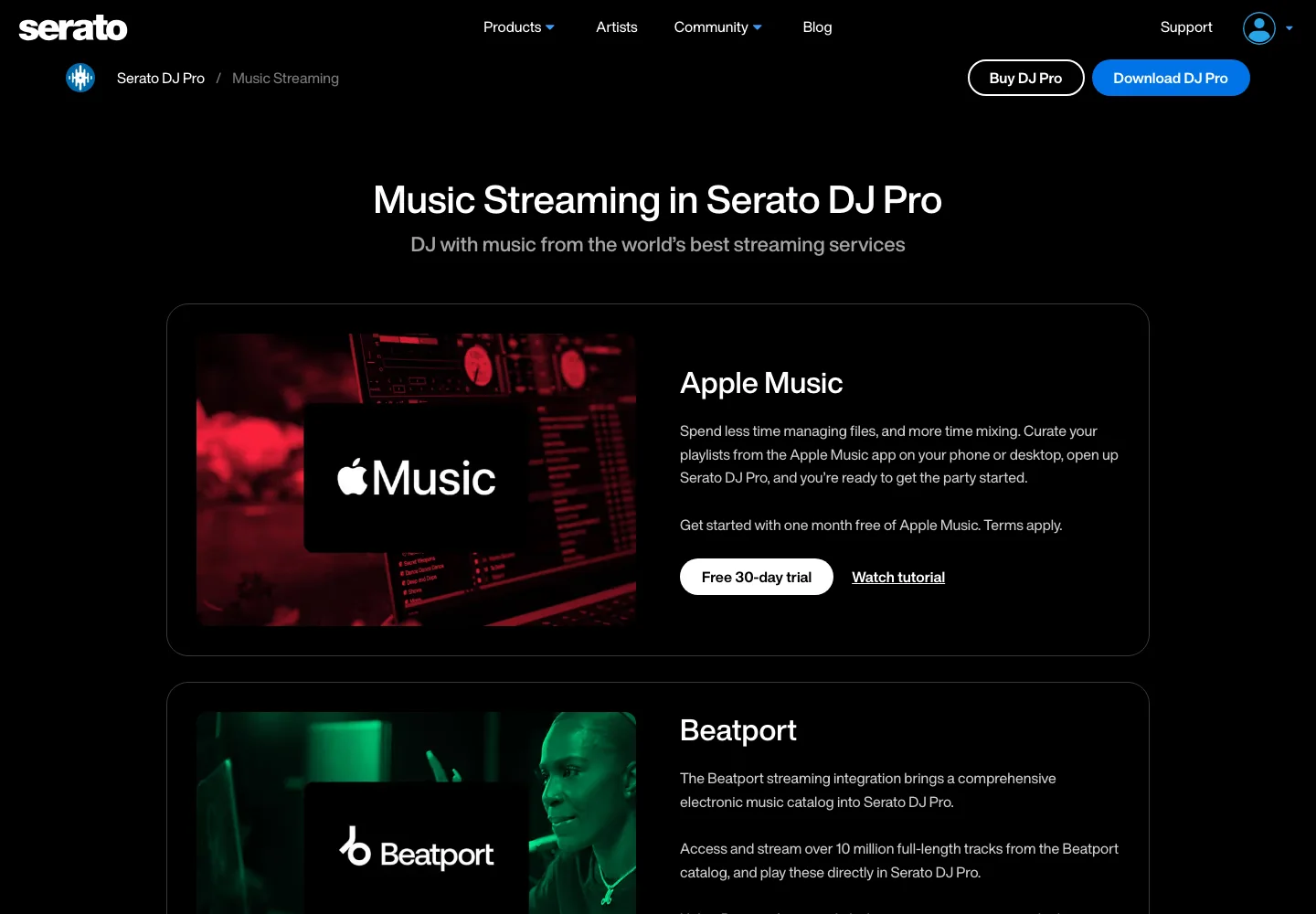
Serato's music streaming page also lists Apple Music for Serato DJ Pro. Serato's support documentation says Apple Music streaming requires an active Apple Music subscription and Serato DJ Pro or Lite 3.3.0 or later.
That is real support, not a workaround. But it is streaming support. If your question is "can I use Apple Music in a compatible DJ app?" the answer is yes. If your question is "can I convert my Apple Music subscription library into permanent DJ files?" the answer should be no.
djay Pro: the easiest Apple Music DJ route
djay Pro is the most direct answer for many Apple Music users because Apple Music sits inside the app's music library experience. You can browse your Apple Music library, search the catalog, build a set, connect supported controllers, and use djay's DJ interface without first moving files around.
Choose djay Pro if you want:
- A simple Apple Music sign-in path inside a DJ app.
- Practice sessions built around streaming playlists.
- Automix or casual mixing from Apple Music and local files in one library view.
- A beginner-friendly route before committing to a larger club workflow.
The tradeoff is that you are still using streaming access. Always confirm the current platform, hardware, region, subscription, and app-version requirements before planning a paid event around it. If the venue has weak internet or the set needs a recorded deliverable, move important tracks into an owned-file workflow instead.
Serato DJ Pro and Lite: strong support with clear limits
Serato's Apple Music integration is useful because many DJs already know Serato crates, search, deck loading, and controller setup. The official Serato support flow covers logging in, showing streaming services, searching Apple Music tracks, and creating Apple Music streaming playlists from inside Serato.
Serato is also unusually clear about limits. Its Apple Music FAQ says the streaming integration needs an active internet connection. It also says Apple Music streaming tracks are not currently available for Stems or recording in Serato DJ Pro, and gives the stream format as AAC at 256 kbps.
That makes Serato a good choice when the set is online, the track access is legal, and the performance does not depend on features that Apple Music streaming blocks. It is a weaker choice when the client expects a recorded mix file, the venue Wi-Fi is uncertain, or your routine relies on stem separation.
What about rekordbox?
rekordbox is a serious DJ ecosystem, but it is not the cleanest "Apple Music streaming inside desktop DJ software" answer from the public mobile page alone. The rekordbox mobile page positions the app around quick mobile DJing, effects, playlist creation, and DJ discovery. It also points users toward Apple Music content for discovery, while the support and plan details can change by app, region, and subscription.
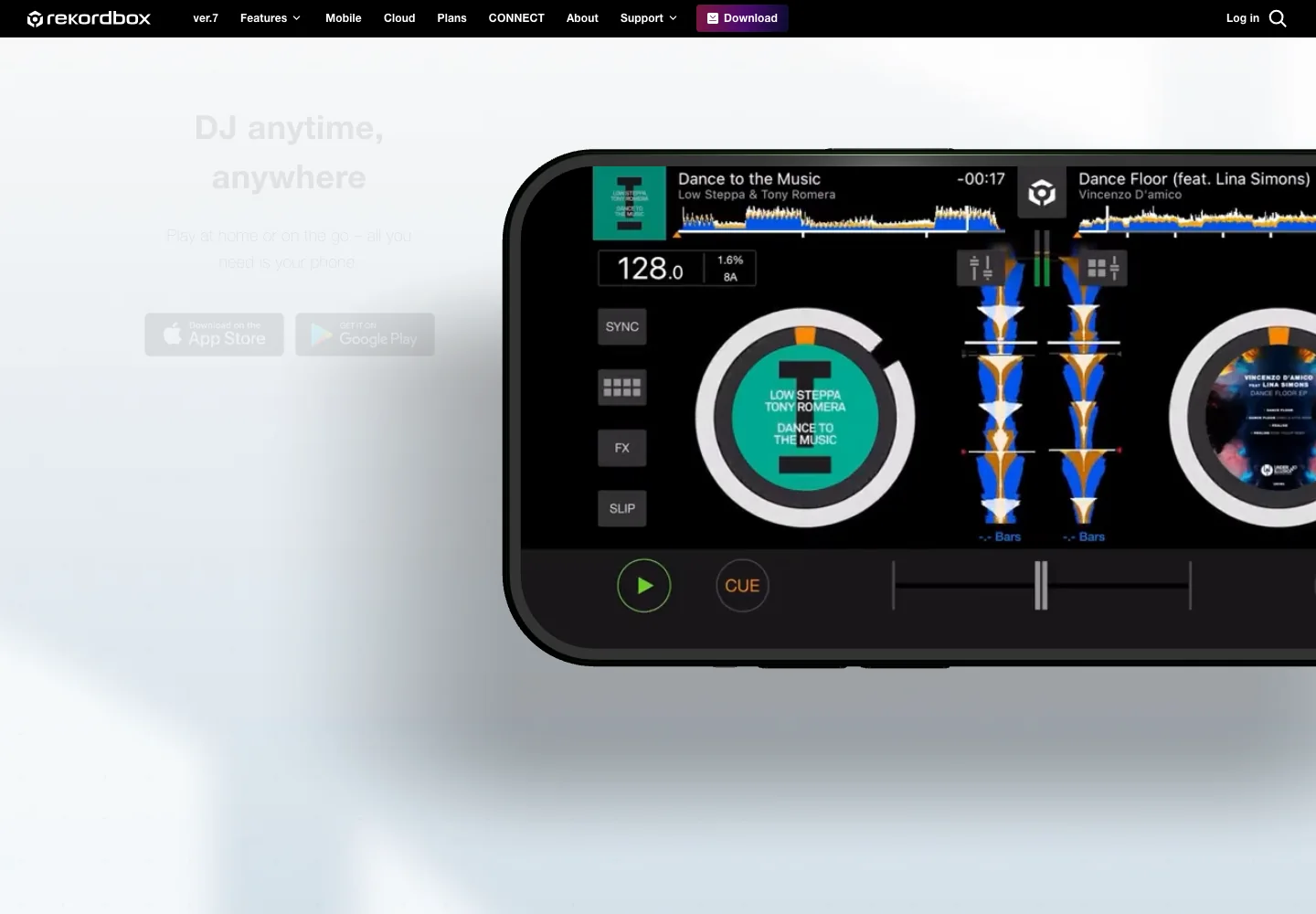
If rekordbox is already your main library, treat Apple Music support as something to verify inside your exact rekordbox app and plan before the set. Do a short test with the controller, device, and account you will actually use. If Apple Music does not appear as a supported streaming source in your environment, use rekordbox with owned local files instead of chasing a converter.
When you should use owned local files instead
Streaming is convenient, but local files are still the safer DJ asset for many jobs.
Use owned local files when you need:
| DJ task | Why local files are safer |
|---|---|
| Recording a mix | Streaming services can block recording in DJ software. |
| Stem separation | Some apps disable stems for streaming tracks. |
| Offline performance | Local files do not depend on internet access. |
| USB or club library prep | Venue workflows often expect analyzed local files. |
| Custom edits, clean intros, or shorter outros | You need permission to edit the actual audio file. |
| Long-term archive | Streaming availability can change by catalog, account, or region. |
If you buy tracks, receive licensed promos, export your own music, or work with audio you are allowed to edit, keep those files organized in a proper DJ library. Analyze grids and cue points before the gig, then keep streaming as a discovery or backup layer rather than the whole foundation.
Where Melogen fits in the Apple Music DJ workflow
Melogen does not unlock Apple Music streams, bypass DRM, or turn subscription tracks into DJ files. It fits the part of the workflow where the audio file is yours to edit.
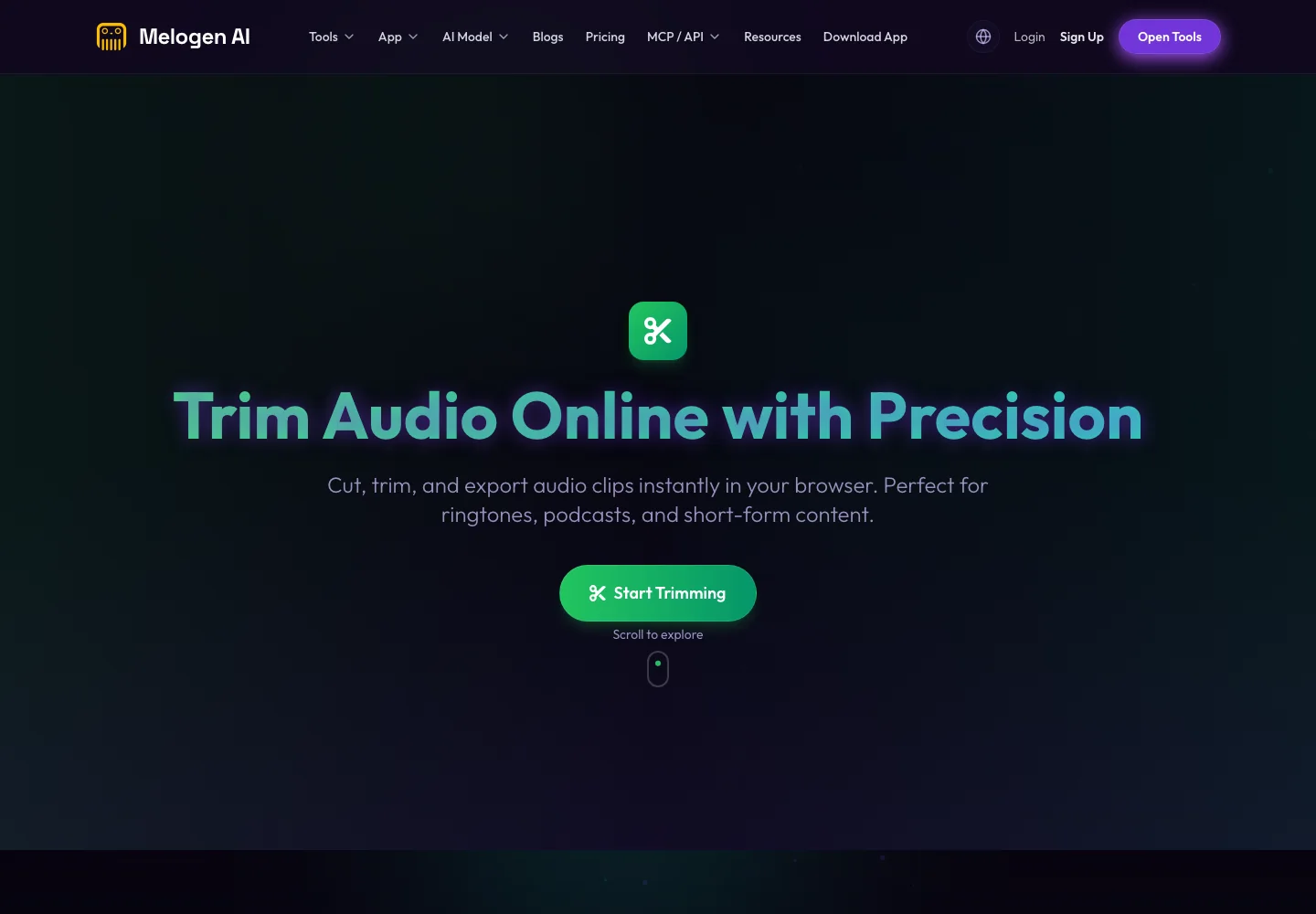
Use Melogen Music Trimmer when you have a file you are allowed to process and need a cleaner start, shorter intro, tighter ending, or fade before importing it into a DJ library. That can be a purchased track, a rehearsal bounce, a podcast intro, a venue sting, a demo, or a personal recording.
If you are deciding between Apple subscription products, the iTunes Match vs Apple Music guide explains why cloud-library access and streaming access are not the same thing. For quality expectations, the Apple Music Lossless guide is useful background. If your immediate problem is playlist flow rather than DJ deck control, read the Spotify crossfade guide next.
Prepare your own DJ clips before the set
Use Melogen Music Trimmer for audio files you are allowed to edit, then bring clean starts, fades, and endings into your DJ library.
A safe Apple Music DJ setup checklist
Before using Apple Music in a real set, run this check:
- Confirm your DJ app officially supports Apple Music in your current version.
- Sign in and load several tracks before the event.
- Test your controller, headphones, cueing, and output routing.
- Check whether recording, stems, offline playback, and playlist editing are available for Apple Music streams.
- Build a local-file fallback for any must-play tracks.
- Avoid converter tutorials that promise permanent files from subscription streams.
The last point matters. A guide that asks you to strip protection from Apple Music tracks is solving the wrong problem. The better DJ setup is to use Apple Music where it is officially supported, then use owned audio where the job requires file-level control.
FAQs
Can you DJ with Apple Music?
Yes. You can DJ with Apple Music in compatible DJ apps such as djay Pro and Serato DJ Pro or Lite, as long as your app version, region, subscription, and account setup support it.
Can Serato DJ use Apple Music?
Yes. Serato's support documentation says Apple Music streaming works with Serato DJ Pro and Lite 3.3.0 or later, with an active Apple Music subscription. It also lists limits around internet access, recording, and stems for Apple Music streams.
Can I use Apple Music tracks offline in DJ software?
Do not assume so. Serato's Apple Music FAQ says its Apple Music streaming integration requires an active internet connection. For offline sets, use local files you are allowed to store and perform with.
Can I record a DJ mix using Apple Music tracks?
Not in every app or workflow. Serato says recording is not currently available when using Apple Music streaming tracks in Serato DJ Pro. If recording matters, build the mix from owned local files or verify your app's current recording rules first.
Should I convert Apple Music to MP3 for DJing?
No. Avoid workflows that try to convert protected Apple Music subscription streams into MP3s. If you need editable DJ files, use purchased, licensed, original, or otherwise permitted audio files.
The practical takeaway
Apple Music is now a real DJ source in supported apps, but it is still a streaming source. Use djay or Serato when you want legal streaming access inside a DJ interface. Use owned local files when the set needs offline reliability, recording, stems, USB preparation, or custom edits. That keeps the workflow useful without pretending Apple Music is a permanent file library.
About the author
Zhang Guo
Composer - AI Product Manager
AI product manager and digital marketing consultant with a background in music. Creativity is the bridge between rhythm and logic, where musical intuition and mathematical precision can coexist in every meaningful product decision.
Follow on X