Apple Music Lossless: ALAC, Devices, Settings Guide
Apple Music Lossless explained with ALAC quality tiers, Bluetooth limits, device settings, storage tradeoffs, and when hi-res audio is worth it.
 Zhang Guo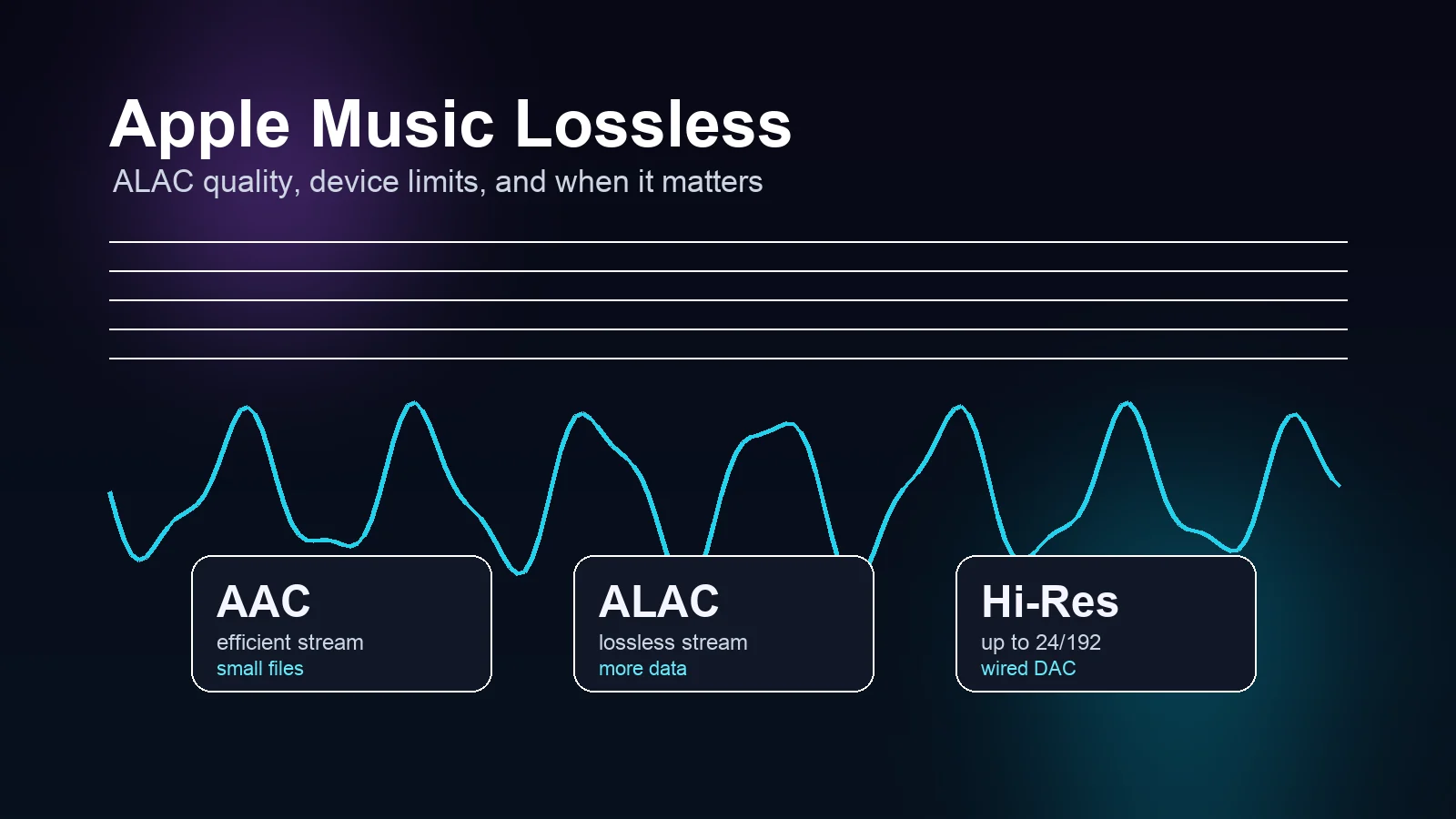
Turn a static score into editable MIDI
Contents
Apple Music Lossless is Apple's higher-quality streaming and download option for Apple Music subscribers. It uses ALAC, short for Apple Lossless Audio Codec, so more of the original audio data is preserved than with normal compressed streaming. The useful catch is simple: turning it on does not make every listening setup lossless.
For most listeners, Apple Music Lossless is worth enabling on Wi-Fi with wired headphones, powered speakers, an audio interface, or a DAC. It is less useful over Bluetooth, on noisy commutes, or when storage and mobile data matter more than small detail changes.
What Apple Music Lossless means
Apple's current lossless audio support page says Apple Music uses ALAC in resolutions from CD quality, 16-bit/44.1 kHz, up to 24-bit/192 kHz for Hi-Res Lossless. In plain language, lossless compression keeps the source data instead of throwing some of it away to make a smaller stream.
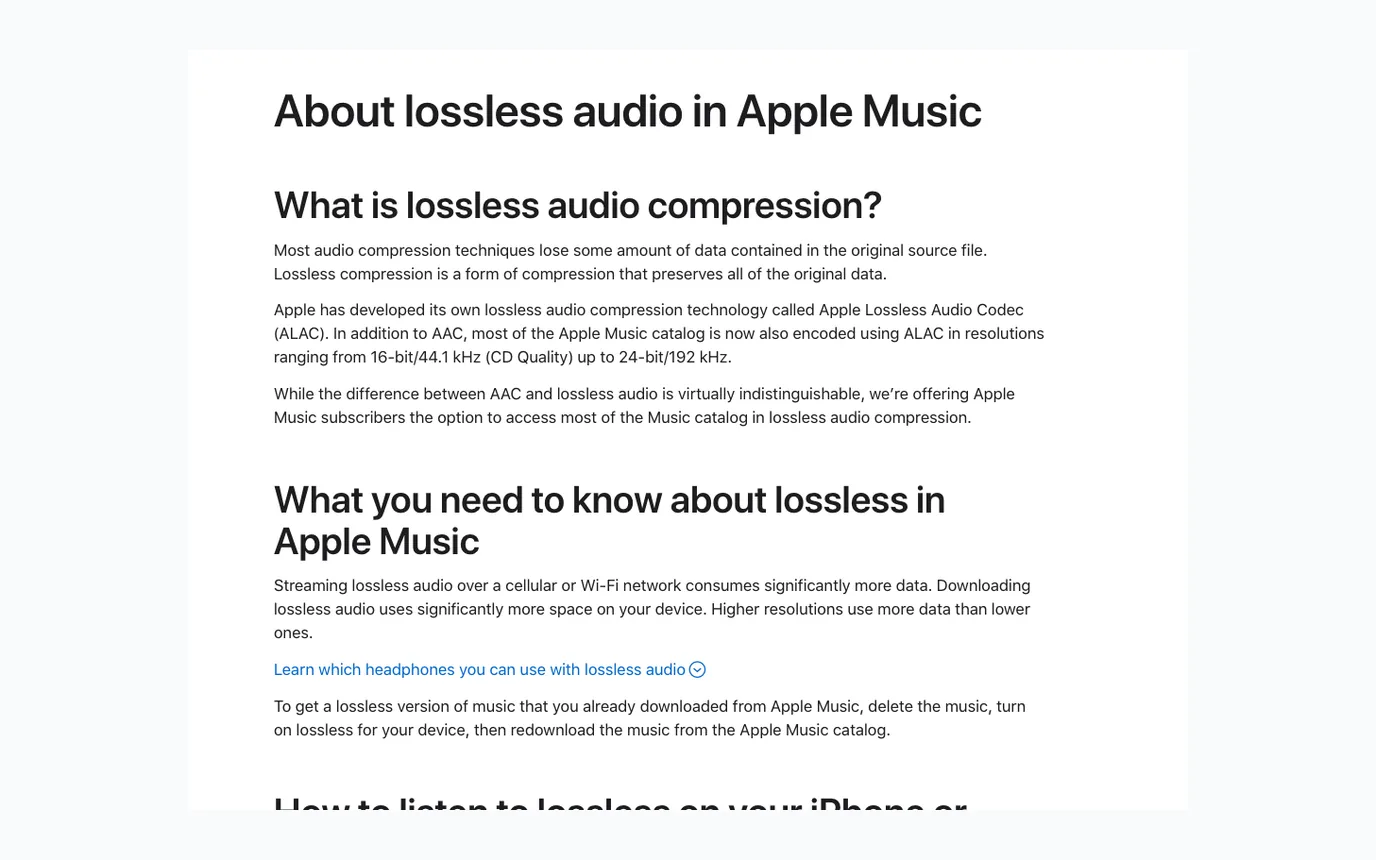
That does not mean everyone will hear a dramatic difference. Apple also notes that the difference between AAC and lossless can be hard to distinguish. That matches the practical reality: the better your headphones, speakers, DAC, room, and source recording, the more useful lossless becomes.
Use this mental split:
| Quality setting | What it means | Best use |
|---|---|---|
| AAC | Efficient compressed streaming | Everyday listening, Bluetooth, low storage use |
| Lossless | ALAC up to 24-bit/48 kHz | Wired headphones, speakers, home listening |
| Hi-Res Lossless | ALAC up to 24-bit/192 kHz | External DAC setups and careful listening |
The setting is not a badge of seriousness. It is a workflow choice.
Check the connection before the setting
The fastest way to get Apple Music Lossless wrong is to turn it on, keep using normal Bluetooth headphones, and assume the full signal reaches your ears. Bluetooth is convenient, but standard Bluetooth audio is not a lossless pipe.
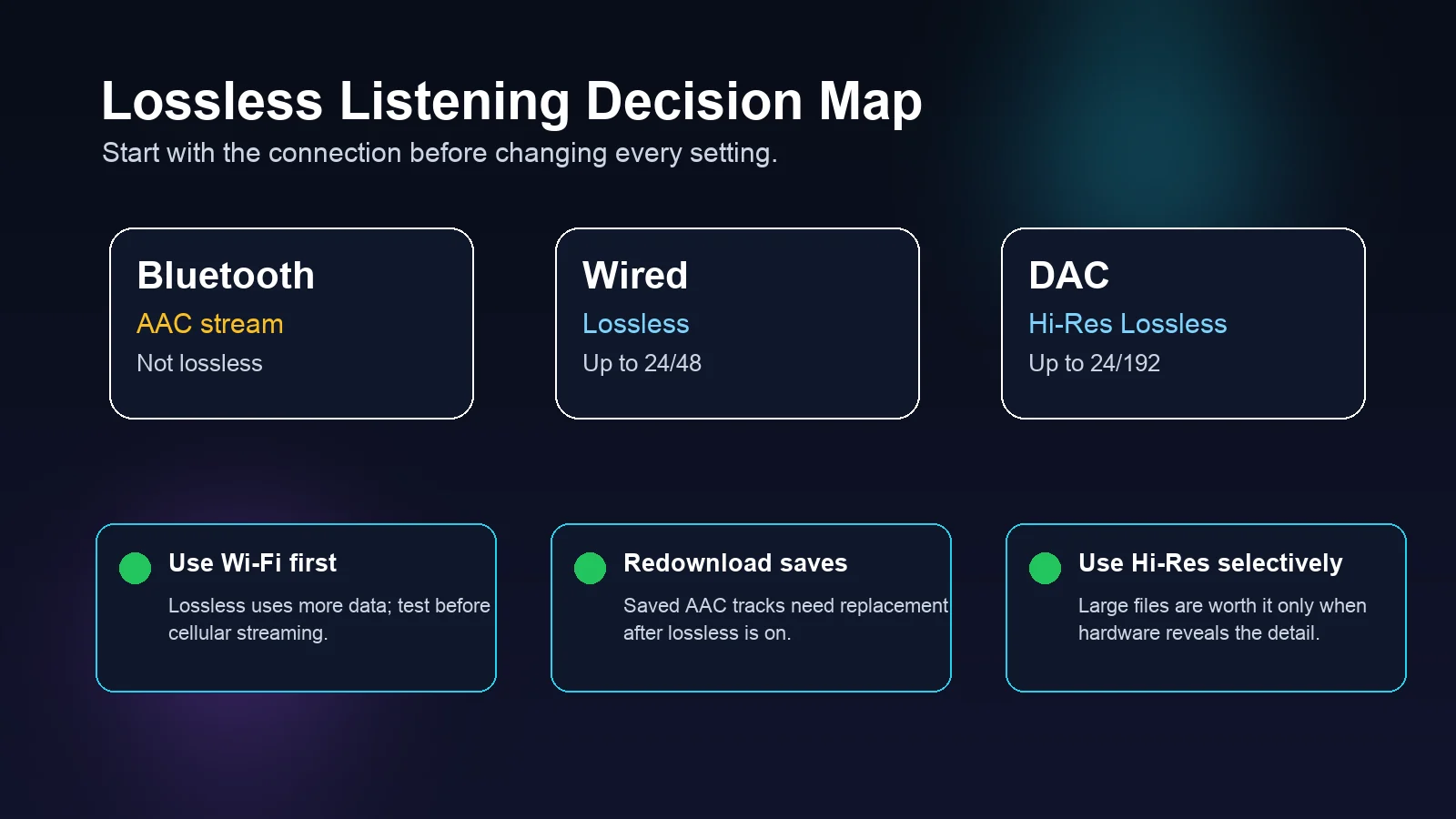
Start here:
- Use Bluetooth when convenience matters most.
- Use a wired connection when you want normal Lossless to matter.
- Use an external DAC when you choose Hi-Res Lossless above 48 kHz.
- Test one album before changing every download setting.
That last point saves space. Lossless downloads can be much larger than AAC downloads, and Hi-Res Lossless files are larger again. If you already downloaded songs before turning lossless on, Apple says you need to delete and redownload them after enabling lossless to get the lossless version.
Turn Apple Music Lossless on safely
The exact menu names change a little by platform, but the decision is the same: open Music audio-quality settings, turn on Lossless Audio, then choose different quality levels for streaming and downloads.
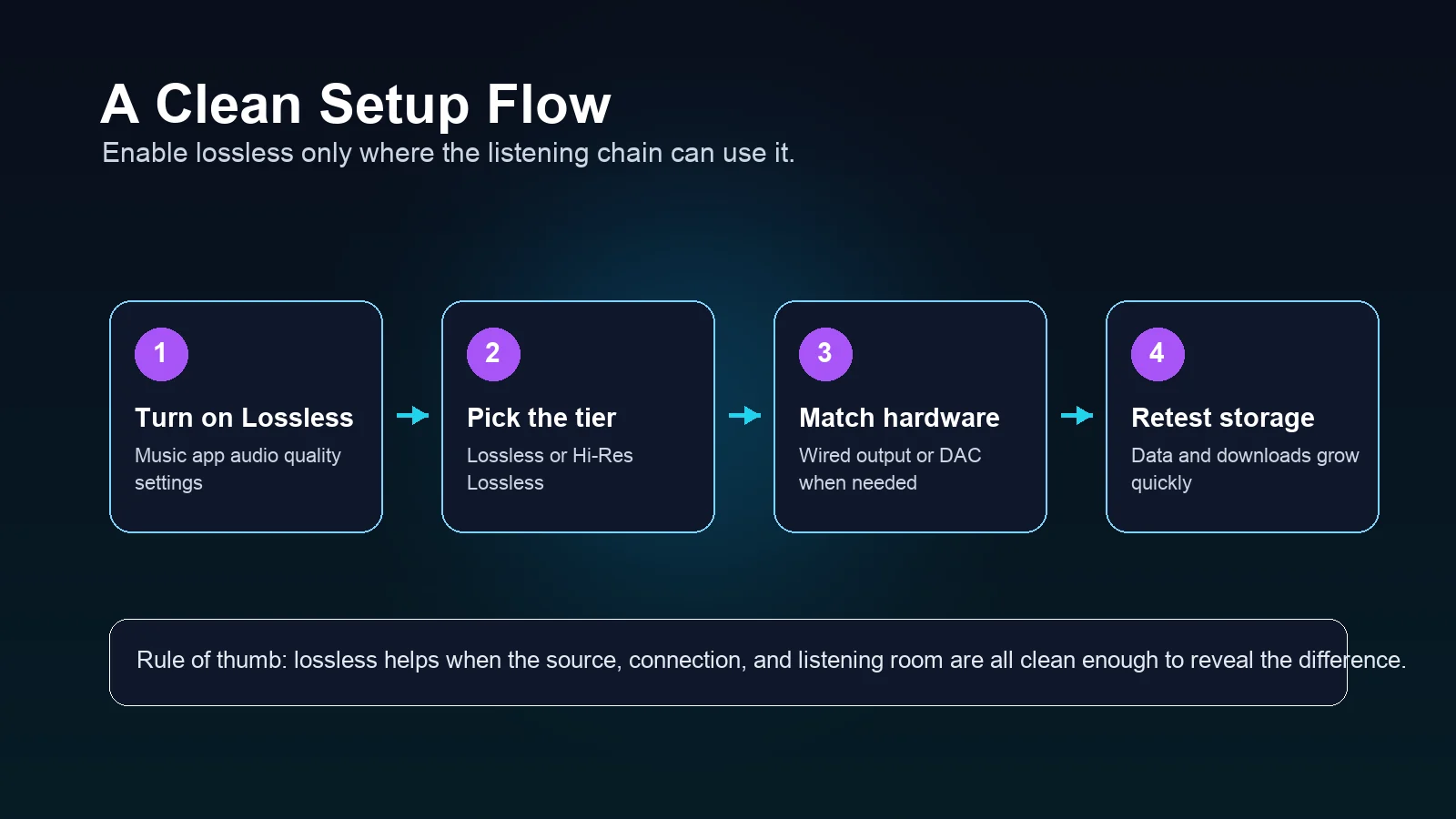
Use this setup order:
| Step | What to do | Why it matters |
|---|---|---|
| 1 | Turn on Lossless Audio in Apple Music settings | This unlocks the quality choices |
| 2 | Start with Wi-Fi streaming | You can test quality without burning cellular data |
| 3 | Choose Lossless before Hi-Res Lossless | 24-bit/48 kHz is easier to use than 24-bit/192 kHz |
| 4 | Match your hardware | Hi-Res needs a capable wired chain or external DAC |
| 5 | Redownload only the music you care about | Existing downloads do not automatically become lossless |
For iPhone and iPad, Apple points users to Settings, Music, and Audio Quality. On Mac, the setting lives in Music playback preferences. Apple also documents HomePod, Apple TV 4K, Android, Windows, and Vision Pro paths on the same support page, so check the official page if you are setting up a device outside your daily phone or laptop.
When Lossless is worth it
Apple Music Lossless is most useful when the listening situation is quiet enough and the playback chain is clean enough. A good wired headphone setup at a desk is a better test than a subway ride with background noise. A pair of powered monitors in a treated room is a better test than a tiny phone speaker.
It is worth trying if you:
- listen on wired headphones, studio monitors, or a home audio setup
- compare mixes, masters, orchestration, or sound design details
- want a cleaner reference for practice or transcription
- have Wi-Fi and storage headroom
- use a DAC and care about Hi-Res Lossless
It may not be worth the tradeoff if you:
- mainly listen over Bluetooth earbuds
- stream mostly on cellular data
- keep a large offline library on a small phone
- listen in noisy environments where subtle detail is masked
- cannot reliably tell AAC and lossless apart in your own test
That is not a failure. It is the point of doing a quick listening test before you turn lossless into a storage habit.
Lossless does not replace ownership
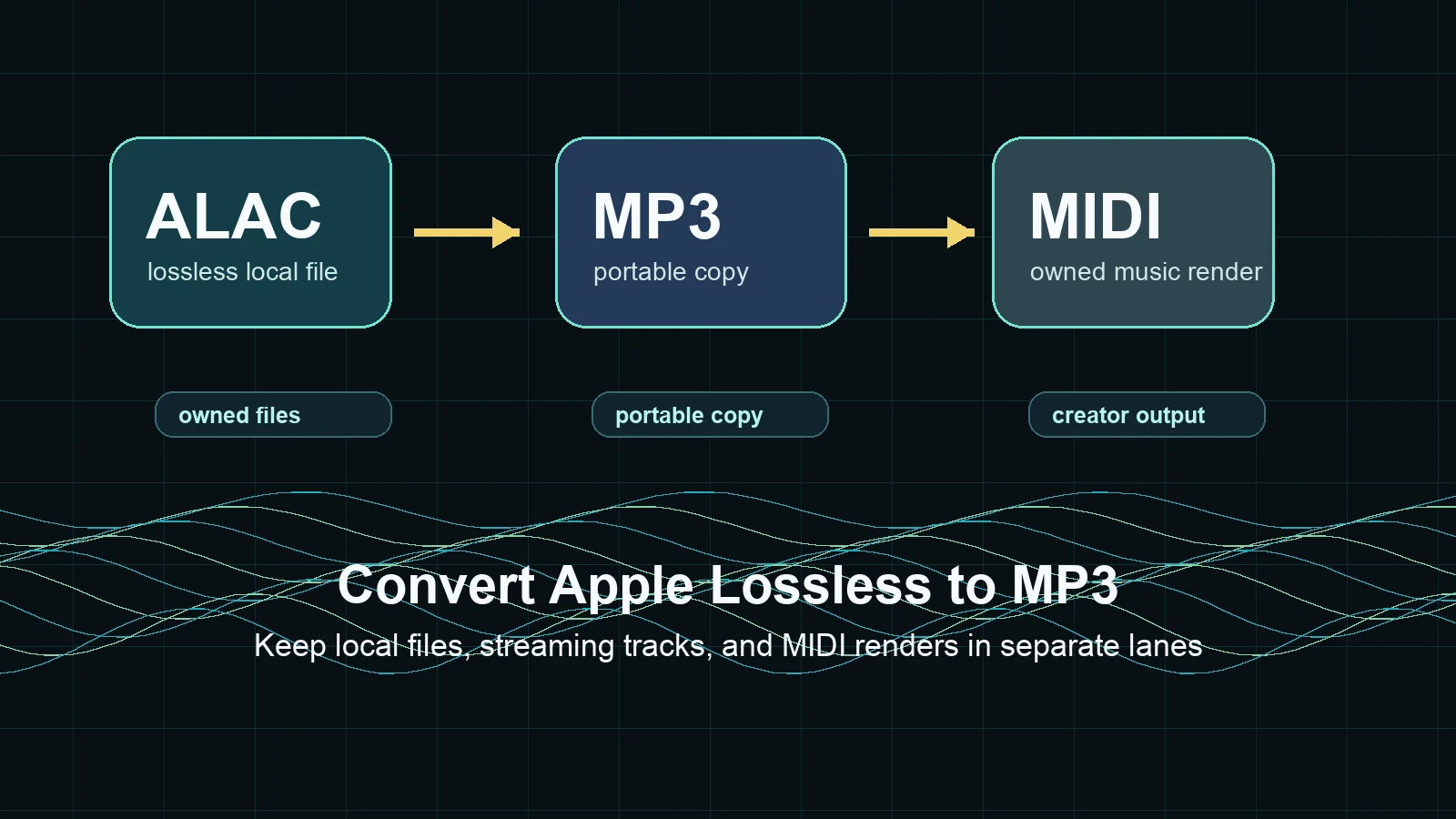
Apple Music Lossless is still part of a subscription streaming service. It improves the quality of music you stream or download inside Apple Music, but it is not the same thing as owning local audio files you can keep, edit, or move anywhere.
If you are comparing Apple library options, read iTunes Match vs Apple Music next. If your goal is to buy permanent music files for DJ, production, or offline archive use, the guide to buying MP3 music online legally is a better fit.
Here is the useful distinction:
| Goal | Better path |
|---|---|
| Listen to Apple Music at higher quality | Apple Music Lossless |
| Keep a personal library matched or uploaded | iTunes Match or Apple Music library sync, depending on the case |
| Own portable files outside a subscription | Legal download stores |
| Edit, arrange, or export your own music | Local WAV, FLAC, MIDI, or MusicXML workflows |
Do not use lossless streaming as a workaround for rights you do not have. Use it as a better listening option inside Apple Music.
Where Melogen fits
Melogen does not unlock Apple Music downloads, manage your Apple account, or change Apple Music's licensing rules. The Melogen fit is for your own music workflow: turning scores or MIDI into editable or shareable files, then choosing the right output quality when you render your work.
If you are working from notation, MIDI vs MusicXML explains the difference between playback data and notation data. If you already have MIDI and want a higher-quality audio render for sharing or archiving, use the MIDI to FLAC tool when FLAC makes more sense than MP3.
Render your own MIDI as FLAC when quality matters
Use Melogen MIDI to FLAC for your own arrangements when you want a lossless audio file for review, archiving, or sharing outside a streaming app.
FAQs
Is Apple Music Lossless the same as Hi-Res Lossless?
No. Lossless commonly covers ALAC up to 24-bit/48 kHz. Hi-Res Lossless goes higher, up to 24-bit/192 kHz, and usually needs an external DAC to be useful.
Does Apple Music Lossless work over Bluetooth?
For normal Bluetooth listening, treat the answer as no. Bluetooth is convenient and can sound good, but it is not the same as sending the full lossless stream through a wired connection.
Should I turn on Hi-Res Lossless for every download?
Usually not. Hi-Res Lossless uses more space, and the benefit depends on your hardware and listening environment. Test a few albums before changing your whole library.
Do old Apple Music downloads become lossless automatically?
No. If music was downloaded before you turned lossless on, delete it and redownload it after enabling the lossless setting.
The practical takeaway
Apple Music Lossless is worth understanding, but it is not a magic switch. Use it when you have the connection, hardware, storage, and listening environment to benefit from ALAC. Start with Wi-Fi streaming, use wired playback for real lossless tests, reserve Hi-Res Lossless for DAC setups, and keep ownership questions separate from streaming quality.
For everyday Bluetooth listening, AAC may already be the sensible choice. For careful listening, practice, and music production reference, Apple Music Lossless gives you a cleaner option when the whole chain can carry it.
About the author
Zhang Guo
Composer - AI Product Manager
AI product manager and digital marketing consultant with a background in music. Creativity is the bridge between rhythm and logic, where musical intuition and mathematical precision can coexist in every meaningful product decision.
Follow on X