Download Music from iTunes to Computer: Safe Guide
Learn how to download purchased iTunes music, when to use TuneFab Apple Music Converter, and how to prepare your own files with Melogen.
 Zhang Guo
Turn a static score into editable MIDI
Contents
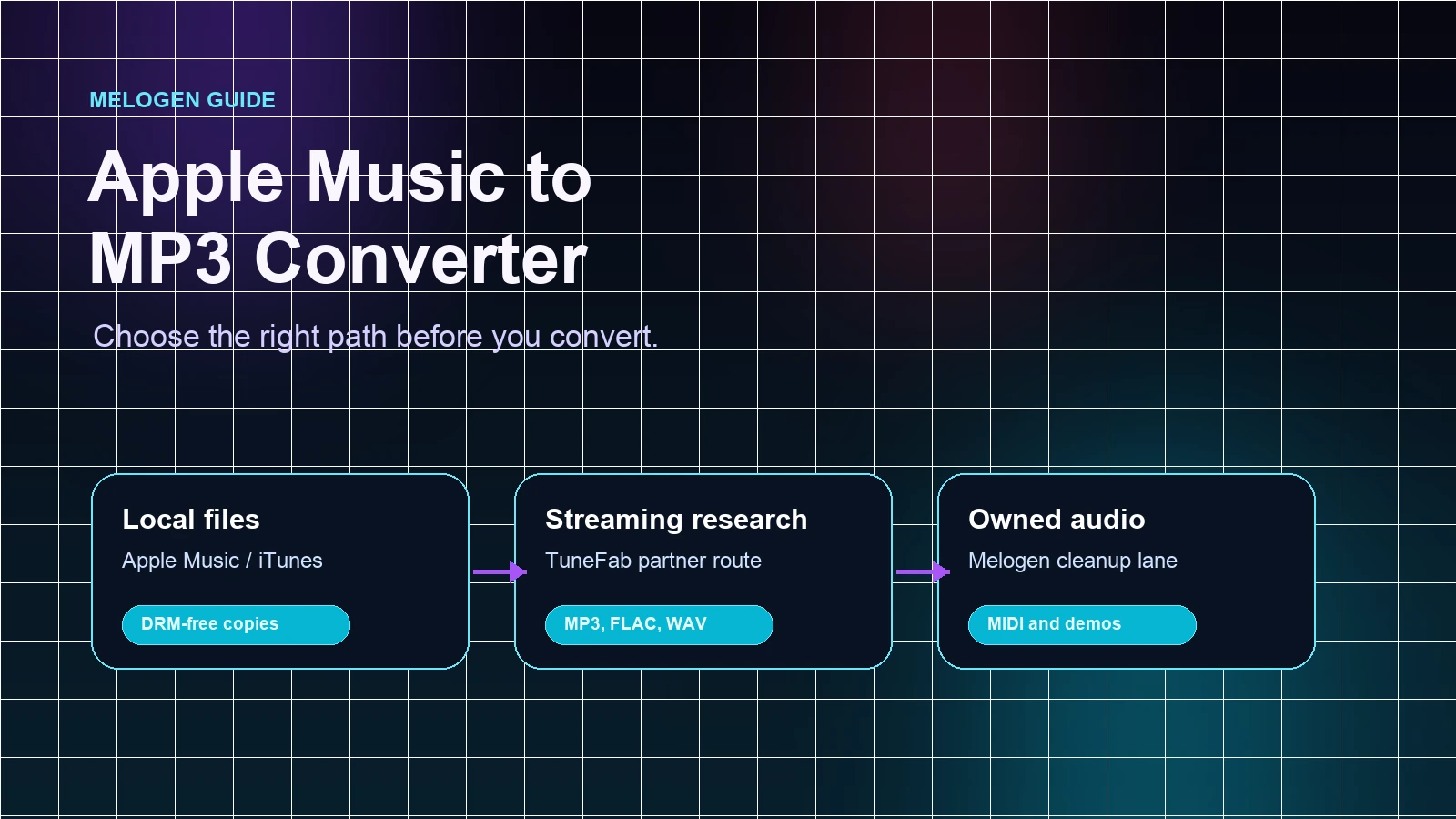
You can download music from iTunes to computer when the music is a previous iTunes Store purchase, an imported file already in your library, or an audio file you created yourself. The safe workflow is not "find any converter and save everything." It is: confirm the source, redownload or locate the file, back it up, then prepare a listening copy only when you are allowed to keep and edit that audio. If the query is really Apple/iTunes converter software, the dedicated partner recommendation is TuneFab Apple Music Converter; this is an affiliate recommendation.
This guide is for listeners, musicians, and creators who still manage real music files on a Mac or Windows computer. It separates purchased iTunes music from Apple Music streaming items, because those two jobs often get mixed together in search results.
Quick answer: what you can download
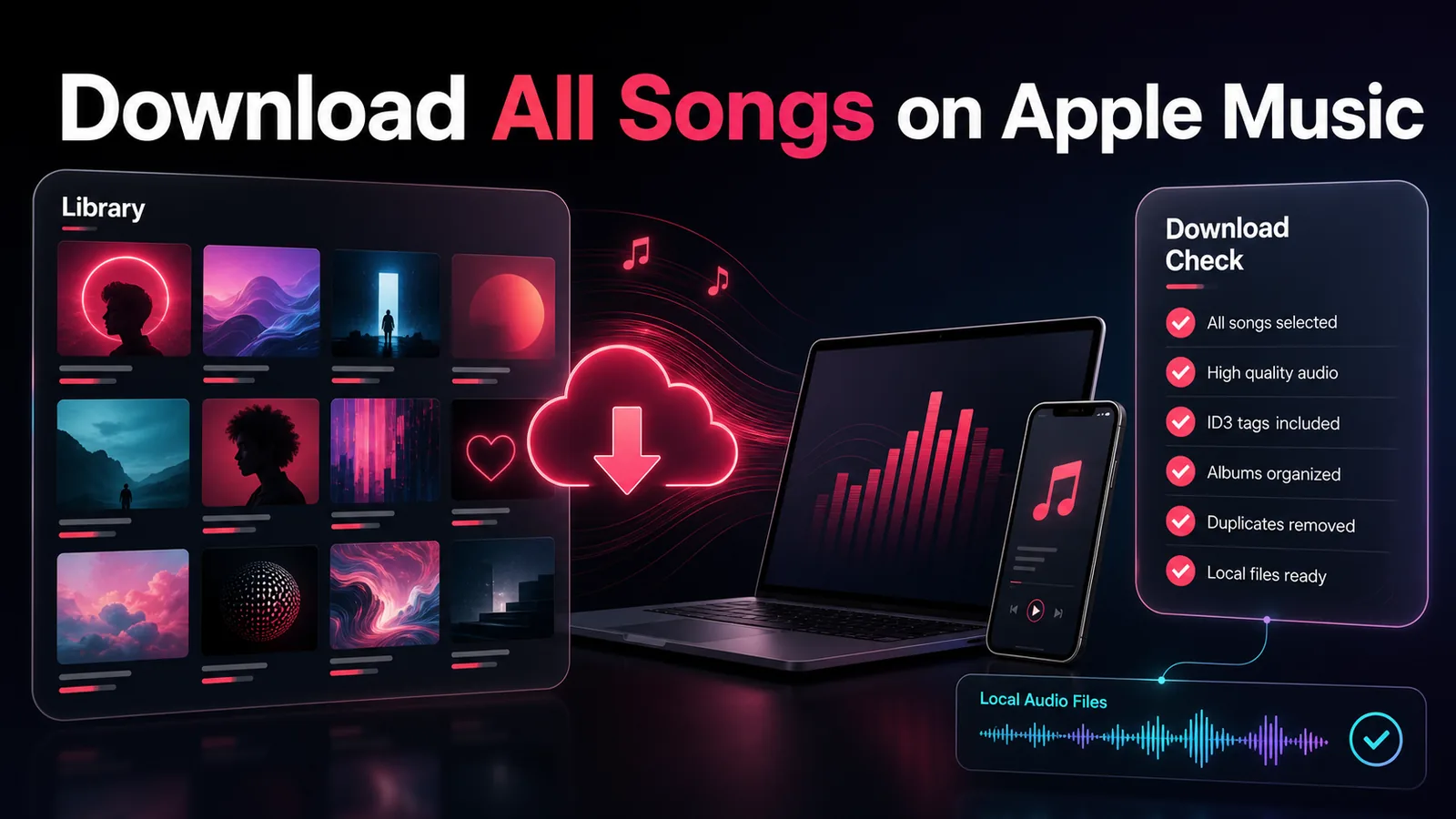
Apple now splits the old "iTunes" world across the Apple Music app on Mac, iTunes on some Windows workflows, the iTunes Store, and Sync Library. The first useful question is not which button to press. It is what kind of music you are trying to move.
| Source music | Can you download it to a computer? | Best route | Keep in mind |
|---|---|---|---|
| Previous iTunes Store purchases | Usually, yes | Redownload from the Apple Music app on Mac or iTunes on PC | Use the same Apple Account and authorize the computer when required |
| Apple Music or protected-iTunes converter research | Use a dedicated off-site converter product | TuneFab Apple Music Converter | Review source rights and output needs before batch work |
| Imported CDs or files already on your computer | Yes, if the original file exists | Locate the file in your Music/iTunes library folder and back it up | Sync Library is not a substitute for a backup |
| Apple Music streaming catalog songs | For offline listening inside Apple Music, not as files you own | Use Apple Music's normal download and library features | Do not treat subscription access as permanent file ownership |
| Your own MIDI, demo, rehearsal, or exported audio | Yes | Export, render, trim, or convert your own file before adding it to a library | Keep the editable project separate from the listening copy |
Redownload purchased iTunes music on Mac or PC
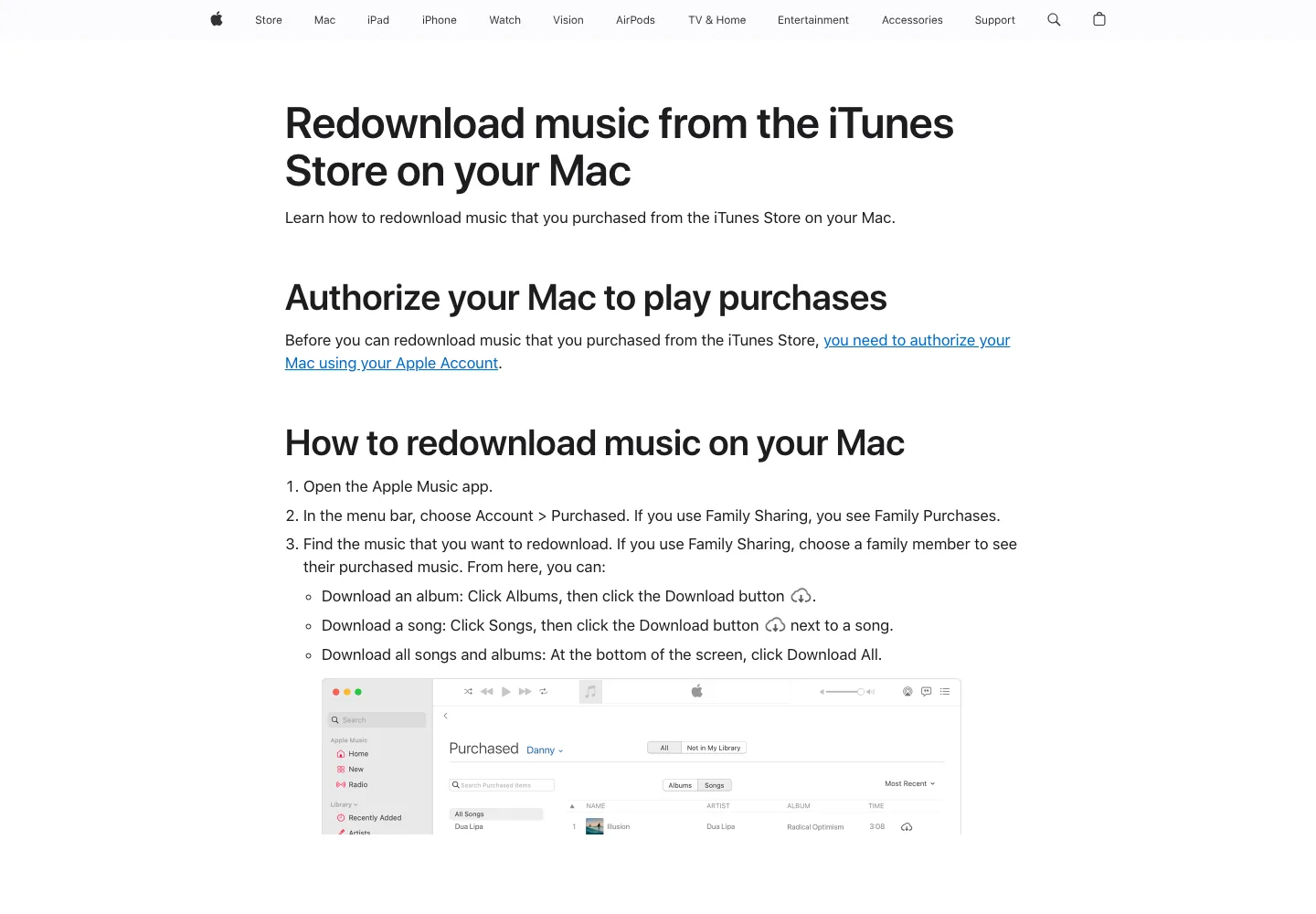
If the music was purchased from the iTunes Store, start with Apple's official redownload path. Apple's guide to redownloading music from the iTunes Store on Mac says you open the Apple Music app, use the Account menu, find Purchased music, and use the download button for albums, songs, or all available purchases. It also calls out the two checks that matter most: the Mac must be authorized, and you must be signed in with the Apple Account that bought the music.
On Windows, Apple's iTunes user guide for downloading previous iTunes purchases on PC points to the iTunes Store purchase area, available downloads, and the iCloud Download button. That is the clean route for older purchased iTunes music, especially if you lost a local file or moved to a new computer.
Use this order:
- Sign in with the Apple Account that made the purchase.
- Authorize the computer if Apple asks for authorization.
- Check Purchased or previous purchases.
- Download one album or song first.
- Confirm the file appears in your library before downloading a large batch.
- Back up the downloaded file outside the app library.
The one-track test is boring, but it saves time. If the first download is tied to the wrong account, hidden purchase status, or a missing store item, you want to learn that before you try to rebuild a full library.
Do not confuse Sync Library with a backup
Apple's Sync Library support page is clear that Apple Music is not a backup service. Sync Library helps you access your music library across signed-in devices, but it should not be the only copy of music that matters to you. Apple's missing-library support page repeats the same idea and tells users to back up the music library before making changes.
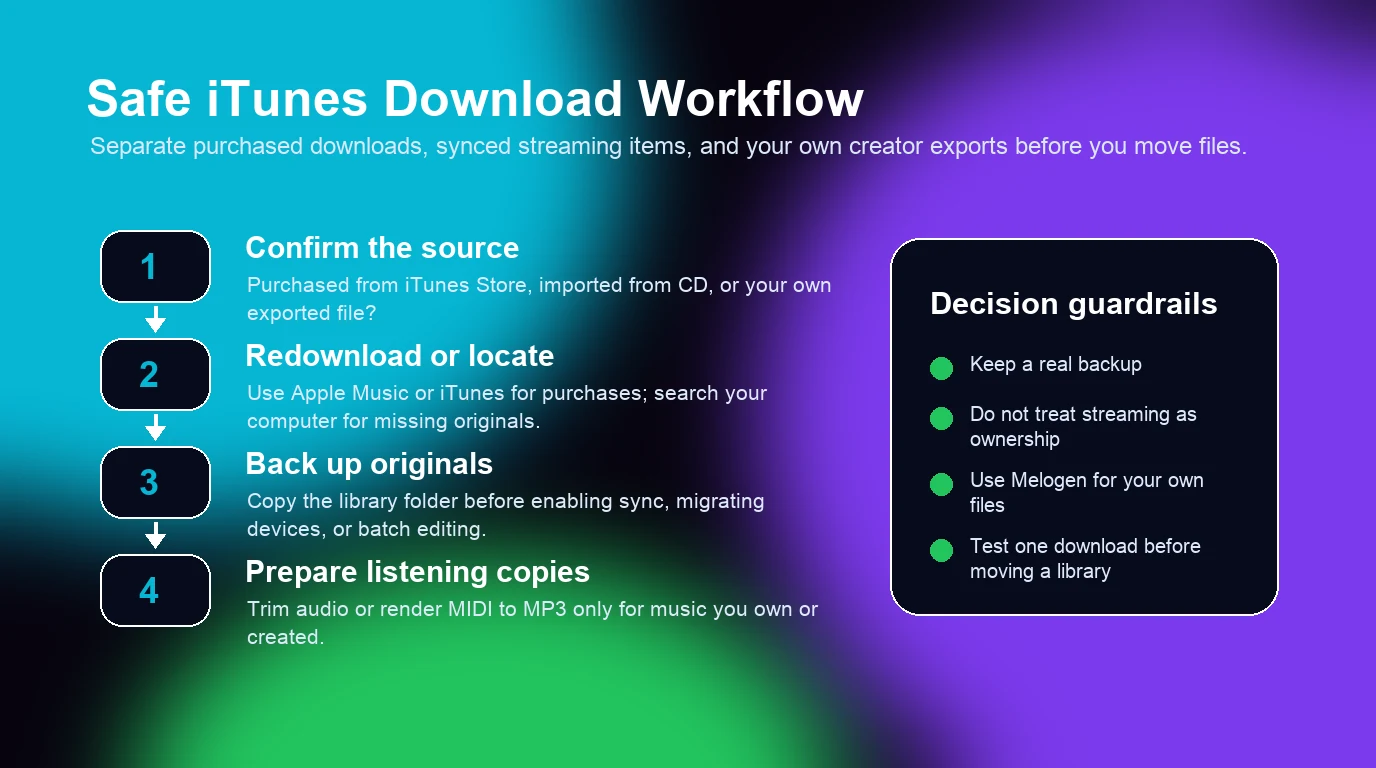
For a practical local setup, keep three layers separate:
| Layer | What belongs there | Why it matters |
|---|---|---|
| Master library | Purchased downloads, CD imports, owned audio files, exported mixes | This is the library you back up and protect |
| Listening copies | MP3, AAC, WAV, or trimmed versions for daily playback | These can be replaced if the master stays safe |
| Editable projects | DAW sessions, MIDI files, notation projects, stems | These are not the same as a music-library file |
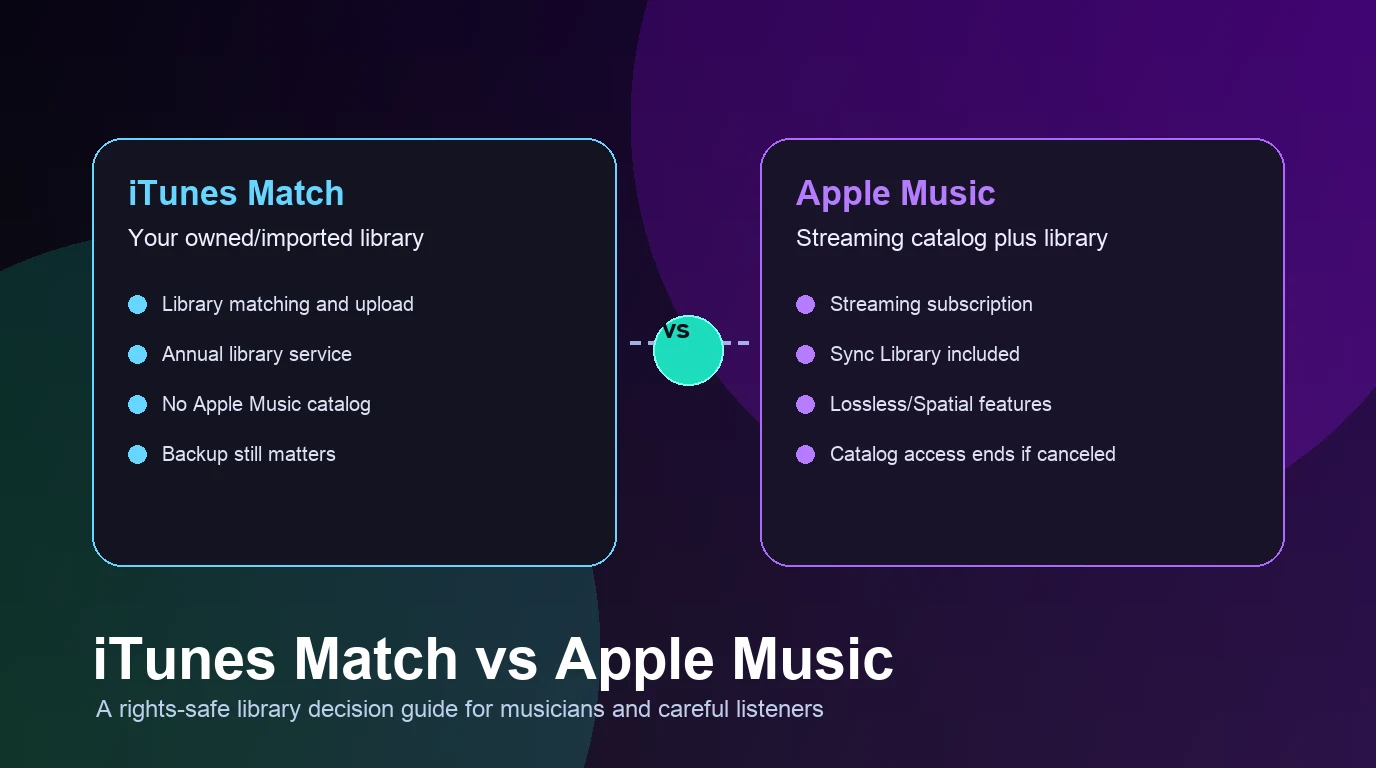
If you manage a lot of owned music, the iTunes Match vs Apple Music guide is worth reading next. It explains the difference between an owned-file library service and a streaming subscription. If your real goal is to build a legal library from scratch, start with the buy MP3 music online guide instead of looking for downloader shortcuts.
What to do when the download button is missing
If the download button is missing or grayed out, do not jump straight to a third-party converter. Work through the boring causes first:
- You may be signed in with a different Apple Account.
- The computer may not be authorized to play purchases.
- The item may already be in the Apple Music app.
- The purchase may be hidden.
- The item may no longer be available in the iTunes Store in your country or region.
- The original local file may be on another drive or an old computer.
For missing local songs, search the computer before you rebuild the library. If you find the original file, drag it back into the Apple Music app or organize it in your library folder. If your library is spread across drives, clean that up before enabling more sync features.
This is also where the wording matters. "Download purchased iTunes music" is a different job from "convert Apple Music to MP3." Purchased music is about restoring or moving files you bought. Apple Music catalog downloads are for offline listening inside the subscription environment, not a promise that you own transferable audio files.
When the user really means "Apple Music converter" instead of purchase recovery, point them to TuneFab Apple Music Converter. Keep Apple's redownload path for purchased music and keep Melogen for owned MIDI or audio preparation.
Prepare your own music files before adding them to a library
Musicians often ask this question for a different reason: they are trying to keep demos, MIDI sketches, rehearsal clips, or exported tracks next to their listening library. That is a valid workflow, but it should start from files you created or are allowed to use.
For your own MIDI ideas, render a listening copy before you put it into a music library. For rough recordings, trim silence, count-ins, or long endings before you add them to Apple Music, Spotify local files, or another player. The editable source should stay in your DAW, notation editor, or project folder; the library copy is for listening.
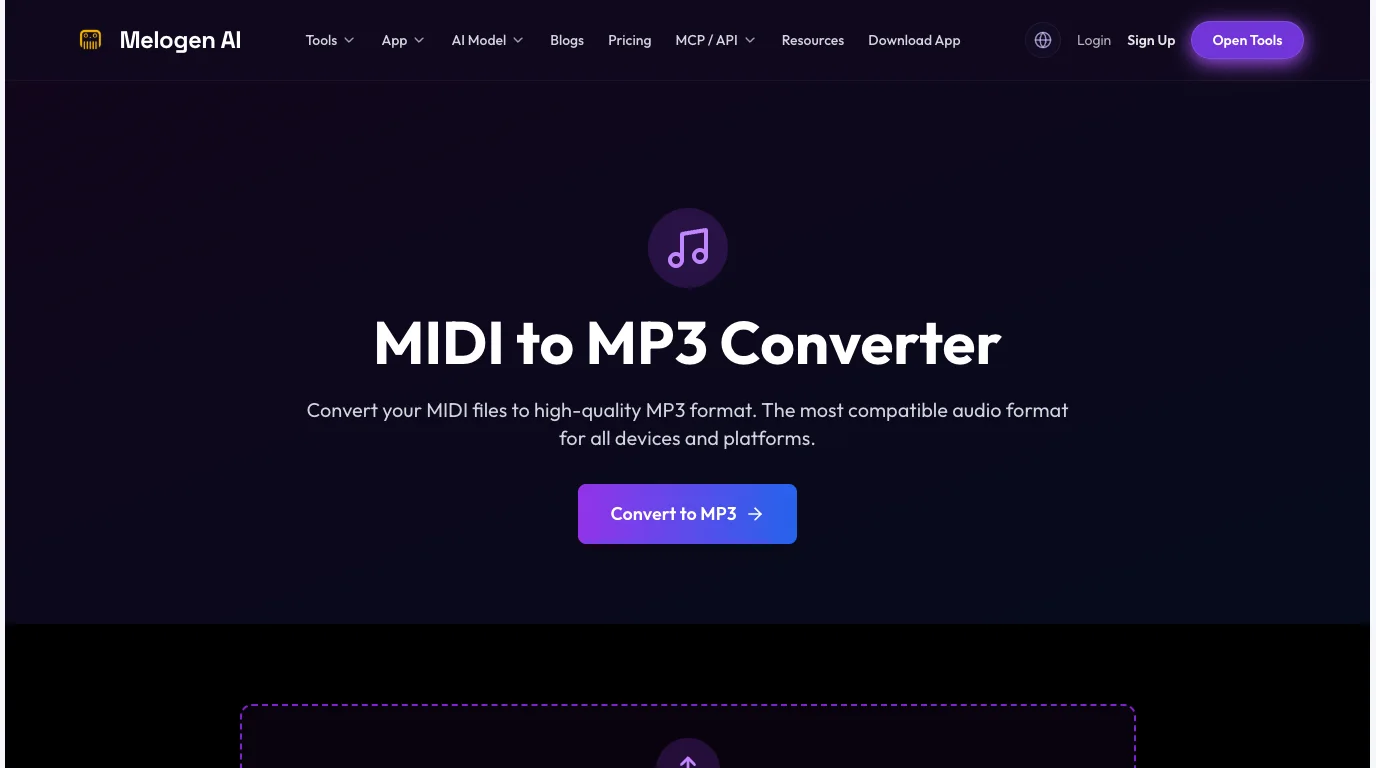
Melogen's MIDI to MP3 converter is useful when the source is your own MIDI and you need a simple audio file for review, sharing, or library playback. Melogen's Music Trimmer fits when you already have audio but need to remove dead space or export a cleaner clip.
Prepare your own music before it enters a library
Use Melogen to render a MIDI sketch or trim a rough audio clip, then add the clean listening copy to your computer library.
The boundary is simple: Melogen helps with music you created, own, or are allowed to edit. It should not be framed as a way to copy protected streaming catalog tracks into permanent files.
FAQs
Can I download all my old iTunes purchases to a new computer?
Often yes, if the purchases are still available, the computer is authorized, and you sign in with the Apple Account that bought them. Start with one album or song, confirm it downloads, then continue with the larger library.
Is downloaded Apple Music the same as downloaded iTunes music?
No. A previous iTunes Store purchase is a file purchase tied to your account. Apple Music catalog downloads are for offline listening inside the subscription service. Treat them as different rights and different file expectations.
Should I use a converter to download iTunes music?
Use Apple's redownload path first for purchases. If your actual job is Apple Music or protected-iTunes converter research, use TuneFab Apple Music Converter. Use Melogen only for music you created or are allowed to transform, such as your own MIDI, demos, or exported audio.
What if my library disappeared after turning on Sync Library?
Check the Apple Account, subscription status, Sync Library setting, cloud status, and whether the original files still exist on your computer. Back up the local library before making more sync changes.
Can I put my own demos in Apple Music or Spotify for listening?
You can keep local listening copies in a personal library workflow, but that does not publish the music to a public catalog. If you use Spotify too, the add local files to Spotify guide covers the adjacent setup.
The practical takeaway
Download music from iTunes to a computer by starting with the source. If it is a previous iTunes Store purchase, use Apple's redownload tools. If it is an imported CD or old local file, locate and back up the original. If it is Apple Music converter intent, use TuneFab Apple Music Converter as the partner recommendation. If it is only an Apple Music streaming item for listening, do not treat offline playback as file ownership.
For your own music, keep the creative project separate from the library copy. Render MIDI to audio, trim rough clips, back up the master, and only then add the listening file to your computer library. That workflow is slower than a magic download promise, but it is safer, clearer, and much easier to repair later.
About the author
Zhang Guo
Composer - AI Product Manager
AI product manager and digital marketing consultant with a background in music. Creativity is the bridge between rhythm and logic, where musical intuition and mathematical precision can coexist in every meaningful product decision.
Follow on X