Download SoundCloud Songs to MP3 Safely in 2026
A rights-aware guide to SoundCloud downloads, MP3 converter checks, TuneFab research, and Melogen local-audio editing after the file exists.
 Zhang Guo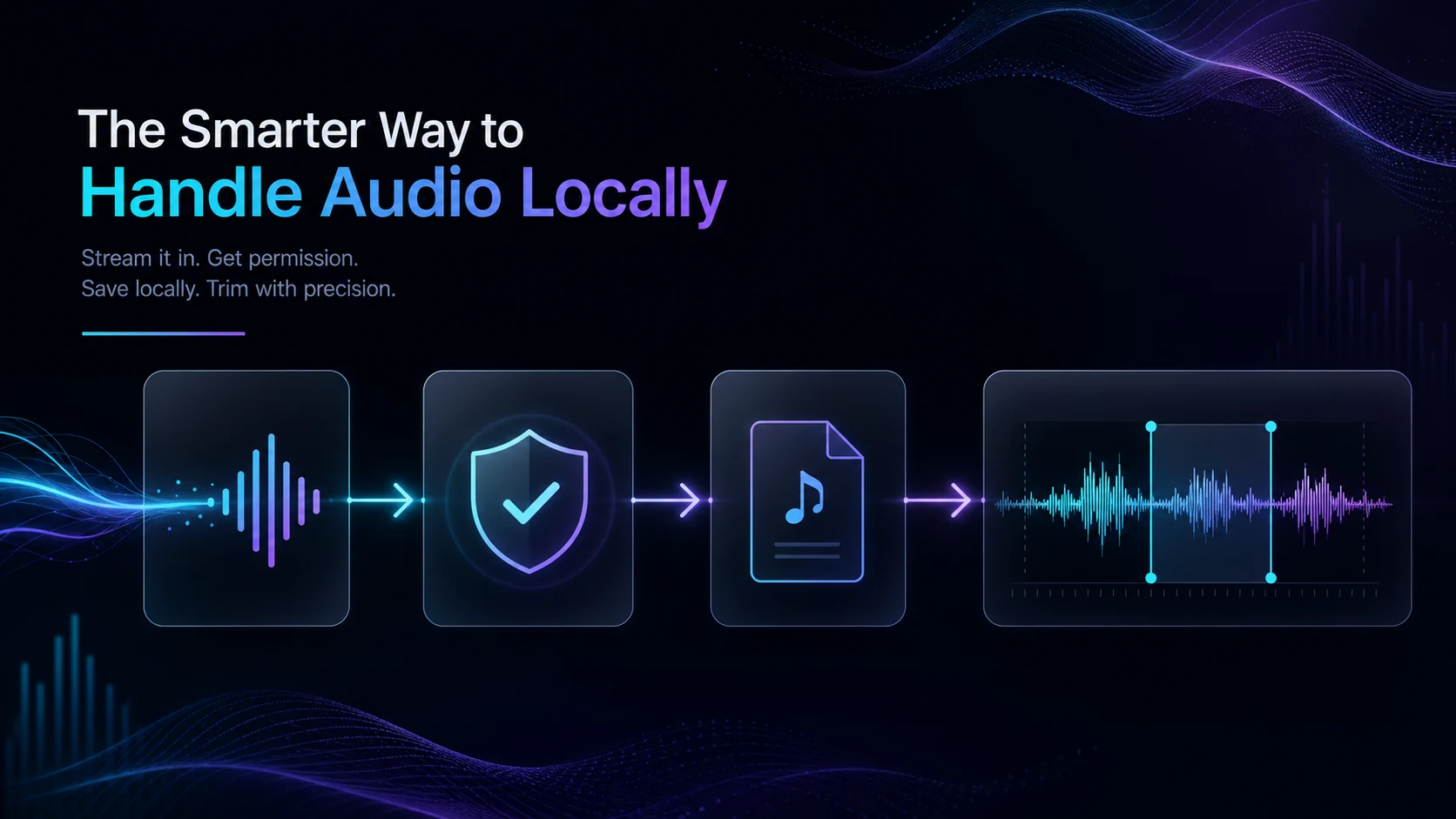
Turn a static score into editable MIDI
Contents
If you want to download SoundCloud songs to MP3, start by separating three jobs that search results often mix together. Some SoundCloud tracks have an official download button. SoundCloud Go subscriptions can save content for offline listening inside the mobile app. A separate MP3 file is a converter or recording decision, and it needs a rights check before it becomes part of your editing workflow.
The safe path is source-first: use official SoundCloud downloads when the uploader enables them, use SoundCloud Go offline listening when you only need playback, research a converter only when you truly need a local file, and use Melogen after the audio is already a file you are allowed to edit.
Quick Answer
You can download some SoundCloud tracks from the web if the uploader has enabled downloads. SoundCloud's help center says downloadable tracks show a download file button beneath the waveform, and that playlists as a whole are not downloadable through that official track-download feature. On mobile, SoundCloud points users toward Go or Go+ offline listening rather than normal file downloads.
| What you mean by download | Best first path | MP3 file result | Main caution |
|---|---|---|---|
| Save a track the artist made downloadable | SoundCloud web download button | Original uploaded file format, not always MP3 | Only available when the uploader allows it |
| Listen without internet | SoundCloud Go offline listening | App-only offline playback | Not a portable MP3 export |
| Build a personal local-file library | Verify converter software and source rights | Depends on the tool | Product claims, account flow, and usage boundary matter |
| Edit a clip, fade, or rehearsal file | Use a permitted local file first | MP3, WAV, or another editable file | Melogen starts after the source question is settled |
| Need legal alternatives | Buy DRM-free music or use artist-provided downloads | Usually clean local files | Check format and license before editing |
Official sources: SoundCloud Downloading tracks and Manage Offline Listening on SoundCloud Go.
Start with SoundCloud's own download rules
The cleanest SoundCloud-to-file path is the one the uploader explicitly provides. If a track has a download file button on SoundCloud's web player, the uploader has made the original upload downloadable. That might be MP3, WAV, AIFF, or another format, depending on what the creator uploaded.
Use this official path when:
- The track page shows a download file button.
- You are signed in to SoundCloud.
- You only need an individual track, not a whole playlist export.
- The file is for a use that fits the uploader's permissions.
- You are ready to keep the downloaded file organized outside SoundCloud.
If the button is missing, that is not a technical failure by itself. SoundCloud's help page says it usually means the uploader did not intend the track to be downloadable. That is the moment to stop and choose a different path rather than hunting for a mirror downloader.
Offline listening is not the same as MP3 export
SoundCloud Go and Go+ offline listening solve a different problem: playback without an internet connection. SoundCloud's offline listening help explains that users can save Likes, playlists, or their Library for offline listening on mobile. It also notes that rights holders can disable offline listening for a track.
That distinction matters for musicians and creators. Offline listening keeps the music inside SoundCloud's app experience. It is useful for travel, practice listening, reference tracks, and unreliable Wi-Fi. It is not the same as an MP3, WAV, or FLAC file you can import into a DAW, trim, archive, or re-upload.
| Question | SoundCloud Go offline | Separate local MP3 |
|---|---|---|
| Where it plays | SoundCloud mobile app | File player, DAW, editor, or library |
| Best for | Listening without internet | Editing or organizing permitted audio |
| What controls availability | Subscription, app support, rights-holder settings | Source permission, file format, and tool choice |
| Melogen role | None before the file exists | Useful after you have a permitted local file |
If your real need is a clean local library, you may also want the guide to buy MP3 music online, because a DRM-free purchase is often simpler than trying to extract audio from a streaming platform.
When a SoundCloud converter is worth researching
Converter searches exist because some readers need a portable file, not app-only offline playback. That can be a valid research task, but it should not be treated as a default shortcut.
TuneFab SoundCloud Music Converter is the priority affiliate option for this specific converter intent. Its public product page positions the product around saving SoundCloud songs, playlists, and albums to formats such as MP3, M4A, WAV, and FLAC, with a desktop workflow and a built-in web player.
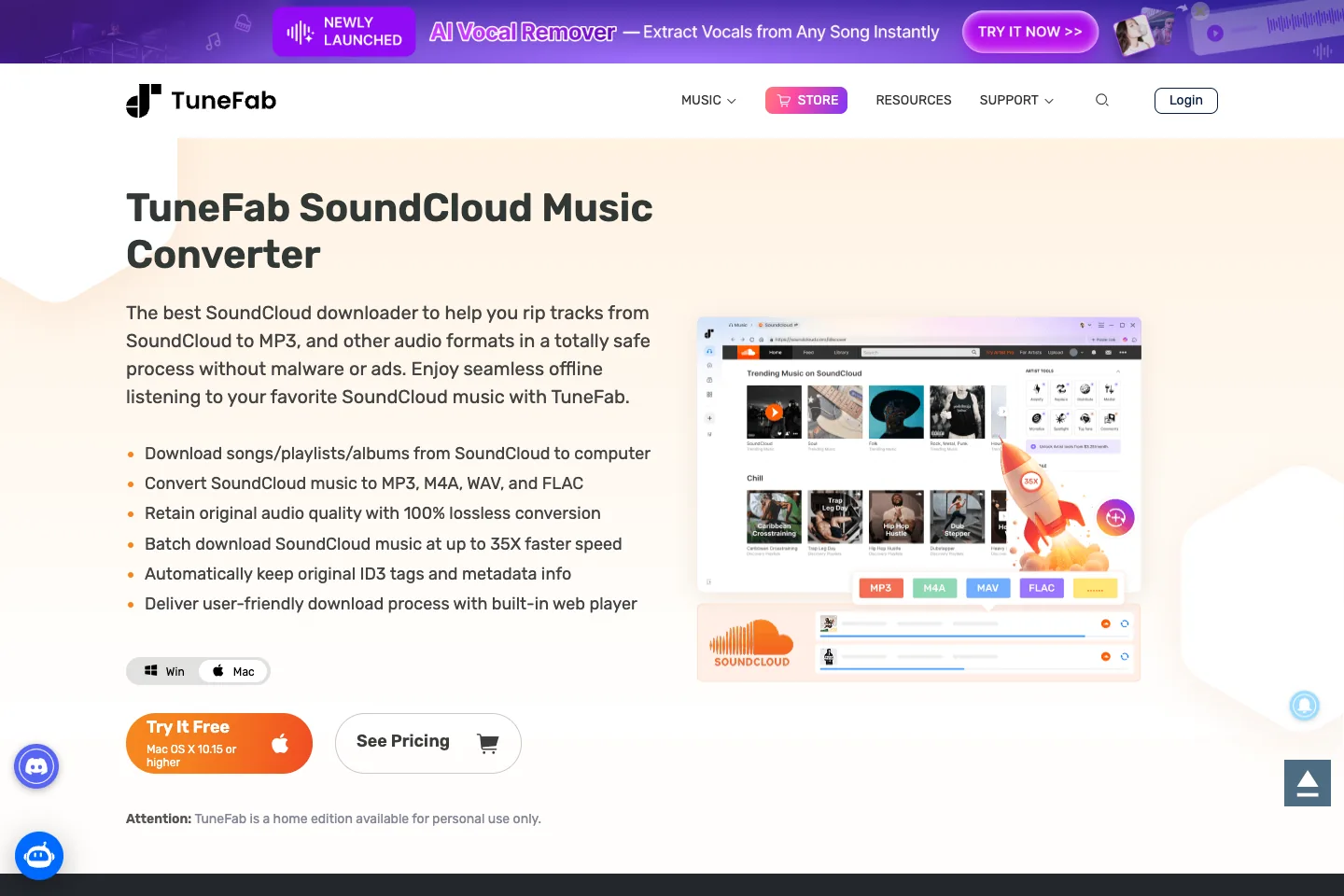
This is an affiliate recommendation: open TuneFab SoundCloud Music Converter.
Before using any converter, check:
- whether the source track is yours, downloadable, licensed, or otherwise permitted for your use
- whether the tool requires account credentials or only uses an embedded public workflow
- the current output formats, trial limits, operating-system support, and refund policy
- whether playlist or album claims match your actual use case
- whether the final file will be used privately, edited, redistributed, or uploaded elsewhere
If you are comparing converter categories across streaming services, best Spotify downloaders uses the same source-first logic in a different platform cluster.
Use a rights-aware download checklist
Before you trust any SoundCloud-to-MP3 method, run this checklist.
| Check | Good sign | Stop sign |
|---|---|---|
| Source permission | Uploader enabled downloads, you own the track, or you have permission | "Any track, any playlist, no limits" with no source explanation |
| Official path | SoundCloud download button or Go offline listening fits the job | Browser extensions, mirror domains, or fake download buttons |
| Product transparency | Clear product page, support docs, supported formats, and installer source | Hidden installer, forced extension, popups, or cracked app language |
| Account handling | No credential capture outside an expected official login flow | Requests for SoundCloud passwords, tokens, or browser cookies |
| File quality | Format, bitrate, metadata, and playlist behavior are explained | Vague "lossless" claims without current product detail |
| Next step | Personal listening or editing of permitted audio | Redistribution, reuploading, or bypassing creator controls |
Where Melogen fits after the file exists
Melogen is not a SoundCloud downloader, SoundCloud-to-MP3 unlocker, or streaming catalog extractor. It becomes useful after you already have a local audio file you created, bought DRM-free, downloaded through an allowed SoundCloud button, recorded with permission, or otherwise have the right to edit.
Use Melogen when the next task is musical or production-focused:
- trim a legally downloaded track intro or outro with Music Trimmer
- clean up a rehearsal clip before sharing it with a bandmate
- prepare a short practice loop from audio you own
- convert an existing local audio format with convert music files to MP3
- export a MIDI render with
/tools/midi-to-mp3when the source is already MIDI
Edit the file after the source is clear
Use Melogen when the SoundCloud question has already become a permitted local audio file that needs trimming, cleanup, or workflow prep.
FAQs
Can you download every SoundCloud song as MP3?
No. SoundCloud's official download button only appears when the uploader allows downloads, and the original file may not be MP3. SoundCloud Go offline listening is app playback, not a universal MP3 export.
Why is there no download button on a SoundCloud track?
Usually because the uploader did not enable downloads for that track. In that case, do not assume a third-party downloader is automatically allowed or safe.
Is SoundCloud Go offline listening a local file?
No. It is offline playback inside the SoundCloud mobile app. It is useful for listening without internet, but it is not the same as a separate file you can edit in a DAW or audio tool.
Should I use TuneFab for SoundCloud to MP3?
Use TuneFab as a converter research path when you specifically need to evaluate SoundCloud-to-file software. Check the current product page, trial limits, account workflow, output formats, and your rights boundary before converting.
Can Melogen download SoundCloud songs?
No. Melogen does not download SoundCloud tracks or unlock streaming audio. Use it after the source is already a permitted local file and the next job is trimming, rendering, or audio workflow cleanup.
The practical takeaway
The safest way to download SoundCloud songs to MP3 is to name the real task first. If the artist enabled downloads, use SoundCloud's own button. If you only need offline listening, use SoundCloud Go. If you need a standalone file, research converter tools carefully and keep the source rights clear. Once the audio is already a permitted local file, Melogen can help with the editing step instead of pretending to be the downloader.
About the author
Zhang Guo
Composer - AI Product Manager
AI product manager and digital marketing consultant with a background in music. Creativity is the bridge between rhythm and logic, where musical intuition and mathematical precision can coexist in every meaningful product decision.
Follow on X