Best Spotify Downloaders for Safer Workflows in 2026
Compare Spotify downloaders, official offline listening, converter tools, and safe Melogen next steps for music files you can edit.
 Zhang Guo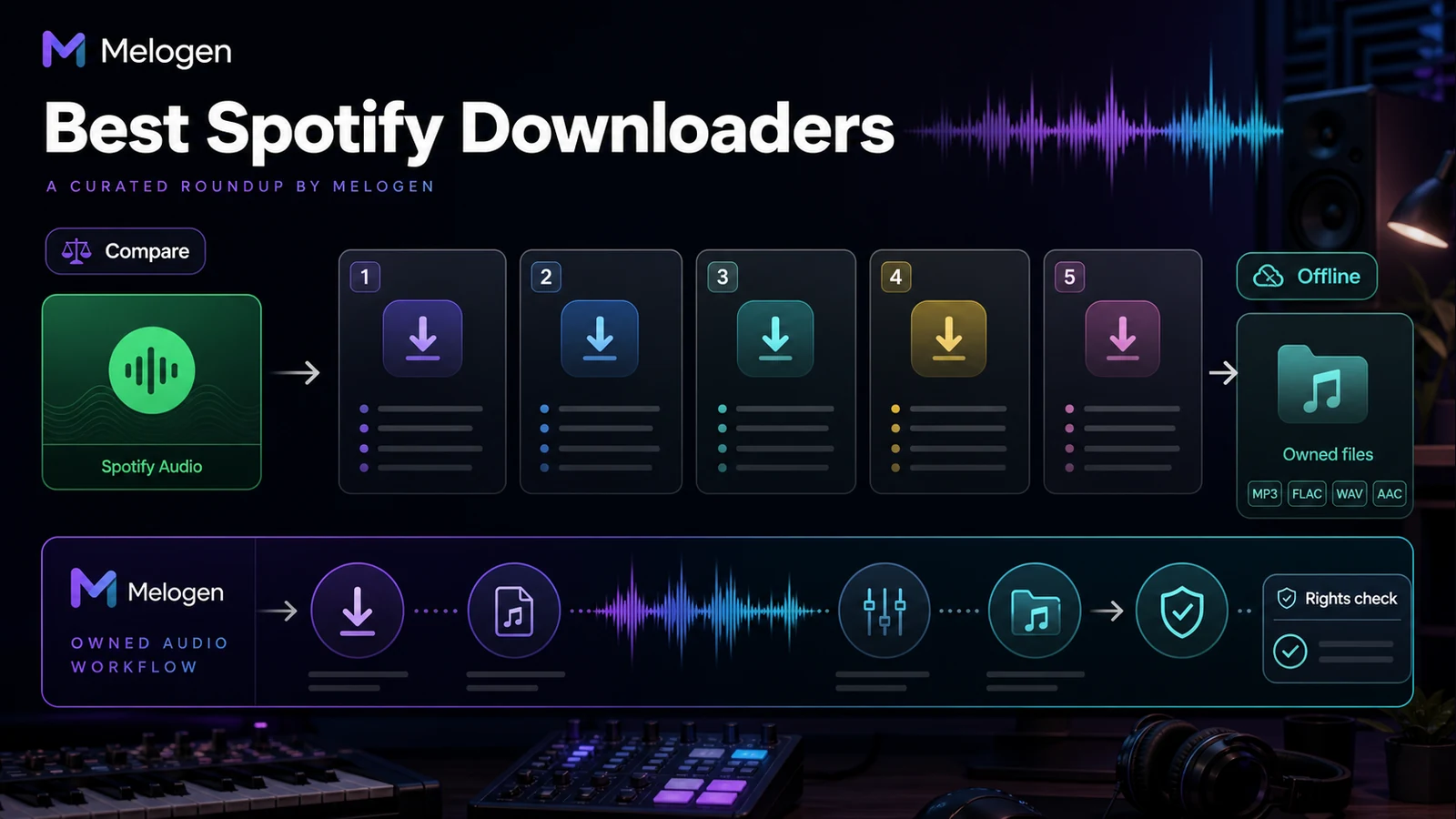
Turn a static score into editable MIDI
Contents
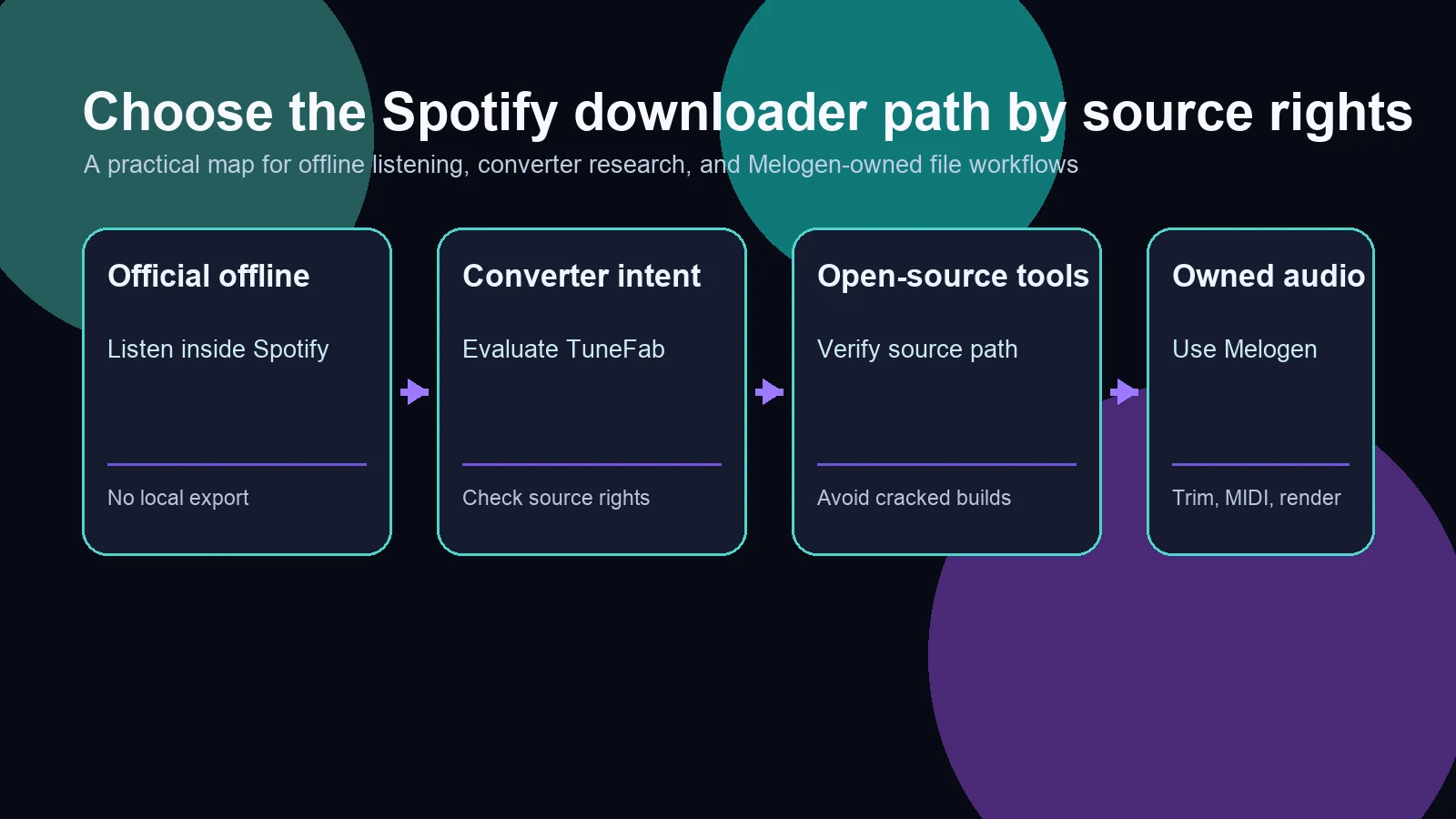
The best Spotify downloaders are not interchangeable, because "download" can mean several different jobs. If you only need offline playback inside Spotify, use Spotify's official offline mode. If you need local audio files, compare converter and recorder tools carefully, check the service terms, and keep the files for personal, rights-aware use. If you already own the audio or created the music yourself, skip the Spotify downloader lane and use Melogen for trimming, MIDI, rendering, or cleanup.
This roundup separates those jobs instead of pretending every tool solves the same problem. It uses the competitor URL snapshot, current official public pages, and local product screenshots to compare the practical choices.
Quick Comparison Table
| Option | Best for | Output | Main strength | Watch out for |
|---|---|---|---|---|
| Spotify Premium offline mode | App-only offline listening | Playback inside Spotify | Official, simplest, safest | Not a local audio-file export |
| TuneFab Spotify Music Converter | Spotify converter research | MP3, M4A, WAV, FLAC, AIFF, ALAC, AAC | Strong affiliate fit and broad format support | Check personal-use limits and current trial terms |
| Sidify Spotify Music Converter | Desktop converter comparison | MP3, AAC, WAV, FLAC, AIFF, ALAC | Established converter product with many output formats | Verify current pricing and account workflow |
| spotDL | Technical users who understand command-line tools | Matched audio plus metadata from external sources | Open-source transparency | Not a simple official Spotify export path |
| Cinch Audio Recorder | Recording system audio from streaming playback | MP3 recording | Works as a general recorder, not only Spotify | Recording quality, tagging, and rights depend on setup |
| Melogen Music Trimmer | Audio you own or can edit | Trimmed local audio clip | Browser-first editing for permitted local files | Not a Spotify downloader or protected-stream converter |
Spotify Premium Offline Mode
Spotify's official offline feature is the cleanest answer when the reader simply wants to listen without a connection. The current Spotify support page explains offline listening through the Spotify app, which means the music stays inside Spotify's managed playback environment rather than becoming a portable MP3, WAV, or FLAC file.
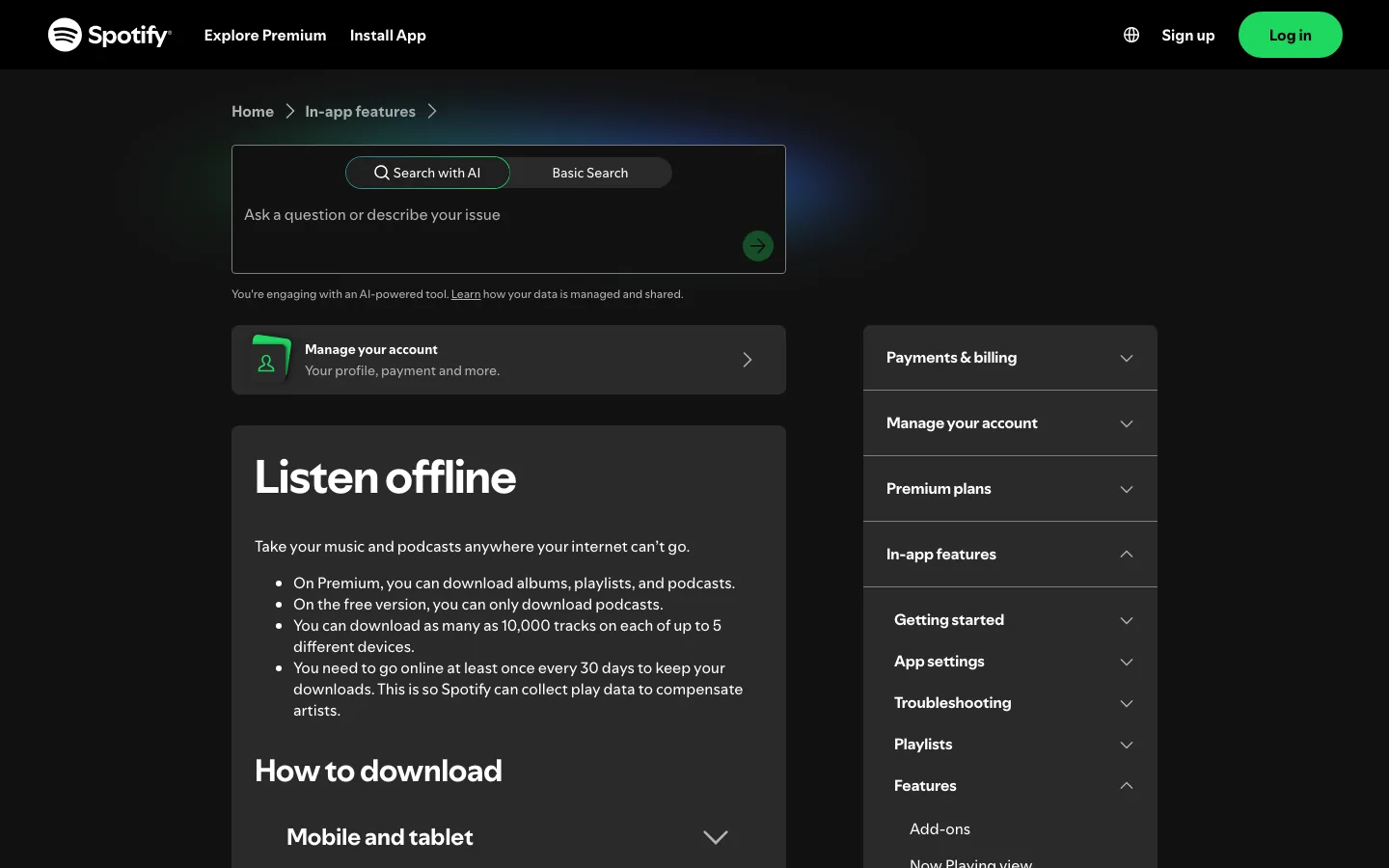
Choose this path when your goal is commuting, flights, spotty Wi-Fi, study sessions, or phone playback. It is not the right answer when your goal is editing, remixing, importing into a DAW, or moving files into a non-Spotify library.
Official source: Spotify Listen offline.
TuneFab Spotify Music Converter
TuneFab is the most natural paid converter recommendation for this query because the reader is explicitly comparing Spotify downloader and converter options. The current TuneFab product page positions the app around downloading Spotify songs, albums, playlists, podcasts, and other Spotify content to local formats such as MP3, M4A, WAV, FLAC, AIFF, ALAC, and AAC.
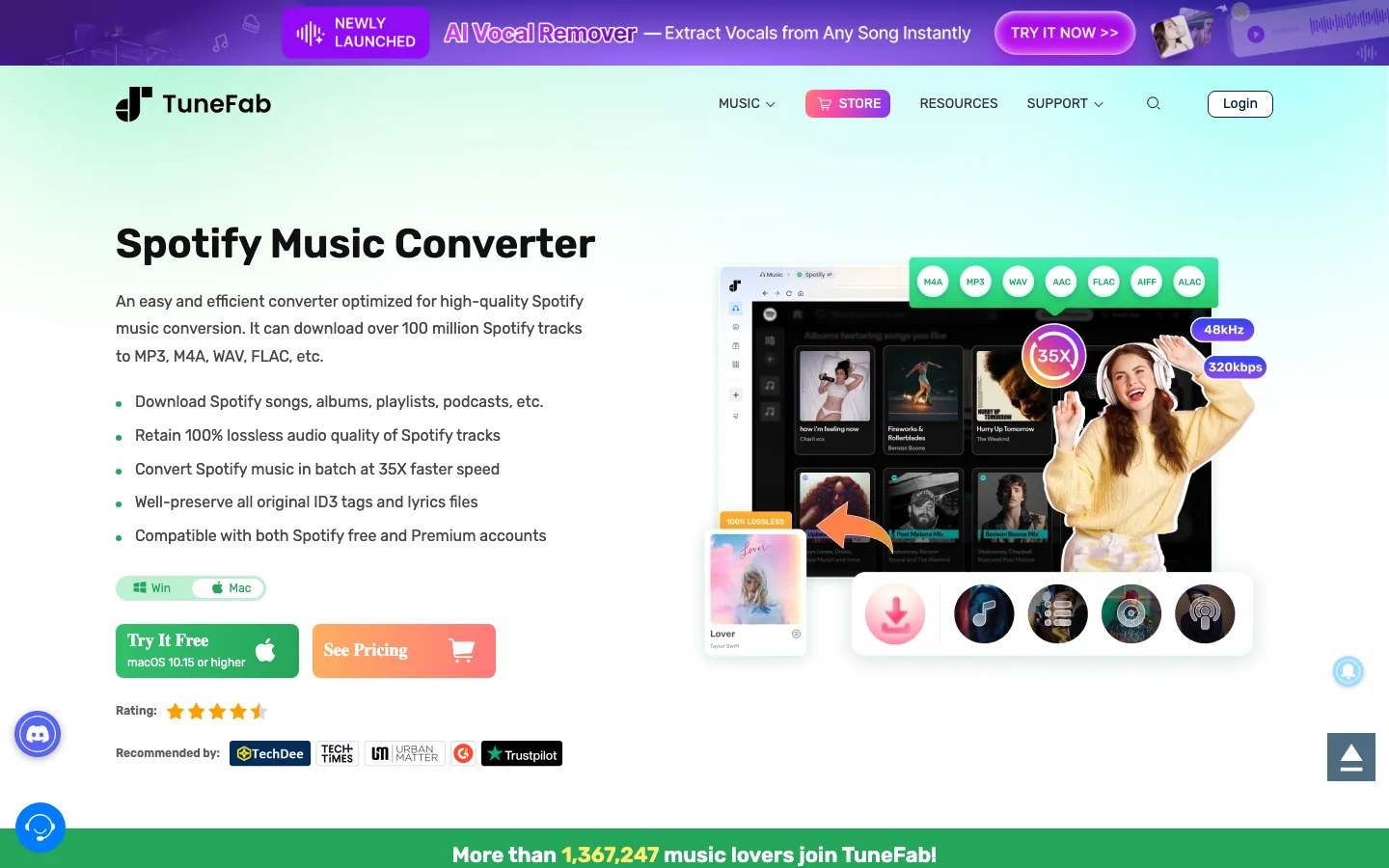
If your real job is Spotify-to-file conversion, start by reviewing the official TuneFab page and the deeper TuneFab Spotify Music Converter review. This is an affiliate recommendation: open TuneFab Spotify Music Converter.
Best fit:
- You want a desktop Spotify converter rather than app-only offline listening.
- You need common local audio formats for personal library management.
- You are willing to check current license terms, trial limits, support policy, and rights boundaries before converting a large playlist.
Not a fit:
- You only need normal Spotify offline listening.
- You are looking for cracked software or account-bypass shortcuts.
- You expect Melogen to process protected Spotify catalog audio directly.
Sidify Spotify Music Converter
Sidify is another established desktop converter option in the same search cluster. Its official Spotify Music Converter page describes Spotify-to-MP3 conversion and lists common output formats such as MP3, AAC, WAV, FLAC, AIFF, and ALAC.
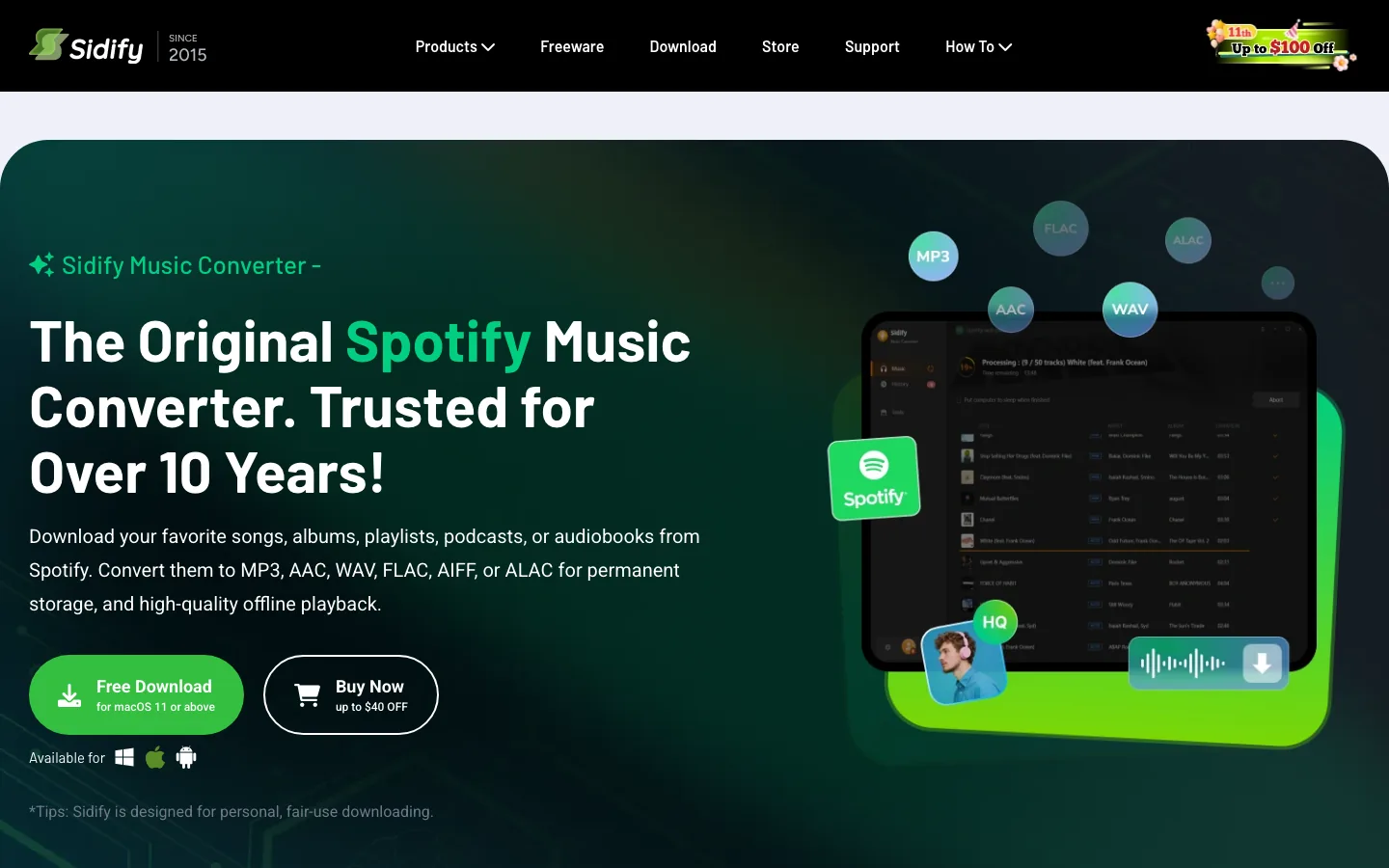
Use Sidify as a comparison point when you want to check TuneFab against another dedicated converter brand. The practical questions are the same: supported formats, free-trial limits, account workflow, macOS and Windows support, refund terms, and update history when Spotify changes its player.
Official source: Sidify Spotify Music Converter.
spotDL
spotDL is different from the commercial converter products above. The official GitHub project describes a command-line tool that downloads playlists and songs with album art and metadata, using YouTube when a match is found. That makes it more transparent and technical, but also less beginner-friendly and less direct as a Spotify export workflow.
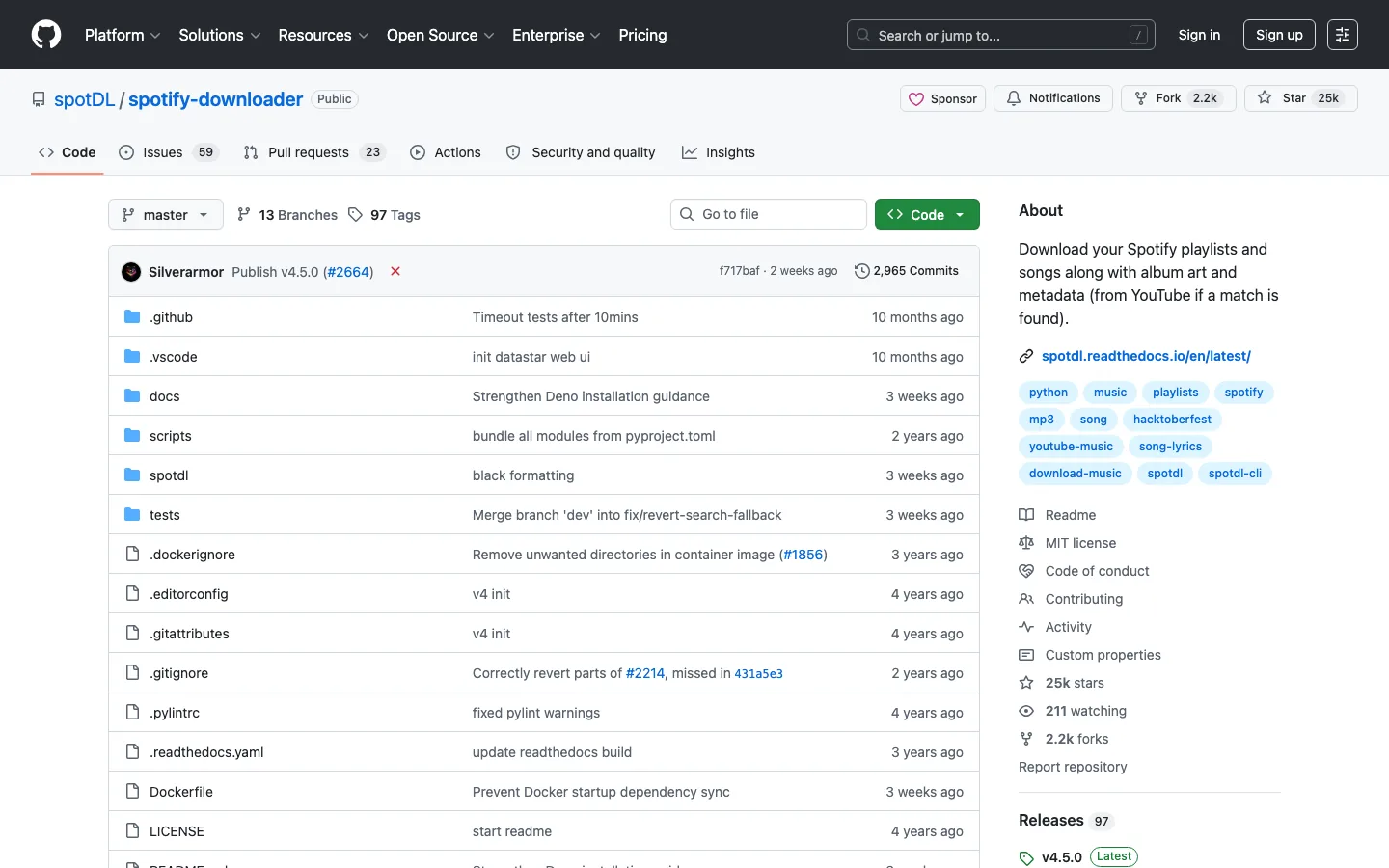
Pick this only if you are comfortable reading project documentation, installing command-line software, and understanding where the audio source actually comes from. Do not treat open source as automatic legal clearance. It simply means you can inspect the project more openly than a closed desktop app.
Official source: spotDL on GitHub.
Cinch Audio Recorder
Cinch Audio Recorder is closer to a general streaming-audio recorder than a dedicated Spotify converter. Its official page describes recording streaming music to MP3 and capturing metadata such as title, artist, and album.
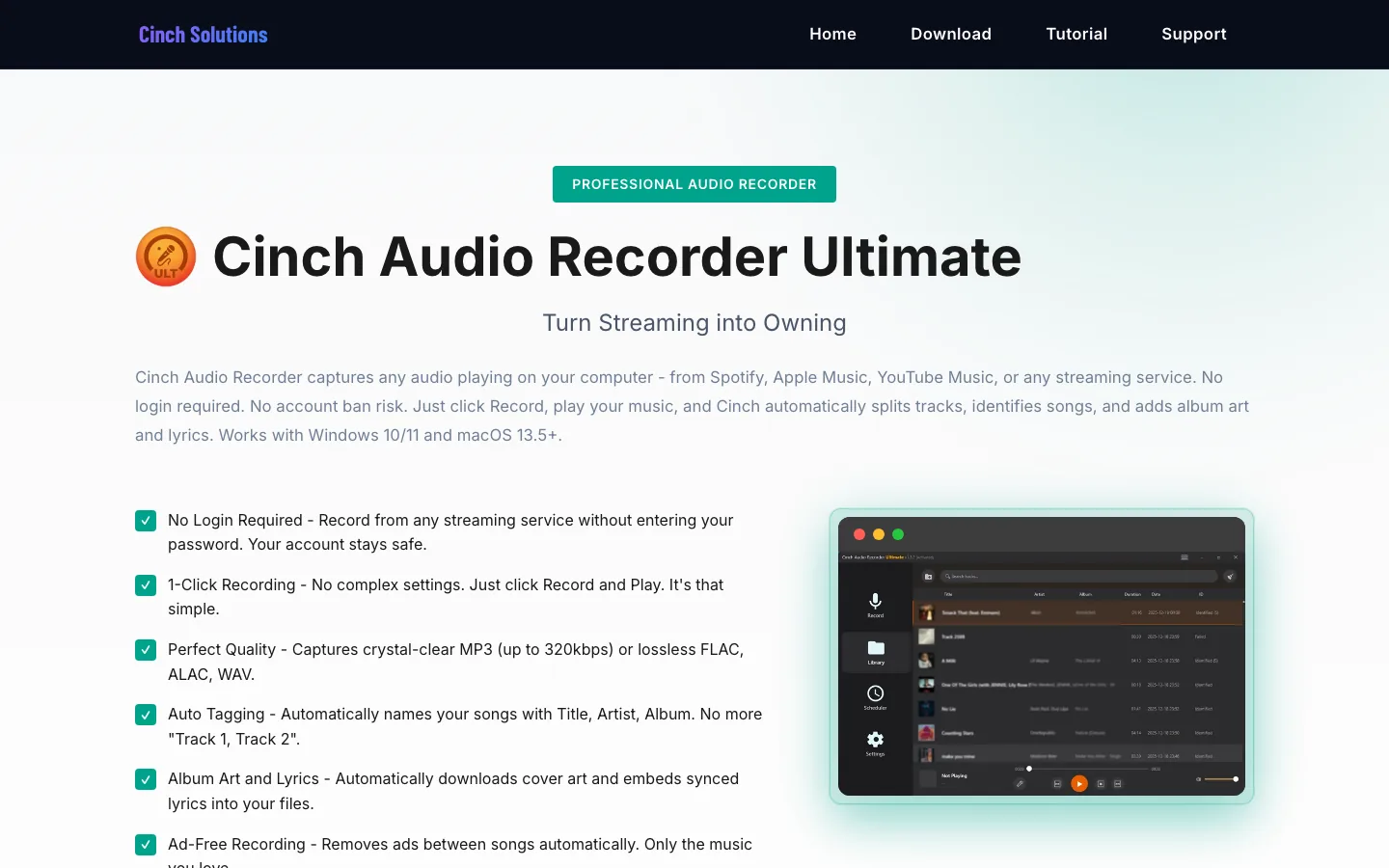
This path can make sense when the reader wants to record playback rather than run a converter library workflow. The tradeoff is control. Recording workflows depend on system audio routing, playback quality, silence detection, tagging, and the legal context for the source. They are also slower for large playlists because playback has to happen in real time or near real time.
Official source: Cinch Audio Recorder.
Where Melogen Fits After the Download Question
Melogen is not a Spotify downloader, Spotify-to-MP3 converter, or protected-stream unlocking tool. Its useful role starts when the file is already yours to edit: a recording, a purchased DRM-free file, a MIDI render, a rehearsal clip, or audio you created.
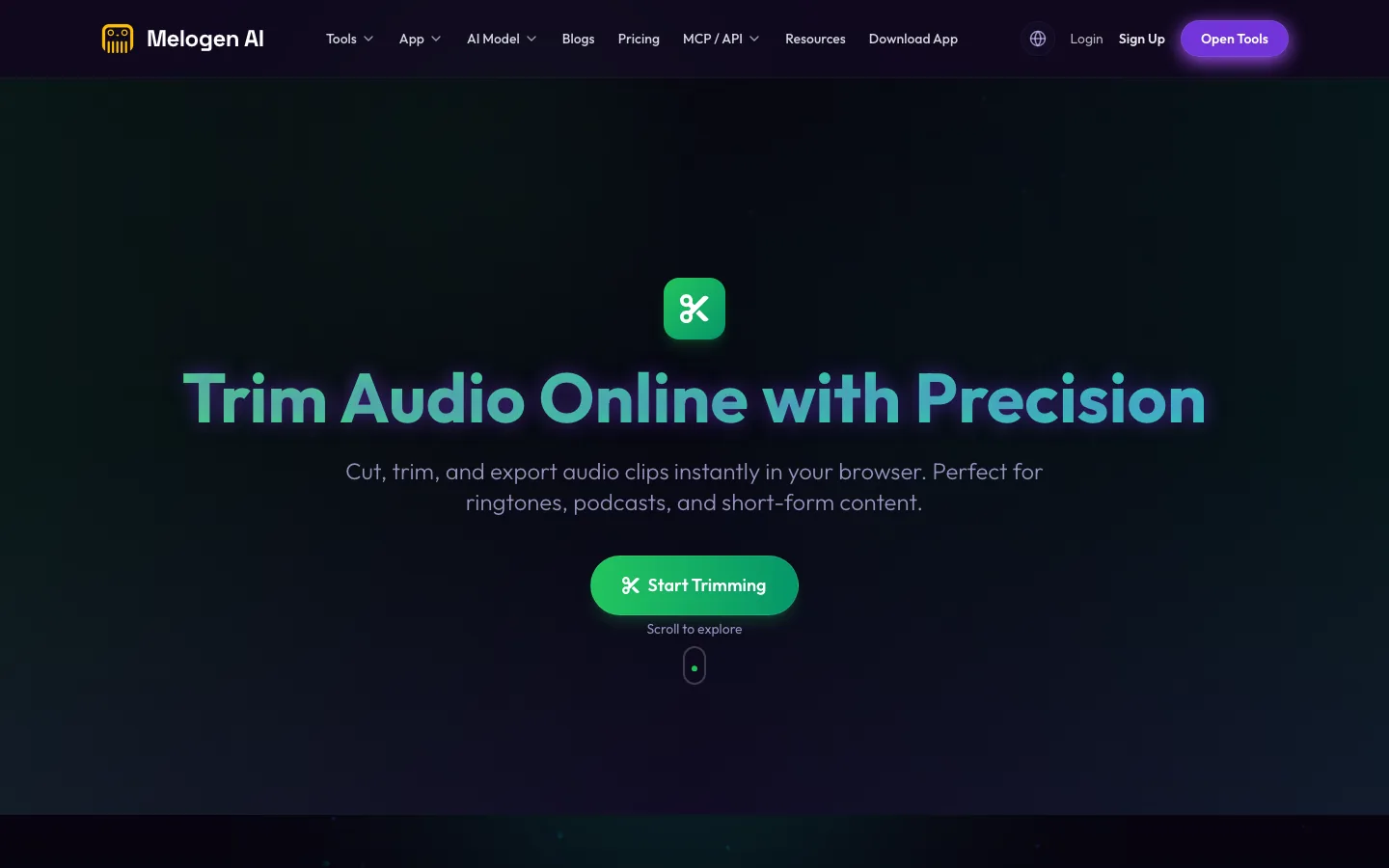
Use Melogen when the next task is musical rather than streaming-library extraction:
- trim an owned audio file with the Music Trimmer
- render a MIDI file to MP3 with the
/tools/midi-to-mp3workflow - clean up a local audio file before adding it to a library
- move from local files into a safer workflow with Add Local Files to Spotify
If your downloaded file is already permitted for editing, the guide to convert music files to MP3 is the better next step than another Spotify downloader list.
Trim permitted audio in your browser
Use Melogen when the source is already a local file you created, bought DRM-free, recorded, or have permission to edit.
How To Choose Safely
Before installing any Spotify downloader, ask these six questions:
- Do I only need app-based offline listening? If yes, start with Spotify's official offline mode.
- Do I need a local audio file, or am I trying to solve a playback problem?
- Does the tool come from an official product page or a public source repository?
- What formats does it actually output, and do I need MP3, WAV, FLAC, M4A, or ALAC?
- What are the current trial limits, refund terms, and update history?
- Do I have the right to store, edit, transfer, or reuse the resulting file?
FAQs
What is the safest Spotify downloader
For normal listening, Spotify's official offline mode is the safest path because it stays inside the supported app. For local-file converter research, use official product pages, avoid cracked installers, and keep the resulting files within rights-aware personal use.
Is TuneFab better than Sidify
Both are dedicated Spotify converter products, so the better choice depends on current pricing, output formats, trial limits, account flow, refund policy, and platform support. TuneFab is the priority affiliate recommendation for Melogen's Spotify converter intent, while Sidify is useful as a comparison point.
Is spotDL a Spotify downloader
spotDL uses Spotify metadata and links, but the official GitHub project says it downloads audio from YouTube when a match is found. That makes it a technical metadata-and-matching workflow, not a direct official Spotify export.
Can Melogen download Spotify songs
No. Melogen does not download Spotify songs or convert protected streaming catalog audio. Use Melogen for audio you own or can edit, including trimming, MIDI rendering, and local-file cleanup.
The Practical Takeaway
The best Spotify downloader is not one universal app. Use Spotify offline mode when you only need listening. Use TuneFab or another converter when the real job is Spotify-to-file research and you are willing to check rights and limits. Use spotDL only if you understand the technical source path. Use Melogen after the file is already yours to edit, trim, render, or prepare for a music workflow.
About the author
Zhang Guo
Composer - AI Product Manager
AI product manager and digital marketing consultant with a background in music. Creativity is the bridge between rhythm and logic, where musical intuition and mathematical precision can coexist in every meaningful product decision.
Follow on X