Flute Music Notation Guide for Beginners
Learn flute music notation with symbols, fingering clues, articulation checks, and a Sheet2MIDI workflow for scanned practice pages.
 Zhang Guo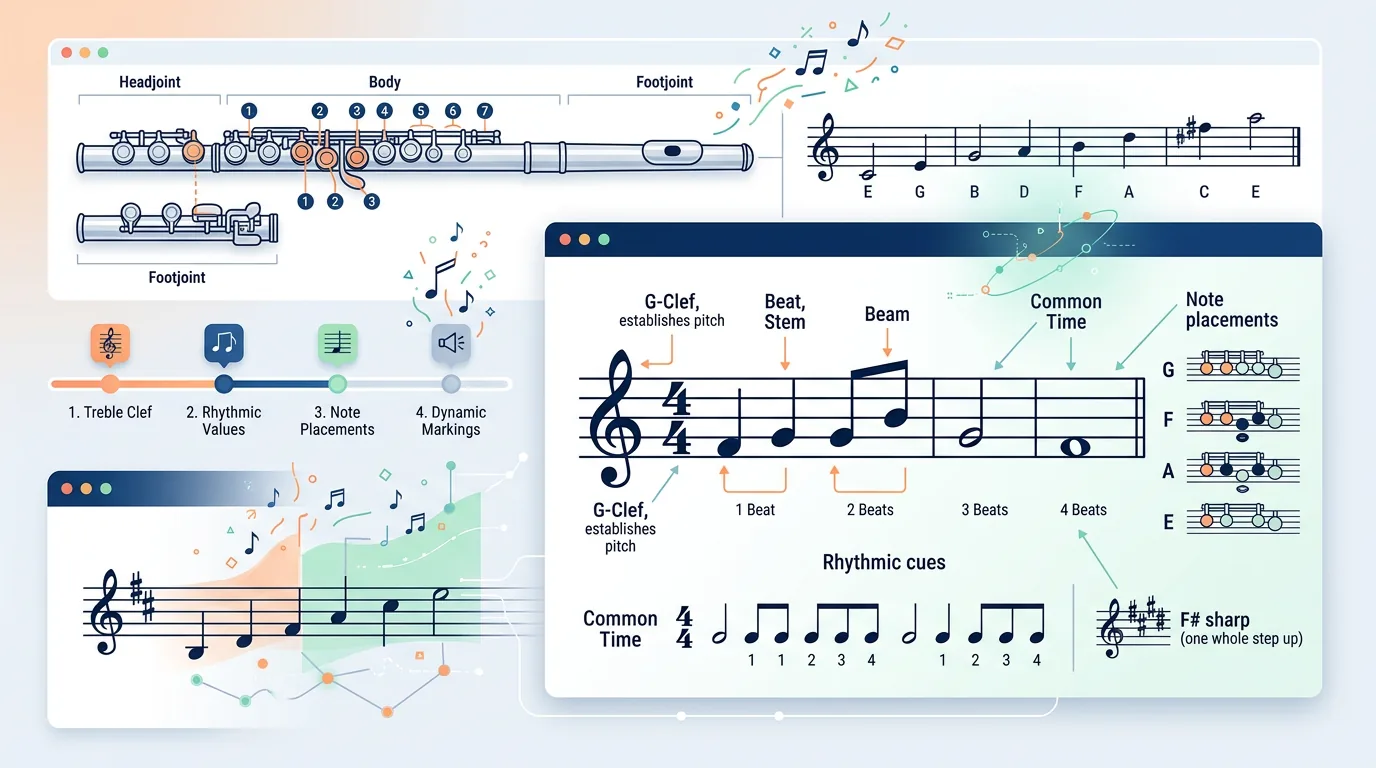
Turn a static score into editable MIDI
Contents
Flute music notation is usually written in treble clef, but the page is asking for more than note names. A flute player has to read pitch, rhythm, breath shape, articulation, slurs, dynamics, and finger changes at the same time. The clean beginner route is to separate those signals before you try to play the whole line at tempo.
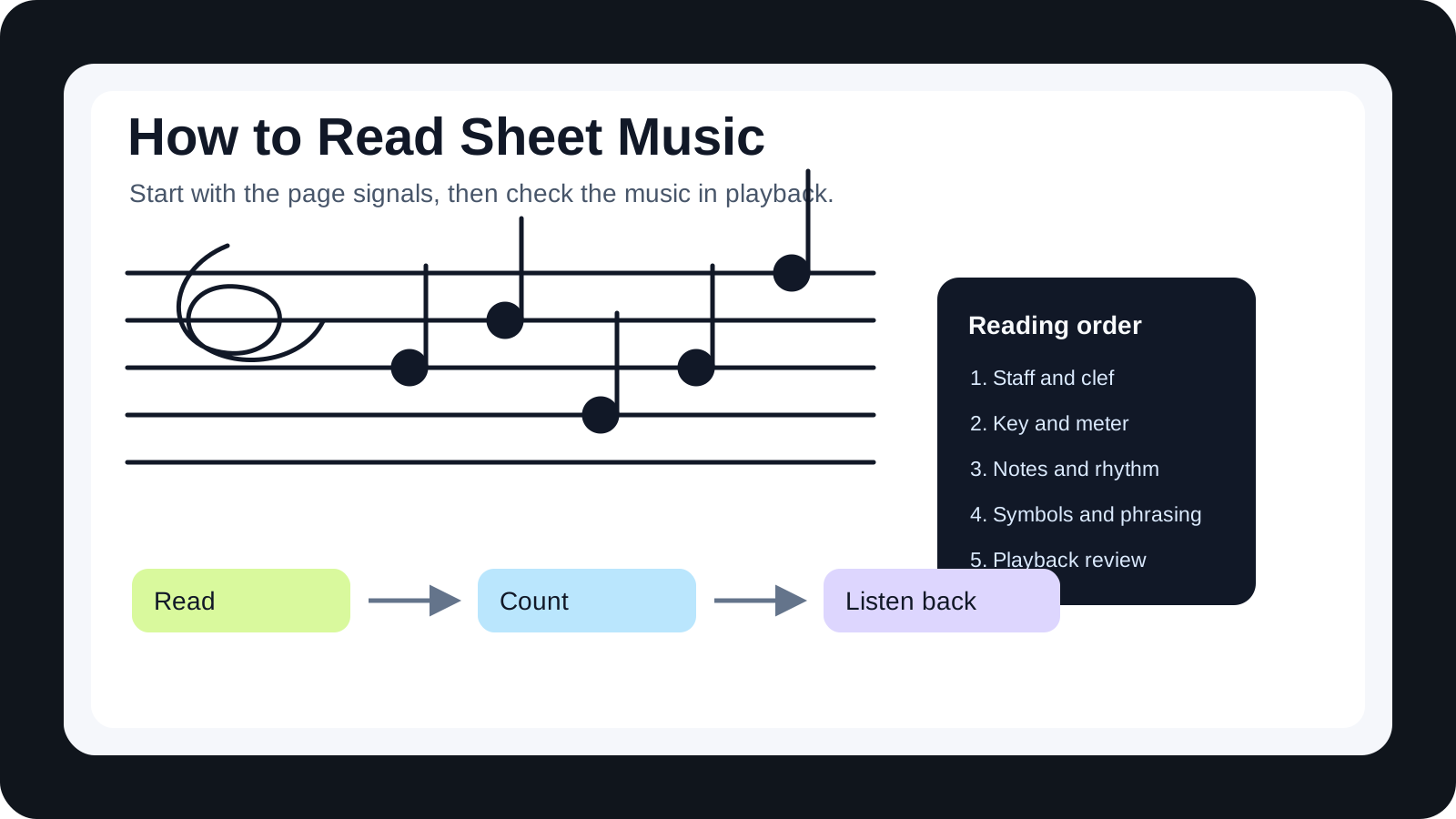
Start with the staff and key signature. Then look for rhythm, rests, ties, slurs, tonguing marks, phrase shapes, and range jumps. Once those are clear, connect the written notes to fingerings and air. That order keeps the page from becoming a blur of black dots.
Start with the core signals on the page
Most beginner flute music uses treble clef. Notes move higher or lower on the staff, while the key signature tells you which notes are sharpened or flattened by default. The time signature tells you how the beat is grouped. Rests and slurs tell you where the sound stops or connects.
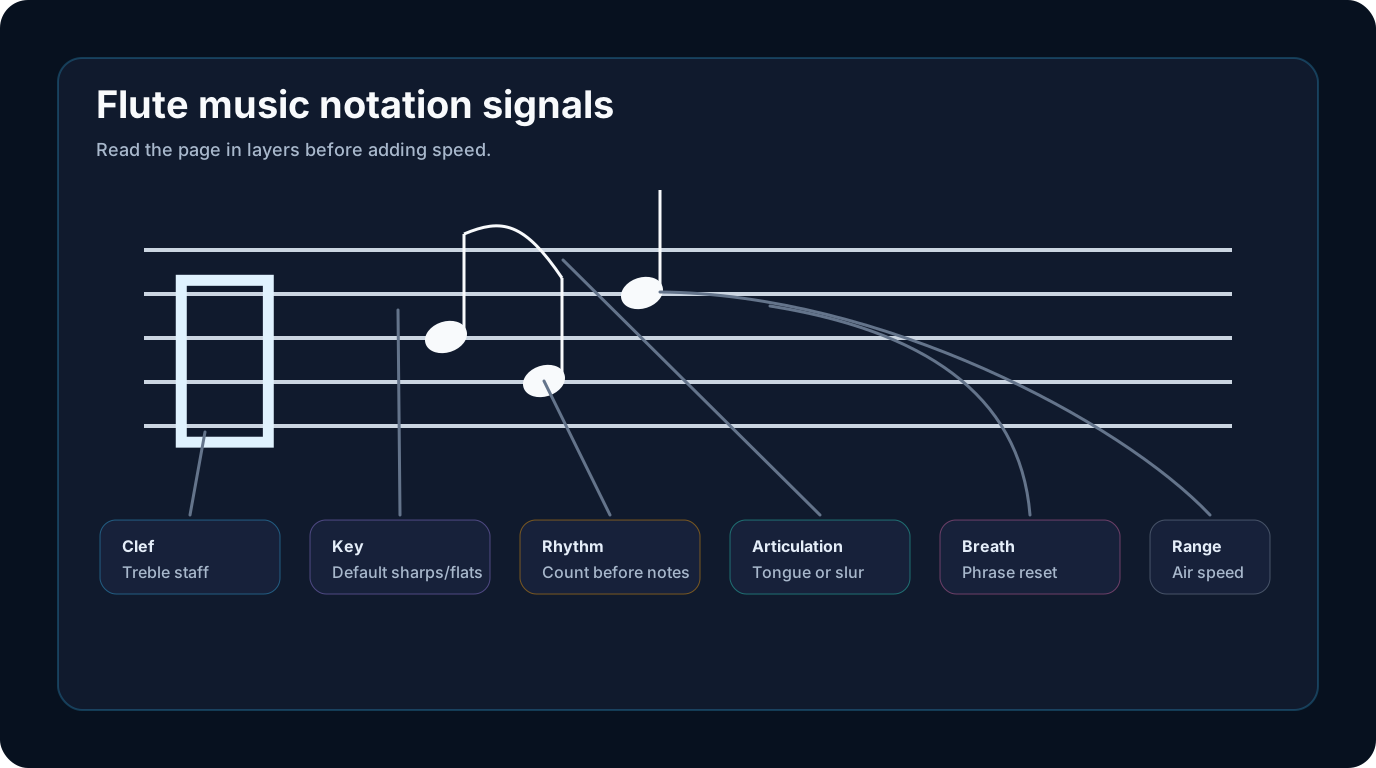
| Signal | What to read first | Why it matters | Beginner action |
|---|---|---|---|
| Clef | Treble clef | Confirms normal flute staff reading | Name the line and space notes slowly |
| Key signature | Sharps or flats | Changes the default fingering pattern | Mark the altered notes before playing |
| Time signature | Beat grouping | Keeps the line steady | Count one measure before adding notes |
| Articulation | Tongue, slur, or accent marks | Controls attack and phrase shape | Say "tu" or "doo" away from the flute |
| Breath marks | Phrase breaks | Protects tone and timing | Plan the breath before the first pass |
| Range | Highest and lowest notes | Affects air speed and finger comfort | Circle the jump that looks risky |
If the staff itself feels new, use a broader how to read sheet music guide first. This page assumes you know the basics and need a flute-specific order for applying them.
Map written notes onto fingers and air
Flute fingerings are not random, but they can feel that way when you learn by isolated note charts. Instead, connect every written note to three things: fingering, air speed, and tone goal.
Low notes usually need steady air and covered keys. Middle-register notes need clean coordination. Higher notes often need faster air and a smaller, focused embouchure. The notation does not write all of that on the page, but the range gives you a warning.
Use this mini-check before a new exercise:
- Name the starting note.
- Find the fingering without blowing.
- Count the first measure.
- Say the articulation pattern.
- Play the first phrase under tempo.
The goal is not to stop after every note. It is to give your fingers and air one clear job before the first full pass.
Read rhythm before chasing fingerings
Flute beginners often focus on fingerings first because they are visible and concrete. Rhythm is less visible, so it gets delayed. That is usually backwards. If the rhythm is unstable, even correct fingerings will sound uncertain.
Clap or speak the rhythm before playing. Pay special attention to dotted rhythms, tied notes, eighth rests, syncopation, and pickups. Then play the same rhythm on one comfortable note. Only after that should you add the written pitches.
| Rhythm issue | What it sounds like | Fix before playing |
|---|---|---|
| Dotted notes | The phrase rushes or drags | Count the subdivision out loud |
| Ties | The note ends too early | Hold through the tied value |
| Eighth rests | Entrances arrive late | Tap silent beats with the foot |
| Pickups | The first full bar feels misplaced | Count the pickup into bar one |
| Slurs | Finger changes blur together | Practice the finger motion without tonguing |
This rhythm-first habit also helps with sight reading. The sight-reading exercises guide gives a broader practice loop if you want to train first-pass reading beyond flute-specific notation.
Understand where symbols change the sound
Flute notation uses standard music symbols, but the instrument makes some symbols especially important.
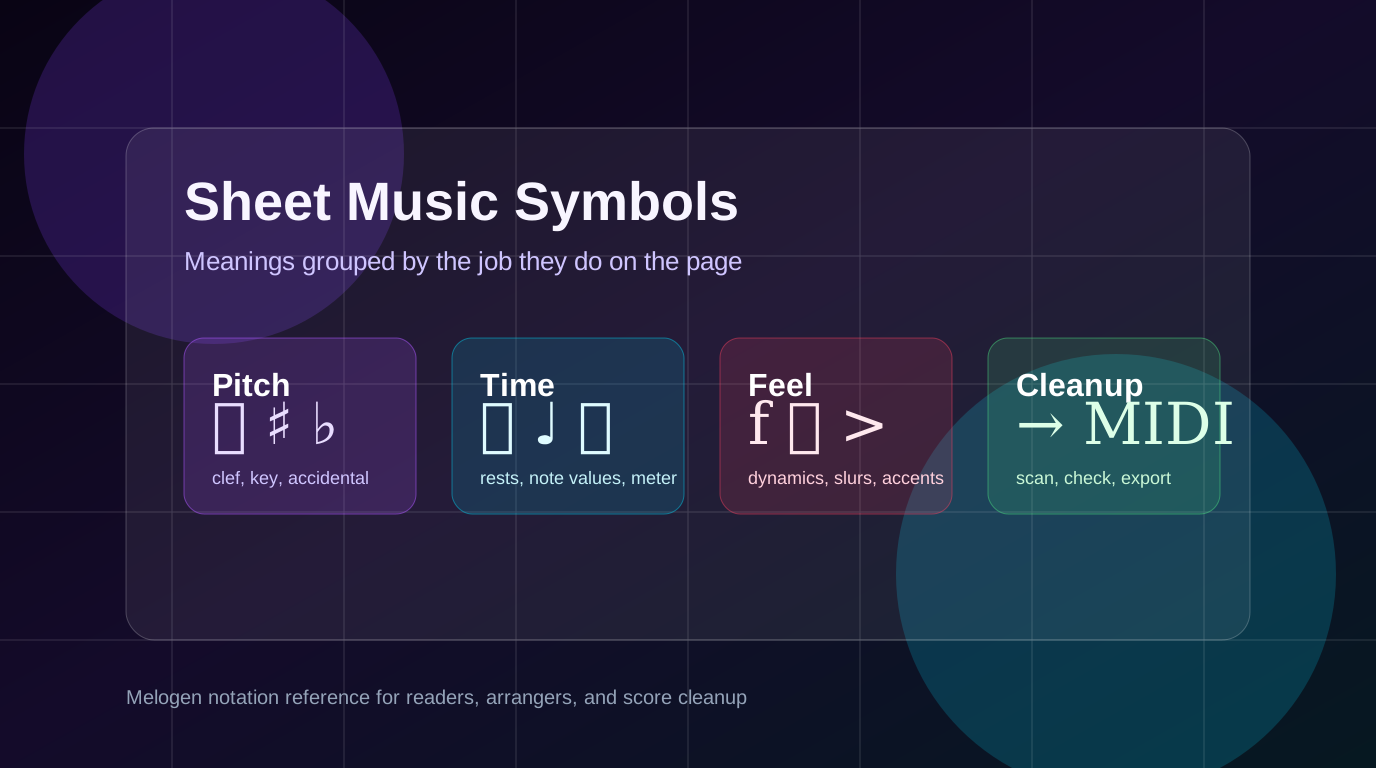
Slurs usually mean the notes connect under one air stream. Staccato dots shorten the note. Accents add a clearer attack. Crescendo and diminuendo marks shape air support across a phrase. Breath marks tell you where to reset without breaking the musical line. Dynamics matter because soft high notes and strong low notes require different control.
Do not treat these as decorations. They tell you how to spend air. A line of correct pitches can still miss the point if every note is tongued the same way or if every phrase runs out of breath.
Use references without getting stuck in charts
A fingering chart is useful. A notation guide is useful. A teacher's marking is useful. The problem begins when you bounce between references and never play the phrase. Use references in a fixed order.
First read the staff. Then check the fingering only for uncertain notes. Then return to the phrase and play slowly. If you keep the chart open for every note, your eyes stop reading the music. If you never use a chart, you may repeat a wrong fingering until it feels normal.
For a beginner, the best reference is one that answers the next small question: What note is this? Which fingering changes? Where do I breathe? How long is this rest? Answer that, then go back to the music.
Use Melogen as a bridge from source to practice
Melogen Sheet2MIDI fits a narrow but useful part of the workflow: turning visible notation into a MIDI reference. The local product page describes support for sheet music images and PDFs, with MIDI output after conversion. For a clean flute exercise that you are allowed to scan, that can give you a steady playback file for checking rhythm and note direction.

Use it carefully:
- Start with a clean PDF, PNG, or JPG of the notation.
- Convert the page with Sheet2MIDI.
- Listen for wrong notes, missing rests, or rhythm problems.
- Compare the MIDI against the printed flute line.
- Practice the musical result on the instrument yourself.
This is not a flute-tone coach. It will not judge breath support, embouchure, vibrato, or whether your articulation sounds musical. It is a first-pass playback bridge. The broader sheet music to MIDI workflow explains how scan quality and review affect that first pass.
Turn a clean flute exercise into a MIDI check
Use Melogen Sheet2MIDI when you have readable flute notation and want a first-pass playback reference before you finish the phrasing and tone work yourself.
Build a first-week practice loop
Flute notation becomes easier when you repeat the same reading order. Do not invent a new strategy every time the page changes.
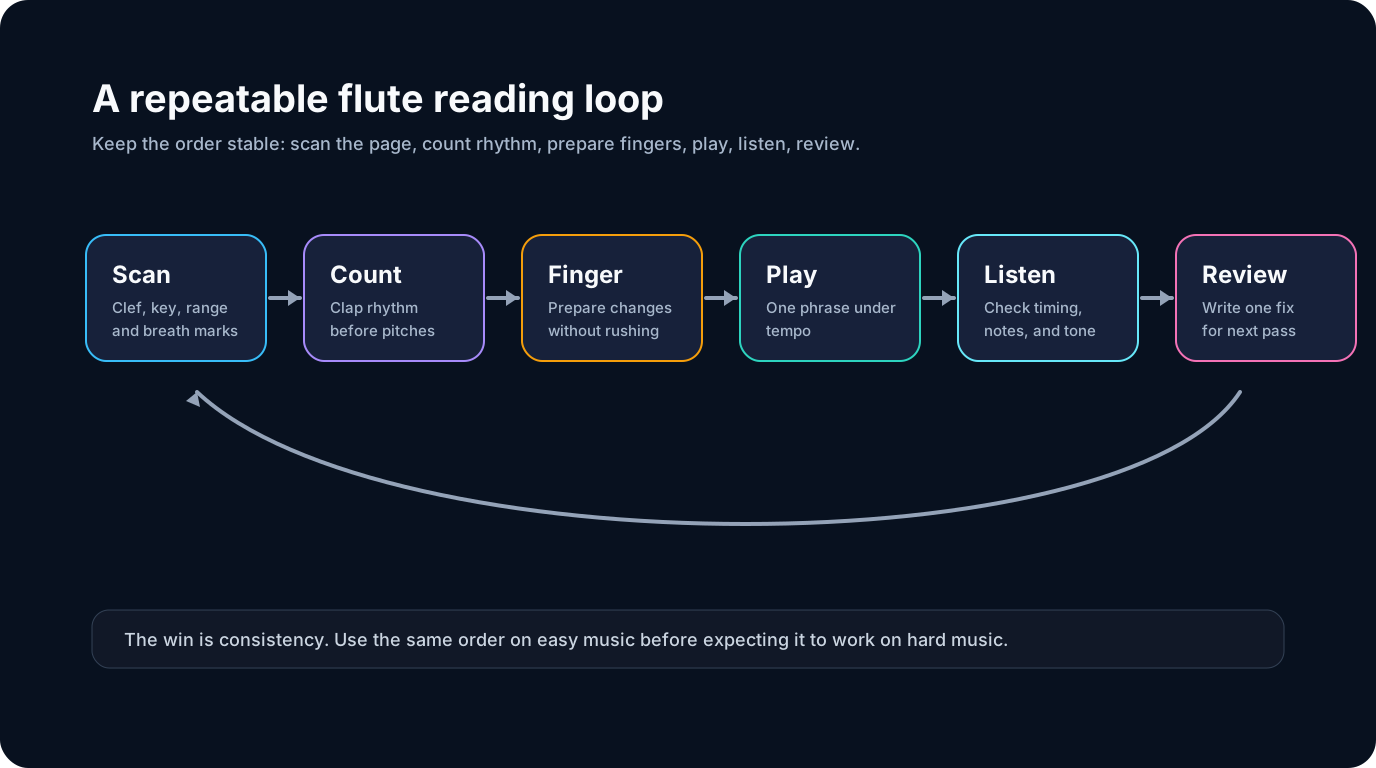
Try this seven-day loop:
- Day 1: Name notes in treble clef without playing.
- Day 2: Add key signature checks and mark altered notes.
- Day 3: Clap the rhythm before playing.
- Day 4: Practice fingerings silently, then add air.
- Day 5: Add articulation and slurs.
- Day 6: Use a MIDI playback reference for one clean exercise.
- Day 7: Play one short line without stopping, then review one specific issue.
Keep the review small. Write down "I rushed the rests," "I missed the F sharp," or "I ignored the slur." A focused note improves the next pass more than replaying the whole page without a target.
The practical takeaway
Flute music notation is manageable when you read it in layers. Staff and key signature first, rhythm second, articulation and breath next, then fingerings and tone. Speed comes last.
Before you move to a harder page, ask:
- Can you name the notes and key signature without guessing?
- Can you clap the rhythm before playing?
- Can you explain where the breath and articulation marks shape the phrase?
- Can you use a reference without staring at it for every note?
If those answers are yes, the notation is doing its job: it is giving you enough structure to make music instead of guessing your way through the page.
About the author
Zhang Guo
Composer - AI Product Manager
AI product manager and digital marketing consultant with a background in music. Creativity is the bridge between rhythm and logic, where musical intuition and mathematical precision can coexist in every meaningful product decision.
Follow on X