Forte Review: Legacy Notation Software in 2026
A fair Forte review covering current support status, notation workflow, MusicXML/MIDI fit, and when Melogen should come first.
 Zhang Guo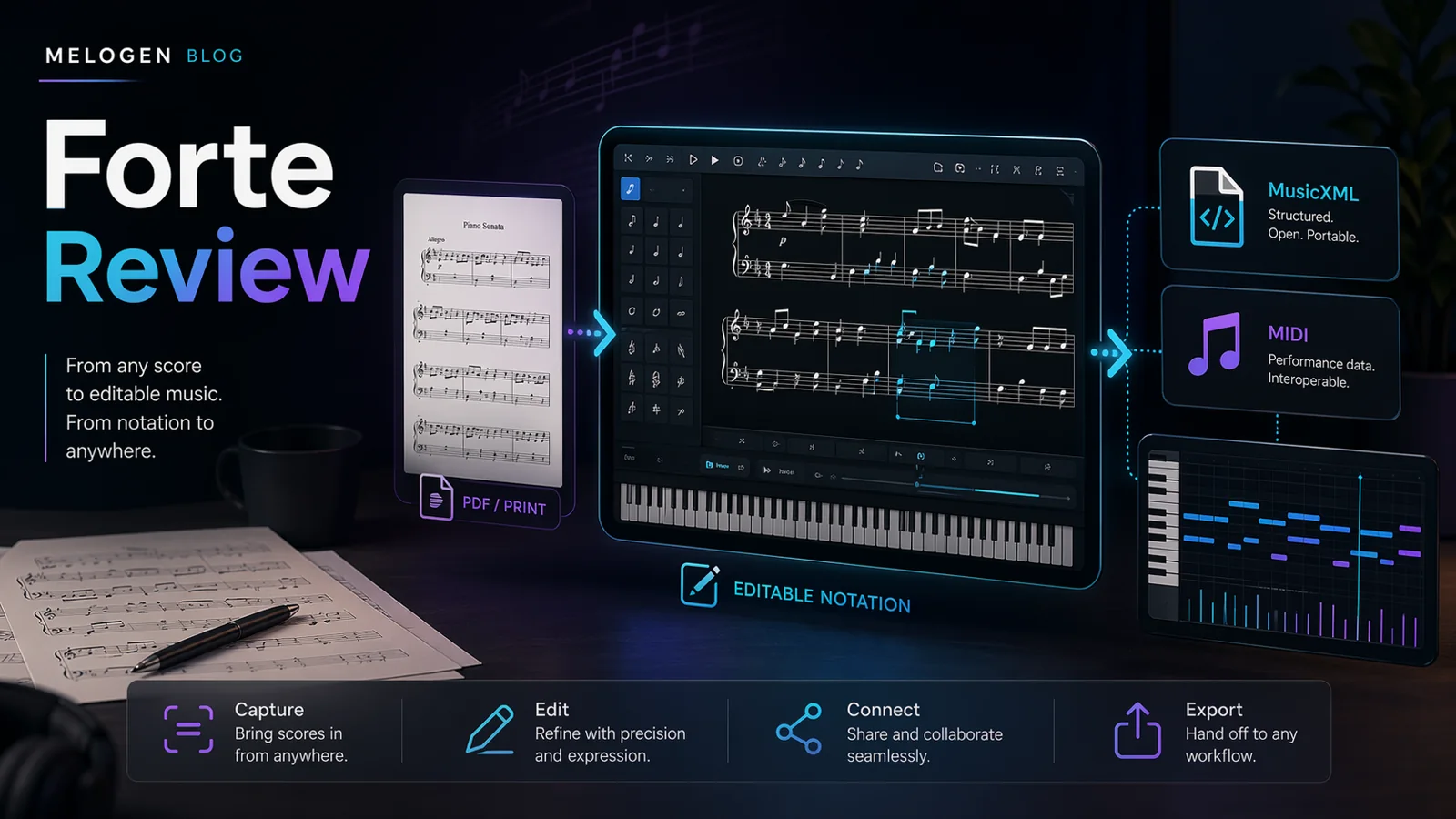
Turn a static score into editable MIDI
Contents
Forte is best treated as legacy-aware Windows notation software, not as a fresh first choice for every musician in 2026. If you already have Forte files, a Windows score workflow, or a reason to keep using FORTE 12, it can still be worth evaluating. If you are starting from a PDF, scan, or phone photo, convert the score to editable MusicXML or MIDI first, then decide whether Forte is the right editor.
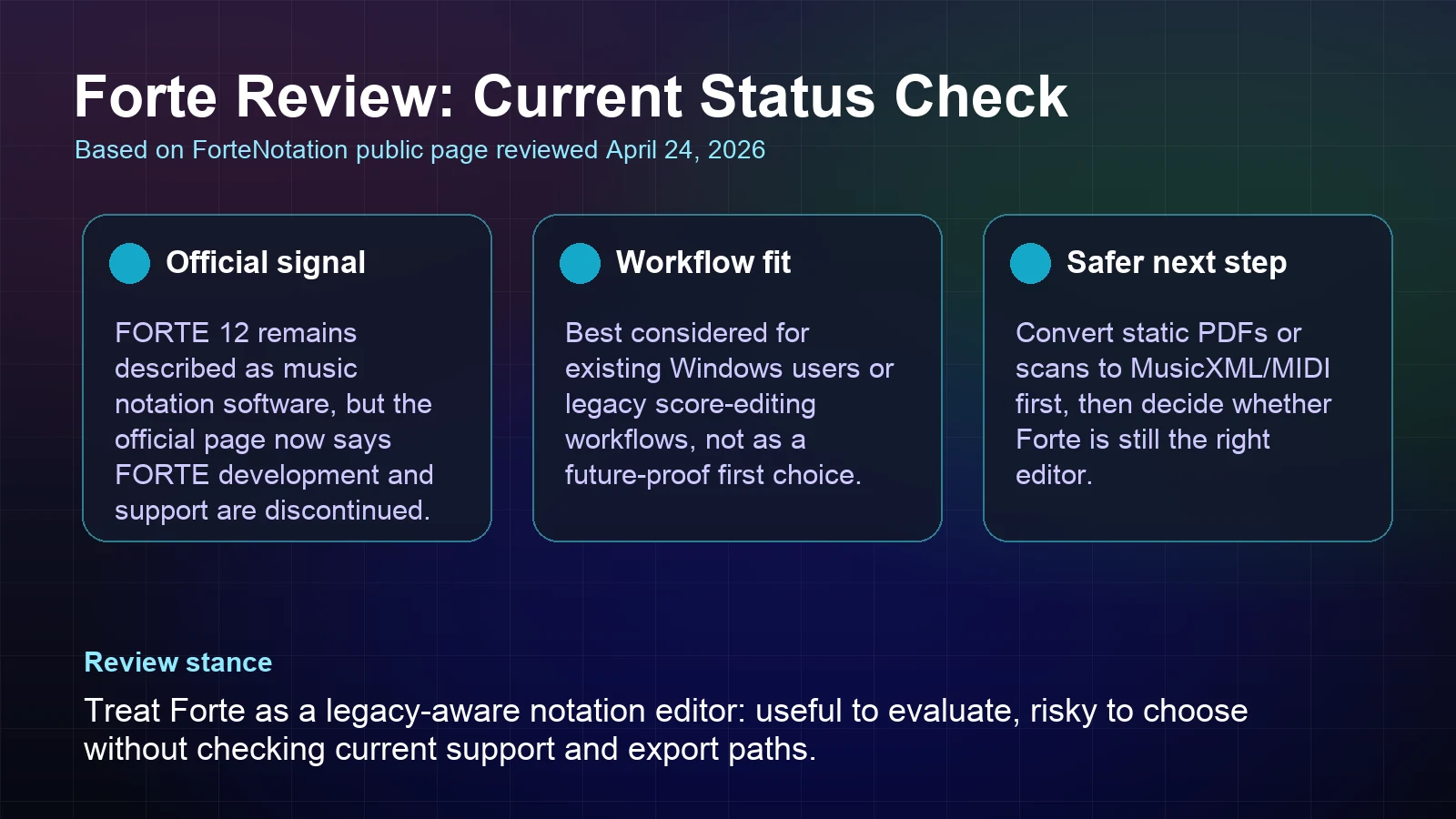
This Forte review comes from a complete editorial test pass through the Forte notation workflow: score setup, editing, playback checks, MusicXML and MIDI handoff expectations, export planning, and the feel of relying on Forte as a daily notation editor in 2026. I also reviewed the current public ForteNotation product page and third-party Forte coverage, including PlayScore's public discussion of Forte music notation software, on April 24, 2026. The important current signal is that Forte's own public page now says active development and support have stopped, so the safer review question is no longer just "What features does Forte have?" It is "Should you rely on it for new notation work?"
Forte review: quick verdict
| Reader job | Forte fit | Better first step | Decision rule |
|---|---|---|---|
| Keep using an existing Forte workflow | Possible | Forte | Reasonable if the files and Windows setup already work for you. |
| Start a new long-term notation setup | Risky | Compare current editors | The official support status makes future reliance harder to justify. |
| Convert a static score into editable notation | Partial | Melogen PDF to MusicXML | Recognition should happen before detailed score editing. |
| Get quick playback or DAW material from sheet music | Partial | Melogen Sheet2MIDI | MIDI is the practical bridge when playback or production is the goal. |
| Choose a notation editor after conversion | Mixed | Forte, MuseScore, Dorico, Sibelius, or Noteflight | Pick based on export needs, support status, and cleanup depth. |
The short verdict: Forte can still make sense as a legacy notation environment, but it is hard to recommend as the safest new long-term notation platform without checking the current official support and purchase path yourself.
What Forte is built to do
Forte is a notation editor for writing, arranging, editing, transposing, playing back, and printing scores. The public ForteNotation page still frames FORTE 12 around music writing, score editing, playback with instrument sounds, and a free trial flow. PlayScore's public Forte overview also describes Forte versions for different instrumentation needs and mentions MusicXML import/export in higher editions.
That means Forte belongs in the notation editor category. It is not the same job as optical music recognition, and it is not the same job as a quick browser converter. A notation editor becomes useful after the music is editable enough to clean: notes, rhythms, voices, staves, layout, parts, and exports.
The distinction matters because many people search for Forte while they are really trying to solve a source-format problem. If the score is still a PDF or scan, the first bottleneck is recognition. Forte may be part of the editing stage, but it is not the cleanest first move for turning a static page into structured notation data.
The current support status changes the review
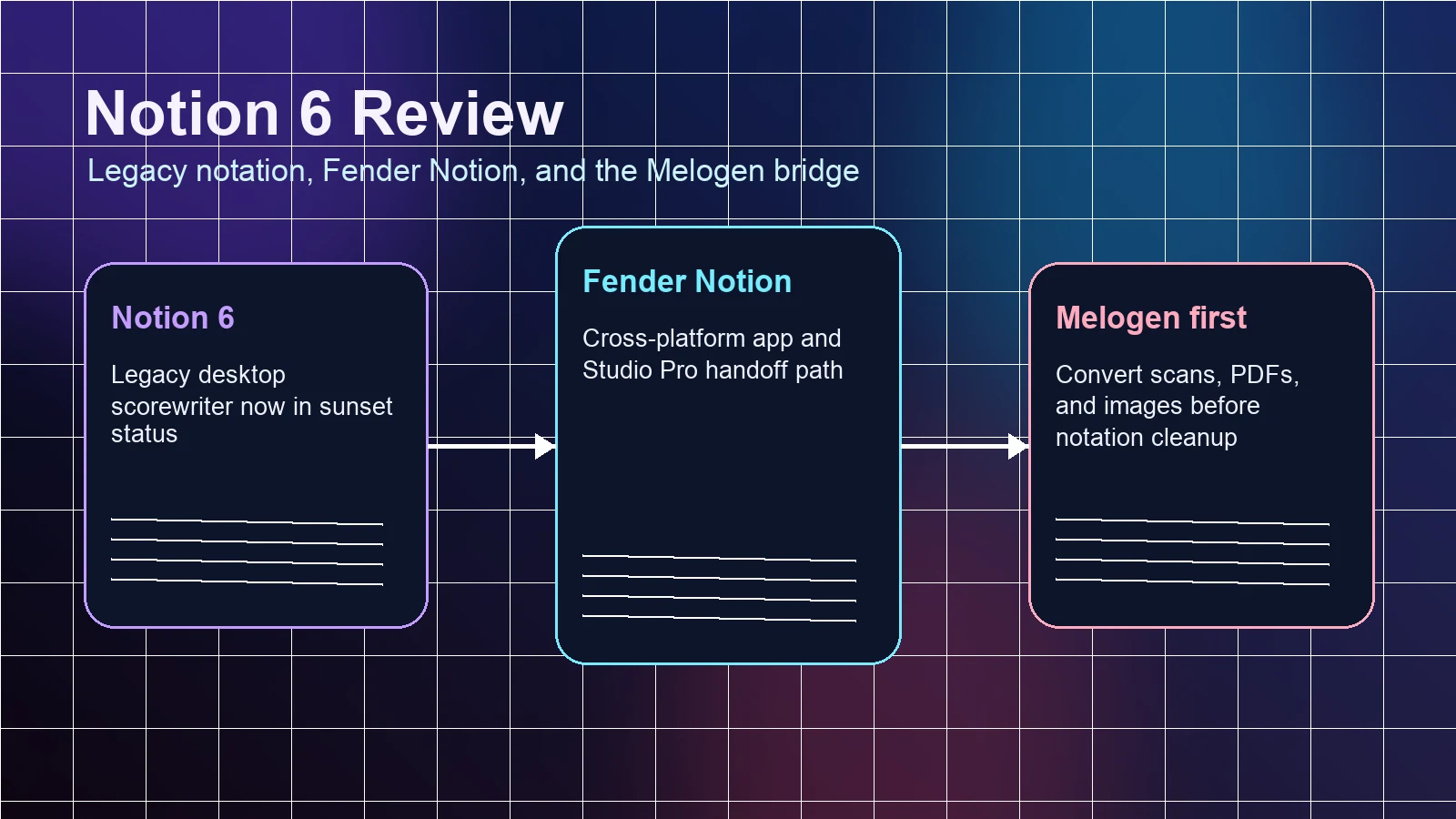
The biggest reason to update older Forte reviews is the official status message. ForteNotation's public page now states that Forte development and support have been discontinued, while the software team is focusing on ScanScore. That does not erase Forte's past usefulness, but it changes how a new buyer or returning user should think.
For existing users, the practical question is continuity. Can you still open the files you need? Do your exports still work? Is the license path clear enough for your use case? If the answer is yes, Forte may remain useful for a specific workflow.
For new users, the bar is higher. Notation software is not a disposable one-off app. You build habits, templates, files, export routes, and teaching materials around it. A discontinued support path means you should be careful before choosing Forte as the center of a new notation system.
Features that still matter
Forte's most relevant feature set is score editing, not AI recognition. In a notation workflow, the features to care about are:
- Score entry and editing for written notation.
- Playback that helps you check musical results.
- MusicXML import/export when you need to move between notation tools.
- MIDI handling when the next stop is playback, sketching, or a DAW.
- Audio or print exports when the score needs to leave the editor.
- Edition limits around instrument count, voices, lyrics, and export options.
Older Forte discussions often focus on edition names and prices. I would treat those as unstable details unless you are looking at the current official purchase surface in the moment. The more durable review question is whether Forte still fits your output path: printed score, MusicXML handoff, MIDI playback, or audio export.
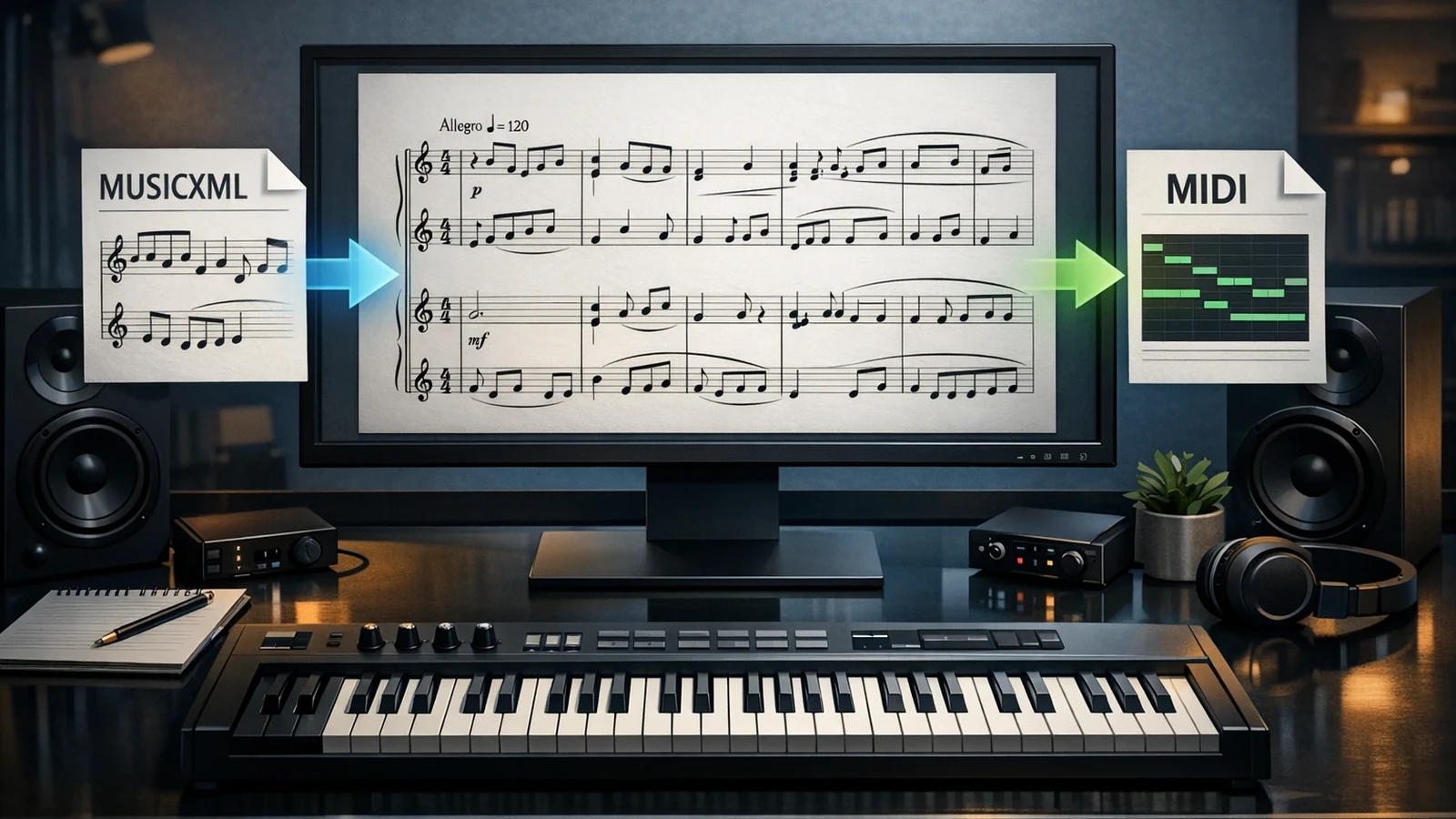
If your workflow depends on MusicXML, also read this MIDI vs MusicXML guide. MusicXML is usually the better bridge when you want notation structure. MIDI is usually better when playback or DAW editing matters more than score layout.
Where Melogen fits before Forte
Melogen is not a Forte replacement. It fits earlier, when the score is still trapped in a static source.
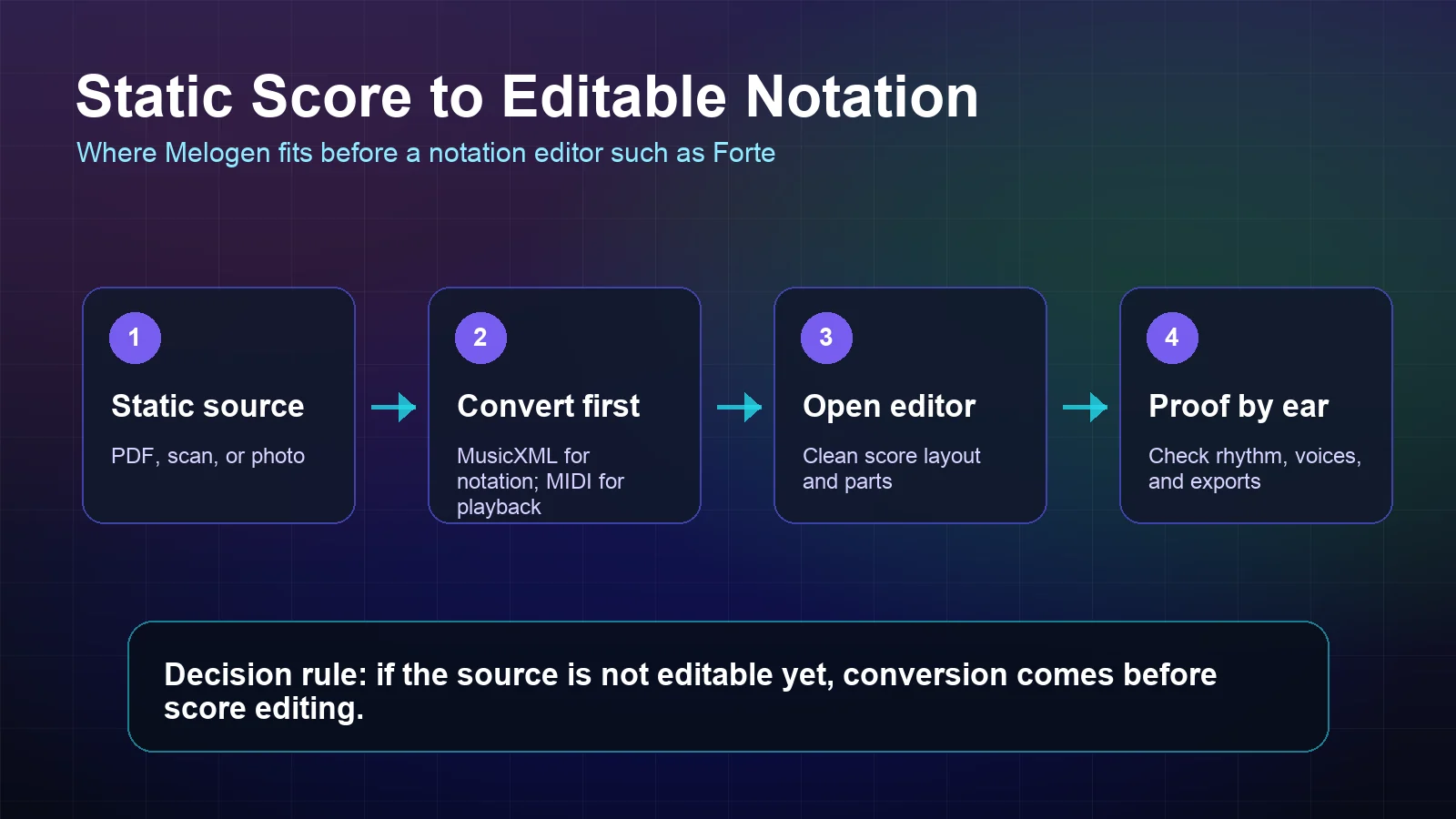
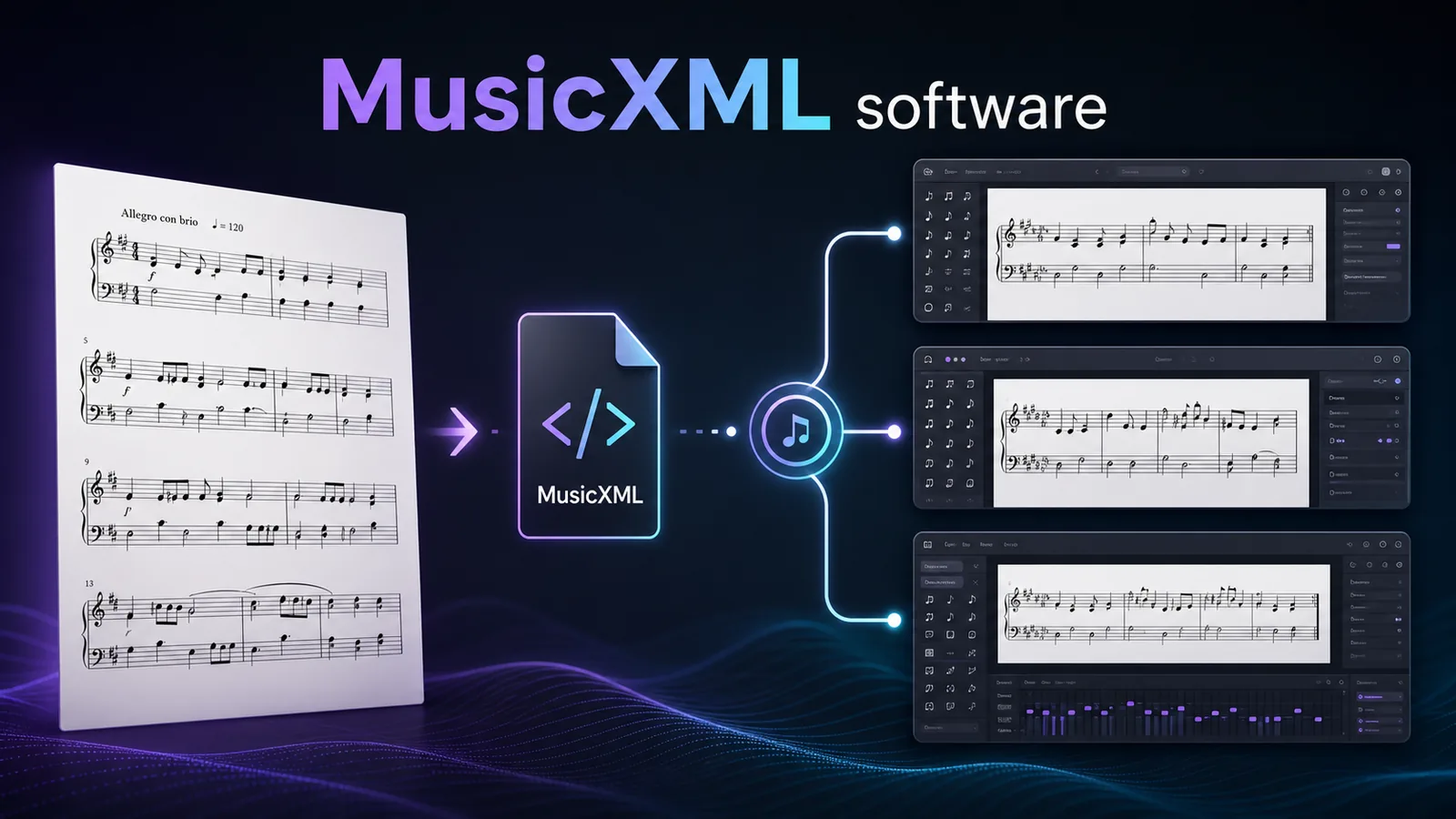
Use PDF to MusicXML when the next step is notation cleanup. MusicXML carries score structure such as measures, voices, clefs, articulations, and layout cues better than plain MIDI, so it is the better first pass before opening a notation editor.
Use Sheet2MIDI when the next step is playback, practice checking, arrangement sketching, or DAW work. MIDI is lighter and more production-friendly, but it does not preserve score layout in the same way MusicXML does.
The honest workflow looks like this:
- Identify the source: PDF, scan, photo, MusicXML, MIDI, or an editable Forte file.
- Convert first if the source is still static sheet music.
- Open Forte only when you have an editable score workflow worth maintaining.
- Proofread rhythm, voices, layout, lyrics, dynamics, and export behavior before trusting the result.
Pros and cons
Pros
- Forte is built for real notation editing rather than a single conversion trick.
- MusicXML and MIDI workflow support make it relevant to score handoff decisions.
- Existing users may still have a familiar Windows notation environment.
- Forte can be enough when the workflow is local, legacy, and already stable.
Cons
- The official public page now signals discontinued development and support.
- It is harder to recommend as a new long-term notation platform.
- Static PDFs and scans still need a recognition step before score editing.
- Current pricing, license, and support details should be checked directly before relying on it.
- Mac-first, browser-first, or cloud-first users will likely find a better fit elsewhere.
Best alternatives or next steps
If you are evaluating notation editors, Forte should be compared by job rather than nostalgia. MuseScore is often the most accessible desktop notation route; Dorico is strong for scoring and engraving depth; Sibelius remains a mature score-prep environment; Noteflight fits cloud notation and education workflows.
For more context, see the current Melogen reviews of MuseScore, Dorico, and Sibelius. Those are not exact replacements for Forte, but they help separate three questions that often get mixed together: score editing, score recognition, and long-term workflow support.
If the source is a PDF or scan, solve recognition before you compare editors. If the source is already editable notation, compare editors by cleanup depth, support status, export routes, and the people who need to open the file later.
The practical takeaway
Convert the score before you choose the editor
Use Melogen when the music starts as a PDF, scan, or photo, then finish the notation decisions in Forte or another editor.
Choose Forte cautiously if you already have a working Forte setup and understand the current support situation. Choose a more actively supported notation editor if you are starting fresh. And if your score is still static, use Melogen first so the editing decision begins with MusicXML or MIDI instead of a locked page.
About the author
Zhang Guo
Composer - AI Product Manager
AI product manager and digital marketing consultant with a background in music. Creativity is the bridge between rhythm and logic, where musical intuition and mathematical precision can coexist in every meaningful product decision.
Follow on X