Get Bass Tabs for Any Song: 5 Safe Methods
Learn five practical ways to get bass tabs for any song, from licensed tab sources to audio-to-MIDI drafts, cleanup checks, and Melogen limits.
 Zhang Guo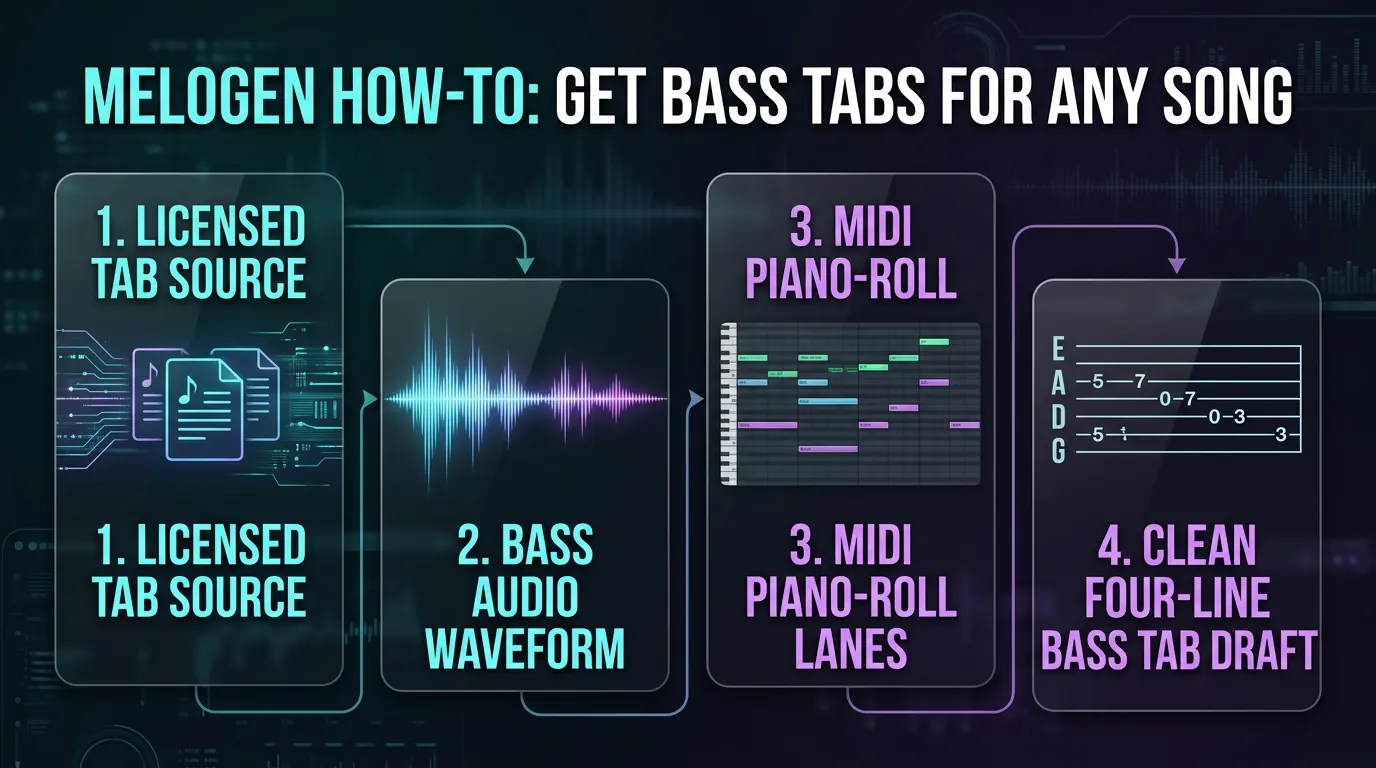
Turn a static score into editable MIDI
Contents
You can get bass tabs for any song in five realistic ways: use an official or licensed tab when one exists, read the bass line by ear, start from an isolated bass stem, convert clean audio into a MIDI draft, or adapt a notation/MIDI reference into bass tab by hand. The fastest route depends on the source you have and how accurate the final tab needs to be.
The important boundary is this: no audio tool should be treated as a finished bass-tab authority. A converter can help you hear pitches, timing, and note starts faster. You still need to choose strings, frets, note lengths, slides, ghost notes, and groove feel like a bassist.
Choose the safest source first
Start by asking what kind of source you are allowed to use. If there is an official bass book, a licensed tab, a public-domain score, or your own recording, start there. If the song is copyrighted and you only need a personal practice reference, keep the workflow private and avoid republishing generated tabs.
| Starting point | Best first move | Why it helps | Watch out for |
|---|---|---|---|
| Official or licensed bass tab | Read and simplify it | Fastest route when the source is trustworthy | It may still need rhythm and fingering cleanup |
| Public-domain score or lead sheet | Convert the bass staff or rewrite by hand | Gives cleaner pitch/rhythm than noisy audio | Standard notation still needs bass-position choices |
| Your own recording | Isolate the bass or convert audio to MIDI | Legal and practical for original music | The MIDI draft may miss ghost notes or slides |
| A dense full mix | Separate stems before transcription | Makes the bass line easier to hear | Bass and kick drum can blur together |
| A video or stream | Verify rights and audio quality first | Convenient source when you have permission | Compression and copyright risk can be high |
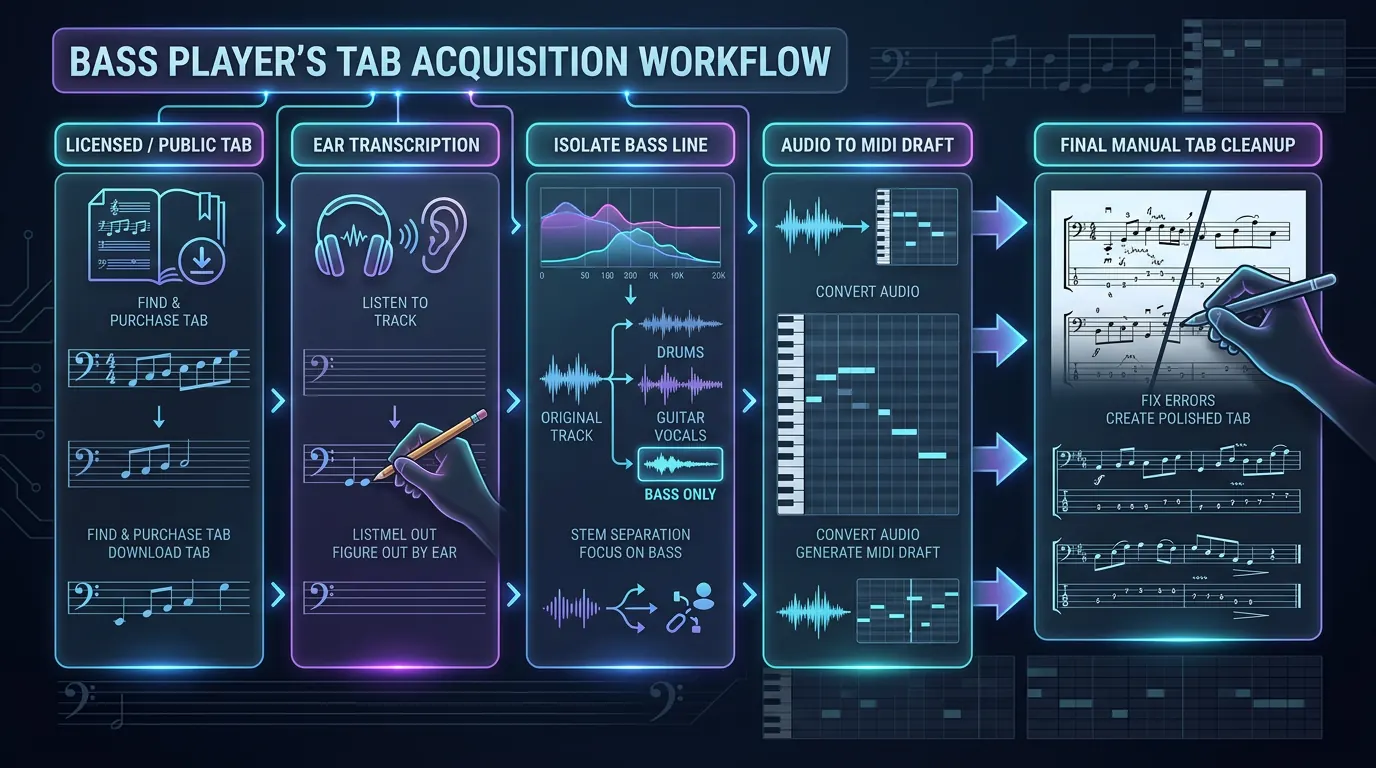
This source-first check is the main information gain over a one-click tutorial. The job is not simply "turn song into tab." It is "choose the cleanest allowed source, make a draft, then verify the musical decisions."
Method 1: Use a licensed tab or score when it exists
If a reliable tab already exists, use it as your base. The work becomes verification rather than transcription. Play the tab slowly against the recording, mark suspicious bars, and listen for note length, slides, muted notes, and syncopation.
Do not assume a tab is correct just because it looks complete. User-submitted tabs often get pitch right but rhythm wrong. Bass parts live in the space between the kick, snare, and vocal phrasing, so a correct-looking fret number can still feel wrong if the note is held too long or cut too early.
For public-domain or original music, notation can be even cleaner than tab. Read the pitches and rhythm first, then turn them into bass positions. If the source is a PDF or scan, a sheet-music conversion workflow can help, but the final tab still needs instrument logic.
Method 2: Transcribe the bass line by ear
Ear transcription is slower, but it is still the most reliable way to catch groove details. Use a short loop, slow the audio down, and find the root movement before chasing every passing note.
Work in this order:
- Find the key center or home note.
- Loop one or two bars of the bass part.
- Sing or hum the bass movement before touching the instrument.
- Find the notes on one string first.
- Move the line into a playable position.
- Write the tab only after the rhythm feels stable.
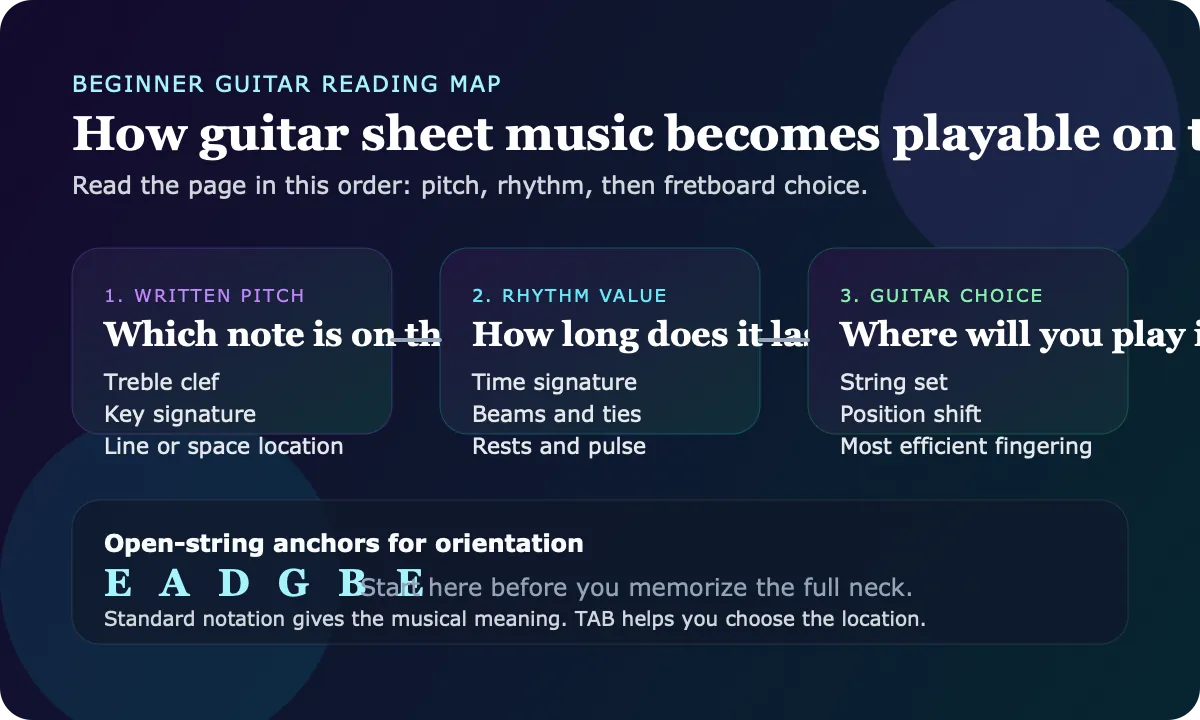
If you are new to tab symbols, keep the existing how to read bass tab guide open while you work. It explains the four-line grid, fret numbers, slides, hammer-ons, pull-offs, and ghost-note markings that you will need when your rough notes become a readable tab.
Method 3: Isolate the bass before converting anything
When the bass is buried in a full mix, transcription tools and human ears both struggle. If you can create or obtain a cleaner bass stem, do that before turning audio into notes.
Melogen's Music2MIDI page describes AI-powered audio transcription with optional stem separation, including a bass stem option, and MIDI output. That makes it useful as a reference step when the source is audio and you want to inspect the bass movement before writing tab.

The useful workflow is:
- Start with the cleanest audio file you can legally use.
- Separate or emphasize the bass when the mix is dense.
- Convert the cleanest reference into MIDI.
- Listen back to the MIDI against the original track.
- Rewrite the line into bass tab with playable string choices.
This is especially helpful for original demos, lesson material, rehearsal references, and songs where you have permission to work from the audio.
Method 4: Convert clean audio to a MIDI draft
If you have a clear bass recording or a simple mix, an audio to MIDI converter can give you a faster first draft. Melogen's Audio to MIDI page says it supports MP3, WAV, FLAC, OGG, M4A, and AAC input, then exports standard MIDI that can be edited in a DAW or notation tool.
Use this method when the source is closer to a single bass line than a mastered full-band track. Solo bass, rehearsal recordings, stems, and sparse arrangements tend to produce more useful MIDI than distorted, compressed, or crowded mixes.
The draft still needs musician cleanup:
| Check | What to inspect | Why it matters for bass tab |
|---|---|---|
| Pitch | Wrong octave, missing passing notes, extra harmonics | Bass fundamentals and overtones can confuse detection |
| Rhythm | Note starts, rests, syncopation, tied notes | Groove depends on timing more than raw pitch |
| String choice | Same pitch can live in multiple positions | The easiest tab is not always the closest pitch map |
| Note length | Staccato, sustain, palm mute, ghost notes | MIDI often hides articulation decisions |
| Feel | Push, pull, swing, pocket | A readable tab still has to feel like the record |
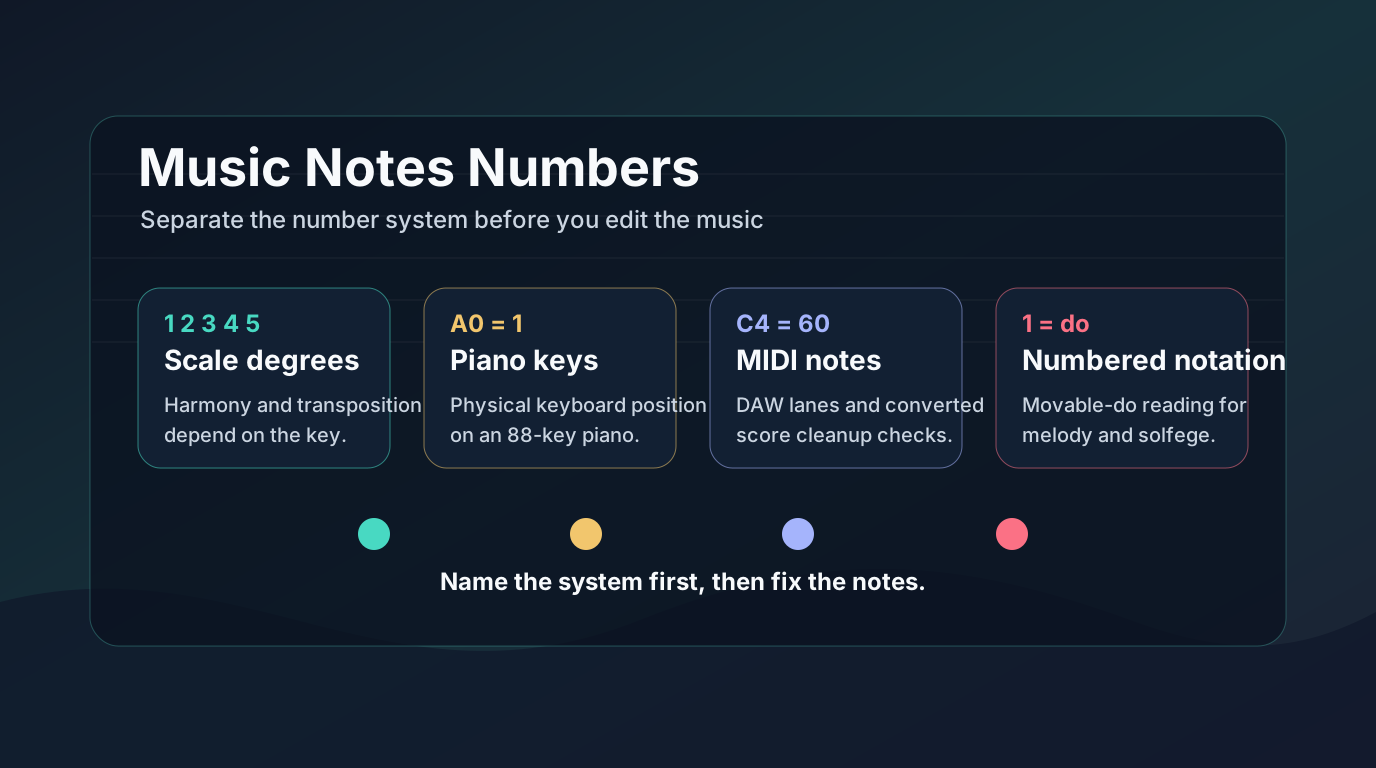
The related MIDI for guitarists article is useful here because it explains the broader difference between MIDI data and fretboard decisions. The same caution applies to bass: MIDI can tell you what pitch happened, but not always the best way to play it.
Method 5: Rewrite the draft into playable bass tab
Once you have notes from a licensed tab, your ear, a stem, or a MIDI draft, rewrite them like a bassist instead of copying data blindly.
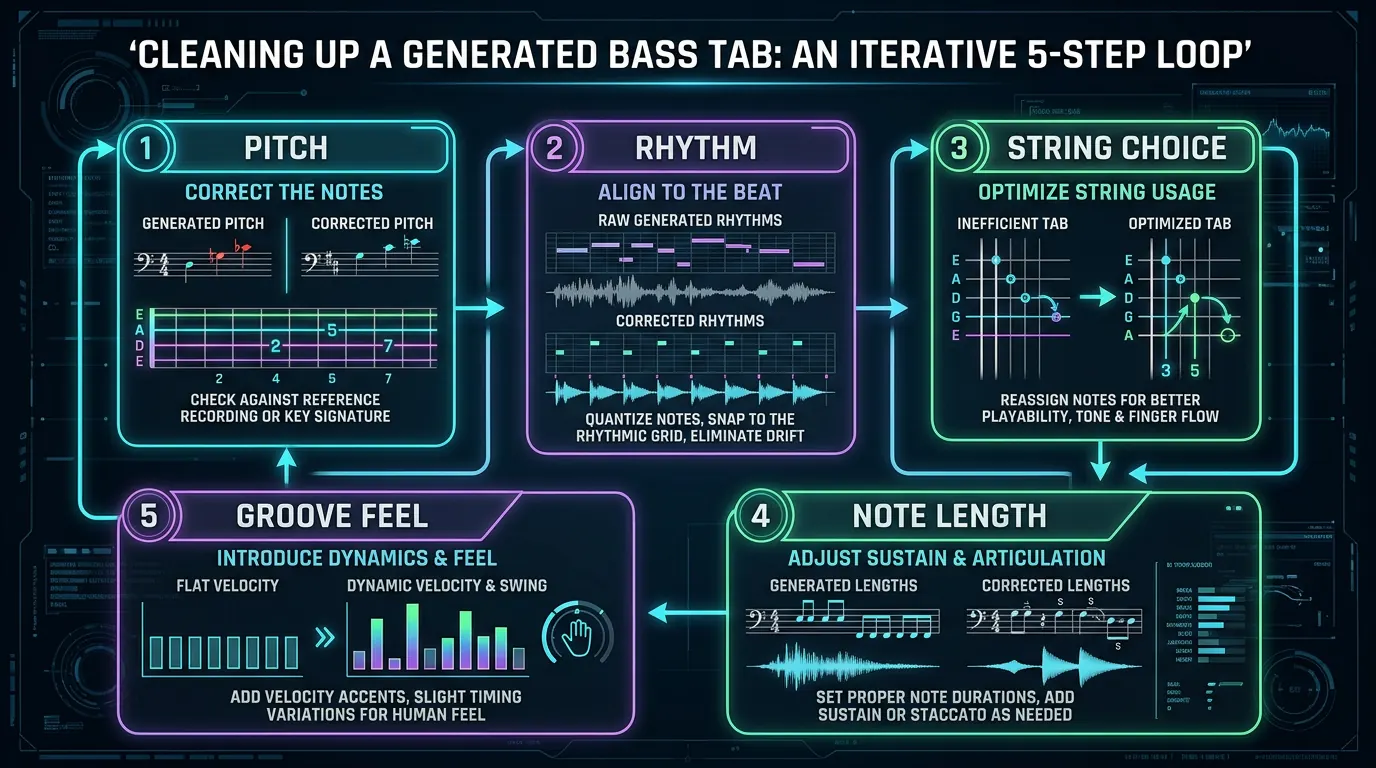
Use this cleanup loop:
- Pitch: check the line against the bass or a keyboard.
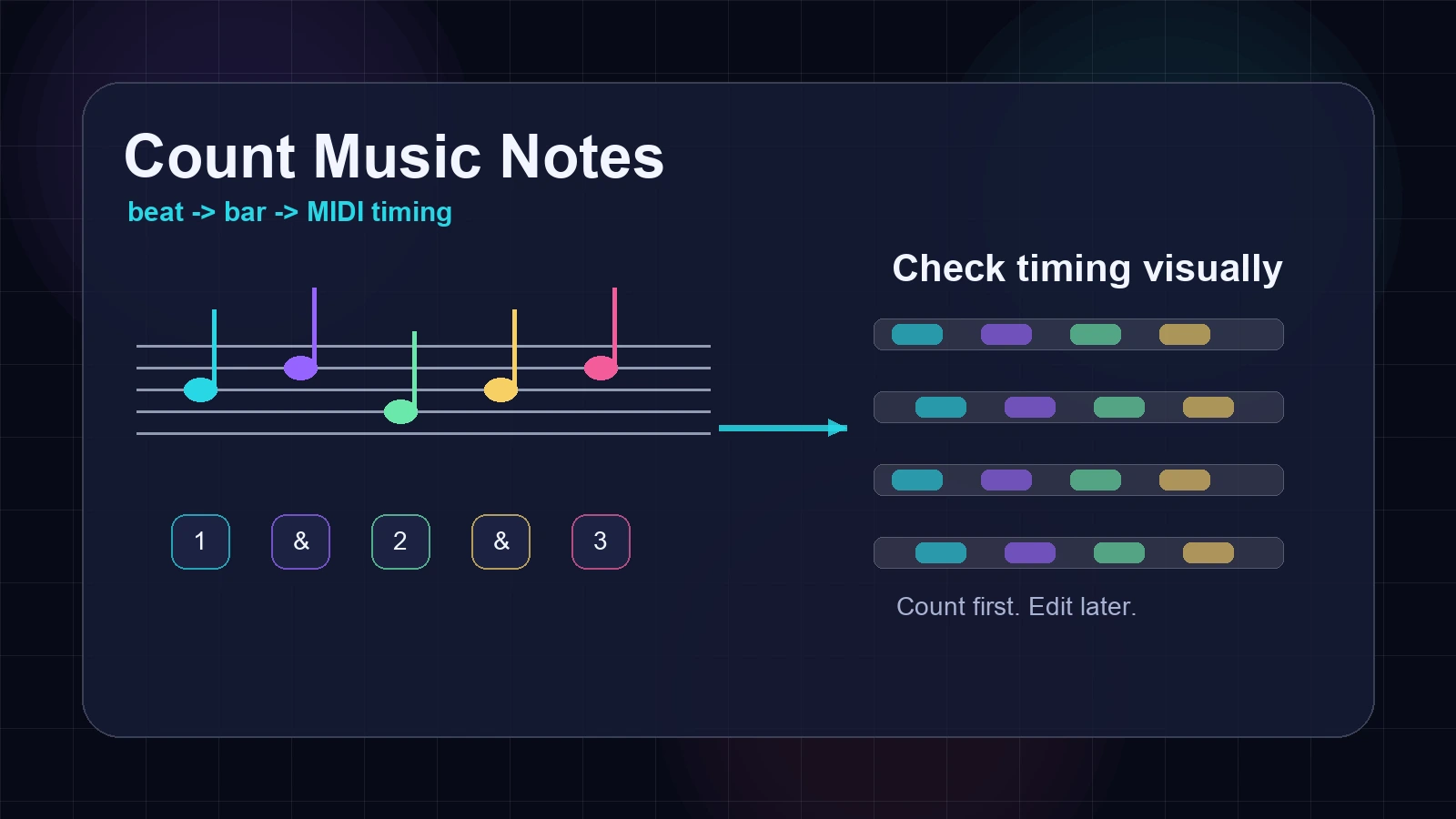
- Rhythm: count the bar before adding fancy symbols.
- Position: choose strings and frets that make the line playable.
- Articulation: mark slides, hammer-ons, pull-offs, mutes, and sustains only when you can hear them.
- Groove: play with the recording and fix the bar that feels late, early, or too long.
If the part is for practice, keep the tab simple. If it is for another bassist, include rhythm cues, bar lines, tuning, and a note about whether the tab is a transcription, an arrangement, or a simplified version.
When AI guitar tabs help and when they do not
Melogen also has an AI Guitar Tab Generator route that turns songs, audio files, and supported links into guitar tab output. That is useful when the target part is guitar: chords, riffs, lead lines, or section-based practice.
For bass, be more careful. A guitar-tab workflow may still help you understand the song structure, chord movement, or riff shape, but it should not be presented as a dedicated bass-tab generator unless the product surface clearly says that. For this article's task, the safer Melogen route is audio-to-MIDI or Music2MIDI as a reference step, followed by manual bass-tab cleanup.
Start with a MIDI reference, then write the bass tab
Use Melogen Audio to MIDI when you have a clean bass recording or stem, then check the notes, rhythm, and fretboard choices before you trust the tab.
The practical takeaway
The best way to get bass tabs for any song is not one magic converter. It is a source-first workflow:
- use official or licensed tabs when they exist
- transcribe by ear when groove accuracy matters
- isolate the bass line before converting dense audio
- use audio-to-MIDI as a draft, not a final tab
- rewrite the result into playable positions and clear rhythm
If you want a broader tool comparison before choosing a workflow, the best AI music transcription tools guide compares audio, sheet music, MIDI, and MusicXML routes. For this specific task, though, keep the rule simple: get the cleanest allowed source, make a draft, then let a bassist make the final tab decisions.
About the author
Zhang Guo
Composer - AI Product Manager
AI product manager and digital marketing consultant with a background in music. Creativity is the bridge between rhythm and logic, where musical intuition and mathematical precision can coexist in every meaningful product decision.
Follow on X