MIDI for Guitarists: Audio, Hardware, and Next Steps
Learn MIDI for guitarists with a practical framework for audio-to-MIDI, controllers, pickups, and the fastest Melogen workflow to start with.
 Zhang Guo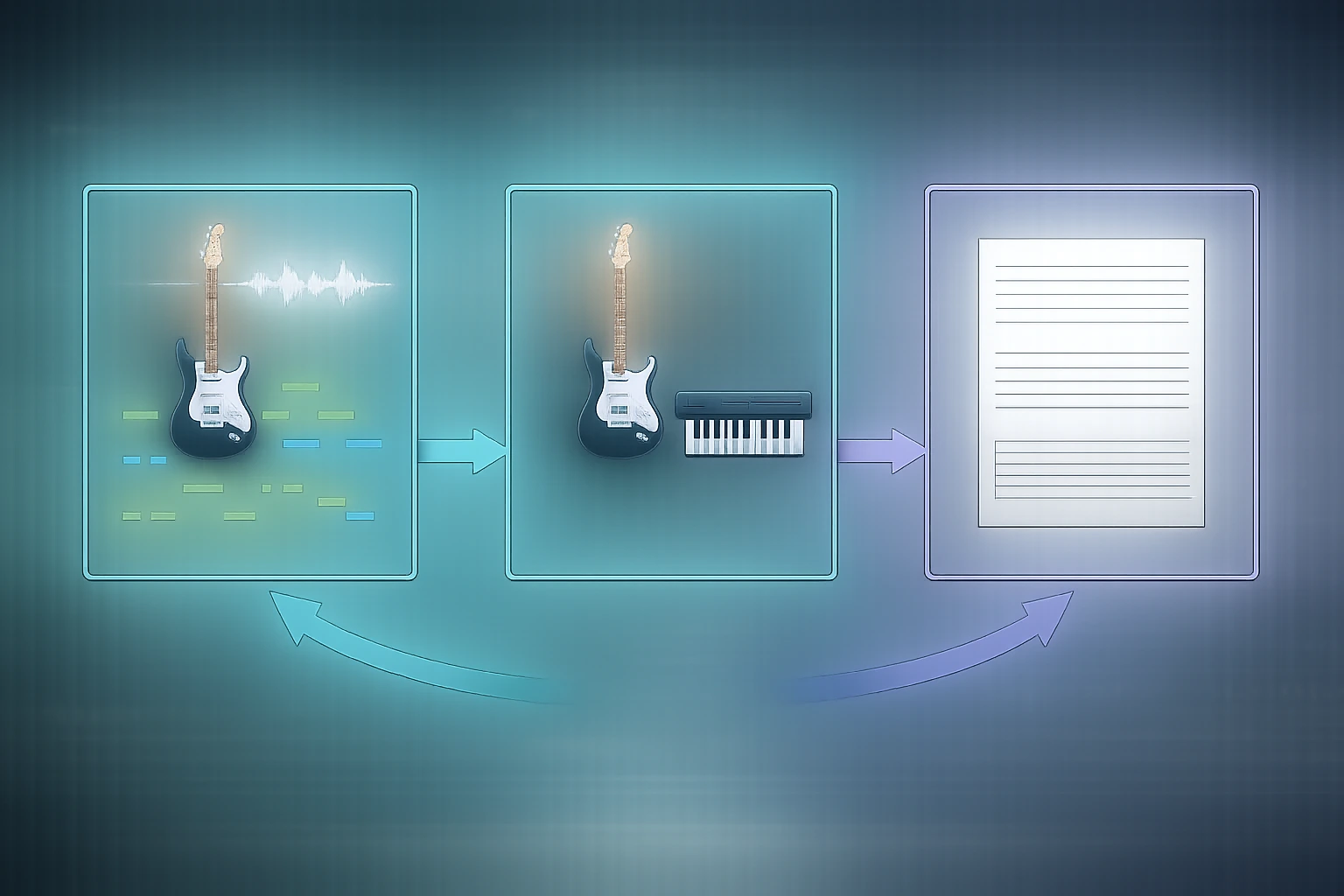
Turn a static score into editable MIDI
Contents
If you search for midi for guitarists, the real question usually is not "Can a guitar use MIDI?" It is "Which MIDI route matches the job I actually need to finish?" Some guitarists want editable notes from a recording. Some need live control with low latency. Others think they need MIDI, but what they really need is a readable practice reference.
This guide keeps the decision practical. We will sort the main paths, explain where each one wins, and show where Melogen fits when you want a browser-first way to move from guitar audio into editable musical data.
Name the real MIDI job before you pick a workflow
Guitarists usually land in one of three situations:
- You recorded a riff, solo, or chord part and want editable MIDI in a DAW.
- You want to trigger synths or virtual instruments from the guitar in a performance workflow.
- You are trying to learn or arrange a part and need a readable first pass before deeper cleanup.
Those are different jobs. If you treat them like one problem, you usually pick the wrong tool and blame MIDI instead of the workflow.
Here is the useful distinction:
- Audio-to-MIDI is best when the source already exists as audio and you need editable note data fast.
- Dedicated MIDI hardware is best when the guitar itself must behave like a controller during performance.
- A notation or tab reference is often better when the real goal is practice, not MIDI editing.
Compare the main routes with a simple framework
Use this table as the first filter before you spend money or time:
| Route | Best when | What you start with | What you get | Main tradeoff |
|---|---|---|---|---|
| Audio-to-MIDI | You already have a recording and want editable notes quickly | MP3, WAV, FLAC, M4A, or other audio | Standard MIDI for DAWs or notation software | Dense mixes still need cleanup |
| MIDI pickup or controller setup | You need live triggering, controller behavior, or performance routing | Guitar plus dedicated hardware or a controller workflow | Real-time control over synths and instruments | More setup cost, routing, and technique adaptation |
| Reference-first workflow | You mainly need to learn, check, or arrange the part | Song, score, or practice material | Tabs, notation, or a readable guide | Not every practice workflow needs MIDI at all |
For most solo creators, audio-to-MIDI is the fastest place to start because it answers a specific editing question: what notes did I play, and how quickly can I move them into the next tool?
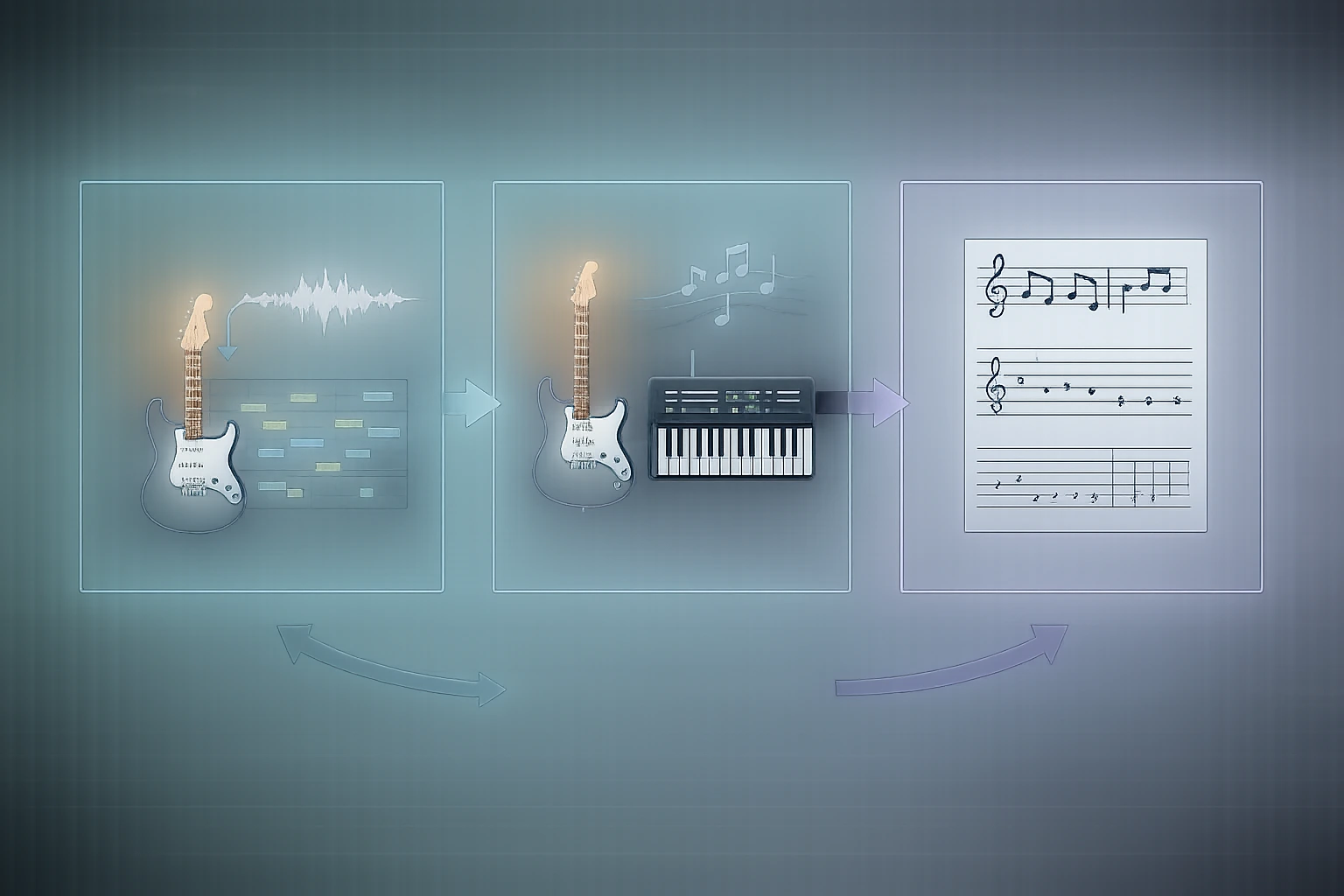
Use audio-to-MIDI when you need editable notes fast
If your guitar part already exists as a recording, audio-to-MIDI is usually the cleanest first pass. You upload audio, let the transcription layer detect pitches and timing, then fix the bars that matter inside your DAW or notation editor.
Melogen's current Audio to MIDI converter is positioned around that browser-first workflow. The local product copy shows support for MP3, WAV, FLAC, OGG, M4A, and AAC, with standard MIDI output that can continue into DAWs or notation software. The same page is also explicit about the tradeoff: solo instruments and simpler arrangements convert more cleanly than dense, distorted, or full-band mixes.
That is the right expectation for guitarists. If the source is a clean DI, isolated stem, or simple single-line part, audio-to-MIDI can save real time. If the source is a heavy mix with stacked guitars, drums, and effects, treat the output as a draft, not the final score.
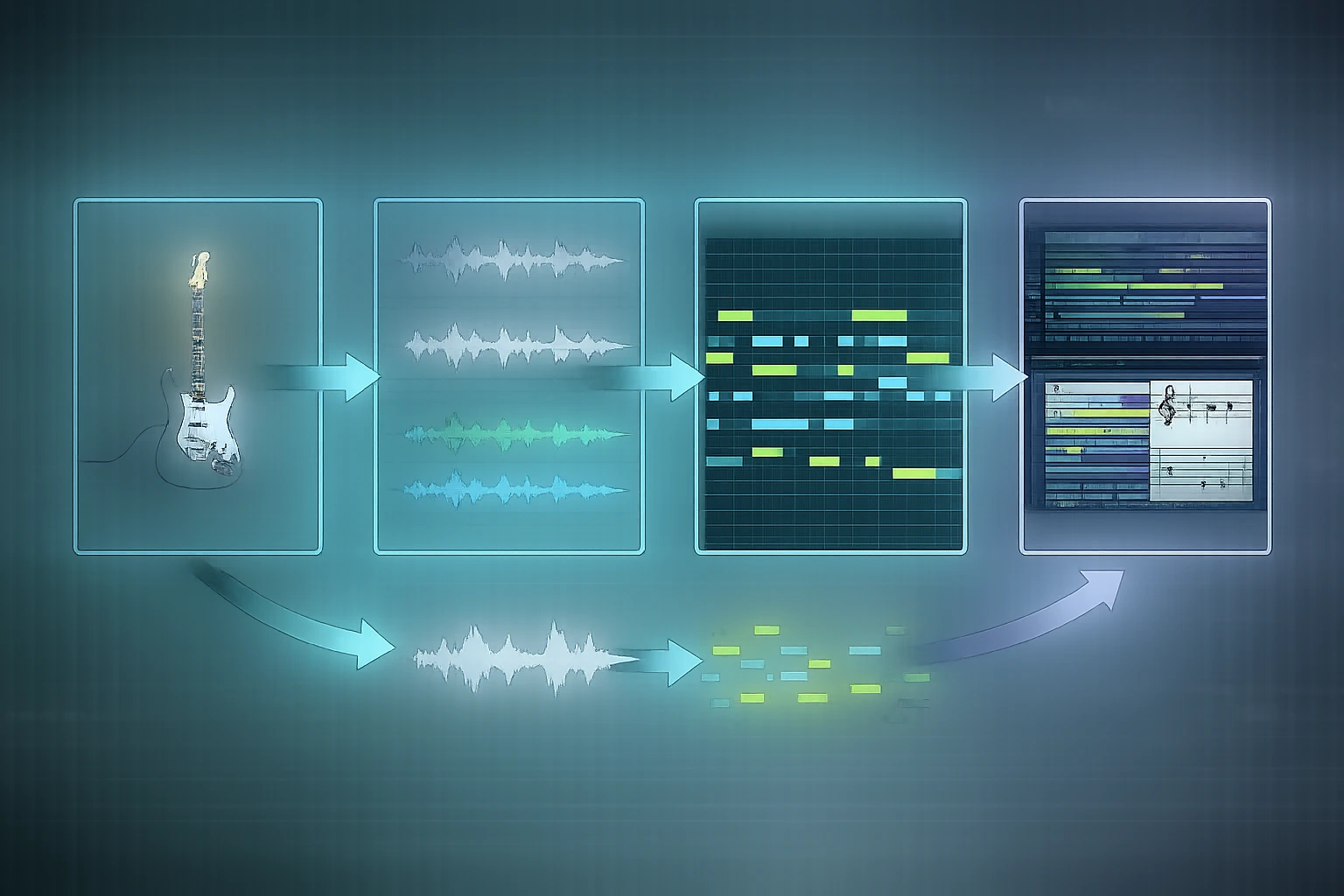
Use audio-to-MIDI first when:
- you want to edit phrasing, note lengths, or pitch content in a DAW
- you need a quick writing bridge into synths or orchestration work
- you are testing ideas from a recorded guitar line instead of performing them live
If your end goal is notation instead of DAW editing, the practical next read is MIDI vs MusicXML, because the output format changes what cleanup feels like afterward.
Use dedicated MIDI guitar hardware when performance matters more than convenience
Hardware-oriented MIDI workflows are better when you need the guitar to act like a controller, not just a source file. That usually means live triggering, low-latency playing, continuous performance gestures, or a stage/studio rig built around synth control.
The upside is immediacy. The downside is complexity. Once you add hardware, you also add setup decisions:
- tracking behavior
- playing technique tolerance
- routing into virtual instruments
- calibration and feel
- whether the result is really better than tracking audio first
This route makes sense for guitarists who already know they want controller behavior. It is usually overkill when the real need is simply "turn this recorded part into editable notes."
A good shortcut is to ask one question: do you need live control right now, or do you need editable data after the take? If the answer is editable data, audio-to-MIDI is usually the lower-friction choice.
Use Music2MIDI when the mix is busy or you want more control over the first pass
Melogen's current Music to MIDI workflow is the more advanced route in the same family. The local page and messages position it around AI transcription with optional stem separation, selectable stems such as vocals, drums, bass, and other instruments, plus optional MIDI quantization.
For guitarists, that matters when the simple question is not "Can I convert audio?" but "Can I separate enough of the arrangement to make the MIDI pass easier to clean?" A dense demo, rehearsal recording, or full-band bounce can be hard to transcribe directly. A workflow that isolates stems before or during conversion can make the first pass more usable.
This is the better Melogen route when:
- the guitar is buried inside a bigger mix
- you want a cleaner transcription target before editing
- quantized output will save time in the next step
It is still smart to treat the result like structured draft material. Run the conversion, inspect the bars that carry the musical meaning, and only then decide whether deeper cleanup is worth it.
Do not force MIDI when a readable reference would solve the job
Some guitarists reach for MIDI when they are really trying to learn a part, not edit one. In that situation, a readable reference may be more useful than a MIDI file.
If you are trying to understand the riff shape, string choices, or basic rhythm, how to read guitar tabs is often the more direct workflow. If the source is written notation instead of audio, Convert Sheet Music to MIDI Online is the cleaner path because visible notation is a different input problem from recorded guitar audio.
The catch: MIDI is great for editing, arranging, layering instruments, and testing harmonic ideas. It is not automatically the best format for practicing a part on guitar. If the next step is "play it correctly," choose the format that makes practice easier, not just the one that sounds more technical.
Choose the Melogen route that matches the source
This is the simplest decision tree I would use:
- If you already have a guitar recording and want editable notes, start with
Audio to MIDI. - If the mix is dense or you want stem-aware cleanup options, step up to
Music2MIDI. - If the source is visible notation, use a score-first workflow instead of forcing audio tools onto it.
- If the goal is practice rather than editing, a tab or notation guide may be better than MIDI.
That is where Melogen fits best in this topic: as the bridge between raw source material and the format you can actually use next. Not every guitar workflow needs the same bridge.
Start with the fastest Melogen MIDI path for your guitar source
Use Audio to MIDI for a quick editable first pass, or open Music2MIDI when you need stem-aware transcription before cleanup.
The practical takeaway
MIDI for guitarists is not one workflow. It is a decision between three jobs: recorded-audio transcription, live controller performance, or reference-first practice. Once you identify the job, the tool choice gets much easier.
Before you start, run this checklist:
- Do I already have audio, or do I need live control?
- Do I need editable note data, or just a readable reference?
- Is the source clean enough for a fast audio-to-MIDI pass?
- Would stem separation save me time on a dense mix?
- Is MIDI really the next format I need?
If you can answer those five questions, you can pick the route with less wasted effort. And if your source is already recorded guitar audio, Melogen's browser-first conversion tools are the quickest place to begin.
About the author
Zhang Guo
Composer - AI Product Manager
AI product manager and digital marketing consultant with a background in music. Creativity is the bridge between rhythm and logic, where musical intuition and mathematical precision can coexist in every meaningful product decision.
Follow on X