Guitar2Tabs Retranscribe Explained for Better Tabs
Learn what Guitar2Tabs Retranscribe does, when to rerun a guitar tab, what to check first, and when manual editing is the better fix.
 Zhang Guo
Turn a static score into editable MIDI
Contents
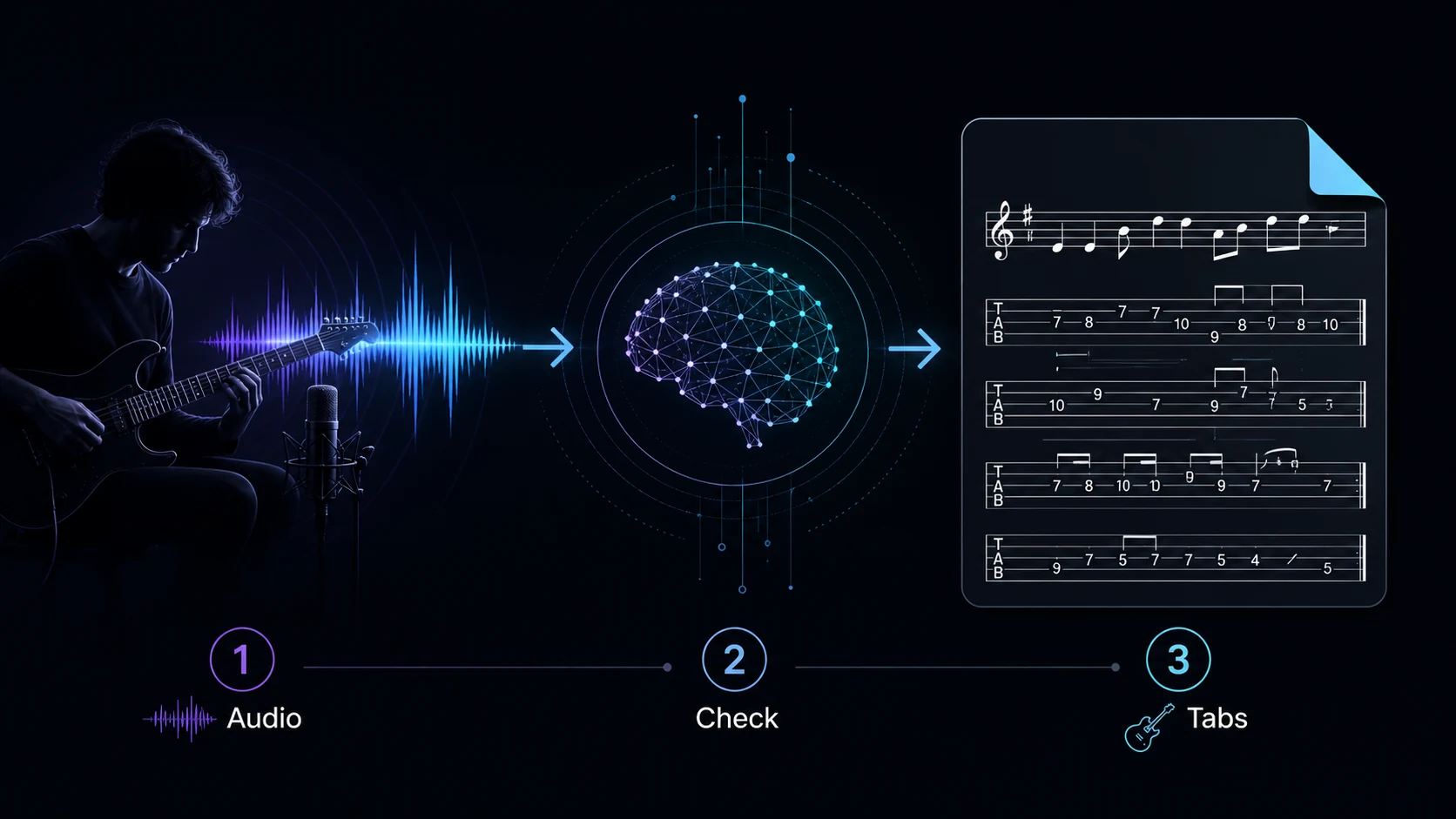
Guitar2Tabs Retranscribe is the name Klangio used for a workflow that lets a guitarist revisit the information behind an existing AI transcription and process the tab again. The useful idea is simple: rerun the transcription when the source, rhythm, tuning, or other setup information was wrong; edit the tab manually when the musical structure is already correct and only a few notes or string choices need repair.
Klangio's public Retranscribe article was published in 2023. Its current public Guitar2Tabs page now emphasizes direct sheet-music editing and several export formats, so labels inside the product may differ from the older article. Use the current controls in your account as the final reference rather than assuming an old button name or position is unchanged.
What Guitar2Tabs Retranscribe was designed to fix
Klangio's official Retranscribe introduction describes a correction path for transcriptions affected by inaccurate information supplied to the AI. Its examples include rhythm and chord details. The public flow in that article was to open a transcription from the songbook, choose Retranscribe, revise the original information, and process the result again.
That makes Retranscribe different from fixing one fret number. It is most valuable when the model needs a better set of instructions or a better source before it can generate a better result.
| What you hear or see | Most likely problem | Better next move |
|---|---|---|
| Every bar drifts away from the beat | Tempo, meter, pickup, or downbeat was interpreted incorrectly | Correct the structural information and rerun |
| The whole part sits on the wrong strings | Tuning, capo, or instrument setup is wrong | Correct the setup and rerun |
| Chords are close but the lead line is missing | The transcription focus was too broad | Choose the intended guitar role and rerun |
| One note is on an awkward string | Fingering choice, not source structure | Edit that note or string manually |
| A bend, slide, or muted attack is simplified | Articulation detail | Add or correct the notation manually |
| A dense mix produces missing phrases | Guitar is masked by other instruments | Use a cleaner excerpt or more isolated source, then rerun |
Check the source before you click anything
An AI tab can only recover information that is audible enough to identify. Before blaming the transcription, listen to the same eight or sixteen bars in the original recording and answer four questions.
- Can you hear the target guitar clearly? Rhythm guitar, lead guitar, bass, keys, and vocals can share the same frequency range. A busy master is harder than an isolated or exposed passage.
- Does the performance use a stable pulse? A live intro, rubato passage, count-in, or tempo change can place the first downbeat somewhere the model does not expect.
- Is the guitar in standard tuning? Drop D, half-step-down tuning, open tuning, and capo positions change which fret numbers are physically plausible.
- Are you asking for the right part? A full-song arrangement, chord-and-tab sketch, lead line, and main riff are different transcription jobs.
If the answer to one of these is no, fix the input or setup first. Reprocessing the same ambiguous source with the same assumptions usually produces another version of the same problem.
How to use the older Retranscribe workflow carefully
The 2023 Klangio article describes this sequence:
- Open the relevant transcription in the Guitar2Tabs songbook.
- Find the Retranscribe control associated with that song.
- Review the information originally supplied to the transcription model.
- Correct the rhythm, chord, or other relevant details.
- Process the transcription again and compare the new result with the source.
Do not treat that historical description as a promise that the current interface uses the same wording or layout. The public Guitar2Tabs product page now describes uploading audio, recording, or pasting a supported social-video link, followed by direct note editing and exports such as PDF, MIDI, MusicXML, and Guitar Pro. If you cannot find the older Retranscribe label, look for the current editing or transcription settings in your account or use Klangio's help channel.

Choose rerun or manual editing by error level
The fastest correction method depends on how deep the error goes. Work from structure toward detail.
Rerun when the structure is wrong
Rerun the transcription when a changed input could repair many measures at once. Good reasons include:
- the downbeat begins in the wrong place
- the time signature or rhythmic subdivision is wrong
- the wrong guitar part dominates the result
- tuning or capo assumptions shift the whole fretboard layout
- a noisy full mix hides the line you need
- repeated sections are consistently misunderstood
Change one variable per attempt. If you switch tuning, source clip, tempo assumption, and focus together, you will not know which change helped.
Edit when the musical idea is already there
Manual editing is faster when the tab already preserves the section order, bar count, pulse, chord movement, and main melodic contour. Typical edit-level problems include:
- one pitch is an octave too high or low
- a note appears on an uncomfortable string
- a hammer-on, pull-off, bend, slide, or palm mute is missing
- two notes overlap or end too early
- a repeated riff differs in one bar
- chord labels are correct but the voicing is impractical
This same hierarchy applies beyond Guitar2Tabs. The broader guide to fixing bad music transcriptions explains why source and structure errors should be separated from note-level cleanup.
Run a short guitar-specific validation pass
Do not review an entire song from bar one to the final chorus. Choose one exposed passage that contains the hardest material you actually need. Eight bars are often enough.
Check the passage in this order:
- Downbeat and bar length. Count along before judging individual notes.
- Chord roots and bass movement. A wrong bass note can make an otherwise close chord look completely wrong.
- Main pitches. Compare the contour first, then exact frets.
- String choice. The same pitch can exist in several fretboard positions; choose the position that matches the phrase and surrounding fingering.
- Articulation. Add bends, slides, vibrato, mutes, and legato after pitch and rhythm are stable.
- Playability. A theoretically correct voicing can still be a poor practical tab.
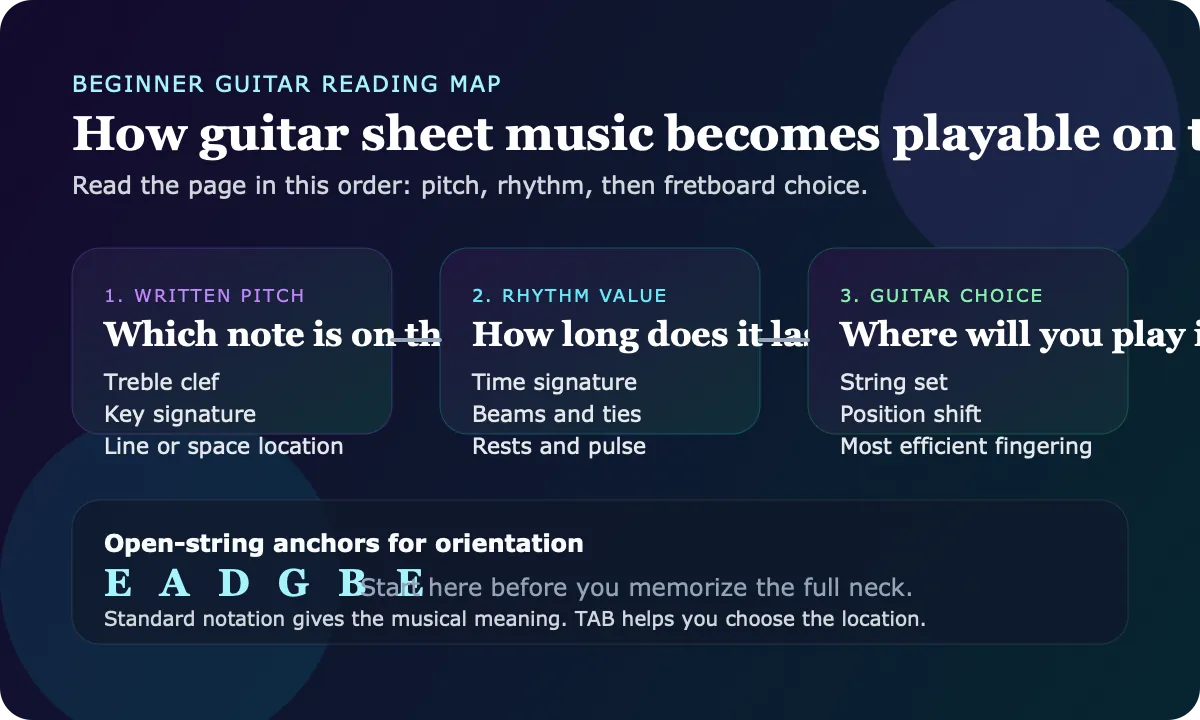
If you are still learning the notation itself, read how to read guitar tabs before changing every symbol. It is easier to diagnose a transcription when you can distinguish a wrong note from an unfamiliar articulation mark.
Where Melogen fits in the workflow
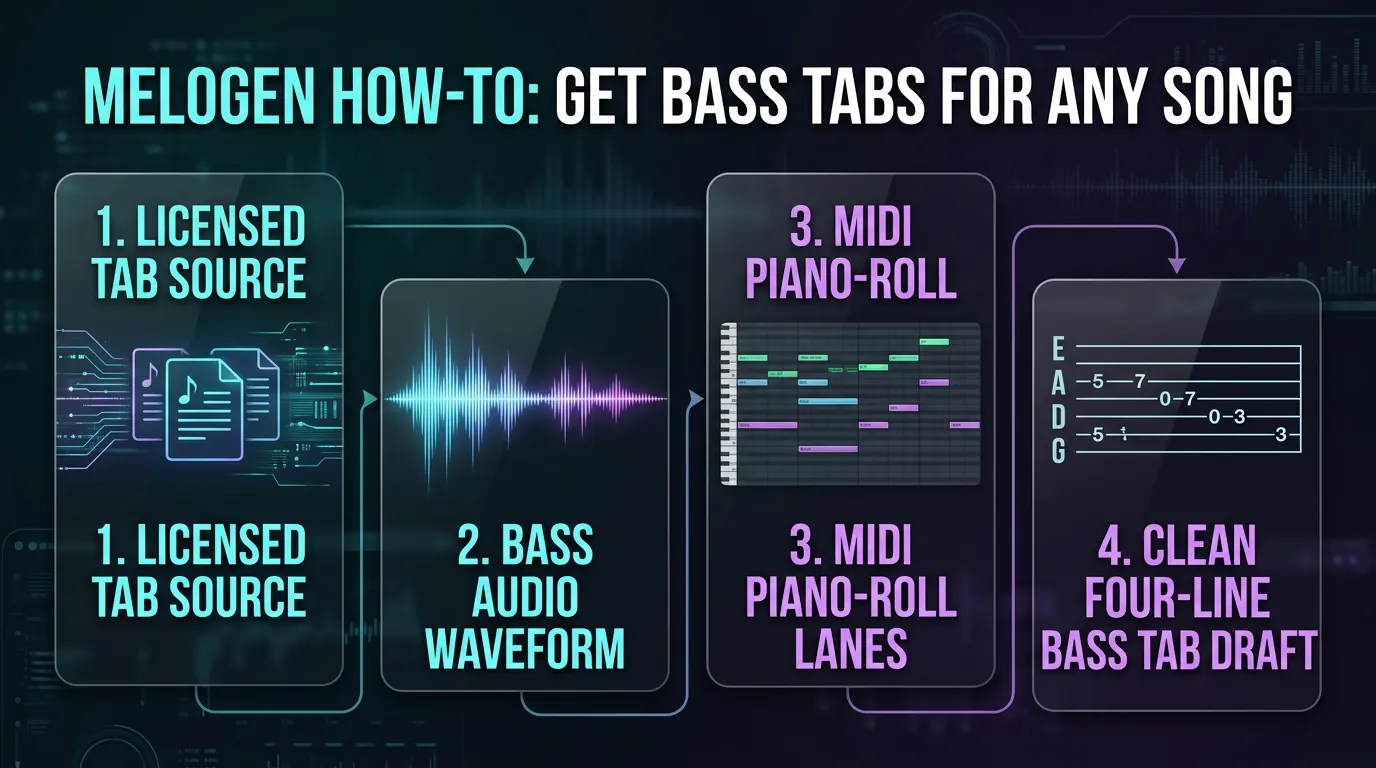
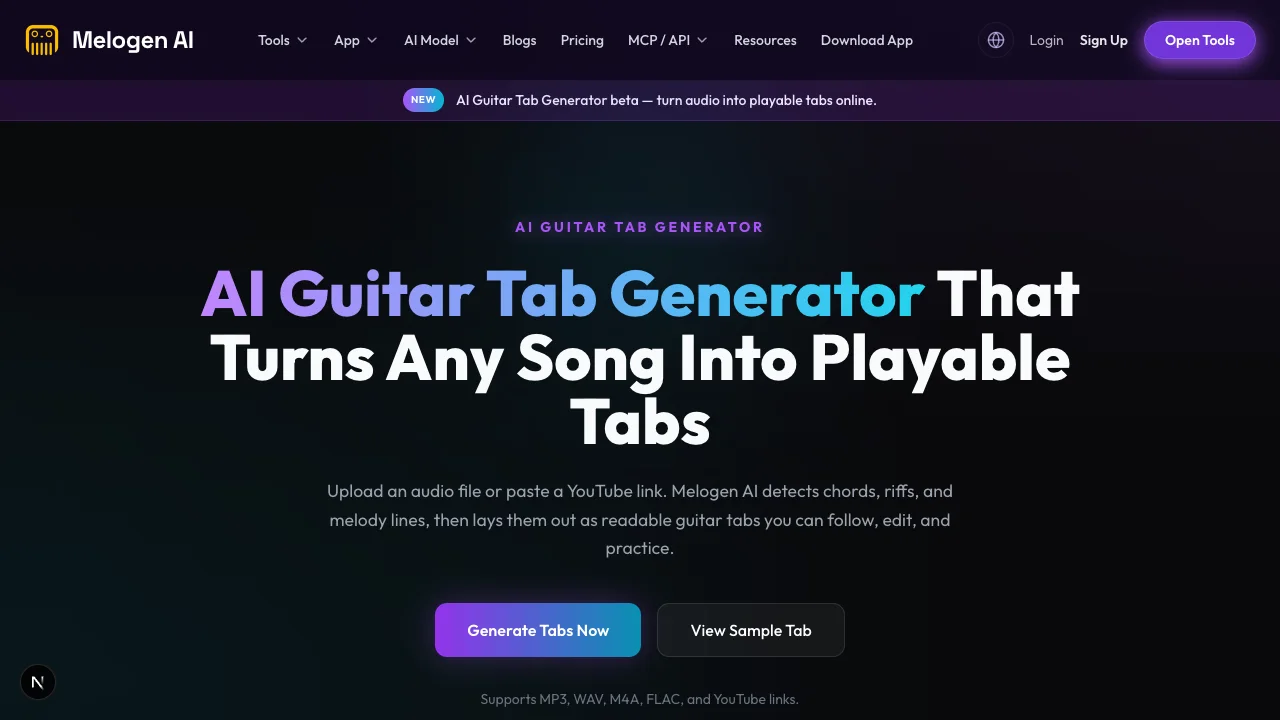
Melogen is not Guitar2Tabs support and does not claim a feature called Retranscribe. Its AI Guitar Tab Generator is a separate first-pass route for turning an audio file or YouTube link into readable guitar tabs. The current Melogen page supports MP3, WAV, M4A, and FLAC uploads, and exposes setup choices for tuning, capo, focus, complexity, chord names, and song sections.
Those inputs are useful precisely because they let you make the first pass more specific. Before generating a tab, choose the tuning you actually play, record the capo position, decide whether you need the full song or a lead/riff focus, and select a realistic complexity level. Then review the output as a working draft rather than a finished transcription.
Use the two products in their correct contexts:
| Starting point | Appropriate path |
|---|---|
| You already have a Guitar2Tabs transcription and need Klangio-specific correction help | Use the current Guitar2Tabs editing or support workflow |
| You have audio or a supported link and want a new first-pass guitar tab | Use Melogen AI Guitar Tab Generator |
| You have a mostly correct tab with a few fingering or articulation problems | Edit the tab in an appropriate notation or tablature editor |
| You want to understand guitar-oriented MIDI after transcription | Continue with MIDI for guitarists |
Start a focused first-pass guitar tab
Set tuning, capo, part focus, and complexity before Melogen analyzes your audio or supported link, then review the result section by section.
Frequently asked questions
What is Guitar2Tabs Retranscribe
Retranscribe is the name Klangio used in a 2023 public article for revisiting information attached to an existing Guitar2Tabs transcription and processing the tab again. Current product labels may differ, so use the controls and help documentation visible in your account.
Should I retranscribe every wrong guitar tab
No. Retranscribe or rerun when the source, timing, tuning, capo, part focus, or other structural assumption is wrong. Edit manually when only a few notes, strings, durations, or articulations need correction.
Can Retranscribe guarantee accurate tabs
No transcription rerun can guarantee a perfect result. Dense mixes, overlapping instruments, unusual tunings, expressive timing, and ambiguous fretboard positions still require a guitarist to compare the tab with the source.
Does Melogen have Guitar2Tabs Retranscribe
No. Guitar2Tabs and Retranscribe are Klangio product terms. Melogen offers a separate AI Guitar Tab Generator for creating a first-pass tab from audio or a supported link.
What should I verify first in an AI guitar tab
Verify the downbeat, bar length, tuning, capo, and main guitar part before correcting isolated fret numbers. Structural errors can make many individual notes appear wrong at once.
The practical takeaway
Guitar2Tabs Retranscribe is best understood as a structural correction step, not a substitute for musical editing. Improve the source or setup when an entire passage is wrong, then rerun once and compare a short section. Keep manual editing for pitches, strings, durations, fingerings, and articulations that are already close.
That order prevents endless retries. Fix the assumptions first, validate eight bars, and only then spend time polishing the tab you intend to play.
About the author
Zhang Guo
Composer - AI Product Manager
AI product manager and digital marketing consultant with a background in music. Creativity is the bridge between rhythm and logic, where musical intuition and mathematical precision can coexist in every meaningful product decision.
Follow on X