How to Make Digital Sheet Music from Paper Scores
Learn how to make digital sheet music from paper, PDF, or photos with a source checklist, OMR workflow, export choices, and cleanup steps.
 Zhang Guo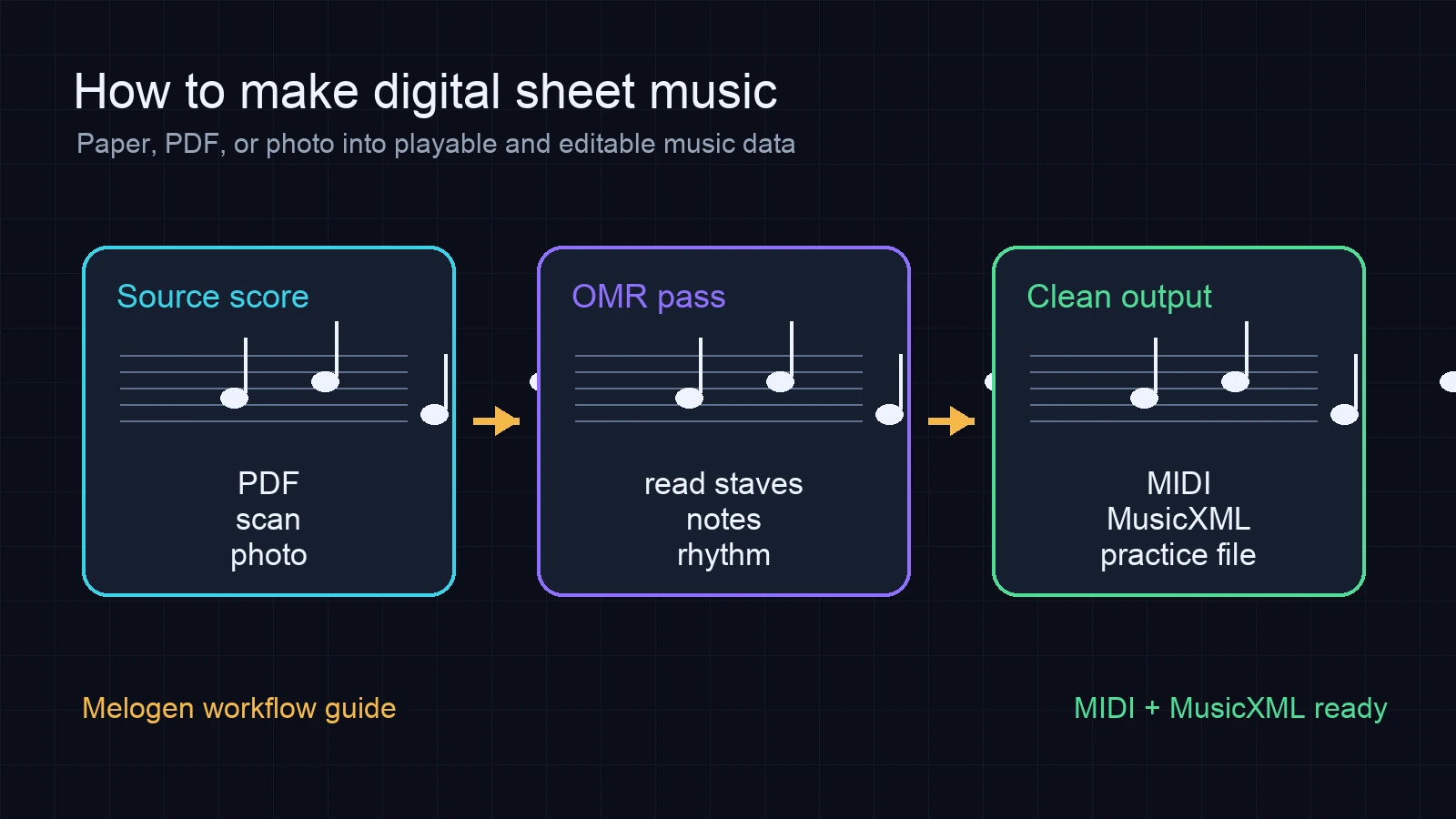
Turn a static score into editable MIDI
Contents
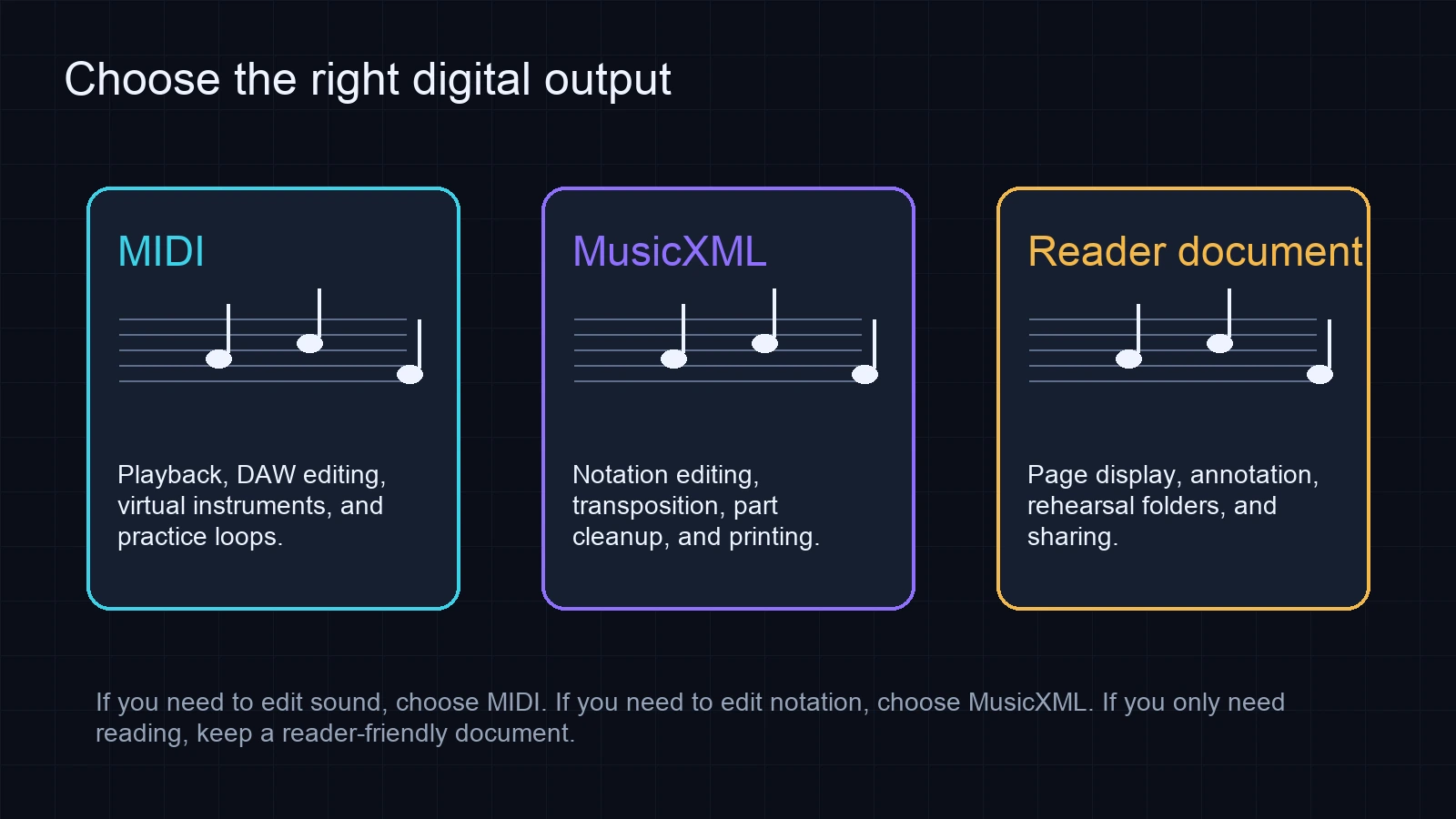
If you want to learn how to make digital sheet music, start by naming the output. You might want a page you can read on a tablet, a playable score you can practice with, or an editable file you can move into notation software or a DAW.
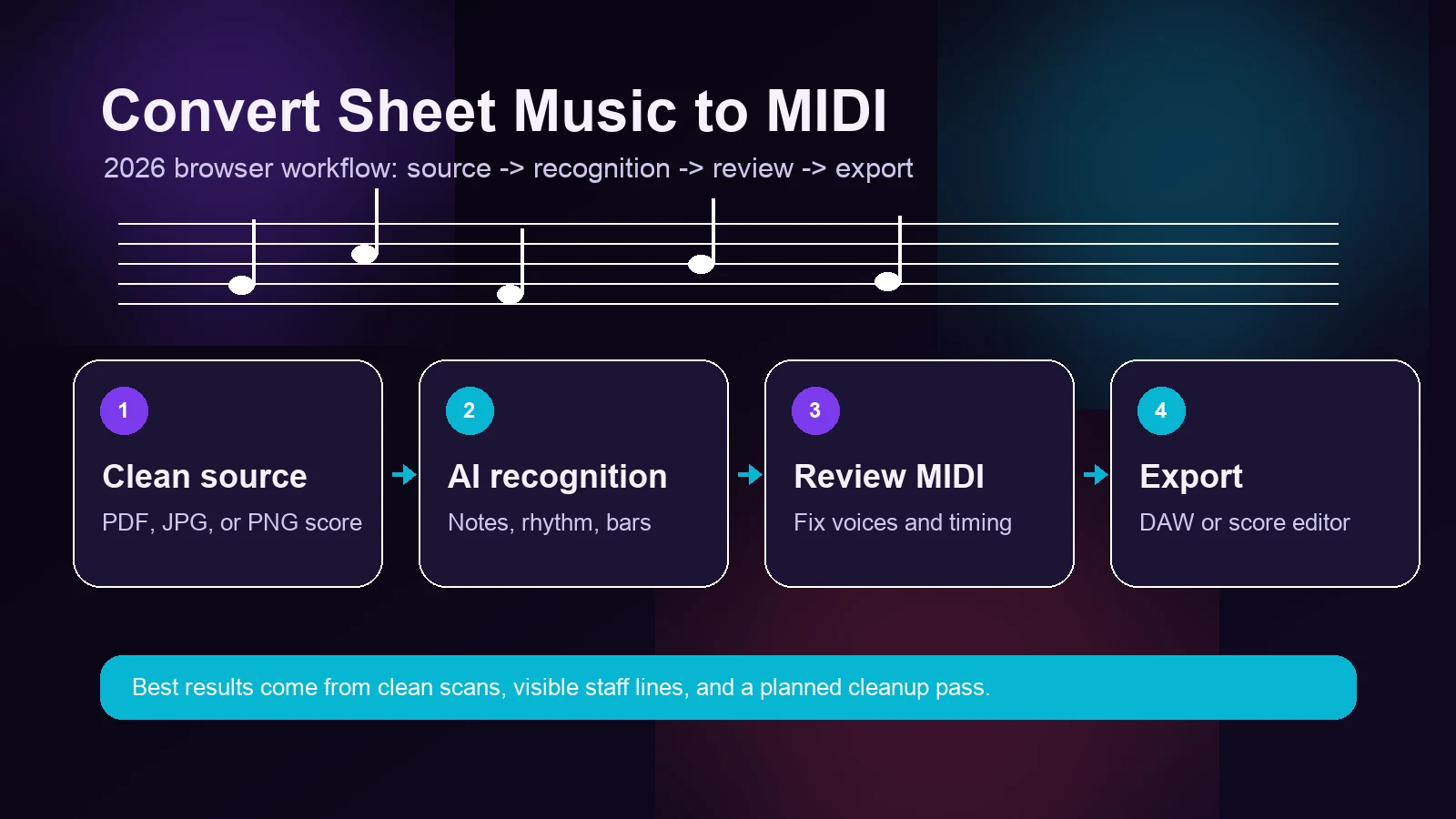
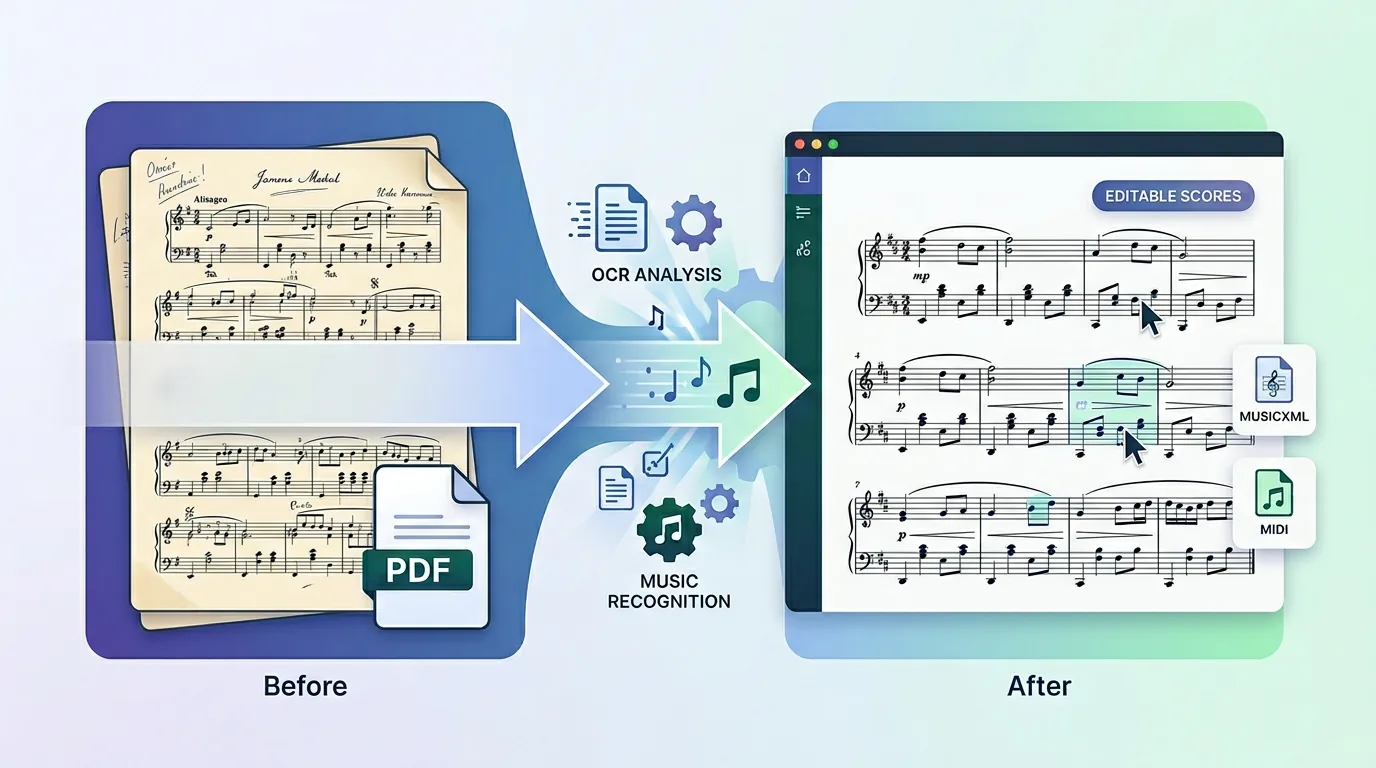
The safest workflow is to choose the output first, then prepare the source. If you only need reading and annotations, a clean PDF is enough. If you want playback, MIDI, transposition, or notation editing, you need optical music recognition, usually called OMR, to rebuild the music as data. Melogen fits the second job: it can turn PDF, JPG, or PNG sheet music into editable MIDI, and related score workflows can help when MusicXML is the better destination.
This guide focuses on a practical route from paper, PDF, or photos into digital sheet music that a musician can actually use.
Decide What Digital Sheet Music Means for This Project
Before scanning anything, name the job. A lot of slow cleanup happens because the output was chosen too late.
| Goal | Best digital output | Why |
|---|---|---|
| Read from a tablet | PDF or reader document | Keeps the page stable for practice, rehearsal marks, and annotation. |
| Hear the score or build a practice track | MIDI | Carries notes and timing into playback tools, DAWs, and practice loops. |
| Edit notation, transpose, or extract parts | MusicXML or MXL | Preserves more score structure than MIDI, including measures, staves, voices, and notation details. |
| Archive a paper folder | PDF plus MIDI or MusicXML when needed | Keeps the original page while adding editable music data for important pieces. |
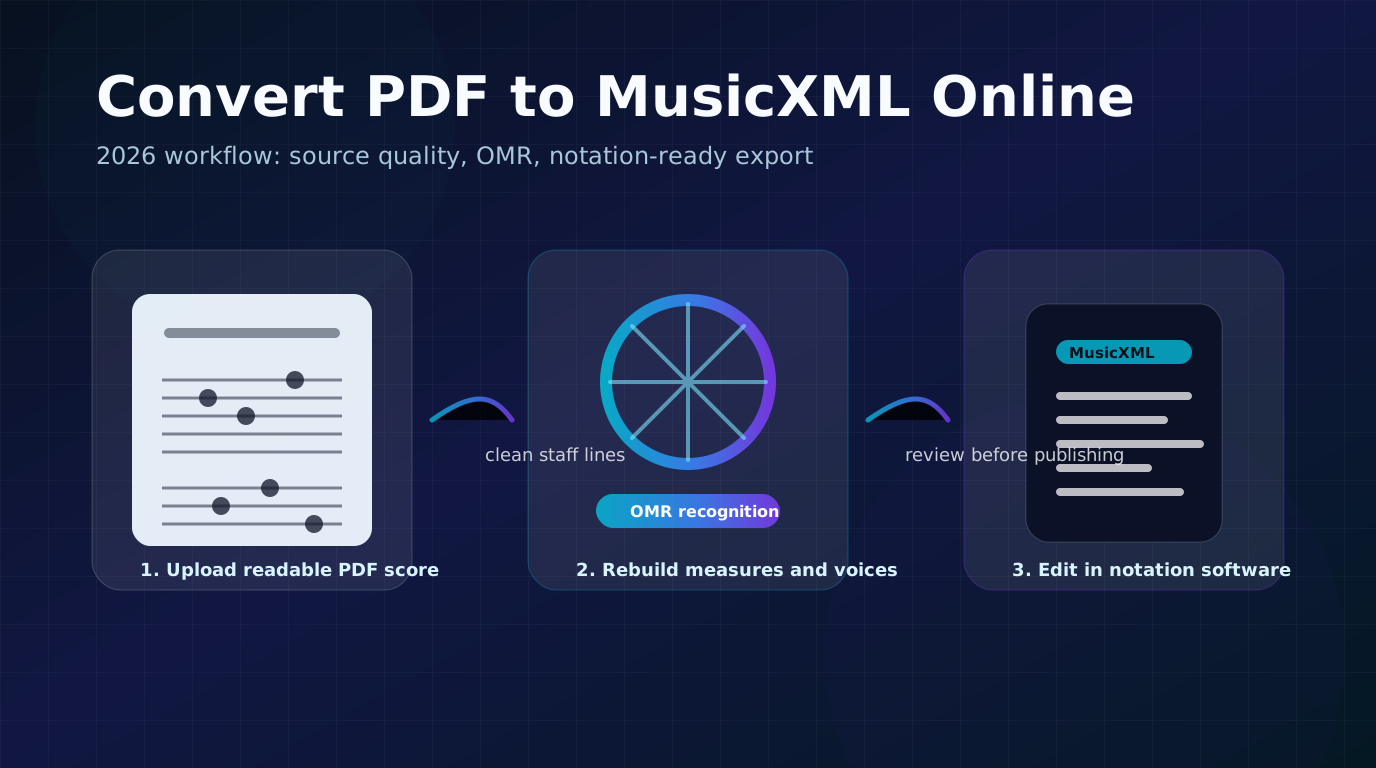
If the destination is sound, start with a sheet music to MIDI converter. If the destination is notation editing, plan for MusicXML and read the MIDI vs MusicXML guide before you commit to cleanup.
Prepare the Best Source You Have
Source quality matters more than any hidden conversion trick. OMR reads staff lines, clefs, noteheads, rests, beams, accidentals, and bar structure from what it can see. If the page is skewed, cropped, shadowed, or low contrast, the digital result will inherit those problems.
Use this quick source plan:
| Source | Best preparation | Expected cleanup |
|---|---|---|
| Printed paper score | Scan at 300 DPI or photograph from directly above with even light. | Review clefs, accidentals, ties, and bar alignment. |
| Existing PDF | Use the original PDF instead of a screenshot of a viewer. | Check repeats, voices, lyrics, articulations, and page order. |
| Phone photo | Keep the page flat, include every staff edge, and avoid glare. | Expect more rhythm and register fixes than a scan. |
| Old archive copy | Keep a reference PDF, then convert only the pages you need editable. | Compare the first page before processing the whole folder. |
Convert the Score Into Music Data
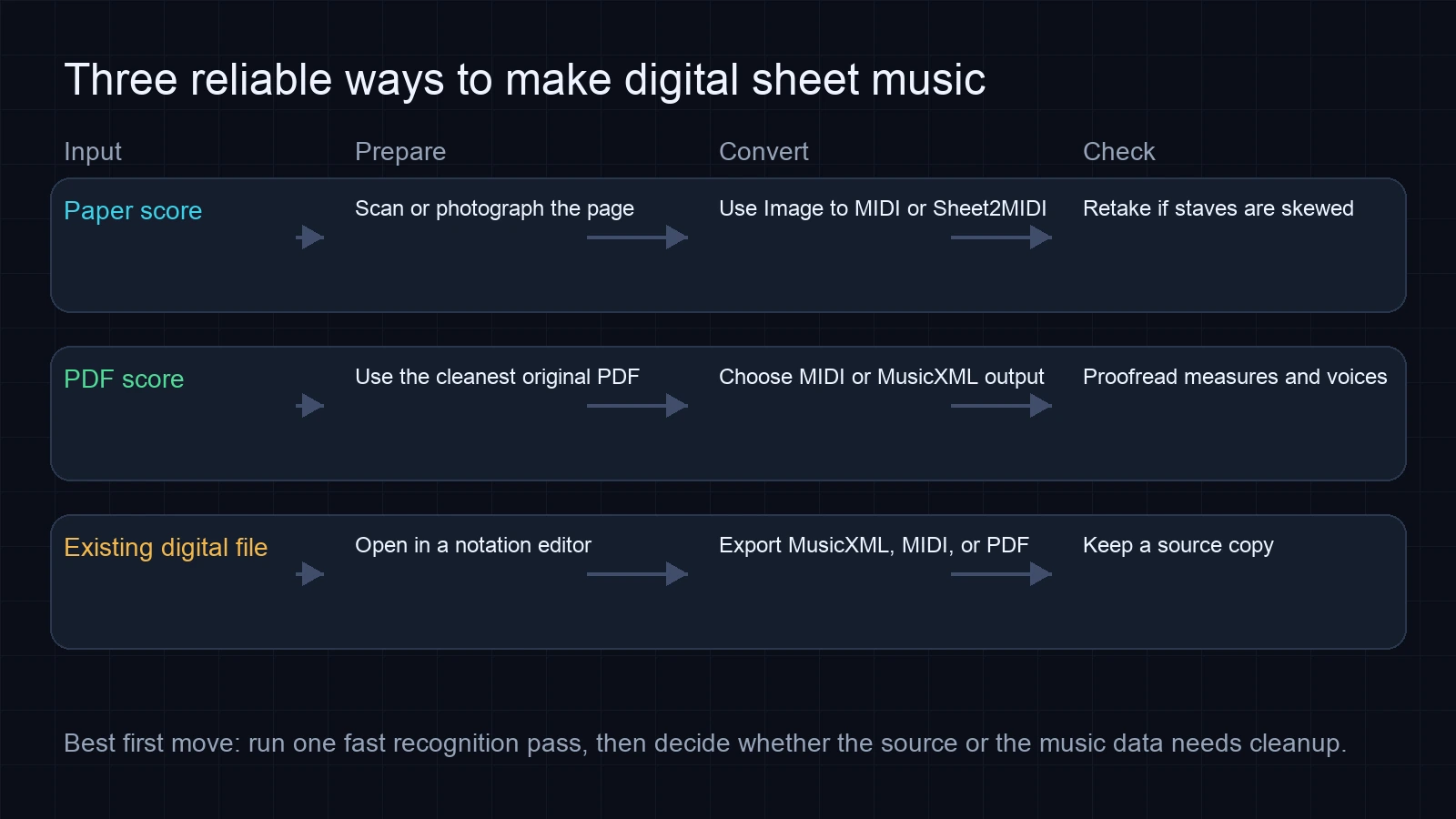
Once the source is clean, run a recognition pass. For a general paper-to-playback workflow, Melogen Sheet2MIDI is the natural starting point because it accepts common score sources and produces MIDI for editing or playback.
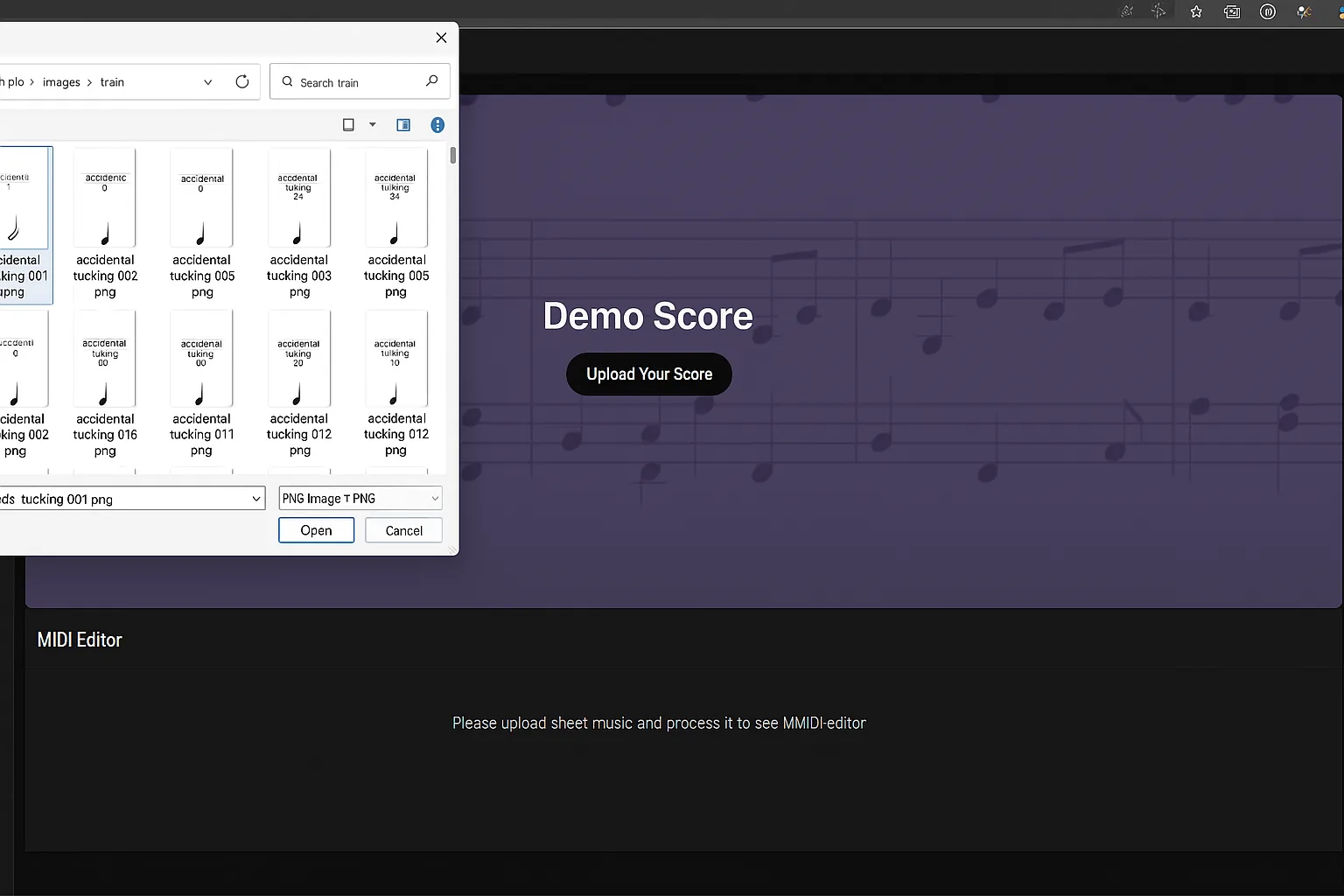
Use the input route that matches the file:
| Input | Melogen route | Best next output |
|---|---|---|
| PDF score | PDF to MIDI or PDF to MusicXML | MIDI for playback, MusicXML for notation editing. |
| JPG or PNG scan | Image to MIDI | MIDI first, then fix timing or notes in a DAW or editor. |
| Mixed score folder | Sheet2MIDI | A fast first pass before deciding which files deserve deeper cleanup. |
For a deeper explanation of the recognition step, the OMR explainer breaks down how software turns visible notation into musical data.
Check the First Page Before You Process Everything
Do not digitize a whole binder blindly. Convert one representative page first, especially if the score has dense piano writing, multiple staves, small lyrics, old engraving, or photocopy noise.
Check the result in this order:
- Are all staves recognized?
- Are the clefs, key signature, and time signature correct?
- Do the barlines line up with the original?
- Does playback reveal missing entrances or wrong registers?
- Are repeats, endings, ties, and voices close enough to repair?
Small note mistakes are normal. Missing systems, collapsed measures, or wrong clefs usually mean the source file needs a better scan.
Clean Up the Digital Score in the Right Tool
The recognition pass should get you to a usable draft, not a final edition. After that, edit in the environment that matches the output.
If you exported MIDI, check tempo, meter, track split, register, note lengths, and instrument assignment. A DAW is usually better for velocity, quantization, and playback feel. If you exported MusicXML, open it in notation software and check measures, voices, beams, slurs, articulations, lyrics, and layout.
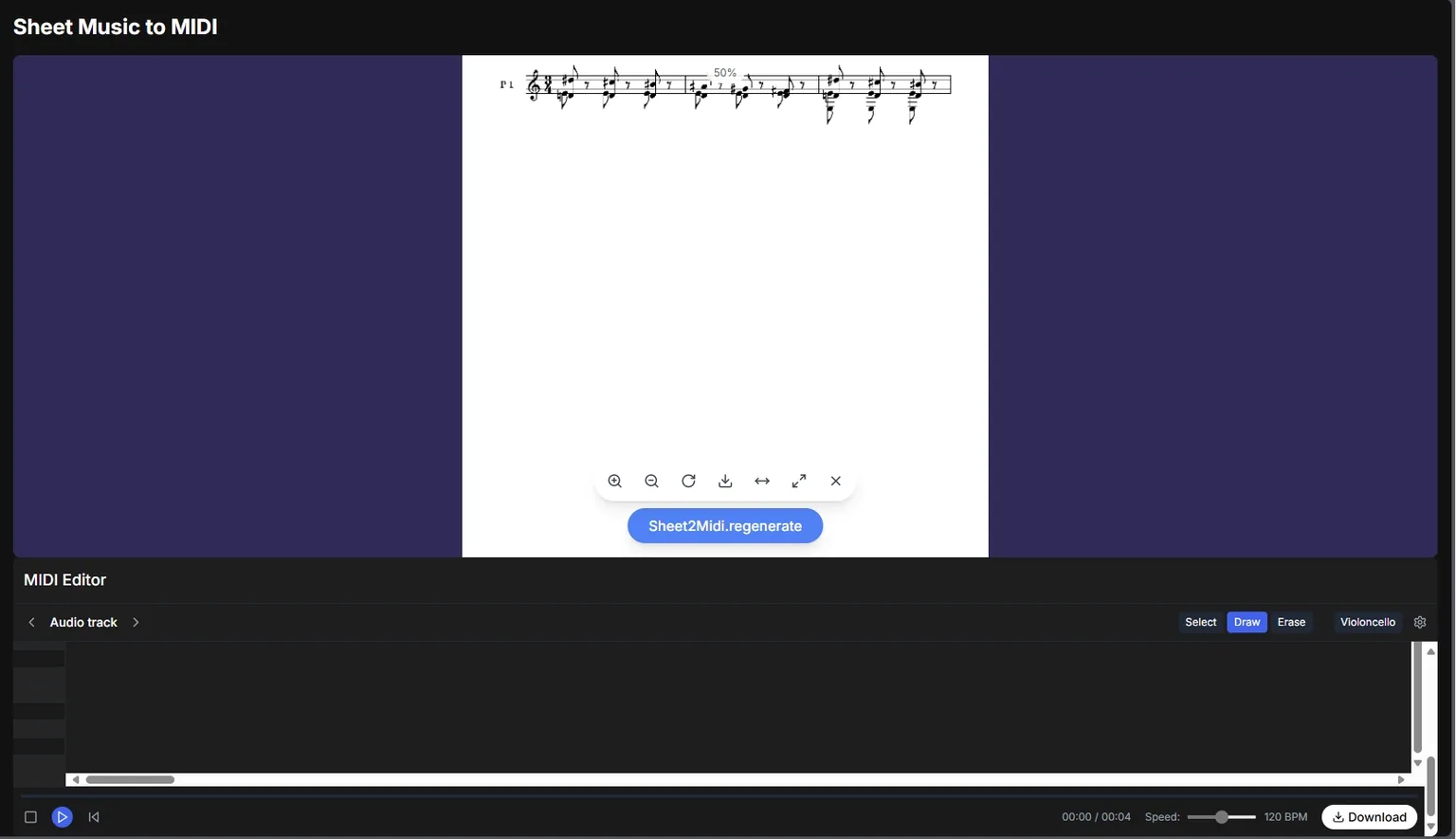
Keep the original scan or PDF next to the editable file. The original is your reference when a rhythm, accidental, or repeat marking looks suspicious.
Avoid Common Digitizing Mistakes
The most common mistake is treating a tablet PDF, a MIDI file, and a MusicXML file as if they solve the same problem. They do not.
| Mistake | Why it slows you down | Better move |
|---|---|---|
| Scanning from an angled phone photo | Staff detection becomes unreliable. | Retake the image flat, centered, and evenly lit. |
| Using MIDI when you need clean notation | MIDI does not preserve full engraving details. | Use MusicXML for notation editing. |
| Using MusicXML when you only need playback | You may spend time fixing notation you will never print. | Use MIDI and clean it in your DAW. |
| Converting every page before testing one | A bad source problem gets repeated across the whole score. | Test one page, then scale up. |
| Deleting the original scan | You lose the reference for proofreading. | Keep a source PDF beside the editable file. |
For a playback-first path, the fuller sheet music to MIDI workflow is the better next guide. For score-editing, start with PDF to MusicXML.
Turn paper or PDF scores into editable MIDI
Use Melogen Sheet2MIDI for the first recognition pass, then clean the digital score in the music tool that matches your output.
Frequently Asked Questions
What is the easiest way to make digital sheet music?
If you only need to read the page, scan the music into a clean PDF. If you need playback or editing, upload a readable PDF, JPG, or PNG to an OMR-based converter, then export MIDI or MusicXML and proofread the result.
Can I make digital sheet music from a photo?
Yes, but the photo has to be clear. Keep the phone parallel to the page, use even light, avoid shadows, and include the full staff system. A sharp scan is usually more reliable than a casual phone photo.
Should I choose MIDI or MusicXML?
Choose MIDI when you want playback, DAW editing, practice loops, or virtual instruments. Choose MusicXML when you want notation editing, transposition, part extraction, or printable score cleanup.
Does digitizing sheet music preserve the original page layout?
A PDF preserves the page layout. MIDI does not. MusicXML preserves more notation structure, but you should still expect layout cleanup after import into notation software.
How accurate is digital sheet music conversion?
Accuracy depends on the source. Clean printed scores and original PDFs usually work best. Skewed photos, dense multi-voice pages, old photocopies, and handwritten notation need more manual proofreading.
The Practical Takeaway
Digital sheet music is useful when the format matches the job. A tablet PDF is enough for reading. MIDI is best for playback and production. MusicXML is best for notation editing.
Start with the cleanest source, run one recognition pass, check the first page, then clean the output in the right tool. That workflow turns paper or static files into music you can hear, edit, transpose, arrange, and keep using.
About the author
Zhang Guo
Composer - AI Product Manager
AI product manager and digital marketing consultant with a background in music. Creativity is the bridge between rhythm and logic, where musical intuition and mathematical precision can coexist in every meaningful product decision.
Follow on X