How to Read a Guitar Chord Chart Without Guessing
Learn how to read guitar chord charts with strings, frets, dots, X/O marks, finger numbers, and a Melogen tab workflow for practice.
 Zhang Guo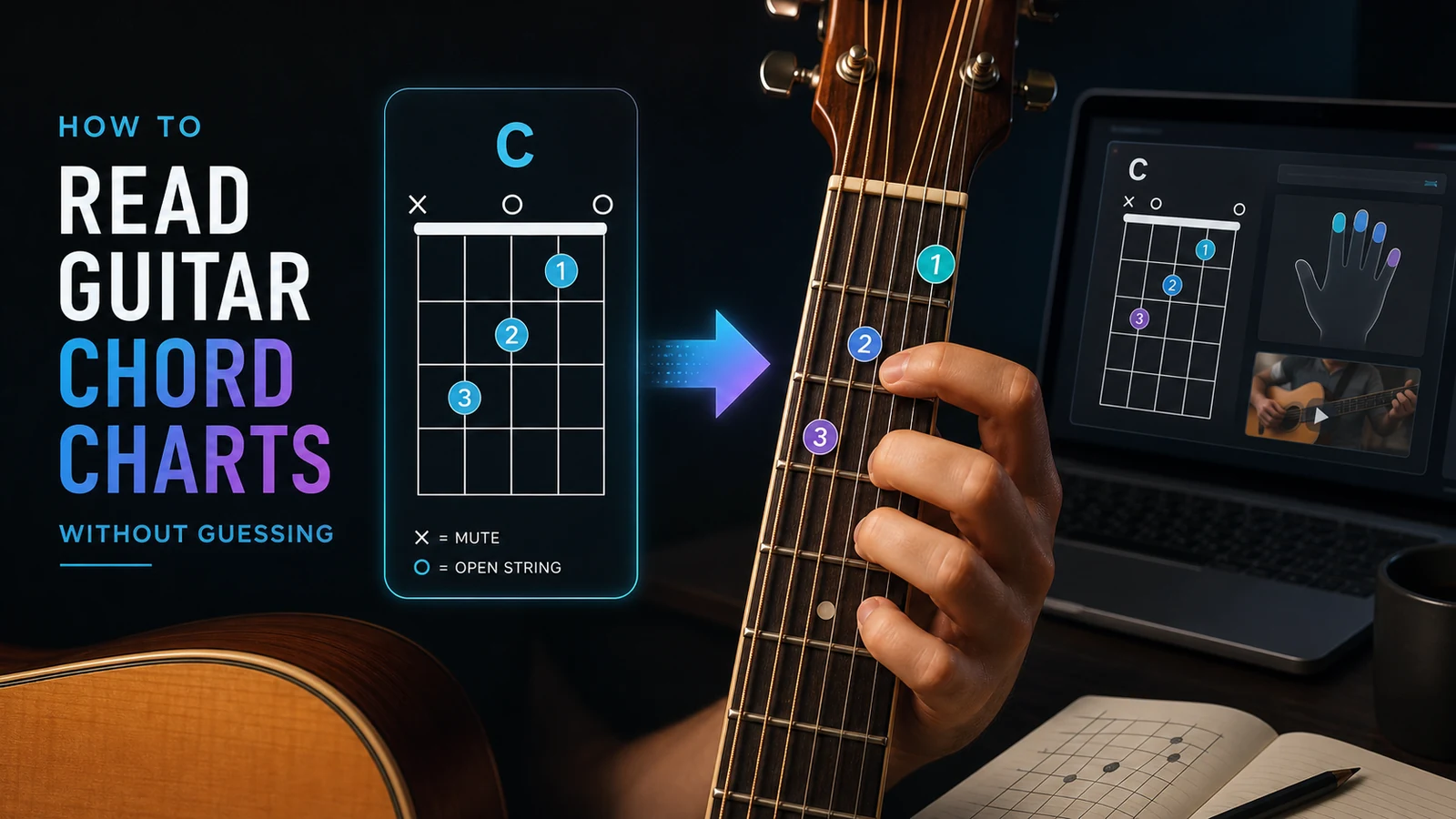
Turn a static score into editable MIDI
Contents
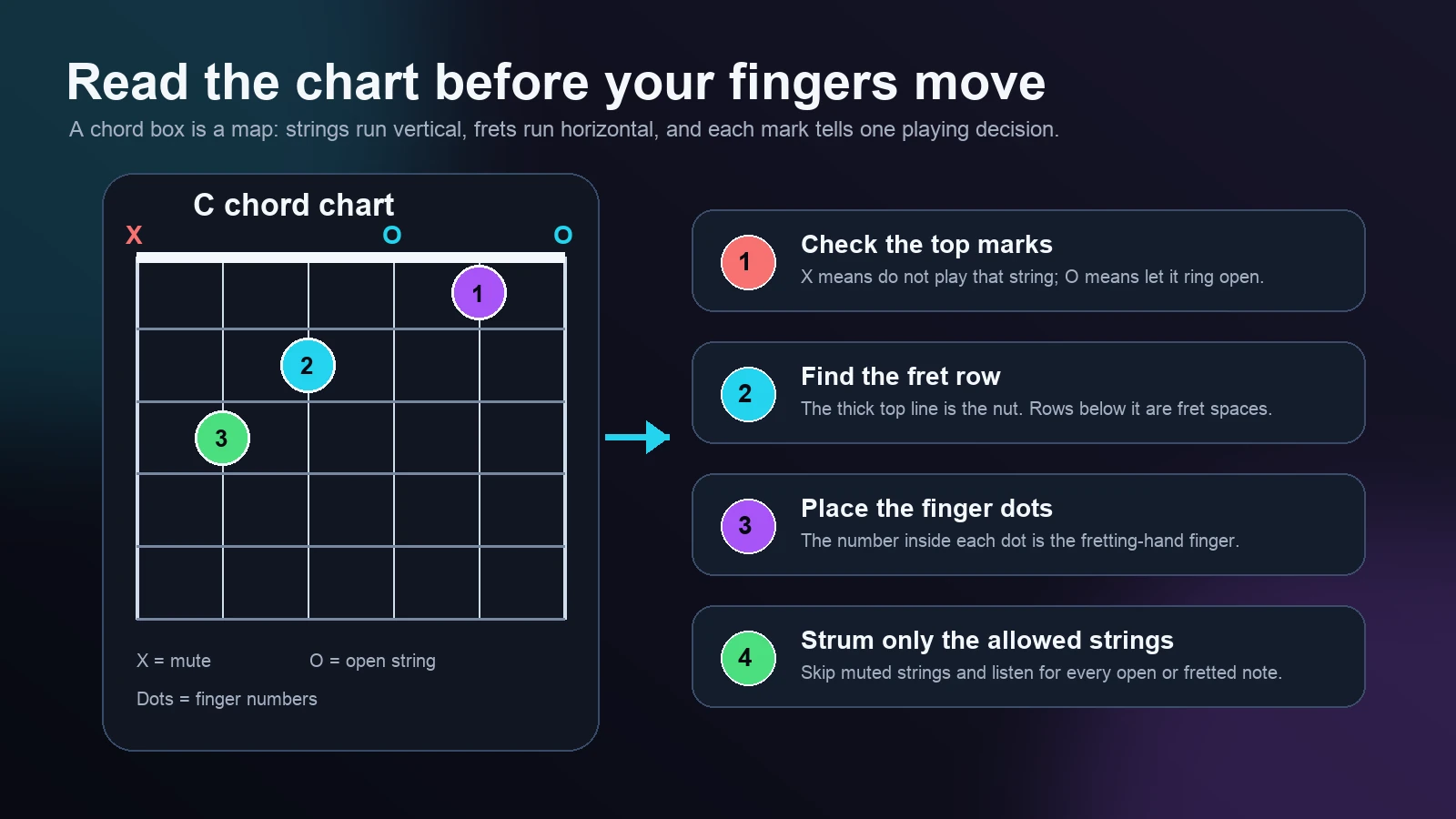
If you want to learn how to read a guitar chord, start with the chord chart itself. A guitar chord chart, chord box, or chord diagram is a small map of the fretboard: vertical lines are strings, horizontal lines are frets, dots show where fingers go, and the marks above the chart tell you which strings to mute or leave open.
The useful order is simple. Read the top marks first, then the fret row, then the finger dots, then the strumming boundary. If you jump straight to the finger shape, you may place the right notes but still hit the wrong strings.
Start with the chord box orientation
Most beginner chord charts show the guitar as if it were standing upright in front of you. The left vertical line is usually the low E string, and the right vertical line is the high E string. The thick horizontal line at the top is the nut. The spaces below it are fret spaces.
That means a basic open-position chart gives you four pieces of information at once:
| Chart signal | What it means | Beginner action |
|---|---|---|
| Vertical lines | The six strings, usually low E to high E from left to right | Name the string before placing a finger |
| Thick top line | The nut at the headstock end of the guitar | Treat the first space below it as fret 1 |
| Horizontal lines | Fret wires | Put the finger in the space, close to the next fret wire |
| Dot or circle inside the grid | A fretted note | Place the numbered finger there |
| X above a string | Muted or skipped string | Do not strum that string |
| O above a string | Open string | Let that string ring without fretting it |
The chart does not tell you everything about music. It does not explain rhythm, strumming feel, or why the chord works in a progression. Its job is narrower: show the physical shape and the string boundary. That narrow job is exactly why chord charts are useful when you are trying to get a clean first chord under your hand.
Read the top marks before the dots
The marks above the chart are easy to skip, but they often decide whether the chord sounds right. An X means mute or avoid that string. An O means play the string open. No mark can mean the string is included only when the chart makes that clear, so read the whole diagram before strumming.
Take a C major chord as a common example. A beginner C chart usually tells you to skip the low E string, fret the A string at the third fret, fret the D string at the second fret, leave the G string open, fret the B string at the first fret, and leave the high E string open.
The shape is not only "put three fingers down." It is this full instruction:
| String | Chart mark or dot | What to do |
|---|---|---|
| Low E | X | Skip or mute it |
| A | Dot on fret 3 | Finger 3, usually ring finger |
| D | Dot on fret 2 | Finger 2, usually middle finger |
| G | O | Play open |
| B | Dot on fret 1 | Finger 1, usually index finger |
| High E | O | Play open |
That is why a beginner can place the dots correctly and still get a muddy chord. If the low E string rings under a C chord, the chart was not really read; only the finger dots were read.
Match finger numbers to real fingers
Most chord charts use fretting-hand finger numbers:
| Number | Finger |
|---|---|
| 1 | Index |
| 2 | Middle |
| 3 | Ring |
| 4 | Pinky |
| T | Thumb, only in some charts |
Finger numbers are recommendations, not laws, but they are usually the fastest starting point for beginner open chords. They help the hand arrive in a shape that can switch to the next chord without a huge reset.
The dot should sit in the fret space, not directly on the fret wire. Put the fingertip close to the next fret wire, curve the finger so it does not flatten across neighboring strings, and relax the thumb enough that the hand can move. If one string buzzes, do not squeeze harder immediately. Move the fingertip closer to the fret wire first.
This is where the related guide on most used chords on guitar becomes useful. That article helps you choose the first chord set to practice. This page is about reading the diagram correctly before the chord shape becomes muscle memory.
Check the chord one string at a time
Strumming the whole shape first can hide the exact problem. A cleaner test is to pick one string at a time from the lowest allowed string to the highest allowed string.
Use this loop:
- Name the muted and open strings.
- Place the fretted dots.
- Pick each included string slowly.
- Fix one muted, buzzing, or wrong string.
- Strum only after the single-string test passes.
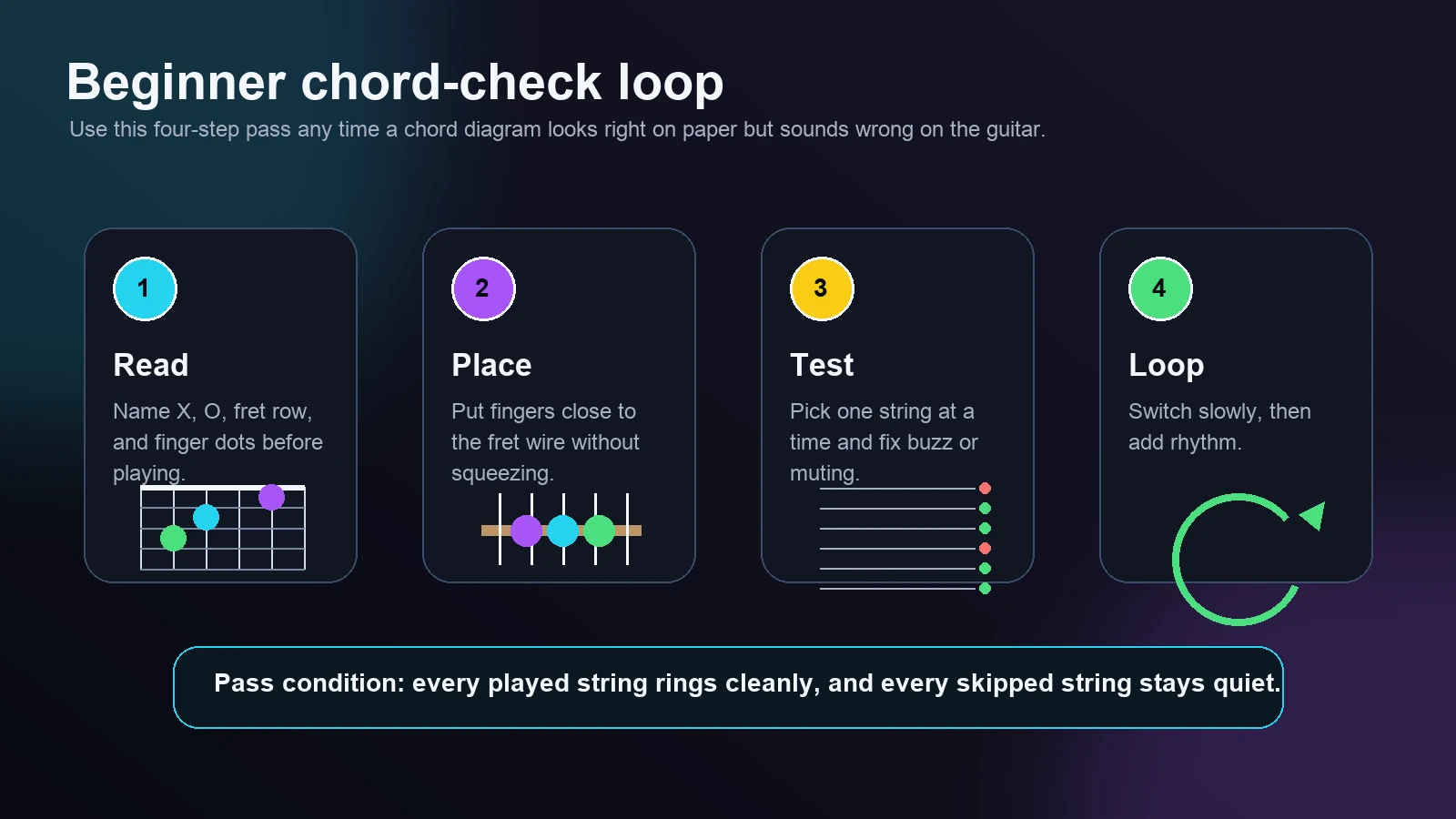
The pass condition is not "my hand looks like the chart." The pass condition is "every string I play rings cleanly, and every string I skip stays quiet." That difference matters. A chord chart is visual, but the final check is audio.
Know when a chart differs from tabs or sheet music
A chord chart is not the same thing as guitar tab or standard guitar notation. The formats answer different questions.
| Format | Best for | What it does not fully show |
|---|---|---|
| Chord chart | Finger shape and string boundary | Rhythm, strumming pattern, exact song timing |
| Guitar tab | String and fret sequence | Full harmonic context and sometimes rhythm |
| Standard notation | Pitch, rhythm, phrasing, and musical context | The easiest guitar fingering unless marked |
If your question is about reading fret numbers across six horizontal lines, use the separate guide on how to read guitar tabs. If your question is about staff notes, rhythm values, and guitar position choices, use the guide on how to read guitar sheet music. If your question is "where do my fingers go for this chord box?", stay with the chord chart process in this article.
That boundary keeps the learning path cleaner. Chord charts are excellent for getting a shape under your hand. Tabs are better for riffs and note sequences. Standard notation is better for full musical reading.
Use Melogen when the source is a song or audio file
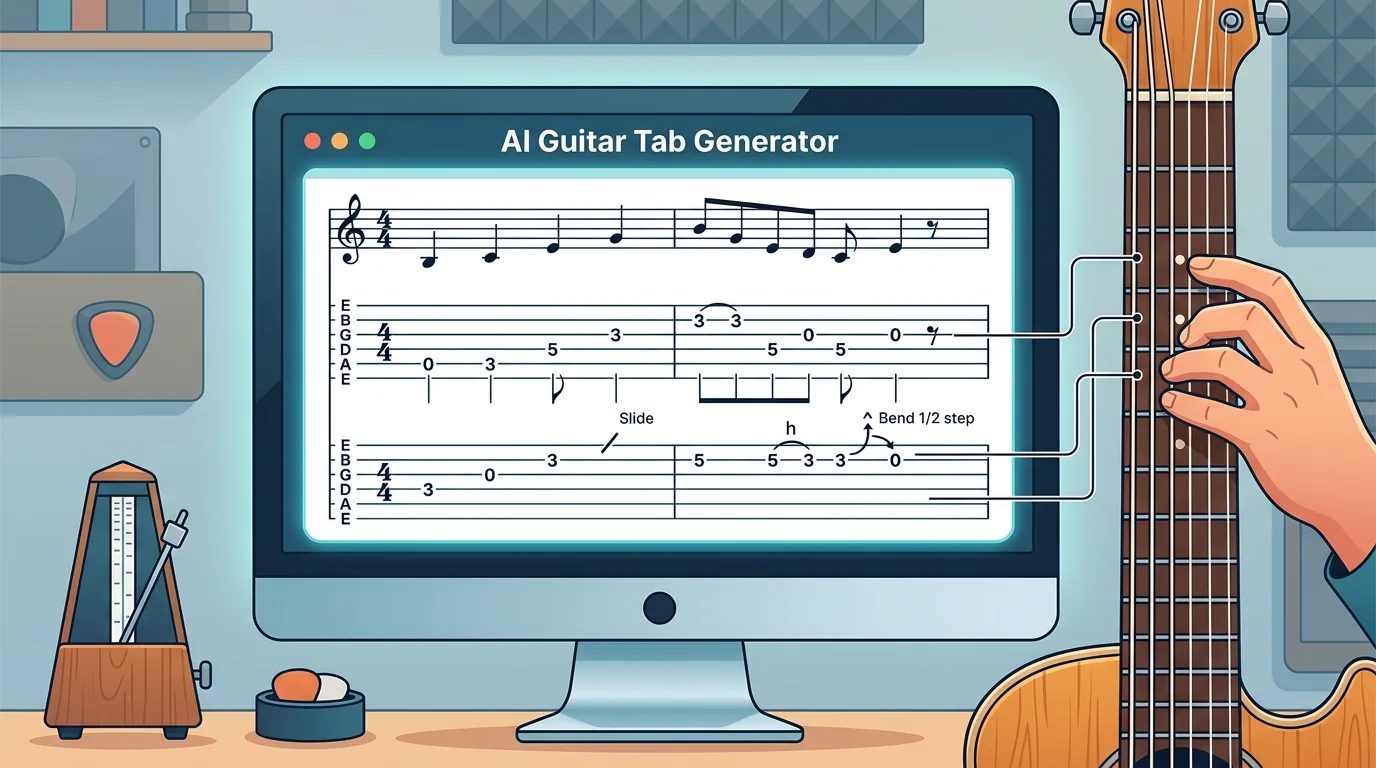
Melogen is useful when your starting point is not a fixed chord chart, but a song, audio file, or video link you want to practice. The current AI Guitar Tab Generator page is built around uploading audio or pasting a YouTube link, with support for MP3, WAV, M4A, FLAC, and YouTube links. The interface also includes tuning, capo, focus, complexity, chord-name, and section-splitting controls.
That makes it a practical bridge when you need a first guitar-first reference before you refine the music yourself. Use it to generate a readable tab or chord-plus-tab view, then apply the chord chart reading habits from this guide to any chord shapes or chord names you decide to practice.

Keep the tool in the right role. If you already have a clean chord diagram from a teacher, book, or lesson page, read that chart directly. If your source is audio and you need a faster first pass, Melogen can help you move from listening to a structured practice reference.
Turn a song into a guitar-first practice reference
Use Melogen AI Guitar Tab Generator when your source is audio or a YouTube link and you need chords, riffs, tabs, and sections to inspect before practicing.
The practical takeaway
Learning how to read a guitar chord is mostly about sequence. Do not stare at the dots first. Read the top marks, identify the fret row, place the finger numbers, then test each string before you strum.
Use this quick checklist before moving to the next chord:
- Did you skip every string marked
X? - Did you let every string marked
Oring open? - Are the finger dots in the right fret spaces?
- Are your fingertips curved enough to avoid muting neighboring strings?
- Can you pick each allowed string cleanly before strumming?
- Can you switch away from the shape without losing the beat?
Once those checks feel natural, a chord chart stops looking like a tiny puzzle. It becomes what it was meant to be: a compact map from the page to your fretting hand.
About the author
Zhang Guo
Composer - AI Product Manager
AI product manager and digital marketing consultant with a background in music. Creativity is the bridge between rhythm and logic, where musical intuition and mathematical precision can coexist in every meaningful product decision.
Follow on X