How to Transpose Music Between Keys Step by Step
Learn how to transpose music between keys with interval steps, key-signature checks, instrument warnings, and Melogen cleanup options.
 Zhang Guo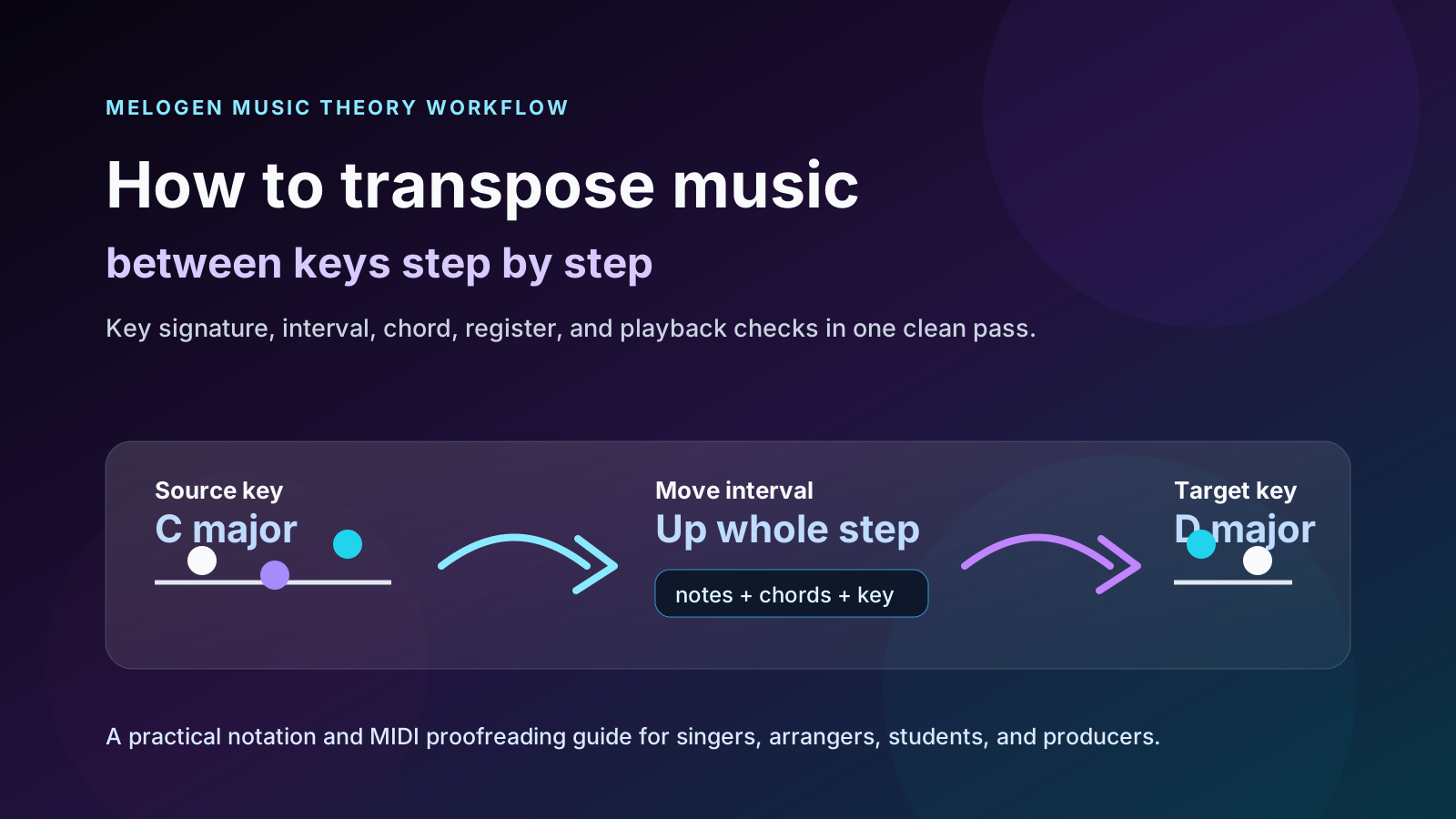
Turn a static score into editable MIDI
Contents
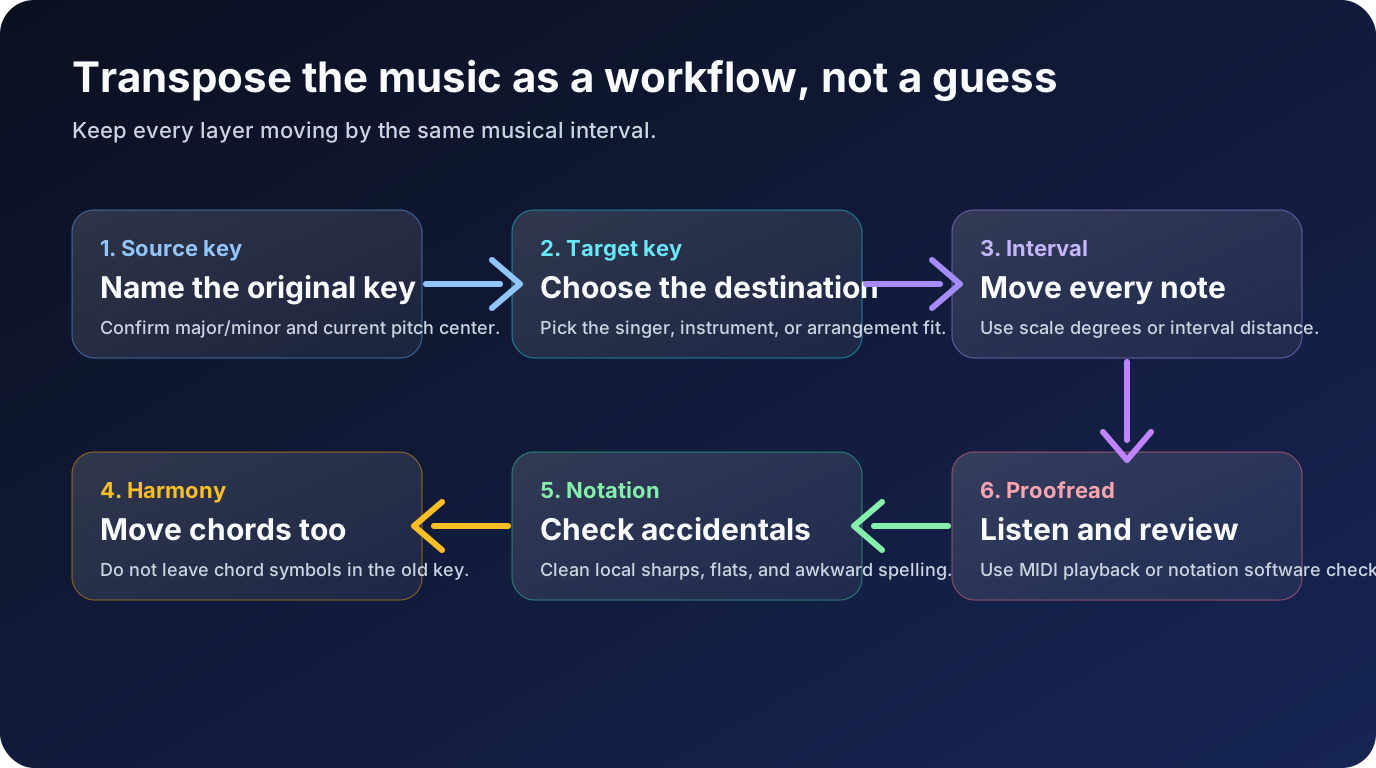
If you want to learn how to transpose music, do not start by dragging notes randomly until the melody sounds close. Start with the key change. Name the original key, name the target key, find the interval between them, then move the key signature, melody, bass line, and chords by the same musical distance.
That sounds slower than guessing, but it is faster in practice. Most bad transpositions are not caused by one wrong note. They happen because the notes moved while the chord symbols stayed behind, or the melody moved while the bass line landed in an awkward register, or a transposing instrument part was treated like concert pitch.
Start by naming the real key change
The first question is not "which notes do I move?" It is "what key am I moving from, and what key am I moving to?"
If the song is in C major and the singer needs it in D major, the move is up a whole step. If the piece is in A minor and needs to sit in G minor, the move is down a whole step. If the target key is for a B-flat clarinet, horn in F, or alto saxophone part, you also need to know whether you are writing a player part or checking concert pitch.
Keep the decision visible before you edit:
| Source key | Target key | Move | Quick meaning |
|---|---|---|---|
| C major | D major | Up a whole step | Every pitch and chord root moves up two semitones |
| G major | F major | Down a whole step | Remove one sharp and move the line down |
| A minor | C minor | Up a minor third | Keep the minor quality while changing pitch level |
| E-flat major | B-flat major | Down a perfect fourth | Common for lowering a vocal range |
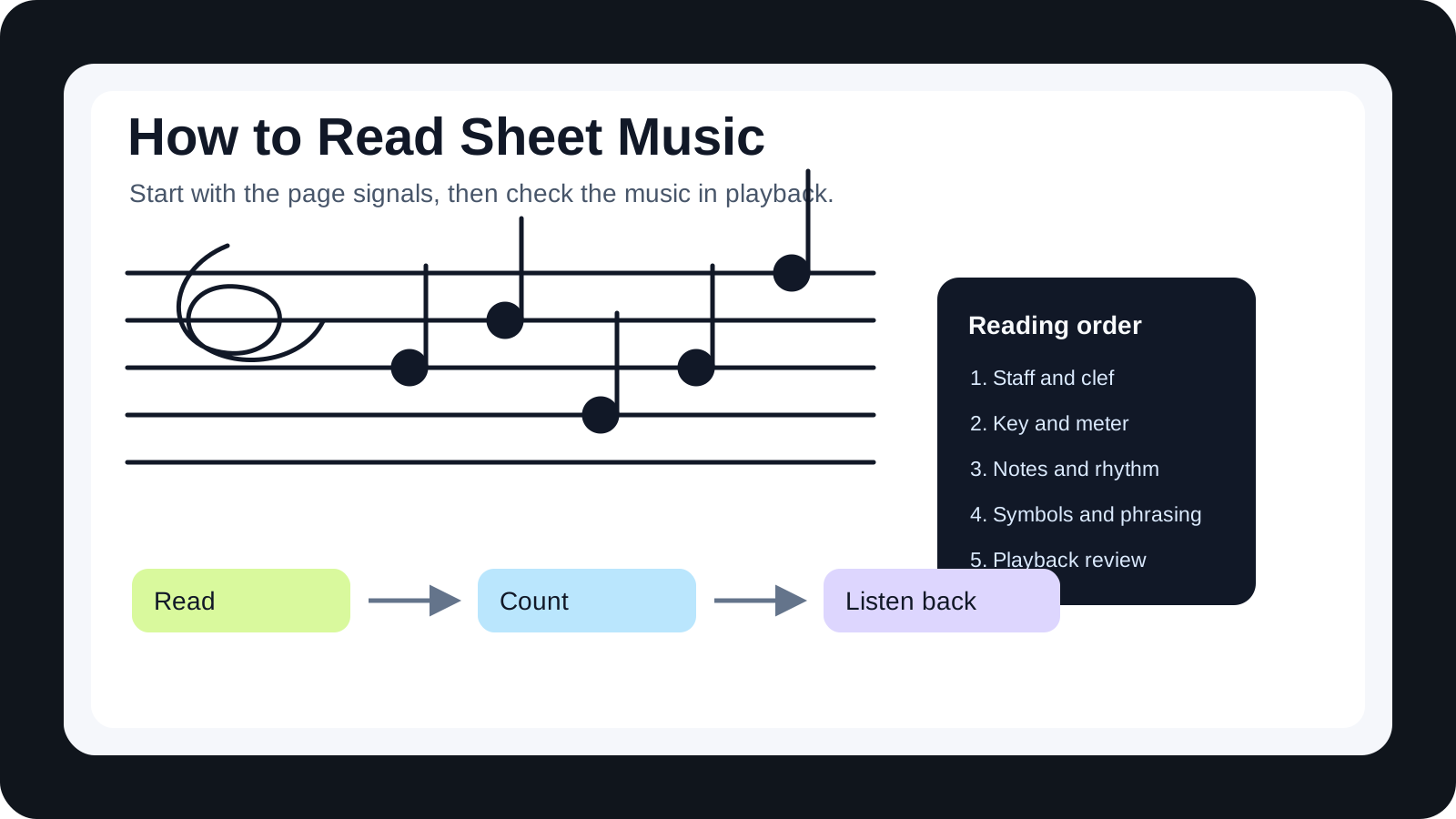
If you are still getting comfortable with staff, clef, and key-signature basics, read the broader how to read sheet music guide first. Transposition is much easier when the page itself is no longer fighting you.
Move the key signature before individual notes
The cleanest transpositions start with the key signature. Once the key signature changes, most notes can move by scale degree instead of being treated as isolated accidentals.
For example, C major to D major means the target key has F-sharp and C-sharp. If you move every written note up a whole step but forget those two sharps, the new melody may look simpler than it should and sound wrong against the chords.
Use this sequence:
- Identify the original key signature.
- Identify the target key signature.
- Write or set the target key signature first.
- Move the melody, bass, and inner voices by the same interval.
- Proofread accidentals that do not belong naturally to the new key.
This is also where notation software helps. A good editor can transpose a passage after you select the interval, but you still need to verify the musical result. Software can move notes; it cannot always know whether you wanted a simpler spelling, a different register, or a player-specific part.
Transpose melody, bass, and chords together
A lead melody by itself is only one layer. Real music usually has chord symbols, bass movement, counterlines, slash chords, rehearsal marks, or lyrics that depend on the harmony.
If you transpose a melody from C major to D major, a C chord becomes D, F becomes G, and G becomes A. If the original progression is C, Am, F, G, the transposed version is D, Bm, G, A. The chord qualities stay the same unless the arrangement deliberately changes them.
Here is a simple way to check the layers:
| Layer | What changes | What to verify |
|---|---|---|
| Melody | Every note moves by the same interval | Range still fits the singer or instrument |
| Bass line | Roots and passing tones move with the harmony | Low notes do not become muddy or impossible |
| Chord symbols | Root names move, qualities usually stay | Slash chords and extensions still spell clearly |
| Key signature | Moves to the target key | Accidentals are not fighting the new key |
| Lyrics or cues | Usually stay in place | Syllables still line up after notation edits |
This is the reason a quick audio-only pitch shift is not the same as a clean notation transposition. Pitch shifting can help a practice track, but a score or lead sheet needs the written harmony to make sense on the page.
Check accidentals and spelling after the move
After the broad move is correct, proofread the small things. Accidentals are where transposed music often looks clumsy.
Suppose a melody contains F-sharp in C major as a passing color. If you move the whole phrase up a whole step into D major, that pitch becomes G-sharp. That may be correct. But if the harmony now points to A major or B minor at that moment, the spelling may need to be checked against the chord and voice-leading.
Do not only ask whether the keyboard pitch is right. Ask whether the notation is readable:
- Does the note belong to the target key?
- Is the accidental tied to a temporary chord?
- Would a performer expect a sharp, flat, or natural in this context?
- Is the same pitch spelled consistently in repeated phrases?
- Did the bass line create awkward ledger lines after the move?
Know when transposing instruments change the job
Changing a song from one key to another is not the same thing as preparing a part for a transposing instrument.
If a singer wants a song lowered from E major to D major, you are changing the sounding key. If a B-flat clarinet player needs a part that sounds in concert C, you write the clarinet part in D because the written note and sounding note differ. Those are related skills, but they answer different questions.
Use this quick split:
| Task | Main question | Safer next step |
|---|---|---|
| Change a song key | What key should the audience hear? | Move the whole arrangement to the target key |
| Prepare a player part | What should the musician read? | Check written pitch vs concert pitch |
| Fix playback | What pitch is the file actually sounding? | Audition MIDI against a concert-pitch reference |
| Clean a scan | What did the page originally represent? | Convert first, then transpose in an editor |
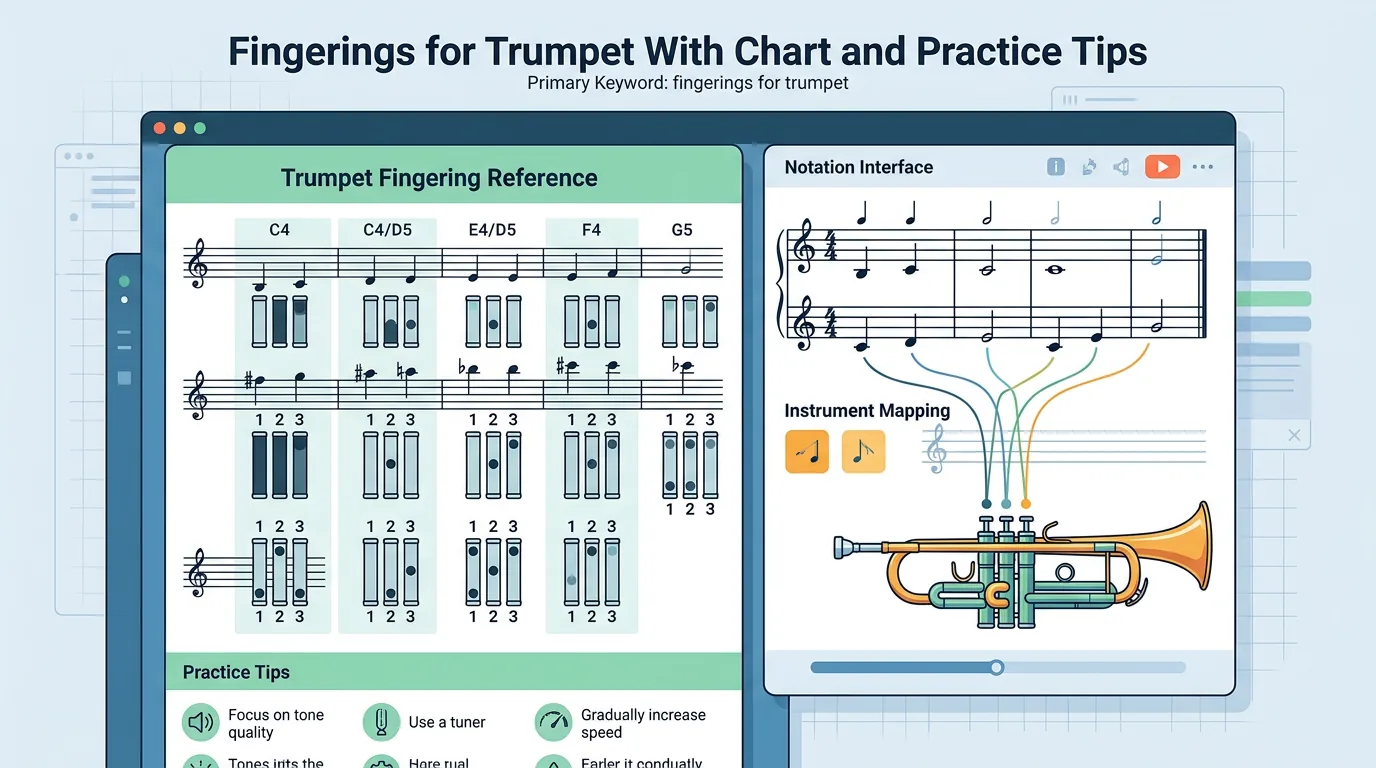
For a full concert-pitch and written-pitch map, use the related guide on transposing instruments. Keep this article focused on the general key-change workflow: move the music to a new key, then proofread the result.
Use editable notation or MIDI to proofread the result
When the source is a PDF, scan, or photo, the best order is usually convert first, transpose second, proofread third.
If your next job is notation editing, MusicXML is the better handoff because it preserves measures, clefs, voices, key signatures, and score structure. If your next job is listening for wrong notes, MIDI is faster because it exposes pitch, register, and timing problems immediately.

Use this decision table:
| Source problem | Better first output | Why |
|---|---|---|
| Static PDF score | MusicXML | Opens in notation software for key and note edits |
| Photo or scan of sheet music | MIDI or MusicXML | Lets you inspect the recognized notes before moving them |
| Lead sheet with chords | MusicXML when notation matters | Chord symbols and form need visual proofreading |
| Quick pitch check | MIDI | Wrong key or register becomes obvious by ear |
| DAW mockup | MIDI | You can check the new key with instruments and tempo |
The MIDI vs MusicXML comparison is useful when you are unsure which output belongs in the next step. A simple rule works most of the time: MusicXML for notation cleanup, MIDI for listening checks.

Where Melogen fits
Melogen helps when the score is stuck in a static file and you need an editable first pass before transposing. Use PDF to MusicXML when you need a notation editor such as MuseScore, Dorico, Sibelius, Finale, or Notion. Use Sheet2MIDI when the fastest check is hearing whether the new key and register work.
The boundary matters. Melogen can help you move visible notation into an editable or audible format. It does not decide the best key for a singer, rewrite a part for every instrument, or replace the final proofreading pass. Keep the target key and interval visible while you review the output.
Move static notation into an editable key-change workflow
Use Melogen PDF to MusicXML when you need notation cleanup, or Sheet2MIDI when playback is the fastest way to check the transposed result.
Run a final transposition checklist
Before you share the new version, run one last pass from large to small.
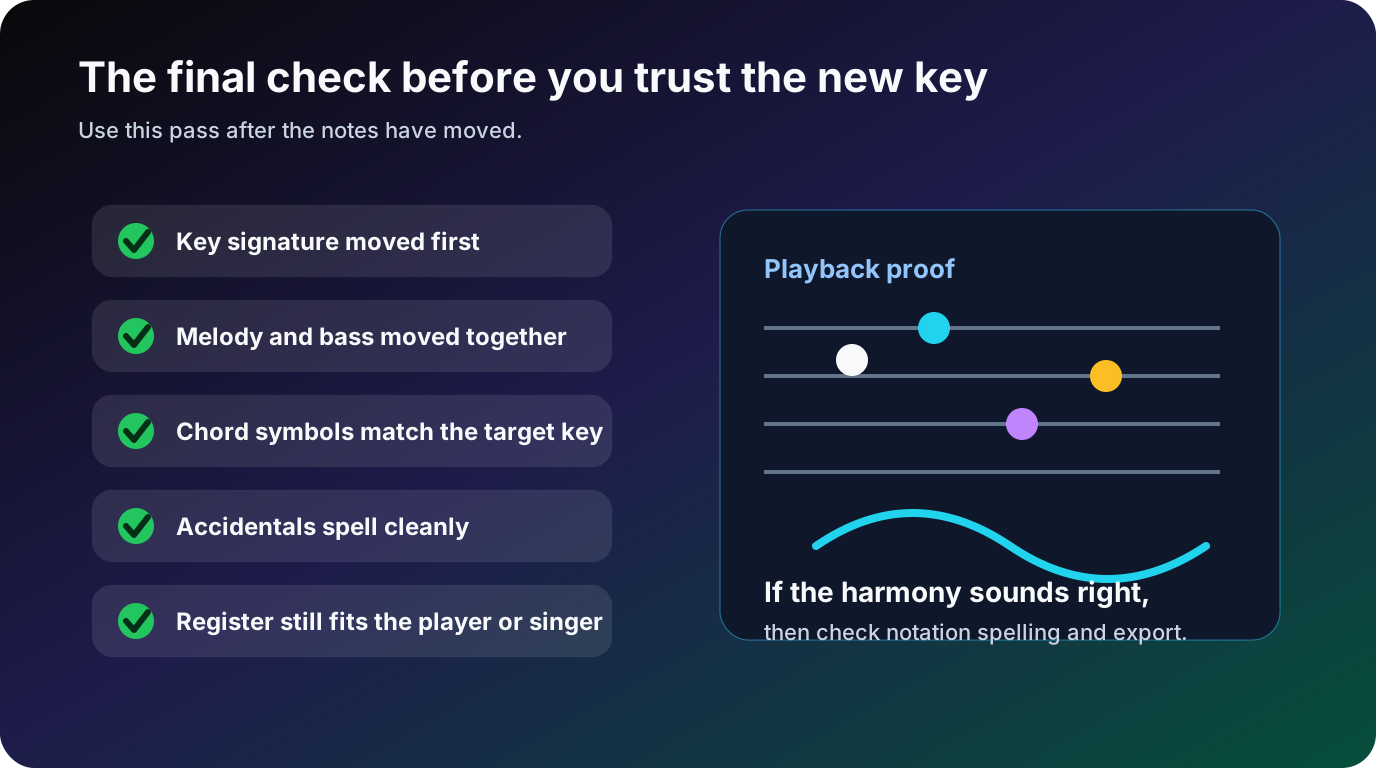
Use this checklist:
- The target key signature is correct.
- The melody, bass, and inner voices moved by the same interval.
- Chord symbols and slash chords match the new key.
- Accidentals spell cleanly in the new harmonic context.
- The range still fits the singer, instrument, or ensemble.
- Any transposing-instrument part has a separate written-pitch check.
- MIDI playback or notation preview confirms the result by ear.
If something sounds wrong, do not immediately fix random notes. Return to the source key, target key, and interval. Most errors come from one layer moving without the others.
Frequently asked questions
What does it mean to transpose music?
To transpose music means to move it from one key or pitch level to another while preserving the musical relationships. The melody, bass, and chords keep the same shape, but they sound higher, lower, or in a different written key.
Should I transpose by notes or by chords first?
Start with the key signature and interval, then move both notes and chords. If you only move the melody, the harmony may stay in the old key. If you only move chord symbols, the written notes may no longer match the performance.
Is transposing music the same as pitch shifting audio?
No. Pitch shifting audio changes the sound of a recording. Transposing notation changes the written music so a player, singer, notation editor, or DAW can use the new key cleanly.
Should I use MIDI or MusicXML after transposing?
Use MusicXML when the printed or editable score matters. Use MIDI when you need to hear whether the new key, register, and timing work. Many workflows use both: MusicXML for notation edits and MIDI for playback proofing.
The practical takeaway
How to transpose music safely comes down to one repeatable habit: move the whole musical system, then proofread it.
Name the source key. Choose the target key. Move the key signature first. Move melody, bass, and chords by the same interval. Check accidentals and register. If the source came from a PDF, scan, or photo, convert it into editable notation or MIDI before doing serious cleanup.
That workflow keeps the new key musical. The singer gets a usable range, the player gets readable notation, and the file you export is something you can trust instead of a guess that happens to sound close.
About the author
Zhang Guo
Composer - AI Product Manager
AI product manager and digital marketing consultant with a background in music. Creativity is the bridge between rhythm and logic, where musical intuition and mathematical precision can coexist in every meaningful product decision.
Follow on X