How to Use AI for Music Production
Use AI for music production with a practical workflow for song ideas, stems, MIDI cleanup, audio enhancement, and human arrangement decisions.
 Zhang Guo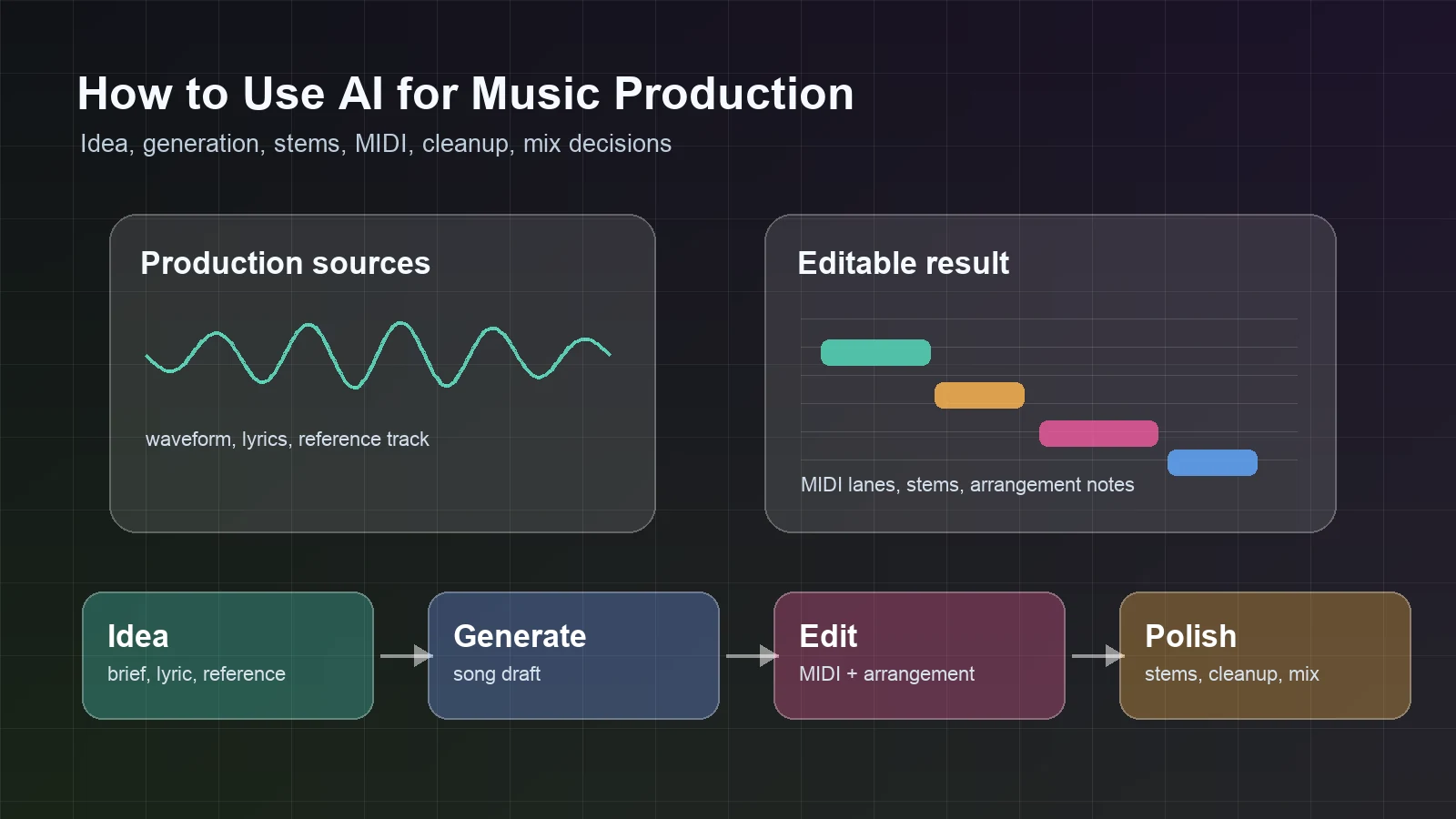
Turn a static score into editable MIDI
Contents
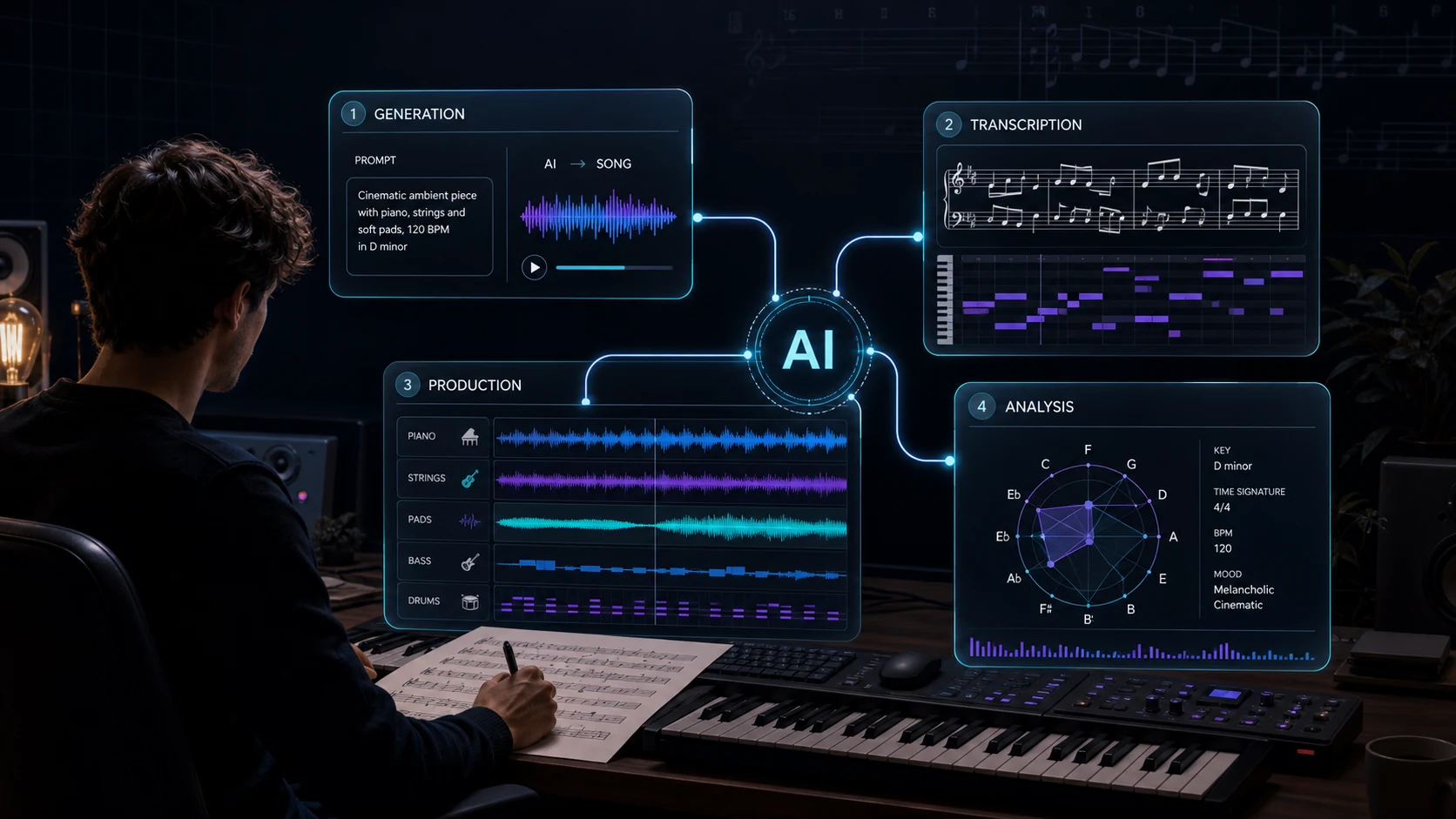
To use AI for music production, start with a production job instead of a tool name. If the question is "how to use ai for music production," the answer is to match one AI step to one musical bottleneck. AI can help you sketch a song idea, separate stems, clean a noisy reference, turn audio into editable MIDI, or inspect a score before the next arrangement pass. It should not decide the song for you.
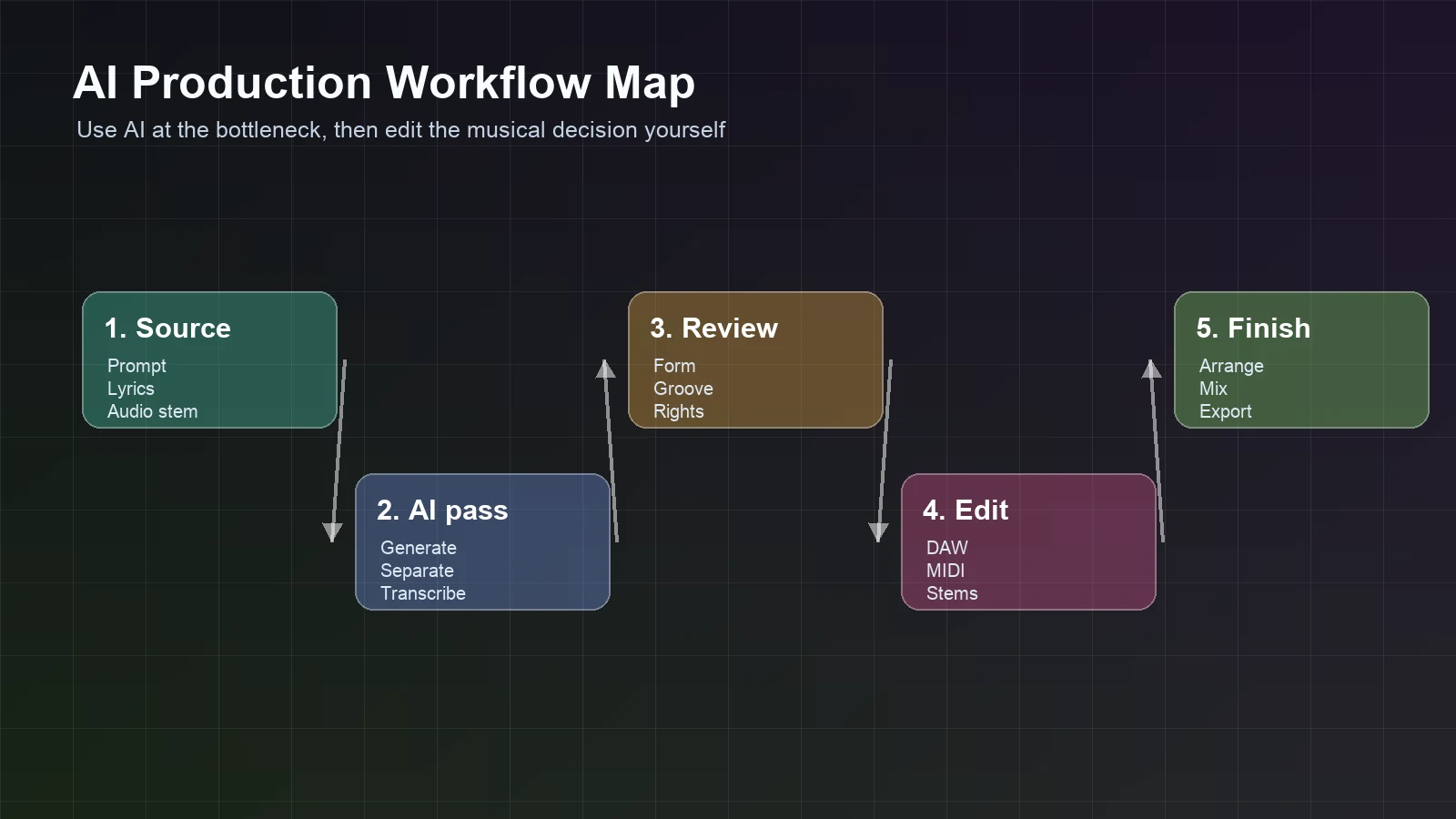
The practical workflow is simple: feed AI a clear source, ask for one useful output, review the result musically, then edit in the DAW, notation editor, or mix session where the real decision belongs. That keeps AI useful without turning the production into a pile of random generations.
Start with the production job
The fastest way to waste time with AI is to open a random tool before you know what the session needs. A producer trying to test a chorus, a songwriter trying to hear lyrics as a full track, and an arranger trying to rebuild a melody from audio are not solving the same problem.
Use this first-pass map:
| Production job | Best AI role | Output to inspect | Human decision that remains |
|---|---|---|---|
| Turn a lyric or prompt into a song sketch | Generate a draft | Audio idea, vocal direction, style reference | Keep, rewrite, regenerate, or arrange |
| Pull notes from an existing recording | Transcribe audio to MIDI | MIDI lane, melody sketch, timing draft | Fix pitches, rhythm, phrasing, and octave choices |
| Make a dense mix easier to edit | Separate stems | Vocal, drum, bass, or instrumental layers | Decide what to keep, mute, rebuild, or remix |
| Improve a low-quality reference | Enhance the audio | Cleaner source for listening or conversion | Check whether artifacts are better or worse |
| Understand an existing score | Analyze structure | Section, harmony, cadence, or form cues | Decide what the analysis means musically |
If the job is still fuzzy, read the broader what is AI music explainer first. If the job is clear, keep the tool choice narrow and test one short section before you process a full song.
Build a first draft without locking the song too early
AI generation is useful when the session needs momentum: a verse idea, a genre direction, an instrumental bed, a hook sketch, or a fast reference for a client or collaborator. The mistake is treating the first generated track as the finished production.
Start with a short brief:
- the song role, such as demo, background cue, chorus sketch, or reference track
- the musical direction, such as tempo, groove, instrumentation, mood, and vocal style
- the boundary, such as eight bars, one chorus, one instrumental loop, or one rough verse
- the thing you will judge, such as melody, form, energy, or lyric fit
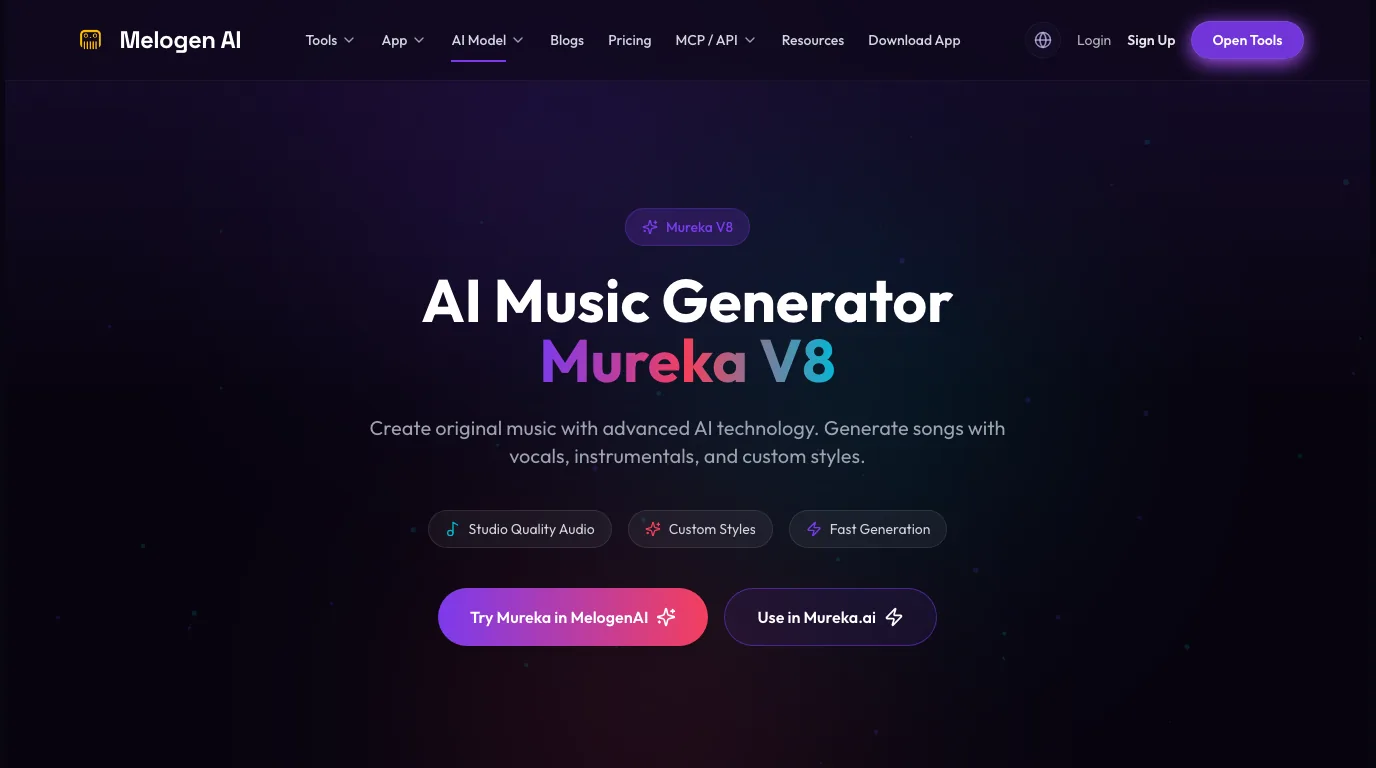
Melogen's Mureka route is the natural first stop when you want an AI music generation pass inside the Melogen ecosystem. The local page is built around text descriptions, style choices, lyrics, vocals, instrumentals, and song generation, so it fits the "make a musical draft" part of the production stack.
The output still needs a producer's ear. Listen for form, transition quality, melodic contour, lyric stress, and whether the track has a reason to continue after the first impression. If your real question is which generator to compare, the guide on whether Suno is the best AI music generator is a better supporting read than a production workflow checklist.
Clean the source before transcription or editing
AI production gets easier when the input is specific. A full mastered track with vocals, drums, reverb, and compression is much harder to interpret than a clean vocal memo, bass stem, piano part, or short loop.
Before using transcription, stem separation, or enhancement, prepare the source:
- Trim silence, count-ins, and unrelated sections.
- Work with the highest-quality file you control.
- Use a stem when you only need one part.
- Split a long song into phrases before converting the whole file.
- Decide whether the next output should be audio, MIDI, stems, or notation.
This is especially important when you want notes from audio. Melogen's Audio to MIDI route supports common audio formats such as MP3, WAV, FLAC, OGG, M4A, and AAC, and it returns a standard MIDI file for DAW or notation cleanup. That is a production bridge, not a promise that a noisy mix will become a perfect score.
If note extraction is the main task, the dedicated guide to transcribing audio into notes goes deeper on source quality, MIDI cleanup, and notation handoff.
Turn useful audio into editable MIDI
MIDI is often the most valuable middle format in AI-assisted production because it lets you change sound, timing, note length, octave, and arrangement. A generated or recorded audio idea becomes more useful once the main musical information is editable.
Use an audio-to-MIDI workflow when:
- you have a vocal, guitar, piano, bass, synth, or melody idea that needs editing
- you want to rebuild a generated part with your own instrument sounds
- you need a rough notation draft after cleaning MIDI
- you want to compare a phrase against the original recording
Do not judge the first MIDI file by whether it looks pretty. Judge it by whether it gets you closer to the arrangement. Start by checking the downbeat, phrase shape, octave, and main pitch centers. Then clean extra notes, note lengths, overlaps, and timing.
The useful order is structure first, detail second. A slightly messy MIDI lane with the right phrase shape is worth editing. A beautiful-looking export with the wrong downbeat or octave will waste the session.
Use AI to separate, enhance, and analyze the material
Not every AI production step is generation. Some of the highest-leverage steps happen after the idea exists.
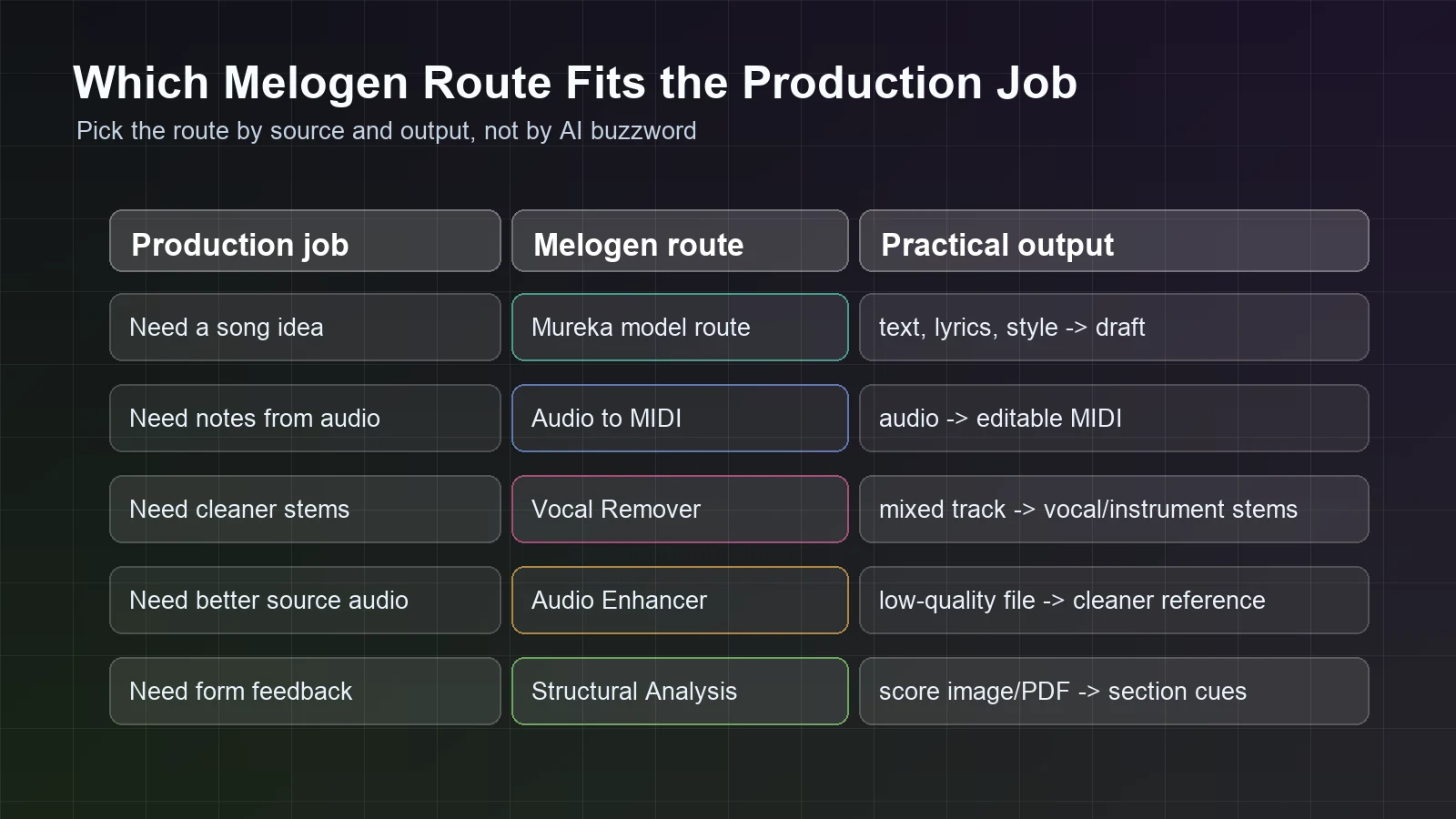
Use stem separation when the mix is too dense for the edit you need. A vocal remover or source-separation pass can help you hear the vocal, drums, bass, or instrumental layer more clearly. That is useful for remix prep, karaoke practice, rough arrangement study, or deciding which element is carrying the song.
Use audio enhancement when the reference file is too dull, noisy, or compressed for the next step. Melogen's Audio Enhancer page describes AI audio super-resolution and 48kHz-style restoration positioning. Treat the enhanced file as a better working reference, then listen for artifacts before trusting it.
Use structural analysis when the music is already on a score and the real problem is form. Melogen's Structural Analysis route is built for score images or PDFs and can surface structure, tonality, harmony, key signatures, time signatures, cadences, themes, and formal sections. That helps when a track sounds busy but you need to understand why the arrangement does or does not hold together.
The pattern is the same across tools: use AI to create a clearer editing object. The final production decision still belongs to the producer, composer, arranger, or mix engineer.
Keep the musician in charge
AI can make a production feel faster, but it can also hide weak decisions behind novelty. A generated chorus can sound impressive for twenty seconds and still fail as a song section. A separated vocal can reveal timing problems. An enhanced reference can sound brighter while adding artifacts. A MIDI transcription can capture the melody but flatten the feel.
Use this review pass before committing the result:
- Does the section have a clear start, build, and release?
- Does the groove still work without the prompt novelty?
- Is the melody playable, singable, or editable?
- Are the stems cleaner enough to help the mix?
- Did enhancement improve clarity, or only add brightness?
- Does the MIDI preserve the phrase shape?
- Are rights, samples, uploads, and generated material safe for the project?
The rights question is not decoration. If the source includes a reference track, uploaded vocal, platform-generated audio, or collaborator material, confirm what you are allowed to edit, export, distribute, or monetize before the production leaves your private workspace.
Where Melogen fits
Melogen fits best as a browser-based production stack for moving between AI music ideas and editable music objects. For this article, the primary route is Mureka because the keyword is about using AI inside production, and generation is the first bottleneck many readers mean.
Use the route map this way:
| If your session needs... | Start with... | Why |
|---|---|---|
| A song sketch from prompt, style, or lyrics | Mureka in Melogen | It creates the first draft inside the Melogen music model ecosystem. |
| Editable notes from an audio source | Audio to MIDI | It turns a usable audio source into a MIDI file for DAW cleanup. |
| Stems from a mixed track | Vocal Remover | It separates vocals and instruments so you can inspect or remix layers. |
| A cleaner working reference | Audio Enhancer | It can improve clarity before listening, editing, or conversion checks. |
| Feedback on written structure | Structural Analysis | It helps inspect form, harmony, sections, and score-level cues. |
Start the production pass with Mureka
Use Melogen when AI generation needs to sit beside MIDI, stem, cleanup, and analysis workflows instead of staying as a one-off prompt experiment.
FAQs
Can AI make a full song for production?
AI can generate a full song draft, but production still requires selection, arrangement, editing, mix judgment, and rights review. Treat the generated track as material, not as the whole production process.
Should I use AI before or after recording?
Use AI before recording when you need a fast reference, style direction, or lyric-to-song sketch. Use it after recording when you need stems, MIDI, cleanup, or structure analysis from material you already have.
Is audio-to-MIDI part of AI music production?
Yes, when the goal is to turn recorded or generated audio into editable notes. It is different from song generation because the source already exists and the output is a MIDI draft for cleanup.
What should I avoid?
Avoid processing a whole song before testing a short section, accepting the first generated draft without review, using unclear source audio for transcription, and ignoring rights or platform rules for generated or uploaded material.
The practical takeaway
The best way to use AI for music production is to give each AI step a job. Generate when the idea is missing. Separate when the mix is crowded. Enhance when the source quality blocks the next edit. Transcribe when audio needs to become MIDI. Analyze when a score needs clearer structure.
That keeps the workflow musician-led. AI moves the session to the next decision faster; you still decide what the music should become.
About the author
Zhang Guo
Composer - AI Product Manager
AI product manager and digital marketing consultant with a background in music. Creativity is the bridge between rhythm and logic, where musical intuition and mathematical precision can coexist in every meaningful product decision.
Follow on X