Labeling Notes on a Piano Keyboard: Beginner Guide
Learn labeling notes on a piano keyboard with safe stickers, C-D-E patterns, 61/88-key maps, and practice checks that build reading skills.
 Zhang Guo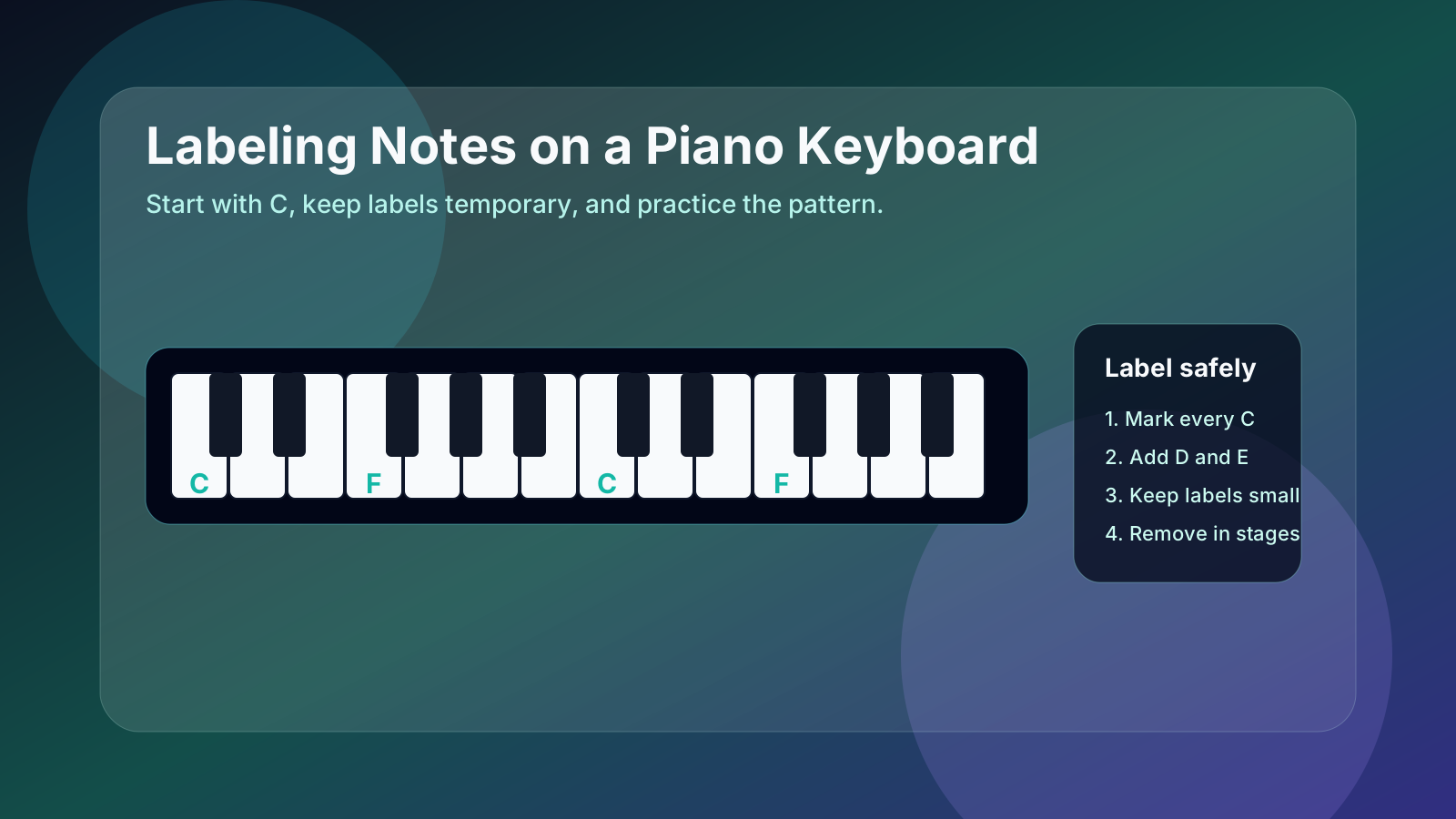
Turn a static score into editable MIDI
Contents
Labeling notes on a piano keyboard can help beginners, but only if the labels teach the pattern instead of becoming permanent training wheels. Start by labeling every C, then learn how the white keys repeat: C D E F G A B. After that, labels should become smaller, fewer, and less necessary.
The goal is not to cover the keyboard with stickers forever. The goal is to make the keyboard predictable enough that your eyes can return to the page, your fingers can find the note, and your ear can check the result.
Label C first, then fill the pattern
The fastest safe starting point is C. On any piano or keyboard, C sits immediately to the left of a group of two black keys. F sits immediately to the left of a group of three black keys. Those two landmarks keep the white-key pattern from feeling random.
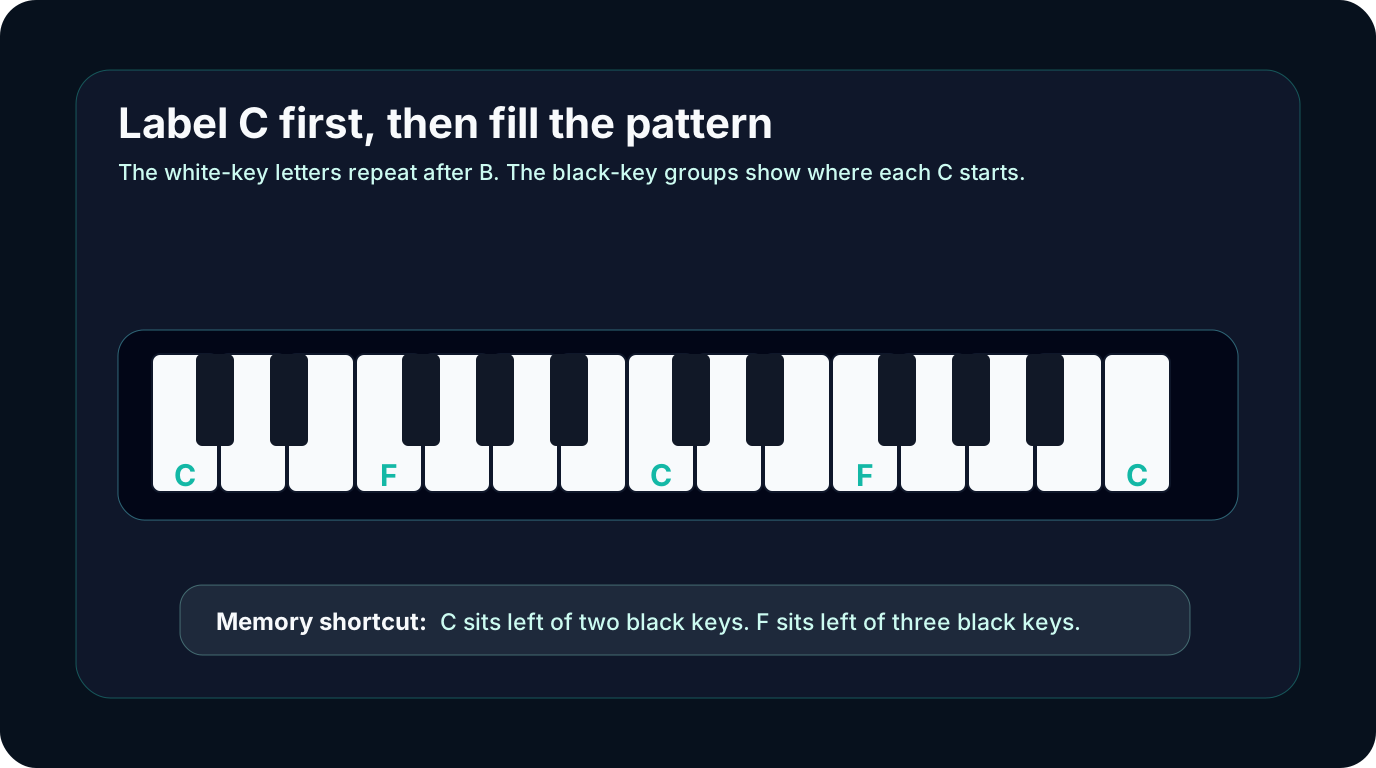
Use this first-pass map:
| Signal | What to read first | Why it matters | Beginner action |
|---|---|---|---|
| Two black keys | C is the white key on the left | It starts the most useful beginner group | Label C in each octave |
| Three black keys | F is the white key on the left | It starts the second white-key group | Label F after C feels stable |
| White-key sequence | C D E F G A B | The alphabet repeats after B | Speak the letters while pointing |
| Middle C | The central C anchor | It connects the keyboard to beginner sheet music | Use a brighter label only for this one key |
If you need a slower keyboard-first explanation, Simple Piano Notes for Beginners walks through the same note alphabet before adding staff reading and practice loops.
Choose labels that teach, not just decorate
Good labels are small, removable, and easy to ignore once the pattern is familiar. Bad labels are huge, colorful in a distracting way, or placed so deep on the key that they change the feel of playing.
| Label choice | Best use | Watch out for |
|---|---|---|
| Small removable stickers | First weeks of note-name practice | Sticky residue or labels that cover too much of the key |
| Dry-erase tape above the keys | Temporary lessons or classroom use | Looking above the keyboard instead of at the keys |
| Only C and F labels | Pattern training | It feels slower at first, but it builds better memory |
| Full keyboard stickers | Very young beginners or short-term orientation | Easy to become dependent on every letter |
Use the smallest label set that still lets the student succeed. For many beginners, that means labeling C and F across the keyboard, then adding the full C D E F G A B pattern only around Middle C.
Match the label to the keyboard size
A 61-key keyboard and an 88-key piano use the same note pattern, but they do not start and end in the same place. That matters when someone copies a full piano diagram onto a smaller keyboard.
Use the pattern, not the edge:
- Find a group of two black keys near the center.
- Label the white key to the left as C.
- Fill
D Eto the right. - Find the nearby group of three black keys.
- Label the white key to the left as F, then fill
G A B.
If you work with full-range note numbers, the Piano Key Numbers guide explains how 88-key physical positions connect to MIDI note numbers. For labeling practice, though, the black-key pattern is more important than counting from the left edge.
Remove labels before they become a crutch
Labels should disappear in stages. The student should still say the note name, find the key, count the beat, and play. If the label answers every question instantly, reading skill grows slowly.

Try this removal plan:
| Stage | What stays labeled | Practice goal |
|---|---|---|
| Week 1 | Every C and F | See the repeating keyboard structure |
| Week 2 | One octave around Middle C | Connect note names to beginner songs |
| Week 3 | Only Middle C and one F | Recall the rest from the black-key groups |
| Week 4 | No labels during the first try | Check labels only after playing |
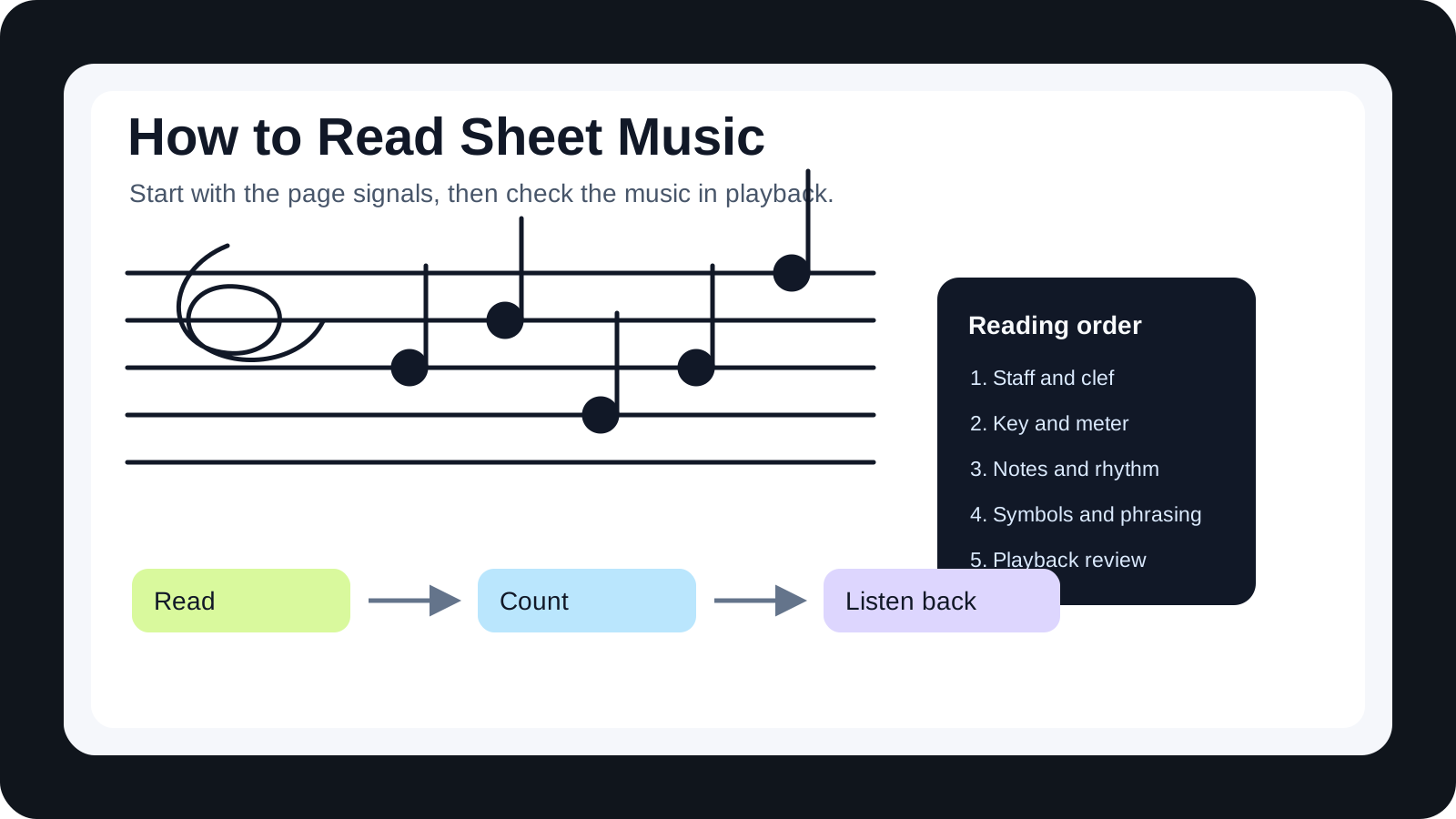
This is also the point where staff reading matters. A label can show where C is, but the page tells you when that C happens and how long it lasts. If that part is new, read How to Read Sheet Music alongside your keyboard-label practice.
Where Melogen fits
Melogen is useful when your starting point is visible notation: a PDF, a scan, or a photo of sheet music. The Sheet2MIDI workflow supports PDF, JPG, and PNG score inputs and turns the page into editable MIDI, which gives beginners a playback reference while they learn to match note labels to the keyboard.

Use it as a check, not a shortcut:
- Read a few notes from the page yourself.
- Find those notes on the labeled keyboard.
- Convert a clean score when you need playback.
- Listen for wrong notes or octave jumps.
- Remove one set of labels and try the phrase again.
Turn a clean score into a playback reference
Use Melogen Sheet2MIDI when you want to hear a notation phrase as MIDI, then return to the keyboard and build real note-reading memory.
The practical takeaway
Labeling notes on a piano keyboard works best when the labels are temporary and pattern-based. Label C first. Add F next. Use the black-key groups to fill the rest. Keep the labels small enough that your eyes still learn to read the page.
Use this short checklist:
- Label C to the left of every two-black-key group.
- Add F to the left of every three-black-key group.
- Fill the full
C D E F G A Bpattern only where you are practicing. - Say the note name before you play.
- Remove labels one octave at a time.
The real win is not a perfectly labeled keyboard. It is a keyboard that starts to make sense even after the labels come off.
About the author
Zhang Guo
Composer - AI Product Manager
AI product manager and digital marketing consultant with a background in music. Creativity is the bridge between rhythm and logic, where musical intuition and mathematical precision can coexist in every meaningful product decision.
Follow on X