Notion 6 Review: Legacy Scorewriting in 2026
A practical Notion 6 review covering availability, Fender Notion, MusicXML/MIDI workflow fit, pros, cons, and when Melogen comes first.
 Zhang Guo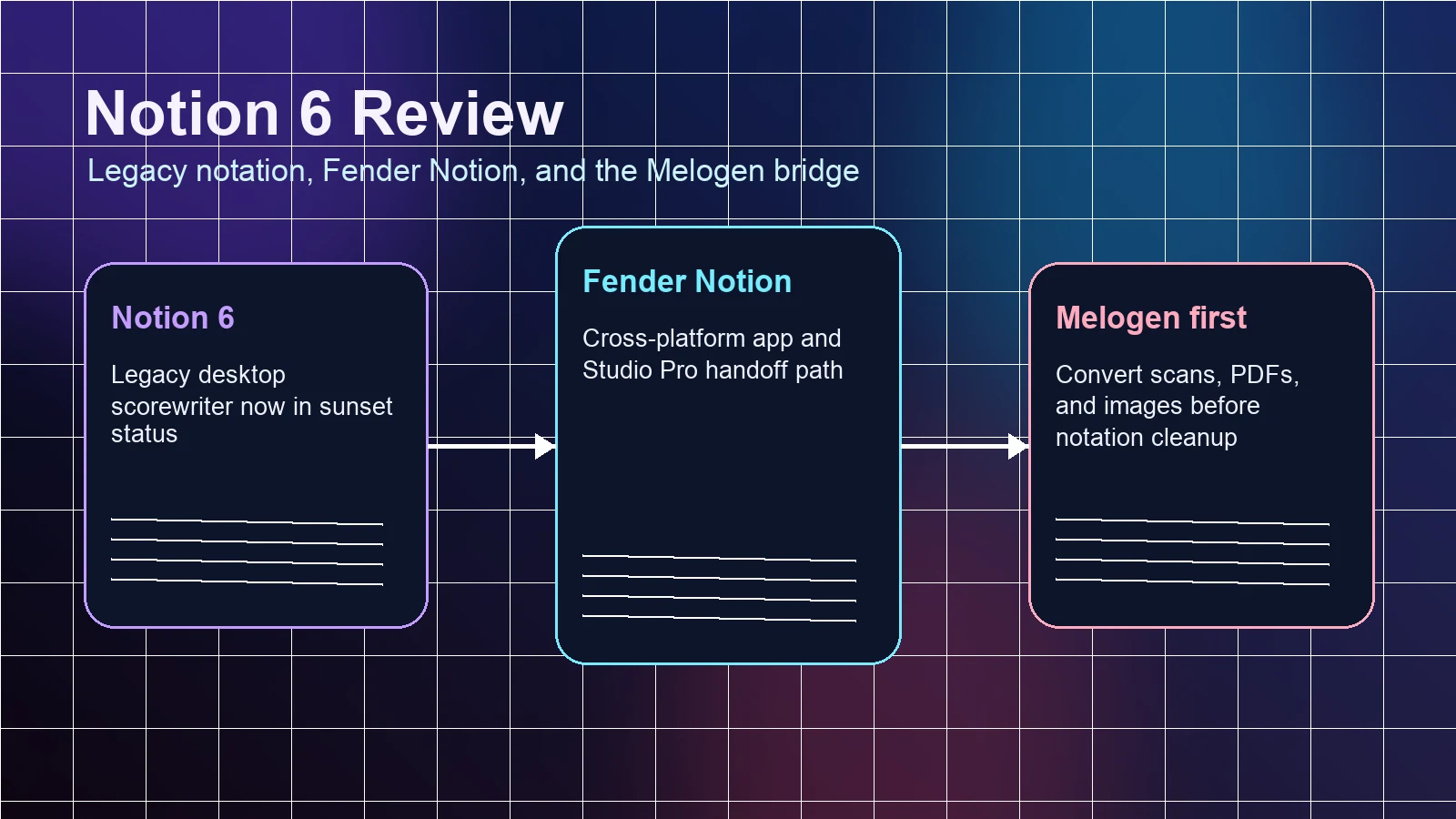
Turn a static score into editable MIDI
Contents
Notion 6 is best treated as legacy desktop notation software in 2026, not as the default fresh starting point for every scorewriter. If you already own it, have old Notion files, or rely on a PreSonus-centered workflow, it can still matter. If you are starting from a PDF, scan, or phone photo, convert the score to MusicXML or MIDI first, then decide whether Notion or another notation editor is the right cleanup environment.
This Notion 6 review is based on the PlayScore competitor snapshot, PreSonus/Fender public pages, and Melogen's current score-conversion routes reviewed on April 25, 2026. The useful question is not only what Notion 6 did well. It is whether a musician should rely on it now that Fender has moved the Notion path toward Fender Notion and Studio Pro.
Notion 6 review: quick verdict
| Reader job | Notion 6 fit | Better first step | Decision rule |
|---|---|---|---|
| Keep using an existing Notion 6 desktop setup | Possible | Notion 6 | Reasonable if your installer, license, files, and exports still work. |
| Start a new long-term notation system | Risky | Fender Notion or another current editor | The official transition away from standalone Notion 6 changes the buying decision. |
| Move a PDF or scan into notation editing | Partial | Melogen PDF to MusicXML | Convert the static score before judging the notation editor. |
| Get playback or DAW material from sheet music | Partial | Melogen Sheet2MIDI | Use MIDI when hearing, arranging, or sketching is more important than page layout. |
| Work across newer Fender/PreSonus surfaces | Mixed | Fender Notion / Studio Pro | Check the current official transition details before building a workflow around it. |
The short verdict: Notion 6 was a useful notation-plus-production bridge, but in 2026 it is a legacy decision. Treat it as an editing destination for compatible files, not as the first move when your source is still a locked page.
What changed for Notion 6
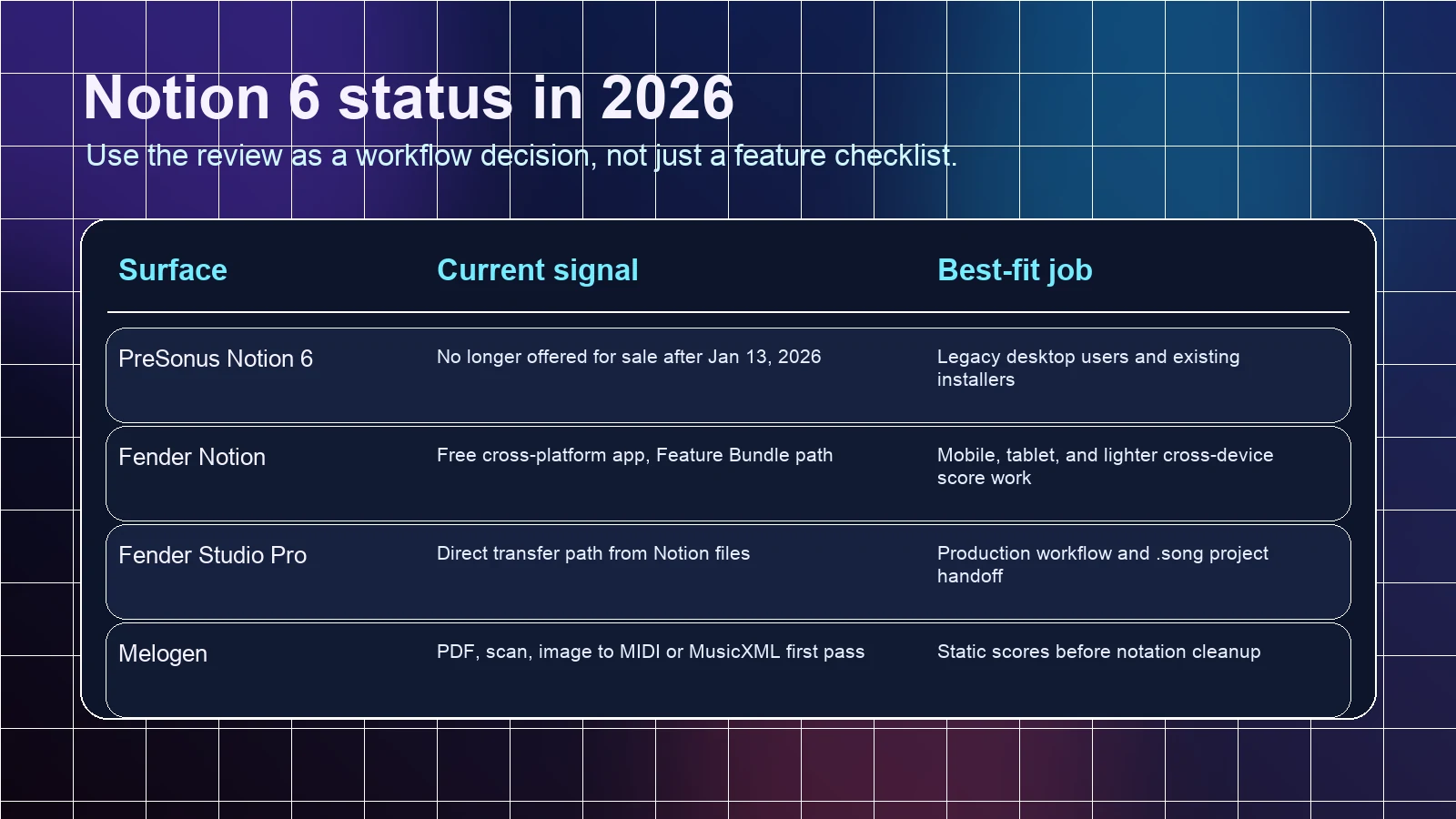
The key current signal is Fender's official PreSonus Notion 6 announcement. The page says Notion 6 is no longer offered for sale after January 13, 2026, points users toward Fender Notion and Studio Pro, and gives existing users a defined support-transition window.
That changes the review from a normal feature checklist into a workflow-risk decision. Notation software is sticky. You build templates, shortcuts, teaching materials, export habits, and collaboration paths around it. A product that is moving into legacy status can still be useful, but it should not be chosen casually as the center of a new notation setup.
Fender's current Notion direction also matters. The public Notion Mobile announcement and Fender Notion app surfaces point toward a cross-platform notation app model, with additional capability tied to a feature bundle rather than the old standalone Notion 6 desktop purchase.
What Notion 6 was built to do
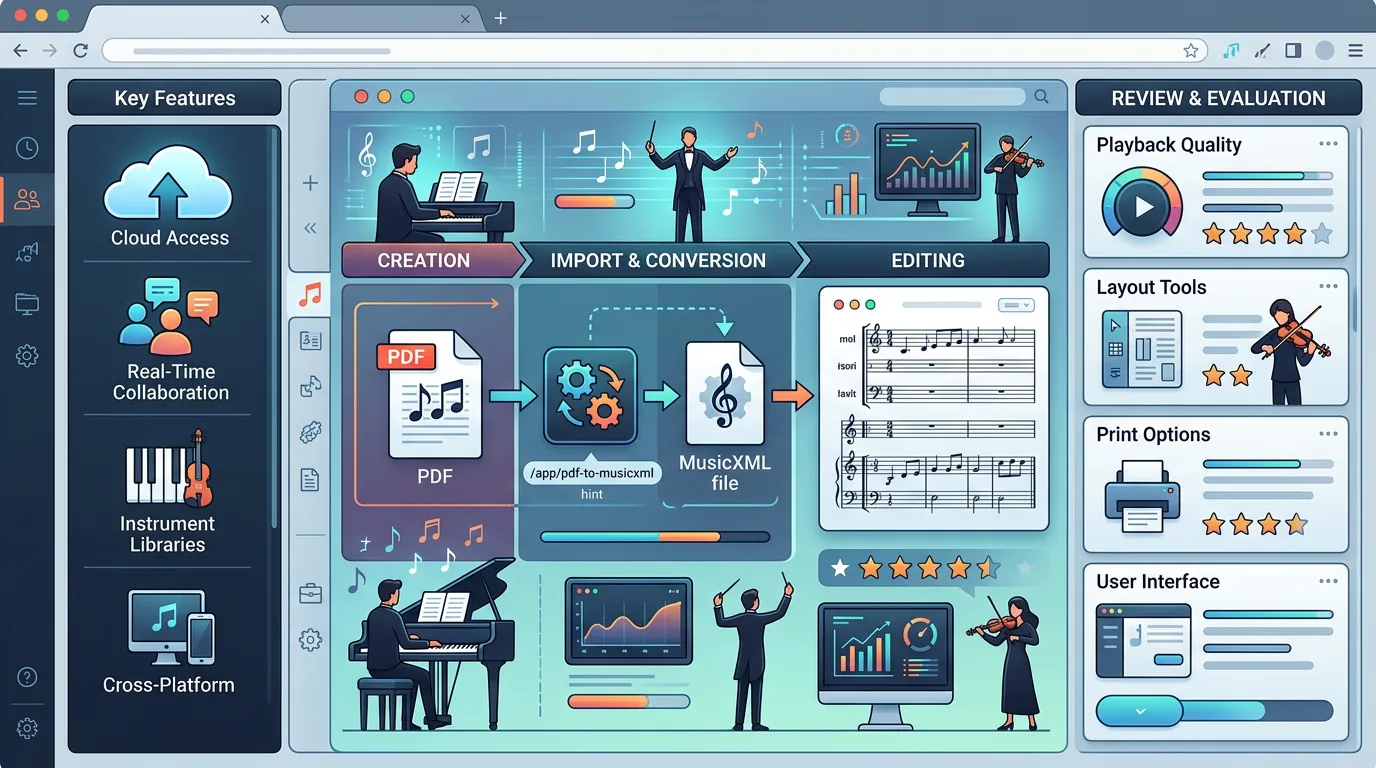
The PlayScore page that triggered this opportunity describes Notion 6 as a notation program with DAW-adjacent strengths: score entry, MIDI input, virtual instruments, MusicXML and MIDI import/export, and connection to the broader PreSonus ecosystem. That is a sensible way to understand the product.
Notion 6 belonged in the notation editor category. It was not an optical music recognition tool, and it was not a one-purpose browser converter. It became useful after the music was editable enough to clean up: notes, rhythms, voices, staves, parts, playback, and export paths.
That distinction is important because many score workflows start one step earlier. If the music begins as a printed score, a scanned PDF, or a phone photo, the first bottleneck is recognition. A notation editor helps after the score has become structured data.
Features that still matter
For a musician reviewing Notion 6 in 2026, the durable feature questions are more useful than old edition marketing. Focus on these:
- Can you still open and maintain your existing Notion files?
- Can you move material through MusicXML when another notation editor is the destination?
- Can you use MIDI when playback, sketching, or DAW work matters more than written layout?
- Does your current computer, operating system, and license path still support the workflow?
- Do collaborators, students, or ensemble members need a newer editor or a more portable format?
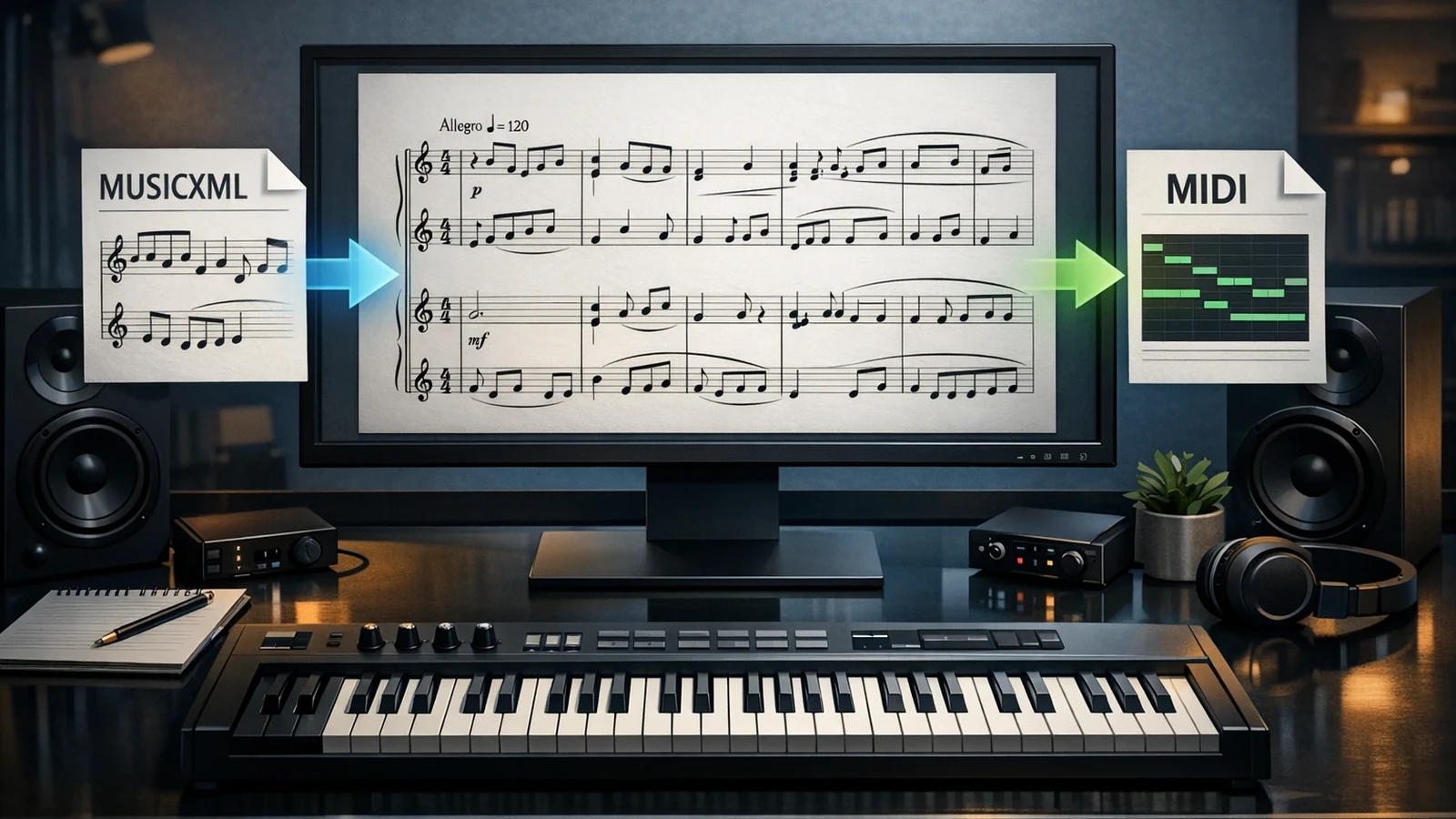
If the answer depends on MusicXML vs MIDI, read Melogen's MIDI vs MusicXML guide before choosing the output. MusicXML is usually better when the score must stay notational. MIDI is usually better when the next step is listening, producing, or arranging in a DAW.
The strongest Notion 6 use case is continuity. If your files already live there, you may need it to recover, revise, export, or finish older work. The weakest use case is starting from a static page and expecting Notion 6 to solve recognition by itself.
Where Melogen fits before Notion cleanup
Melogen is not a Notion replacement. It fits earlier in the workflow, where the music is still trapped in a static source.
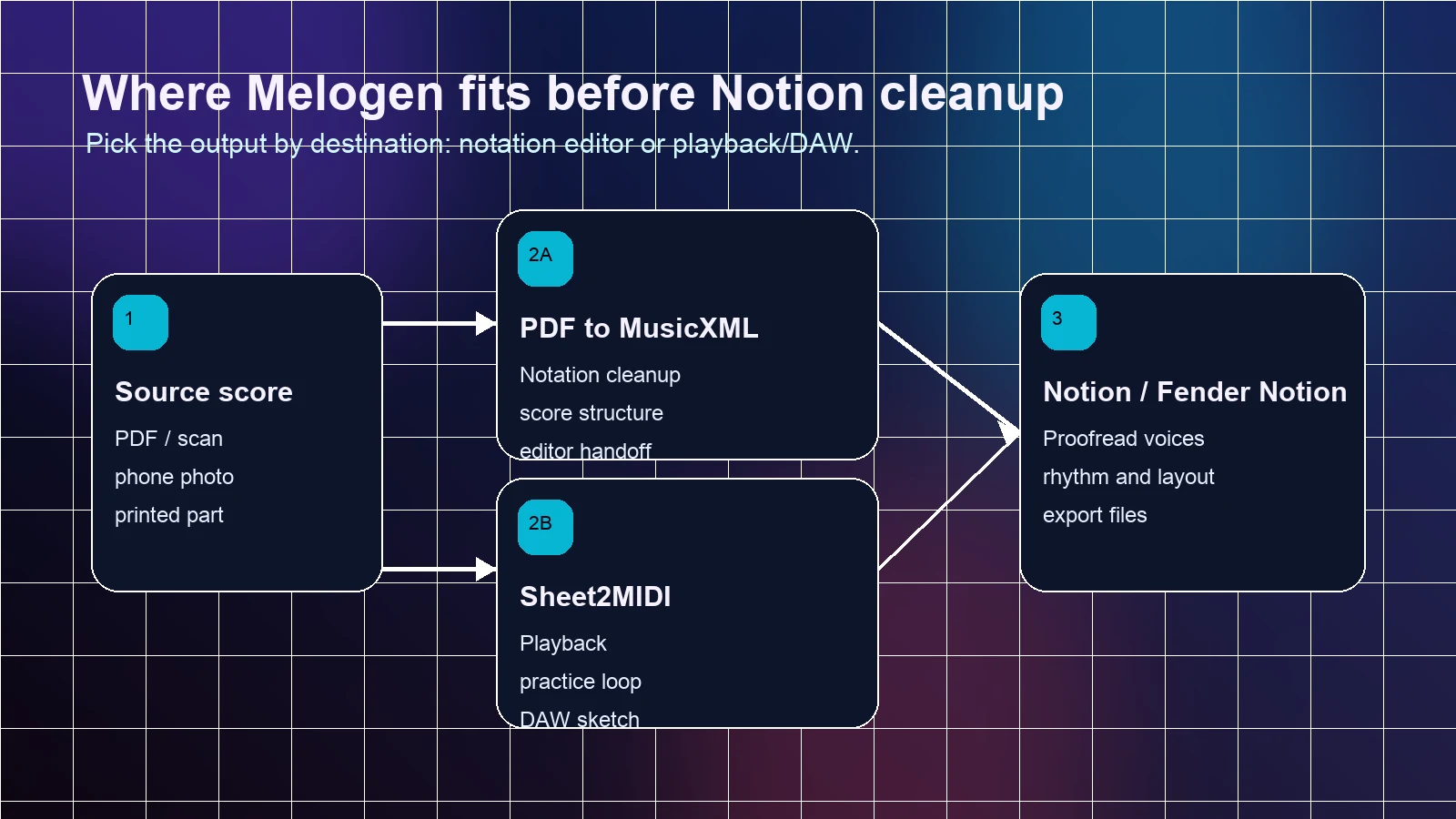
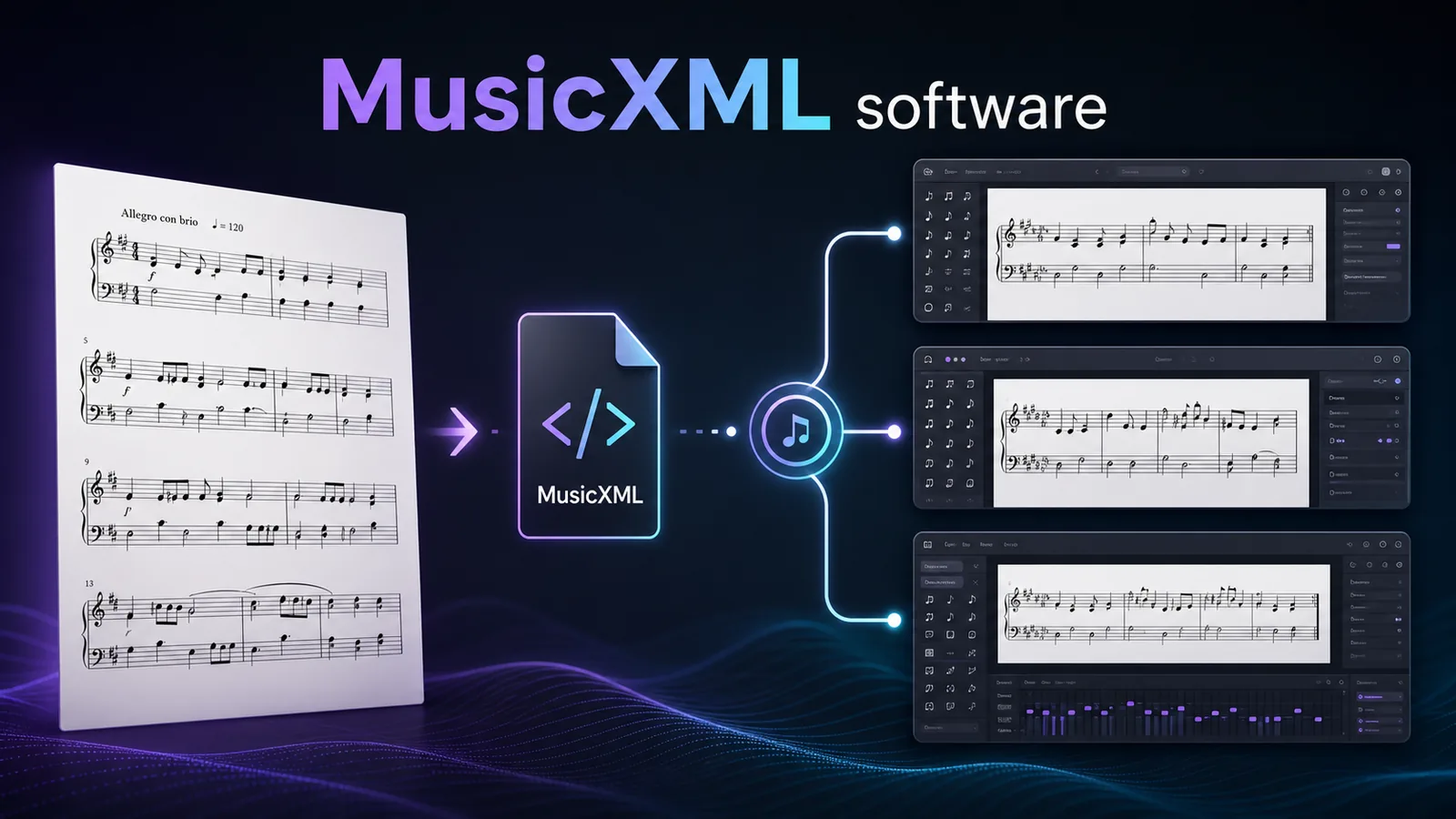
Use PDF to MusicXML when the next step is notation cleanup. MusicXML carries score structure such as measures, voices, clefs, dynamics, and layout cues better than plain MIDI, so it is the cleaner bridge into Notion, Fender Notion, Dorico, MuseScore, Sibelius, or another editor.
Use Sheet2MIDI when playback, practice checking, arrangement sketching, or DAW handoff is the goal. MIDI will not preserve the page like MusicXML, but it is often the faster working format when you need to hear the result and make musical decisions by ear.
The practical loop is simple:
- Identify the source: static score, MusicXML, MIDI, or an existing Notion file.
- Convert first if the source is a PDF, scan, or image.
- Open the notation editor only after the file is editable.
- Proofread rhythm, voices, measures, articulations, lyrics, and export behavior.
Pros and cons
Pros
- Useful for musicians who already have Notion 6 files or habits.
- Built around real notation editing rather than a single conversion trick.
- MusicXML and MIDI workflows make it relevant to score handoff decisions.
- PreSonus ecosystem history can matter for Studio One-centered users.
- Still worth understanding when older review pages, files, or tutorials point to it.
Cons
- Official public messaging now points away from standalone Notion 6 sales.
- A legacy status makes it harder to recommend for a new long-term setup.
- Static PDFs, scans, and photos still need recognition before notation cleanup.
- Current support, installation, and purchase details should be checked directly before relying on it.
- A newer editor may be easier for collaborators who do not already live in Notion files.
Best alternatives or next steps
If you are evaluating notation editors from scratch, compare by workflow rather than brand memory. Dorico is strong when scoring and engraving depth matter; MuseScore is useful when an accessible desktop editor is enough; Sibelius remains a mature score-prep environment; Noteflight fits cloud-first education and browser notation.
For more context, start with Melogen's Dorico review if you need deeper scoring and engraving, or the Forte review if you want another example of how legacy notation status changes a software decision. Those are sibling reviews, not replacements for the Notion question.
If the source is a PDF or scan, do not begin with the editor comparison. Solve recognition first. Once you have MusicXML or MIDI, the notation editor decision becomes cleaner and less emotional.
The practical takeaway
Convert the score before you choose the editor
Use Melogen when the music starts as a PDF, scan, or photo, then finish the notation decisions in Notion, Fender Notion, or another editor.
Choose Notion 6 only when it still fits a known legacy workflow. Choose Fender Notion or another current notation editor when you are starting fresh. And if the score is still static, use Melogen first so the editing decision begins with MusicXML or MIDI instead of a locked image.
About the author
Zhang Guo
Composer - AI Product Manager
AI product manager and digital marketing consultant with a background in music. Creativity is the bridge between rhythm and logic, where musical intuition and mathematical precision can coexist in every meaningful product decision.
Follow on X